HDD Low Level Format Tool
- Windows: 7, 8, 10, 11
- Version: 4.50
- Size: 2.05 MB
-
[Total: 1 Average: 5]
The HDD Low Level Format Tool helps you completely wipe and reset your hard drives to their factory settings. You might need it in certain situations, like when your data gets corrupted constantly or when your antivirus fails to eliminate some nasty malware. It takes a very long time for the low-level formatting to finish, which is why it is usually taken as a last resort after every attempt to fix a hard drive cannot bring it back to function normally.
In addition to IDE and SATA, the HDD Low Level Format Tool also supports SCSI, USB, SAS, and Firewire. Almost all manufacturers are supported, so whether you have a Seagate, Western Digital, Hitachi, or any other else, the program can format it. Flash cards like MMC and SD are supported as well.
Features and Highlights
To use HDD Low Level Format Tool, you must install it first. The installation takes seconds, and the graphical interface appears almost instantly once you click the Finish button in the installation window, assuming you leave the “Launch Hard Disk Low Level Format Tool” option checked.
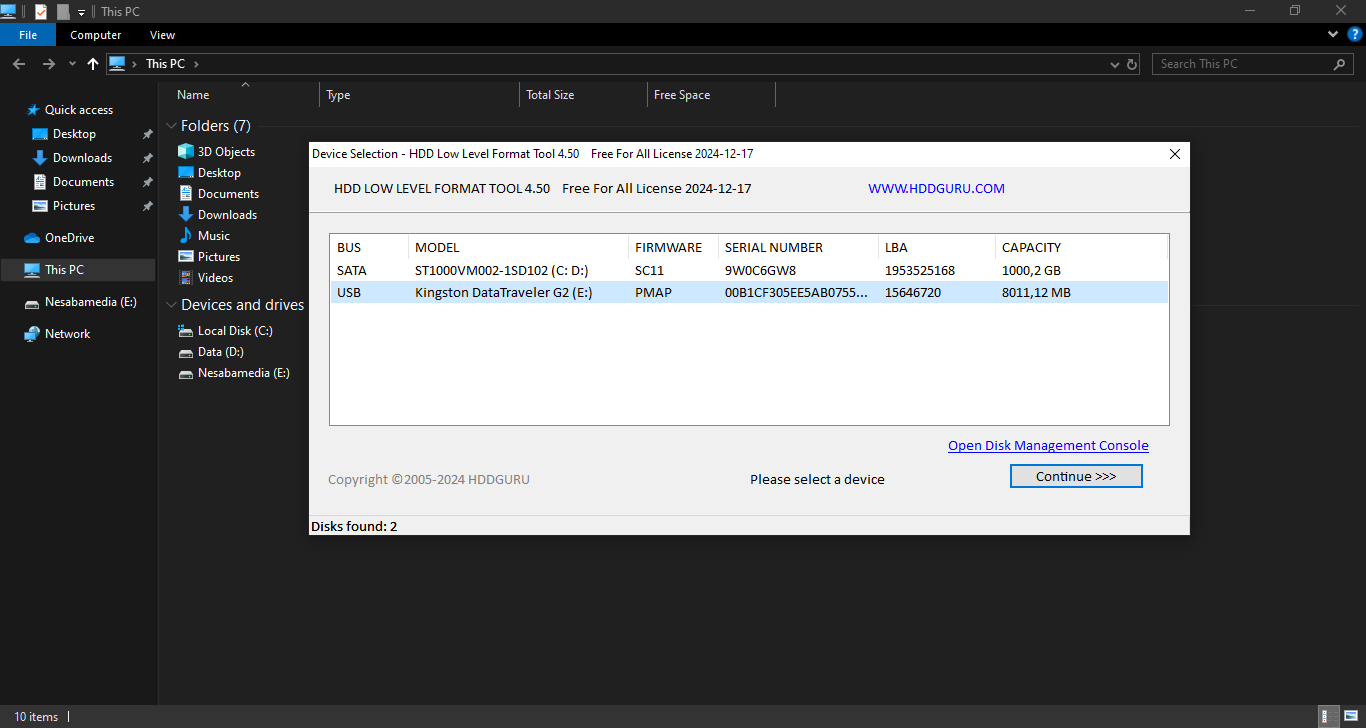
As you’ll see later, the interface is simple and straightforward. Once you open it, you’ll see a list of detected drives, and that includes removable media like flash drives if you have one or two plugged in. The list is divided into multiple columns, each displaying technical data for the relevant drive.
If you don’t plug in any removable drive, and if you only have one hard drive, the information provided by the columns serves more as a verification rather than identification. If you have multiple drives connected, the information can be used to make sure that you select the correct drive to format.
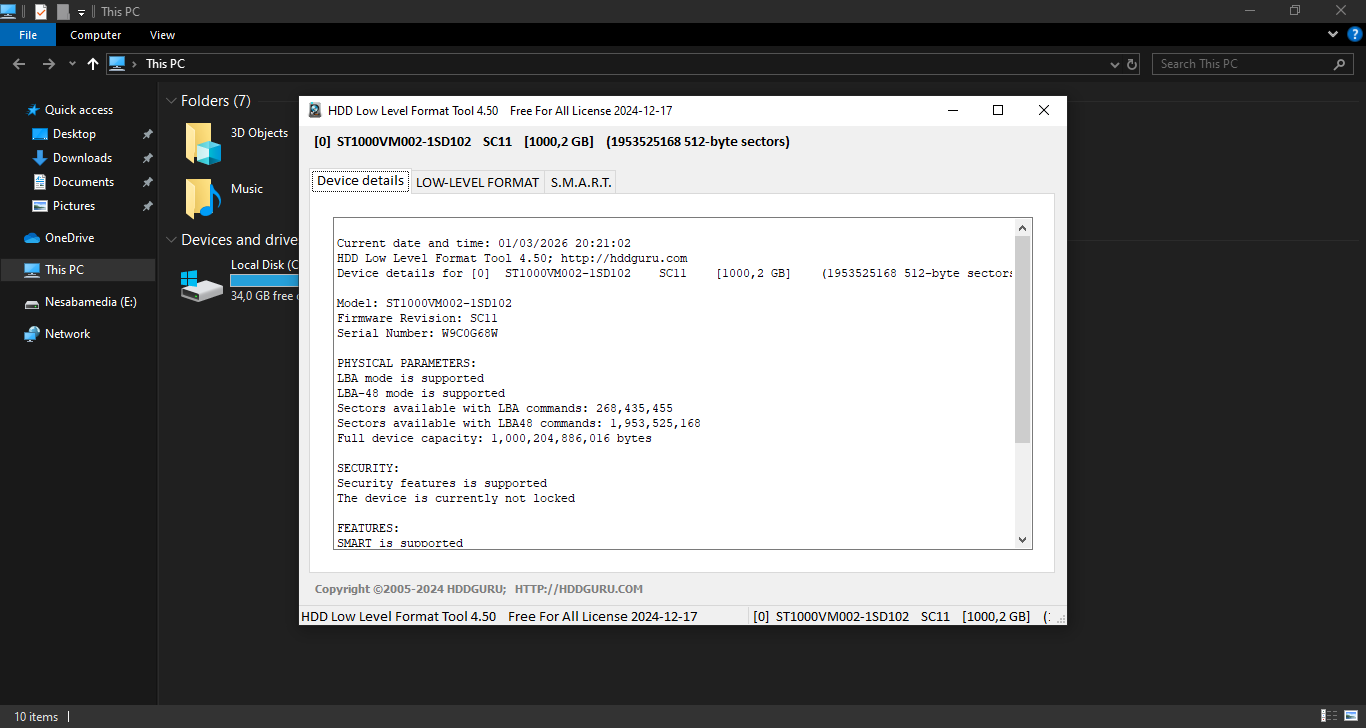
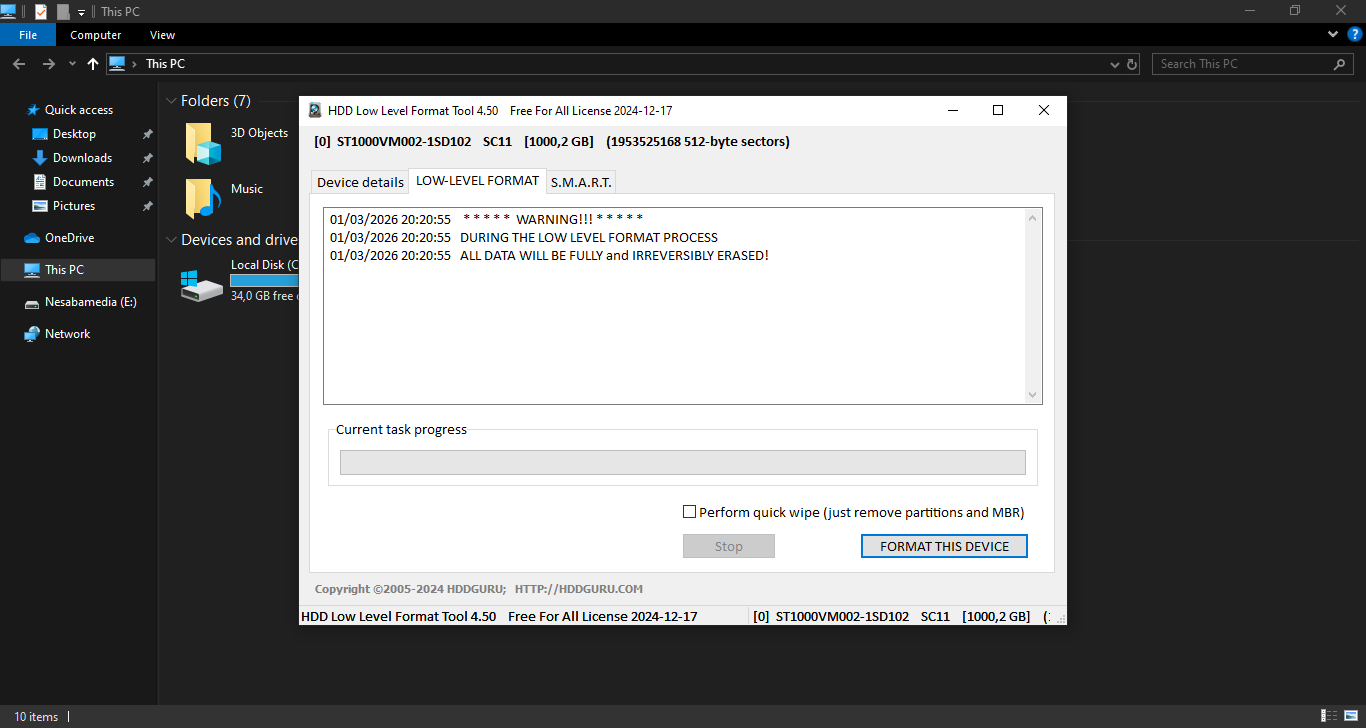
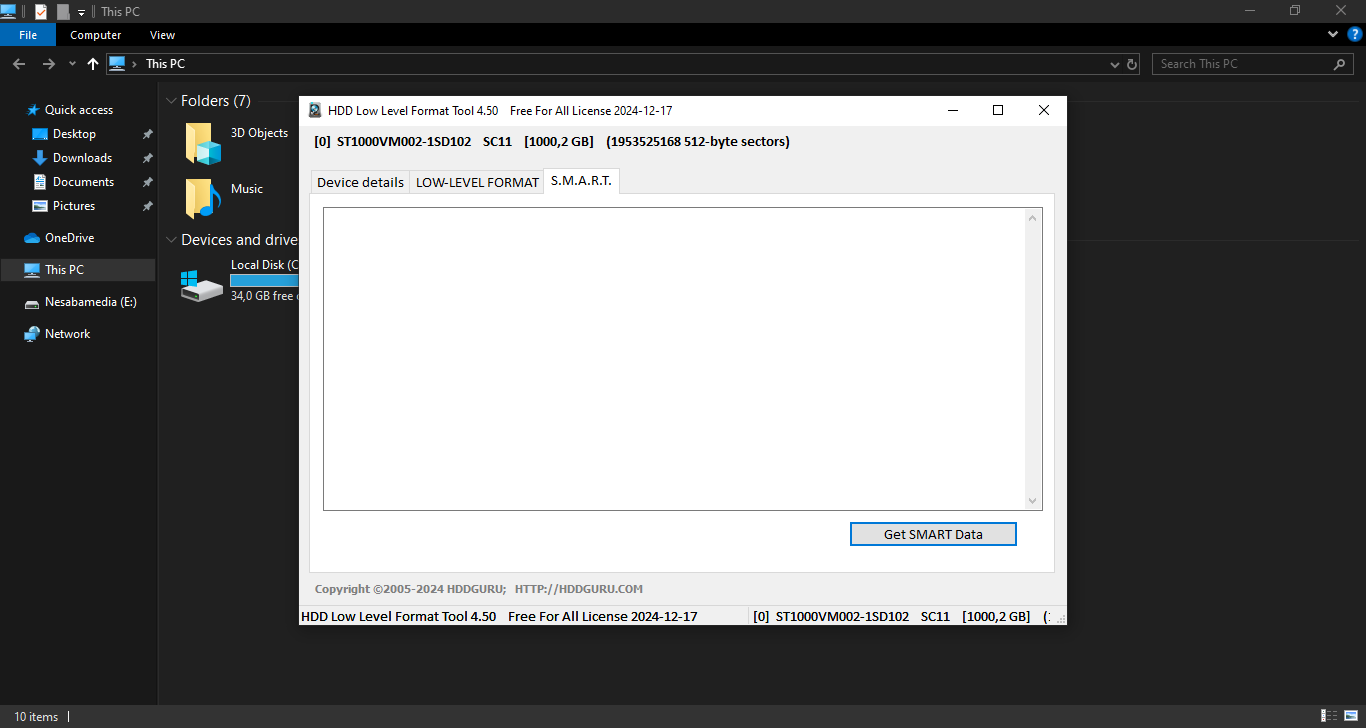
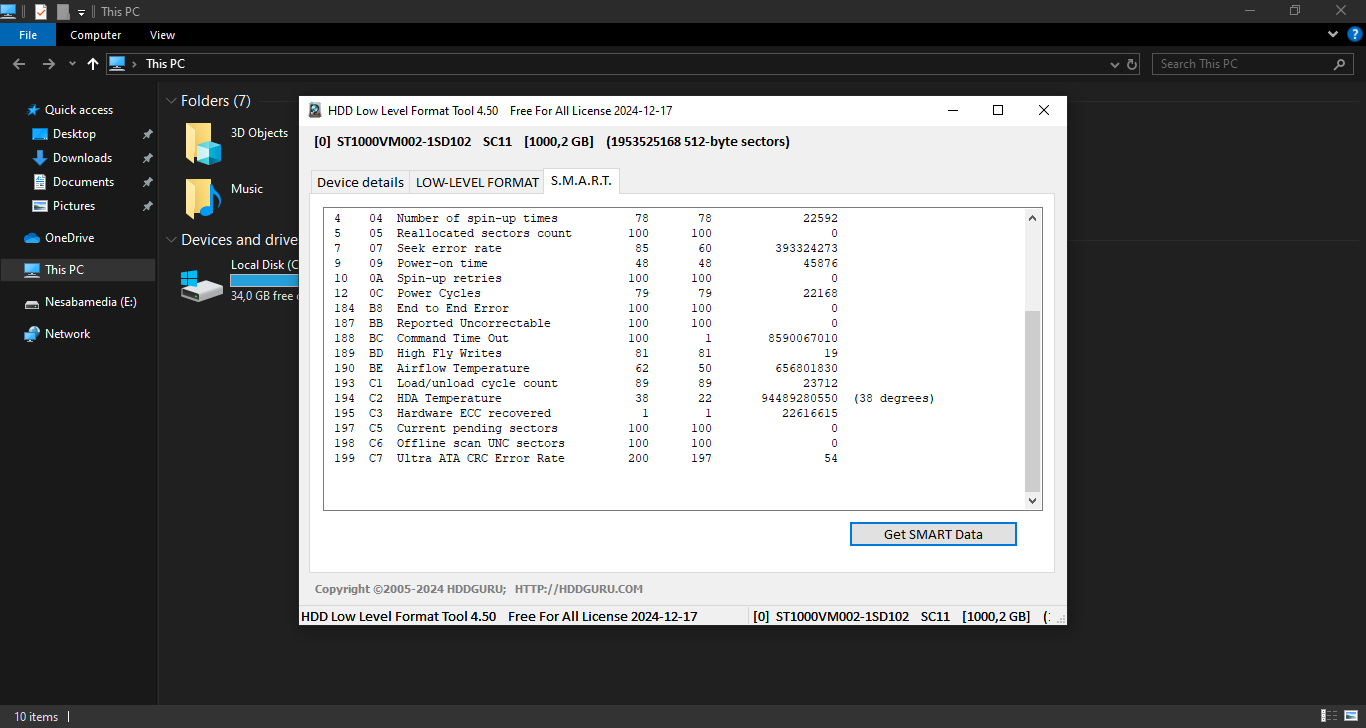
The secondary window, which opens after you click the Continue button, reveals more information about the selected drive. The information is divided into three tabs: Device Details, Low-Level Format, and S.M.A.R.T.
The Device Details displays technical information about the selected drive. The Low-Level Format is where you can start formatting the drive. As for the last tab, it displays “Self-Monitoring, Analysis, and Reporting Technology” data provided by the drive itself.
Pros
Cons
HDD Low Level Format Tool Free Download for Windows
At least 5.1 MB of free disk space is required to install HDD Low Level Format Tool. That’s a significantly small size for a program that can help your malfunctioning hard drive and flash media up and running again.
It works by filling every sector of the drive with a zero byte, so it will take a considerable amount of time for a 2TB HDD and longer if your hard drive has a higher capacity. If you’d like to give it a try, you can click the link below to download HDD Low Level Format Tool for Windows:
This program is also available in
Similar to HDD Low Level Format Tool
- App Name HDD Low Level Format Tool
- License Freeware
- App Name HDD Low Level Format Tool
- Publisher HDDGURU
- Updated
- Version: 4.50