TeamViewer

- Windows: 7, 8, 10, 11
- Version: 15.74.5.0
- Size: 70.73 MB
-
[Total: 1 Average: 5]
Imagine being able to fix a computer issue, share files, or access your office PC from anywhere in the world. That’s exactly what TeamViewer makes possible. With secure connections and cross-platform support, it’s a good solution for remote work and IT support.
TeamViewer has long been known as remote desktop software for Windows that allows users to securely access, control, and manage computer without having to be physically present. It supports file transfers, session recording, and multi-monitor navigation.
Features and Highlights
TeamViewer work by connecting your computer with another over the internet, and then it lets you control it as if you were sitting in front of it. This means it won’t work on computers that have no internet connection. To clarify, this requirement is necessary for both computer to reach TeamViewer servers online for ID matching and tunnel setup.
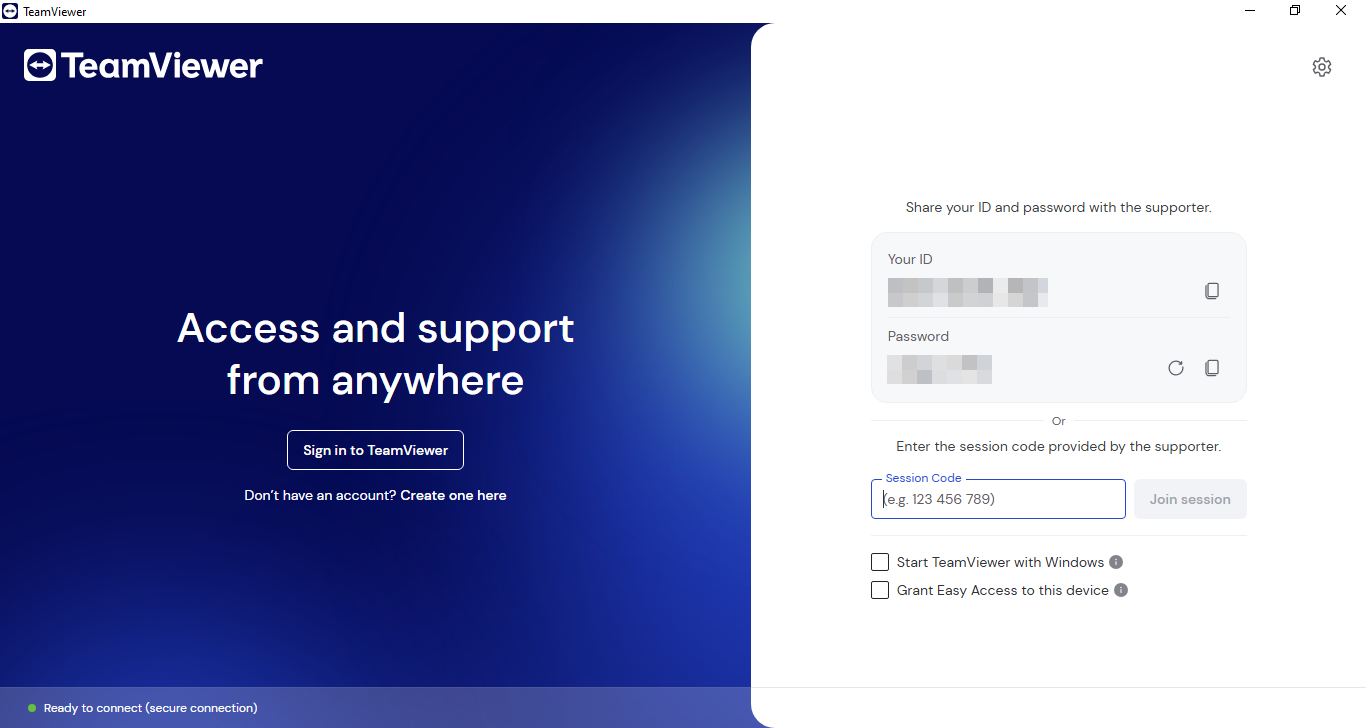
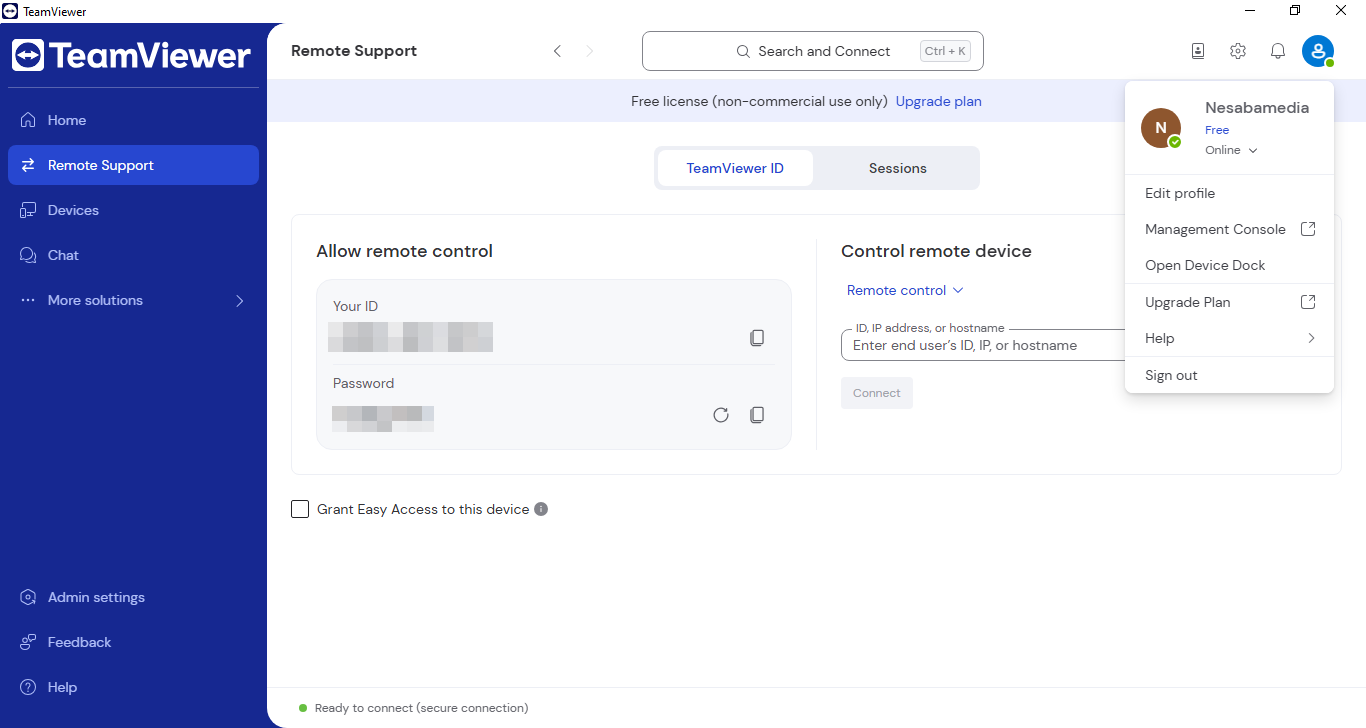
On the upside, you don’t have to sign up for an account to use TeamViewer. As soon as you open it, you’ll see a random ID and password, which you must never share with anyone except those who you trust because doing so is just the same as giving another person access to your system.
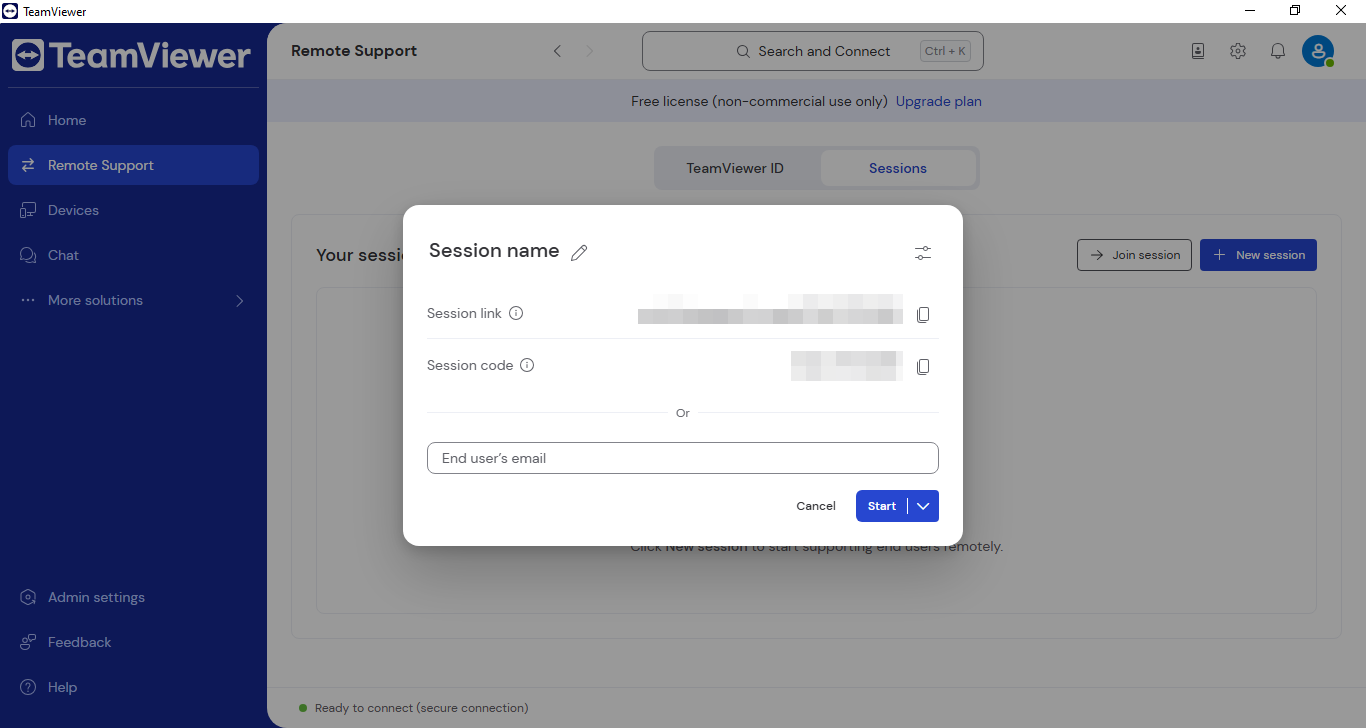
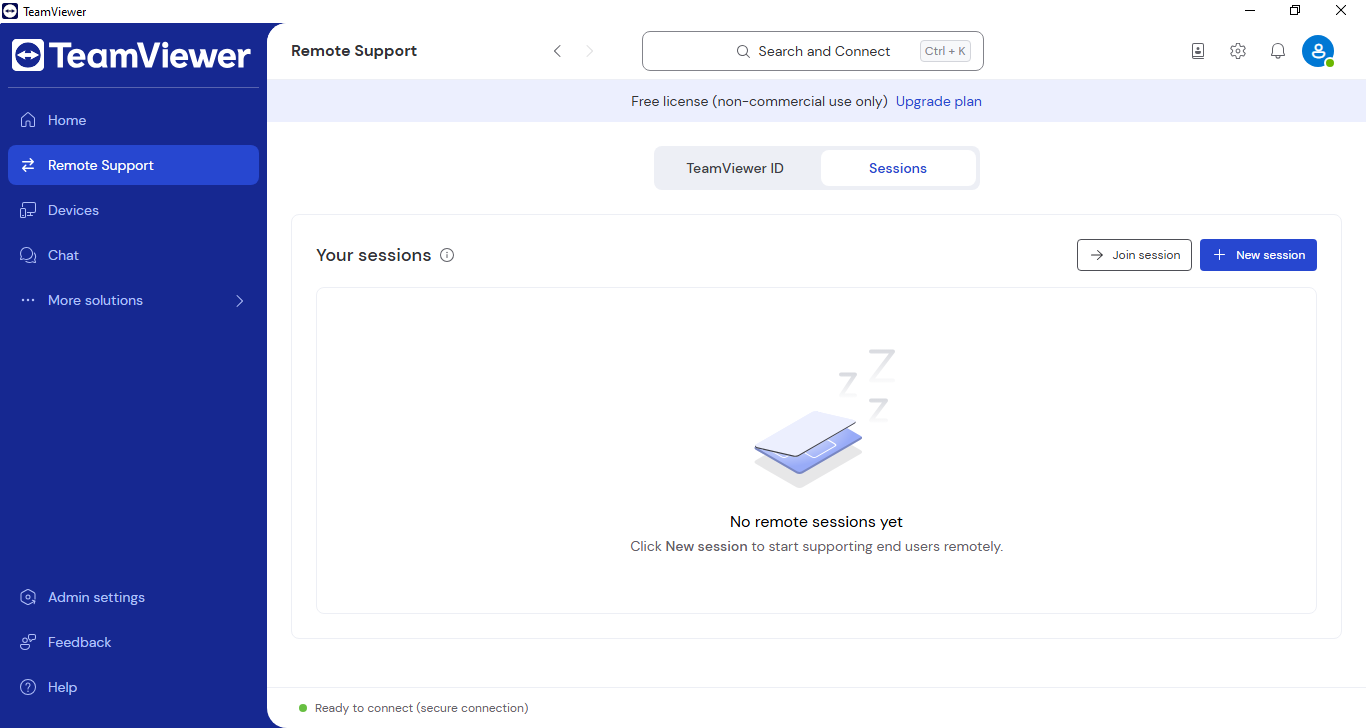
If a friend needs your help with their computers, you can input their ID and password to help fix the problem remotely. Alternatively, you can use the session code or session link, which is generally considered a safer method.
The session code and link are different from the password. A session code is a unique identifier used to initiate a remote support session, while a session link is a URL that allows users to join a session without needing to enter a code. As the name suggests, the code and link are valid for a specific support session only.
When it comes to providing remote support, TeamViewer offers two options. The first one is unattended remote support, which allows a remote connection to take place without any confirmation. The second is the opposite where every connection must be confirmed by the person on the receiving end. No matter which one you choose, both methods feature end-to-end encryption and comprehensive session logging.
Pros
Cons
TeamViewer Free Download for Windows
The free edition of TeamViewer has some limitations, but there should be plenty enough for personal use. The only drawback is perhaps the aggressive detection of commercial use. It uses automated algorithms to monitor usage patterns and is known for being rigorous, which sometimes leads to shorter session timeouts or even blocked reconnection.
That said, TeamViewer is one of the most well-known software for remote connection and control. Even with alternatives around, its name still pops up in probably almost every recommendation list on the web. You can click the link below to download TeamViewer for Windows:
This program is also available in
Similar to TeamViewer
- App Name TeamViewer
- License Freeware
- App Name TeamViewer
- Publisher TeamViewer GmbH
- Updated
- Version: 15.74.5.0