Typer Shark Deluxe
- Windows: 7, 8, 10, 11
- Version: 1.2
- Size: 50.61 MB
-
[Total: 1 Average: 5]
Do you want to improve your typing speed? If you type a lot every day, you will eventually become a typing expert, but this method usually takes a long time. It would be easier if you use a typing tutor software like Typer Shark Deluxe.
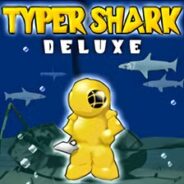
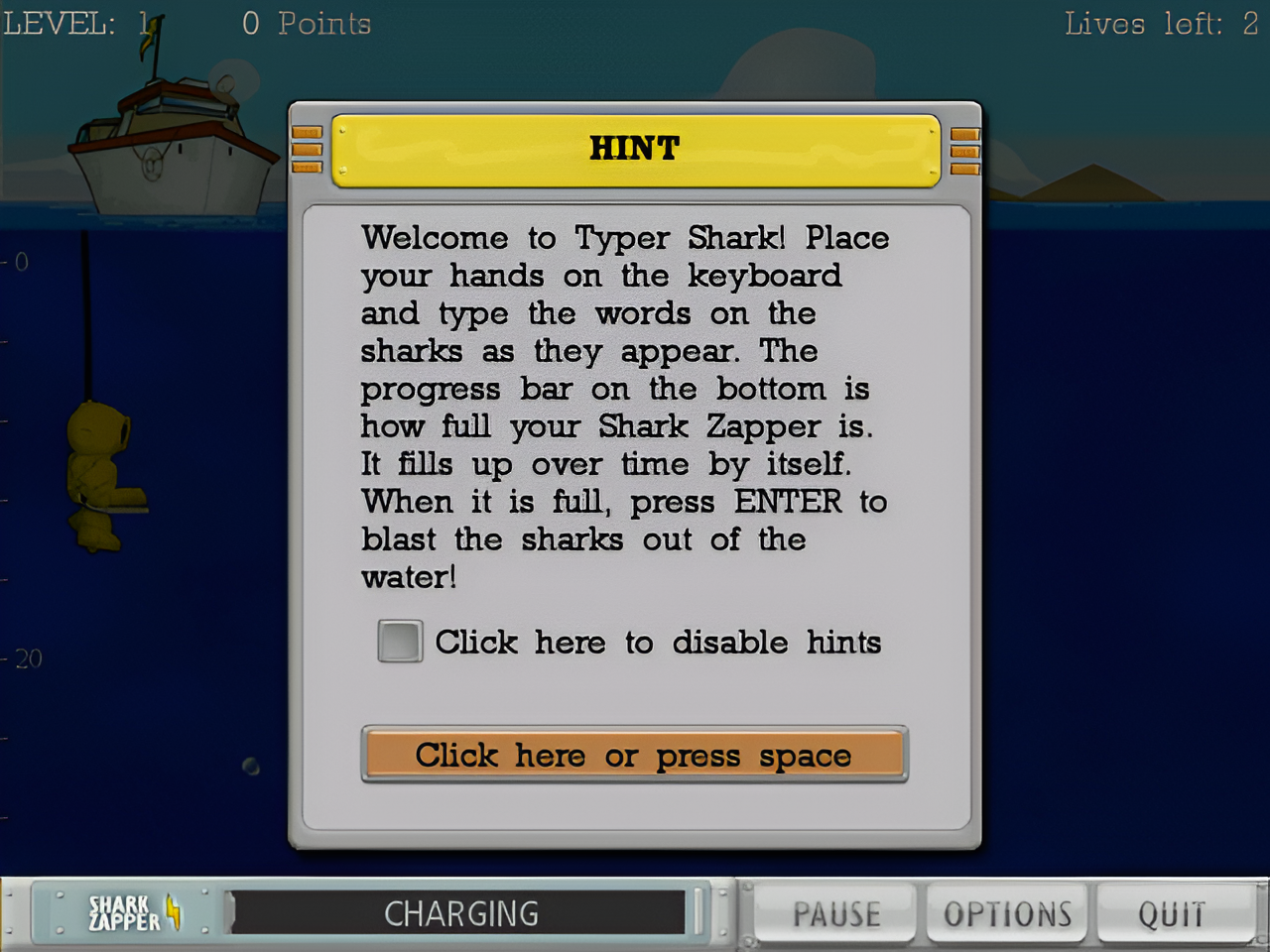
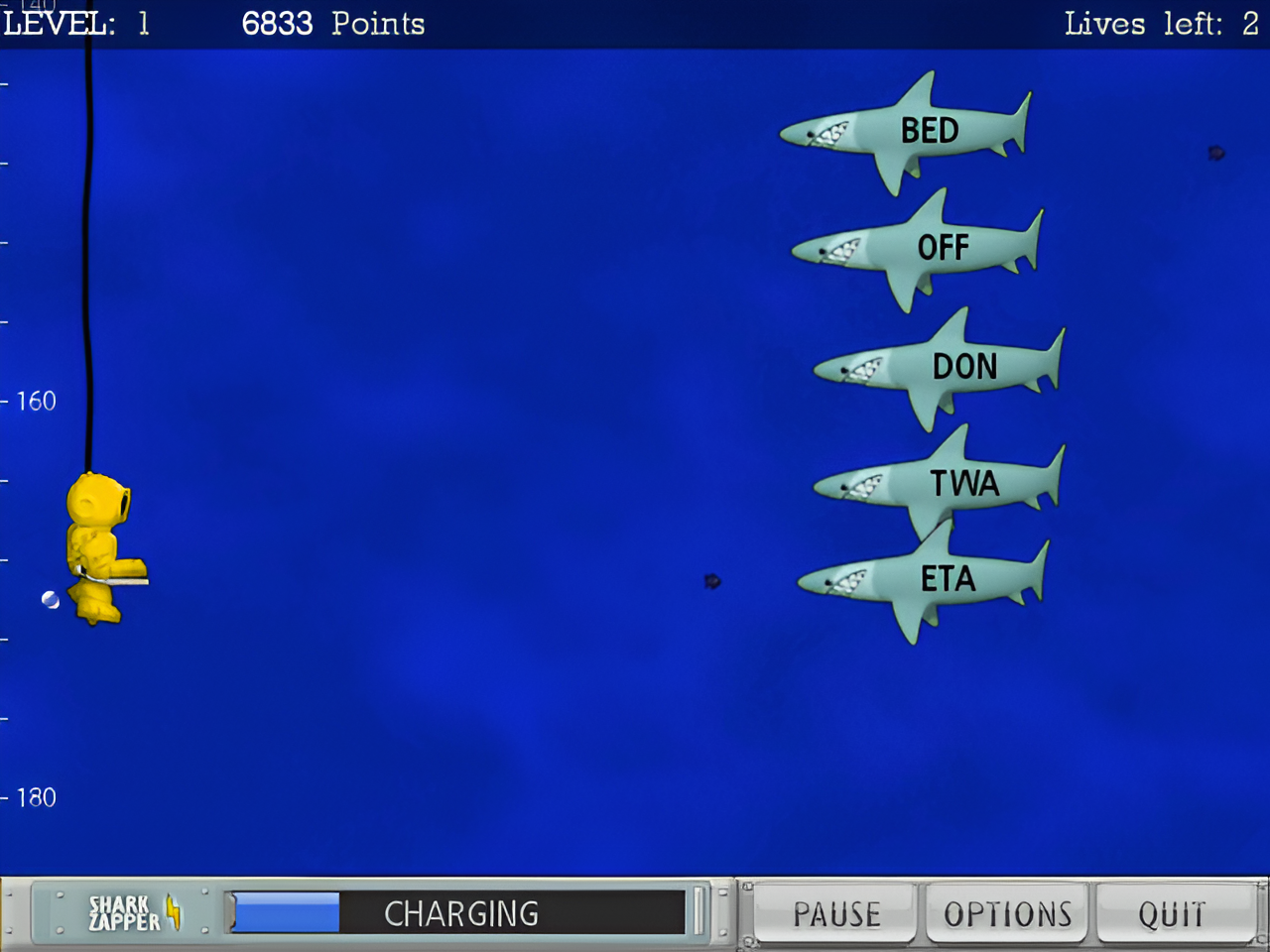
In addition to the typing tutor mode just like you’d find in many other similar software, it also offers an interesting method to boost your typing skill. You play a somewhat action-packed game where you take the role of a diver surrounded by lurking sharks. Instead of using a gun or anything similar, the only way to get rid of the threats is by typing the words you see on the screen as quickly as you can.
Features and Highlights
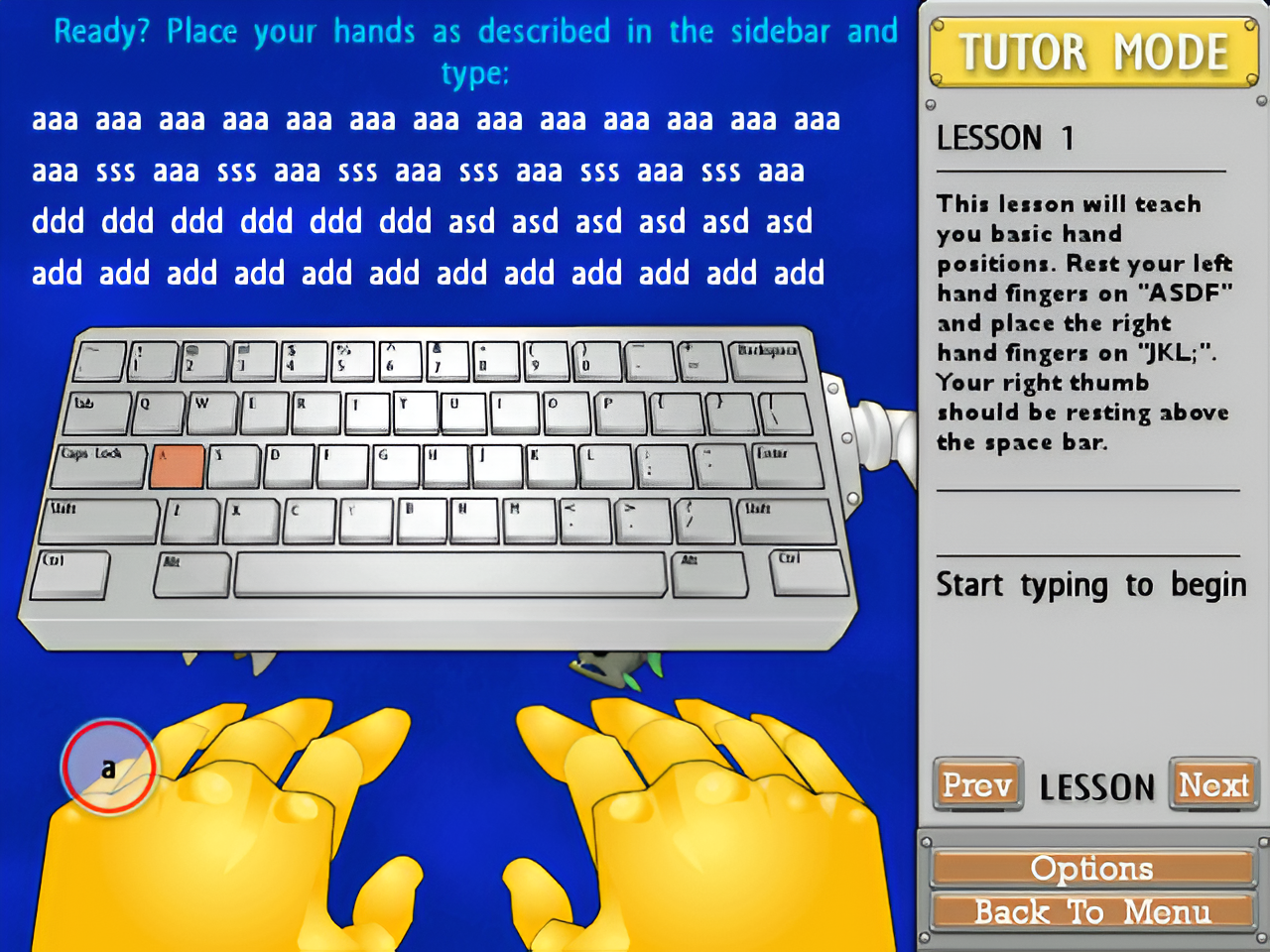
Typer Shark Deluxe offers two methods to help you hone your typing skill. For a complete beginner, there is a tutor mode where you’d see a structured typing course divided into multiple lessons. It guides you through progressive typing lessons, starting with basic finger placement and moving toward more advanced speed and accuracy drills.
Every lesson is designed to help you use all ten fingers correctly. As you progress through the lessons, the difficulty gradually increases. The words are longer and the letter combinations become more varied.For example, in the first lesson, the exercise only includes the A, D, and S keys. In the second lesson, the exercise includes the three keys as well as the G and H keys.
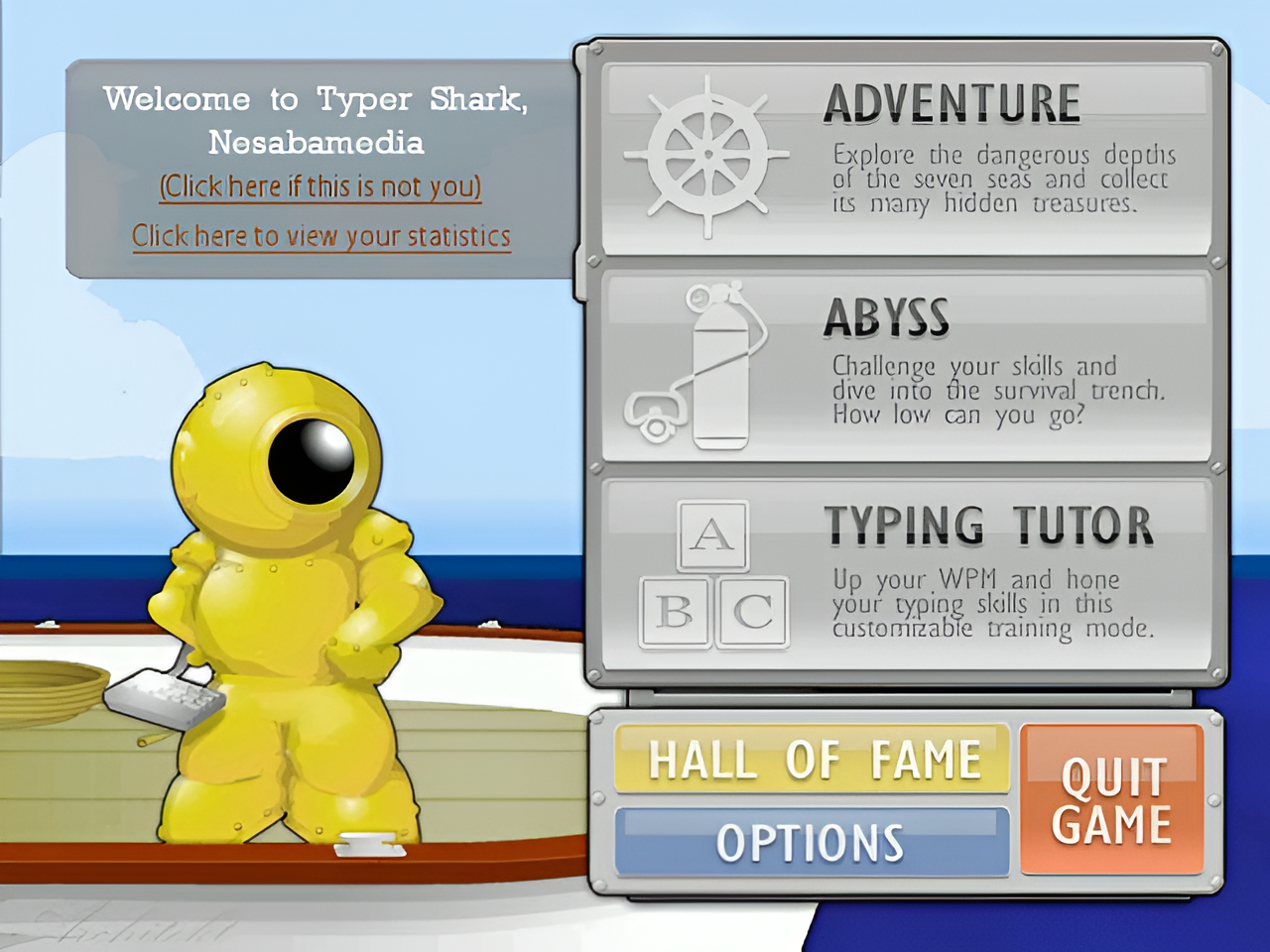
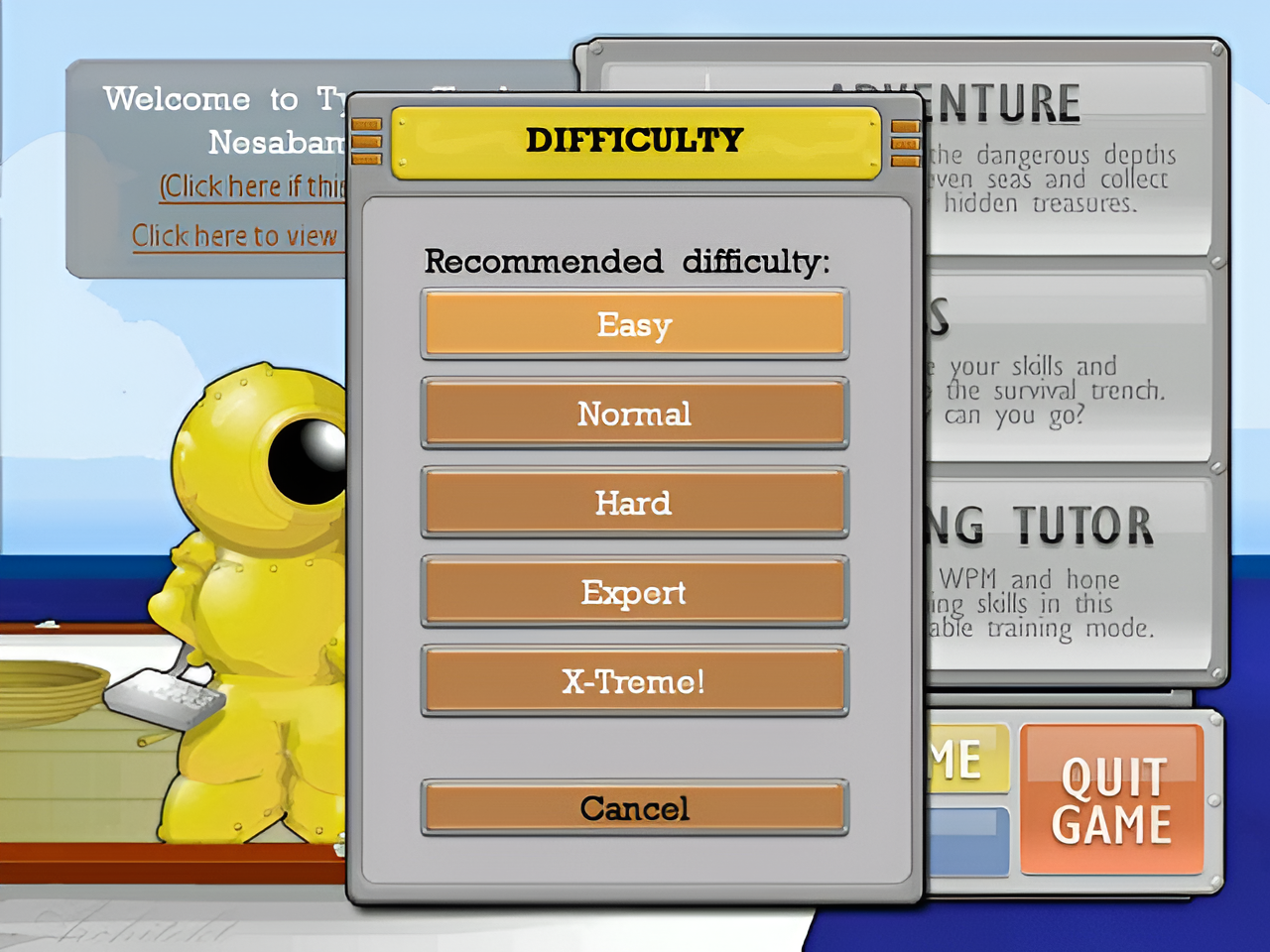
As soon as you finish the typing course, you can dive straight into the game, which is also designed to help improve your typing speed and accuracy. The game has two modes: the Adventure Mode and Abyss Mode. The difficulty levels are Easy, Normal, Hard, Expert, and X-Treme!.
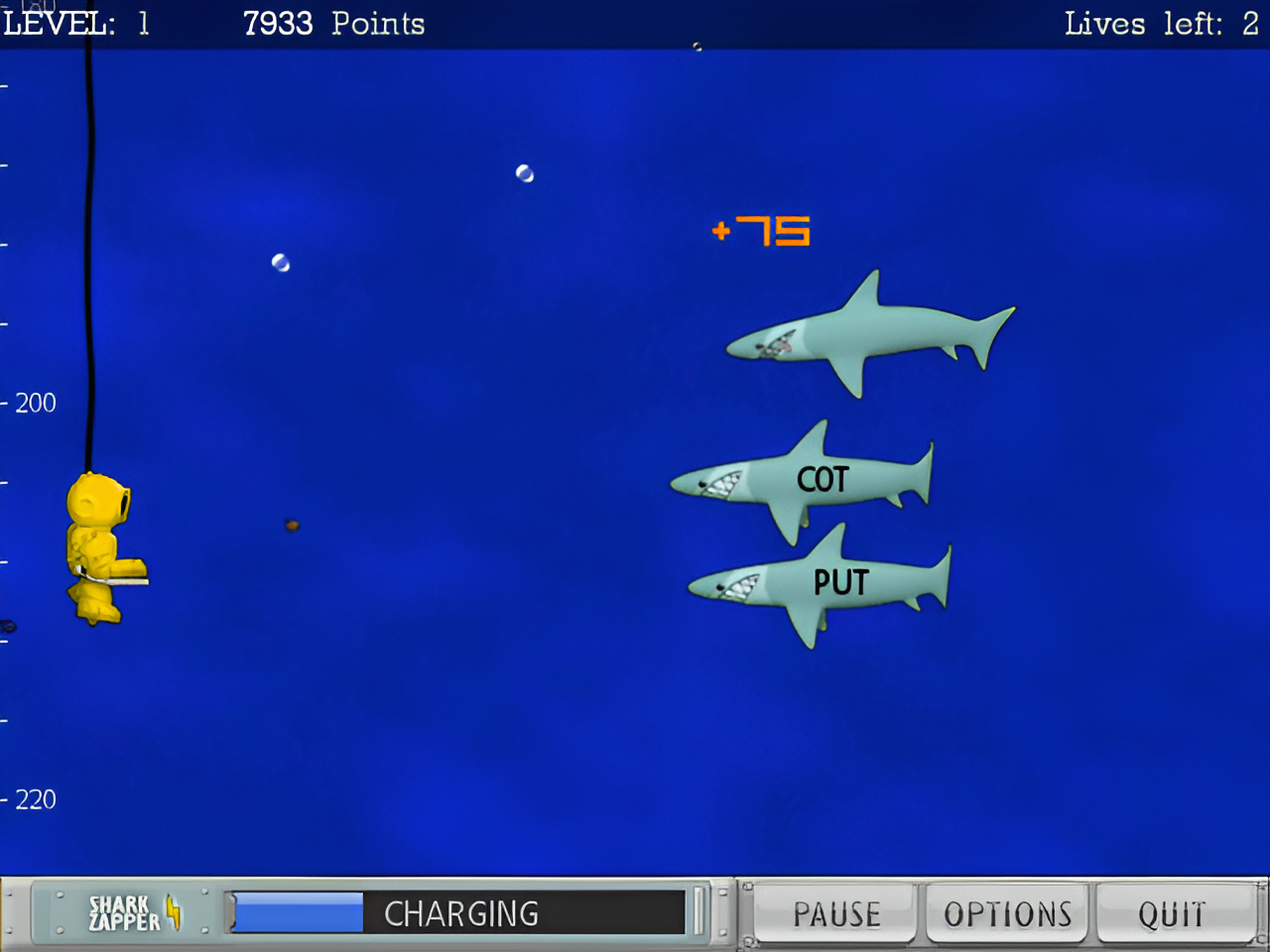
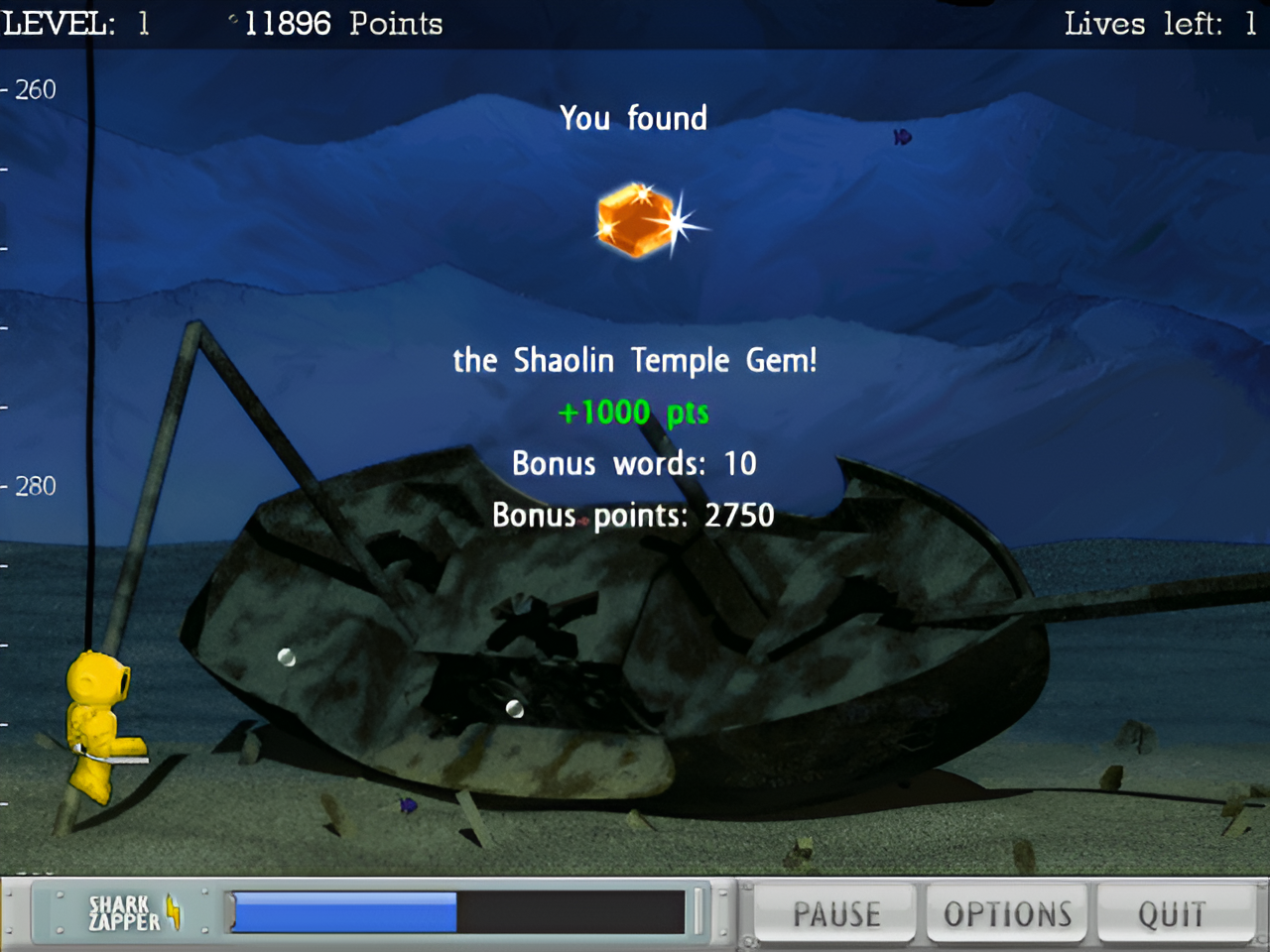
The Adventure Mode is where you swim through underwater levels while sharks approach with words written on them. You must type the words quickly to defeat them before they turn you into their lunch. Each time you complete a word, a shark dies. As soon as you kill every shark, another wave of hungry sharks come, each with a different word on its body.
In the Abyss Mode, there is no end to how far you can dive, but the enemies get harder to defeat the deeper you go. It might sound like a total blast to take on such a challenge, but the gameplay actually is so repetitive that you might want to quit before you even get knocked out. On the upside, you won’t have to start all the way back at the beginning if you end up dying since the game saves your progress automatically every 400 feet.
Pros
- No Installation Required
- Two Game Modes
- Tutor Mode
- Multiple Difficulty Levels
- Automatic Save
- Multiple Typing Lessons
Cons
- Repetitive Gameplay
- Lack of Multiplayer Option
- Minimal Customization
- Less Interactive Tutor Mode
- Outdated Design
- Difficult to Play for Beginner Typists
Typer Shark Deluxe Free Download for Windows
This typing tutor software, developed by PopCap Games, combines the typical typing course with an innovative, thrilling game for typing practice. This is a good alternative for people who want to learn typing fast but do not want to spend too much time on boring typing courses.
However, the game might be difficult to play for a beginner typist even if it is set to the easiest difficulty level. That’s why it is recommended to go through the step-by-step typing lessons provided in the Tutor Mode. You can click the link below to download Typer Shark Deluxe for Windows:
This program is also available in
Similar to Typer Shark Deluxe
- App Name Typer Shark Deluxe
- License Freeware
- App Name Typer Shark Deluxe
- Publisher PopCap Games
- Updated
- Version: 1.2