Wondershare Filmora 14

- Windows: 7, 8, 10, 11
- Version: 14.2.9.11061
- Size: 846 MB
-
[Total: 1 Average: 5]
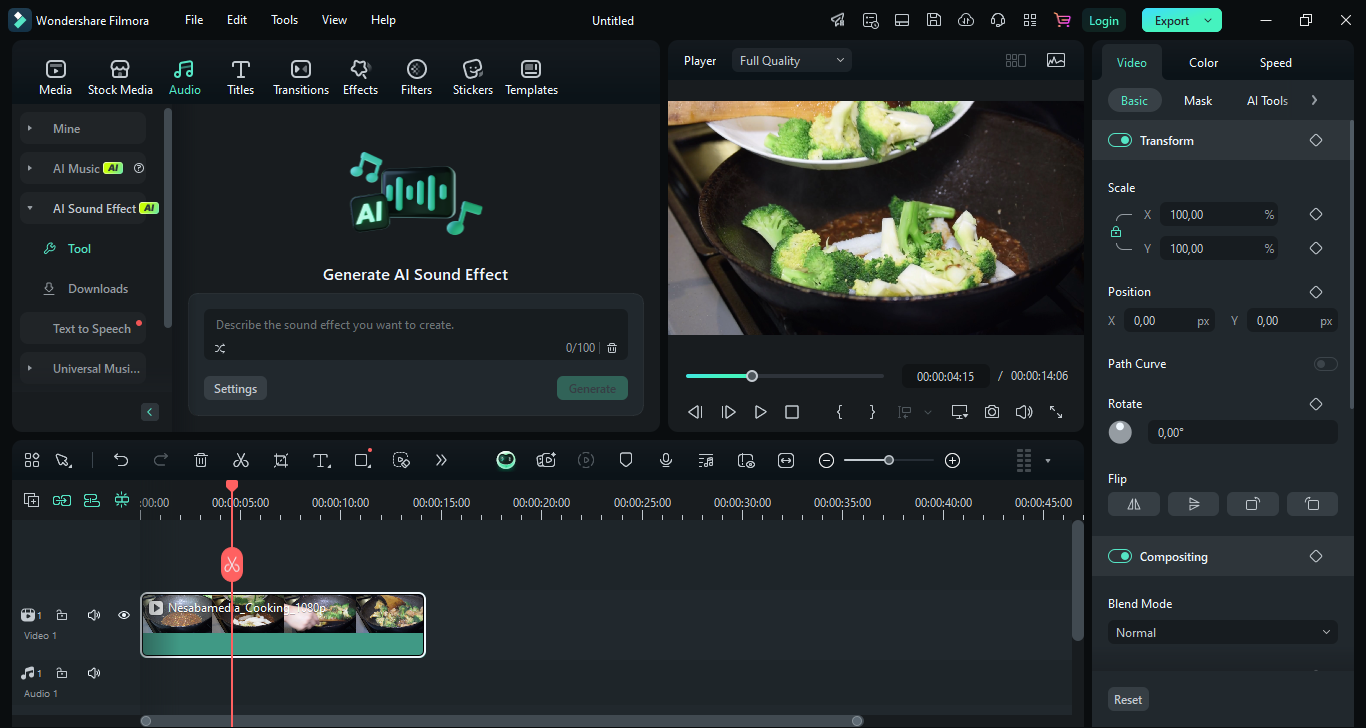
Wondershare Filmora 14 is generally seen as more naturally suited to social media content creation and everyday video projects than to very complex, high‑end professional editing, though it can handle a wide range of editing tasks. The AI-based Smart Short Clips, auto captioning, a library of ready-to-use effects, and preset export settings and templates tailored for popular social platforms are some of its features that are designed with content creators in mind.
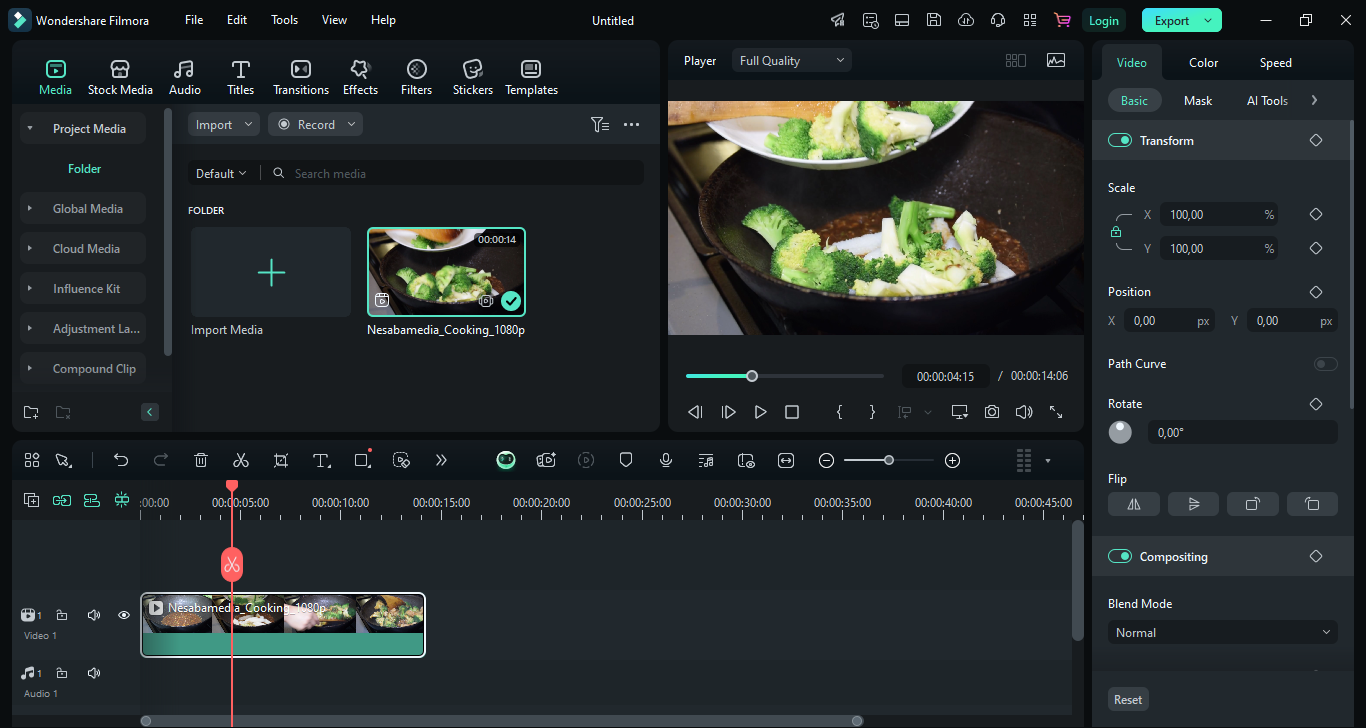
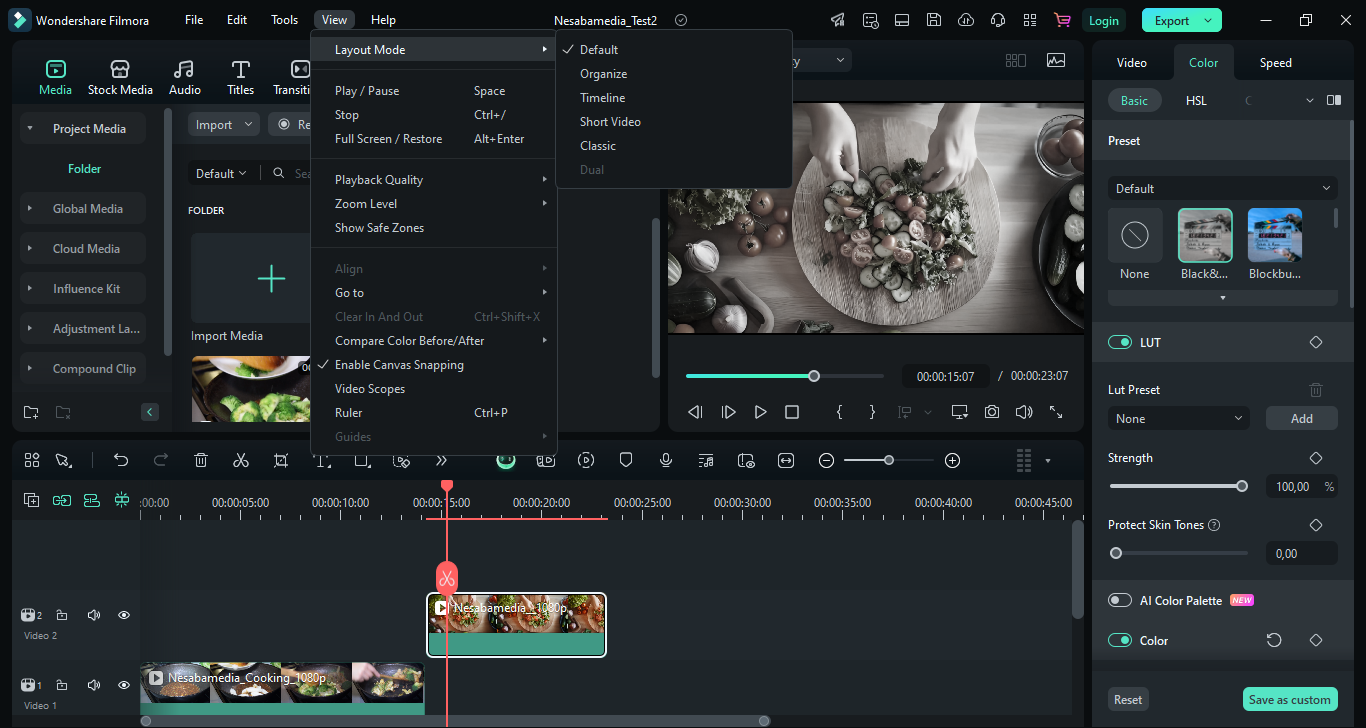
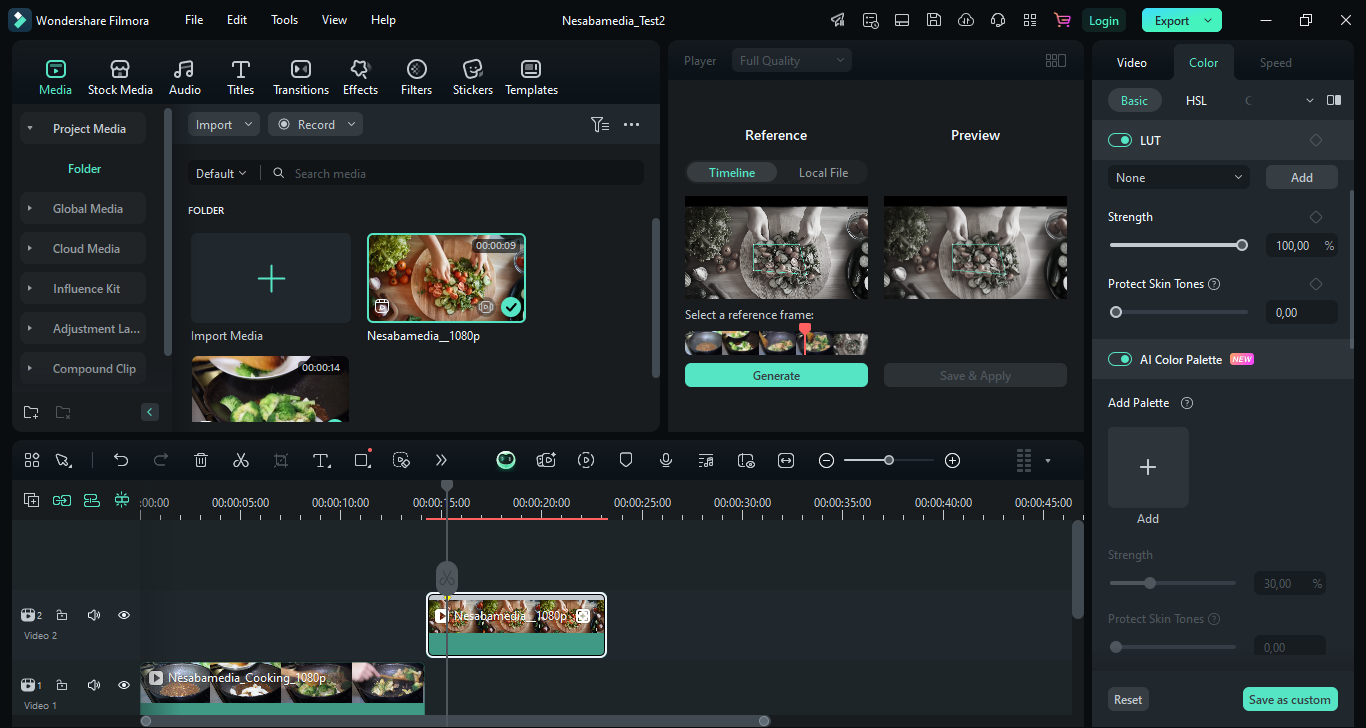
It boasts a modern, dark user interface with well-structured navigation, a combination that makes it not only pleasing to the eyes but also easy to use. The dark theme isn’t all about style. It also helps reduce eye strain during long editing sessions and makes media content stand out even more vividly against the background.
Features and Highlights
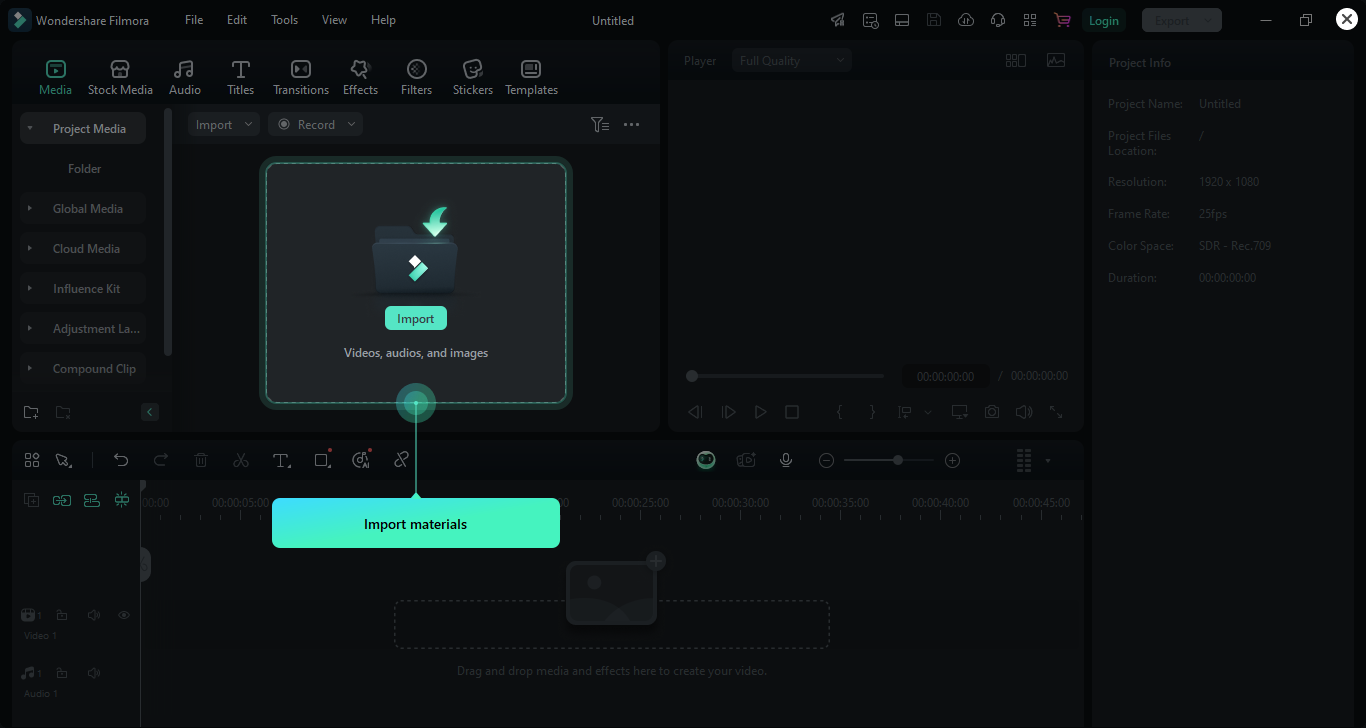
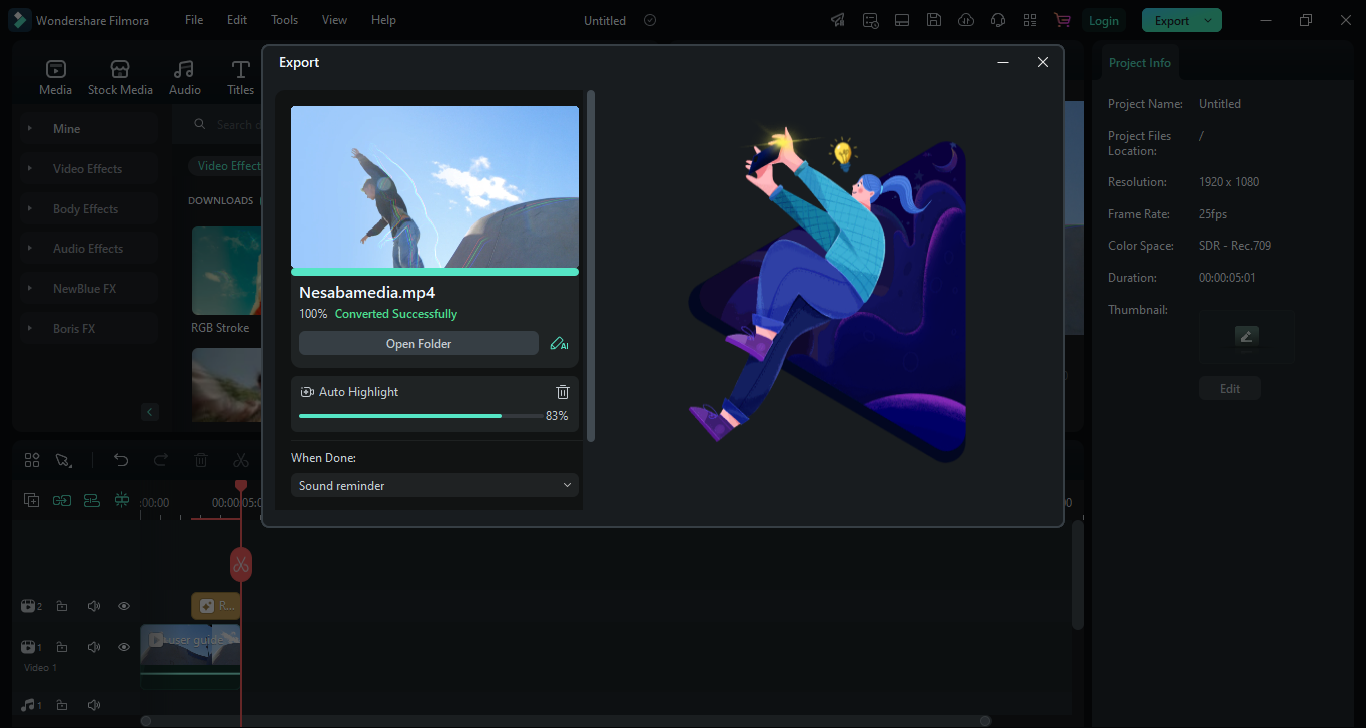
Wondershare Filmora 14 greets every new user with a guided, animated walkthrough that pops up as soon as its main interface opens. It begins by showing the Start Page where you create a new project or open existing ones, followed by how to import a video into the program for editing, how to apply an effect, how to play and preview the result, and how to export the output.
After that, you can start digging deeper into its features, experimenting with everything from trimming and transitions to more advanced tools like keyframing, color correction, and motion effects.
You may also want to try the AI Object Remover. As the name suggests, it harnesses the power of AI to seamlessly remove unwanted elements from your footage with minimal effort, saving you hours on manual adjustments.
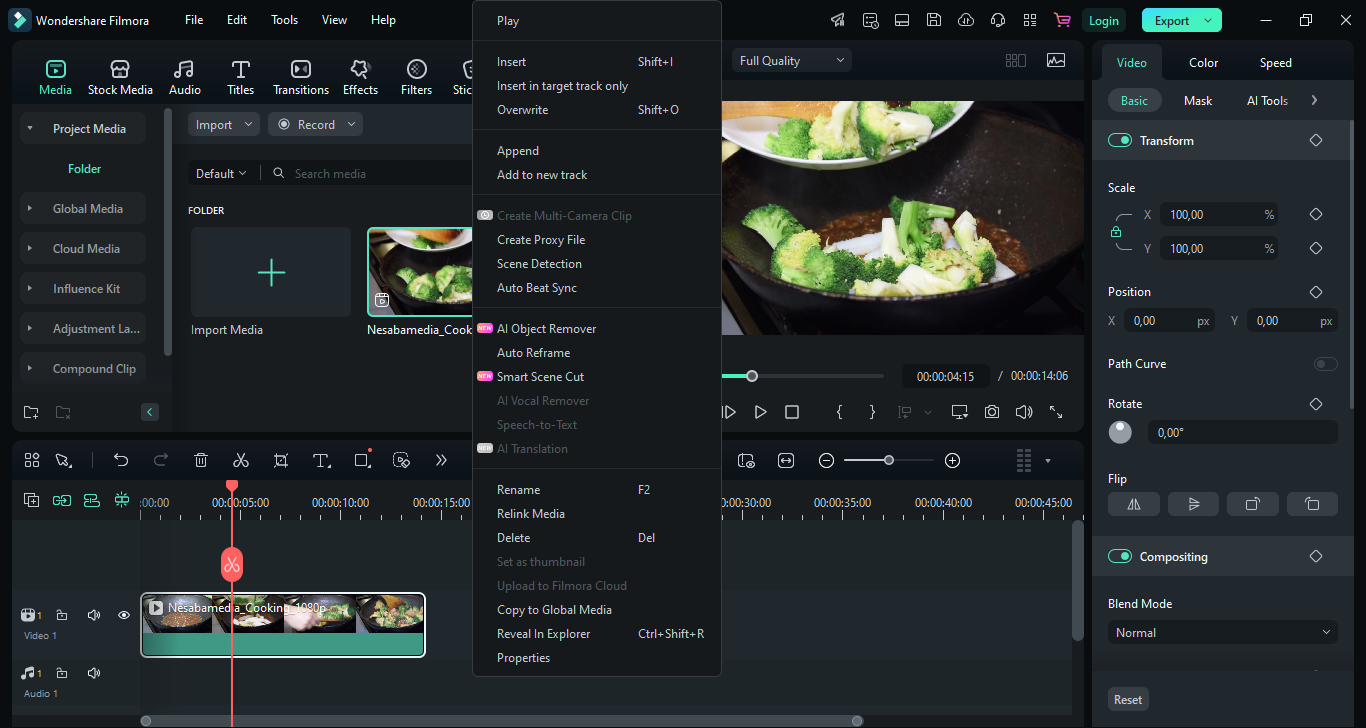
Also new to Wondershare Filmora 14 is Smart Scene Cut, which is all about detecting and highlighting key moments in your footage. It relies on an algorithm to spot changes that typically indicate a new scene, and then create individual segments you can edit further.
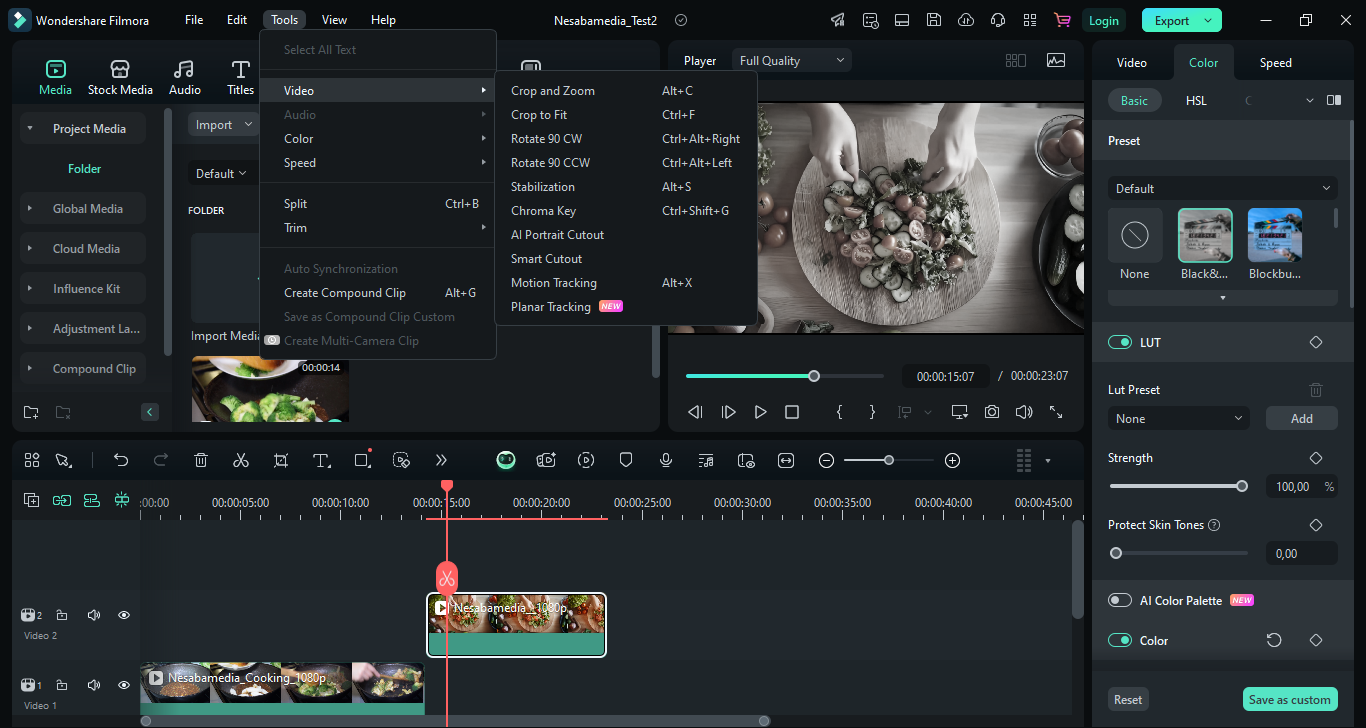
The feature is bundled together with Planar Tracking. It’s similar to Motion Tracking, but instead of tracking a moving subject, it tracks an entire flat surface even when the camera is moving. This is useful if you want to, say, attach graphics on billboards, screens, or walls within your footage so they stay fixed in place as the camera moves, creating the illusion that the digital content is naturally part of the scene.
Along with the other new features above, there’s AI Translation. If you have a video where a person speaks a foreign language, you can use this tool to translate the speech into a target language of your choice.
Wondershare Filmora 14 Free Download for Windows
One thing that you might dislike is that built-in Windows shortcuts like Alt+Tab and Win+D do not respond at all during the walkthrough, forcing you to use the mouse or end the tutorial prematurely should you suddenly need to do something else on your computer
That’s just a minor inconvenience, though, and it hardly overshadows what the app brings to the table. When you take a step back and look at everything Filmora 14 offers overall, it’s clear that this is a video editing software worth giving a try. From its modern interface to its growing set of AI‑powered tools, it manages to strike a balance between being approachable for beginners and powerful enough for more ambitious projects. You can click the link below to download Wondershare Filmora 14 for Windows:
This program is also available in
Similar to Wondershare Filmora 14

- App Name Wondershare Filmora 14
- License Freeware
- App Name Wondershare Filmora 14
- Publisher Wondershare
- Updated
- Version: 14.2.9.11061