Wondershare Filmora 12

- Windows: 7, 8, 10, 11
- Version: 12.3.0.2341
- Size: 512.37 MB
-
[Total: 1 Average: 5]
You have just finished filming a great clip, but now comes the hard part of editing. Plenty of apps today promise simplicity, and many deliver it. Unlike in the past, the challenge is no longer finding an editor that’s easy to start with, but one that stays easy as your editing needs grow.
The best video editor isn’t the one with the longest list of features, it’s the one you’ll keep coming back to. Some tools feel friendly at first, but quickly overwhelm you when you try to polish your work.
This is where Wondershare Filmora 12 stands out. Available on Windows, as well as on other operating systems, it combines beginner-friendly design with advanced creative options, helping users of any skill level turn raw footage into polished video in the easiest ways possible.
Features and Highlights
Have you ever tried to keep text or graphics locked onto a moving object in your video, like making a caption follow a skateboarder as they roll across the screen or having an arrow stay pointed at a soccer ball during a play? That technique is called motion tracking.
In contrast to the past where motion tracking often meant adjusting every frame by hand, Wondershare Filmora 12 makes it much easier. It can automatically detect movement of an object and lets you add overlays or effects in just a few clicks.
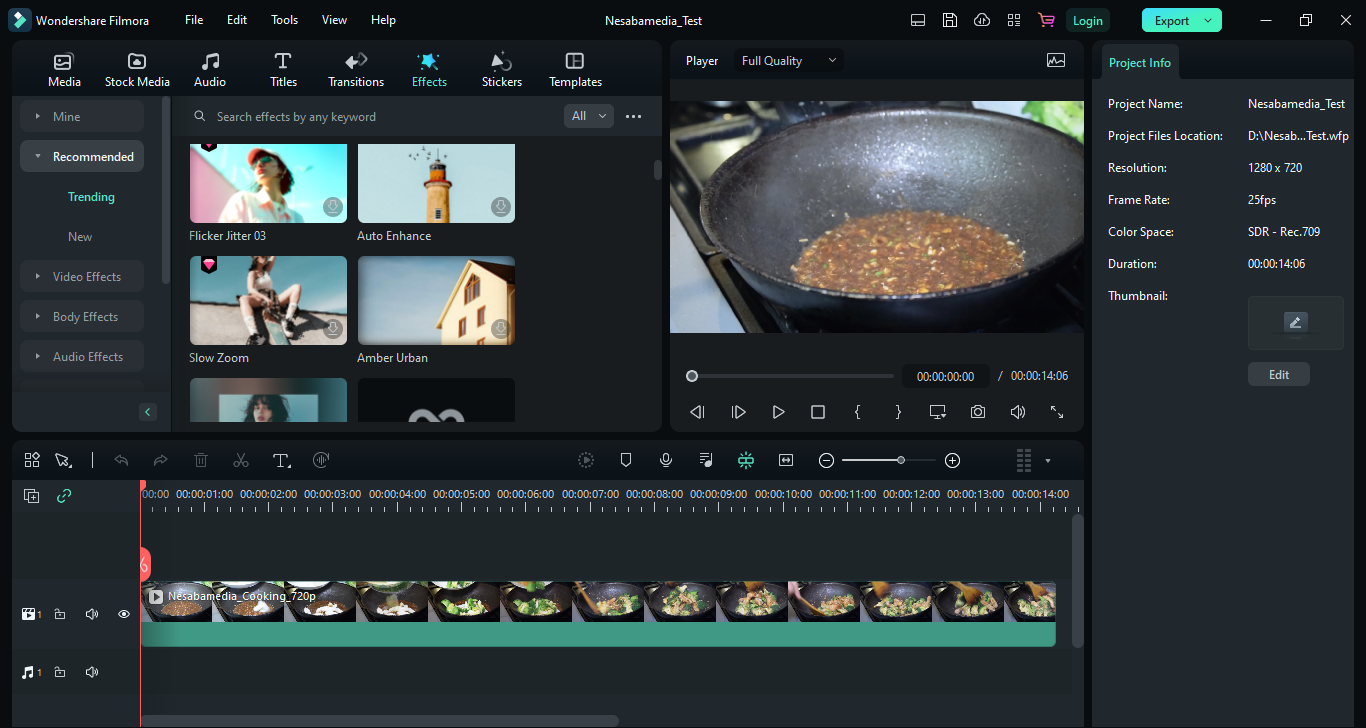
When it comes to effects, it has a good variety of powerful ones that you can use immediately without having to install additional components, so you can try out different styles right away. With over 900 effects to choose from, there is plenty of room to get creative.
The other thing that makes Wondershare Filmora 12 a great choice is that it offers more keyboard shortcut presets than earlier versions.
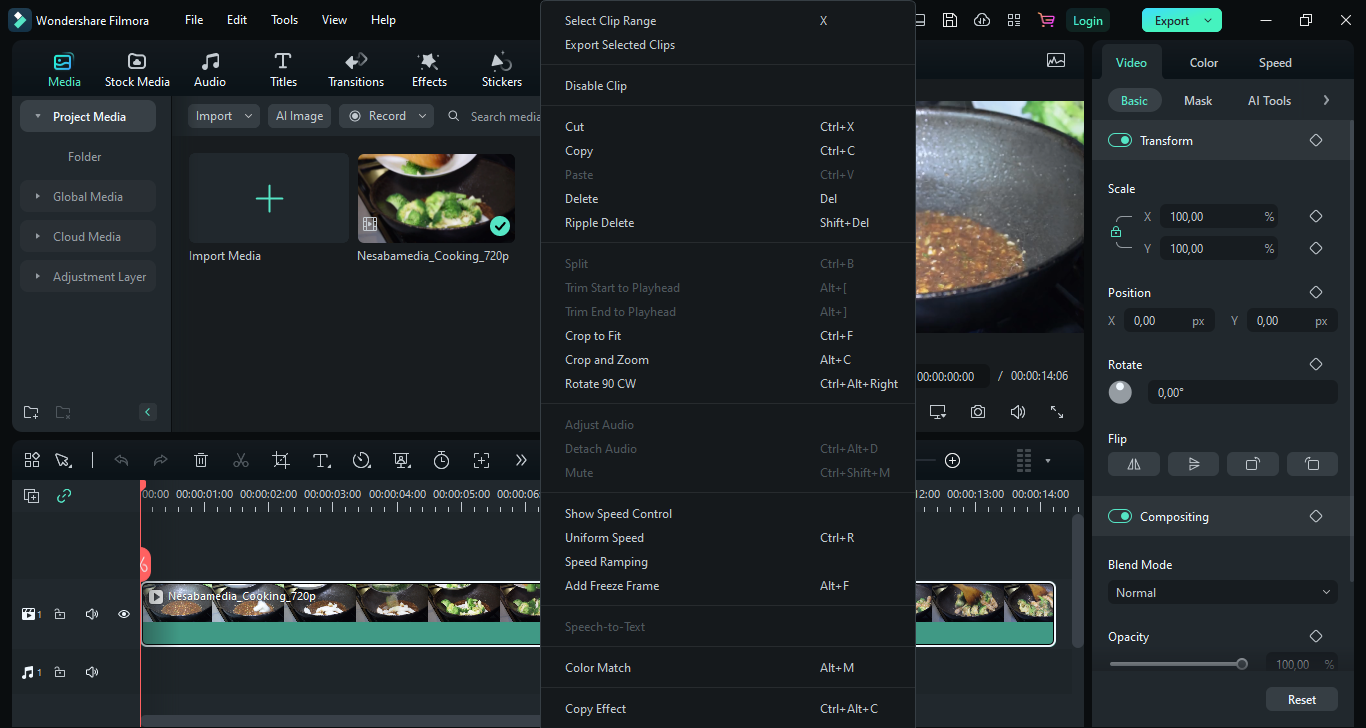
Add to its appeal is a growing list of keyboard shortcut presets. This means there are potentially less repetitive clicks. Instead of digging through menus, you can jump straight into the tools you need. They allow for quicker and smoother workflow while reducing the risk of RSI (Repetitive Strain Injury).
The AI technology that Wondershare Filmora 12 uses to empower some of its features also help users to focus more on the content than the technical steps and save even more time.
It brings in two new AI features, namely AI Smart CutOut and AI Audio Stretch. The first one lets you quickly isolate objects from video clips so that you can remove or replace them seamlessly, while the second one stretches the audio to max.
Wondershare Filmora 12 Free Download for Windows
It’s not easy to design a video editing software that packs a lot of punch yet remains easy to use even for beginners, but Wondershare Filmora 12 has successfully pulled it off. This winning combination has become the main strength that sets it apart from the competition.
That’s probably why the app has grown into such a popular option for video editing, not to mention that the developer has been putting in years of marketing work behind the scenes. If you want to check it out for yourself, you can click the link below to download Wondershare Filmora 12 for Windows:
This program is also available in
Similar to Wondershare Filmora 12
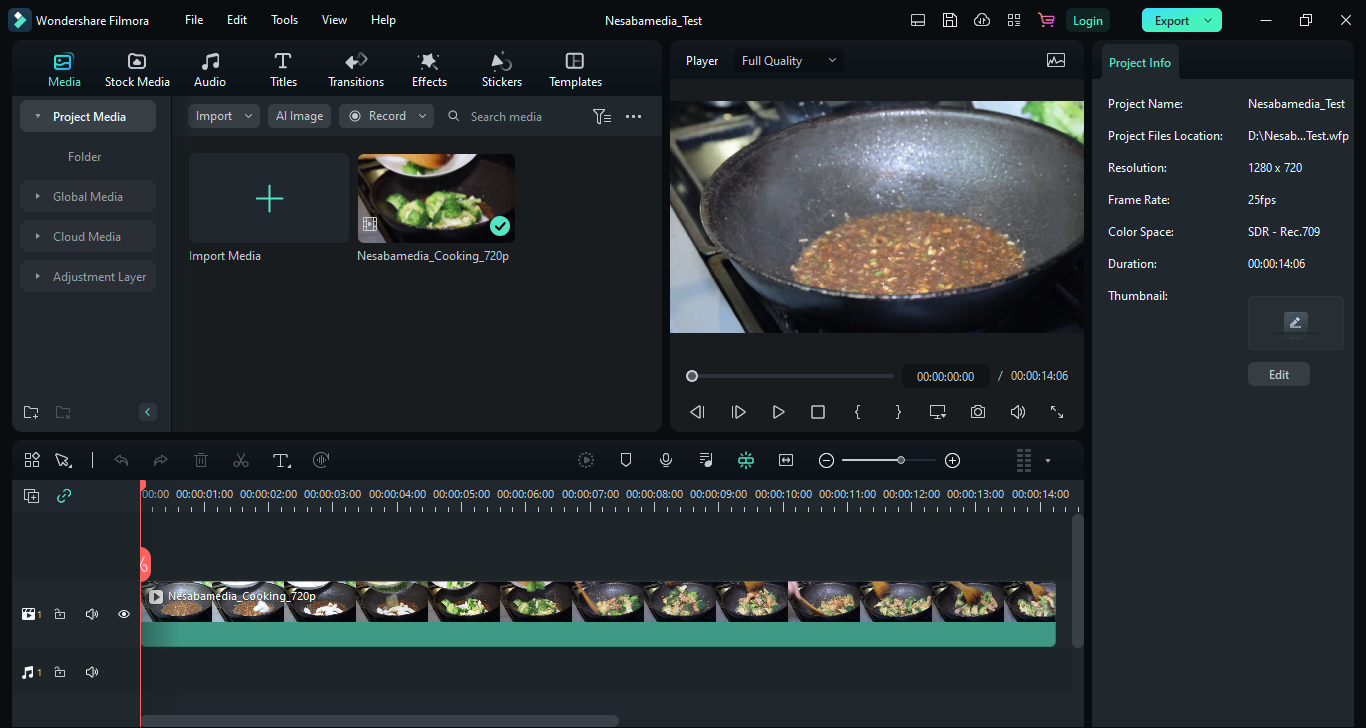


- App Name Wondershare Filmora 12
- License Freeware
- App Name Wondershare Filmora 12
- Publisher Wondershare
- Updated
- Version: 12.3.0.2341