Wondershare FIlmora 11

- Windows: 7, 8, 10, 11
- Version: 11.7.3.814
- Size: 471.91 MB
-
[Total: 1 Average: 5]
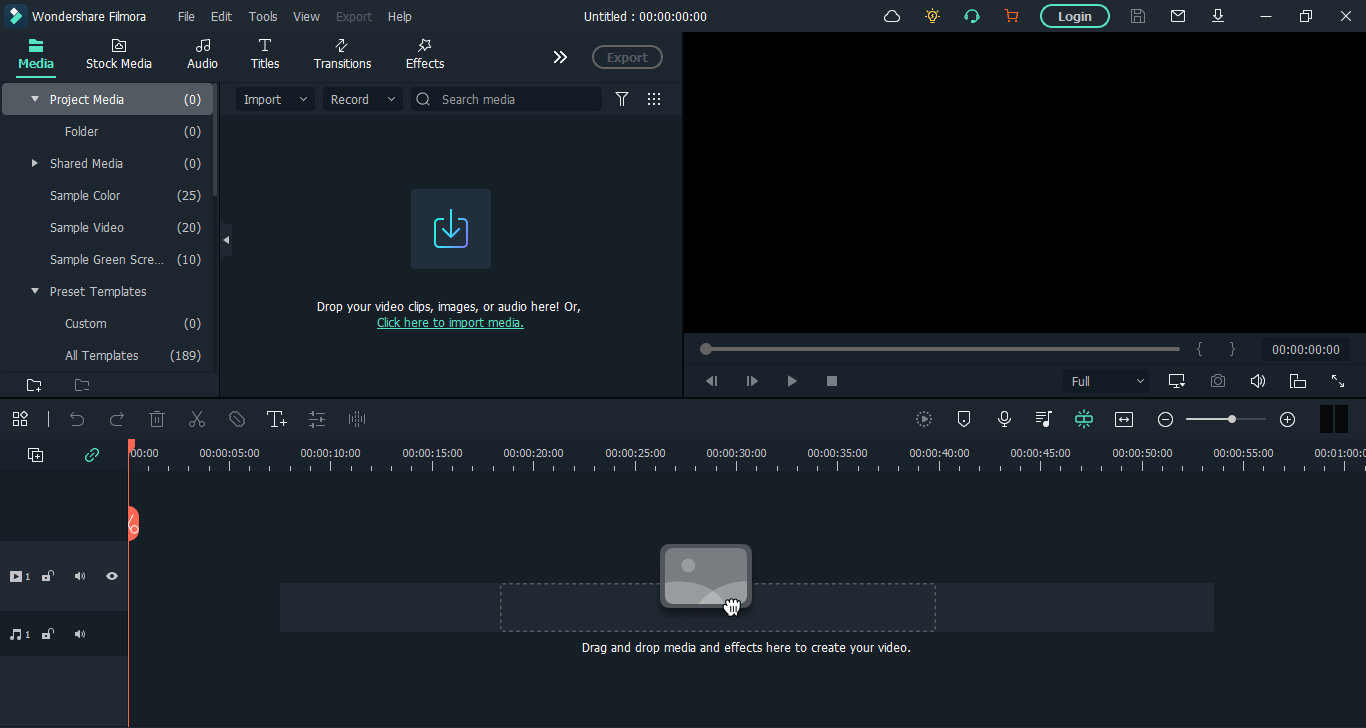
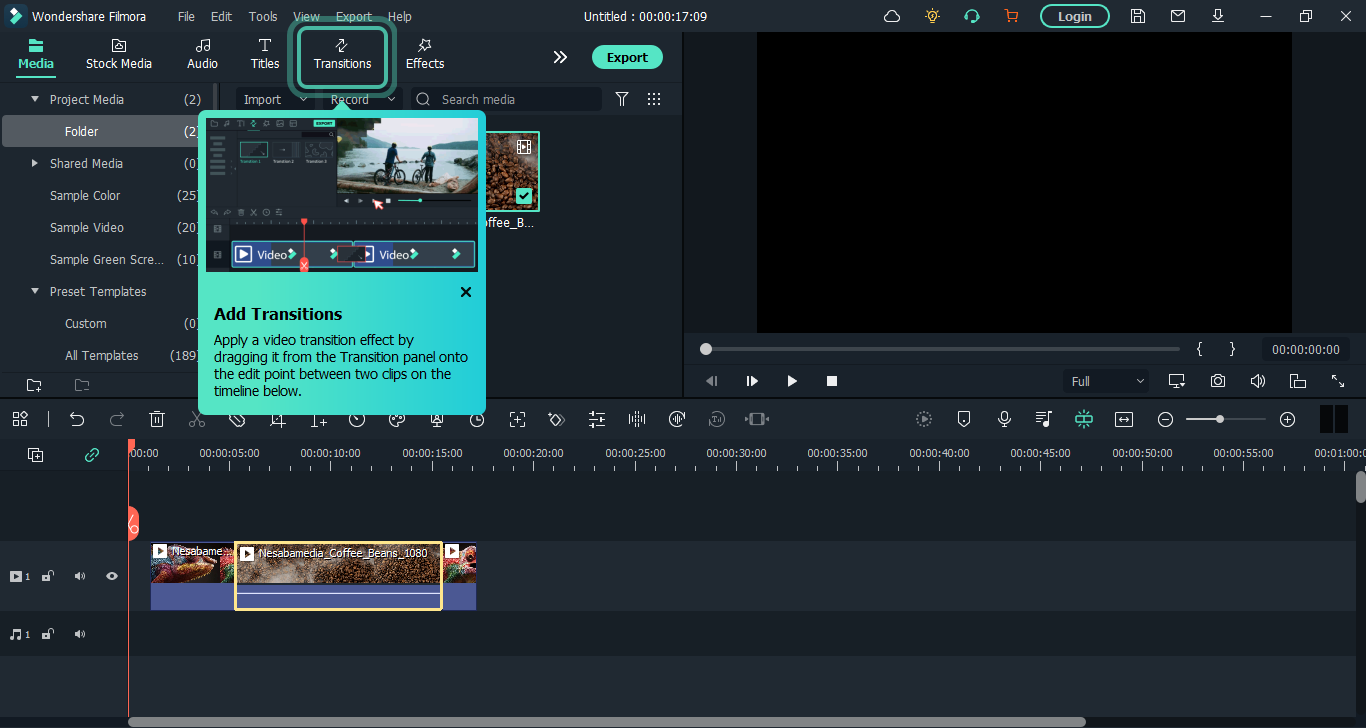
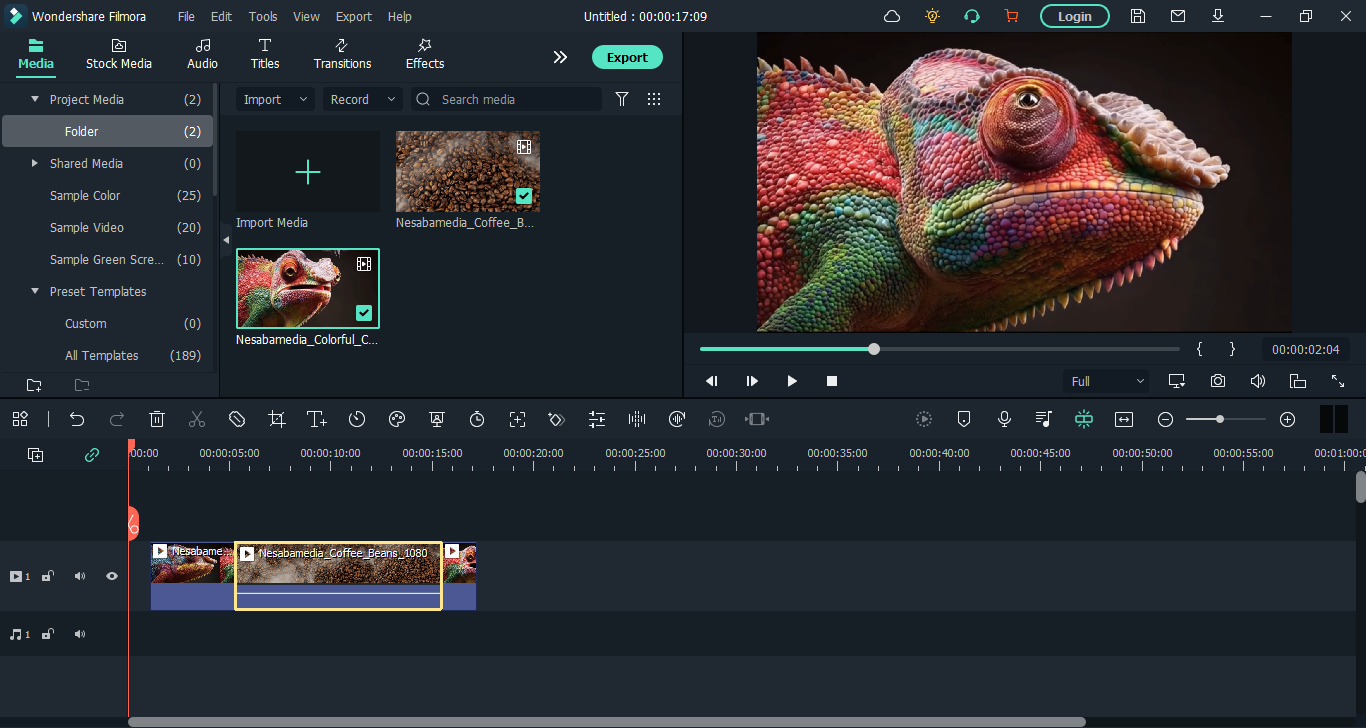
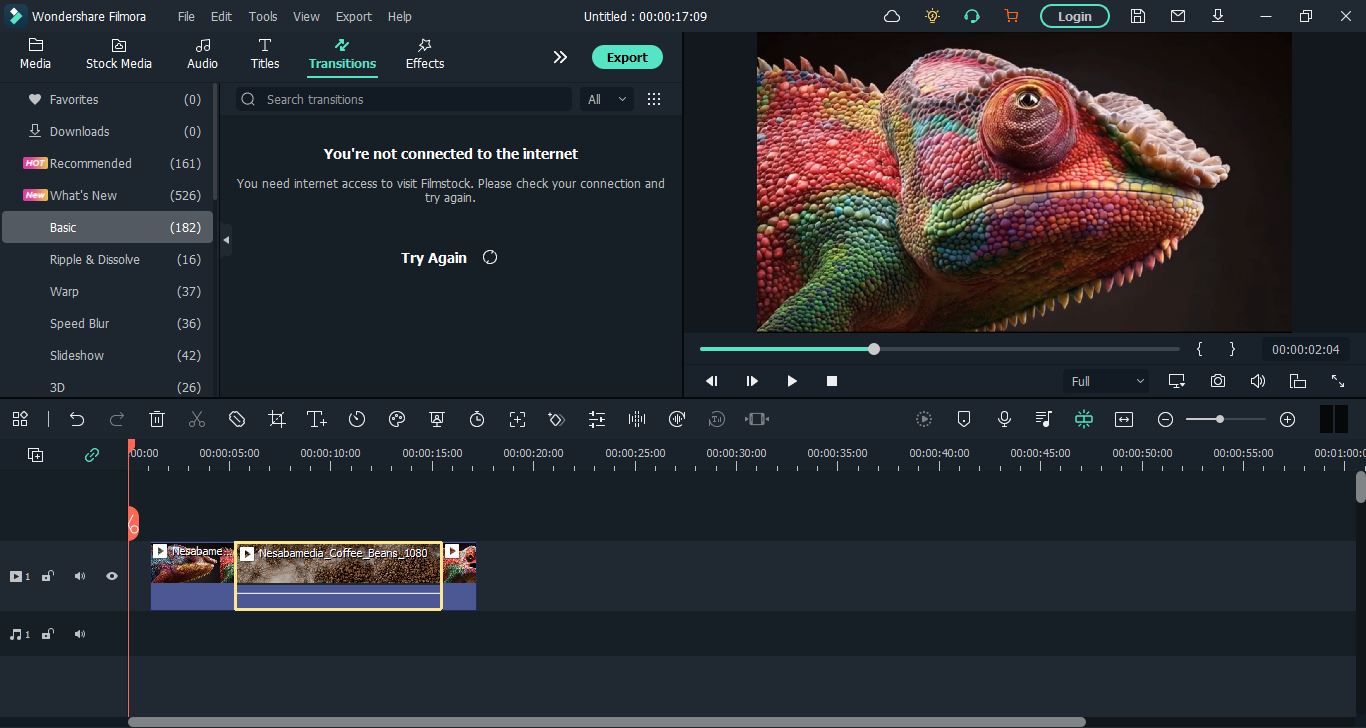
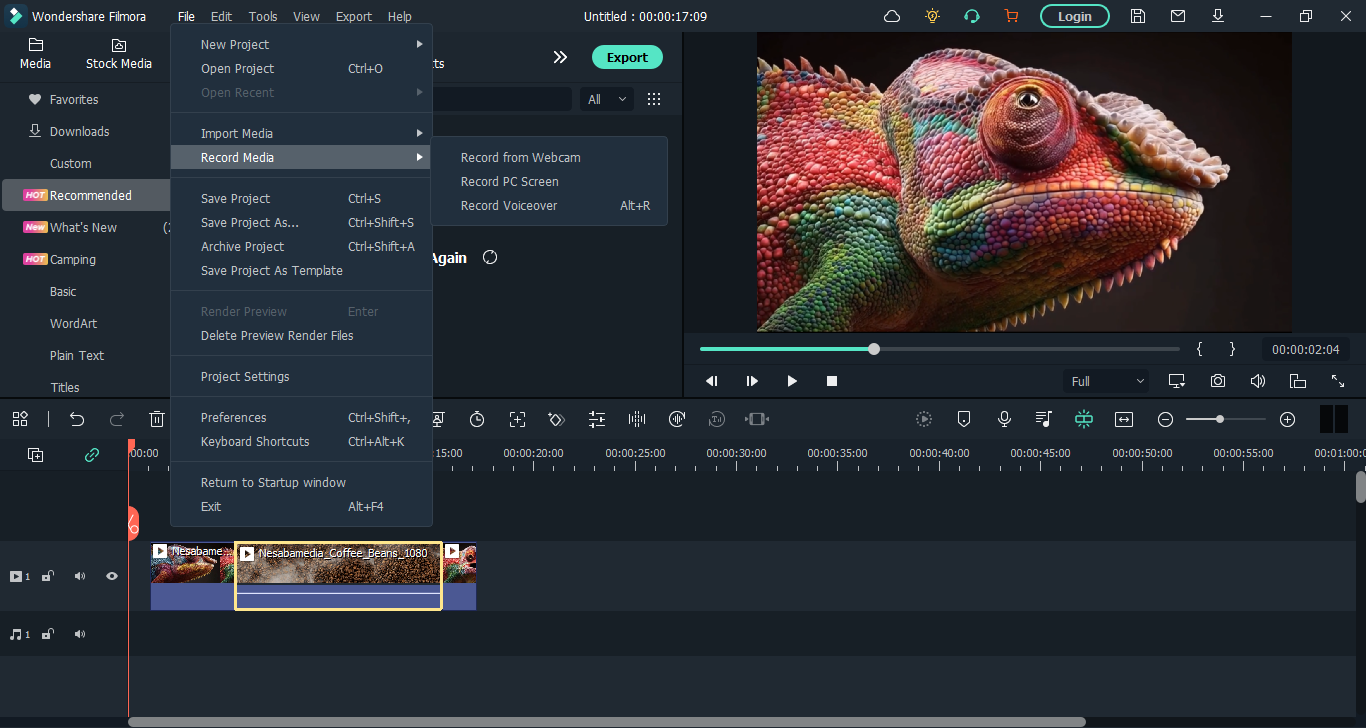
What everyone needs to create a video is an easy to use video editing software, such as Wondershare Filmora 11. In terms of features and ease of use, it is a highly competitive one.
This video editor has a straightforward interface combined with a range of intuitive features, making it possible for beginners to learn it quickly and for experienced users to create high quality videos without wasting too much time.
Features and Highlights
Instant Mode is a wonderful feature of Wondershare Filmora 11 that allows you to create a video without struggling for hours. Pick a template, import your media, and then hit the Auto Create button. There are dozens of templates in the mode and each can be previewed before you use any of them.
After the video is created, you can make some adjustments like modifying the text properties, increasing or decreasing the music volume, enabling or disabling effects, and cropping the video to fit the size requirements of YouTube, TikTok, or Instagram.
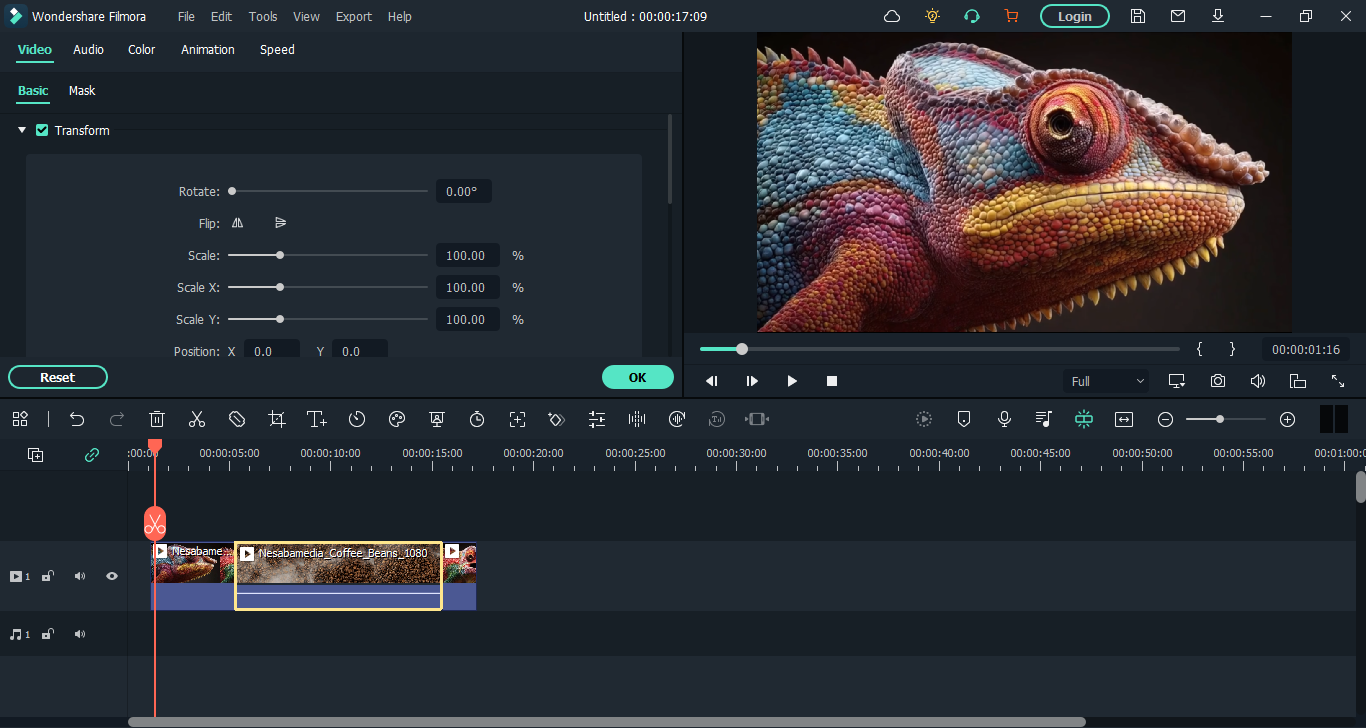
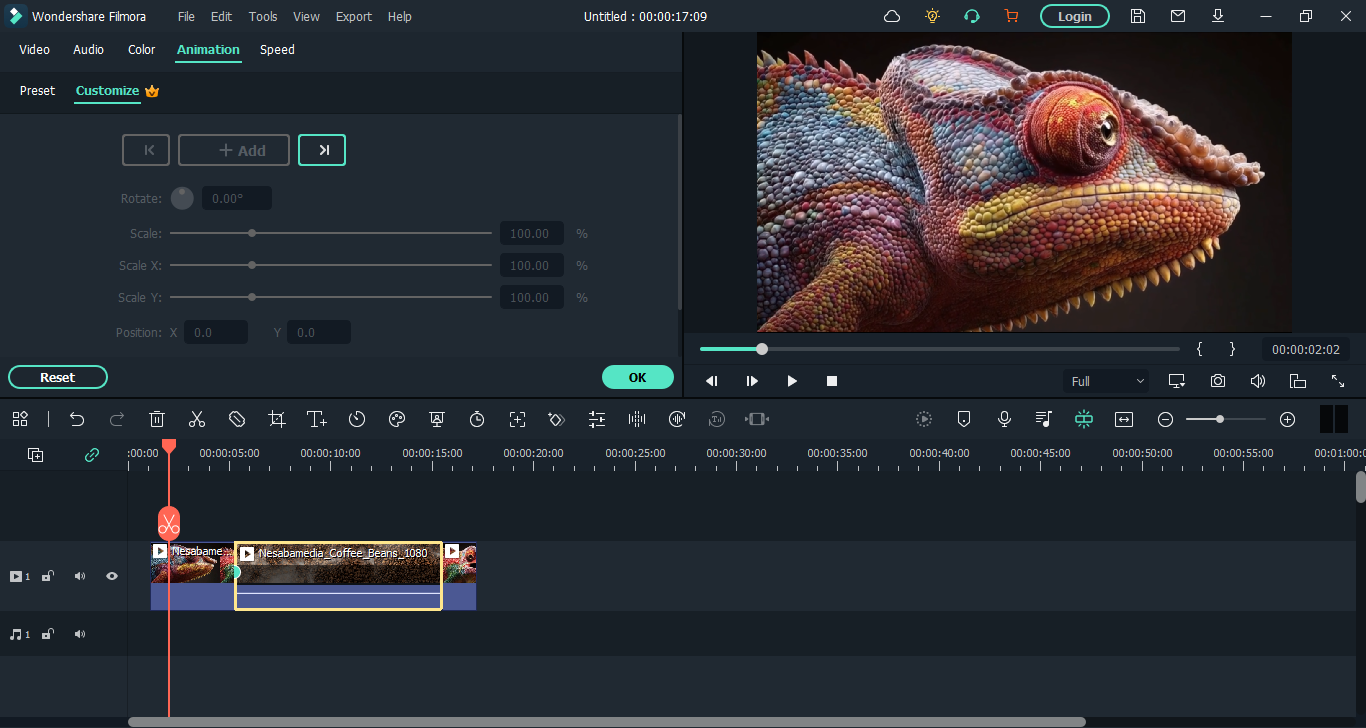
In Instant Mode, the editing features is very limited. So, if you need to make further adjustments, you should switch to Timeline Mode where you can be as creative as possible by making use of all the tools the software provides.
One of the features commonly used to edit a video is motion tracking. It lets you track the movement of an object in the video and make use of the tracking to attach another object or apply a particular effect like blurring the tracked moving object for privacy.
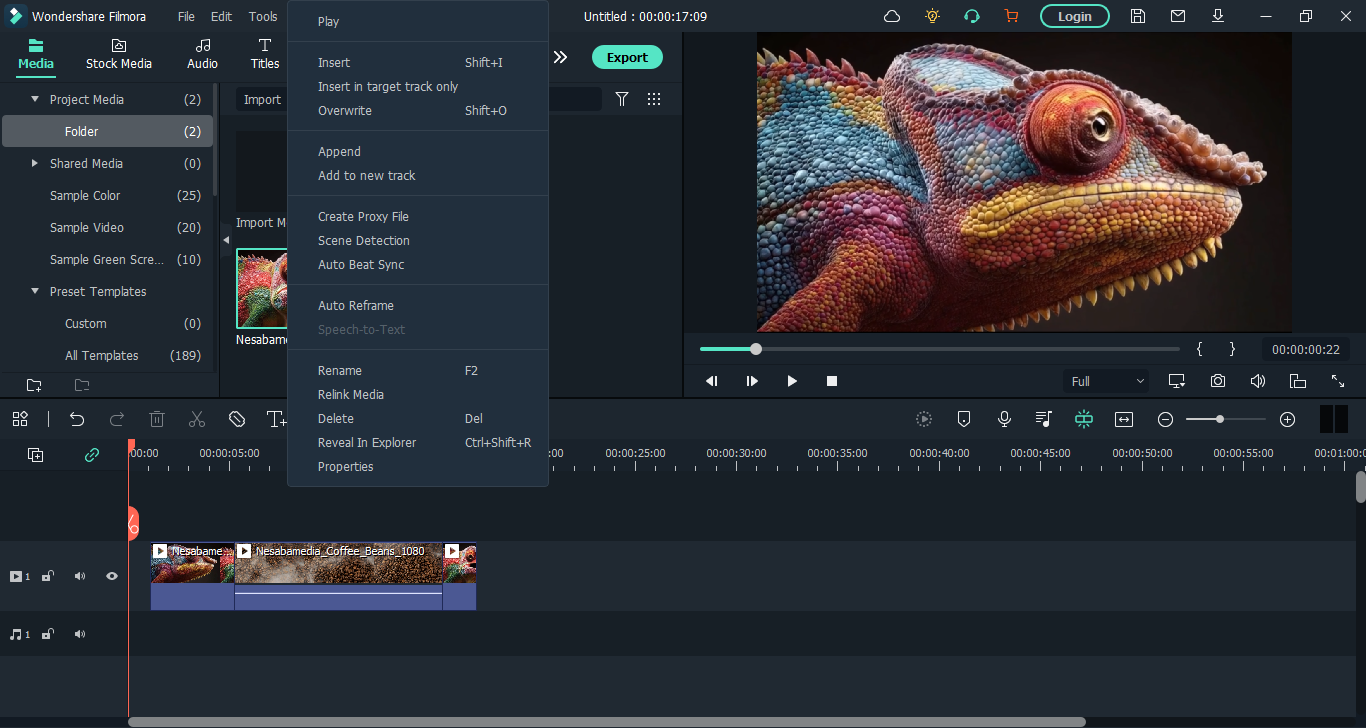
Wondershare Filmora 11 can also stabilize shaky videos. Right-click the video displayed in the timeline, select Stabilization, and it will be analyzed automatically. After that, you can adjust how much the video should be stabilized. Every time you make an adjustment, you can see the result in the preview. Once it looks good, you can save it immediately.
Chroma Key is also used a lot in editing videos, and Wondershare Filmora 11 supports it. This feature allows you to replace the background composed of a single color in a scene with another background, or to make the background transparent. In the hands of highly creative people, Chroma Key is a powerful tool to bring scenes to life.
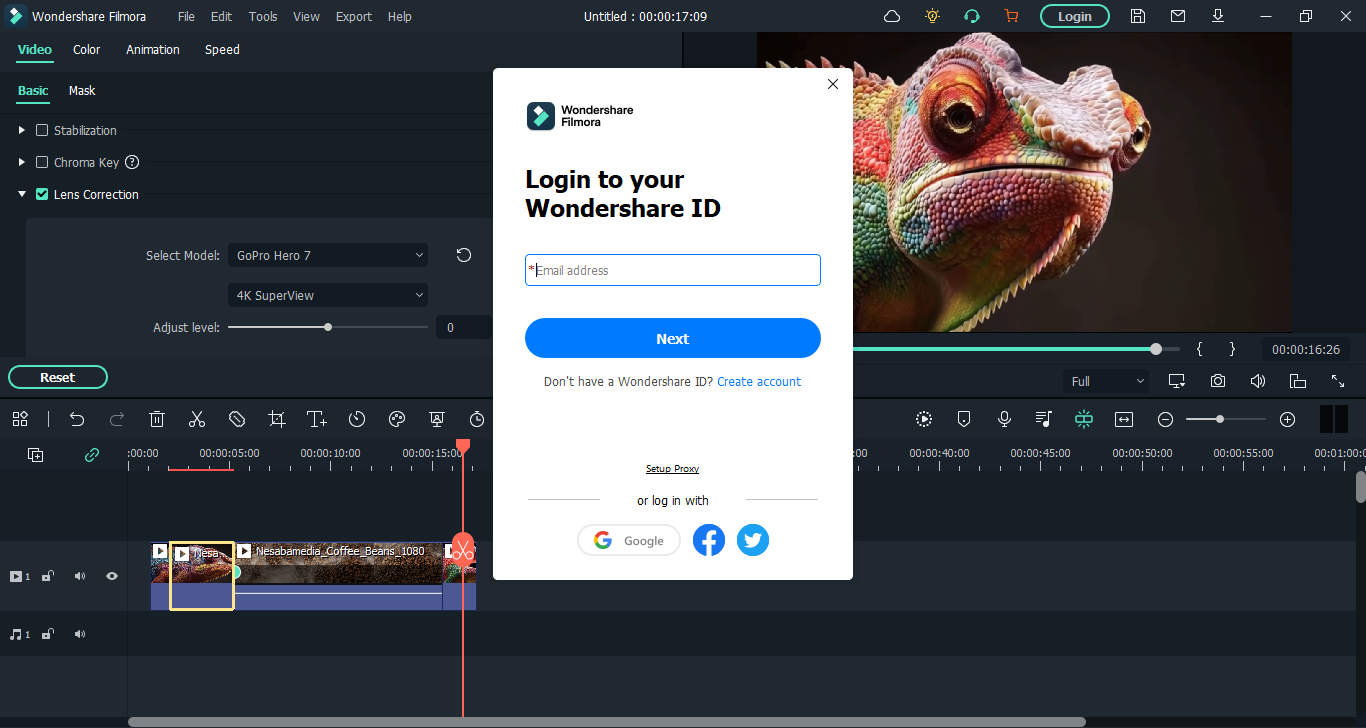
Lens Correction is a part of the appeal of Wondershare Filmora 11. It helps you fix a distorted video clip easily. The correction level can be manually adjusted until you get a good result which you can see in the preview window.
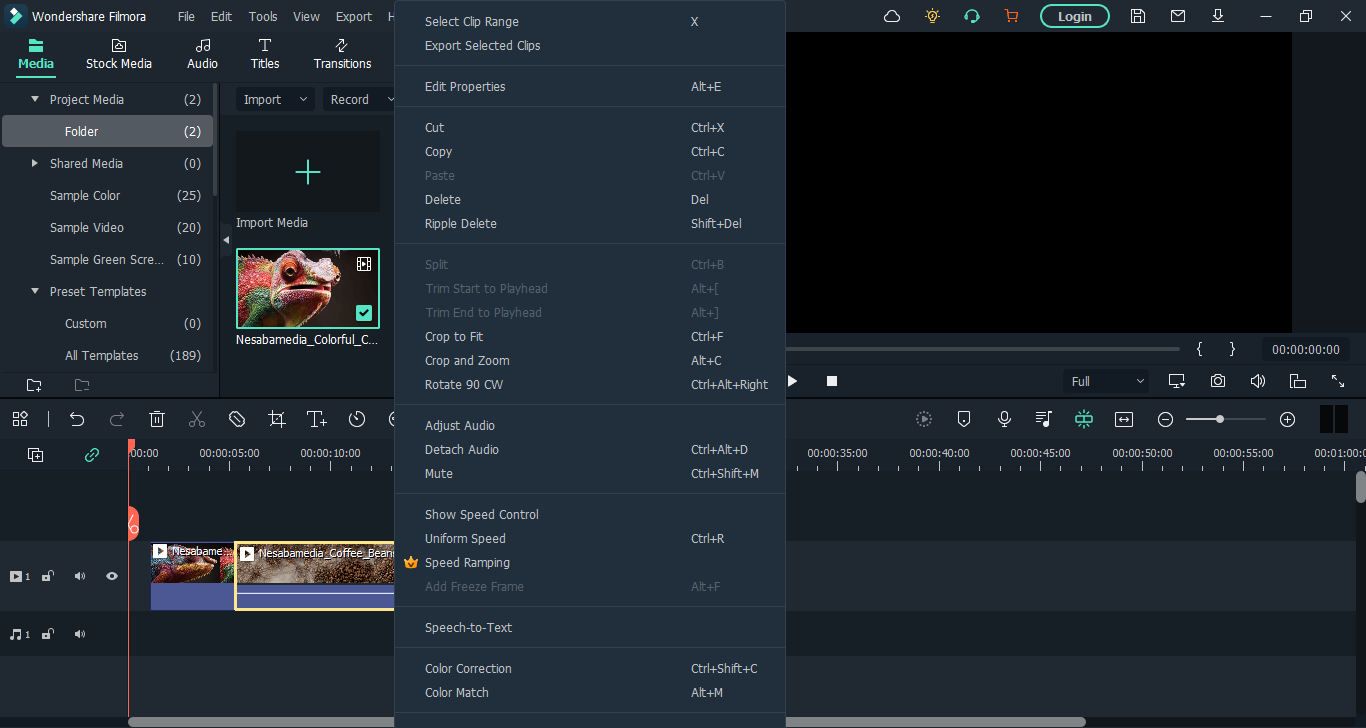
Last but not the least, you can trim the beginning and end of a video, split a video into two parts, change playback speed, crop a video, and highlight an object in a video.
Wondershare Filmora 11 Free Download for Windows
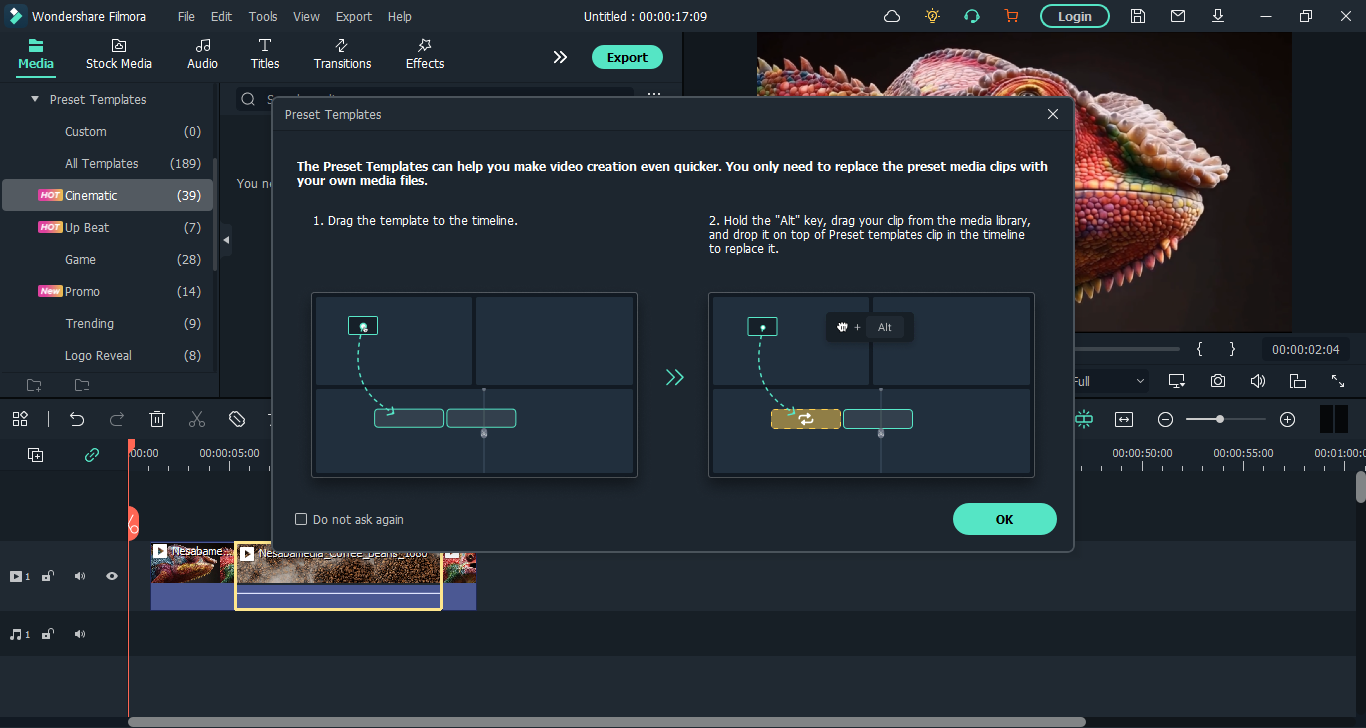
There are many things you can do easily with Wondershare Filmora 11, but there are also a few things that perhaps not as straightforward as your expectation. There is a manual but the content is not detailed enough and doesn’t cover every single feature it has, but fortunately there are dozens of unofficial tutorials out there. You can click the link below to download Wondershare Filmora 11 for Windows:
- App Name Wondershare FIlmora 11
- License Freeware
- Updated
- Version: 11.7.3.814
On our site you can easily download Wondershare FIlmora 11. All without registration and send SMS!