Windows 8.1
- Version: Update 3 Build 9600
- Size: 4.32 GB
-
[Total: 1 Average: 5]
About a year after Windows 8 was released, Windows 8.1 arrived as a modest update, aiming to address some of the issues users had with the original version while keeping the controversial tile-based interface. Although it still left many users with mixed feelings, the update was seen as a step in the right direction.
Among the changes the update brought to the successor of Windows 7 was the return of the Start button. As you may know already, the removal of the button infuriated many long-time users back in the day. The revived button doesn’t bring back the Start menu, however. Clicking it takes you back to the full-screen tiled view. On the upside, right‑clicking it opens a small list of frequently used desktop programs, which helps bridge the gap between the two worlds.
Features and Highlights
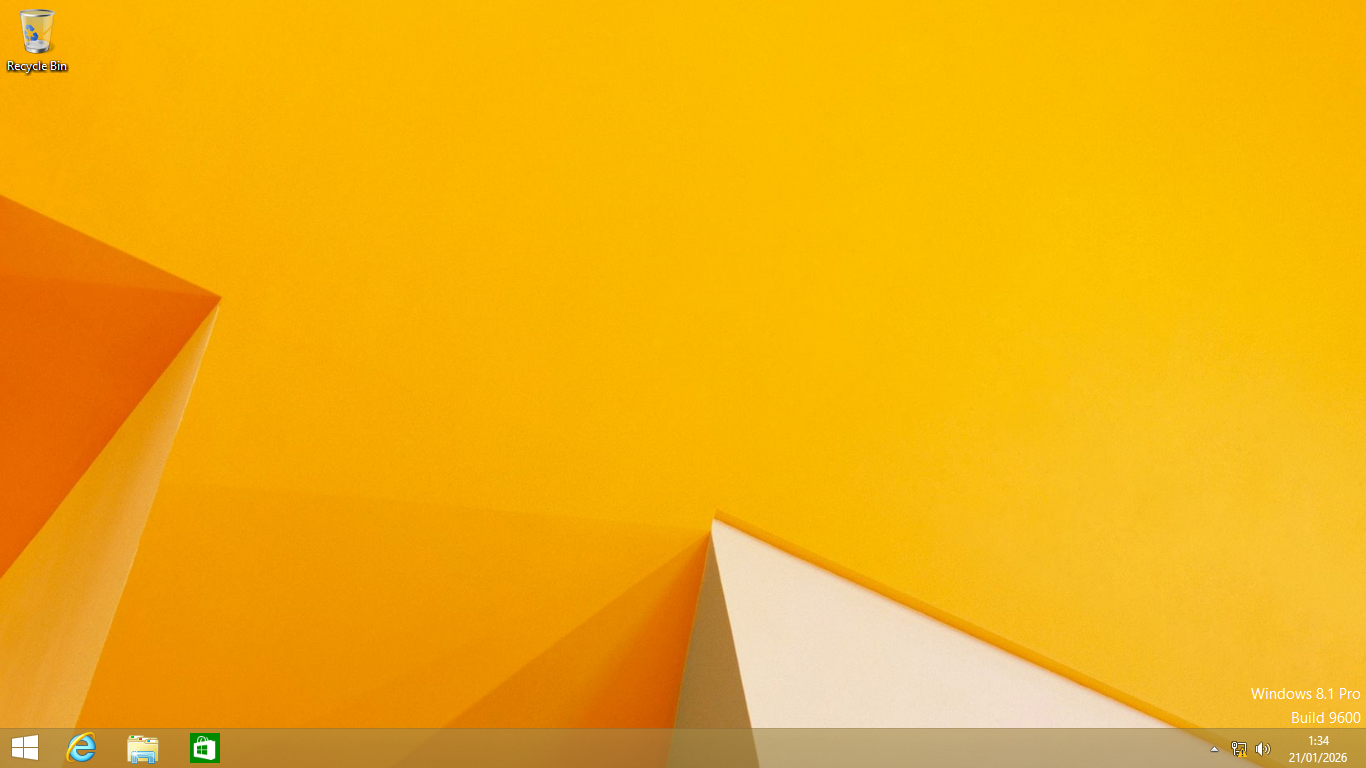
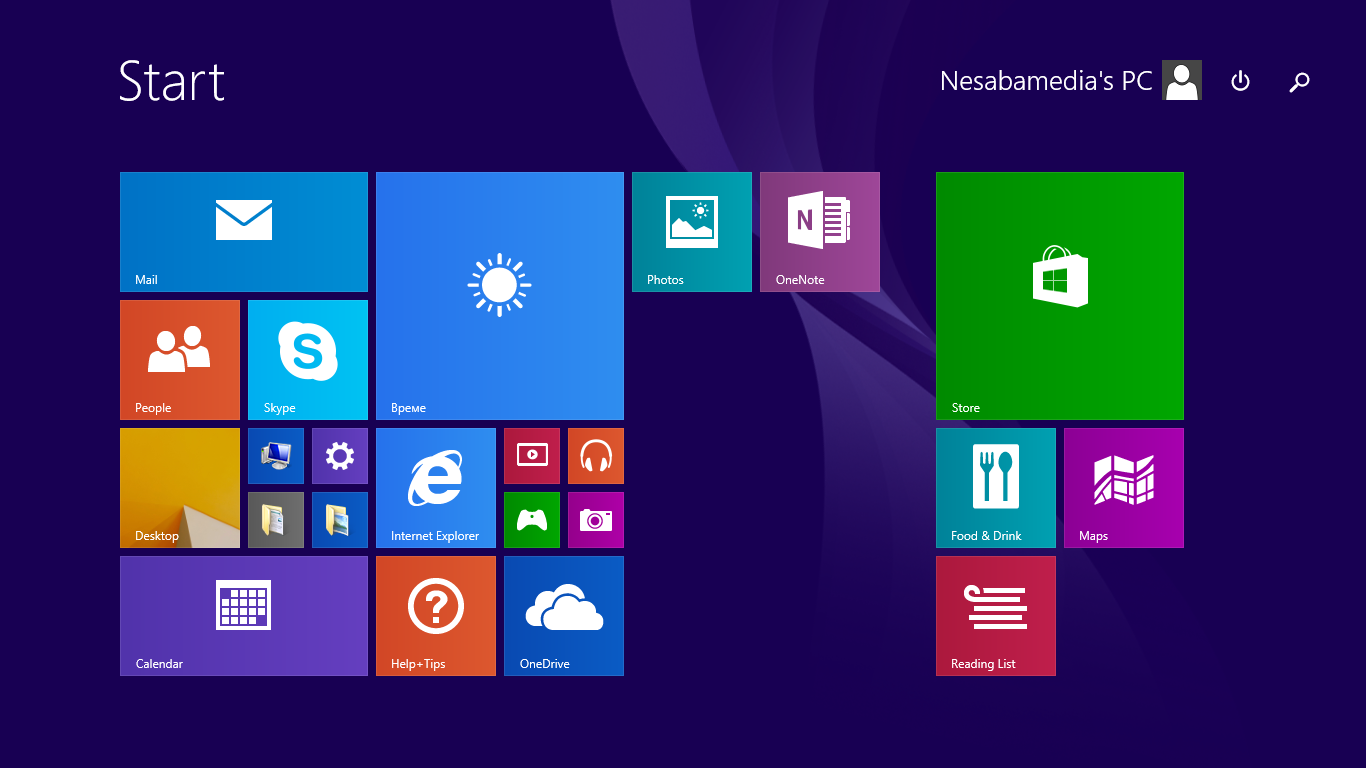
Booting into Windows 8.1 is quick, especially on a solid‑state drive, thanks to better handling of drivers and a more efficient use of system resources. Once you get inside, you’ll notice immediately that the overall visual style remains the “flat” design that Microsoft introduced in Windows 8. The Start screen still dominates the landscape, but the update brings back a visible Start button in the lower‑left corner.
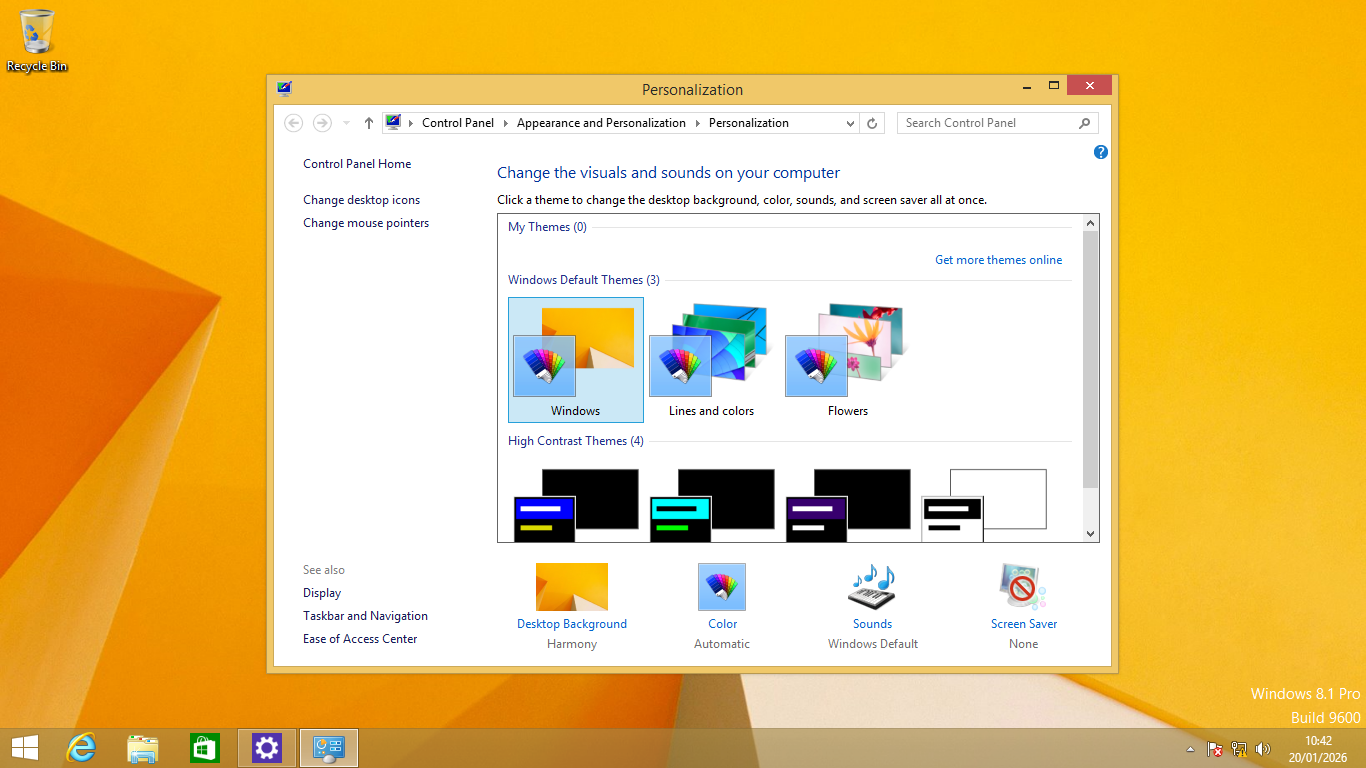
The hardware detection system is probably the biggest sign that Microsoft actually listened to desktop and laptop owners. If it detects that your device doesn’t support touchscreen, it will automatically boot straight to the desktop mode, which looks a lot like Windows 7.
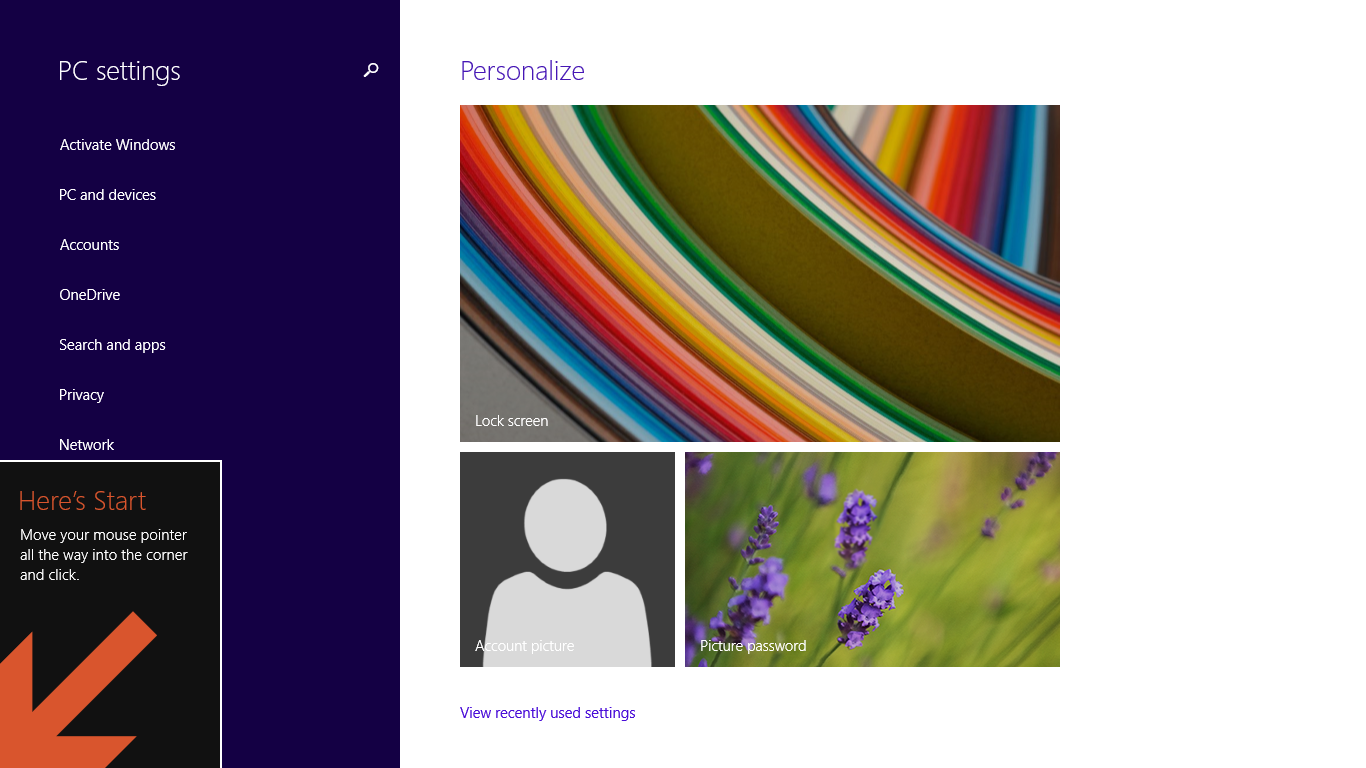
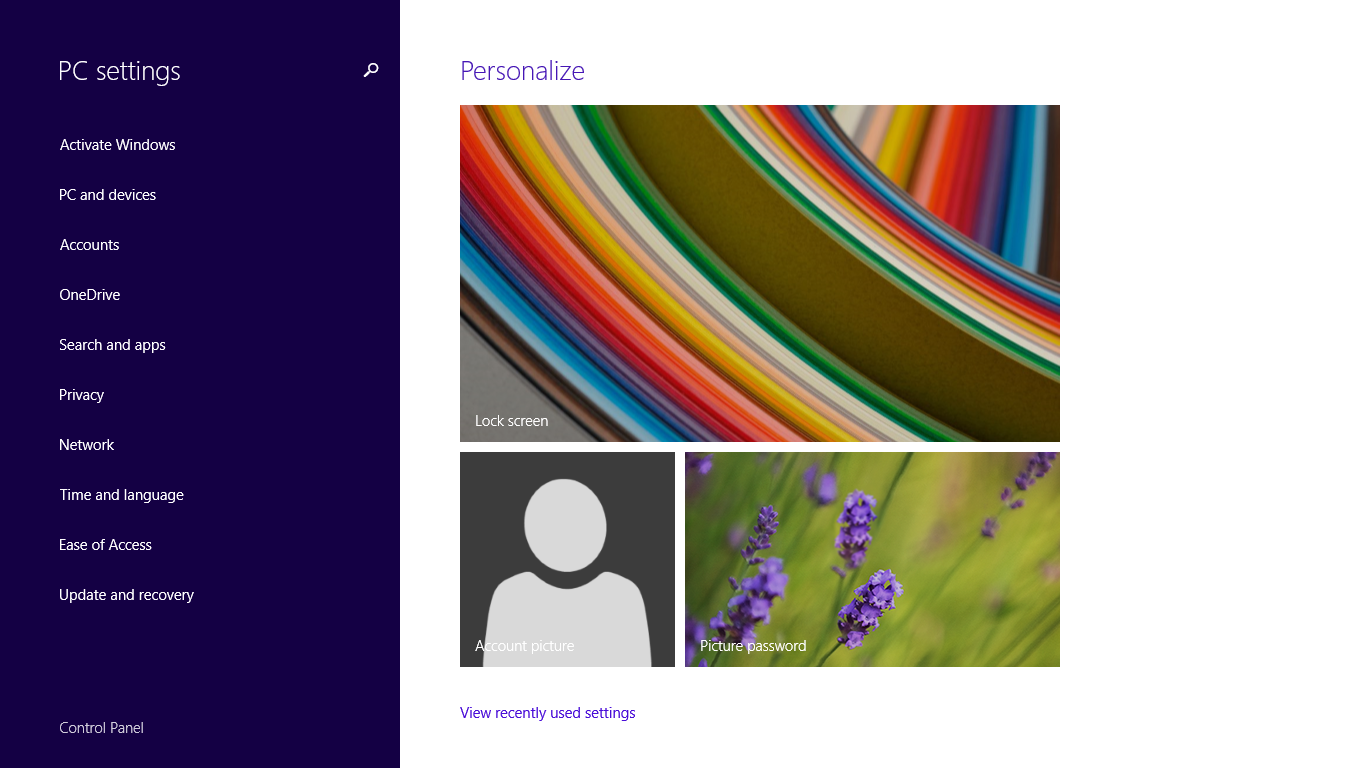
The lock screen also received a significant makeover. Users can now customize the background with images from Bing, their own photos, or solid colors, and there’s a quick‑access panel for things like weather, calendar appointments, and notifications. These changes transform the lock screen from just a barrier to the desktop to a personal dashboard.
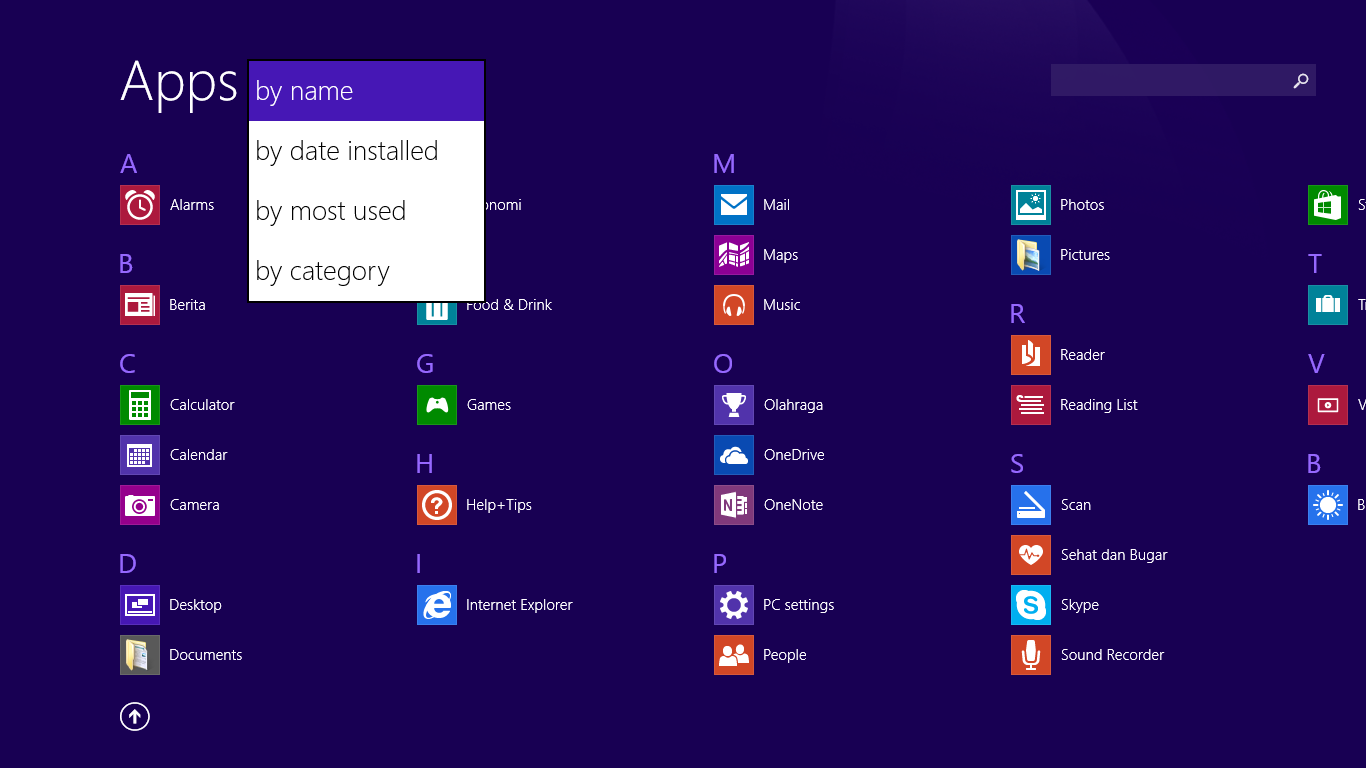
Though it may not be as significant as the return of the Start button, the Start screen becomes a bit more useful with the addition of power and search buttons. Before the update, there wasn’t any visual hint at all that users could search simply by typing while on the Start screen. It also took multiple steps to turn off the computer because the functionality was hidden in the Settings page. Now, it is easier to reach.
Windows 8.1 Free Download
One drawback that persists is the learning curve associated with navigating between the Modern and desktop environments. While the Start button helps, users still need to switch contexts manually, which can feel disjointed. Some third‑party utilities attempt to hide the Modern interface altogether, but doing so defeats the purpose of the hybrid design that Windows 8.1 tries to promote.
Overall, it can be seen that Microsoft took users’ opinions into consideration in the development of Windows 8.1 and made a good effort to present both the Modern and traditional desktop worlds in a way that hopefully can satisfy desktop and tablet users. While the update may fail to overtake Windows 7 in popularity, it was still a move that many users appreciated. You can click the link below to download Windows 8.1 for Windows:
- App Name Windows 8.1
- License Freeware
- App Name Windows 8.1
- Publisher Microsoft
- Updated
- Version: Update 3 Build 9600
On our site you can easily download Windows 8.1. All without registration and send SMS!