Windows 7 Loader

- Windows: 7
- Version: 2.2.2
- Size: 1.46 MB
-
[Total: 1 Average: 5]
To get Windows 7 up and running properly, the very first thing to do after you install Windows 7 is to activate it just like you would with any other version. Or else, you will face several limitations and annoyances that will interrupt your activity from time to time. If you need a practical way to get through the activation phase, you can try Windows 7 Loader.
Windows 7 Loader is a lightweight activator specifically made for the operating system. This free third-party tool simplifies the process to just a single click of a button, assuming there is nothing wrong happens as complications might arise if you have used another activator or another version of the same tool before.
Features and Highlights
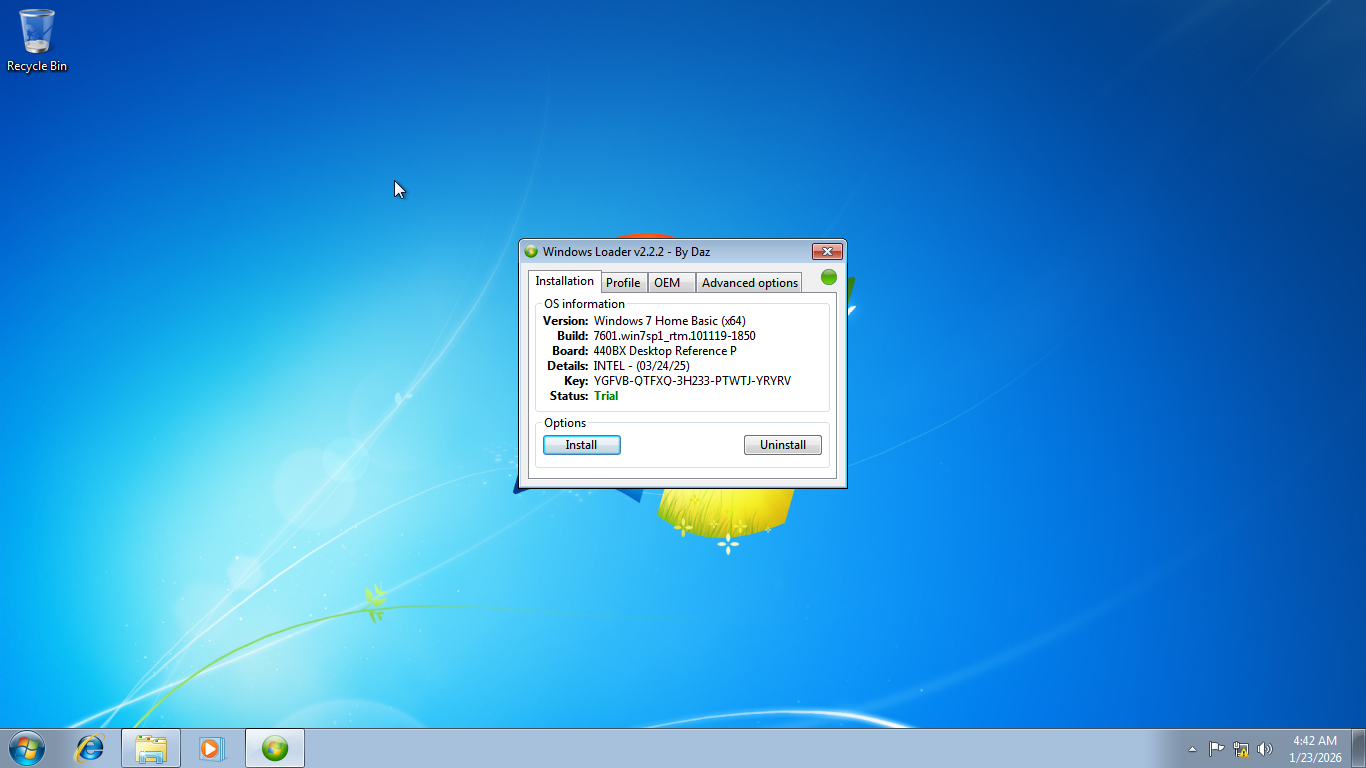
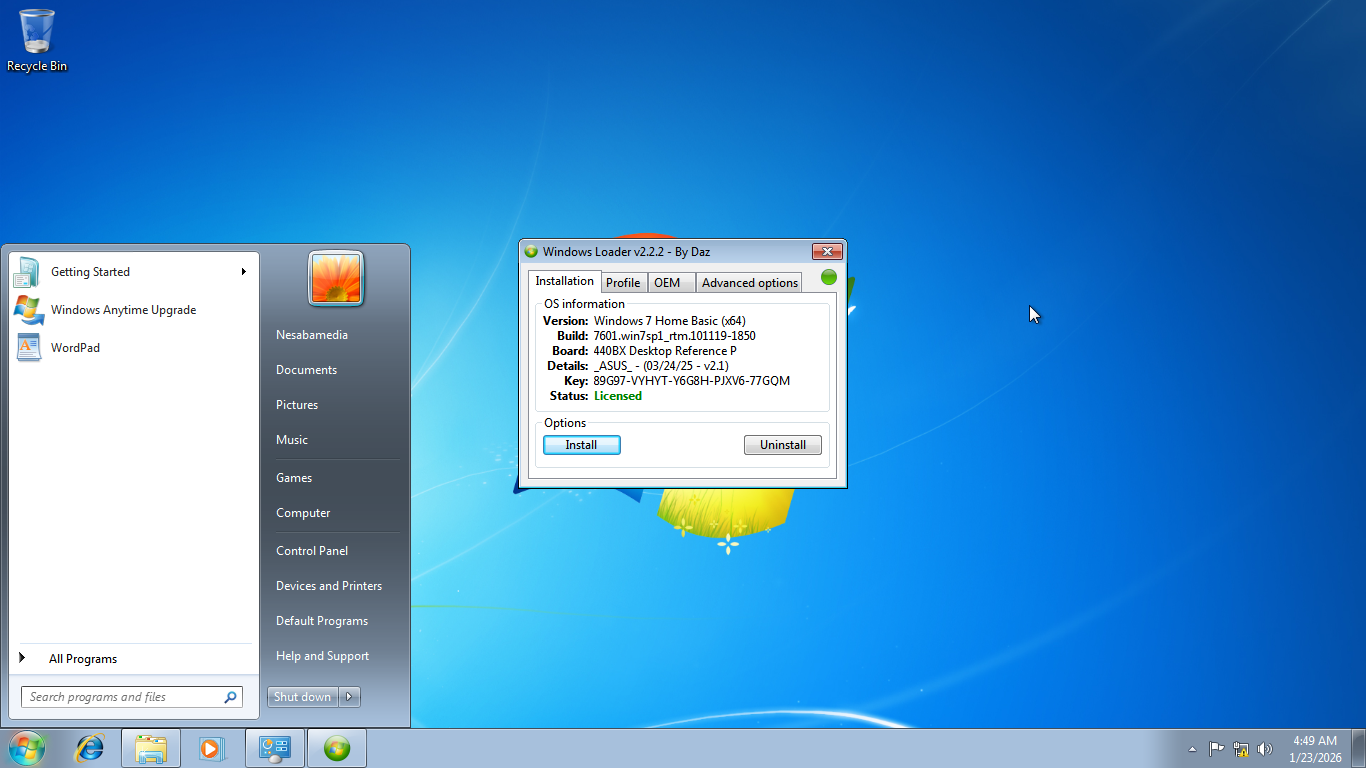
The sole purpose of Windows 7 Loader is to activate Windows 7 in the simplest way possible. Once it opens up, you’ll see a small window at the middle of your screen. It cannot be maximized, but the text is large and clear enough to read without squinting your eyes.
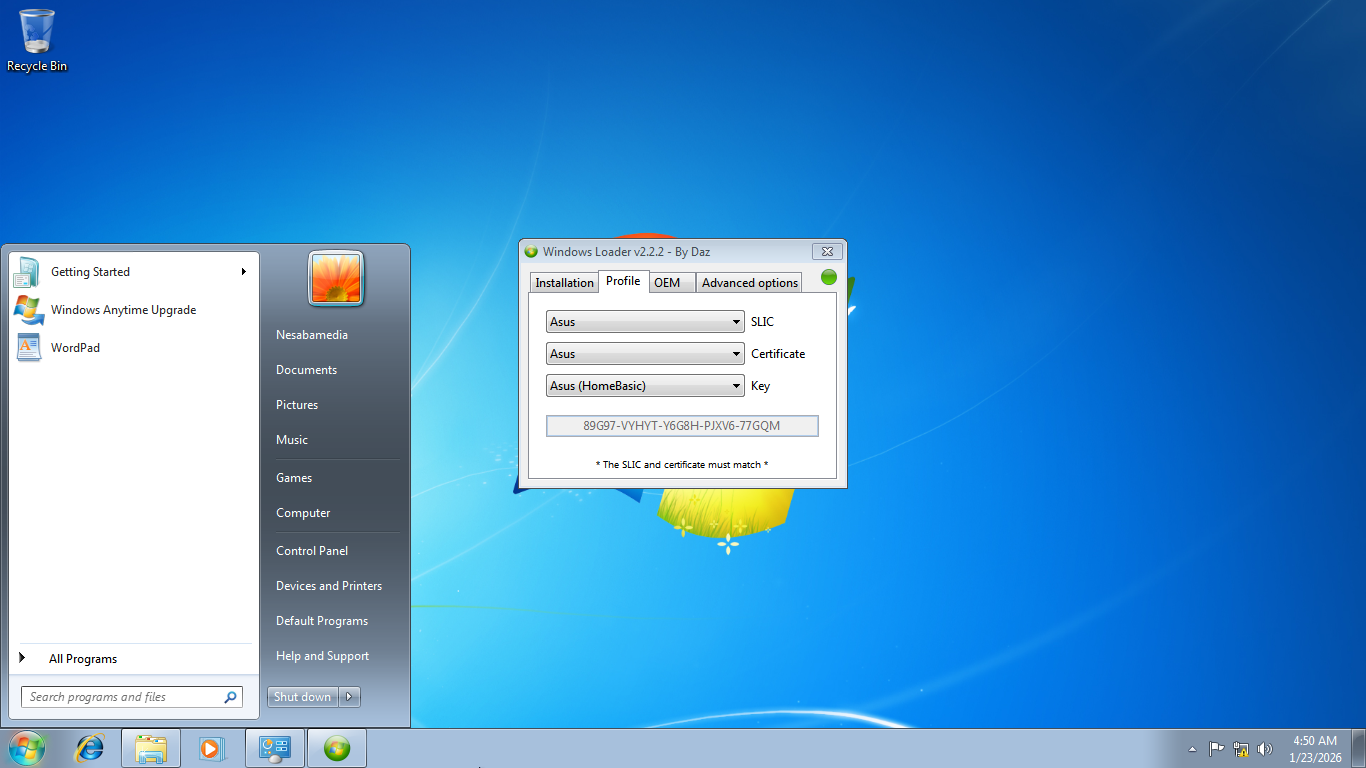
It has four tabs: Installation, Profile, OEM, and Advanced Options. The first tab you’ll see is the Installation tab, which displays your operating system information such as its version and product key. There are two buttons below the information which are used to install or uninstall the loader.
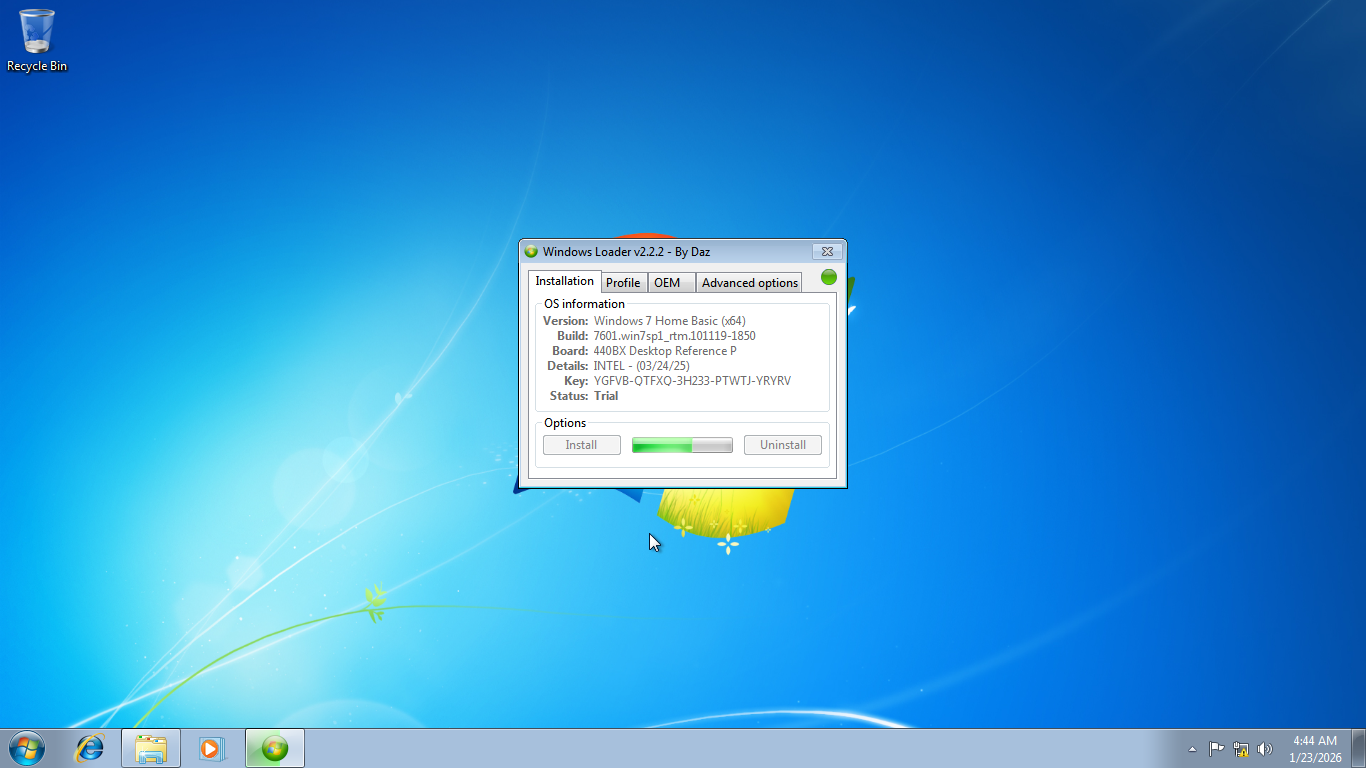
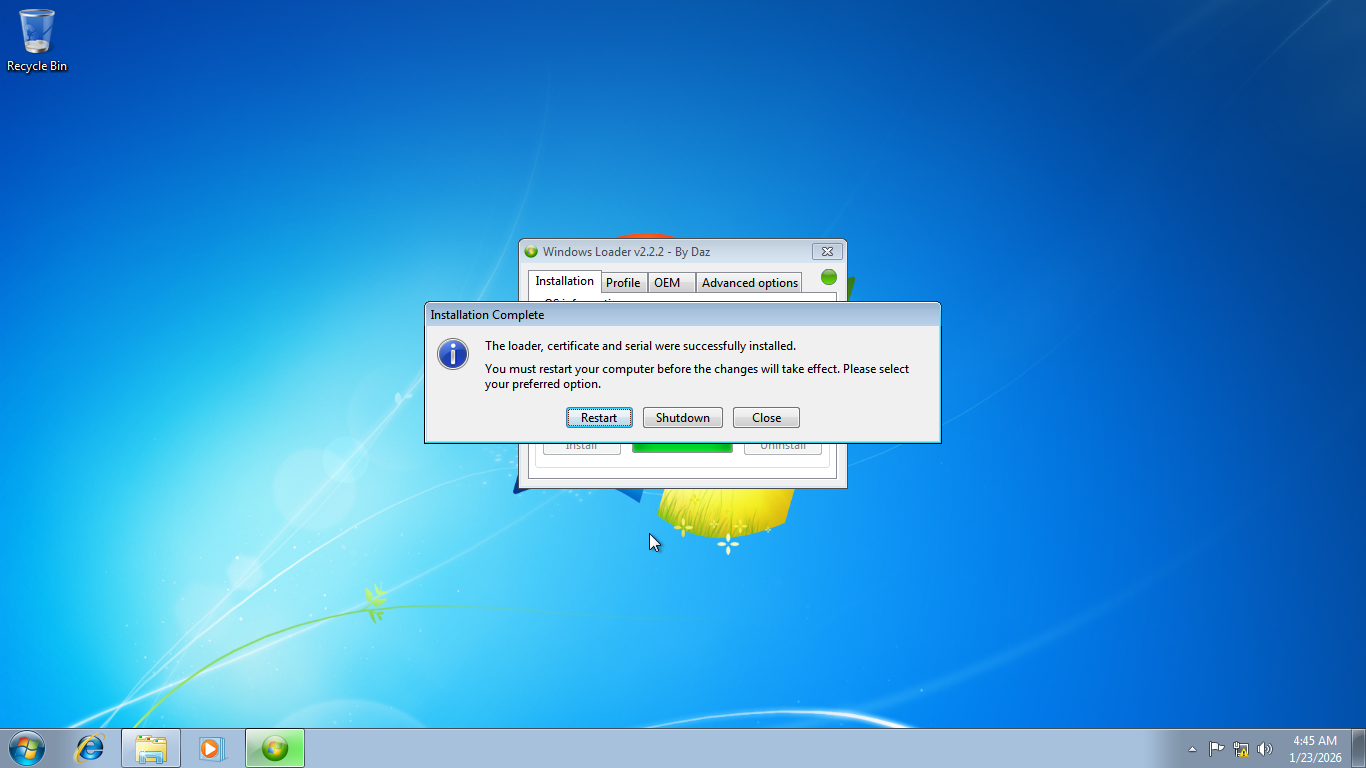
Activating Windows 7 with the loader is dead easy. Just click the Install button to install the loader, which will modify certain system files and registry entries, as well as automatically perform the other necessary steps to get the operating system fully activated. The whole process takes a few minutes to finish, and once it is done, you need to restart your computer to finalize the activation.
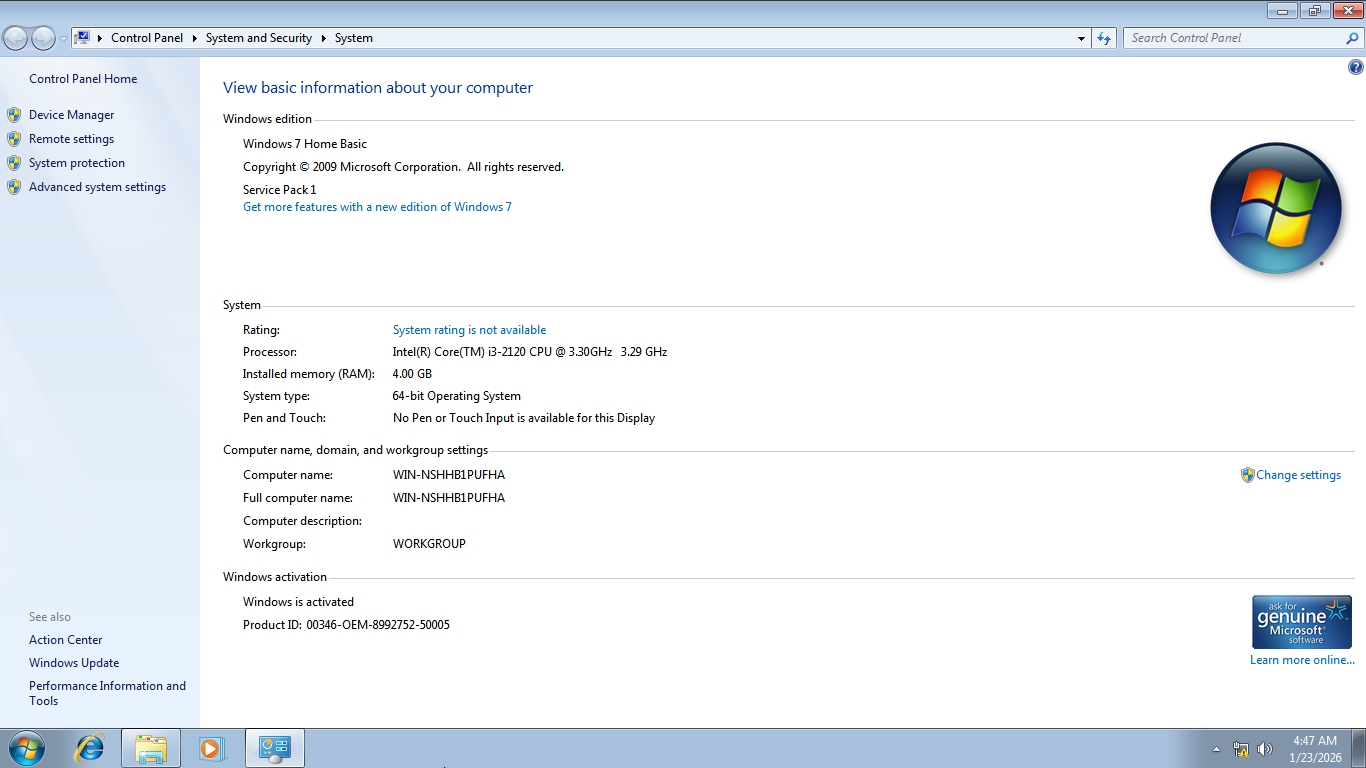
As soon as you’ve logged back in, you can check your activation status by simply running Windows 7 Loader again. If the “Trial” status in the first tab changes to “Licensed”, then it means your Windows 7 has been successfully activated. Alternatively, you can also check the status by opening Windows Explorer, right-clicking Computer, and clicking Properties to view basic information about your computer, which include the operating system’s activation status.
If you run into any trouble during activation, you should read the Read Me file. It contains a list of common problems and the steps you can take to solve them, along with some other information like the program’s checksums and changelog.
Windows 7 Loader Free Download
This free activation utility supports various Windows 7 editions, from Home Basic to Ultimate. Plus, it is quick to load and doesn’t require internet connection to get the job done. However, you may need to disable any system protection in Windows 7 if you get an error message like “Failed to add loader to the boot code”.
On the whole, it has the typical nature of Windows activators that focuses on functionality and simplicity, hence the plain interface. Dressing it up with a slick skin doesn’t make sense in the first place, after all, since it’s not the type of program you’d normally use regularly. You can click the link below to download Windows 7 Loader for Windows:

- App Name Windows 7 Loader
- License Freeware
- App Name Windows 7 Loader
- Publisher Daz
- Updated
- Version: 2.2.2
On our site you can easily download Windows 7 Loader. All without registration and send SMS!