Windows 7 Ultimate
- Version:
- Size: 3.09 GB
-
[Total: 1 Average: 5]
While Windows Vista was a pretty big setback for Microsoft, Windows 7 turned out to be a major hit. It was so well received that a lot of people kept using it even years after Windows 10 was released. It’s stable, smooth, simple, and less intrusive. In the effort to get more users to upgrade to Windows 10, Microsoft used aggressive tactics that enraged many users.
Among the six versions of Windows 7, the Ultimate is the flagship for home users who want the most out of the operating system. Every feature the other editions have, it has them all, plus some extras. It’s the same as the Enterprise edition but designed for consumers.
Features and Highlights
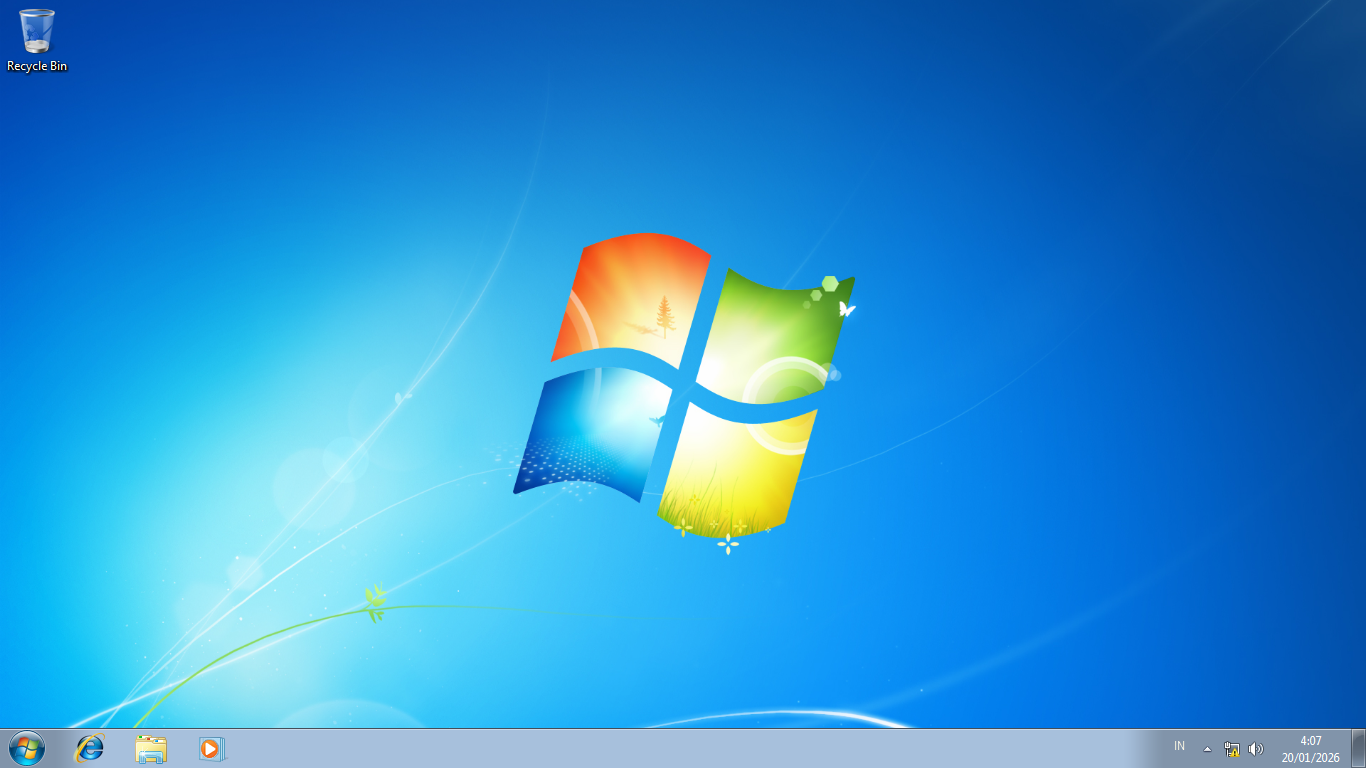
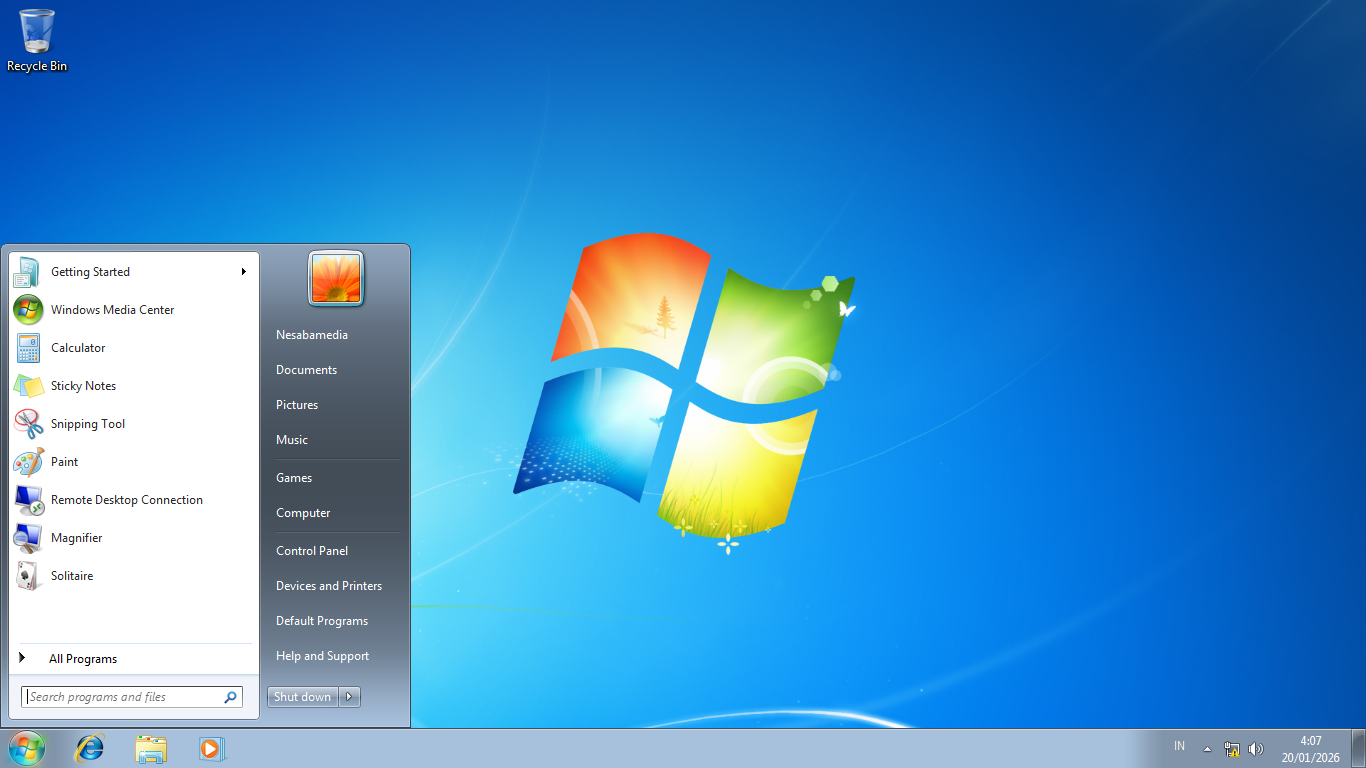
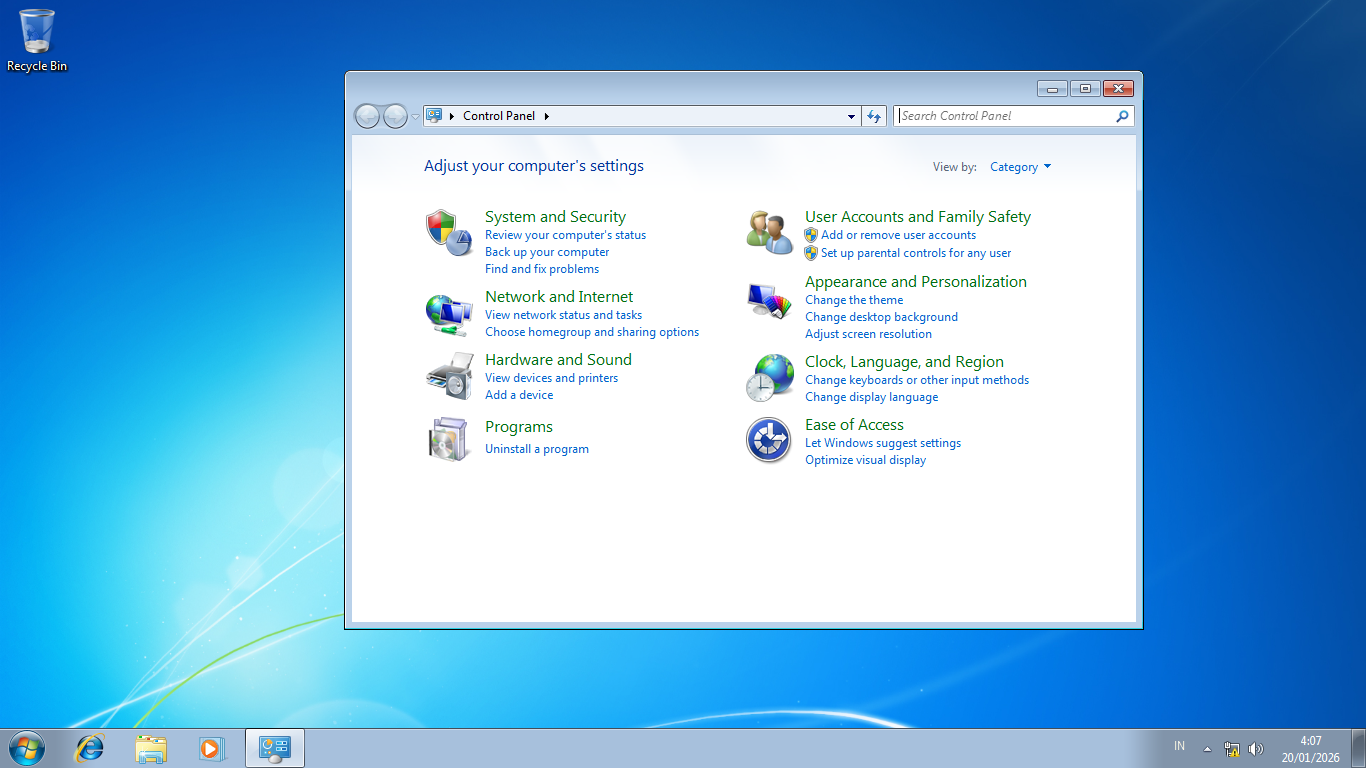
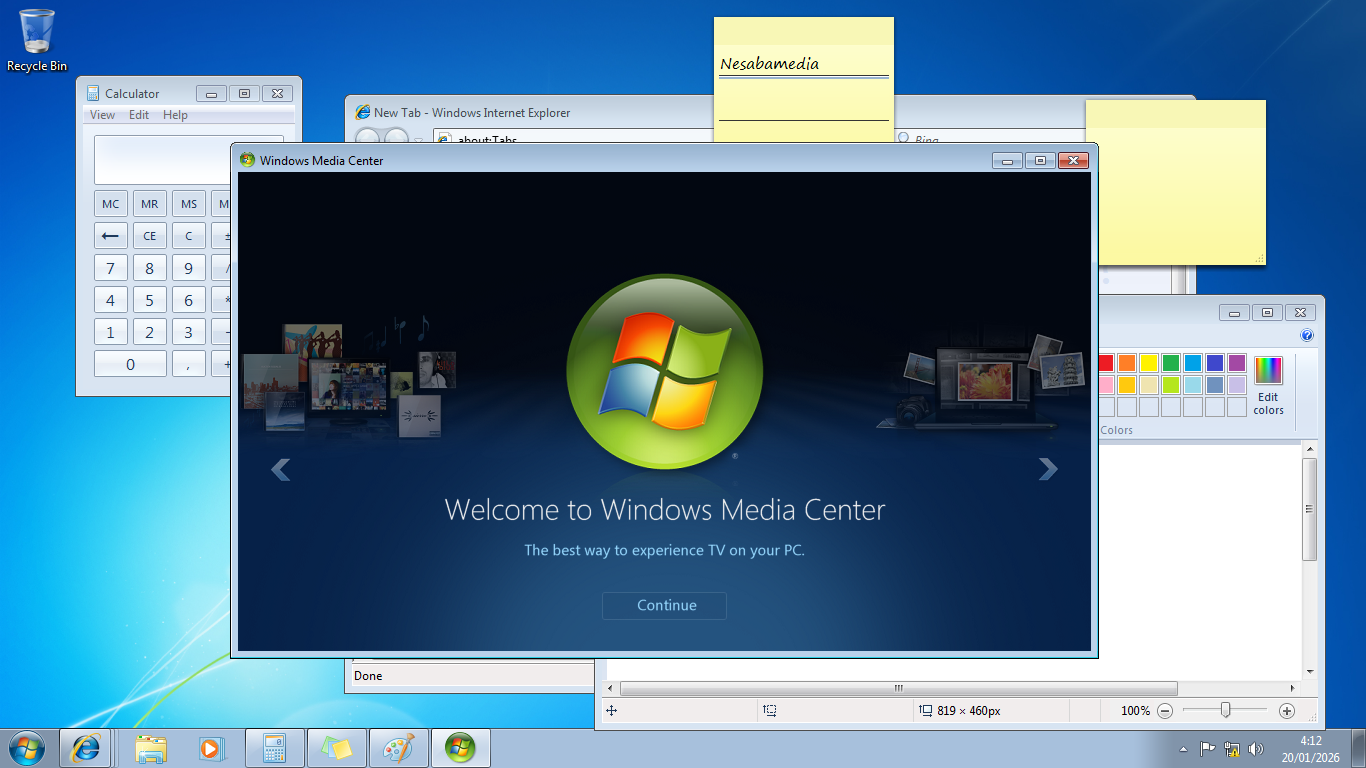
Windows 7 Ultimate sports a look that is completely different from the two predecessors, namely Windows Vista and XP. If you have a Windows 7 PC, Windows Vista PC, and Windows XP PC in front of you, you’ll know immediately which is which, as each of them screams its own unique visual style.
The operating system has a taskbar large enough to display the icons in a way that helps you avoid clicking the wrong ones. Plus, you can pin icons for programs to make them easier to open. For certain applications like Microsoft Word, right-clicking their icons on the taskbar shows a list of files you’ve opened with them. If you click a file in the list, the application will open it right away.
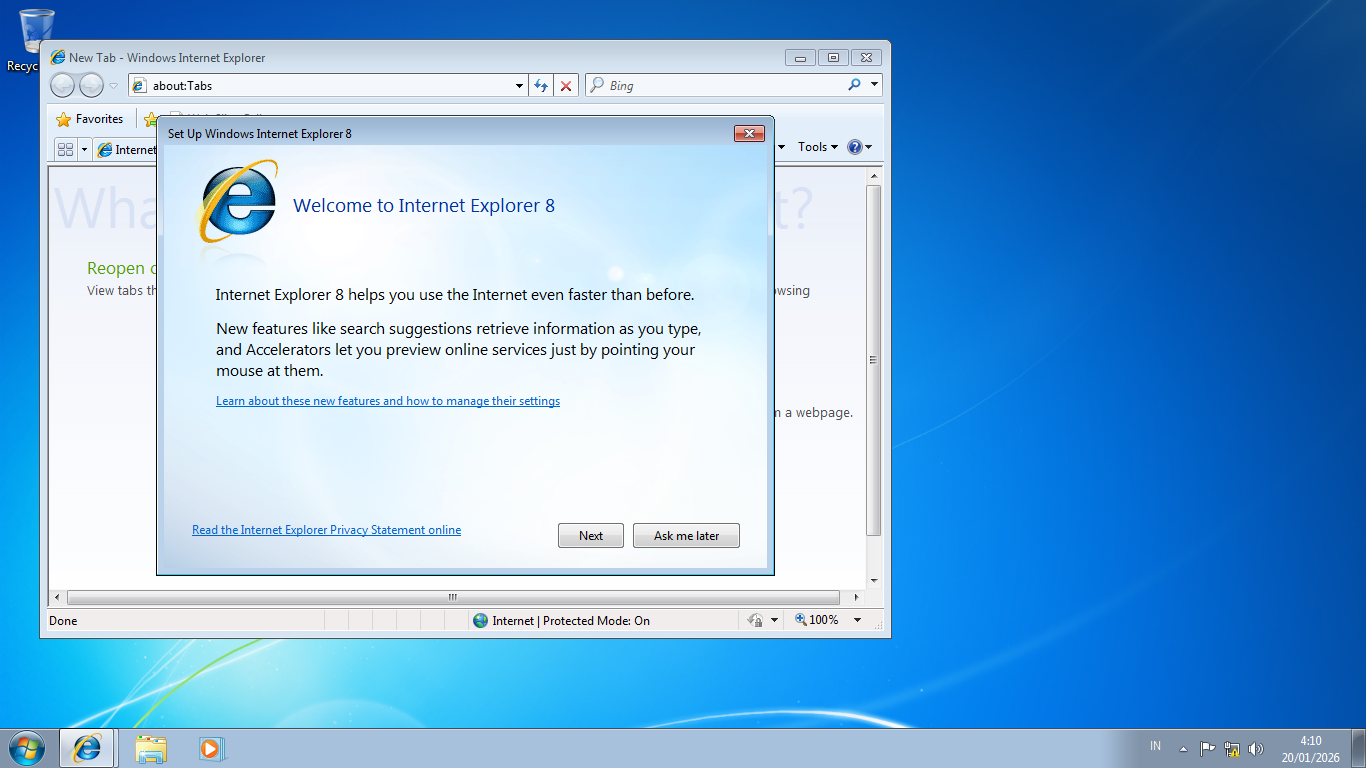
To browse the web, Windows 7 Ultimate comes with the old Internet Explorer. If you don’t want to use it, you can use other browsers like Microsoft Edge, Google Chrome, or Mozilla Firefox, all of which are much better in terms of performance, appearance, and features. Be aware that you may need to install an older version, since the latest updates don’t support Windows 7 anymore.
One of the highlights that set it apart from the other Windows 7 editions is AppLocker, which provides a method to restrict access to programs. The method involves a series of rules that determine if an application is allowed to run or not. While that sounds appealing, it’s not exactly user-friendly for the average home users.
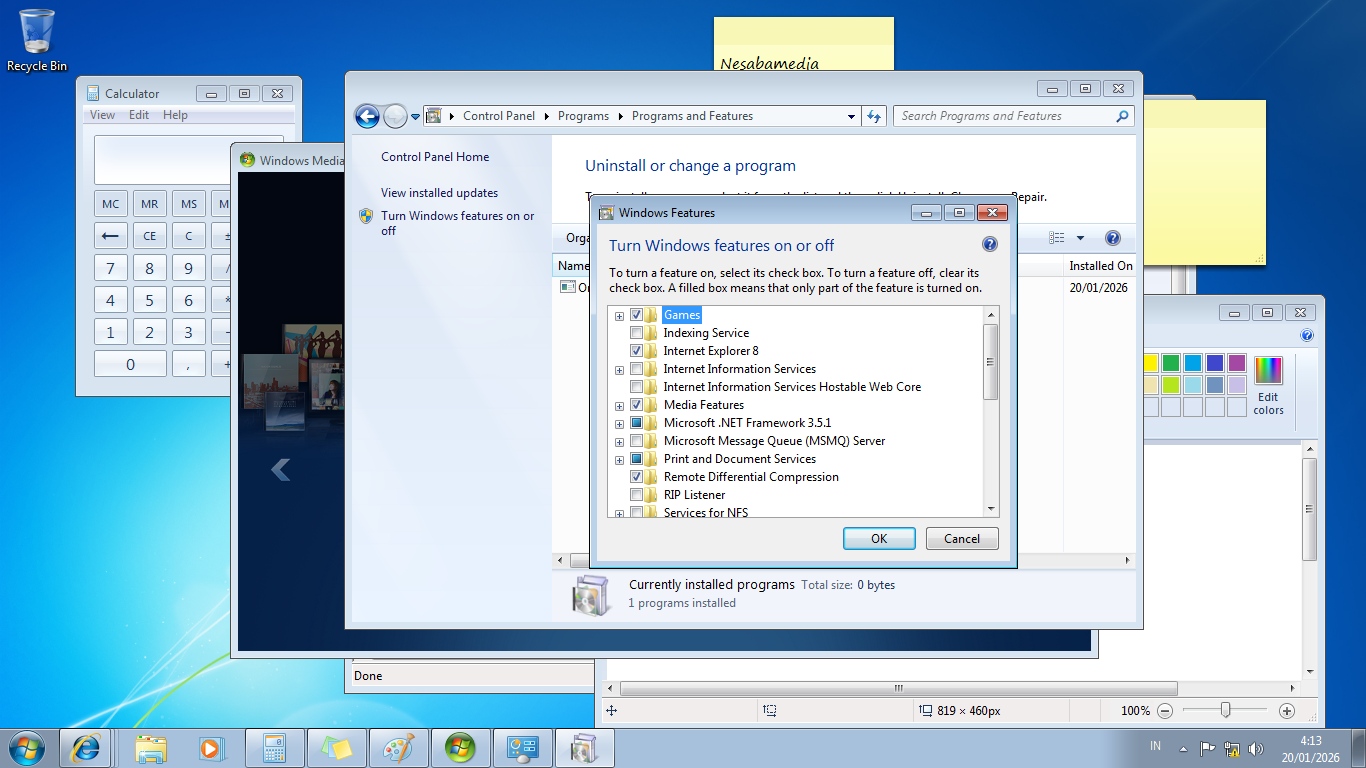
BitLocker is probably the biggest selling point of the Ultimate version. For people who work on the go, it offers peace of mind by encrypting the entire drive, making sure no one else can access the data if their laptop is ever stolen or lost.
Windows 7 Ultimate Free Download
To this day, there are still people who are convinced that Windows 7 is the best operating system Microsoft has ever made and even use it as their daily driver, while others may run it on a virtual system for certain purposes.
The operating system is no longer supported, but it’s still available for download for anyone who needs it, and the Ultimate is the most complete edition that offers every feature found in Windows 7 Home and Professional, plus AppLocker and BitLocker that provide layers of extra security. You can click the link below to download Windows 7 Ultimate for Windows:
- App Name Windows 7 Ultimate
- License Freeware
- App Name Windows 7 Ultimate
- Publisher Microsoft
- Updated
- Version:
On our site you can easily download Windows 7 Ultimate. All without registration and send SMS!