Windows 10
- Version: 22H2
- Size: 5.72 GB
-
[Total: 1 Average: 5]
When Microsoft forced users to adapt to its Modern UI in Windows 8, too many people hated it. Even Windows 8.1, which came after a lot of pushback, failed to fully calm the backlash. With the release of Windows 10, however, the company finally did it right.
Windows 10 did not completely abandon the Modern UI, but it did completely dismantle its “tablet-first” hierarchy. Instead of the Modern UI being the dominant layer that you were forced to inhabit, it was demoted to being just one part of the traditional desktop experience. The company essentially performed “reconstructive surgery” on the Modern UI to make it palatable for desktop users.
Features and Highlights
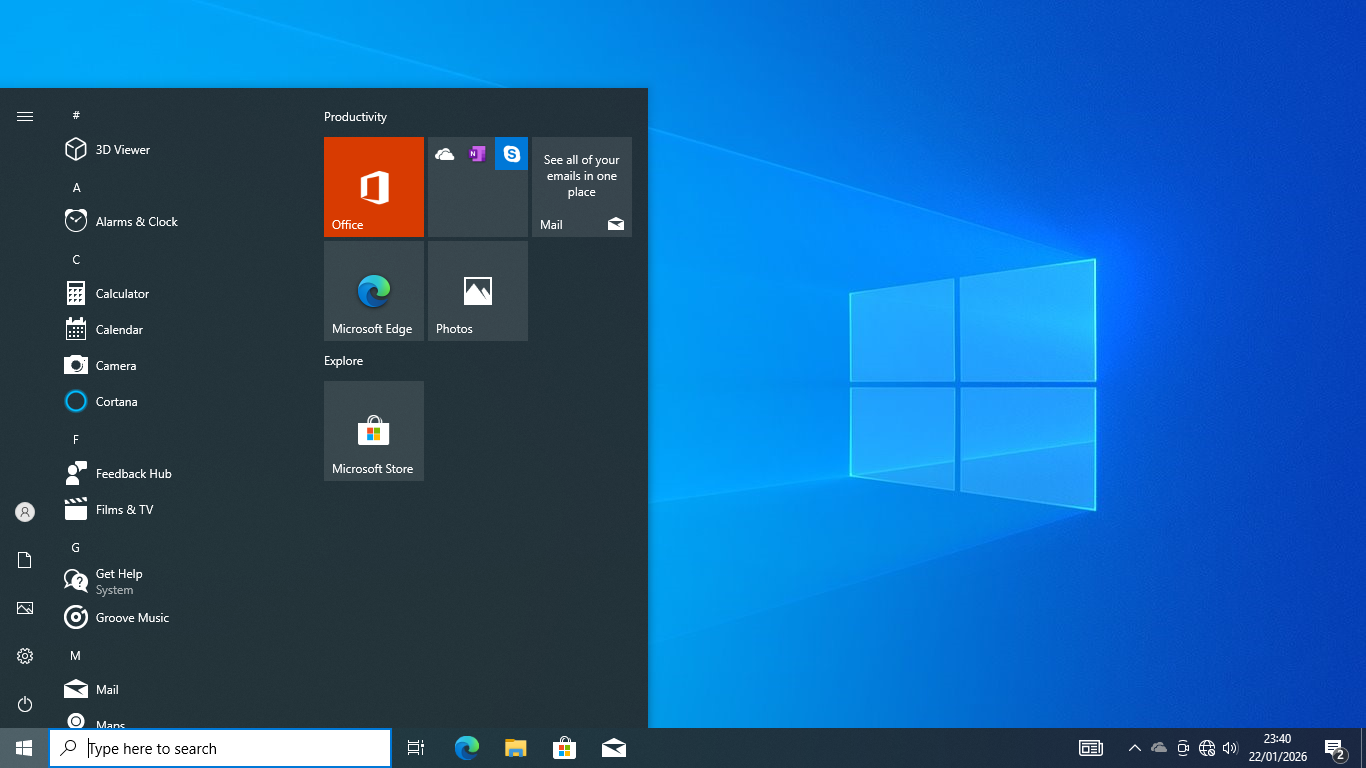
For many people, switching from Windows 7 to Windows 8 was a real shock, since the full-screen Start menu felt like something designed for a tablet rather than a desktop PC. Microsoft later addressed this in Windows 10 by bringing back the classic corner menu we all knew while still keeping the Windows 8 live tiles inside it to provide quick updates like news or weather.
This mix of old and new wasn’t limited to the Start menu, as Windows 10 also continued the shift away from the classic Control Panel. The Settings app we see in Windows 10 actually evolved from the tablet-friendly menu first introduced in Windows 8. While that original version was built mostly for touchscreens, Microsoft overhauled it for Windows 10 to make it work better with a mouse.
UWP apps also stay. The difference was that in Windows 10, they could finally run in a window like any other program instead of taking over your entire monitor like they did in Windows 8. This change makes these apps more usable for everyday tasks.
Traces of Windows 8 can also be seen from the slide-out notification tray on the right side of Windows 10. Officially known as Action Center, it is essentially a refined version of the tablet-style notification approach introduced in Windows 8.
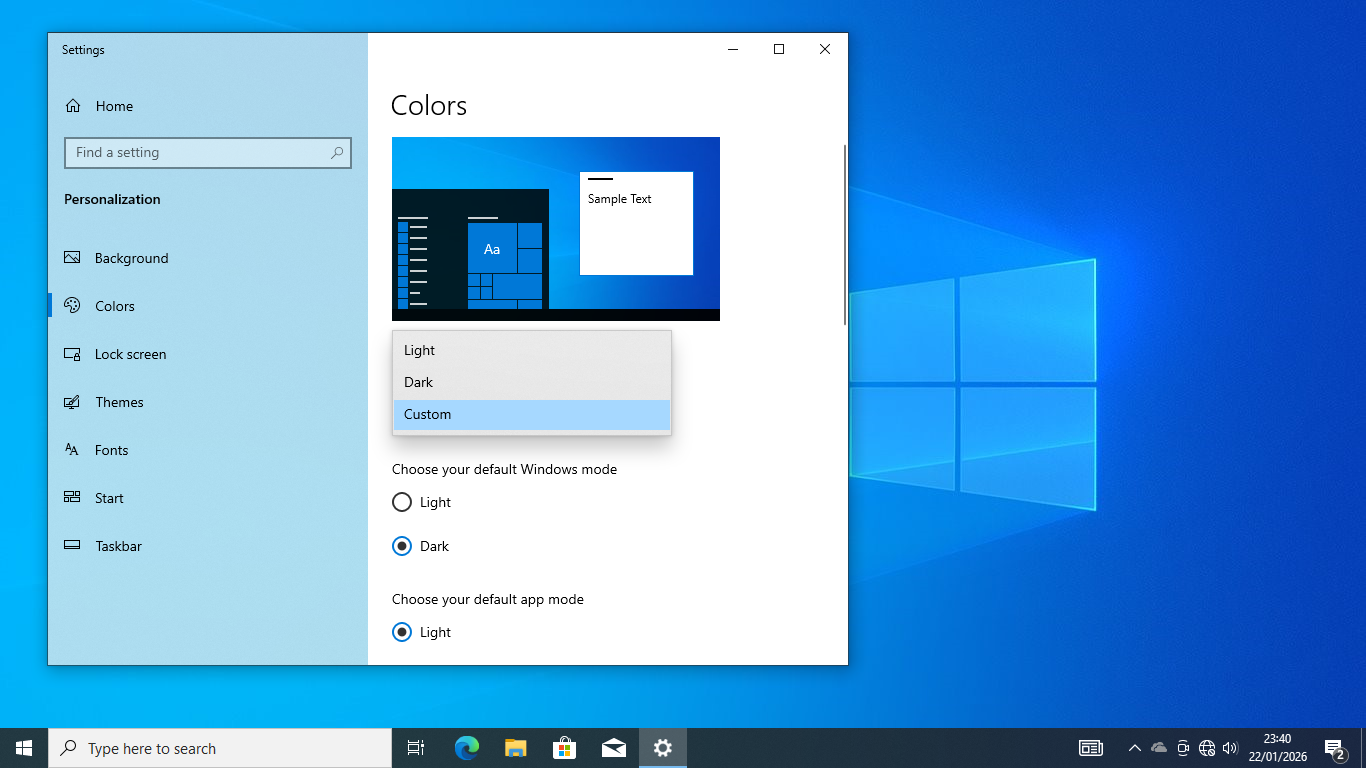
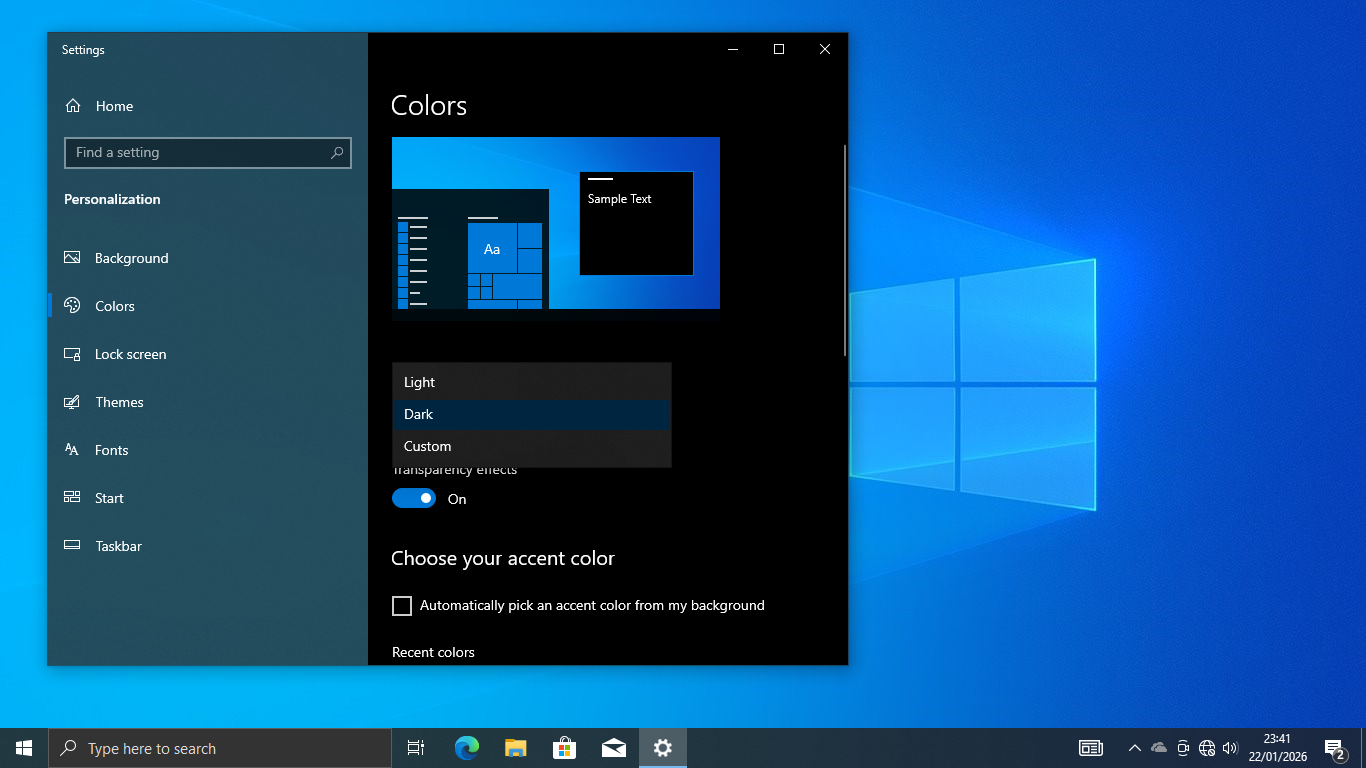
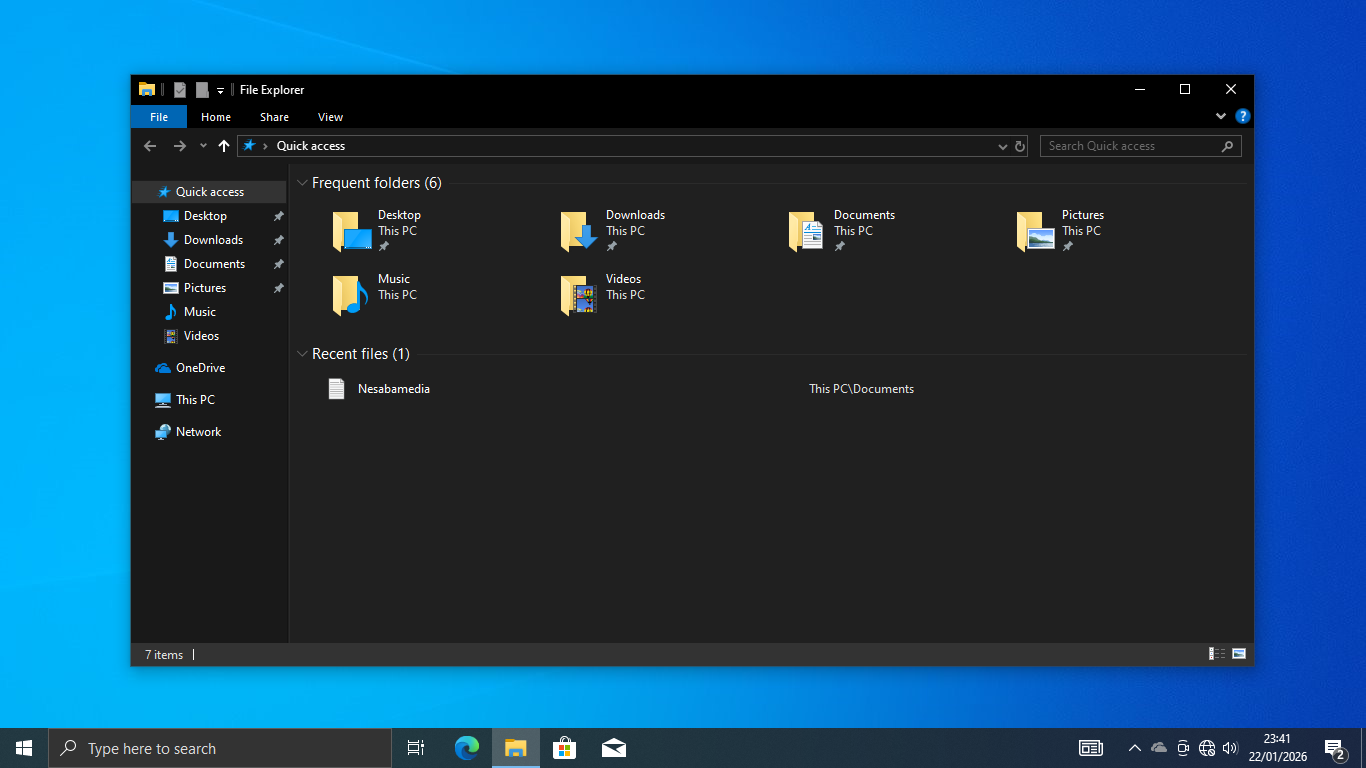
Setting aside the features inherited from Windows 8, Windows 10 also brought some new ideas to the table that change how we use our PC’s every day. The “Dark Mode”, for example, allows us to toggle a high-contrast, dark interface across the entire OS and its supported applications, significantly reducing eye strain when we work at night.
Windows 10 Free Download
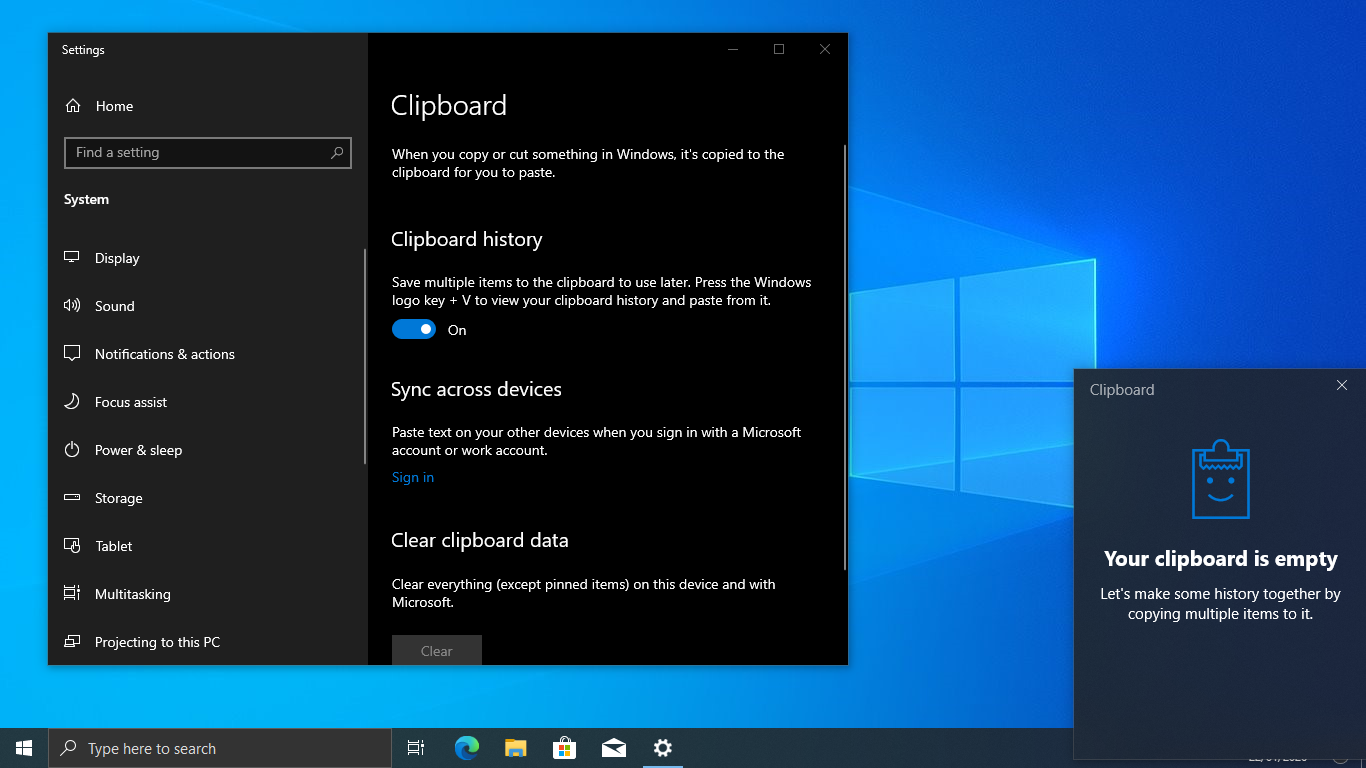
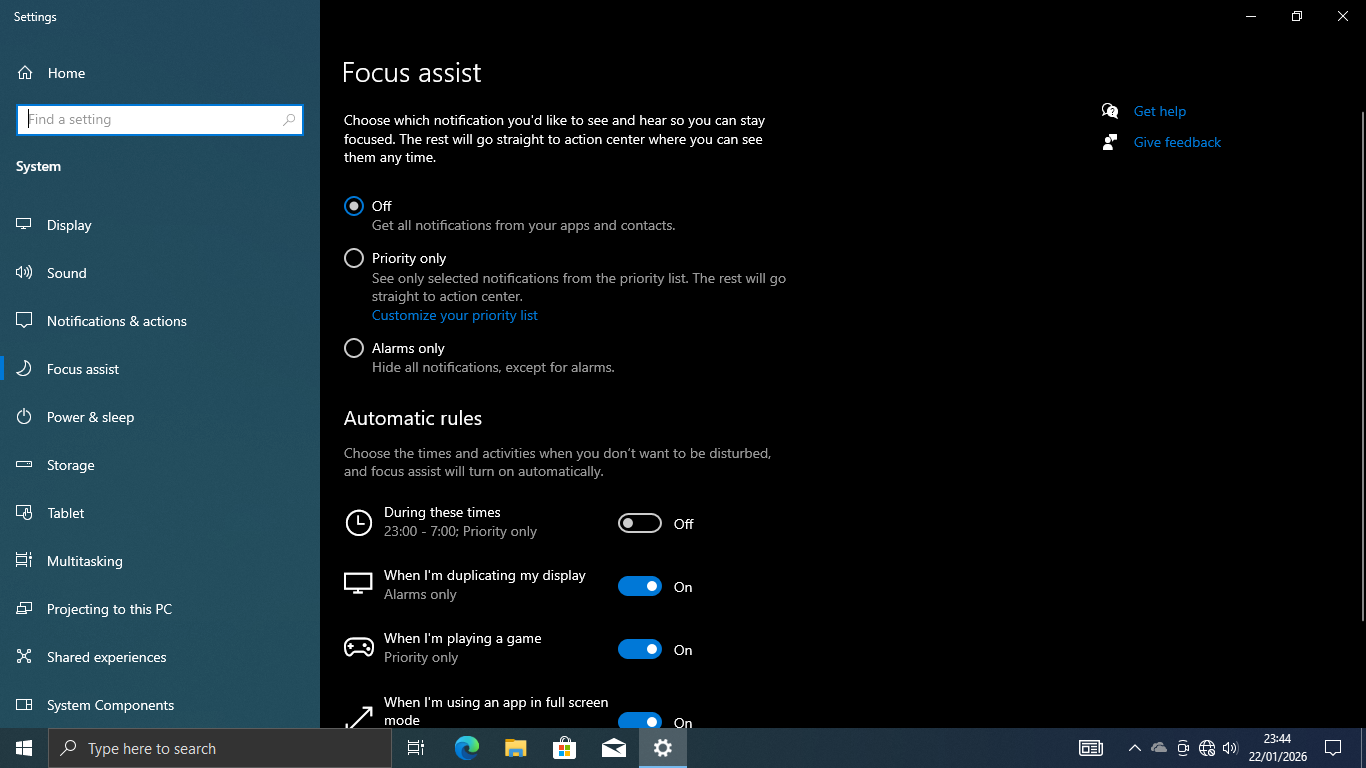
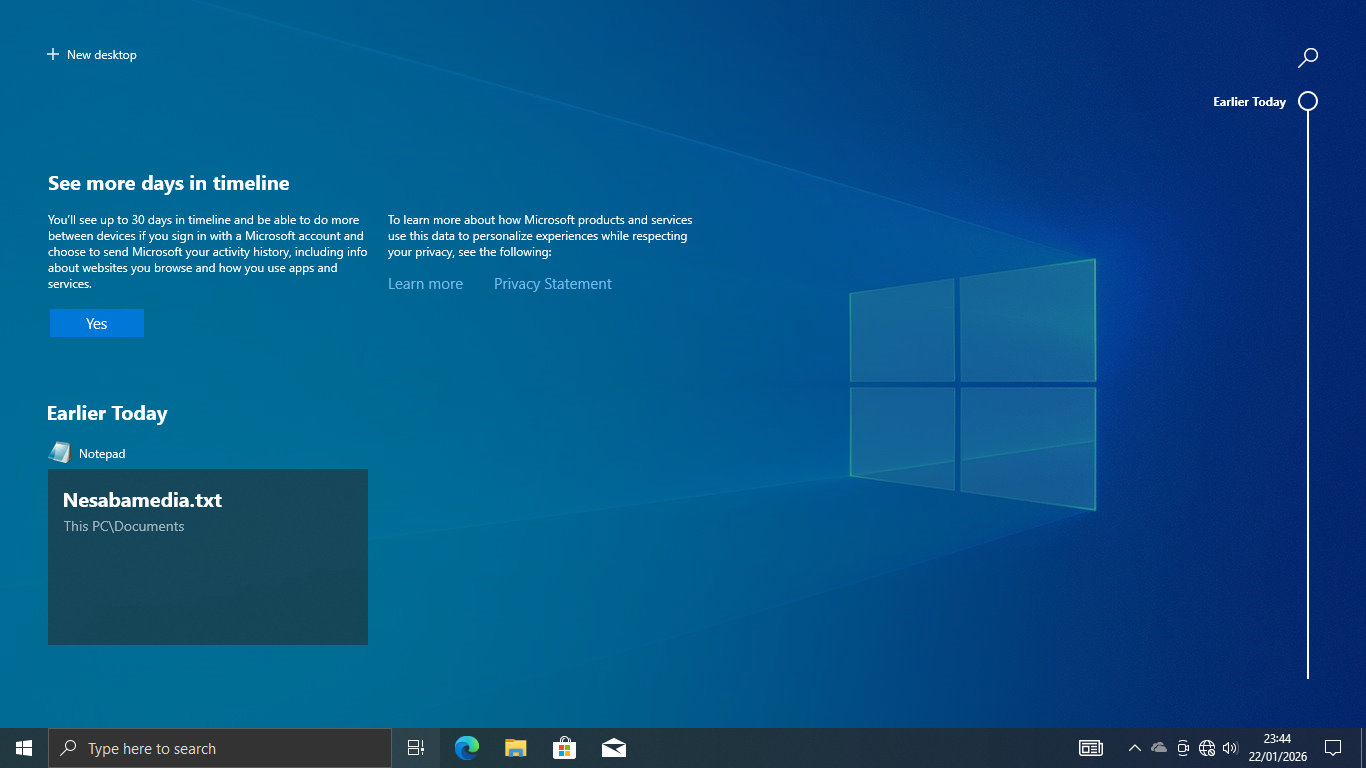
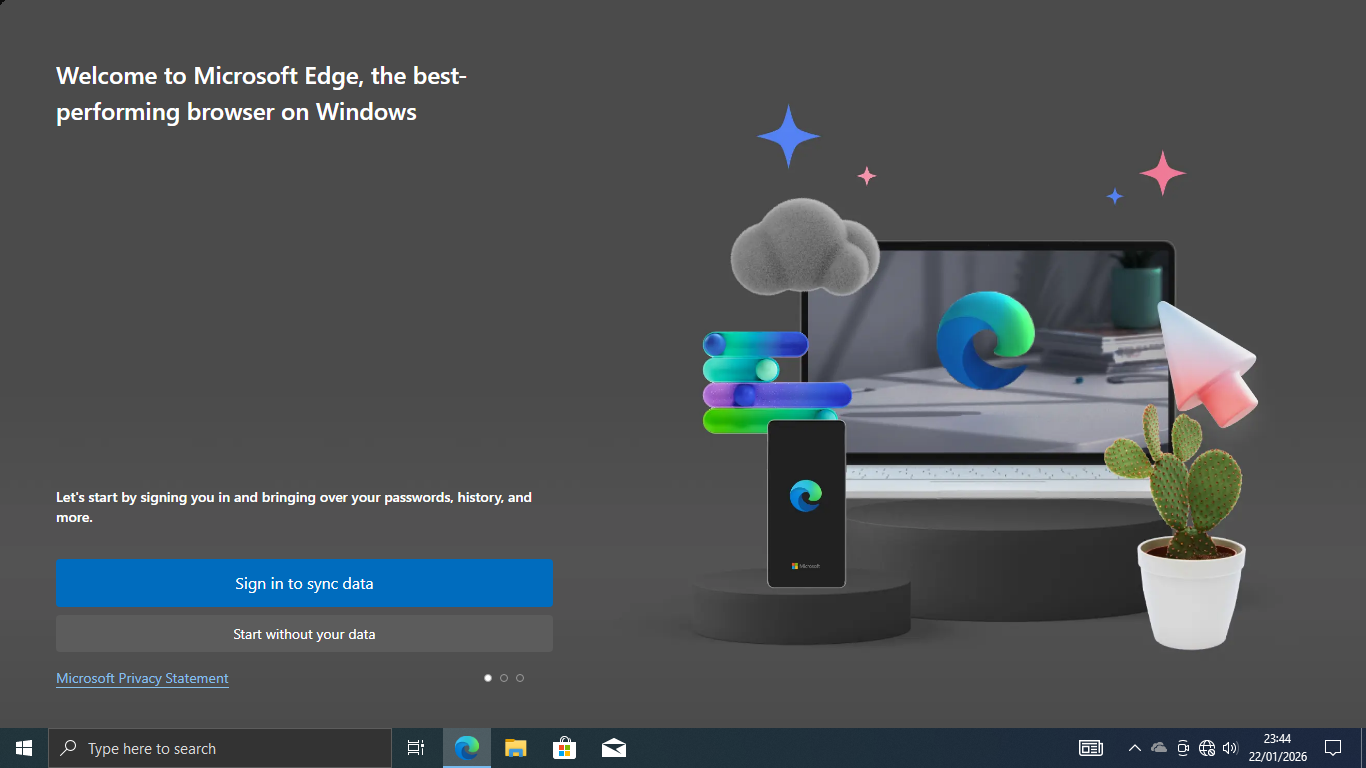
The Dark Mode is a very helpful feature, but there are others that are worth noting as well, which include Clipboard History to copy and paste items more efficiently, Focus Assist to reduce distractions, Nearby Sharing to share files, Virtual Desktop to separate workspaces based on your activity, Task View to display and switch between all open apps and files, and Microsoft Edge to browse the web.
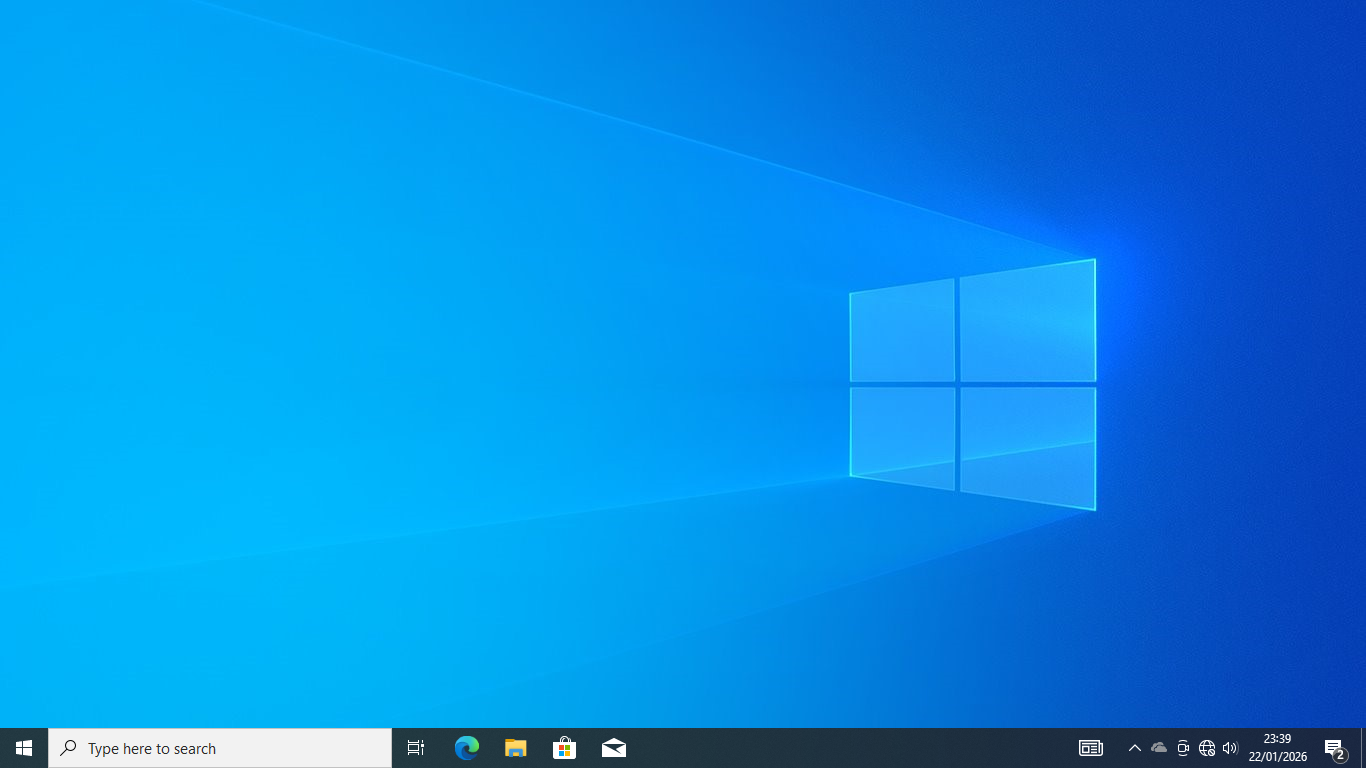
Of course, it has shortcomings just like any other version, but Windows 10 is arguably the best operating system Microsoft has ever made so far. It’s no wonder so many users are still holding out and refusing to upgrade, even if their PCs can handle the newer version just fine. You can click the link below to download Windows 10:
- App Name Windows 10
- License Freeware
- App Name Windows 10
- Publisher Microsoft
- Updated
- Version: 22H2
On our site you can easily download Windows 10. All without registration and send SMS!