WhatsApp Desktop Beta
- Windows: 7, 8, 10, 11
- Version: 2.2587.9.0
- Size: 283.12 MB
-
[Total: 1 Average: 5]
Meta bought WhatsApp for a whooping billions of dollars back in 2014, betting big on how popular messaging apps were getting and using the deal to massively expand its global reach and user base. Today, WhatsApp isn’t just on your phone. It’s on your Windows desktop too, and it is simply called WhatsApp Desktop.
So, what is WhatsApp exactly? Simply put, it’s a digital communication tool that relies on the internet network, so you pay nothing when you use it to talk to your parents, sisters, brothers, friends, neighbors, and whoever else you use to chat with. It’s undoubtedly much more economical than the regular phone services.
Features and Highlights
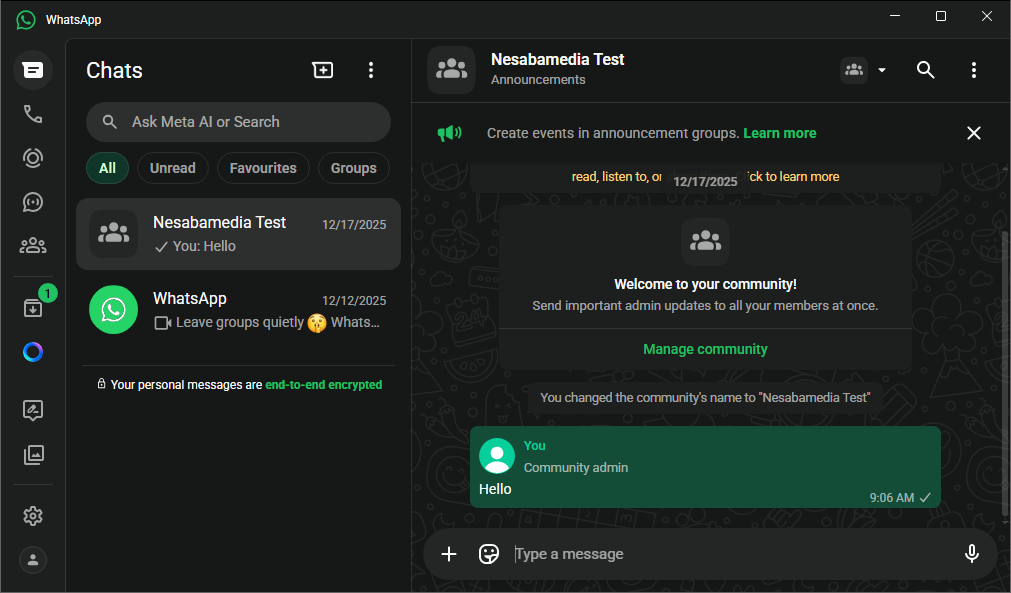
WhatsApp Desktop is often more convenient to use when you are working on your computer. When someone sends you a message, you can read it right there on your screen instead of reaching your phone, swiping the screen, and maybe unlocking it just to read the text. You shave off only a few seconds each time, but if you chat often, it quickly adds up. Besides, reaching for your phone alone might get annoying if you do it frequently.
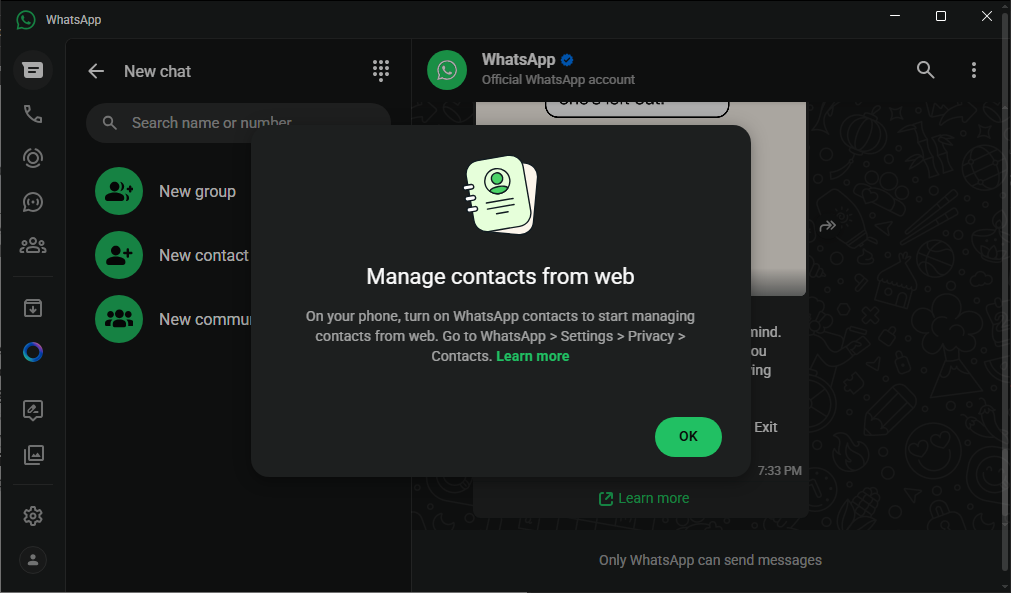
It’s not without its own drawbacks, though. There are things that you can only do with the mobile version such as backing up chats to your Google account, enabling/disabling two-step verification, and managing multiple WhatsApp accounts. It’s never been meant to replace the mobile app in the first place.
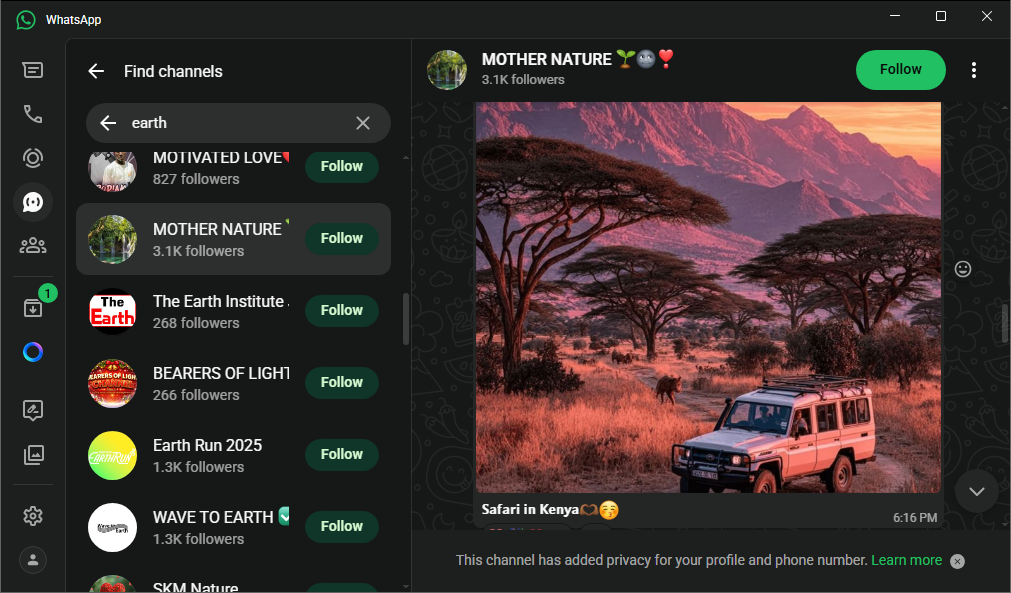
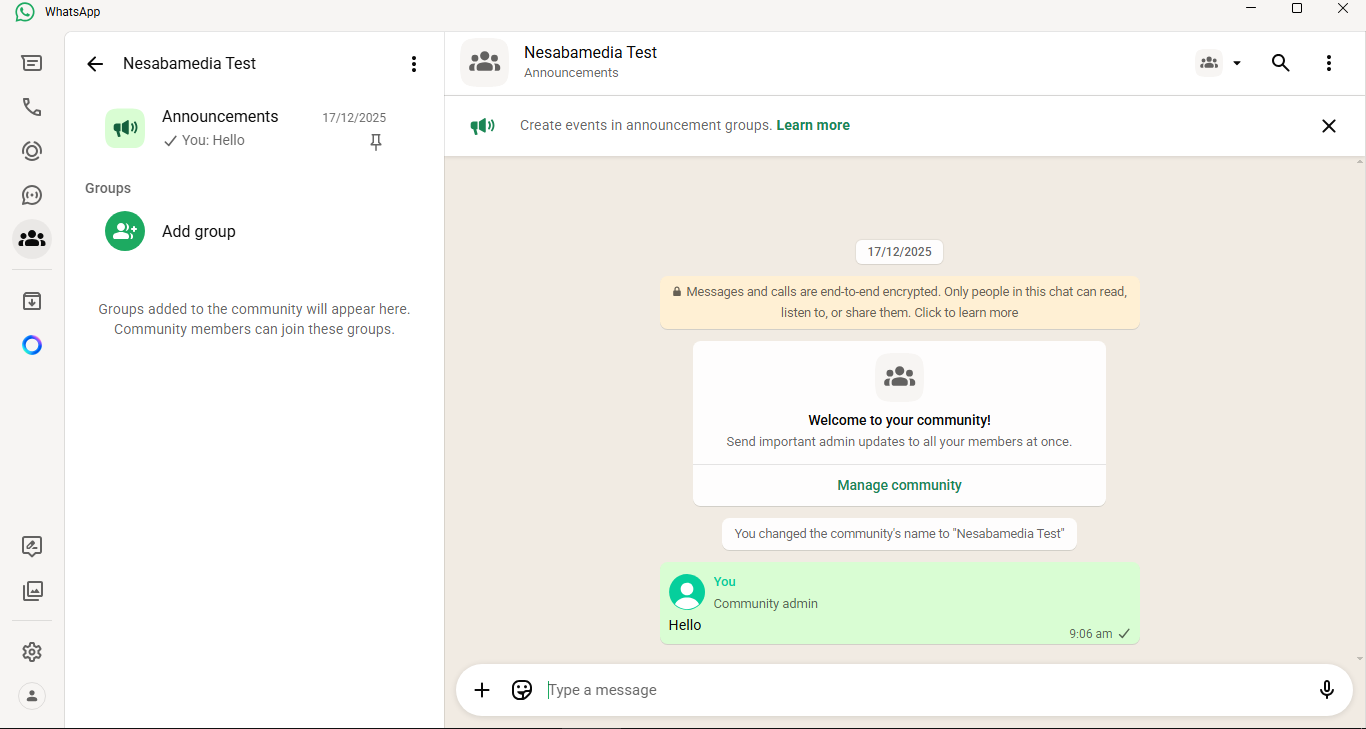
If you compare it to the web version, WhatsApp Desktop can do slightly more. It can be used to make, receive, and schedule calls. It also allows you to share your screen with others. Sharing files is easier too. Not having to fire up your browser every time you want to chat on the larger screen is also an advantage, but the trade-off for the convenience is your disk space. While the file size isn’t going to eat up much space, it does take up some of it.
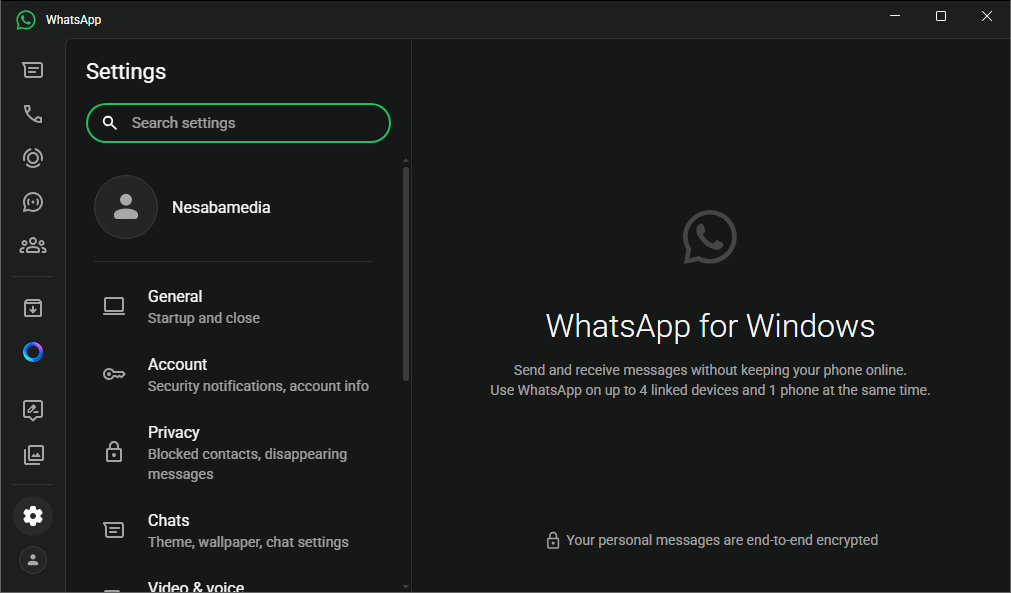
WhatsApp Desktop’s theme can be set up to Light, Dark, or follow your Windows theme. This feature might look trivial, but not every chatting app gives you this freedom to choose between staring at a bright white screen or a darker background. For some users, especially those who chat frequently on desktop, this small customization can actually be a deal breaker rather than just a nice bonus.
WhatsApp Desktop Free Download
WhatsApp Desktop doesn’t have to stay on your taskbar all the time. When you are not chatting with anyone, you can close the application, or minimize it to the notification area to free up the taskbar. It notifies you when a new message comes in so you won’t miss a thing, including when someone likes your status.
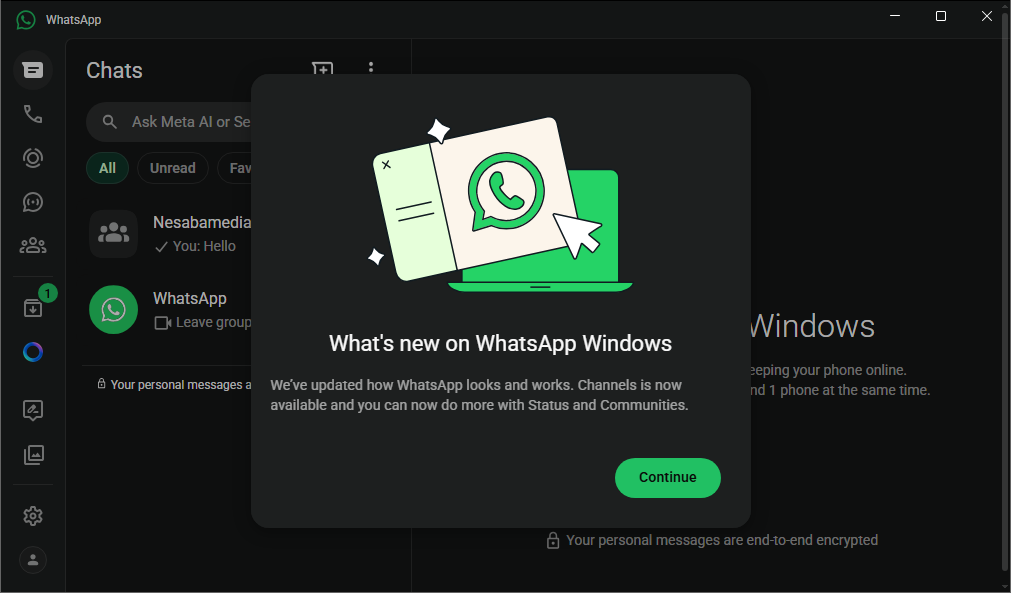
If the notifications start to feel overwhelming, you can open the Settings screen and turn off notifications for likes, as well as right-clicking on every chat that you want to stop getting notifications from and choose Mute Notifications for 8 hours, 1 week, or forever. You can click the link below to download WhatsApp Desktop for Windows:

- App Name WhatsApp Desktop
- License Freeware
- App Name WhatsApp Desktop
- Publisher WhatsApp Inc.
- Updated
- Version: 2.2587.9.0
On our site you can easily download WhatsApp Desktop Beta. All without registration and send SMS!