UC Browser

- Windows: 7, 8, 10, 11
- Version: 1.1.0.8
- Size: 166.39 MB
-
[Total: 1 Average: 5]
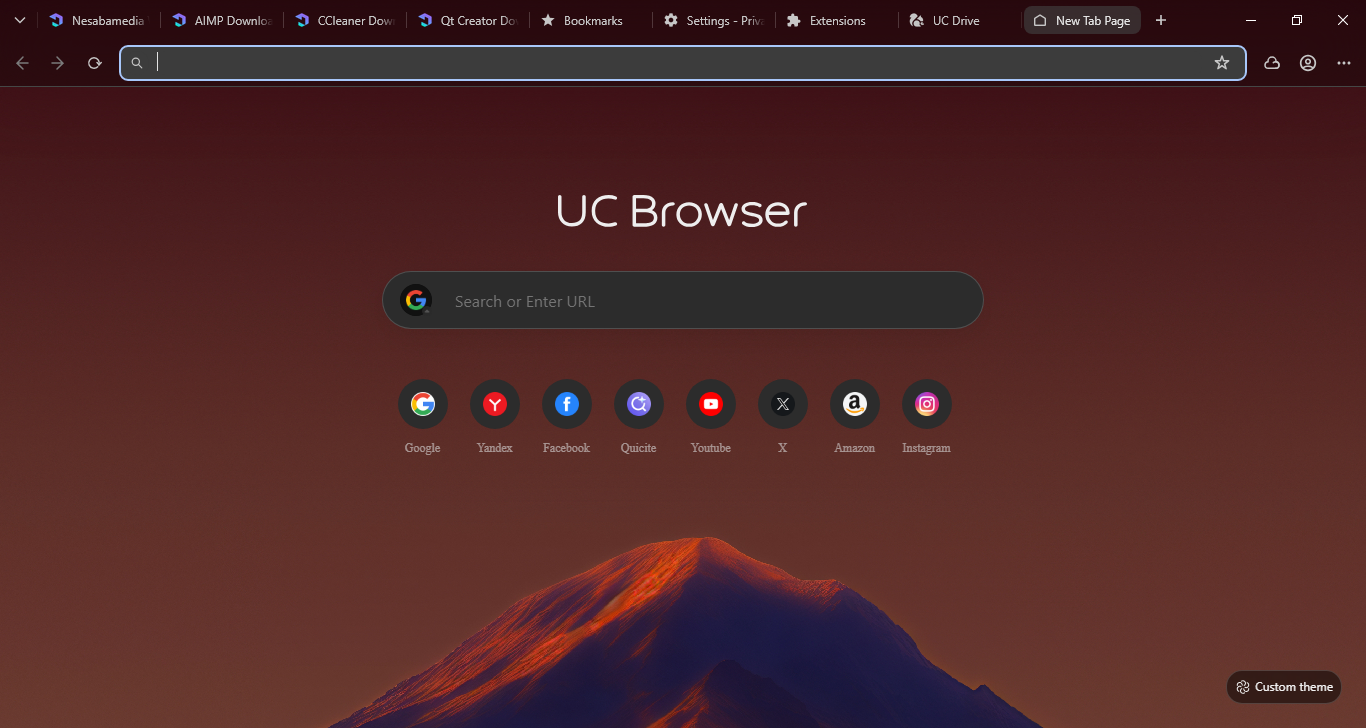
The open source project Chromium has paved the way for the developers at UCWeb to create UC Browser. In the efforts to win the competition, or at least to grab a fair share of the market, they made it as unique as possible not just by designing a rather unusual interface but also a few notable features in addition to the standard ones.
UC Browser has gained a widespread attention, but not every news is a good one. While some of its features has been praised by a number of reputable technology websites, it has security and privacy issues that become international concern.
Features and Highlights
One of the notable features in UC Browser is the Night Mode that lets you adjust the screen brightness via a slider. So, whenever you feel that your computer screen is too blinding to look at, you can tone down the light simply by moving the slider to the left and right until you get the best balance. Do keep in mind that it works only in the browser. The moment you minimize it, or exit it, the brightness returns, which is why the mode is not an ideal solution if you often jump back and forth between the browser and anything else on the screen.
The Bosskey is also an uncommon feature among browsers. If you are in a particular situation or location that does not allow you to browse the web openly, it gives you a way to escape immediately when someone else is about to pass your desk or enter your room. In a press of a hotkey, no one knows that you’ve just done a forbidden act.
When you download multiple files, UC Browser leaves you with two choices, either you let it download the files as usual or limit the number of parallel downloads.
You can see all the downloaded files in the download panel, which is a lot better than the ones you find in Google Chrome and Mozilla Firefox. The files are neatly grouped based on file types.
10 mouse gestures with 21 actions are available. You cannot edit the gestures, but you can choose which action to be assigned to each gesture. When you perform a gesture, a mouse trail follows the movement and a tooltip appears which displays a short description of the gesture.
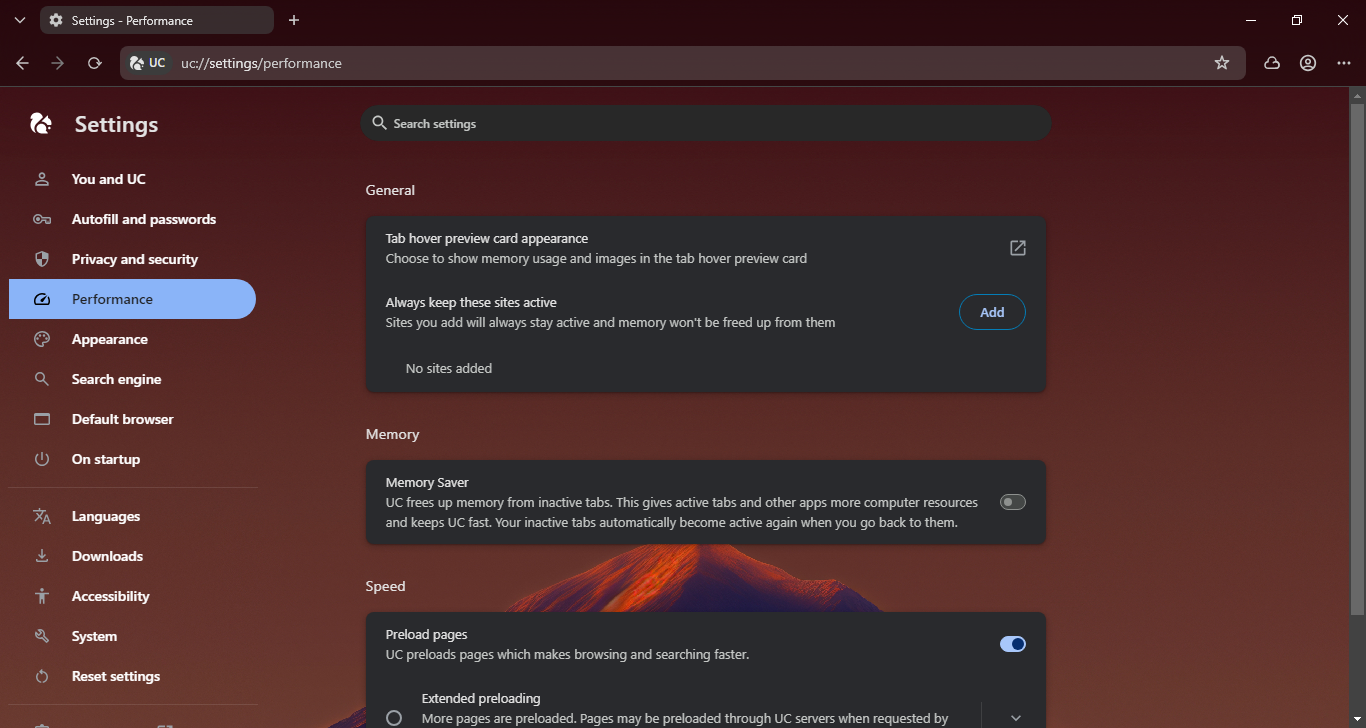
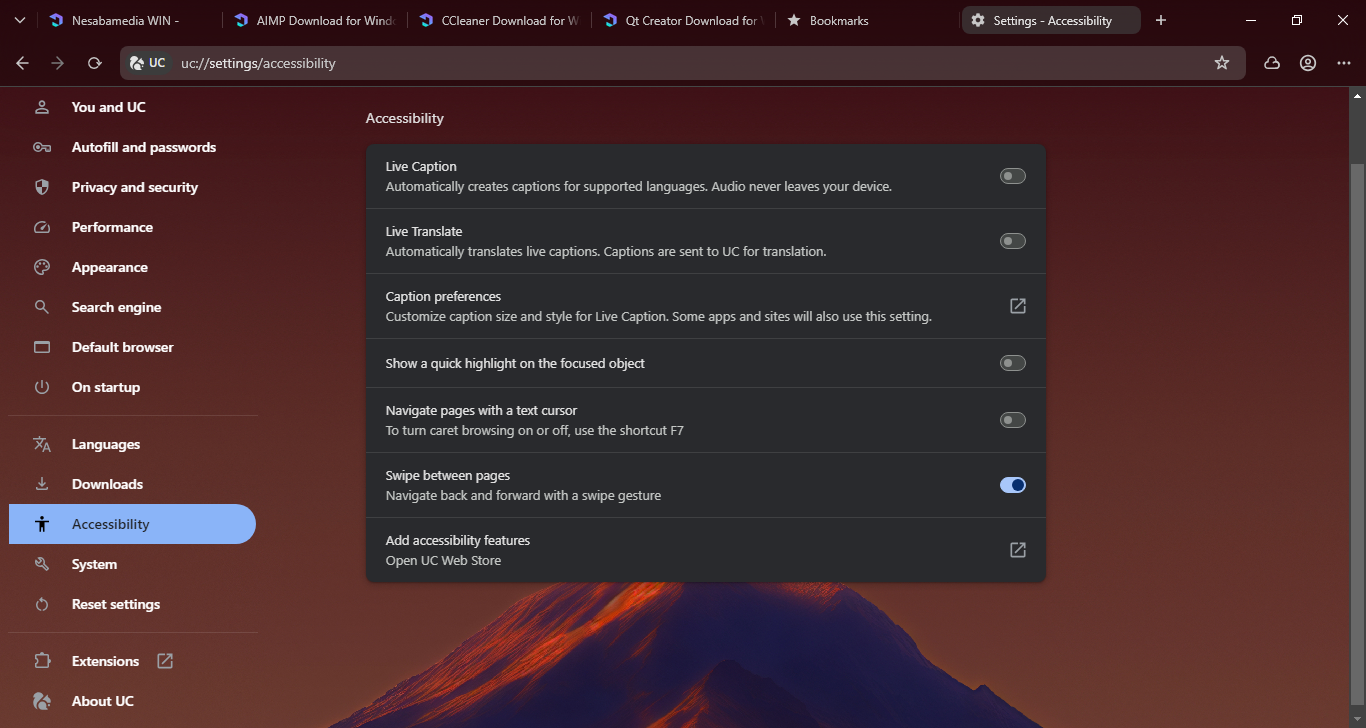
Dive into the Settings page and you will be able to make the browser more useful. Some options that you’d probably like to enable are the ability to switch between tabs using mouse wheel and continue where you left off when you open the browser.
UC Browser Free Download for Windows
UC Browser is a promising web browser, but the privacy and security issues are too big of a concern to ignore. If these issues were never present, the browser would have been a strong contender to the more popular browsers. As of this moment, UC Browser has not been updated for a long time already, which further discourages many users from using it. You can click the link below to download UC Browser for Windows:

- App Name UC Browser
- License Freeware
- App Name UC Browser
- Publisher UCWeb Inc.
- Updated
- Version: 1.1.0.8
On our site you can easily download UC Browser. All without registration and send SMS!