Tiny11 ISO

- Version: 22H2
- Size: 4.16 GB
-
[Total: 0 Average: 0]
Windows 11 is arguably the best looking version of Windows to date, but it is much less user-friendly when it comes to hardware since it has a higher system requirement. Buying new hardware just for the sake of the latest operating system is not a plausible option for many people since it costs a lot. On the other hand, Microsoft makes it challenging to stick to Windows 10 as the company stops supporting the OS in favor of its successor.
Tiny11, which comes from the same developer of Tiny10, saves the day by offering you a stripped-down version of the OS. Anything that the developer considers unnecessary is removed from the OS. The purpose is to make it as slim as possible without sacrificing key features, security, and stability.
Features and Highlights
Microsoft seems to have a habit of adding features that many people never ask for. To make it worse, oftentimes there is no easy way to remove them completely. Consequently, they eat up disk space for nothing, they clutter the system, and sometimes they might distract or even frustrate users. Even for those that can be removed manually, doing so takes time.Thanks to Tiny11, you can get the benefits of Windows 11 without the extra bloatware.
Why would anyone keep unused features in the system especially when a method to get rid of them for good is available? That’s what Tiny11 brings to the table. It gives you a snappier version of Windows 11 at the cost of less features. It achieves this not just by aggressive removal but also high compression.
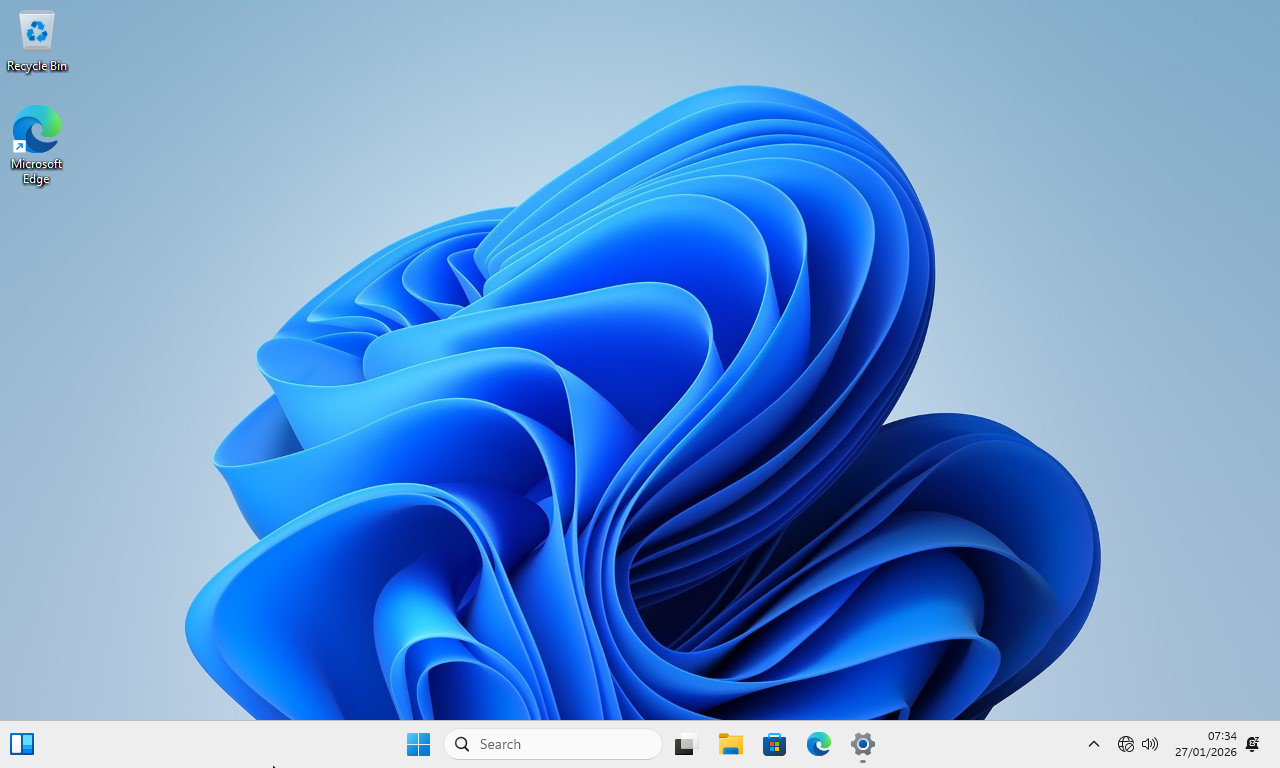
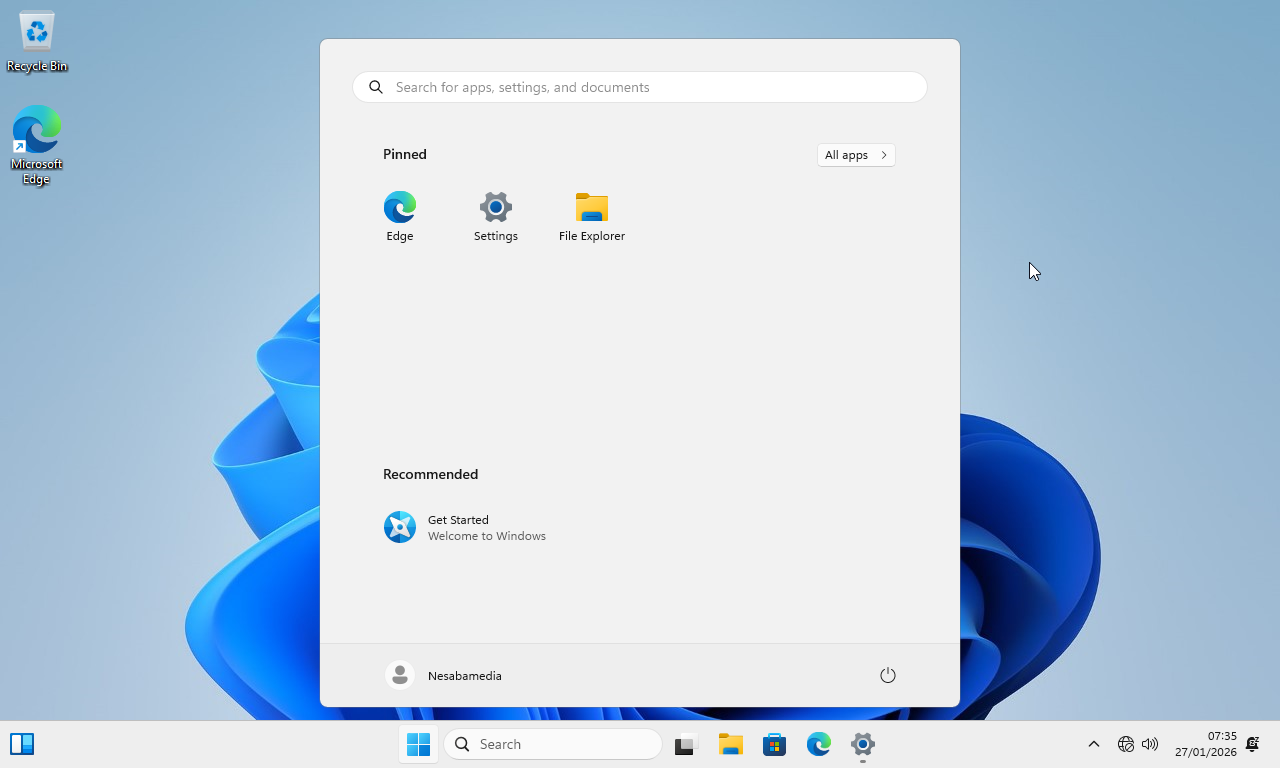
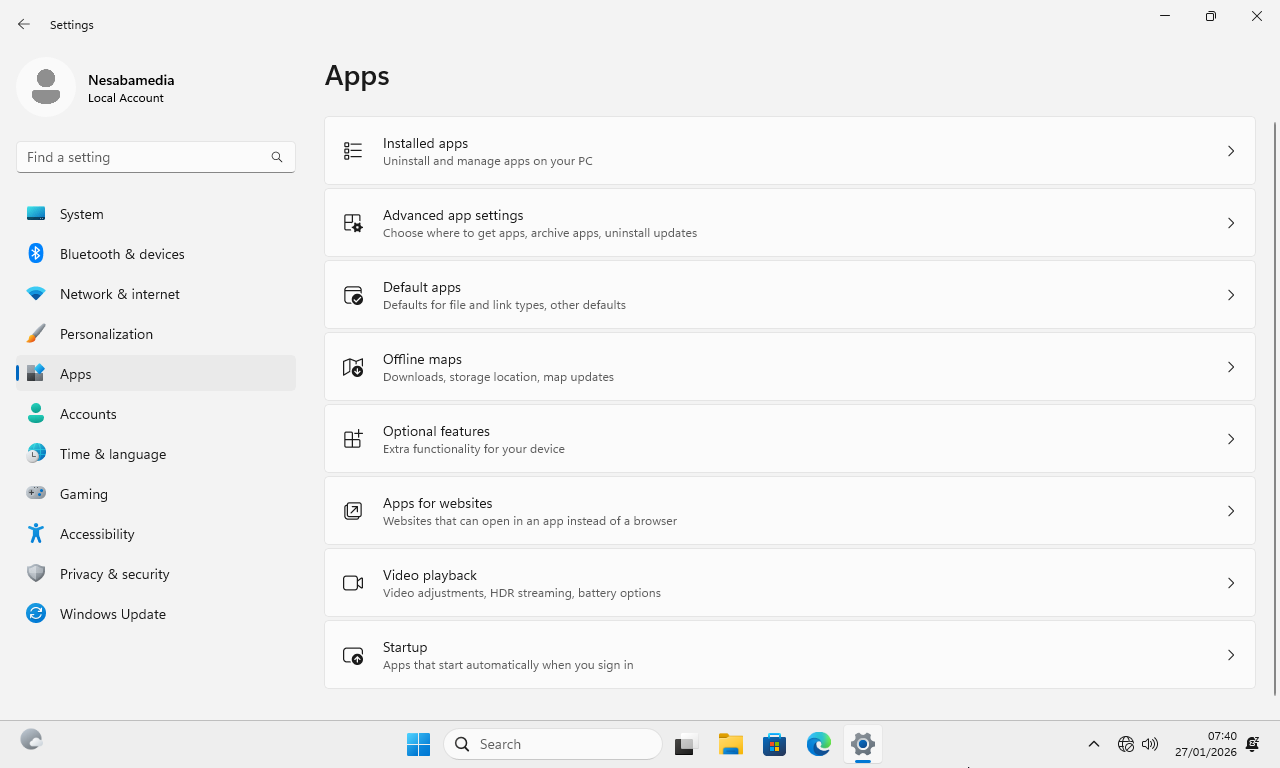
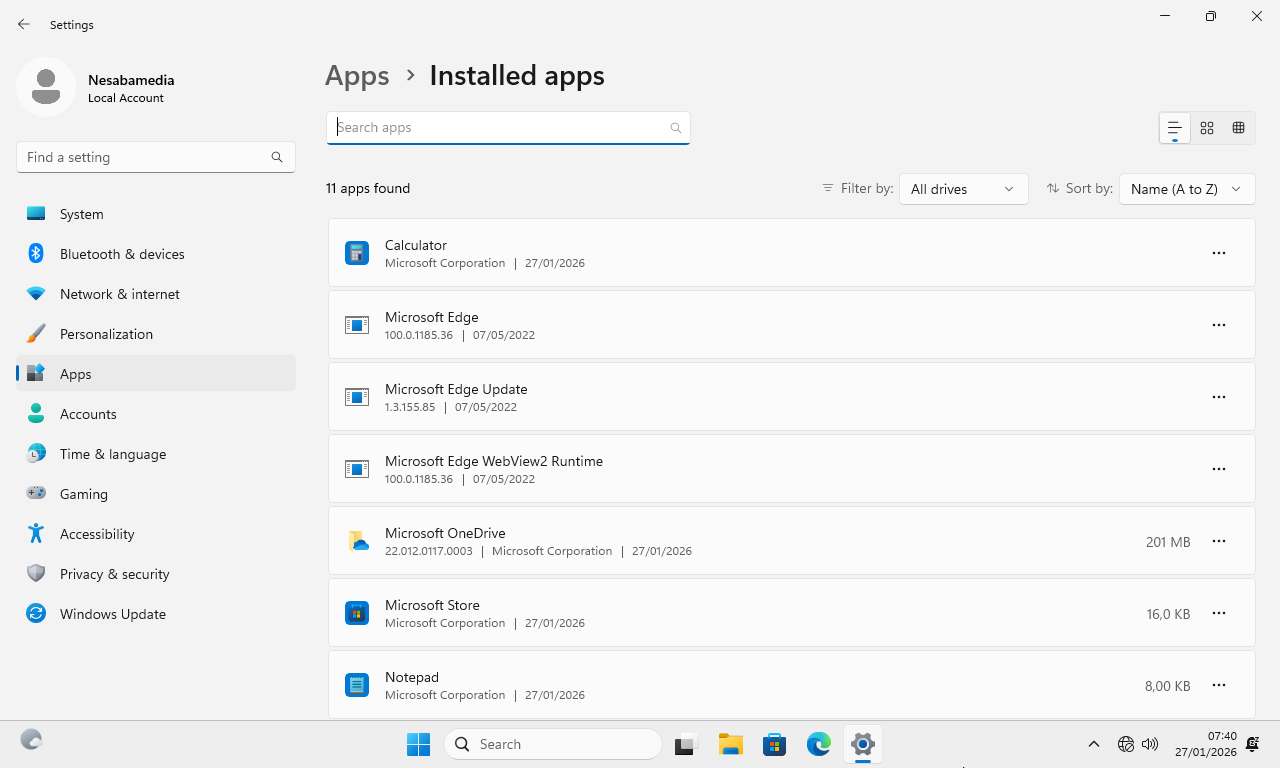
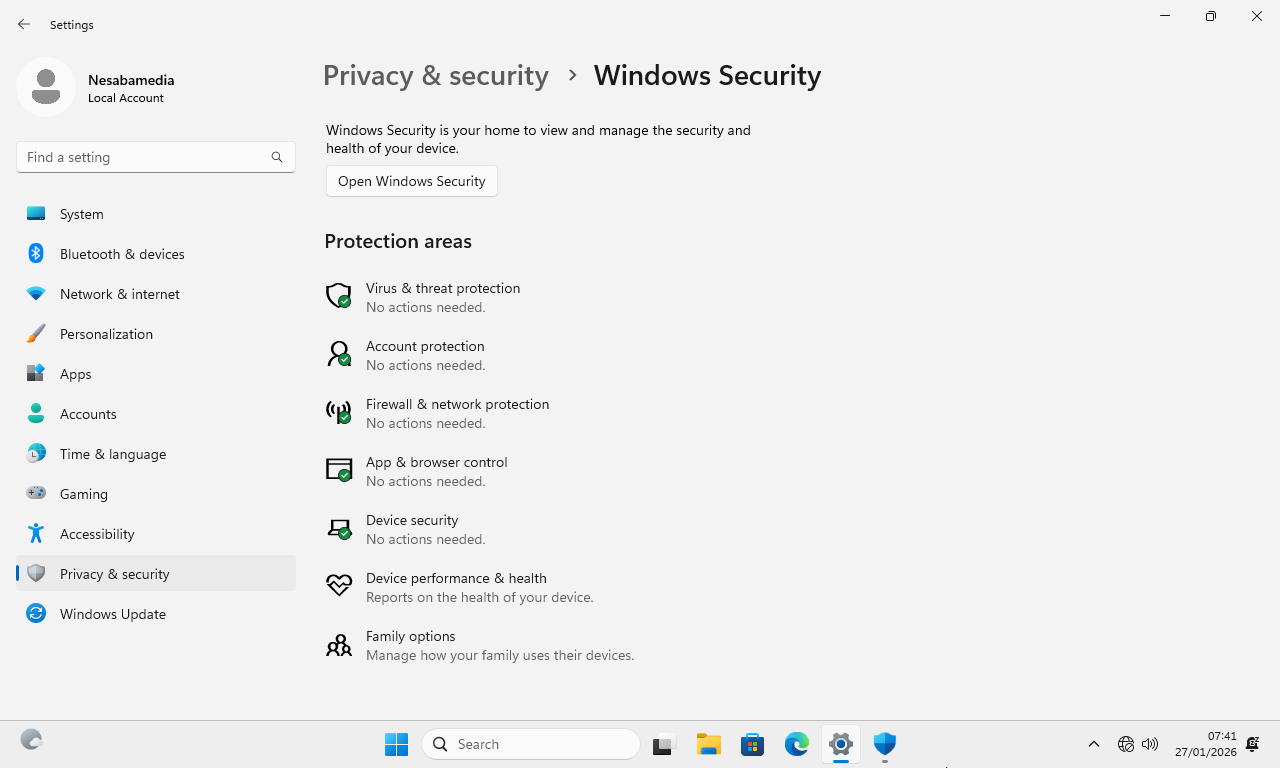
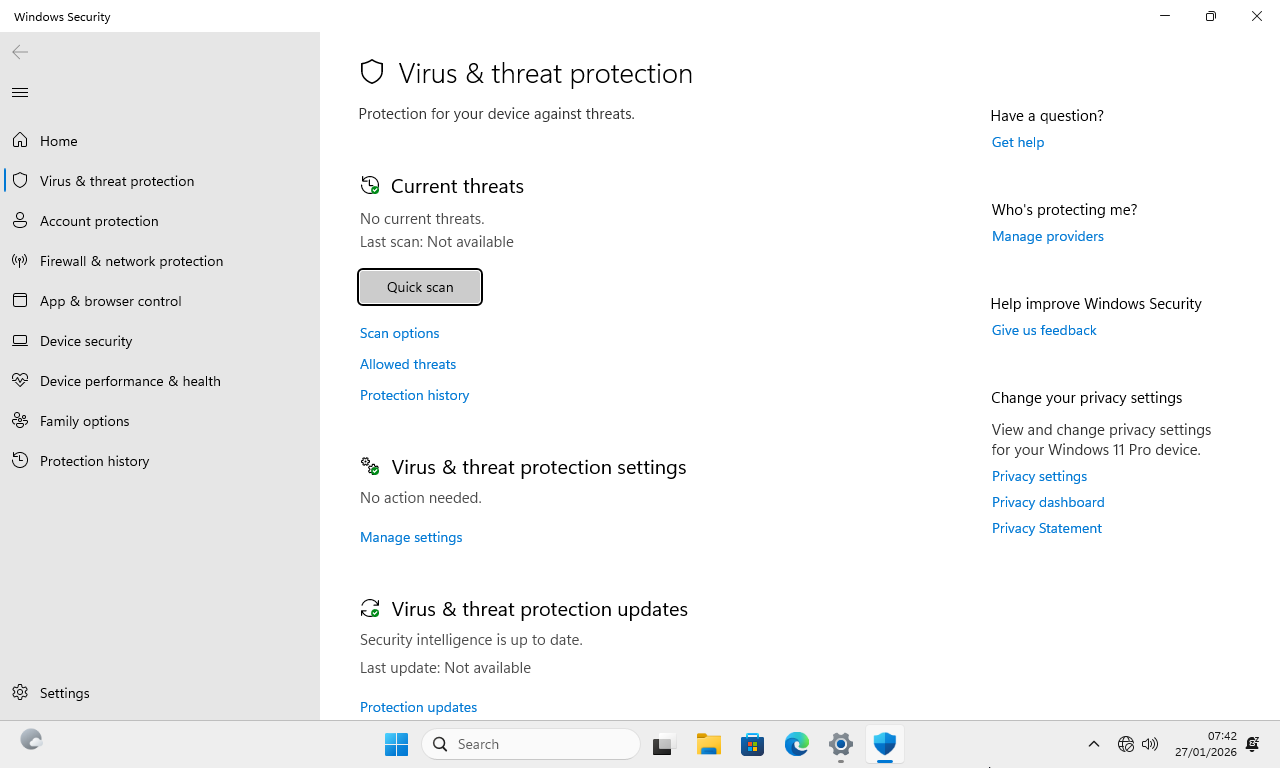
As soon as you hit that Start menu button, you’ll see that many apps you’d find in the regular WIndows 11 OS are stripped away, leaving only a handful of core apps, such as Calculator, Notepad, Paint, Sticky Notes, Terminal, and Windows Security, along with Microsoft Edge as the default browser.
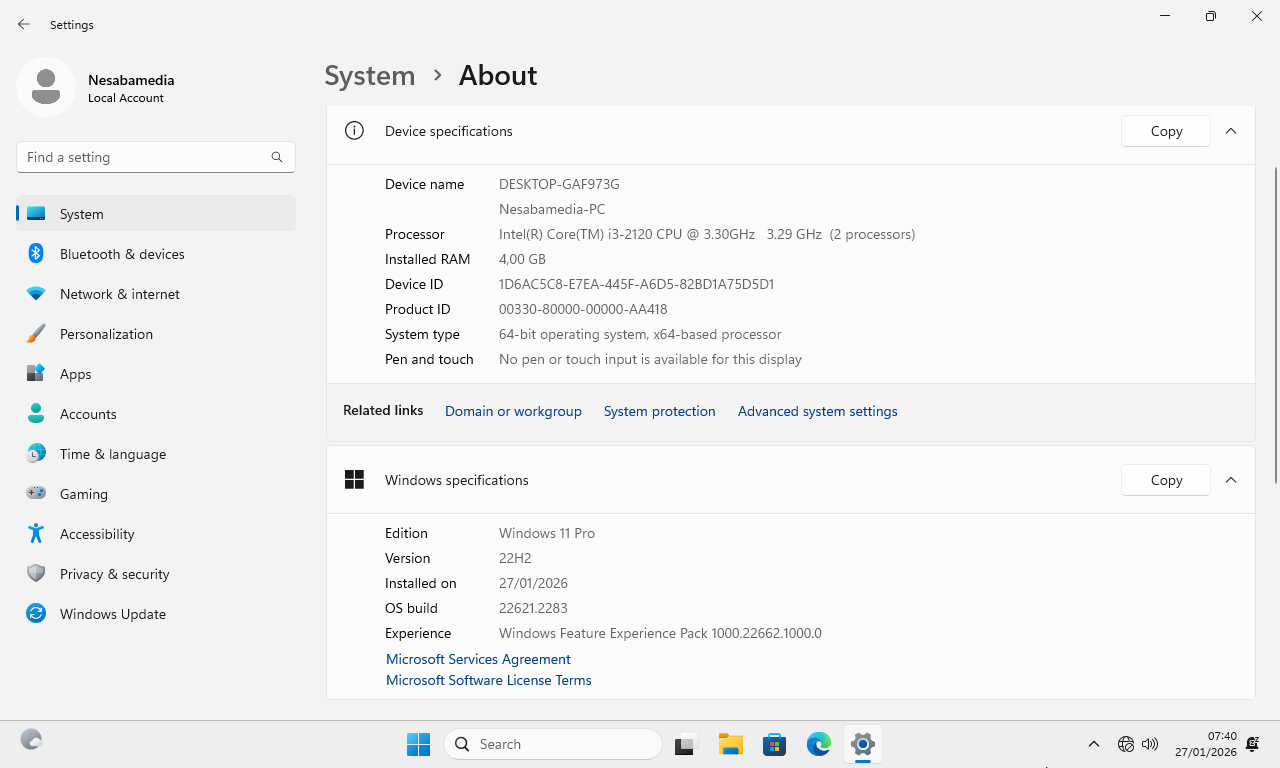
With so many apps, features, and services removed, the modified Windows 11 operating system requires only around 10 GB to keep it running on your device, which is significantly smaller than the regular version.
During the initial setup, Tiny11 follows the same out-of-box experience (OOBE) you would expect from a normal Windows installation. The familiar configuration steps are all there, but it comes with a few welcome shortcuts that streamline the process. The biggest highlight is that it skips the requirement to sign in with a Microsoft account, letting you create a local account right away.
Tiny11 ISO Free Download for Windows
It’s a nice idea to be able to run Windows 11 on less powerful hardware, but there are a few potential issues you need to be aware of. First, keep in mind that Tiny11 is an unofficial modified version of the OS. Second, since it removes so many system components to cut down the file size, there might be some difficulties in the future like when you’re going to play certain games or getting a printer to work. The biggest worry of all is that the aggressive removal might make the modified OS less secure.
That said, Tiny11 is a popular alternative to the standard Windows 11 and there have been many users who gave a positive review. If you’d like to give it a try, you can click the link below to download Tiny11 ISO for Windows:
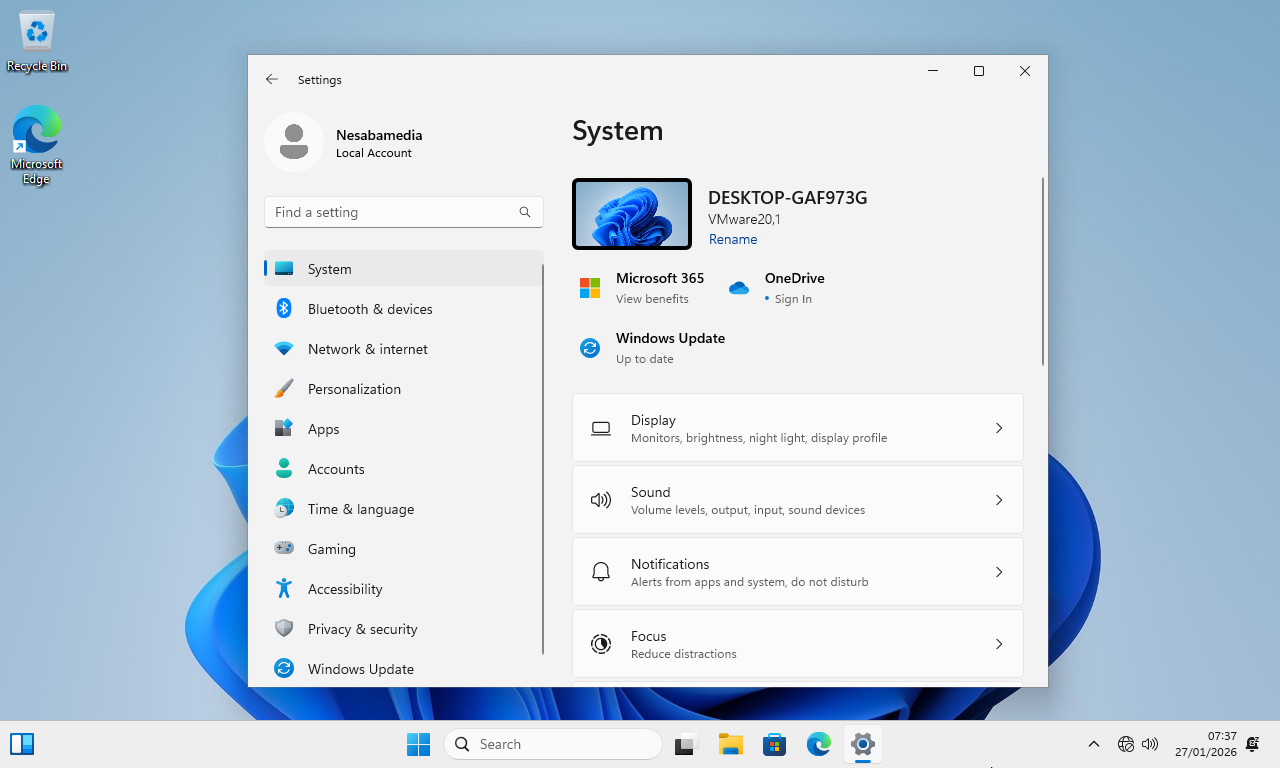
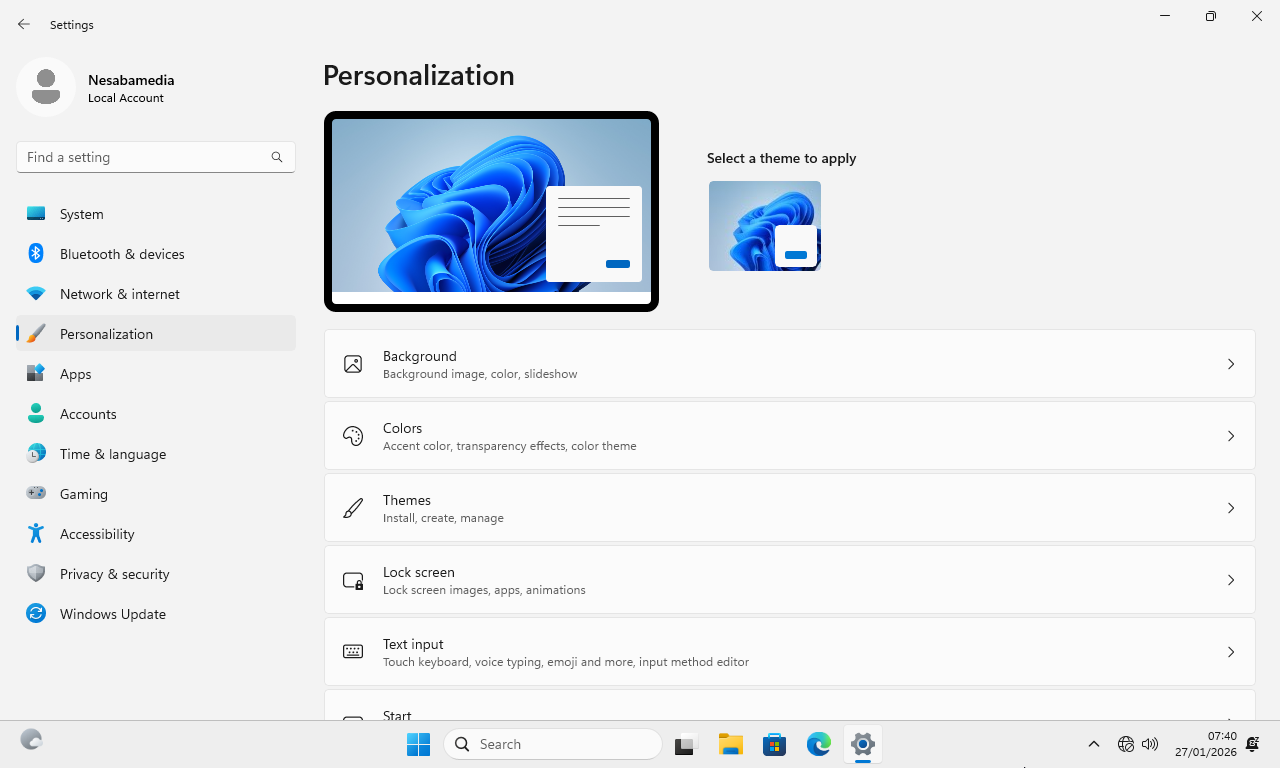
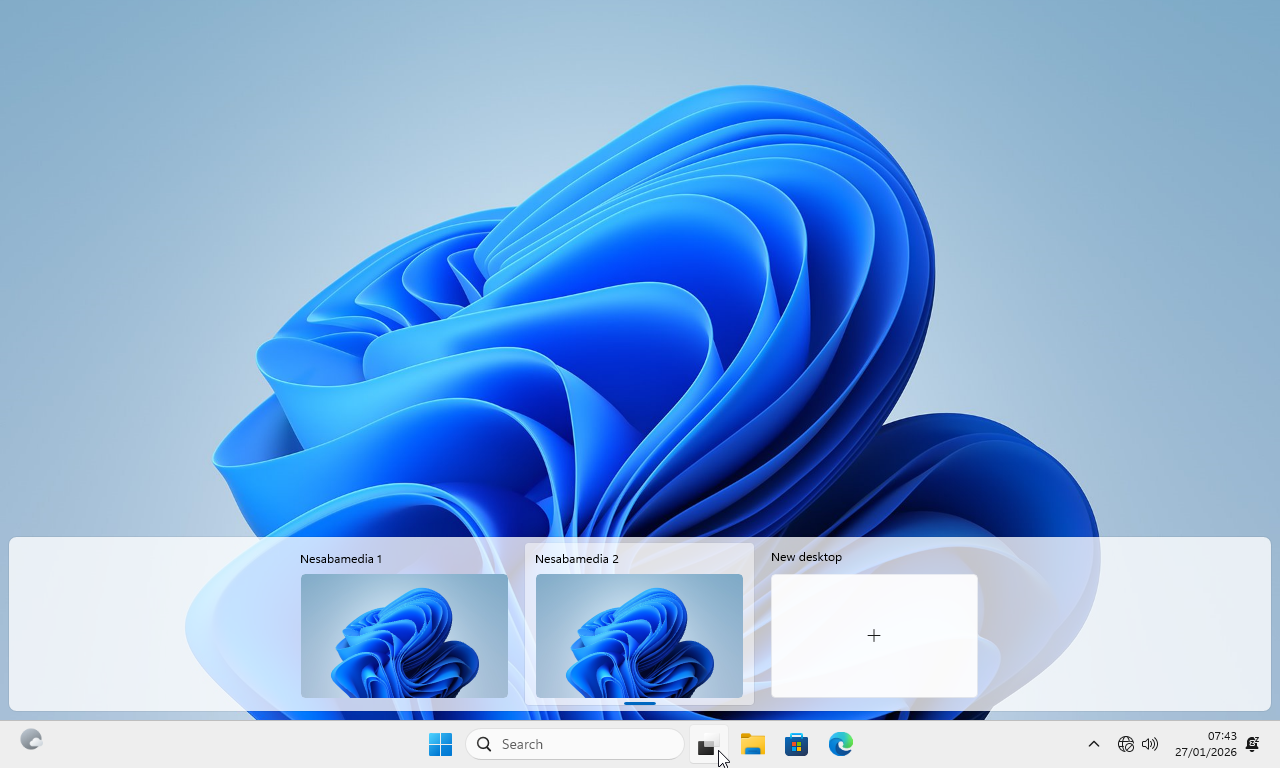
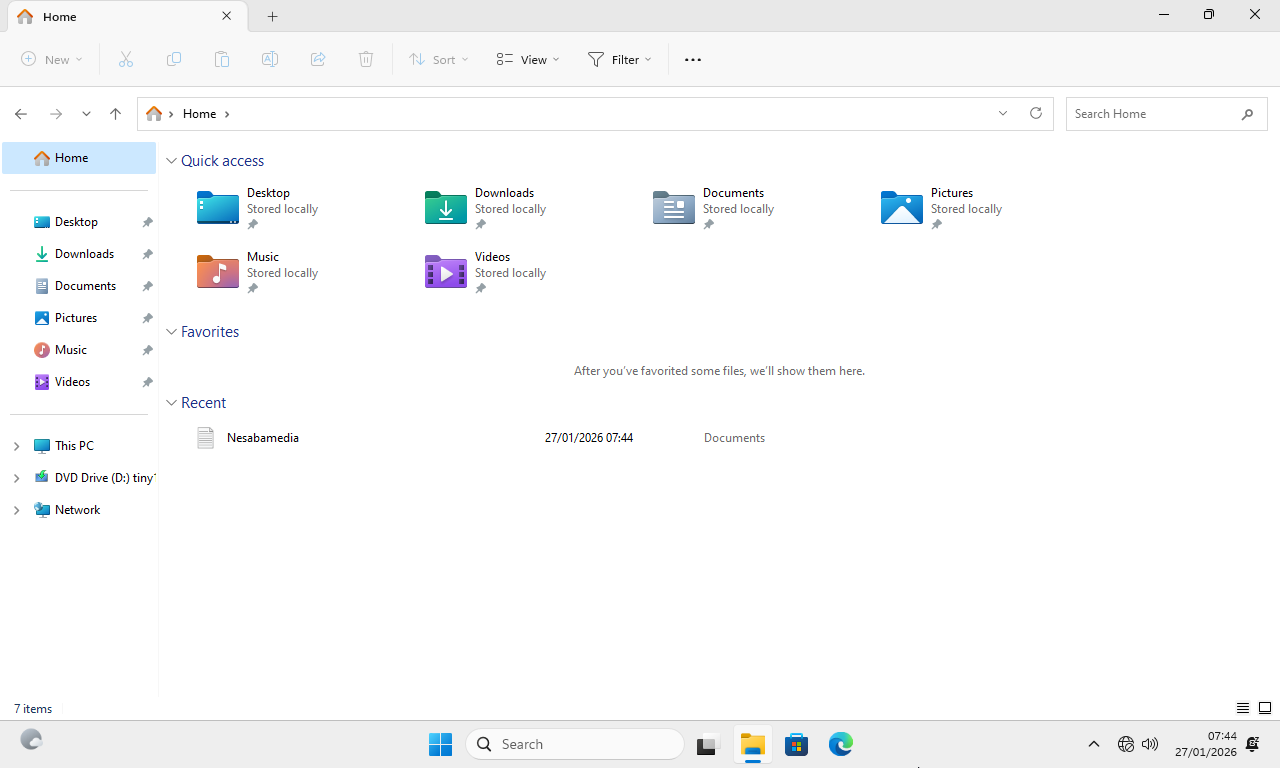
- App Name Tiny11 ISO
- License Freeware
- App Name Tiny11 ISO
- Publisher NTDEV
- Updated
- Version: 22H2
On our site you can easily download Tiny11 ISO. All without registration and send SMS!