Tiny10 ISO
- Version: 23H1
- Size: 3.67 GB
-
[Total: 0 Average: 0]
Windows 10 is great, and it might even be the best operating system in Microsoft’s entire lineup. However, just like every other version, it has its own system requirements. If you’re looking to install Windows 10 on an old laptop that barely meets the requirements, you should check out Tiny10.
Tiny10 is an interesting product of a highly appreciated effort to create a lite version of Windows 10. If you had two laptops running the standard Windows 10 and Tiny10 OS side by side, you’d think they were running the exact same system. That’s because they’re basically the same thing, as Tiny10 simply removes those features deemed as unnecessary.
Features and Highlights
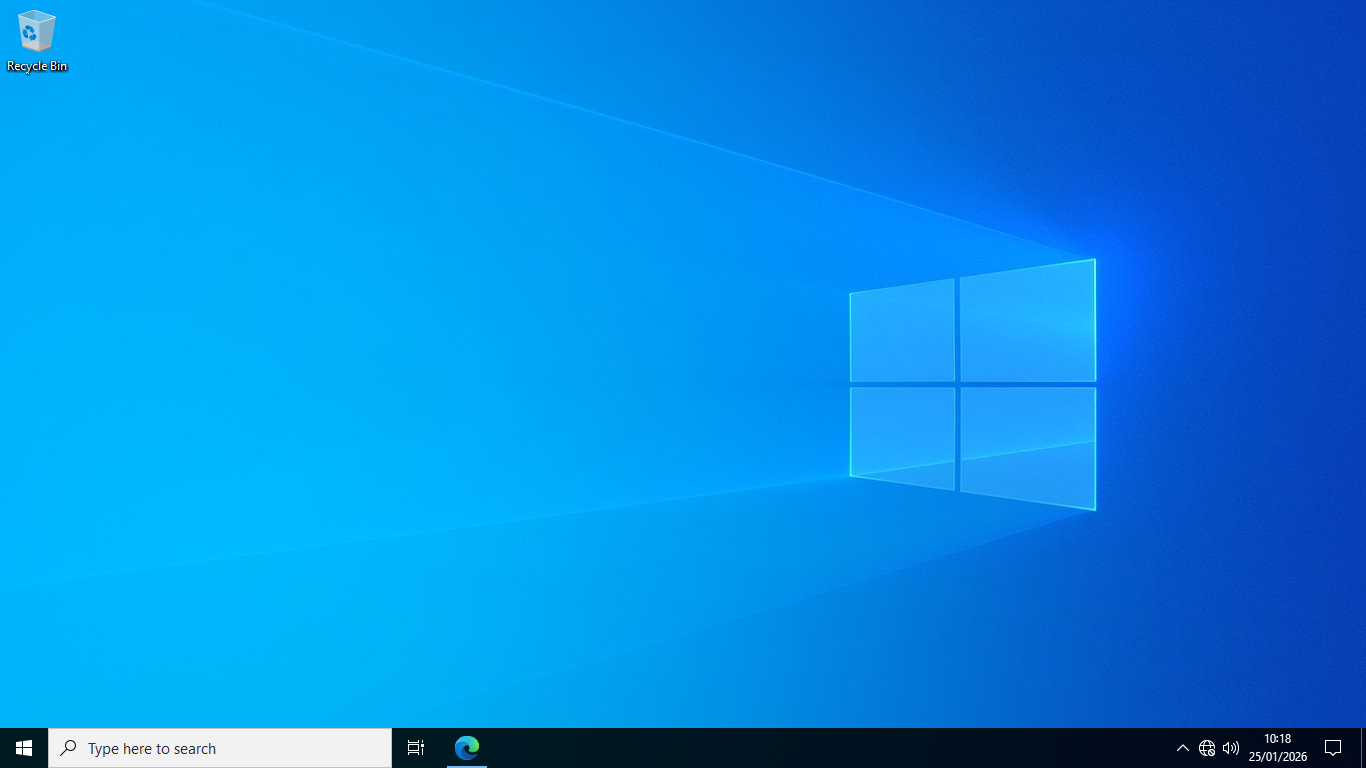
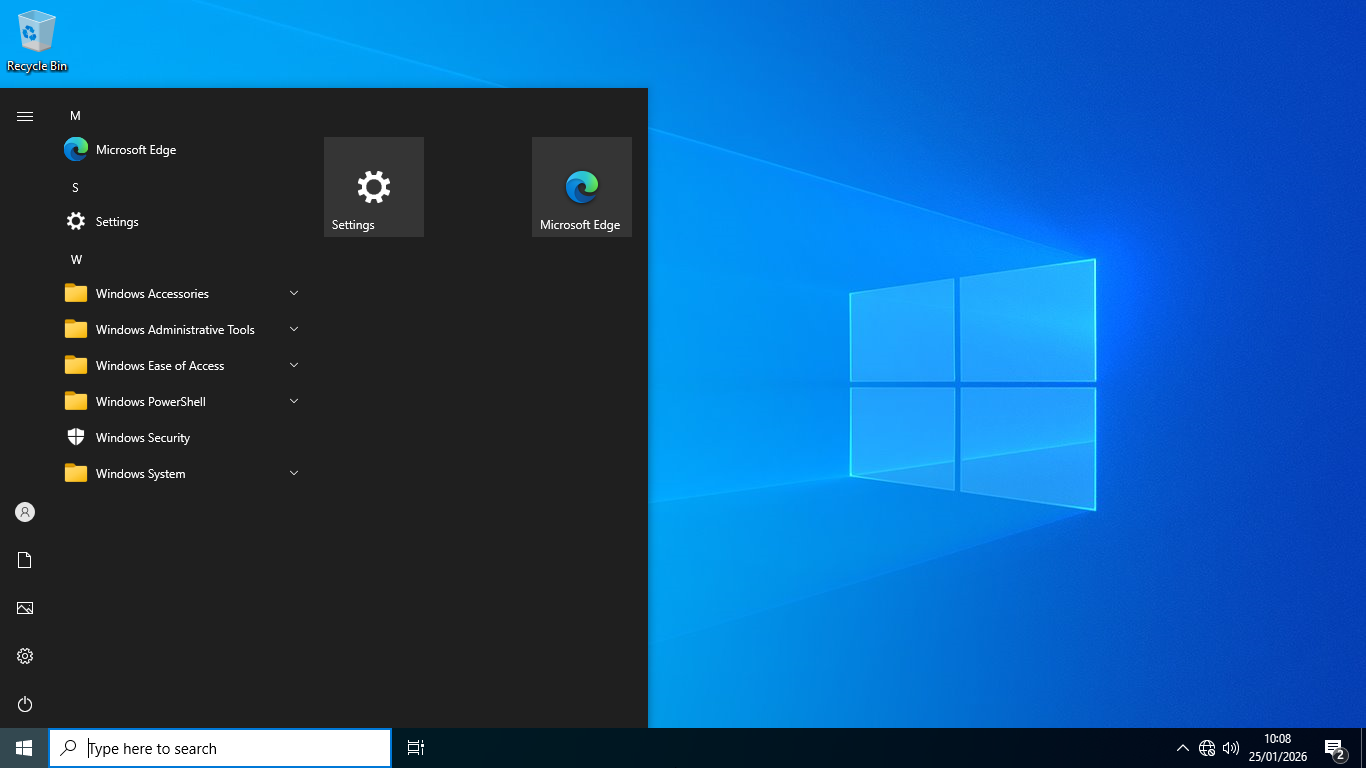
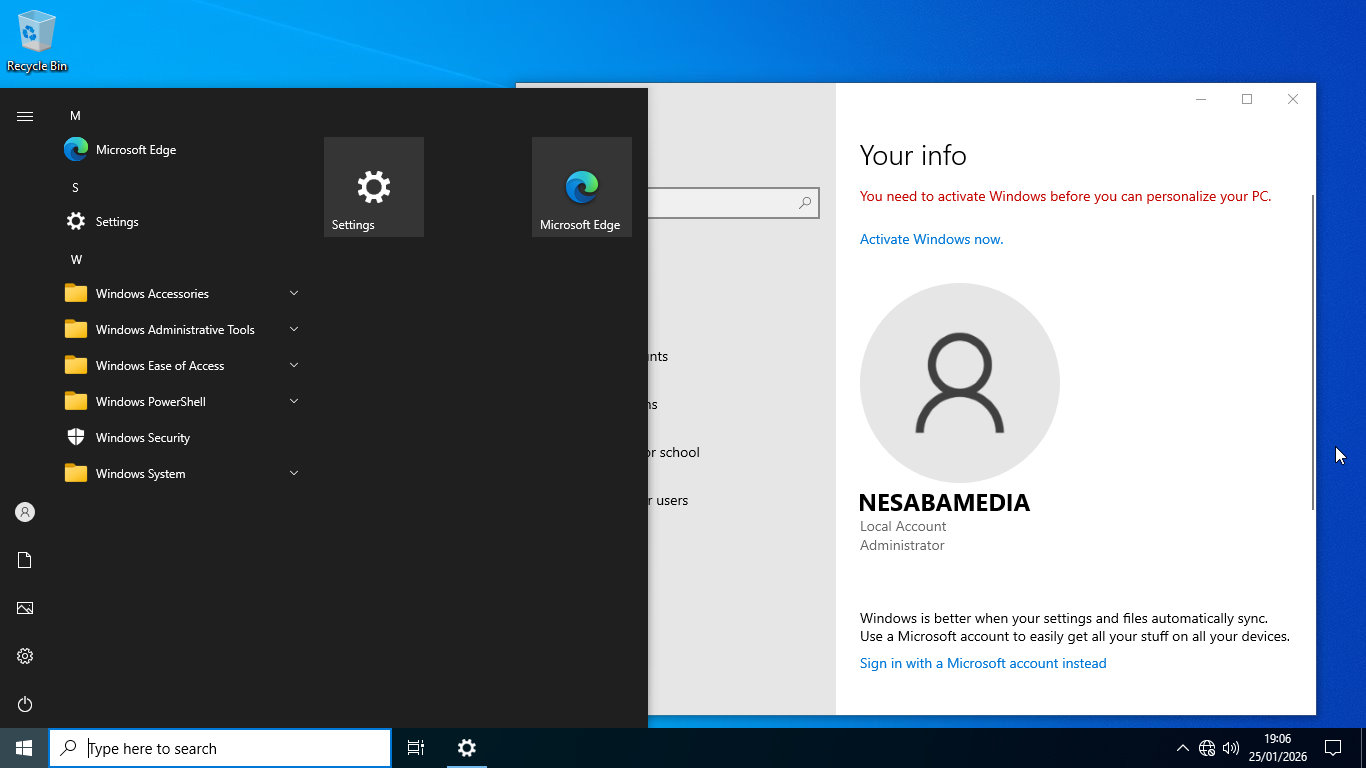
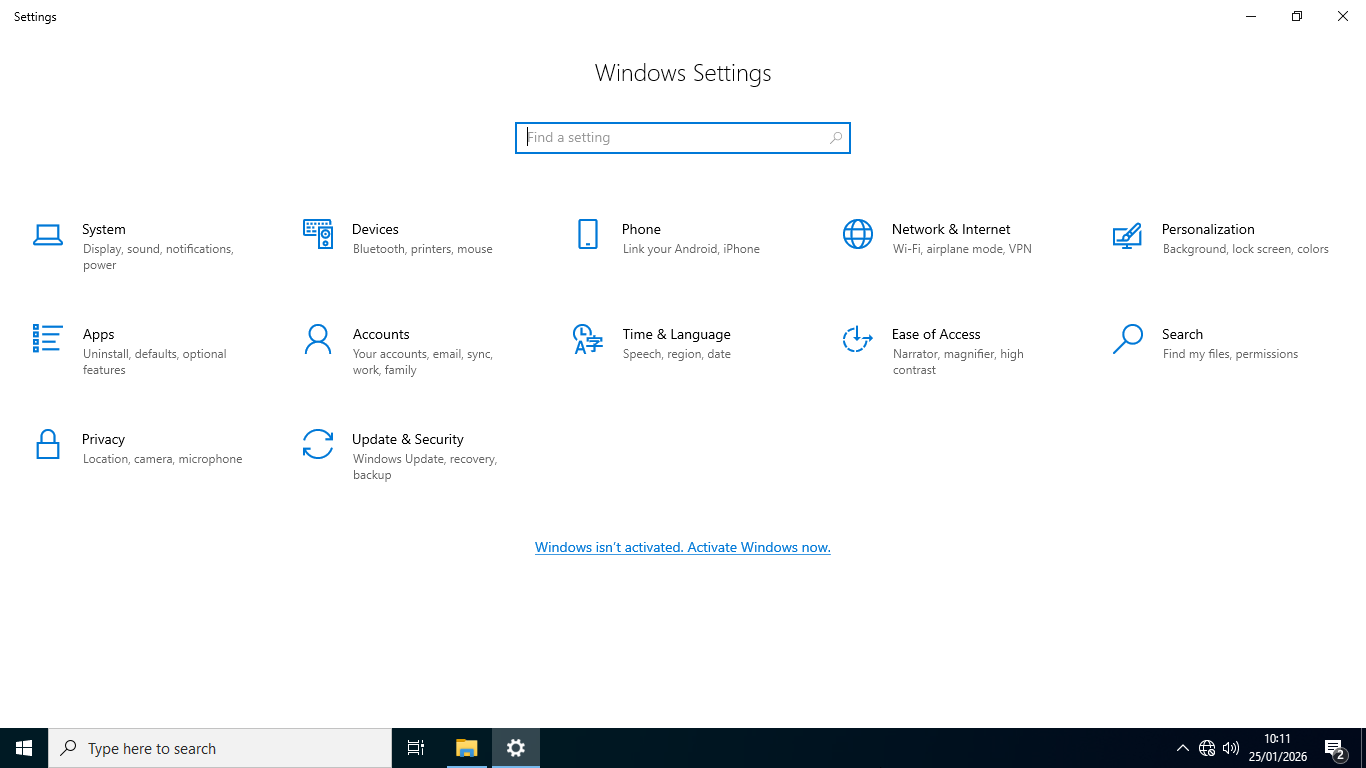
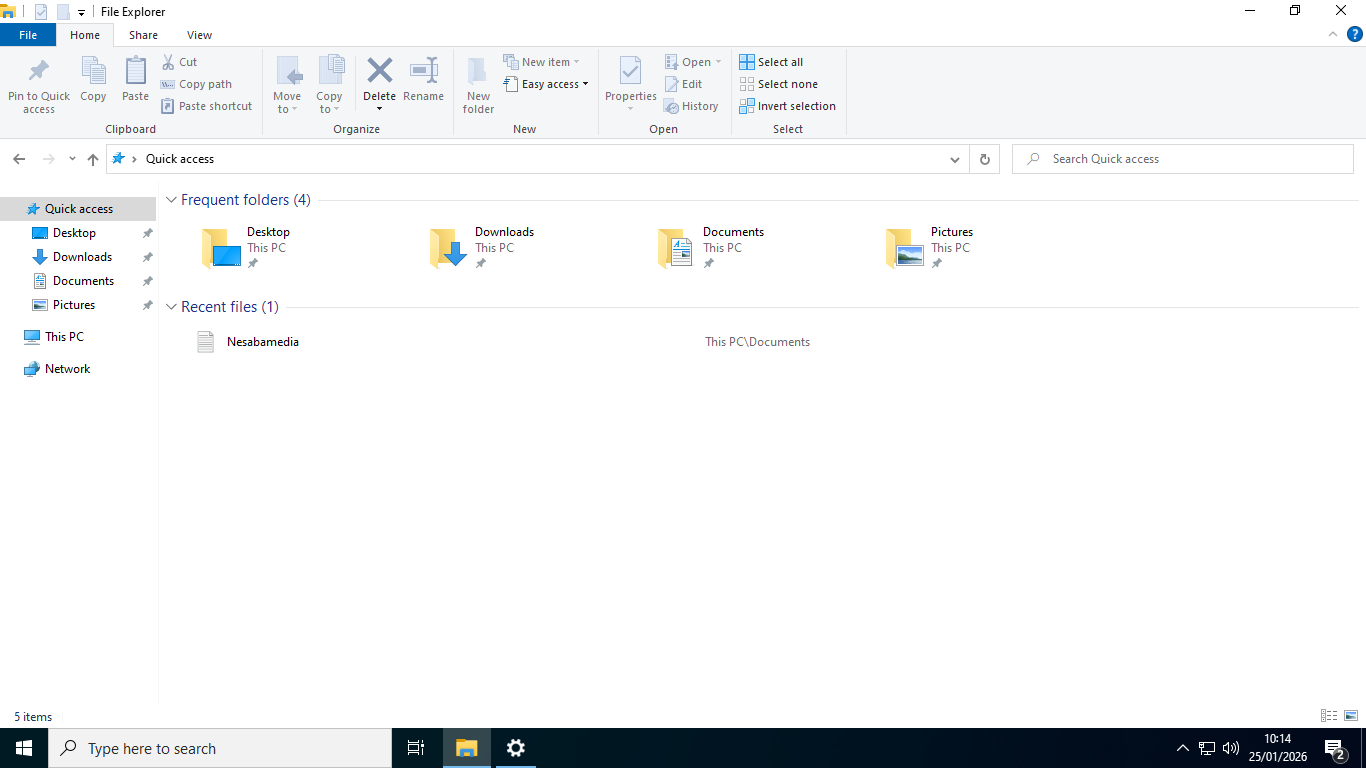
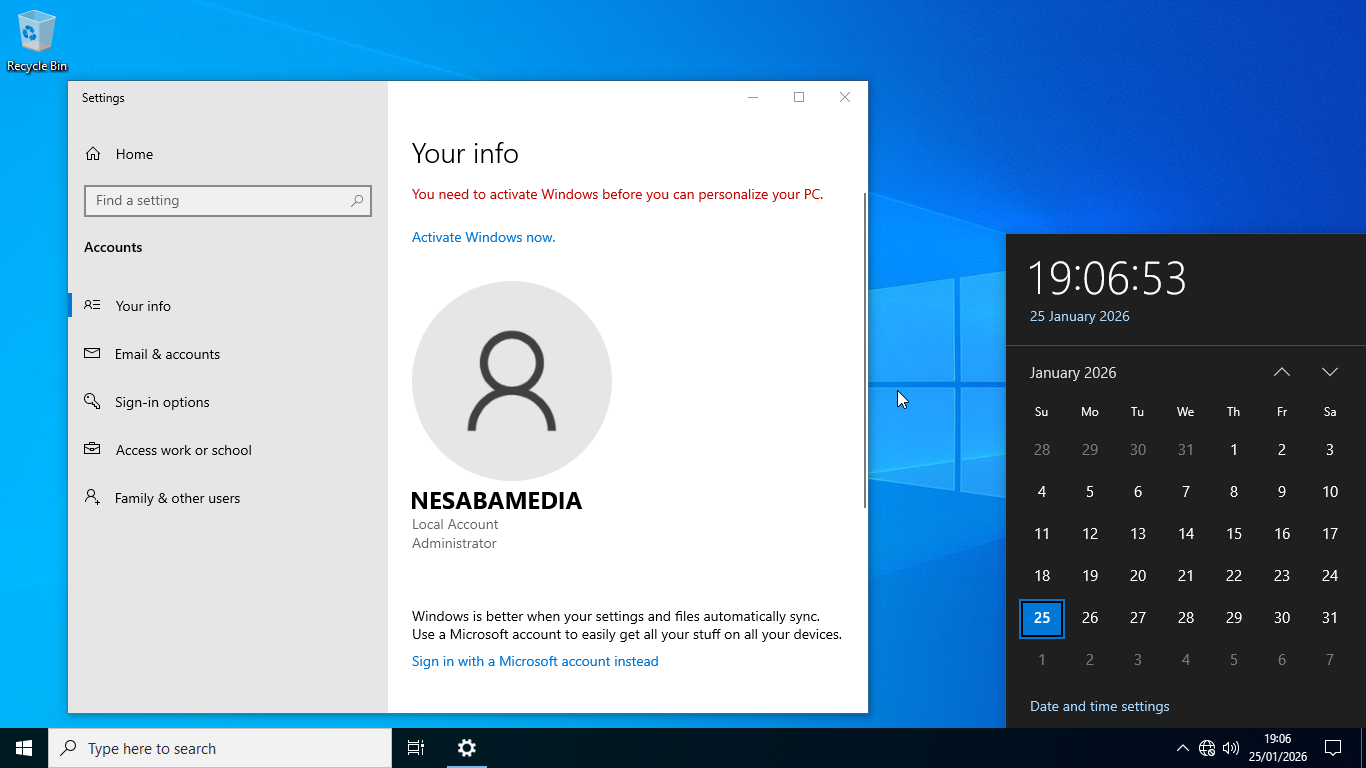
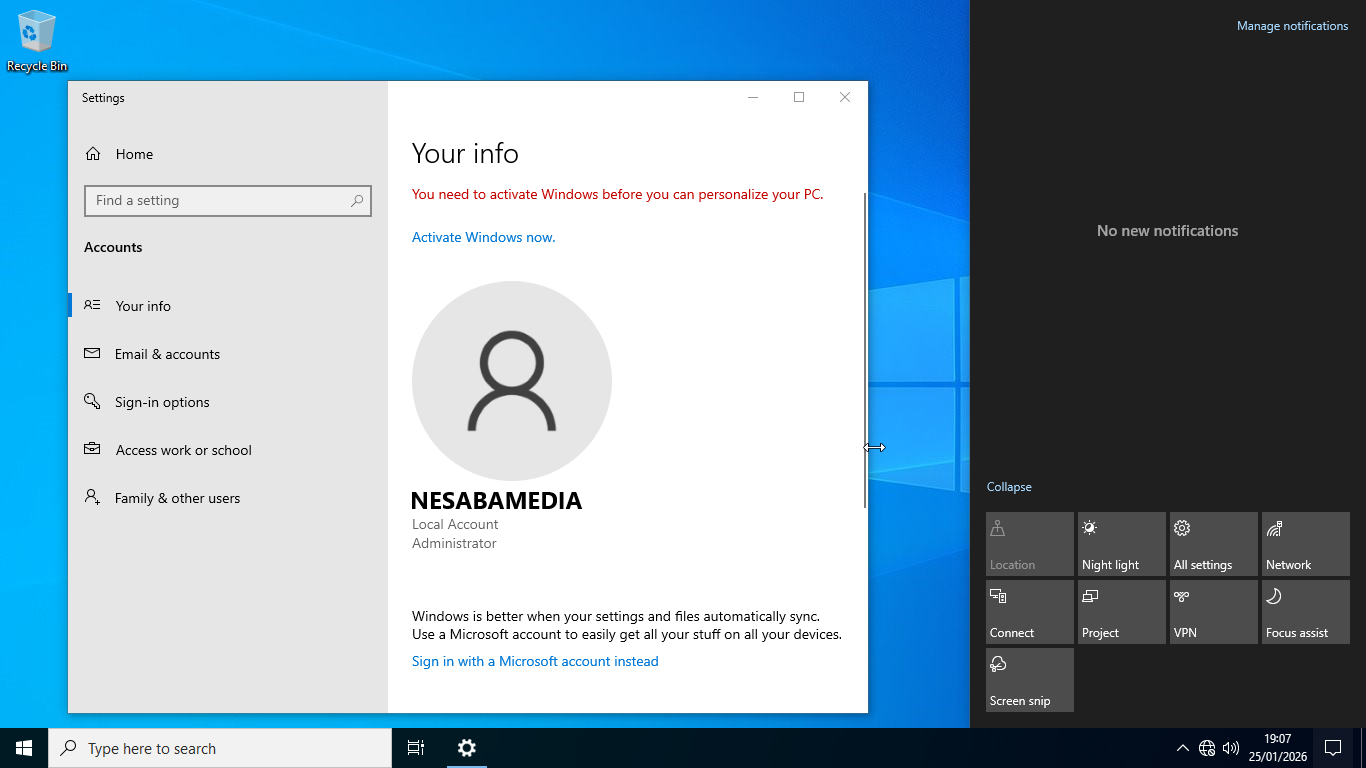
Once you finish installing Tiny10 and you’re at the desktop, you will see that it looks just like the regular Windows 10. The first sign that it is different appears when you click the Start menu. While the overall look remains the same, some features are missing from the list.
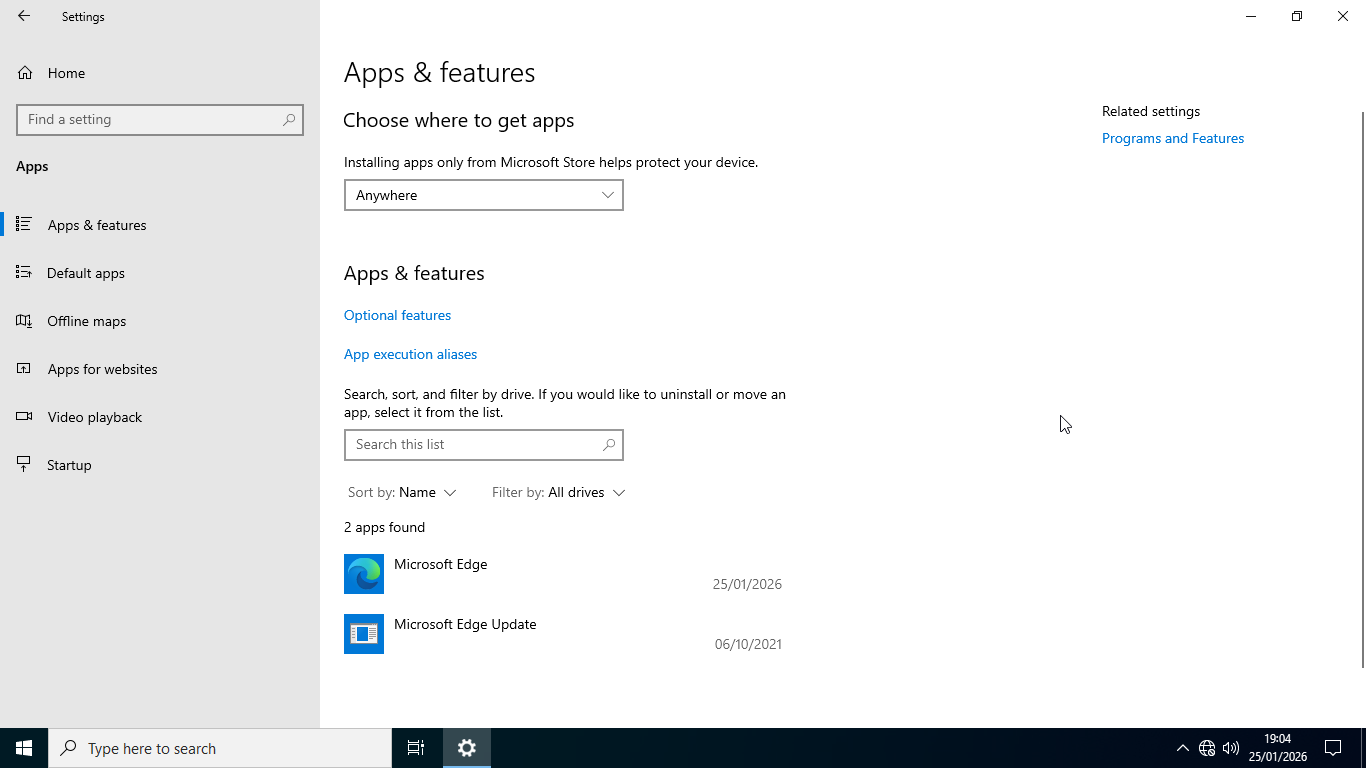
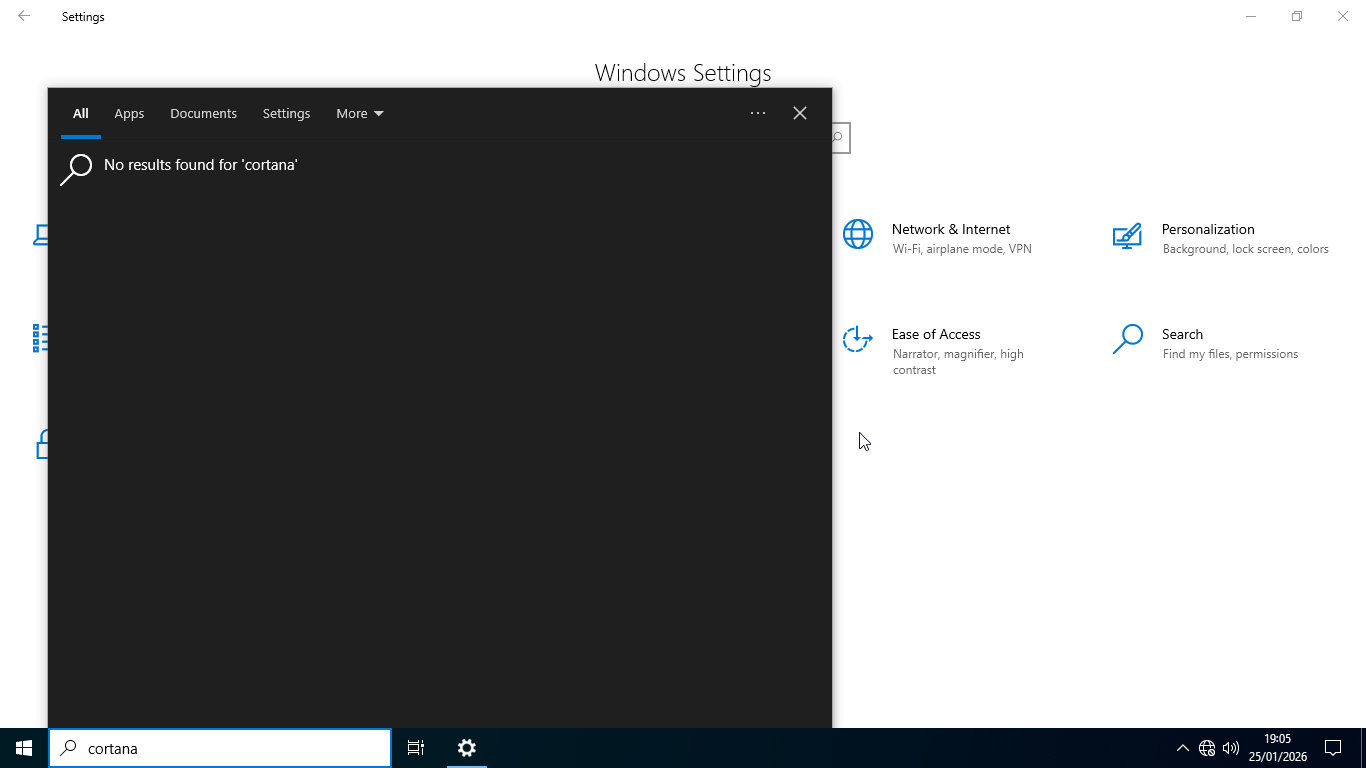
Cortana is one of those missing features, deleted by design to make the operating system as lightweight and simple as possible. Mail app, which can be usually seen in the right area of the Start menu, is also missing, along with a number of apps like Microsoft Store, OneDrive, OneNote, and Skype, among others.
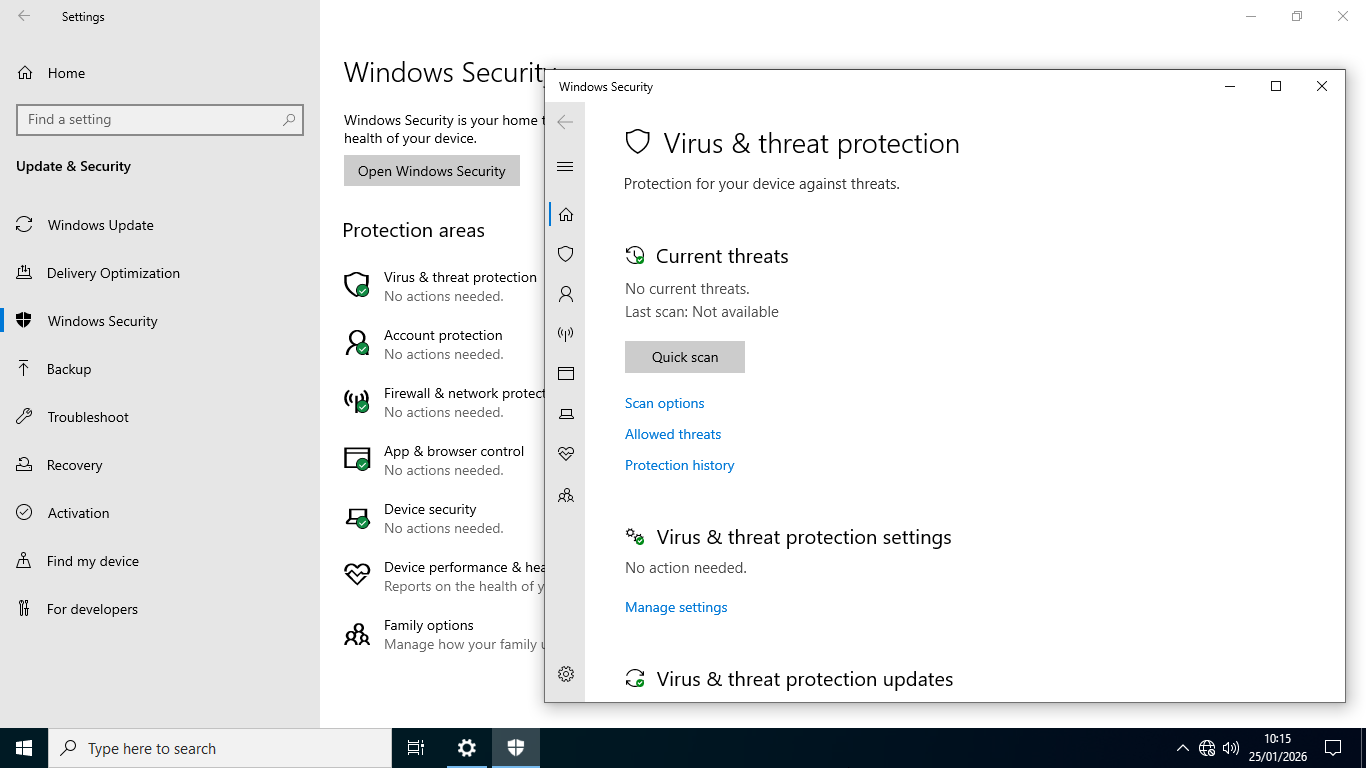
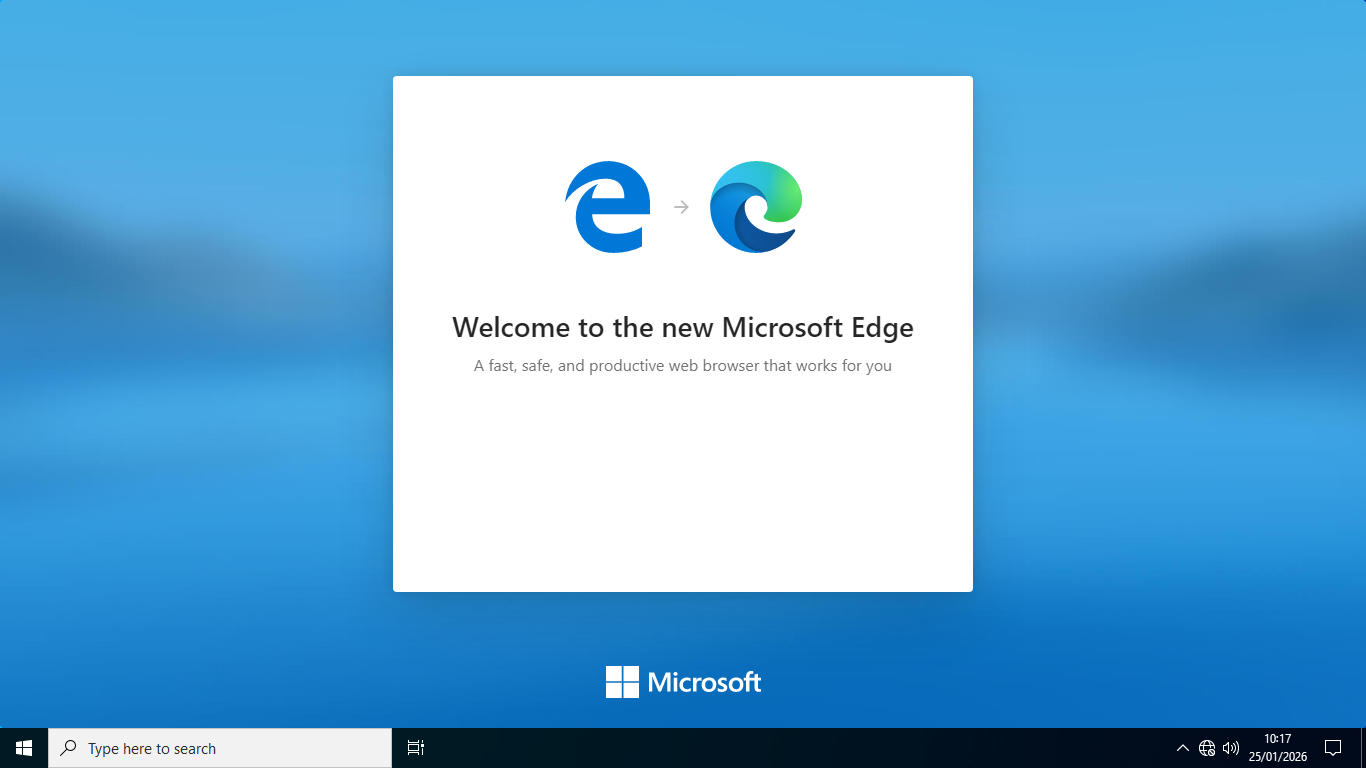
If you dig deeper, you will find even more missing apps and features. By removing these, Tiny10 manages to reduce not only the disk space but also the resource usage required to have Windows 10 running on your laptop. The essential ones, such as Microsoft Edge and Defender, remain in the stripped-down system so you browse the web safely right out of the box. This means you won’t need to hunt for an antivirus unless you have a specific one you’d rather use.
Originally, the component store was removed as well in earlier versions of Tiny10 to cut down the file size significantly. However, this had a major downside, so the developer decided to bring it back with the release of Tiny10 23H1, which is based on Windows 10 LTSC 2021. This development enables users to update the OS, install optional features, and “restore” features that were removed.
Tiny10 ISO Free Download for Windows
This Tiny10 version is no longer as tiny as it used to be, but it is now more usable. It evolves from being “as small as possible” to being “small but functional”. In the first releases of Tiny10, the focus was on a tiny footprint. Some versions were so stripped down they could almost fit on a CD (around 700MB to 1GB ISO size). However, those versions were “non-serviceable,” meaning you couldn’t update them or add features later.
While the developer shifted priorities since Tiny10 23H1, its ISO file size remains significantly smaller than the stock Windows 10 Home and Pro. The difference becomes much more noticeable if you compare the installation size. If you’re interested to give it a shot for your less powerful hardware, you can click the link below to download Tiny10 ISO for Windows:
- App Name Tiny10 ISO
- License Freeware
- App Name Tiny10 ISO
- Publisher NTDEV
- Updated
- Version: 23H1
On our site you can easily download Tiny10 ISO. All without registration and send SMS!