TikTok

- Windows: 7, 8, 10, 11
- Version: 1.0.5.0
- Size: 715.46 KB
-
[Total: 1 Average: 5]
It took only a few years for TikTok to evolve from simply a fun video sharing application into a cultural platform, which was a phenomenon that took the market by surprise as it took an unusual approach. Its users were mostly young people at first before it grew into a trend that also attracted older audiences.
Unlike YouTube, which typically features long videos, TikTok centers on brief clips that are designed to capture attention quickly, making it possible for users to scroll through a wide range of videos in a short amount of time.
Features and Highlights
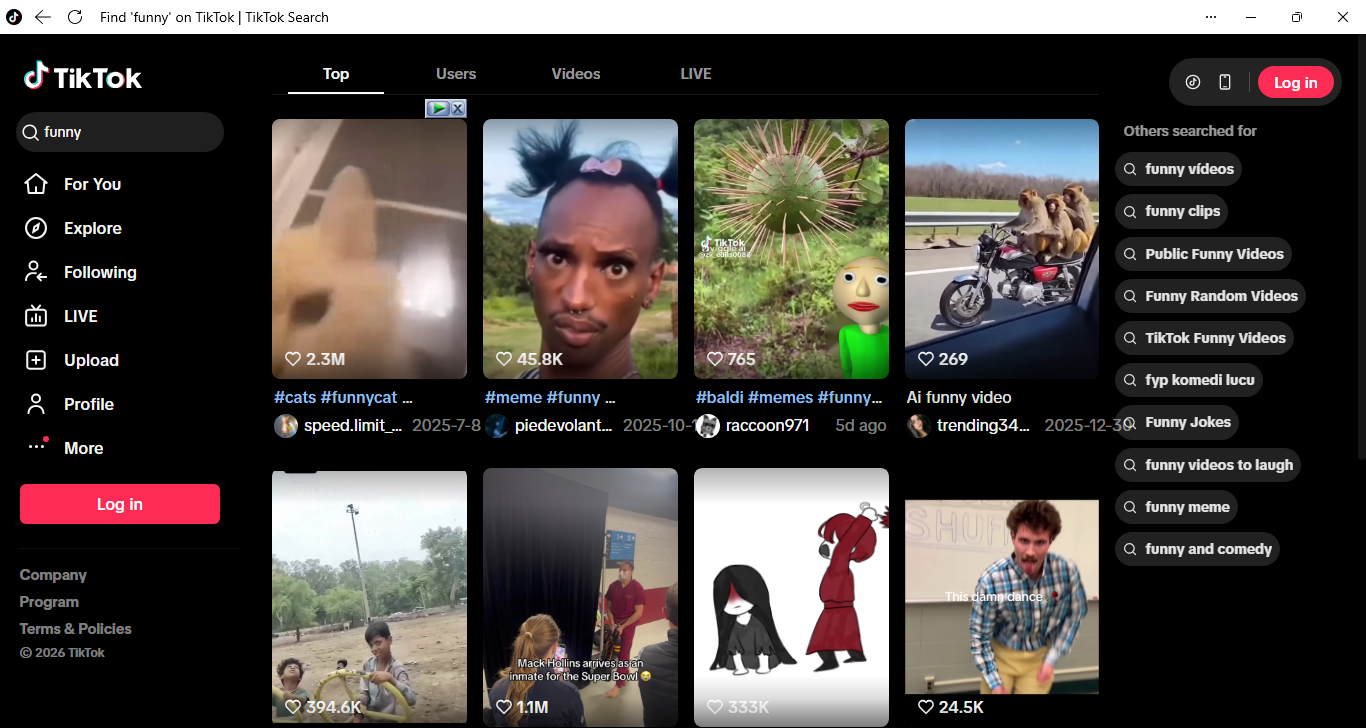
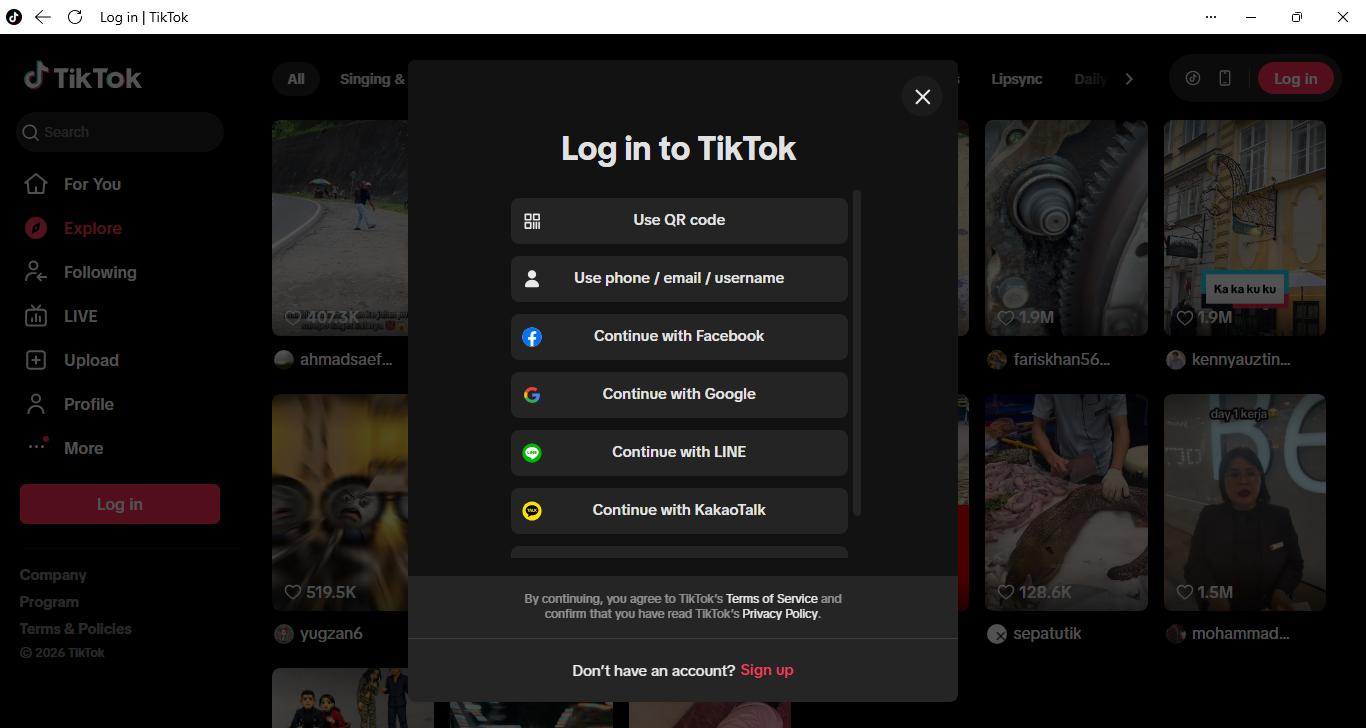
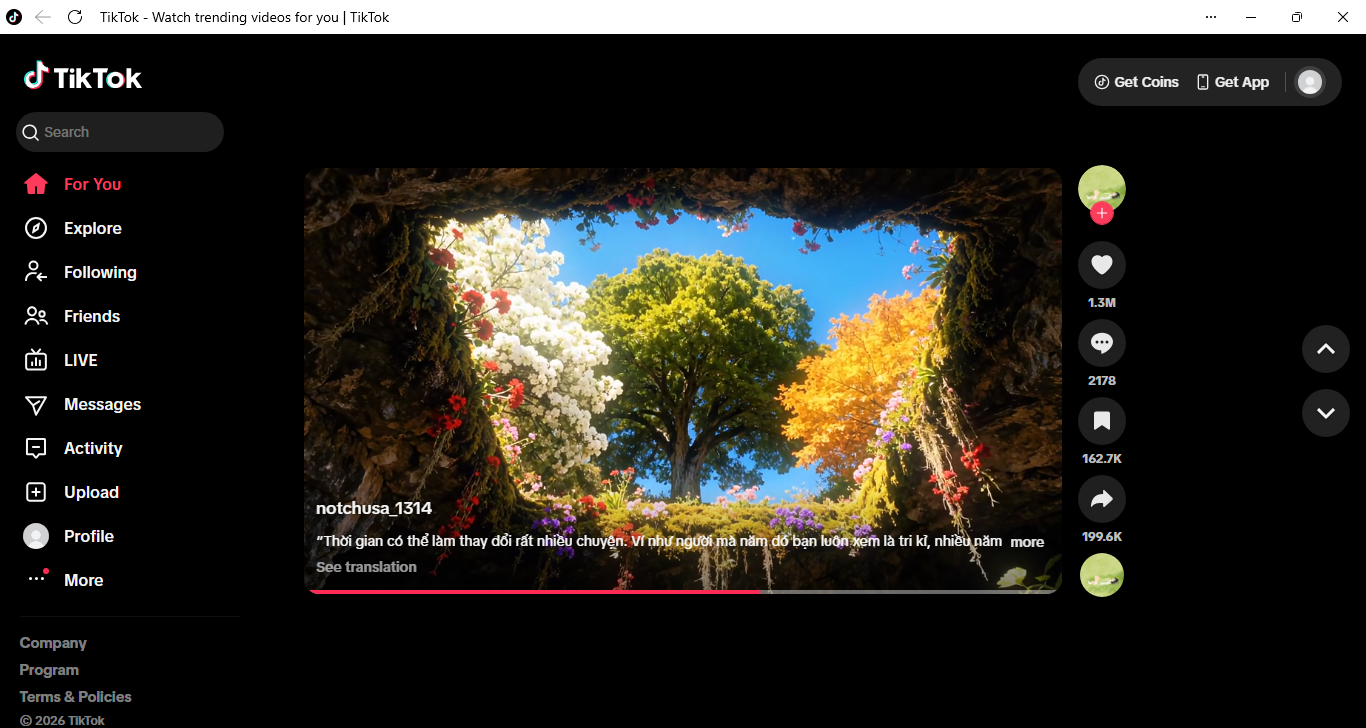
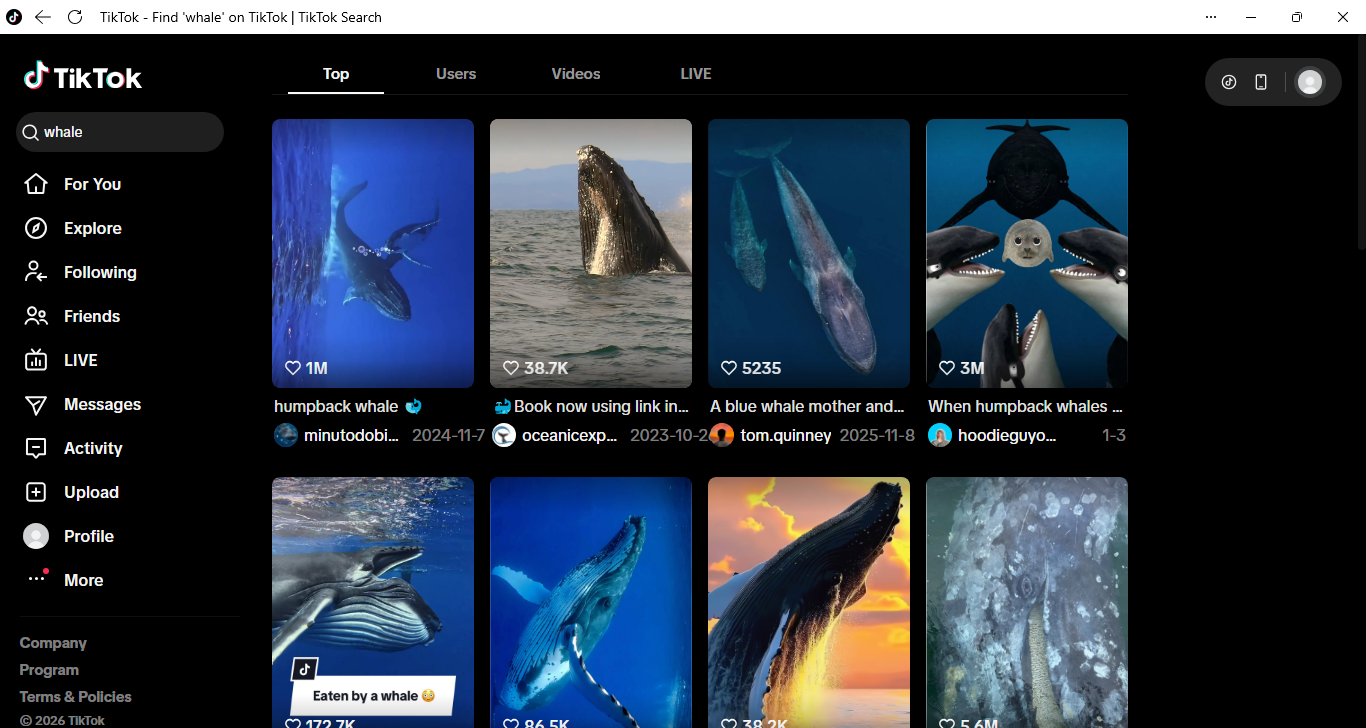
You can watch videos as soon as you launch TikTok even if you haven’t created an account yet. Registration isn’t necessary, but you’ll often have to deal with CAPTCHA, which can be annoying enough that it becomes one of the reasons why people tend to create an account, even if they have no intention of uploading any content.
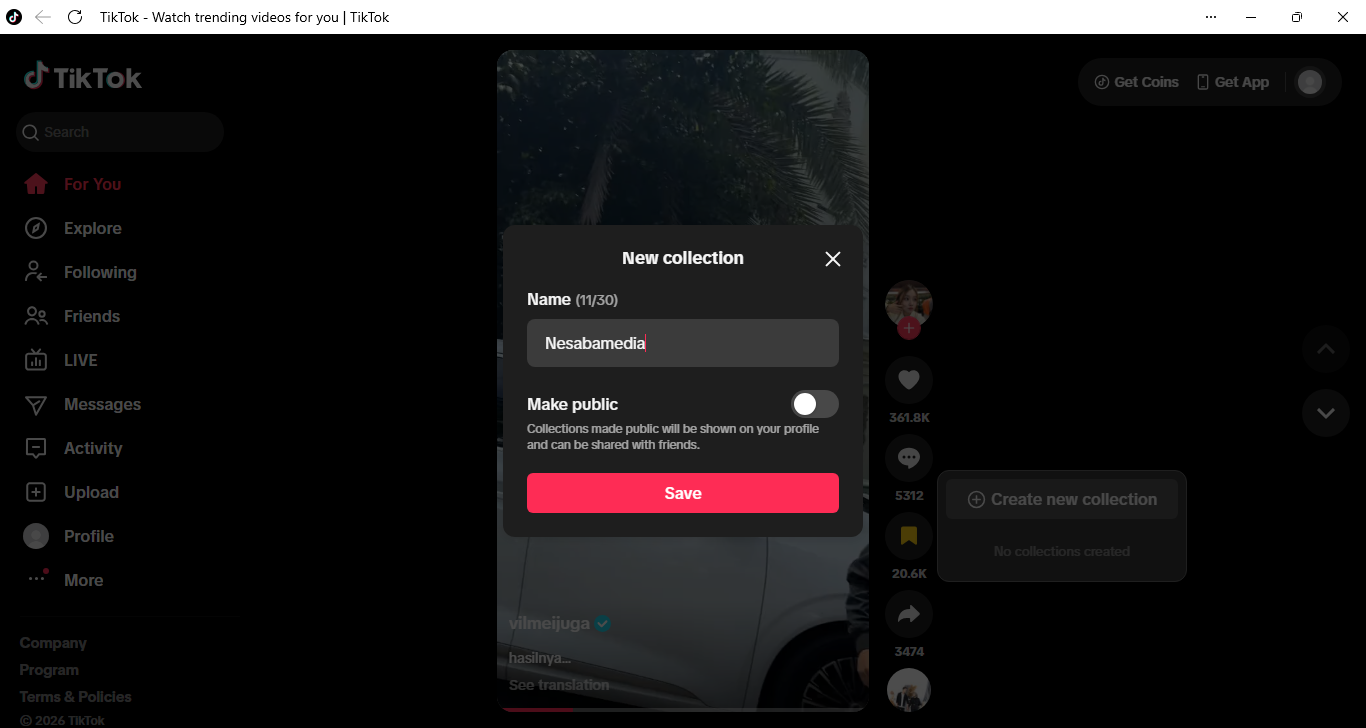
The ability to bookmark videos that really grab your attention, which makes it easier to come back to them later, is one of the perks of using a registered account to browse TikTok. It’s pretty handy when you’re scrolling during a quick break and find something you want to actually pay attention to later, like a recipe or a DIY project. You just save it and move on without worrying about losing it later. As long as the uploader doesn’t delete the video, you’ll be able to revisit it as many times as you’d like.
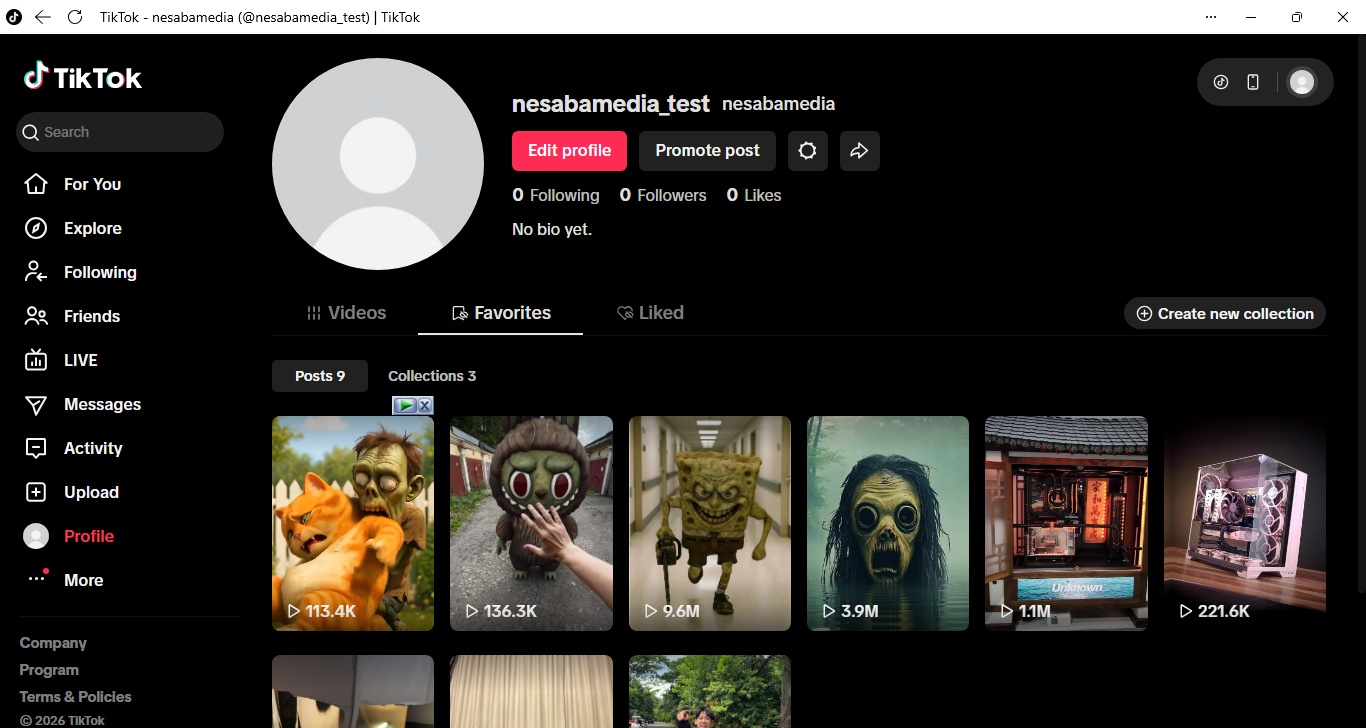
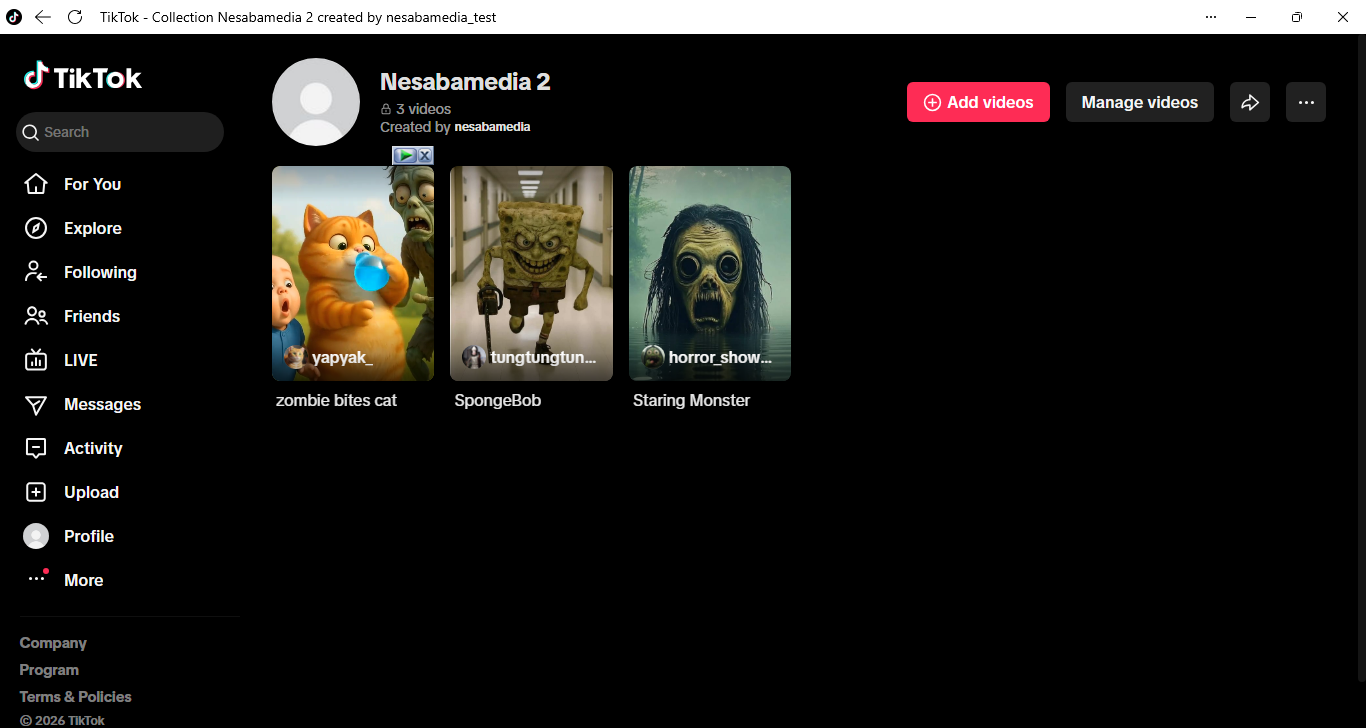
Even better, it does a fairly good job at helping your bookmarks to stay organized. When you bookmark a video, you can add it into a new or an existing Collection folder. All your bookmarks and Collection folders are accessible from your TikTok profile page. However, you cannot create nested Collection and there is no shortcut to move a bookmark from one Collection to another.
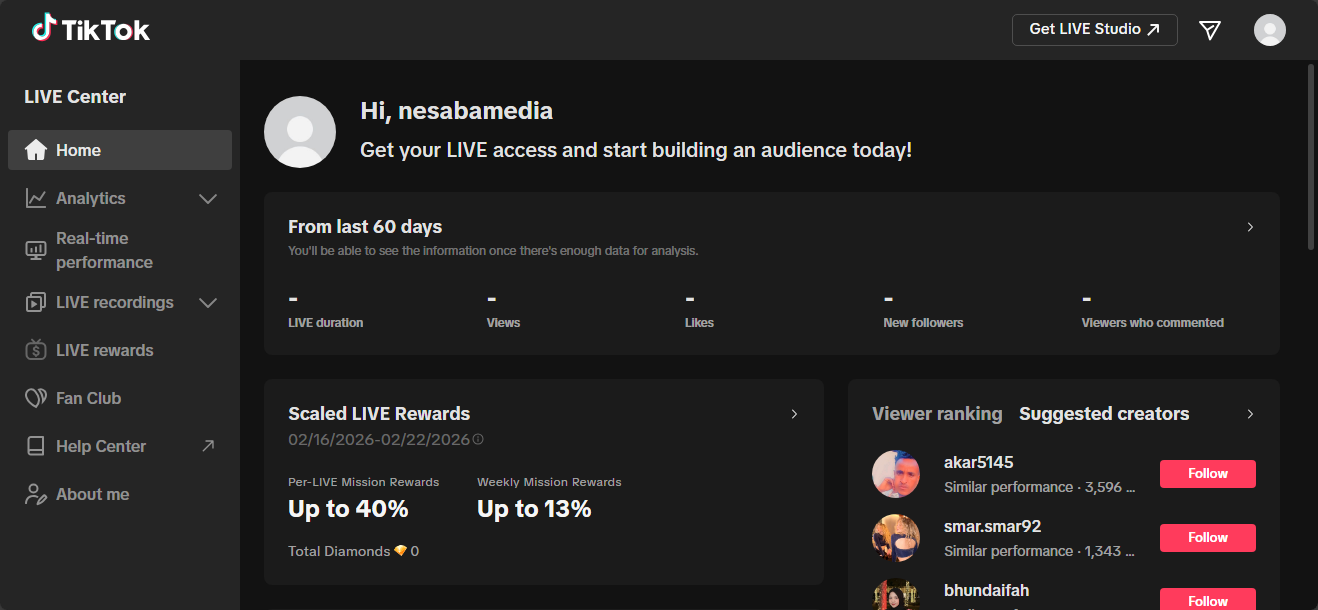
TikTok is not just a platform where you can spend your spare time watching something entertaining. Thanks to its massive popularity that turns it into more of a social network rather than simply a video sharing service, it creates an opportunity to earn a relatively high income, depending on how popular your TikTok account is.
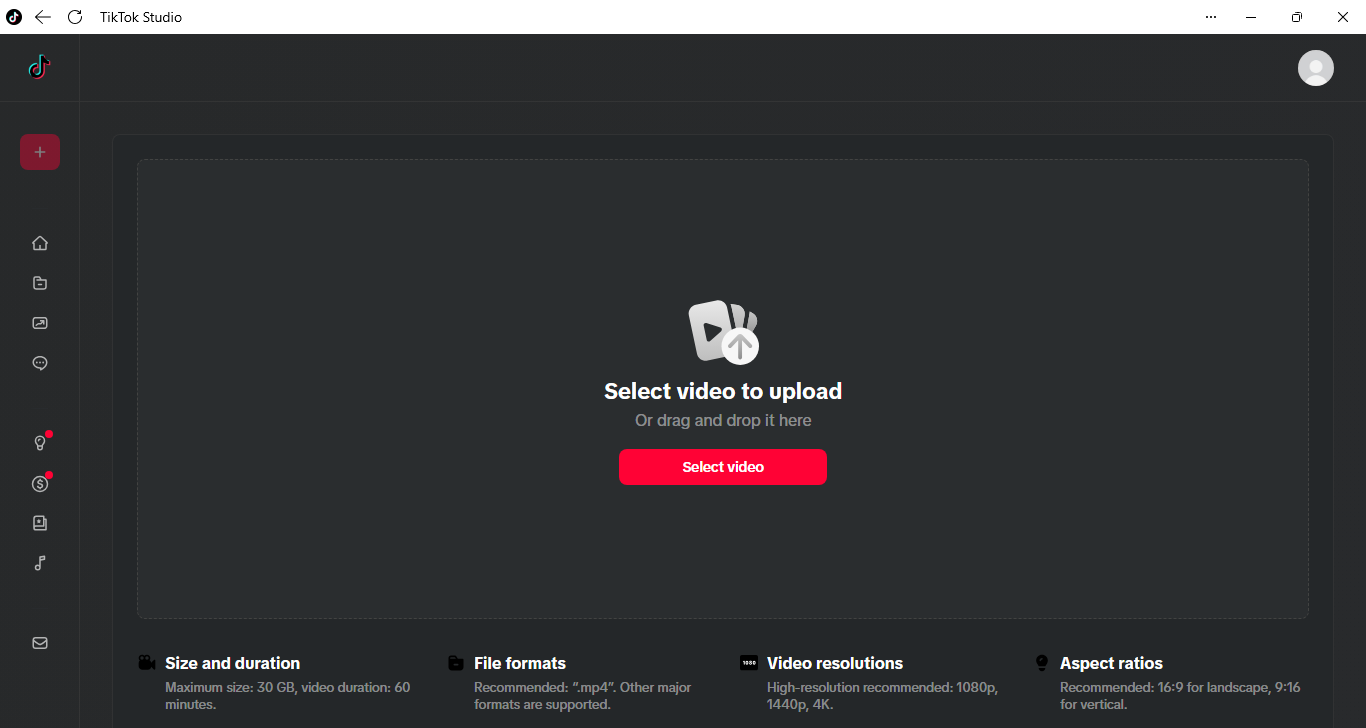
There is more than one way to earn money with TikTok. You can use your channel to collaborate with brands, sell products, share affiliate links, join the Creator Rewards program, or display some ads on your videos.
TikTok Free Download for Windows
Watching TikTok videos on a PC is arguably more convenient than watching them on mobile devices. The larger screen lets you see more details, and managing your bookmarked videos is also easier since you can navigate everything with a mouse instead of tapping around on a small screen.
The possibility to earn money is probably the most tempting feature of TikTok for content creators, but it usually needs dedication rather than just posting casually. Brand deals can pay well, but landing them takes time and often a decent following. That said, it’s still worth exploring if you enjoy creating content anyway and wouldn’t mind some extra income if it works out. You can click the link below to download TikTok for Windows:
- App Name TikTok
- License Freeware
- App Name TikTok
- Publisher ByteDance
- Updated
- Version: 1.0.5.0
On our site you can easily download TikTok. All without registration and send SMS!