Sublime Text

- Windows: 7, 8, 10, 11
- Version: 4200
- Size: 15.45 MB
-
[Total: 1 Average: 5]
Sublime Text has long been regarded as one of the best text editors. It looks simple on the surface but packs much power which slowly becomes apparent the more time you spend on it.
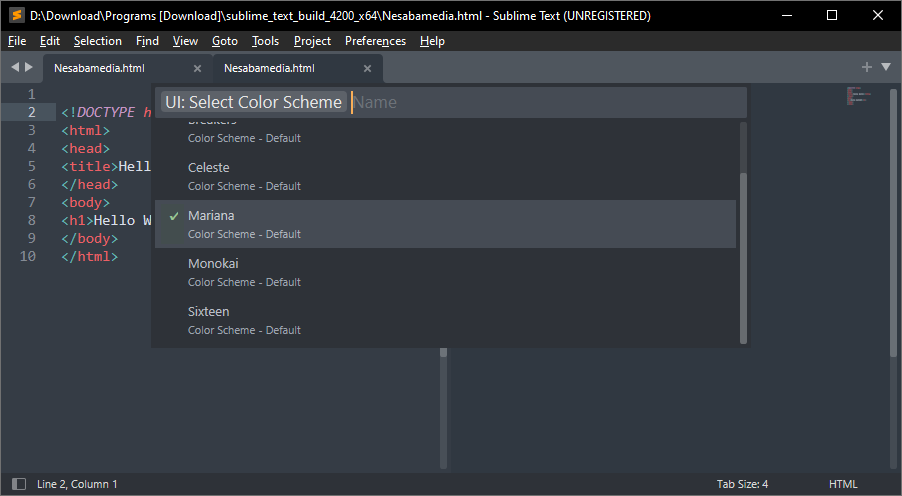
Its support for plugins means that its functionality can be expanded beyond its default capability. And there are a variety of themes you can use to make it looks more beautiful such as Agila, Ayu, Material, Gravity, Darkmatter, and Afterglow.
Features and Highlights
First of all, Sublime Text supports code folding. It hides parts of your code so that it is easier to read and navigate. You can select the text that you need to fold, or you can fold all text simultaneously. If you choose to do the latter, text can be unfolded individually or all at once.
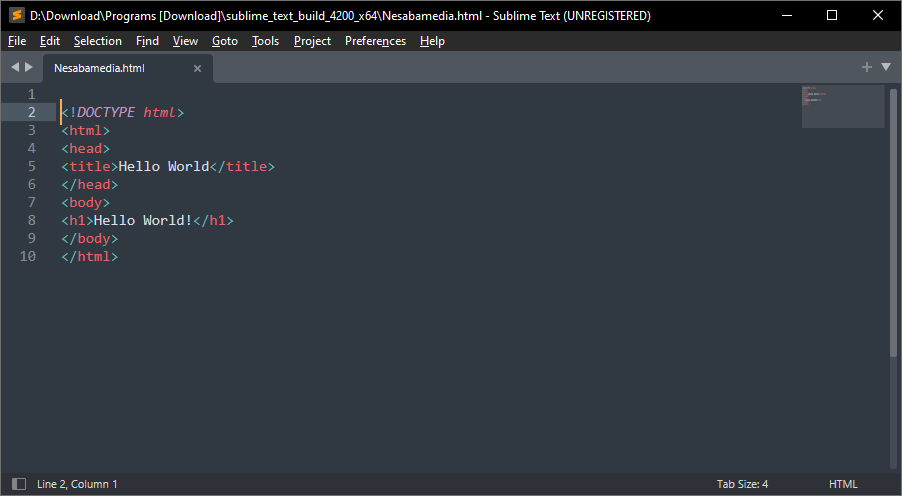
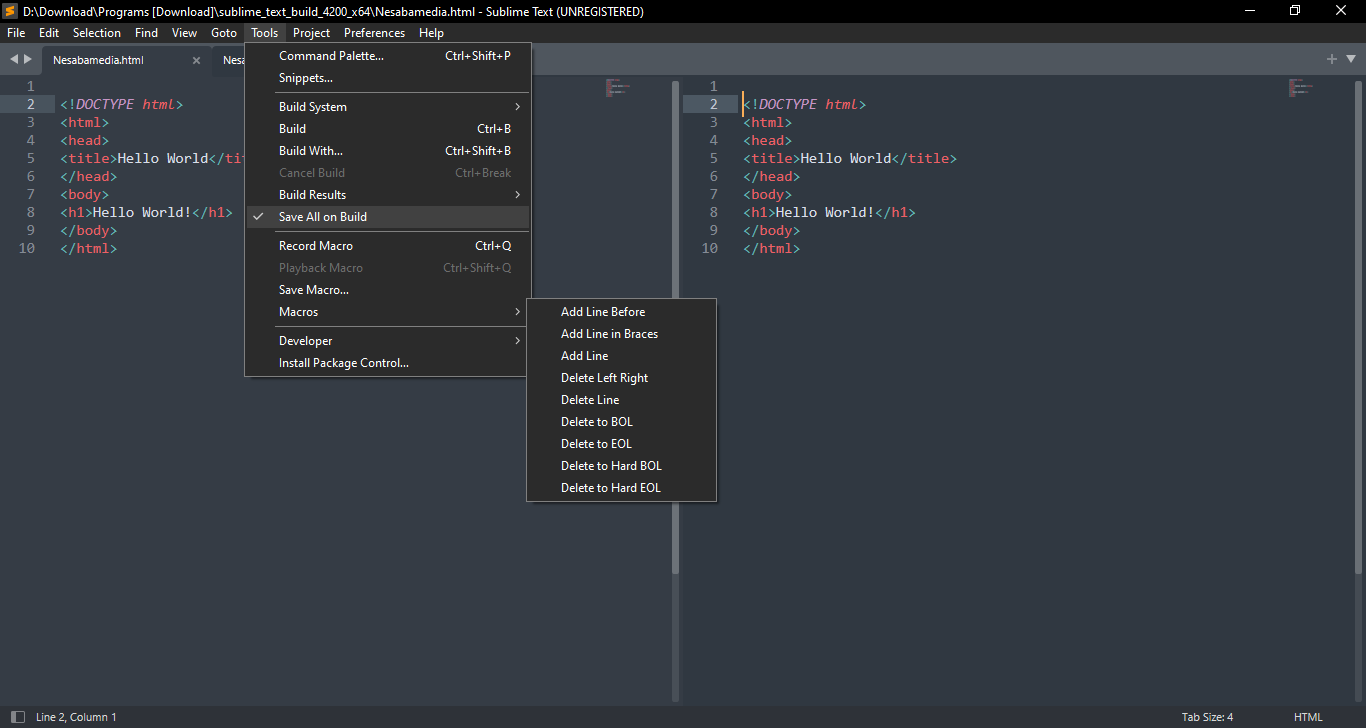
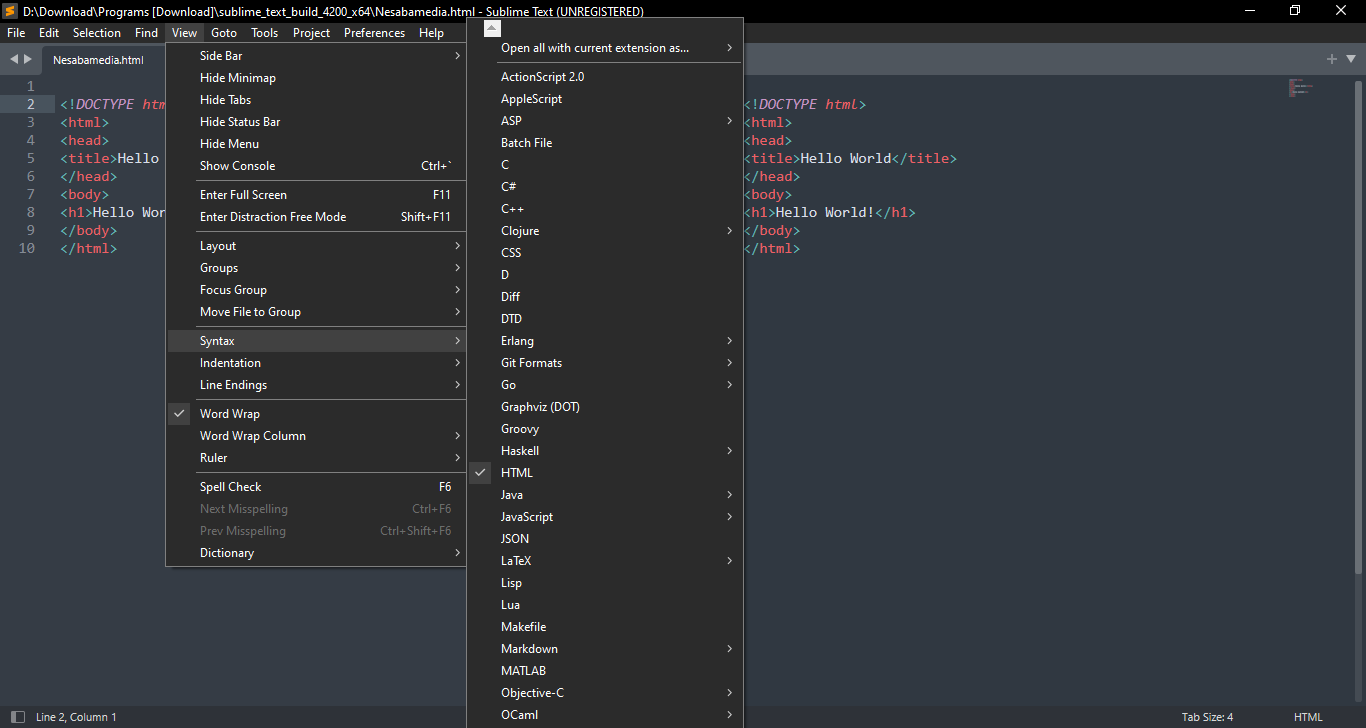
The clean interface of Sublime Text makes it easier to interact with your code. It is composed of a menu bar, tab bar, status bar, mini map on the right side, and document area. And it can be made cleaner by using either the Full Screen or Distraction Free mode.
If Sublime Text enters Full Screen mode, its title bar and Windows taskbar disappears.
If it enters Distraction Free mode, only its document area and menu bar are visible on your screen. The latter can be hidden too by going to View menu and clicking on Hide Menu.
Each of the interface elements can also be hidden individually, so you can keep only the necessary ones.
Sublime Text can view multiple tabs at once. You click on every tab that you want to view, and the contents of those tabs will be immediately displayed side by side. You click again on any of those tab buttons, and the view mode will be back to normal.
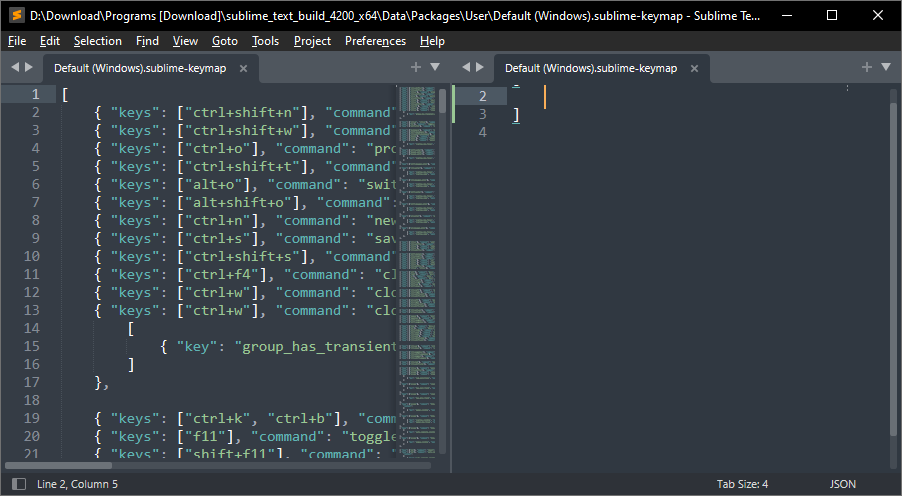
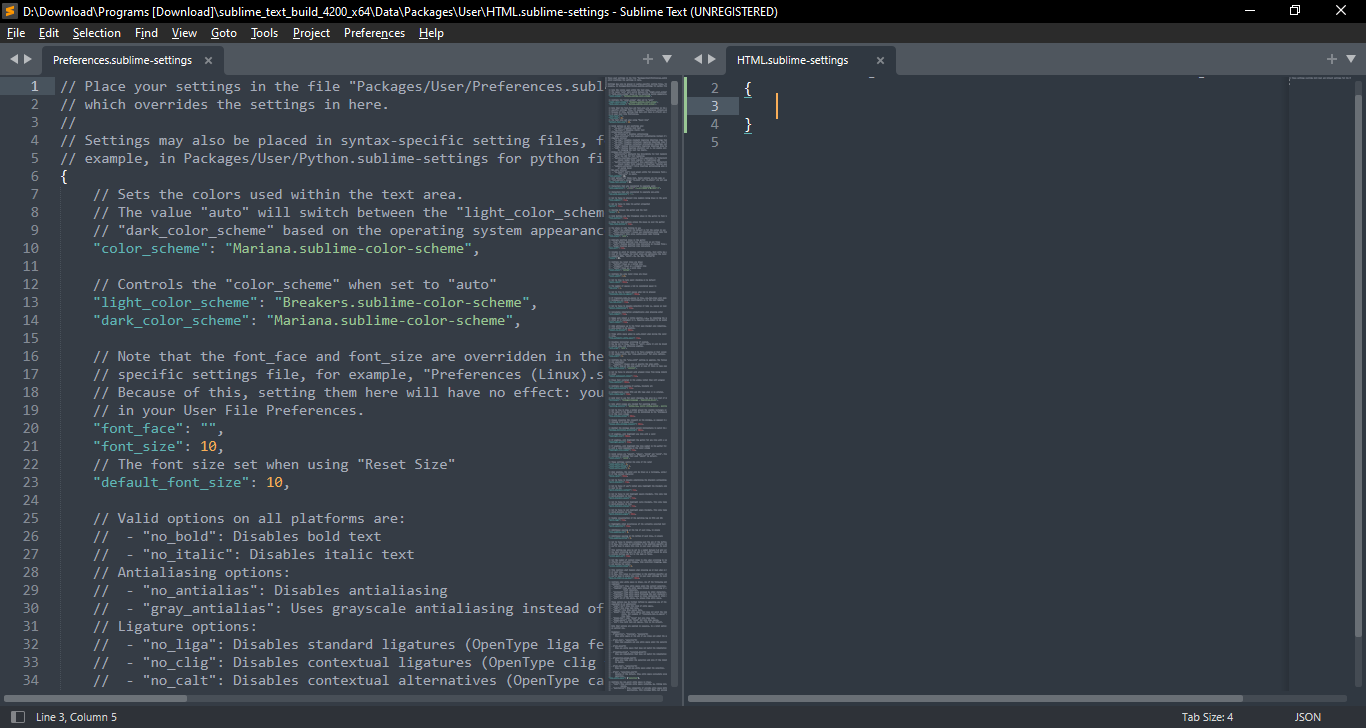
Split View is a similar feature with a different concept. Right-click on tab, select Split View, and you will be able to view the same file simultaneously side by side.
What makes it even easier to work with Sublime Text is the shortcut keys. While it is difficult to remember every single one of them, just using the ones for the commands that you use often will increase your productivity level significantly and help your mouse button to last a bit longer.
Ctrl + P is probably one of the shortcut keys that you will often use. It’s not to print the page, but to open a list of recently opened files where you can perform a search to find a specific file quickly.
Sublime Text Free Download for Windows
With all the power it hides behind its simplicity, it is no surprise that Sublime Text becomes a code editor many developers have relied upon. Its dark interface along with syntax highlighter provides a comfortable environment for users to work on their codes for hours.
And when you’re bored already with the default theme, or any other theme that you have used for a long time, you can always replace it with another one. You can click the link below to download Sublime Text for Windows:

- App Name Sublime Text
- License Freeware
- App Name Sublime Text
- Publisher Sublime HQ Pty Ltd
- Updated
- Version: 4200
On our site you can easily download Sublime Text. All without registration and send SMS!