SP Flash Tool

- Windows: 7, 8, 10, 11
- Version: 5.1524
- Size: 39.75 MB
-
[Total: 1 Average: 5]
As with PCs, smartphones are prone to many risks, including malfunctions. And there are more than one reason of why a smartphone can completely stop working. SP Flash Tool could be the tool you’re looking for if you need one that allows you to fix your phone on your own.
It is not just for fixing phones. As suggested by its name, the tool can also be used to get your Android phone back to a stock ROM, and this ability would come handy in certain situations, like when you’re going to sell your phone.
Features and Highlights
As with other portable software in general, the executable file and other files that are necessary to run SP Flash Tool are packed in an archive format. After extracting the archive, double-click flash_tool.exe and the main window of the program will greet you immediately.
Before you download and use SP Flash Tool, it is important to know that it is only intended for MediaTek phones, and it requires MediaTek USB-VCOM drivers to be installed on your PC. Just like you install any other driver, the installation of these drivers requires your computer to be restarted.
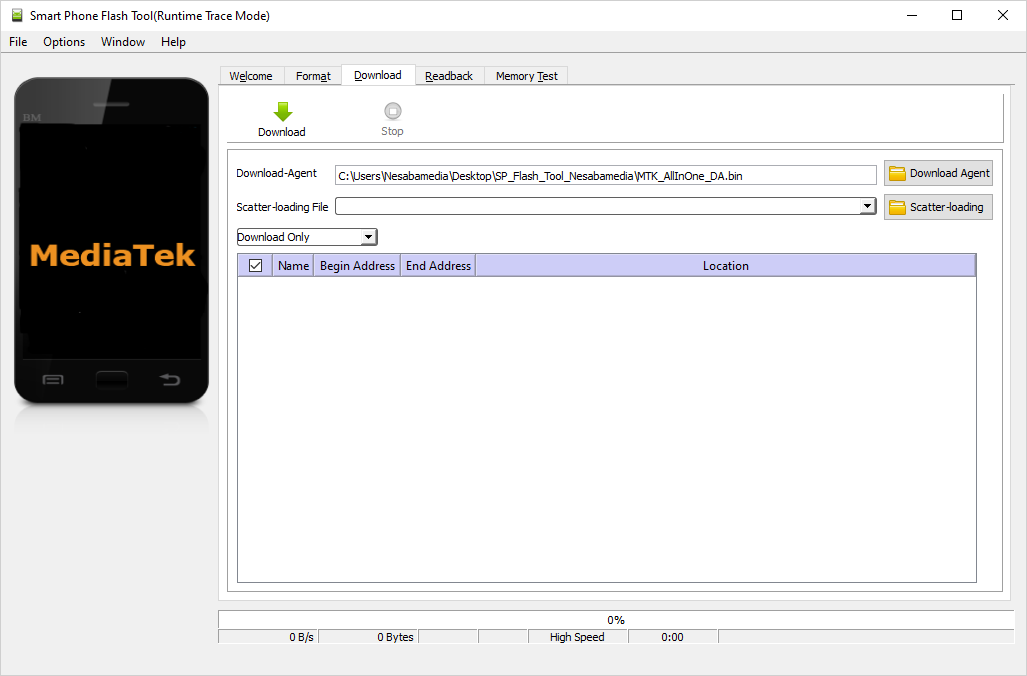
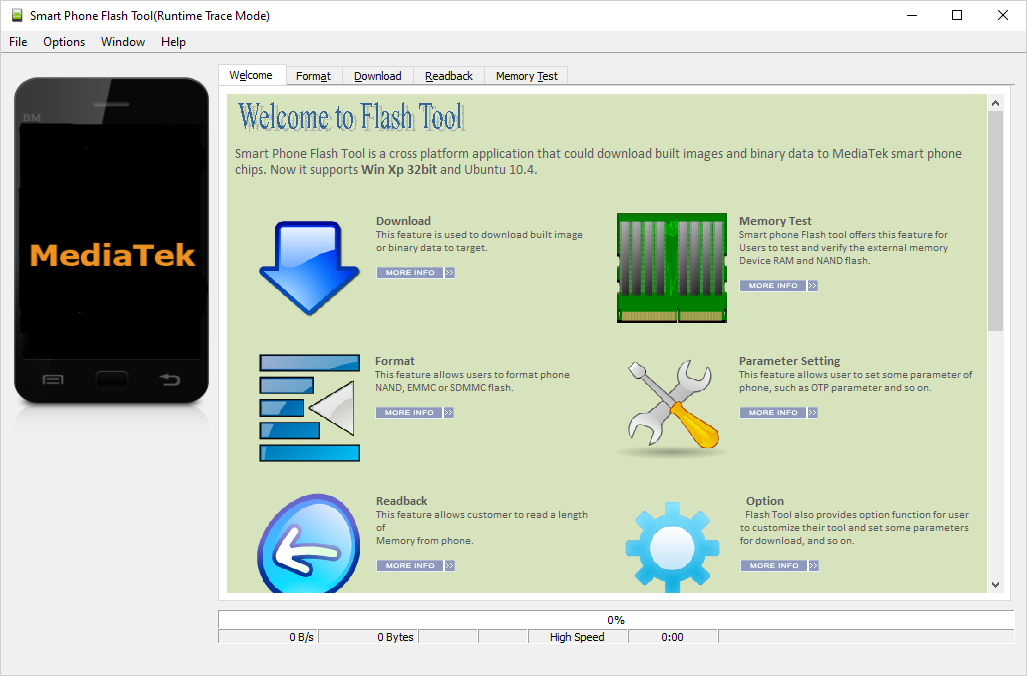
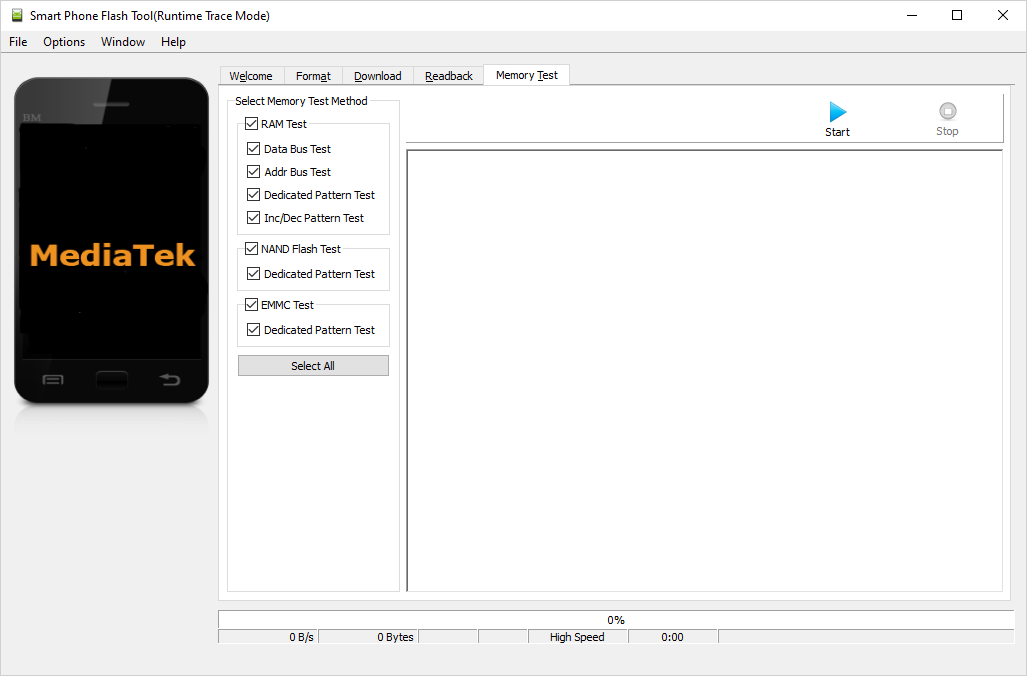
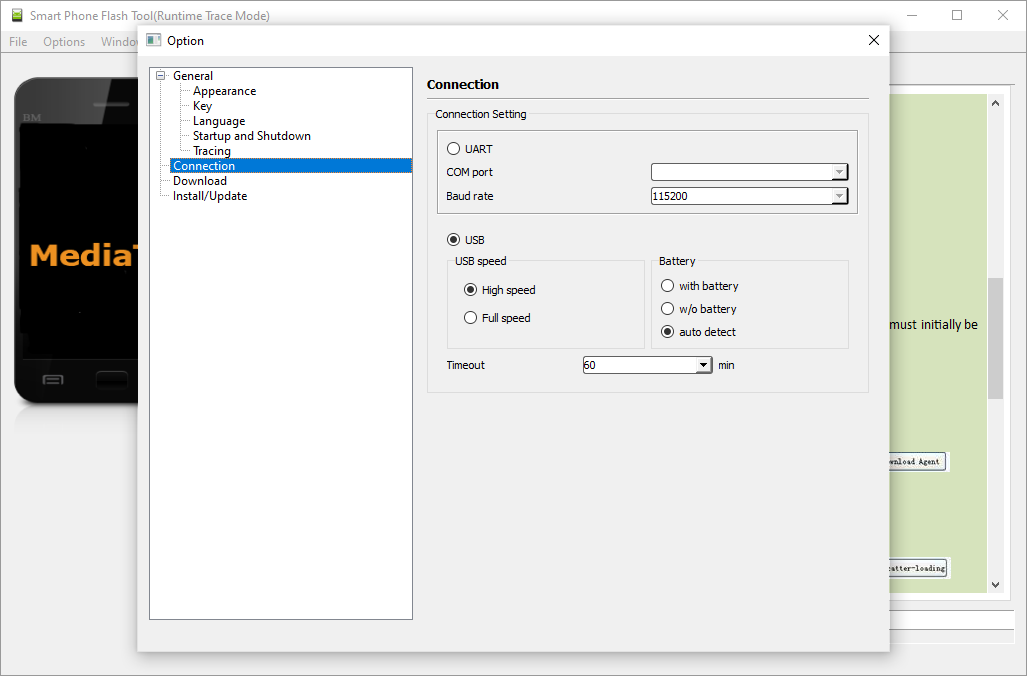
SP Flash Tool provides a simple interface that is easy to navigate. It has a row of menus and tabs. The first tab contains a Welcome page where you can find information about its features and an FAQ that lists quite a lot of error codes along with their descriptions and solutions.
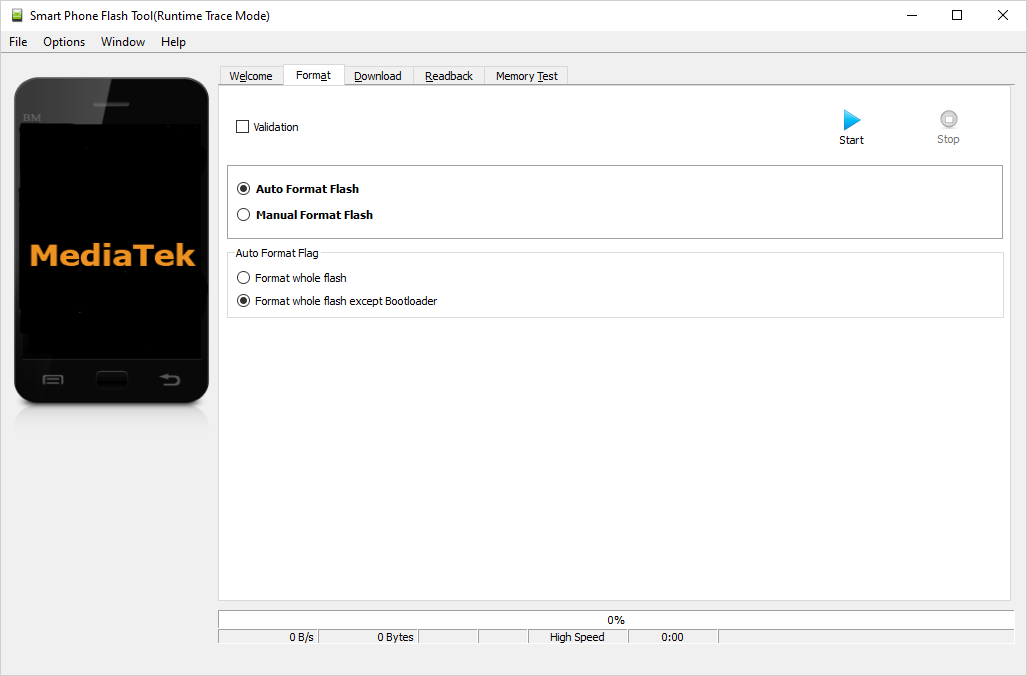
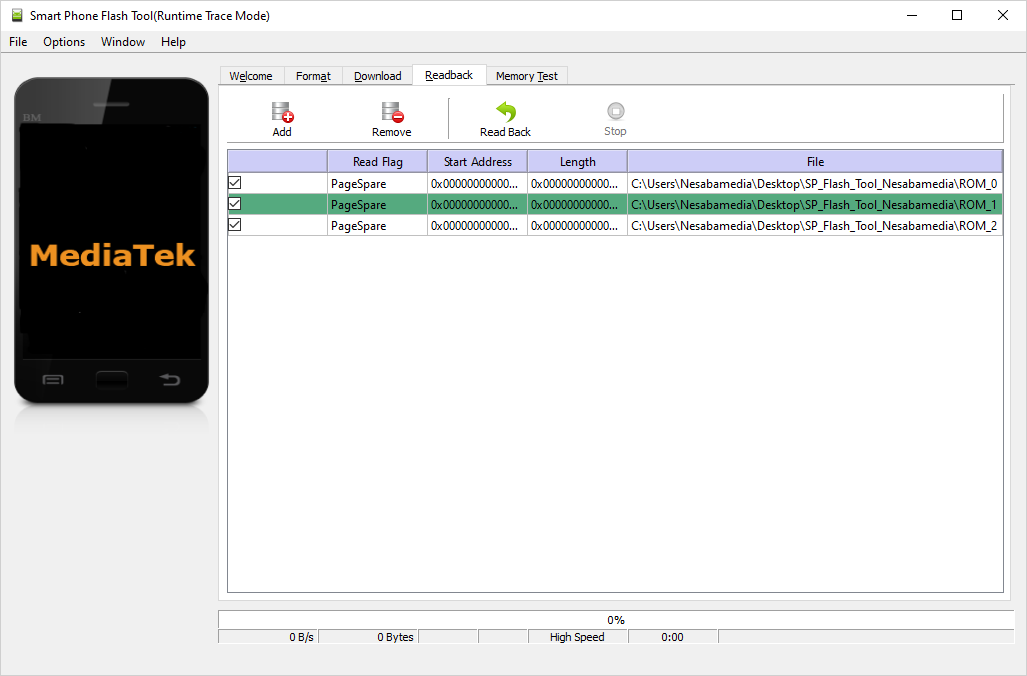
The other tabs are Format, Download, Readback, and Memory Test, each of which is dedicated to perform particular tasks. The information that you can find in the Welcome tab also include details about each of these tabs but most of them only make sense to experienced users.
The Welcome tab can be hidden if you don’t need it. While hiding a single tab seems insignificant, it can help you focus more on the tabs that really matter and minimize the risk of clicking the wrong tab.
With SP Flash Tool, you can flash a custom ROM and stock ROM, test your phone’s memory, fix a bricked phone, format your phone, and make backup of your phone’s ROM. The list of things it can do makes the software an interesting option for mobile phone enthusiasts and repair technicians who are looking for an alternative solution to fix phones and flash ROM.
SP Flash Tool Free Download for Windows
To use SP Flash Tool, you need to prepare a few things first, such as a Windows PC, MediaTek drivers, USB data cable, scatter file, and the ROM you’re going to flash to your phone. Also, you need to make sure that the internet connection is working when you use the tool.
Keep in mind that a problem can occur even when you are trying to fix a phone, which is why you should always remind yourself to back up your phone before using SP Flash Tool, unless there is nothing in it worth your time and effort. You can click the link below to download SP Flash Tool for Windows:


- App Name SP Flash Tool
- License Freeware
- App Name SP Flash Tool
- Publisher Mediatek
- Updated
- Version: 5.1524
On our site you can easily download SP Flash Tool. All without registration and send SMS!