Realtek HD Audio Drivers

- Windows: 7, 8, 10, 11
- Version: 2.82
- Size: 168.55 MB
-
[Total: 1 Average: 5]
A computer needs drivers to work properly. If you connect a speaker to a PC that doesn’t have any proper sound driver, there will be no sound coming out from the speaker. Since Windows operating system usually comes with drivers, this problem should never happen unless there is a problem with the drivers or something else.
If you cannot hear any sound from your speaker even though you have set the volume to the maximum level, one of the possible methods to fix it is by installing Realtek HD Audio Drivers, which you can download for free.
Features and Highlights
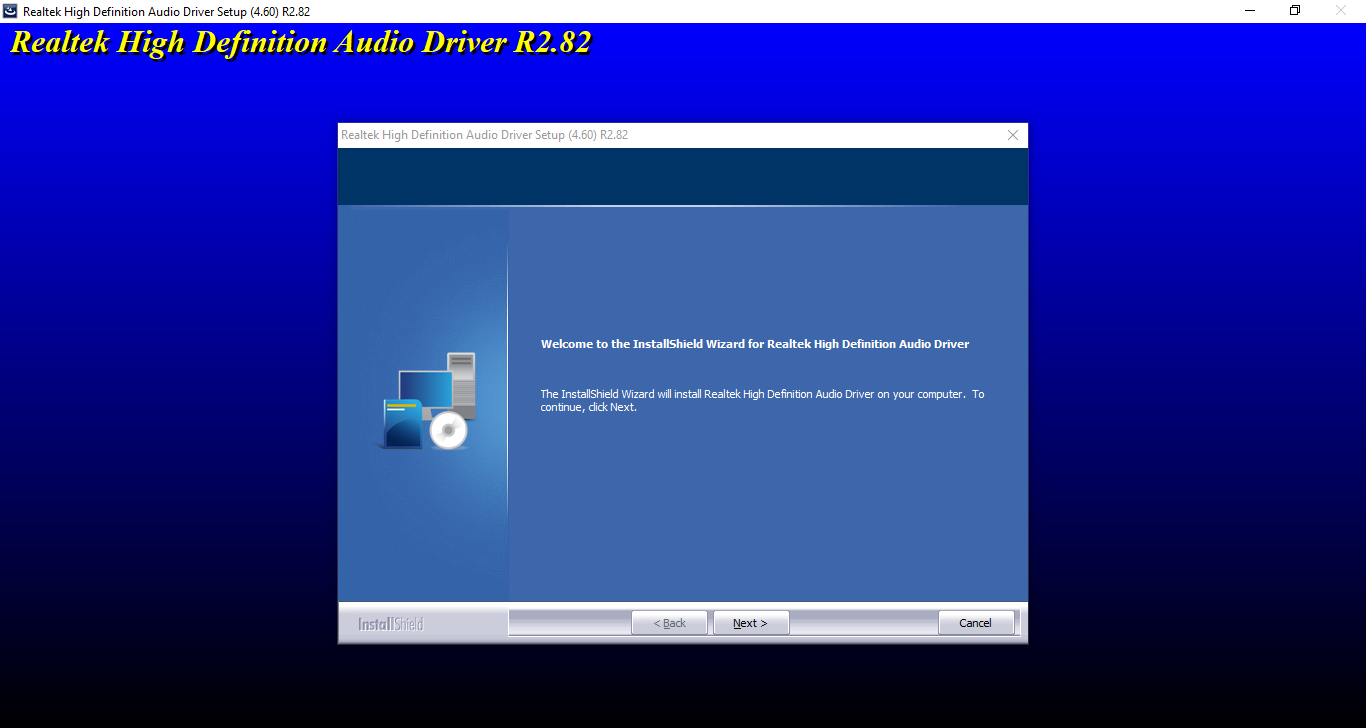
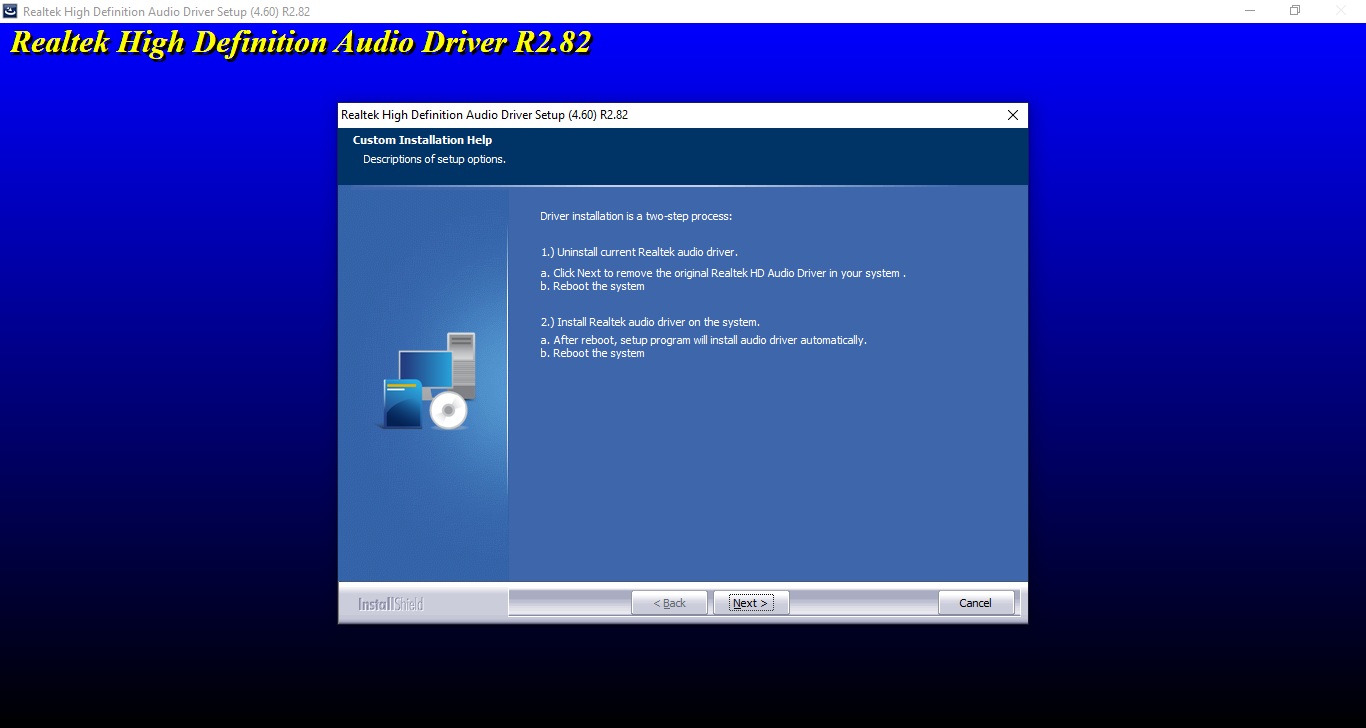
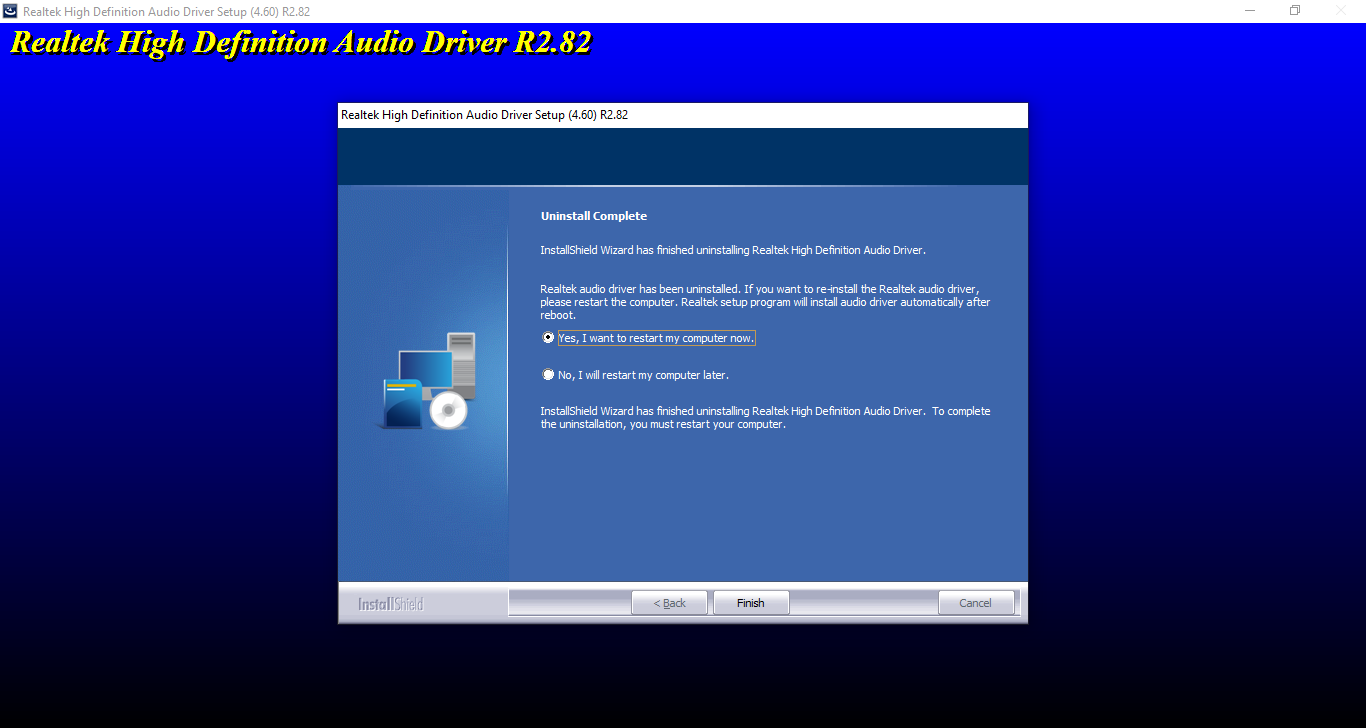
Installing Realtek HD Audio Drivers is not different from installing any other software. Double-click the executable file, follow the on-screen instructions, and the installation will be completed. However, you have to restart your computer afterward since the drivers will not work until you do so. The restart is fortunately optional so you can postpone it until you have nothing left to do on your computer.
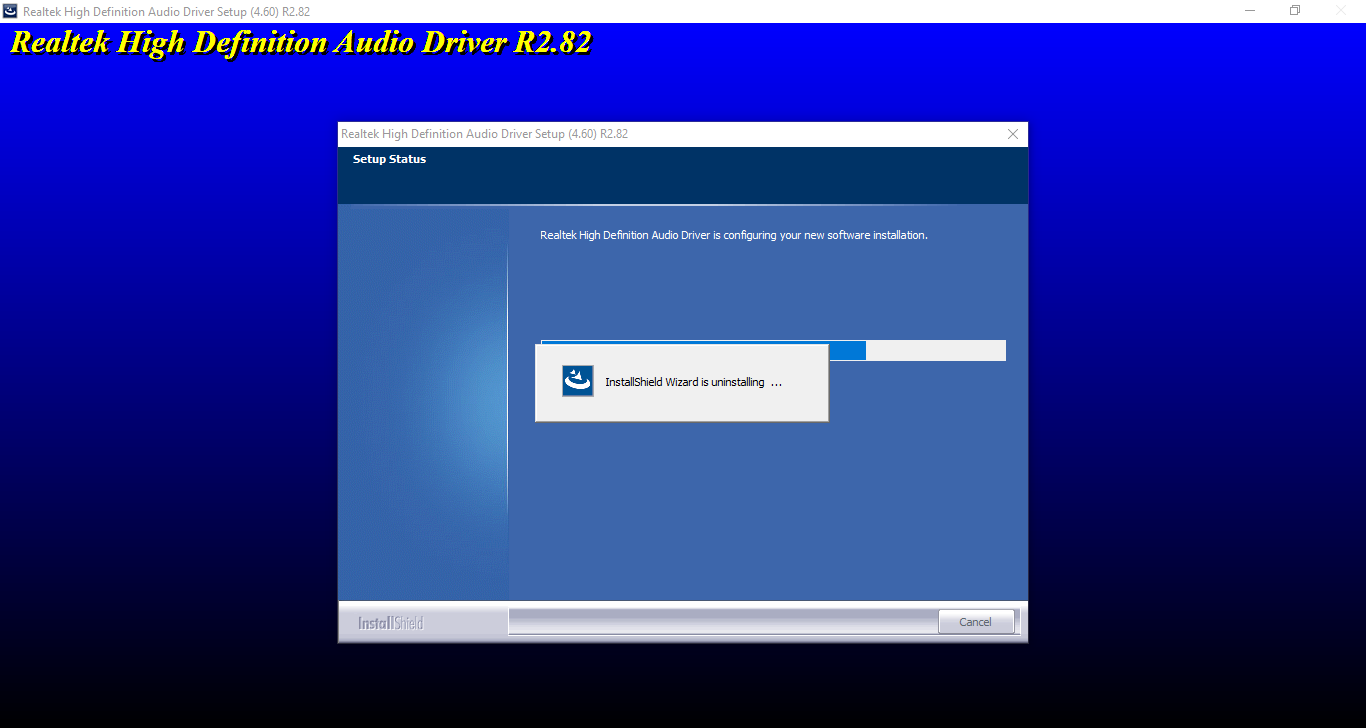
The process of installing Realtek HD Audio Drivers is probably not as fast and straightforward as you might expect. This is because the installation includes a step where the files need to be extracted first to a location and there are many of them. The installation can only run after the extraction is finished.
The hassle is worth it though, especially for a PC experiencing an audio problem. After you restart your computer and play a music, you should be able to hear the sound from your speaker. If you still cannot hear it, then it is likely that the source of the problem is not the drivers.
Using Realtek HD Audio Drivers gives you another benefit, and that is the ability to control your PC’s audio outputs and inputs.
A PC usually has more than one audio hardware. Realtek HD Audio Drivers provides you with a window where you can manage nearly everything related to audio hardware from one place. You can control how your microphone captures sound and how your speakers play sound, adjust the volume level of your speaker, and enable the Noise Suppression or Acoustic when you use your microphone.
Additionally, enabling or disabling your subwoofer or speaker can be done in just one click.
Realtek HD Audio Drivers works automatically after you install it and restart your computer. There is no need to adjust anything unless you find it necessary. The sound quality of your speaker might also get better than before when your computer still relies on the generic drivers that are installed by the operating system because they come together in one package.
Realtek HD Audio Drivers Free Download for Windows
Audio problems are usually caused by the lack of proper drivers. So, in order to fix these problems, the first step anyone should take is to install audio drivers such as Realtek HD Audio Drivers.
The installation is quite a hassle since your computer must be restarted but overall there is nothing difficult with the procedure. You can click the link below to download Realtek HD Audio Drivers for Windows:
- App Name Realtek HD Audio Drivers
- License Freeware
- App Name Realtek HD Audio Drivers
- Publisher Realtek
- Updated
- Version: 2.82
On our site you can easily download Realtek HD Audio Drivers. All without registration and send SMS!