Ralink 802.11n USB Wireless Driver

- Windows: 7, 8, 10, 11
- Version: 3.0.09
- Size: 3.11 MB
-
[Total: 1 Average: 5]
Ralink 802.11n USB Wireless Driver is a software driver specifically developed to act as a middleman between Ralink wireless devices and Windows PCs so that they can communicate with each other to perform the operations.
This driver has been carefully created to provide the best networking experience for anyone who use a Ralink device. Without the driver, your Ralink device may still be able to function but probably not at its full potential.
Features and Highlights
When connected to a computer with an operating system, a piece of hardware needs a driver so that the operating system can use the hardware properly. Most of the time those who own Windows PCs do not have to search for drivers because the operating system usually comes bundled with a collection of generic drivers.
Your Windows PC may already have a generic driver that can recognize your wireless device. The advantage of using such a driver is that it is designed to work with all wireless devices.
However, a generic driver may not be able to access all of the features on some devices. It might completely fail to communicate with the devices. At worst, it might cause some system malfunctions that lead to data loss. This is why it is generally recommended to use a driver that is specifically built for a device, like Ralink 802.11n USB Wireless Driver which is developed for wireless devices manufactured by the Ralink Technology company.
Using such a dedicated driver might also improve your network performance and stability. Transfer speed might get better. And it might be able to fix some network-related errors immediately.
There are quite many benefits that you can enjoy from replacing a generic wireless driver with Ralink 802.11n USB Wireless Driver. It is suffice to say then that the hassle is worth the effort.
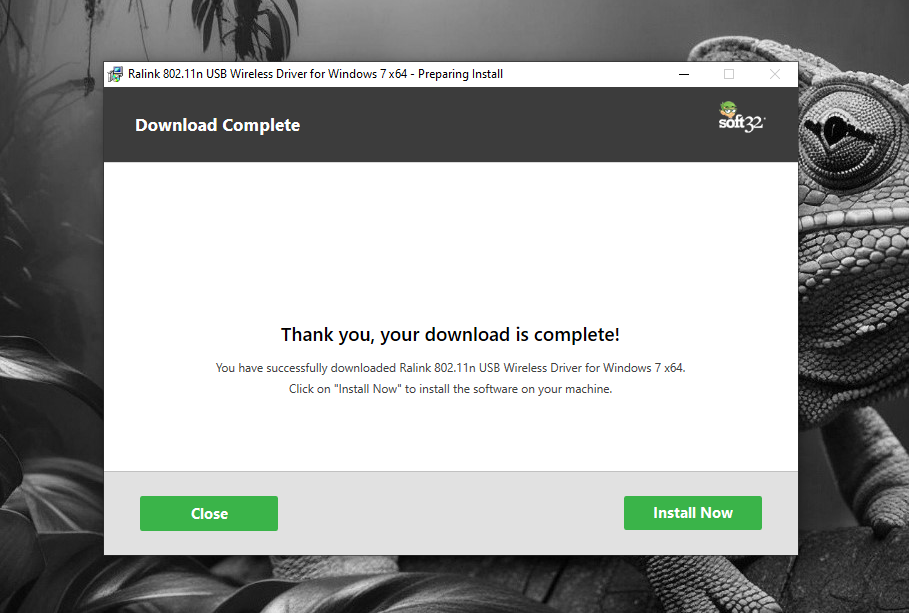
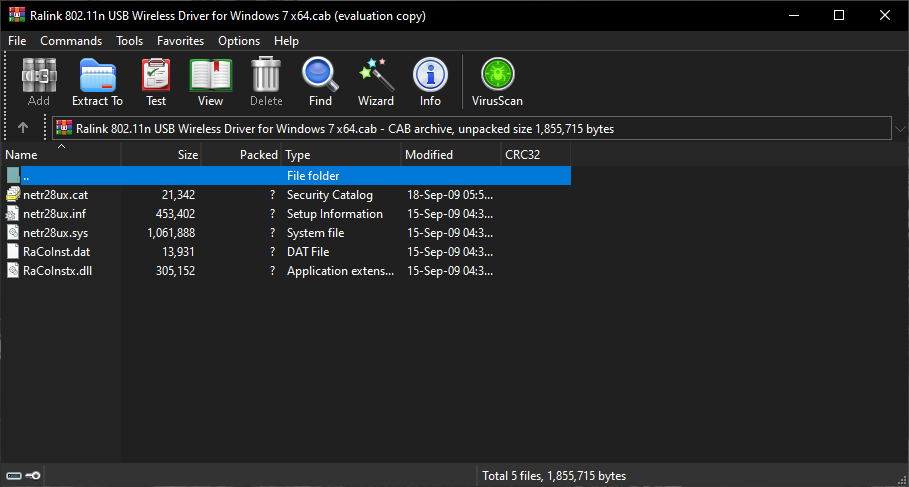
Installing this driver is just a matter of following the on-screen instructions. Keep in mind that the installer requires an administrator account to run. After that, it will extract all the necessary files to a location. As soon as you finish the installation, you need to spare a few seconds or minutes to restart your computer.
The file size of this driver is very small so it will not take long to download it. At most it will take only a few seconds unless you have an unstable network connection. After you install it, you can check whether it works or not. If it doesn’t, you can scour the web to find out what you should do to make it works.
Ralink 802.11n USB Wireless Driver Free Download for Windows
While installing Ralink 802.11n USB Wireless Driver may be able to solve your network-related problem, there is a chance that it leads to another problem unexpectedly.
As with installing any other software, you need to take caution when installing this driver by creating a system restore point. Since it only takes a few seconds to create one, everyone should do it. You can click the link below to download Ralink 802.11n USB Wireless Driver for Windows:
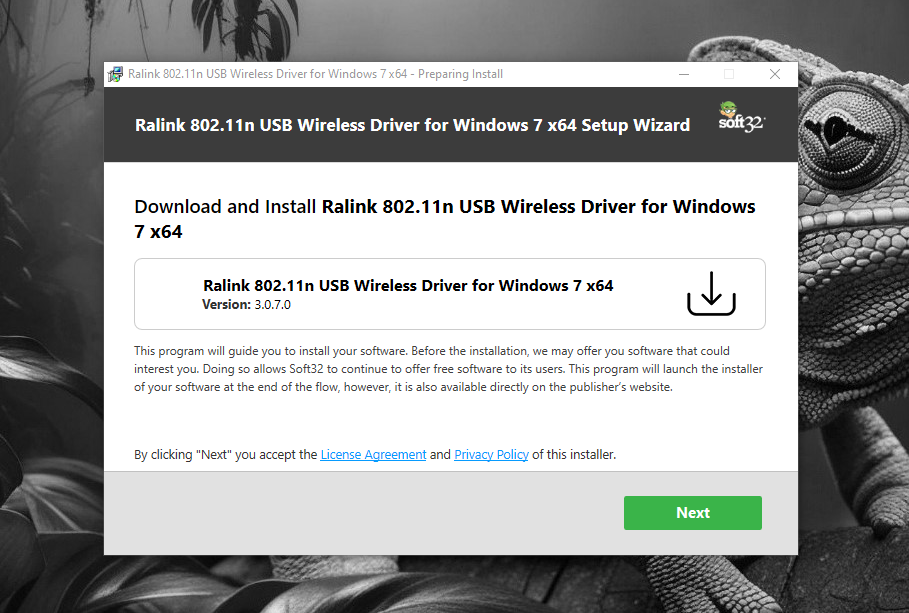
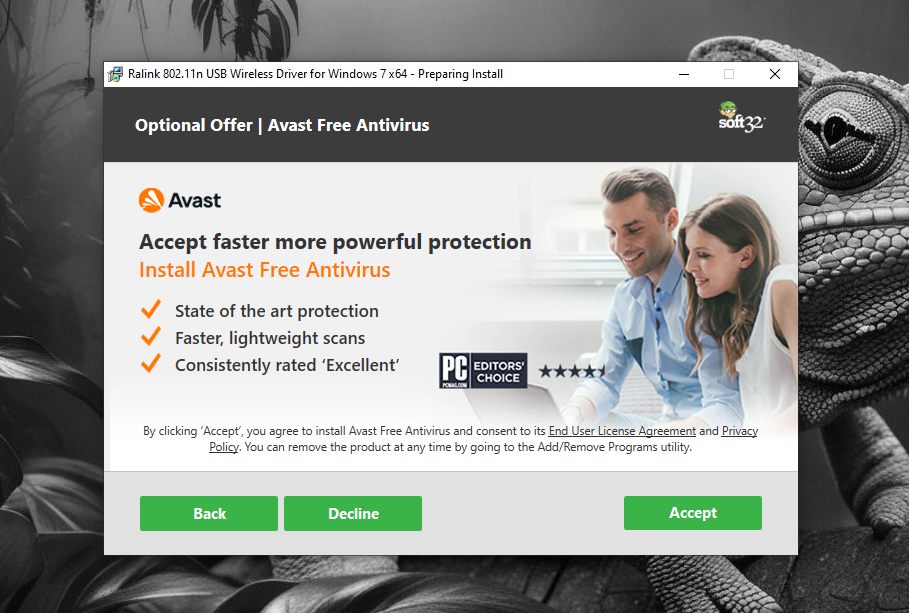
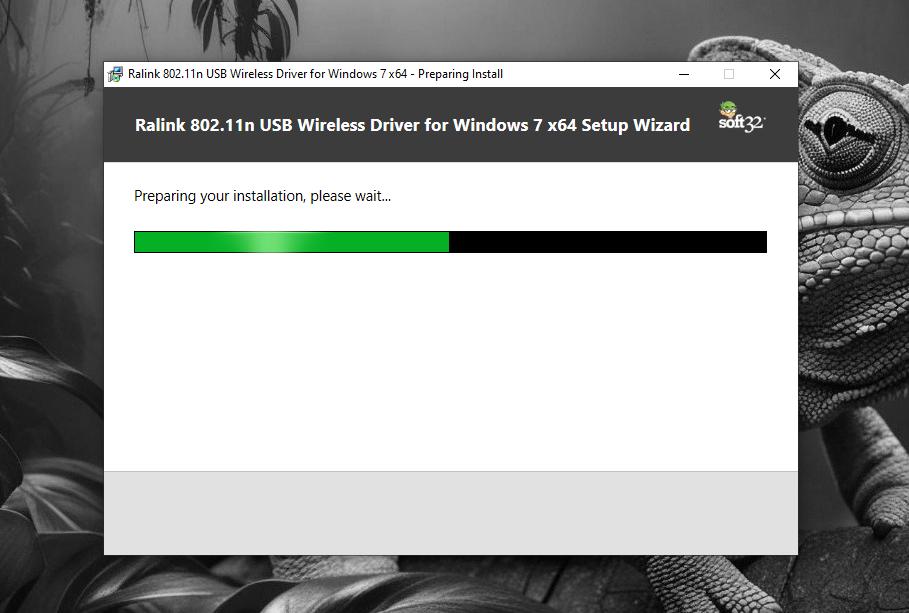
- App Name Ralink 802.11n USB Wireless Driver
- License Freeware
- App Name Ralink 802.11n USB Wireless Driver
- Publisher Outbyte
- Updated
- Version: 3.0.09
On our site you can easily download Ralink 802.11n USB Wireless Driver. All without registration and send SMS!