PowerISO

- Windows: 7, 8, 10, 11
- Version: 9.2
- Size: 5 MB
-
[Total: 1 Average: 5]
Among the extremely vast amount of files distributed over the web, many of them are ISO image files. Instead of burning these files to a CD or DVD, which is quite a hassle and time consuming, you can just mount them as a virtual drive. This is something that PowerISO is capable of.
PowerISO is an all-in-one solution to process your disk image files. Every single image file formats you’ve ever heard, nearly all of them are supported by this software, including DAA file, which is a short for Direct-Access-Archive.
Features and Highlights
When you need to access a DVD content, normally you’ll have to insert the DVD into the drive of your computer. It’s inconvenient and risky to boot. The more you use a DVD, the higher the chance for it to get damaged. You can buy another DVD disk when it happens, but your data might forever be lost unless you have made a backup somewhere.
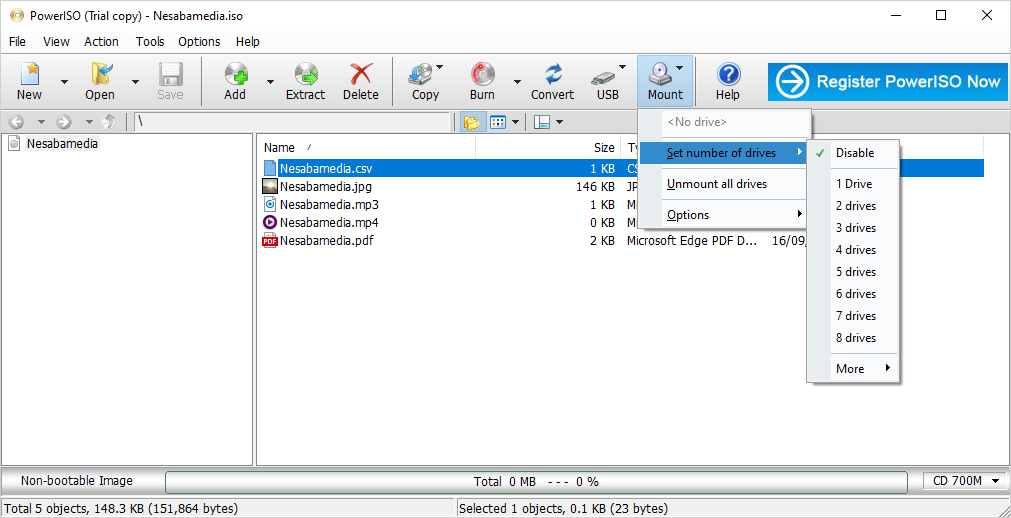
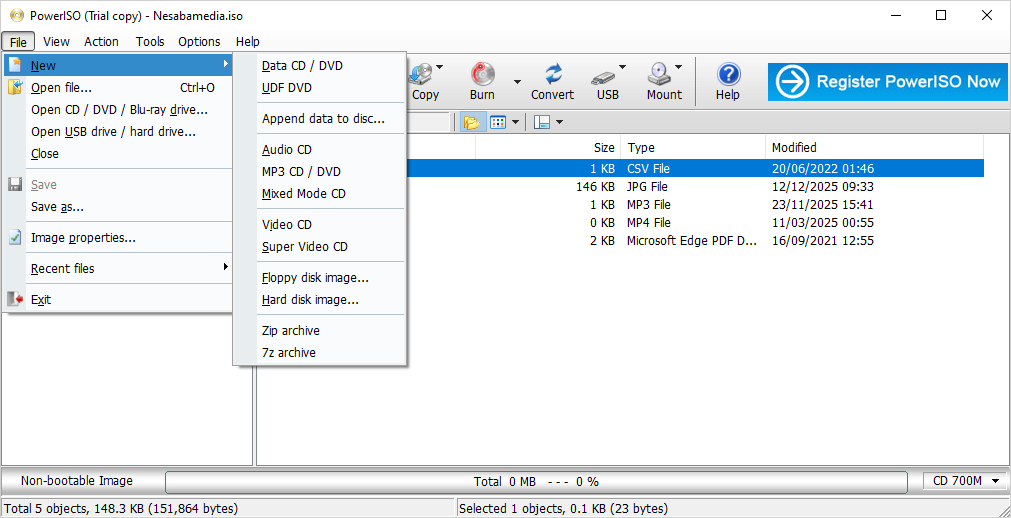
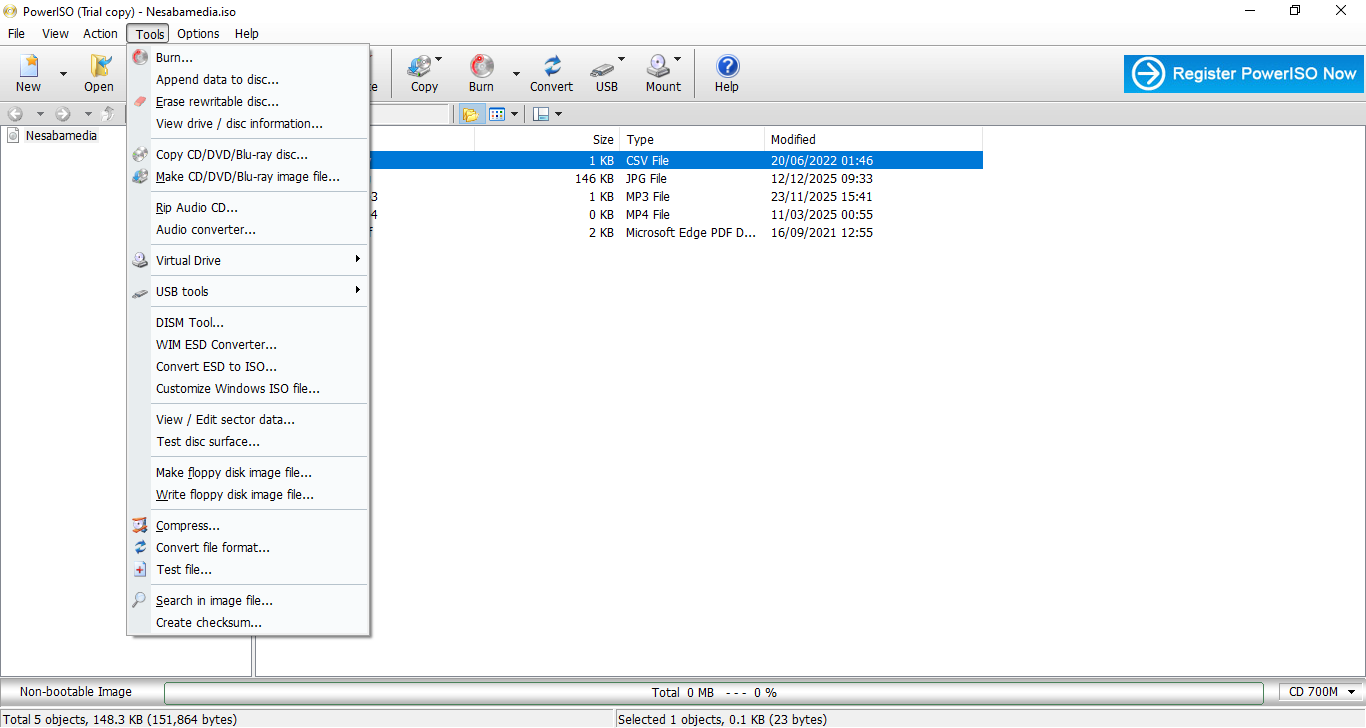
Turning those files into an image file can reduce the risk of damages significantly since you can just mount the image whenever you need to open the files. PowerISO can do both of these. Creating an ISO file is easy with it. Mounting an ISO file is even easier.
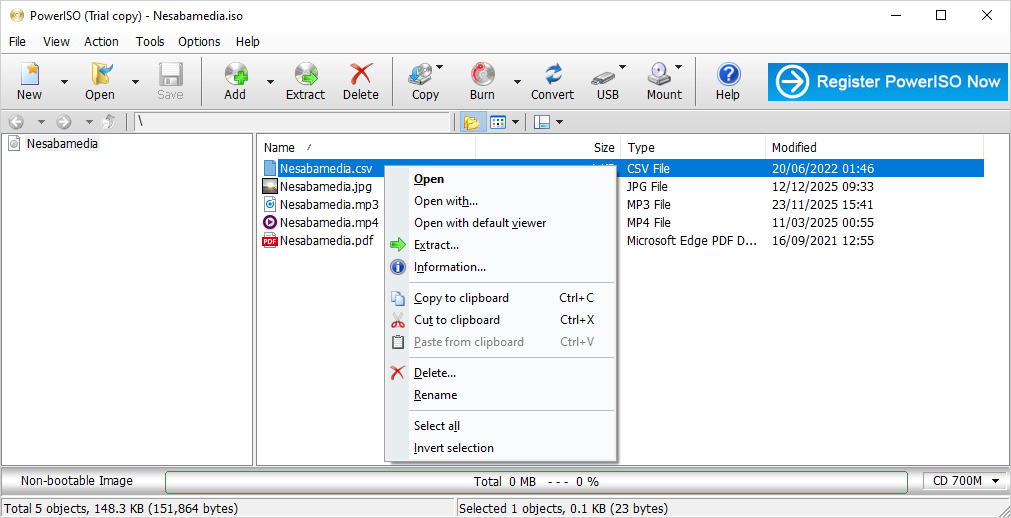
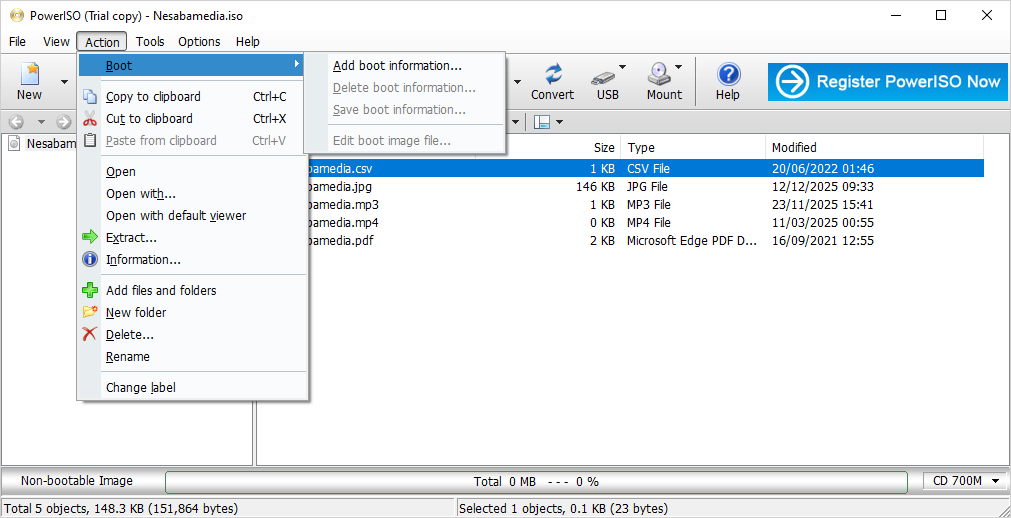
When you mount an image file with PowerISO, the image file appears as a virtual drive in your File Explorer and you can access the content like normal files. The process of mounting an image file involves just a few clicks which is much more convenient than inserting a DVD disk into a drive. You don’t even have to open the main window of PowerISO to mount a disk image file. After you install the software, it adds a new group of commands into the context menu which includes the command to mount the selected disk image.
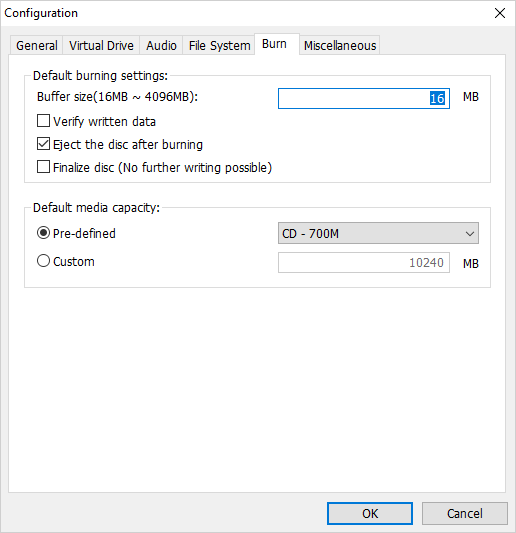
PowerISO can also burn your ISO files to a CD/DVD disk at an adjustable speed. When it finishes burning the files, it can run a data verification to ensure the data integrity. You can burn the same files to more than one CD/DVD if necessary for backup.
The capability of PowerISO is more than just processing disk image files. It can even turn your USB drive into a bootable one as long as you run it as an administrator. Just make sure to configure your BIOS to be able to boot from the bootable USB drive that you have just created.
When you need to convert a BIN file to an ISO, or vice versa, PowerISO can help too. All the other popular disk image file formats can be converted to ISO or BIN as well.
PowerISO Free Download for Windows
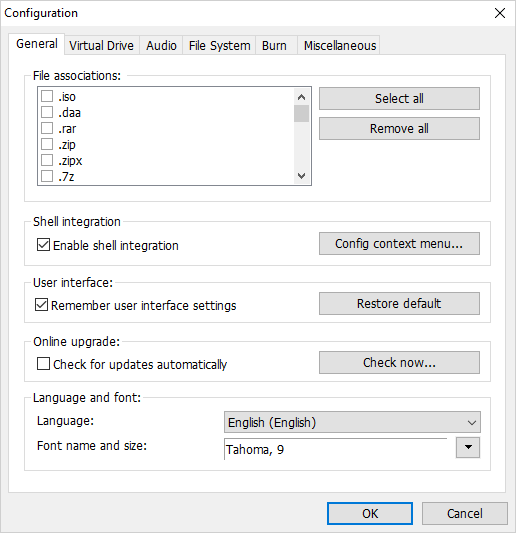
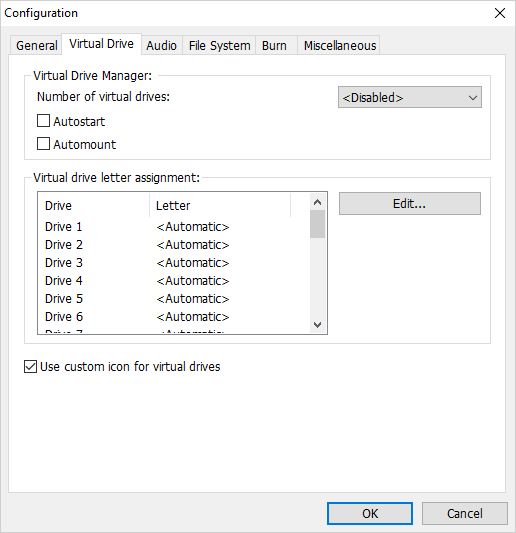
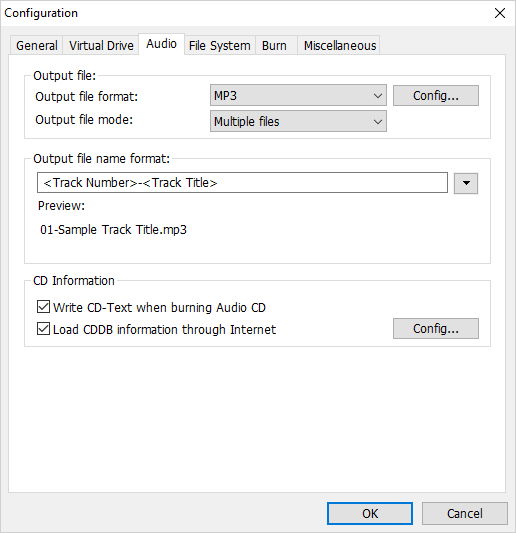
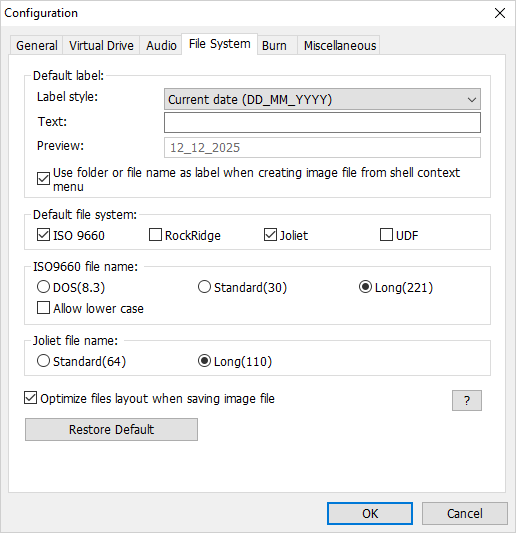
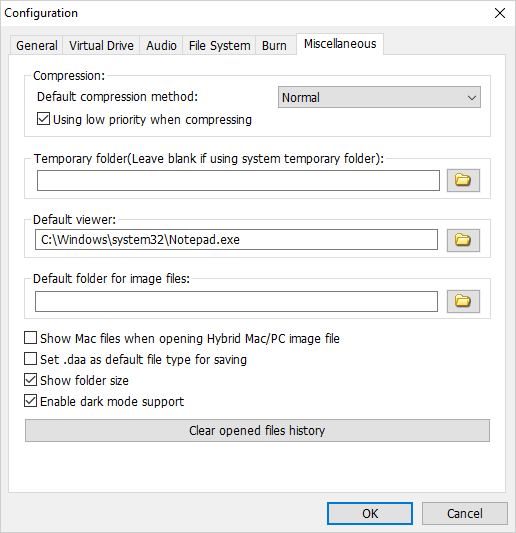
PowerISO gives everything you need to create, edit, extract, convert, and mount disk image files. Its support for shell integration makes certain tasks easier to do, like mounting an ISO file. And if you decide that you don’t need it as you want to keep the context menu as clean as possible, you can turn off the integration easily from its configuration window. You can click the link below to download PowerISO for Windows:
- App Name PowerISO
- License Freeware
- App Name PowerISO
- Publisher Power Software Ltd.
- Updated
- Version: 9.2
On our site you can easily download PowerISO. All without registration and send SMS!