Photoscape

- Windows: 7, 8, 10, 11
- Version: 3.7
- Size: 20.37 MB
-
[Total: 1 Average: 5]
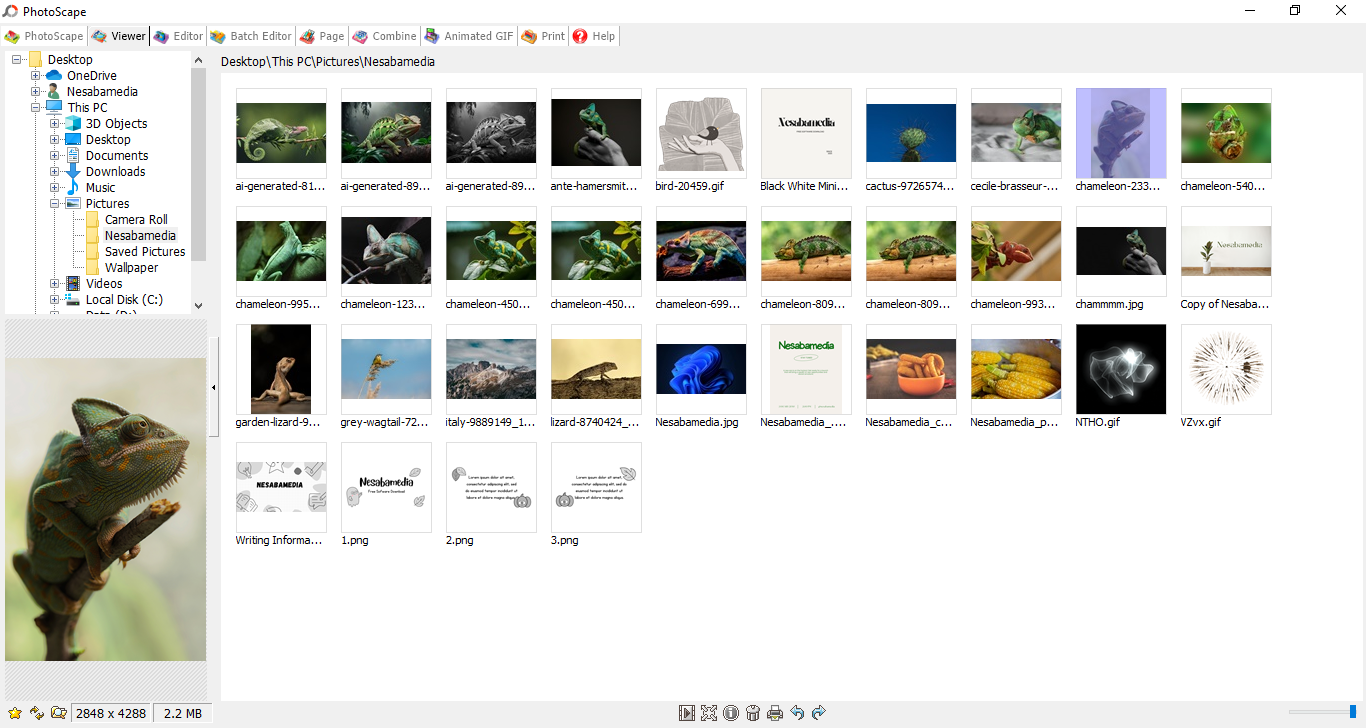
With a little bit of creativity, you can enhance a digital image with Photoscape to look better than before. It is a pretty well known photo editor for its ease of use despite its unusual interface.
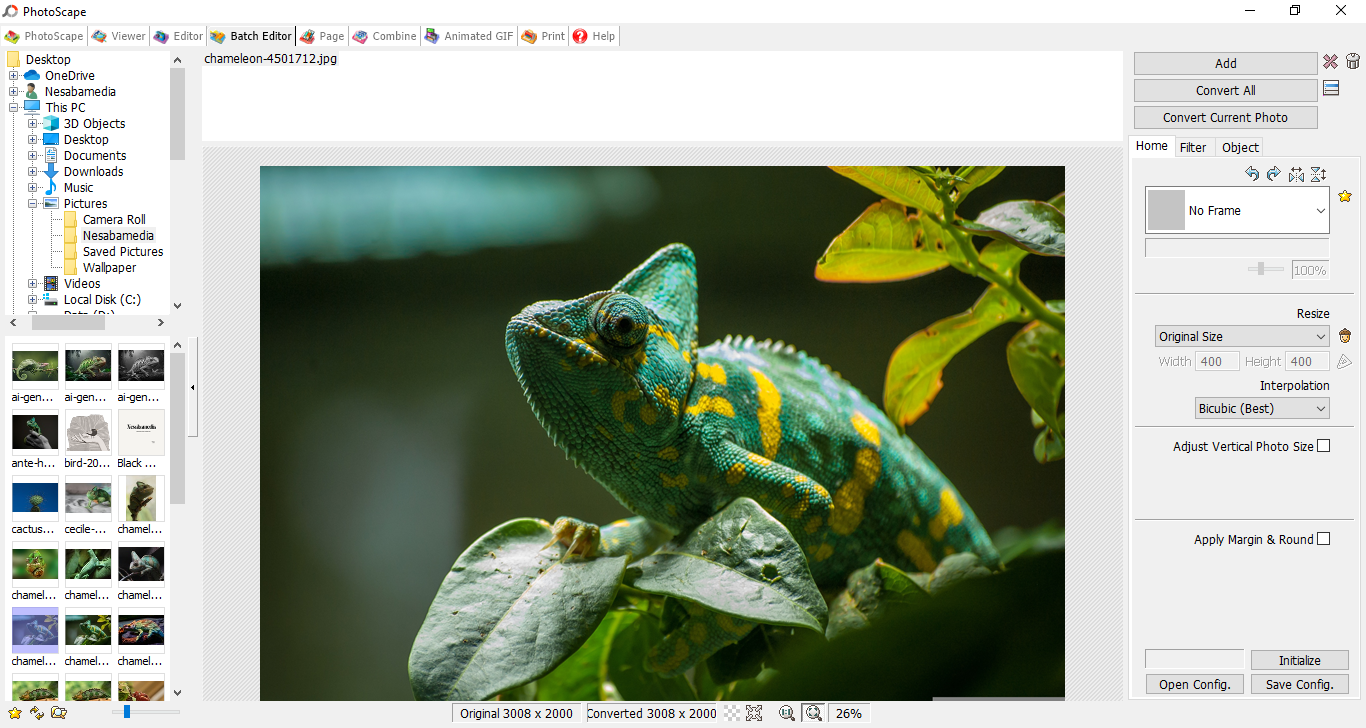
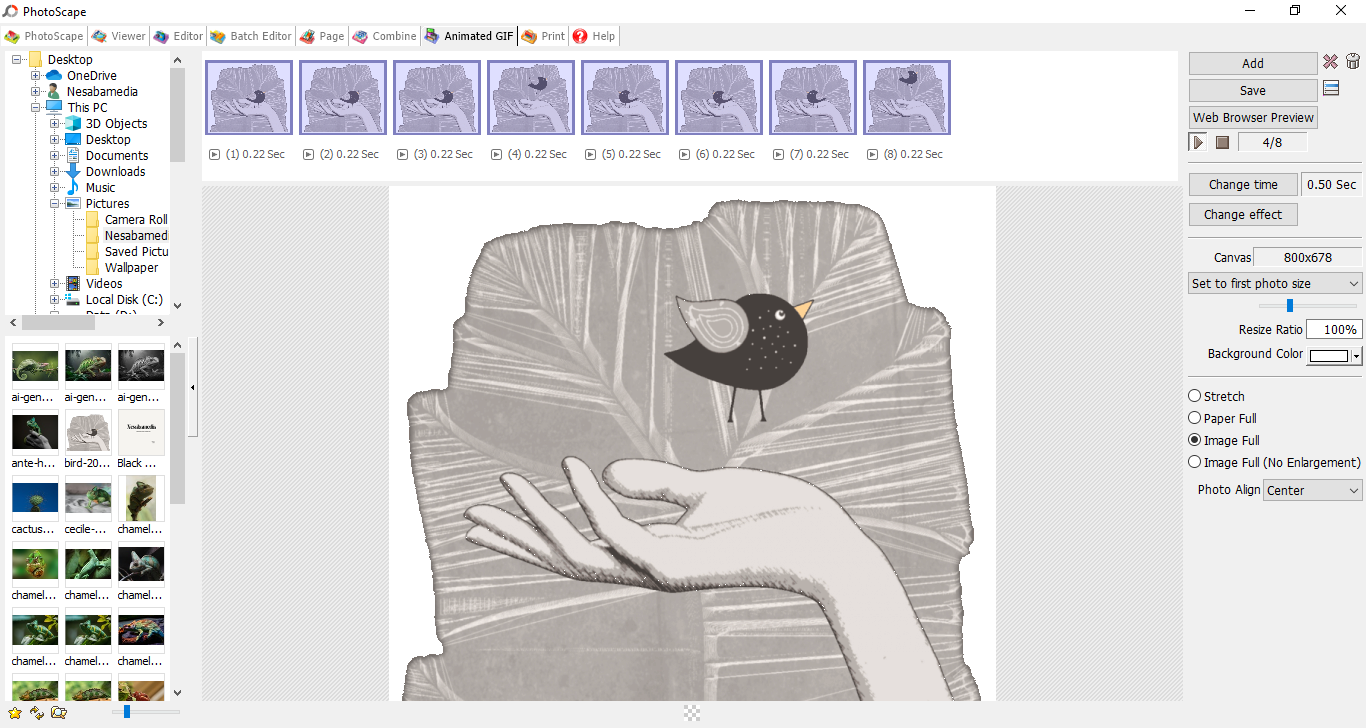
Among its features, Photoscape can make a photo looks sharper and clearer, combine several images into one image, create an animated GIF out of a series of images, create photo collages, view images, convert RAW to JPG, rename files in batch, and capture screen.
Features and Highlights
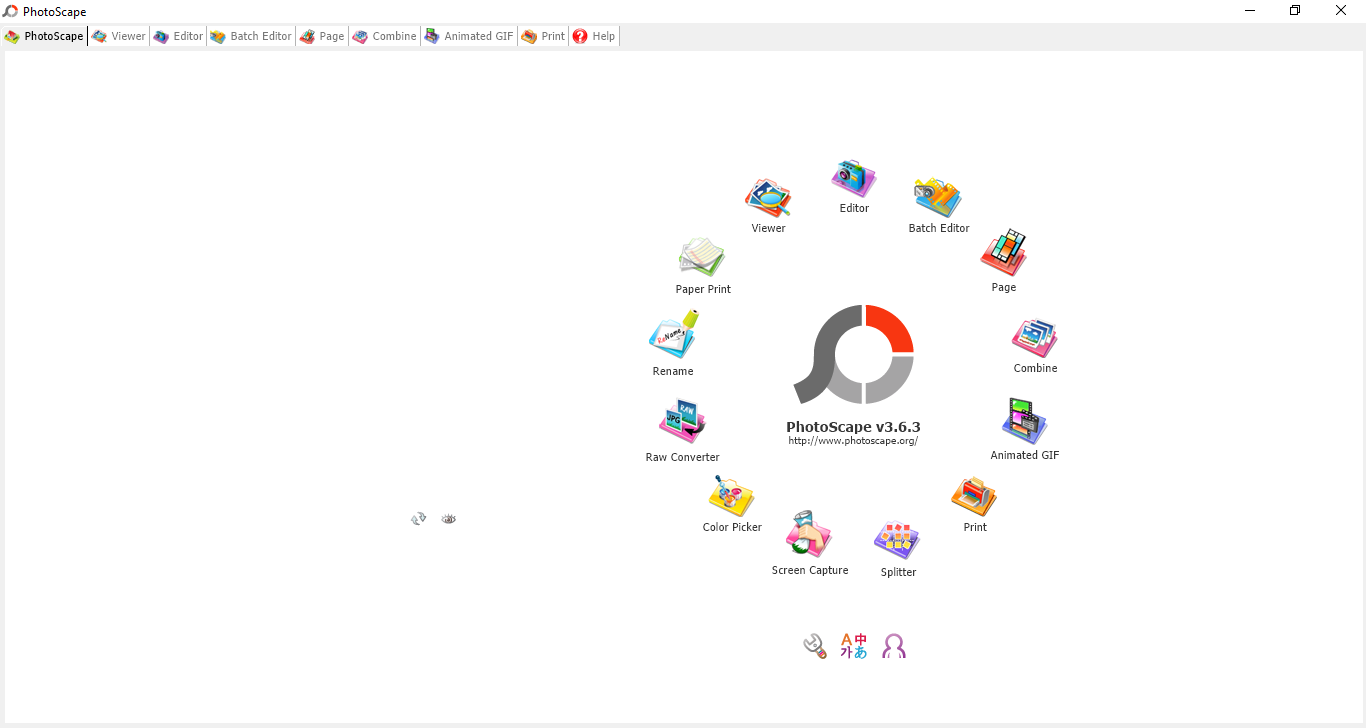
Its circular menu that greets you once it opens is definitely unusual but not off-putting. It looks somewhat nice actually. Each icon provides access to a different tool, and there are 13 icons representing 13 different tools.
Some of the tools in the circular menu can also be found in forms of tabs across the top of the interface.
When you are at the start screen, these tabs are not that useful because the circular menu can get you to the tool you need more quickly and it has a wider selection of tools. When you are working with a tool and need to switch to another one, though, the usefulness of the tabs becomes obvious as it only needs one click to do so.
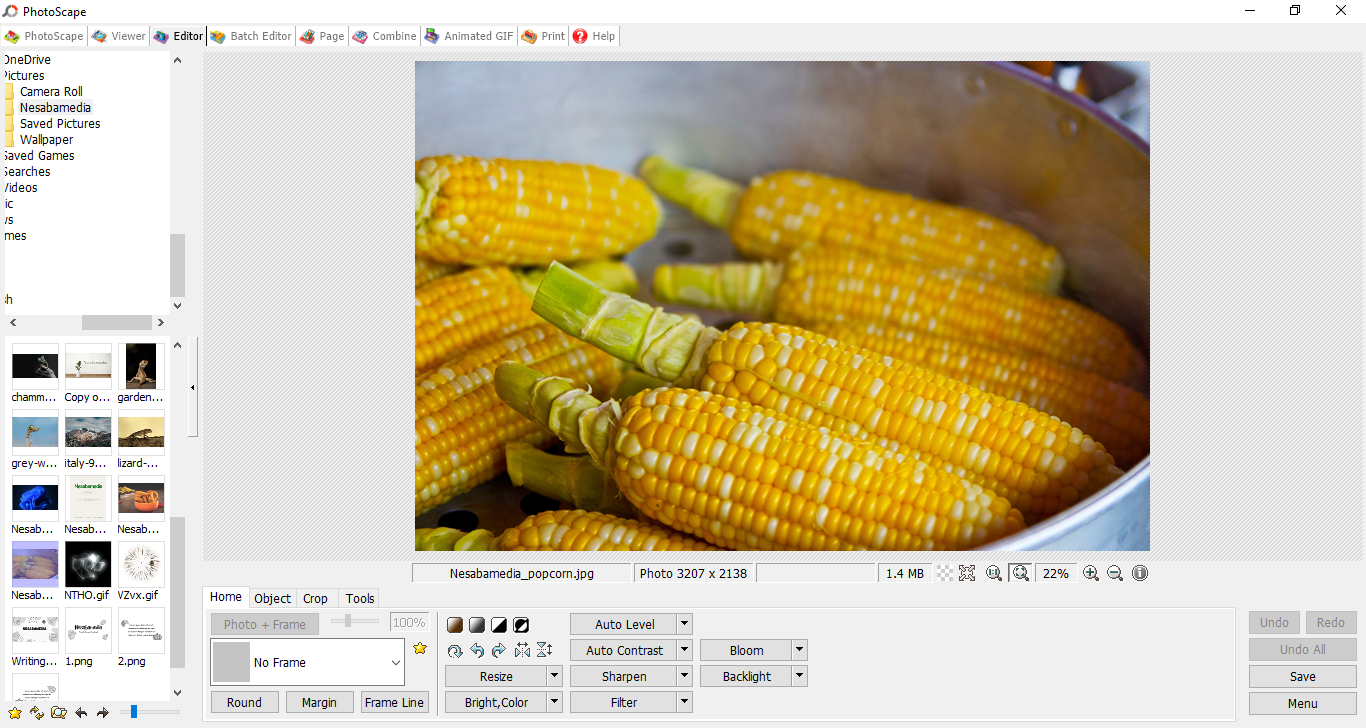
As a free photo editor, Photoscape lets you resize, crop, sharpen, flip, and rotate images. It provides quick fix solutions such as Red Eye Correction and Mole Removal. Text, shapes, frames, and objects can also be added to images.
A wide selection of filters are available, some of which are vertical glasstile, distort, blur, fade, fake tilt-shift, graduated tint, linear gradient, newsprint, emboss, and jitter.
It is also worth mentioning that Photoscape can crop an image into a round one. It is not a unique feature but not every photo editor has it. Unfortunately, the background of the empty area left behind by the cropping cannot be made transparent. You can only use a solid color for the background.
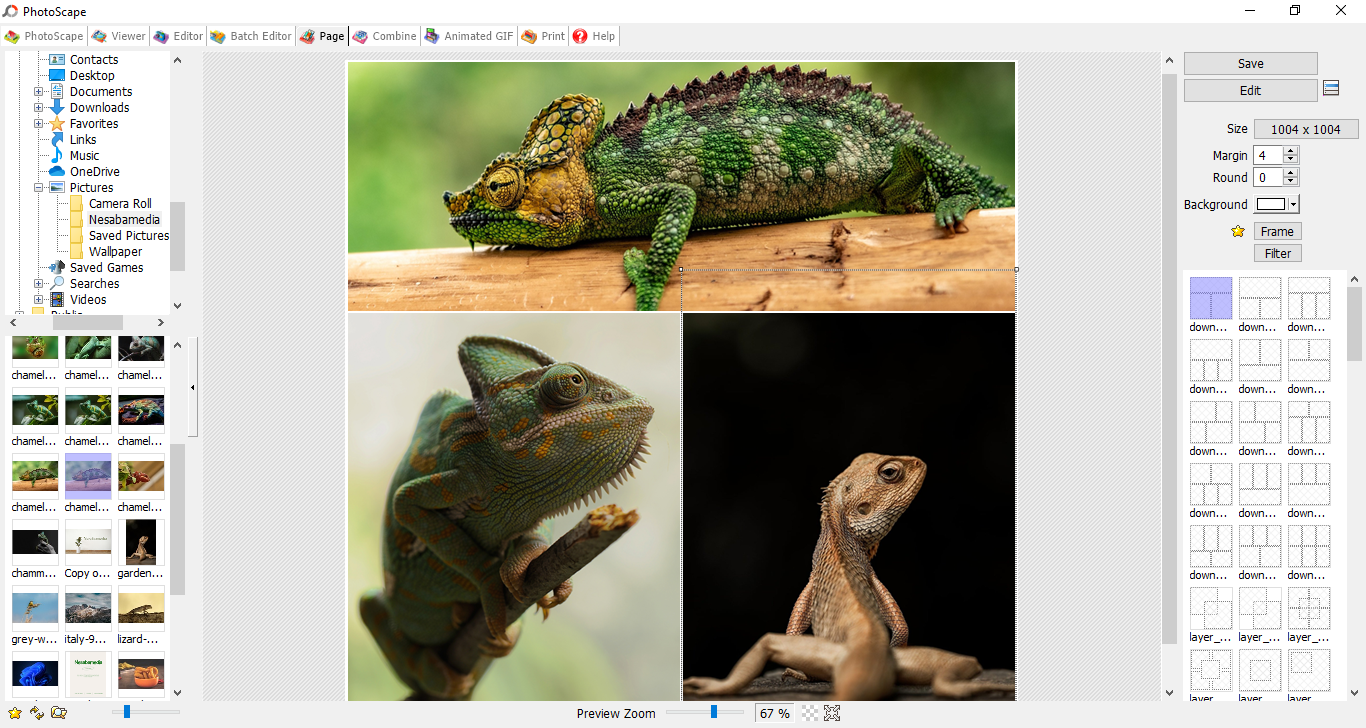
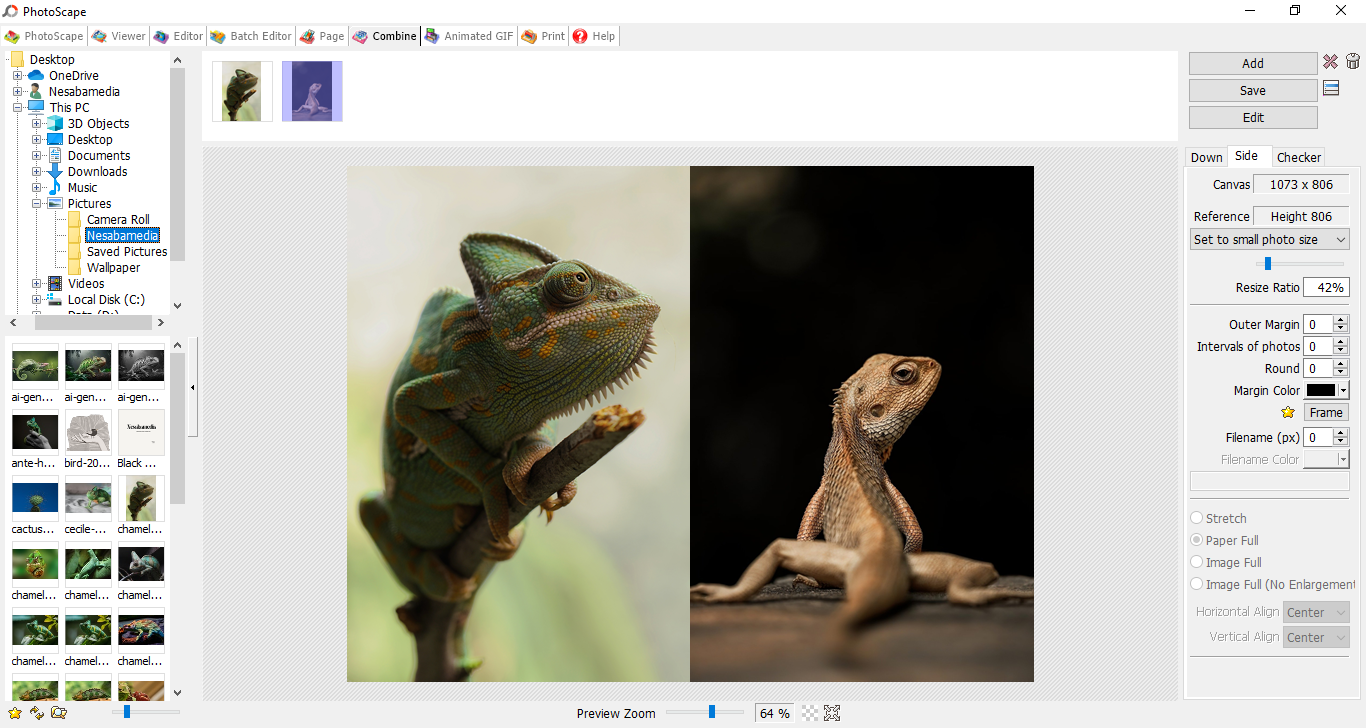
If you have several images that you want to combine, Photoscape offers three layouts: Down, Side, and Checker. When combining images, all of them can be resized to the same size, either by setting the sizes to the smallest or biggest image size within the group. Letting each image maintains its own original size is also possible if that is what you want.
Alternatively, a large number of collages are provided to combine your images in various layouts. Some layouts only allow up to three images to combine, while others have enough slots in the layouts to contain more than 18 images.
Photoscape Free Download for Windows
A full-featured editing software like Adobe Photoshop can do plenty more than what Photoscape is capable of, but it’s not an ideal option for every image editing tasks, and it’s not like every single person can afford its hefty price tag.
Photoscape is best suited for casual image editing like resizing, cropping, adjusting contrast and brightness, sharpening, and so on. It is quick to load and easy to use, unlike Photoshop which requires hours to know how to use. You can click the link below to download Photoscape for Windows:
- App Name Photoscape
- License Freeware
- App Name Photoscape
- Publisher MOOII Tech
- Updated
- Version: 3.7
On our site you can easily download Photoscape. All without registration and send SMS!