Opera Browser

- Windows: 7, 8, 10, 11
- Version: 125.0.5729.21
- Size: 119.17 MB
-
[Total: 1 Average: 5]
Opera Browser is a web browser with a nice bookmarking system but there has been a concern about its privacy. In the past it used Presto engine before it was removed in favor of WebKit, which then replaced by Blink.
Some unique features can be found in the browser, making it a good alternative if you’re bored with your current browser. There are pinboards, built-in VPN, battery saver, player, search pop-up, paste protection, currency and unit converter, duplicate tabs highlighter, etc.
Features and Highlights
One of the best parts about Opera Browser is its bookmarking system. Unlike other browsers that show bookmark items as text only, it gives you options to either show them as thumbnails or text in its bookmark manager. You can switch between the two modes in one click.
When you bookmark a web page, the browser detects the images on that page and allows you to choose one of them for the thumbnail. All the thumbnails in the bookmark manager are displayed in a grid mode.
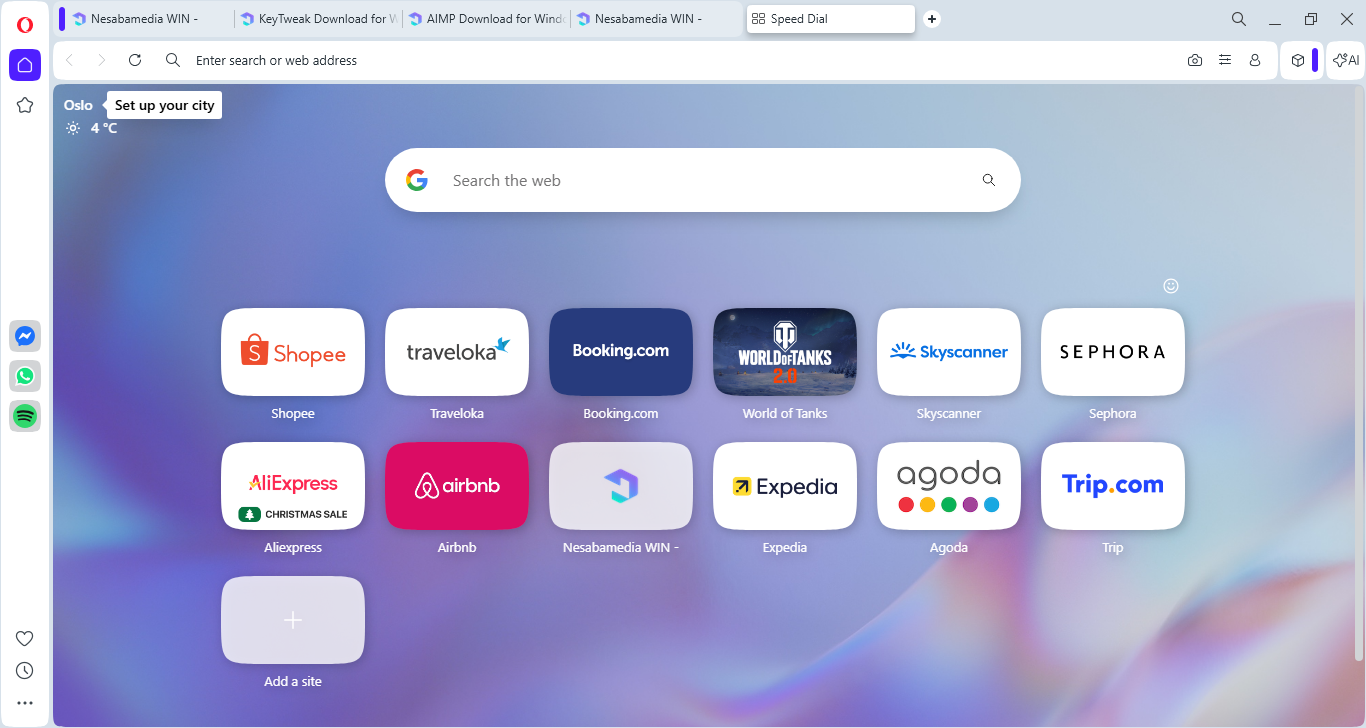
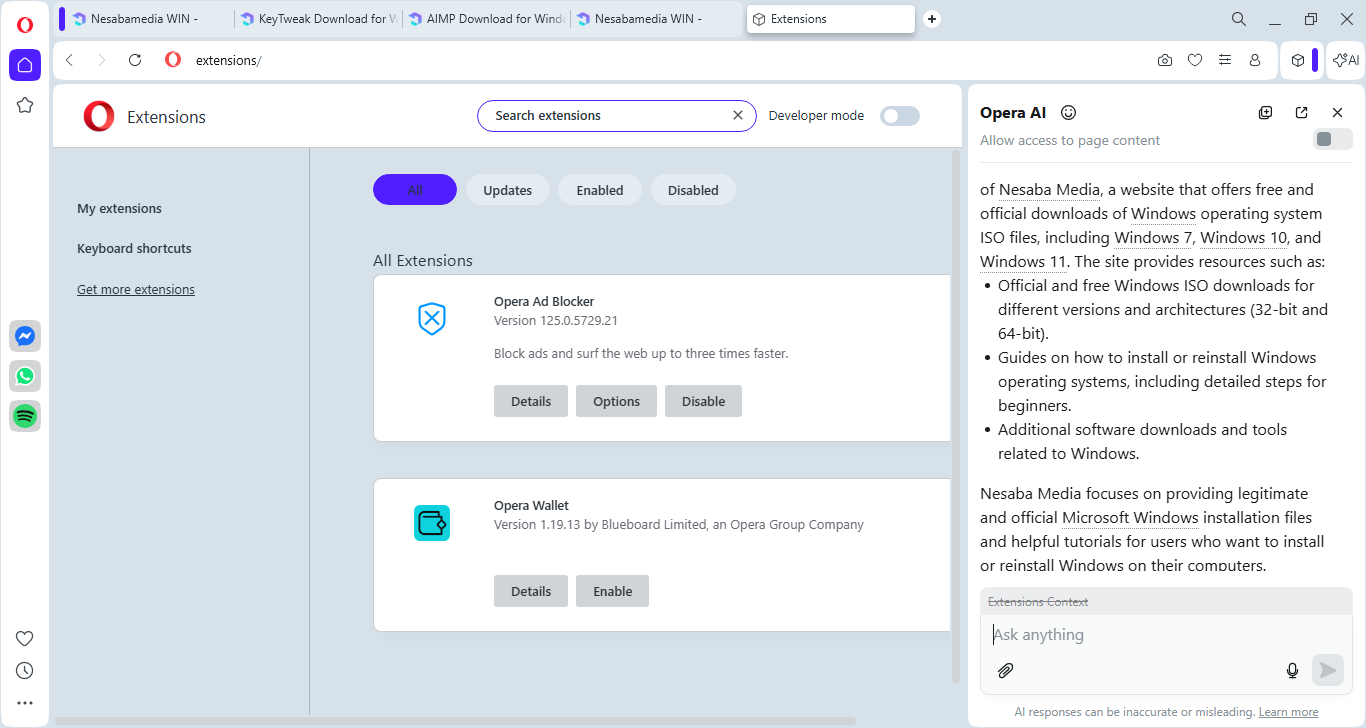
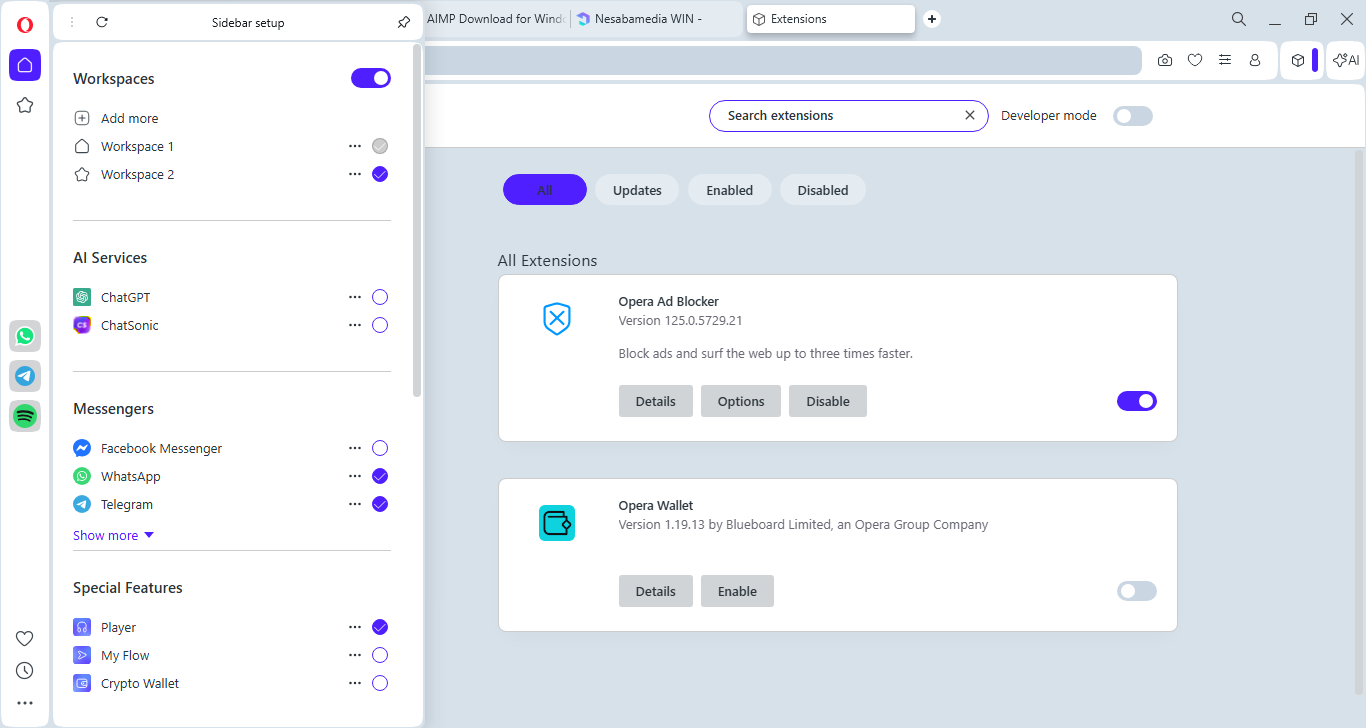
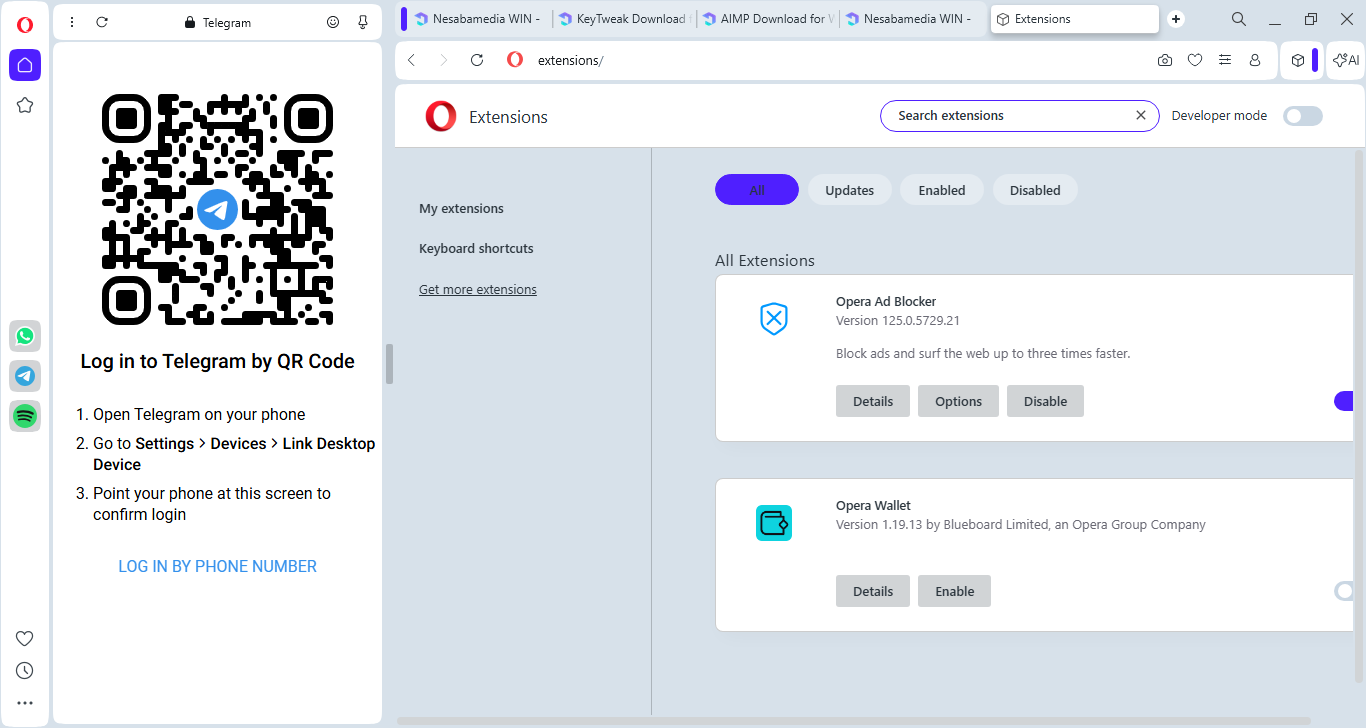
On the left side of the browser, there is a sidebar that provides a quick access to media socials ( TikTok, Instagram, Twitter, and VK), instant messaging services (WhatsApp, Facebook Messenger, and Telegram), special features (Player, My Flow, Crypto Wallet), workspaces, and various Opera tools.
When any of the messengers receives a message, the sidebar shows a notification. Click on the messenger icon, and you will be able to chat with your friend or anyone else while browsing web pages.
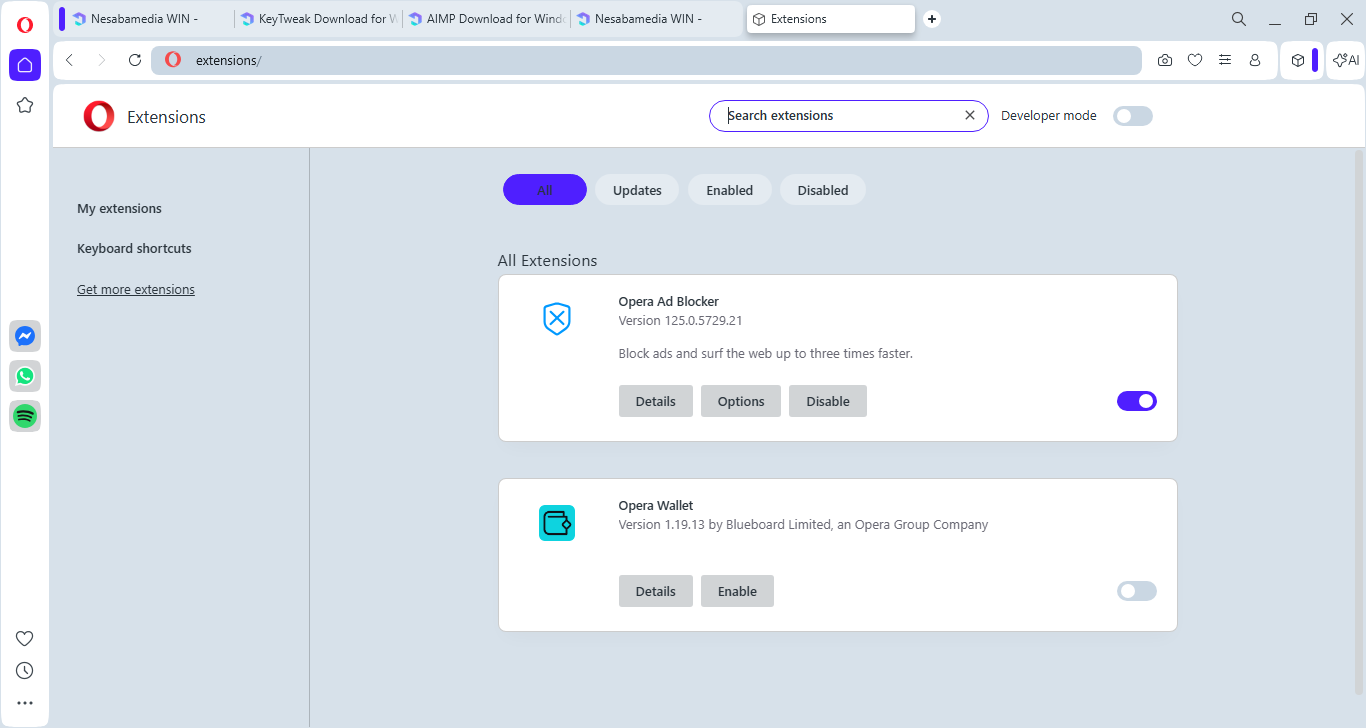
Even if you never use the sidebar for chatting, it is still a very useful feature as it allows you to quickly open the bookmark manager, history, settings, and extension panels.
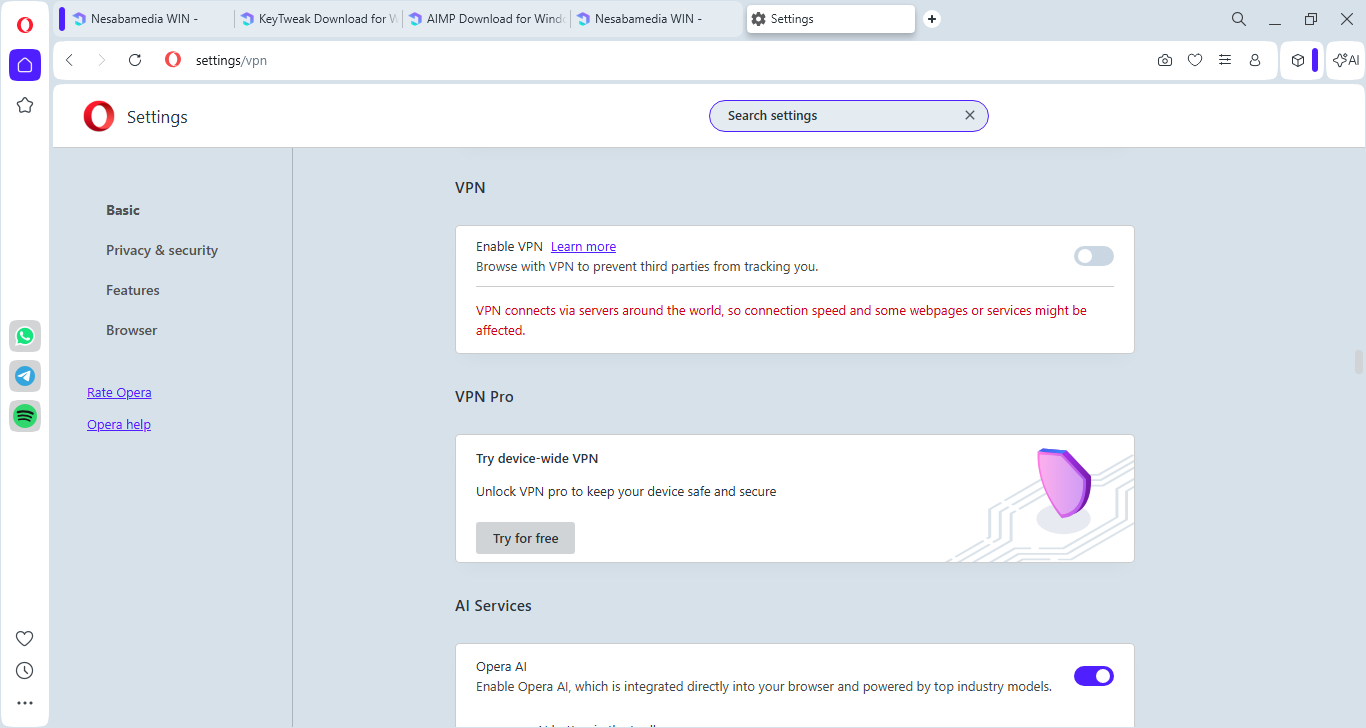
The built-in VPN is a nice addition. After it is enabled, you can open most censored web pages without installing a VPN extension or software. The search engine that you set as default in the browser can be excluded from the VPN if necessary.
Battery Saver comes handy when you use a laptop on battery as it can extend the battery life. It works by reducing the browser’s workload that won’t significantly affect everyday browsing, but you may want to switch it off when you’re watching videos or playing online video games.
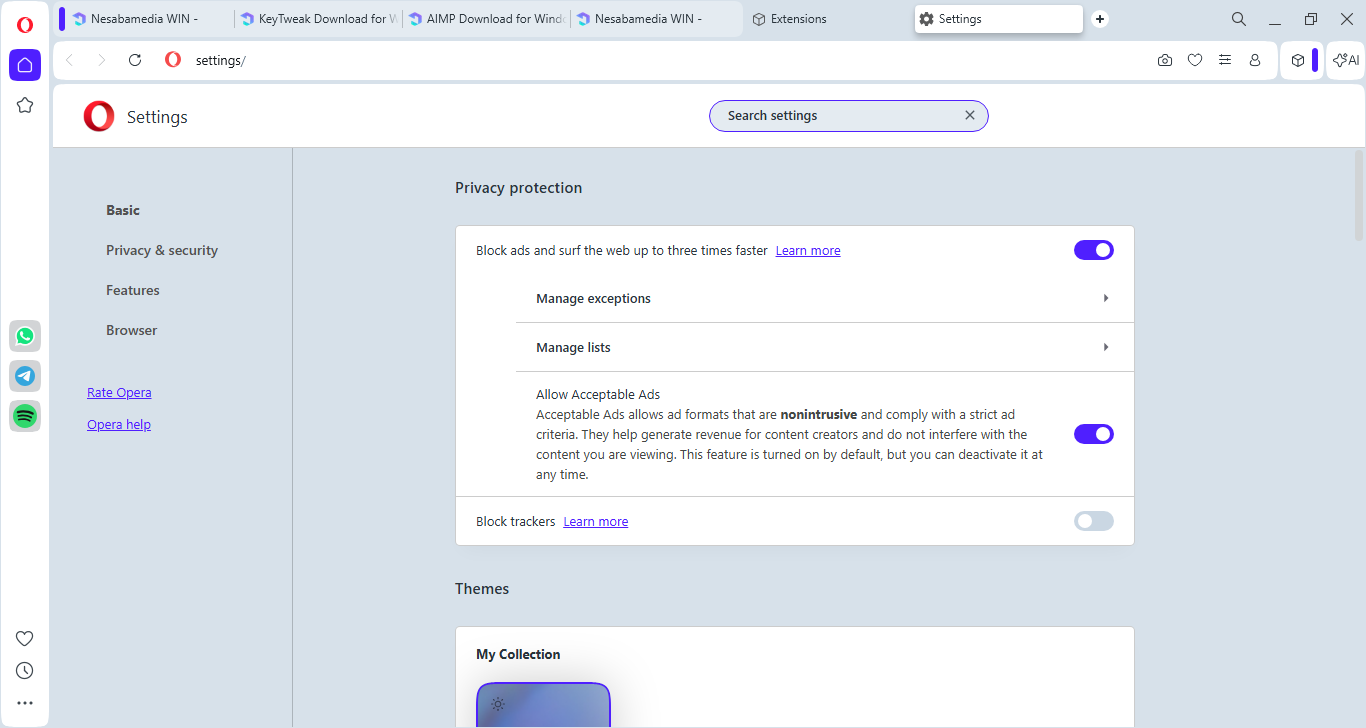
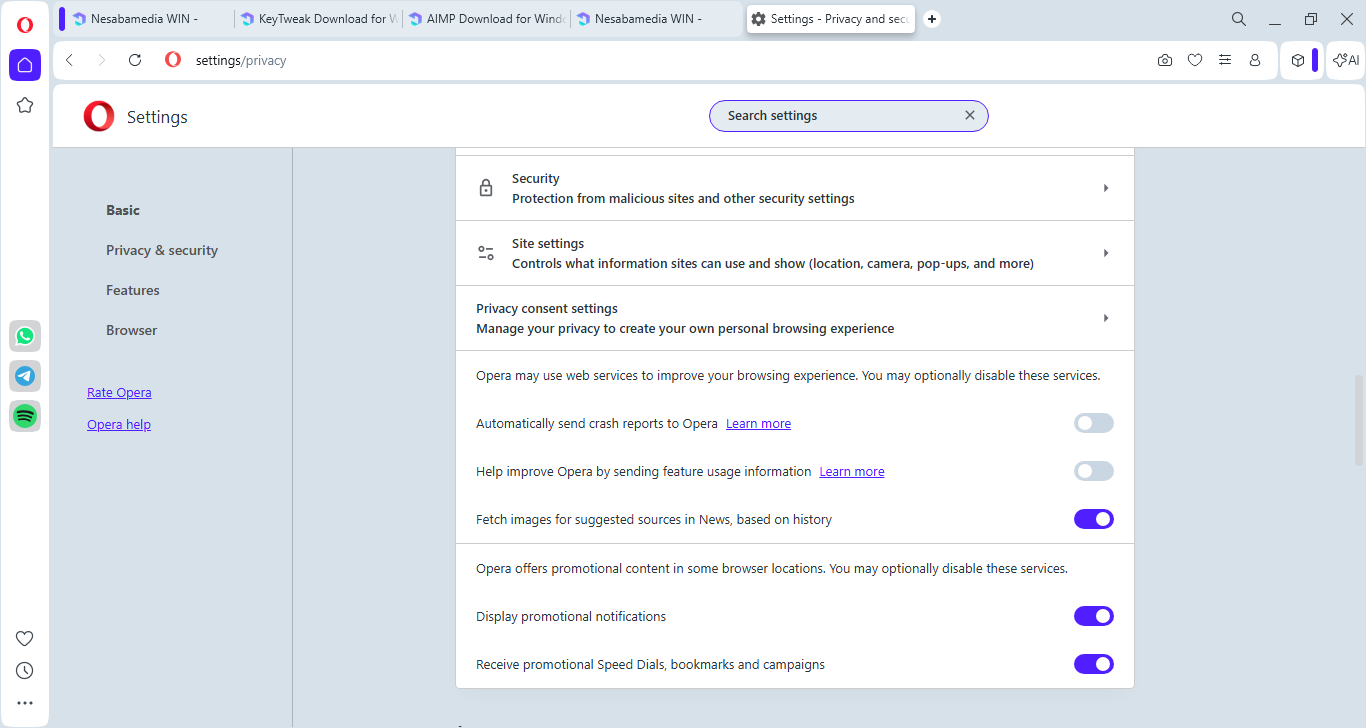
Keep in mind that you should always pay attention to details when installing a software. In the case of Opera Browser, it collects your data unless you disable the options during the installation. The options to receive promotional content are also enabled by default which you can disable by heading over to the browser’s Settings and open the Privacy & Security section.
Opera Browser Free Download for Windows
Opera Browser has a unique way of grouping tabs. It uses workspaces, each of which appears in the sidebar and is represented by a customizable icon. When you open a workspace, it only displays the tabs that are collected in the workspace.
Also, since workspaces are placed in the sidebar, the tab bar is less cluttered, unlike Google Chrome where groups are always visible in the tab bar even when they are collapsed. You can click the link below to download Opera Browser for Windows:
- App Name Opera Browser
- License Freeware
- App Name Opera Browser
- Publisher Opera Limited
- Updated
- Version: 125.0.5729.21
On our site you can easily download Opera Browser. All without registration and send SMS!