MiniTool Partition Wizard

- Windows: 7, 8, 10, 11
- Version: 13.5
- Size: 73.73 MB
-
[Total: 1 Average: 5]
MiniTool Partition Wizard lets you divide the space of your disk into several regions which are known as partitions. By making partitions, you can separate your personal data from the operating system, or install more than one operating system.
In addition to partitioning your hard drive, it can expand the size of a partition, merge partitions, change cluster size, analyze disk usage, move partition, perform a surface test, rebuild MBR, and more.
Features and Highlights
There is a built-in utility in Windows to manage partitions, but MiniTool Partition Wizard can do more. Spend a few minutes on it and you will find plenty of features that allow you to perform various tasks on your disk partitions.
Some tasks can be completed without rebooting your computer, like extending the system partition. As long as you have an unallocated space, it can be added to the partition anytime you like and the new change will be applied quickly by the software.
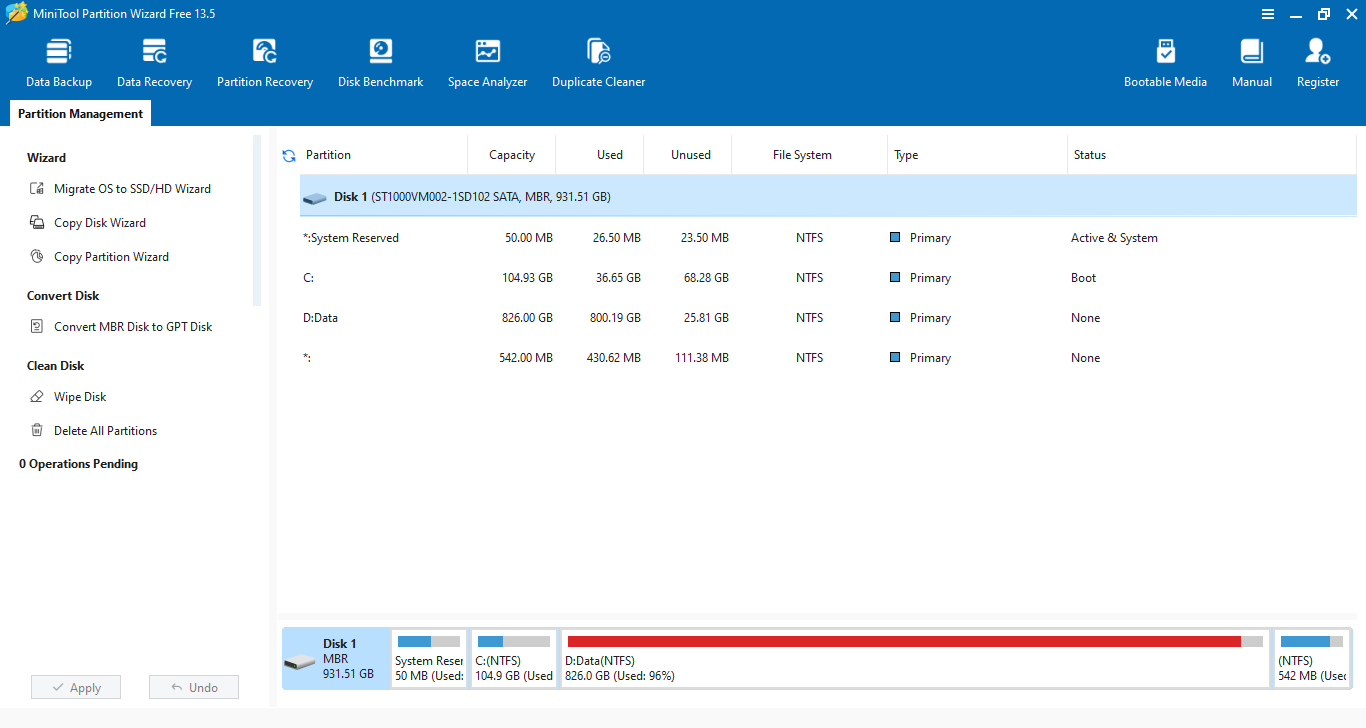
You can perform multiple tasks on your disk partitions. Every task will be queued in the pending list. MiniTool Partition Wizard will only run the tasks after you click the Apply button.
After you choose a task, you will be able to see the result virtually. For example, if you enlarge your data partition, then the new size of the partition will be reflected in the main window. If you change its drive letter from D to E, then you will see that the main window updates the drive letter of the partition accordingly, but the real change will only be applied after you hit the Apply button.
If you make a mistake, you can undo the task as long as it is still in the pending list. Hit the Undo button in the pending list box, and MiniTool Partition Wizard will undo the latest task. Since it doesn’t let you specifically choose a task to undo, if the task that you want to undo is in the middle of the list, you have to keep clicking the undo button to get to the task.
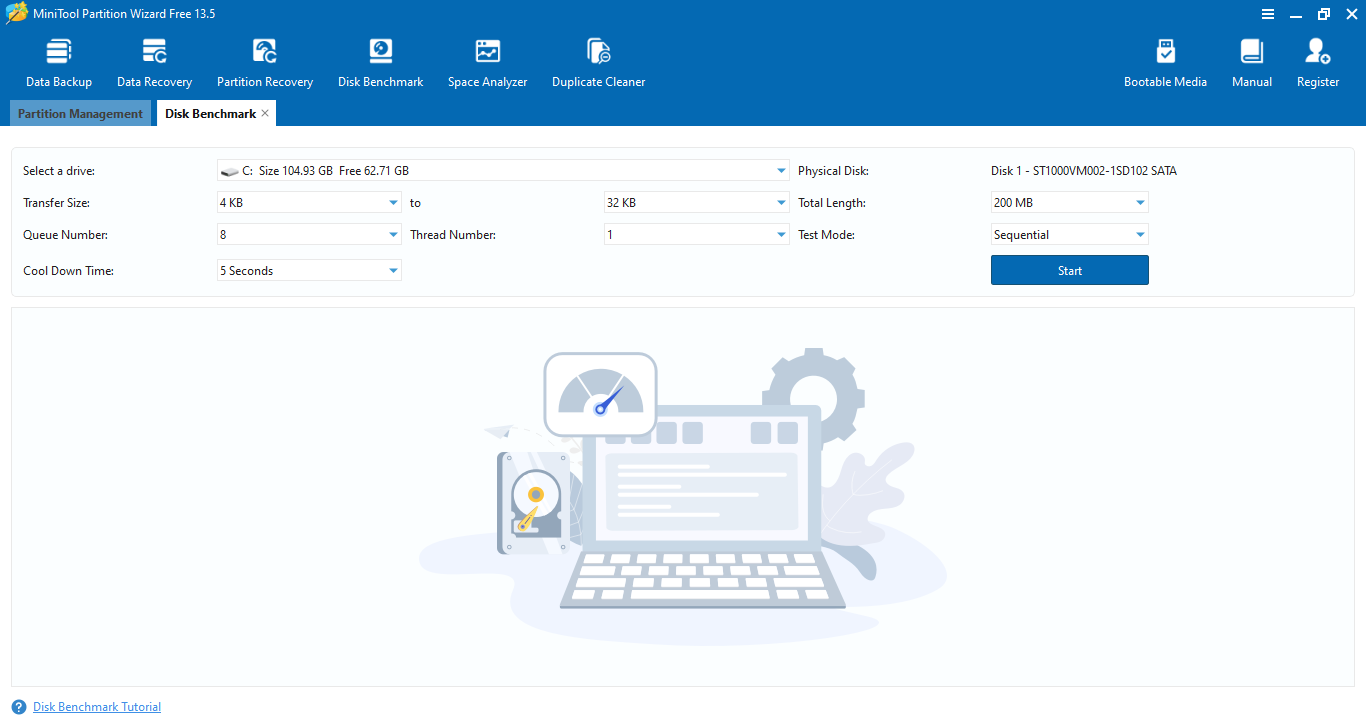
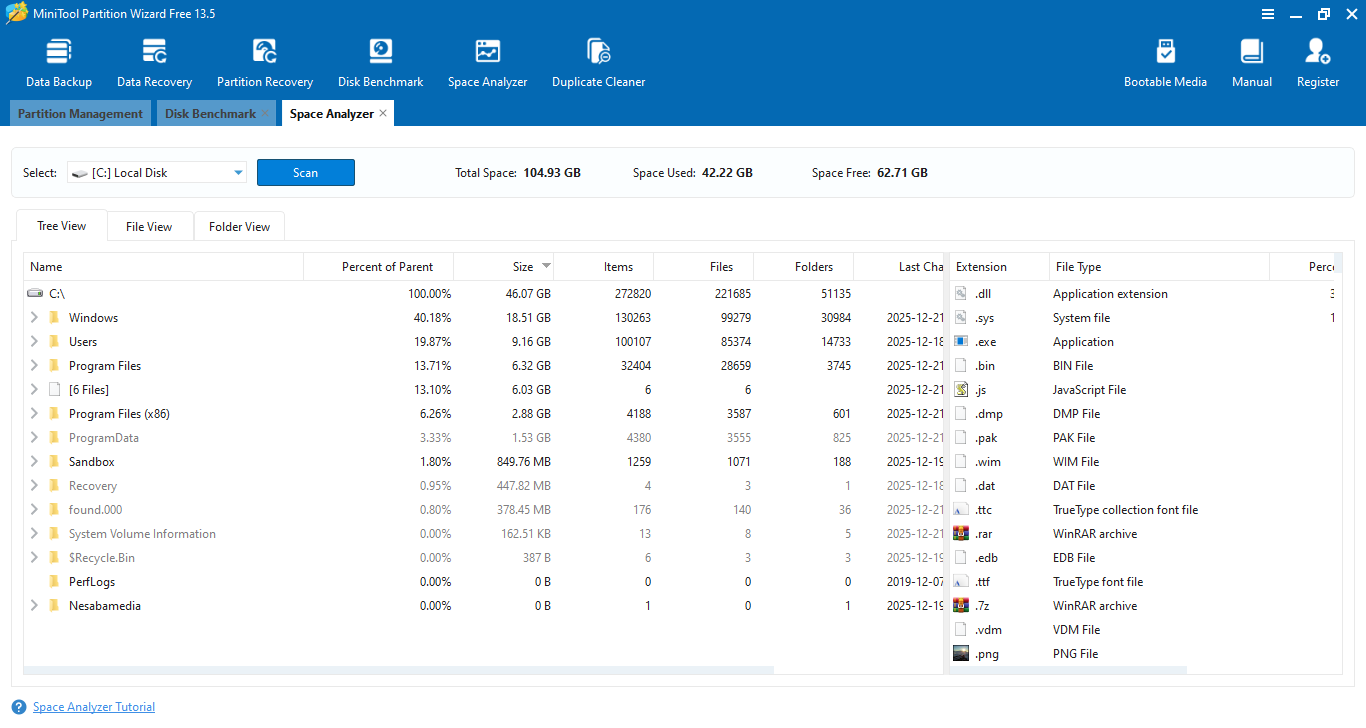
In addition to the Partition Management module, there are five more modules. Each of them is displayed in the upper part of the window, which include Data Backup, Data Recovery, Partition Recovery, Disk Benchmark, and Space Analyzer.
MiniTool Partition Wizard Free Download for Windows
MiniTool Partition Wizard is divided into several packages: one free version and several paid versions. The free one isn’t as complete as the paid versions, but you’ll find more features available in it than in some competing products.
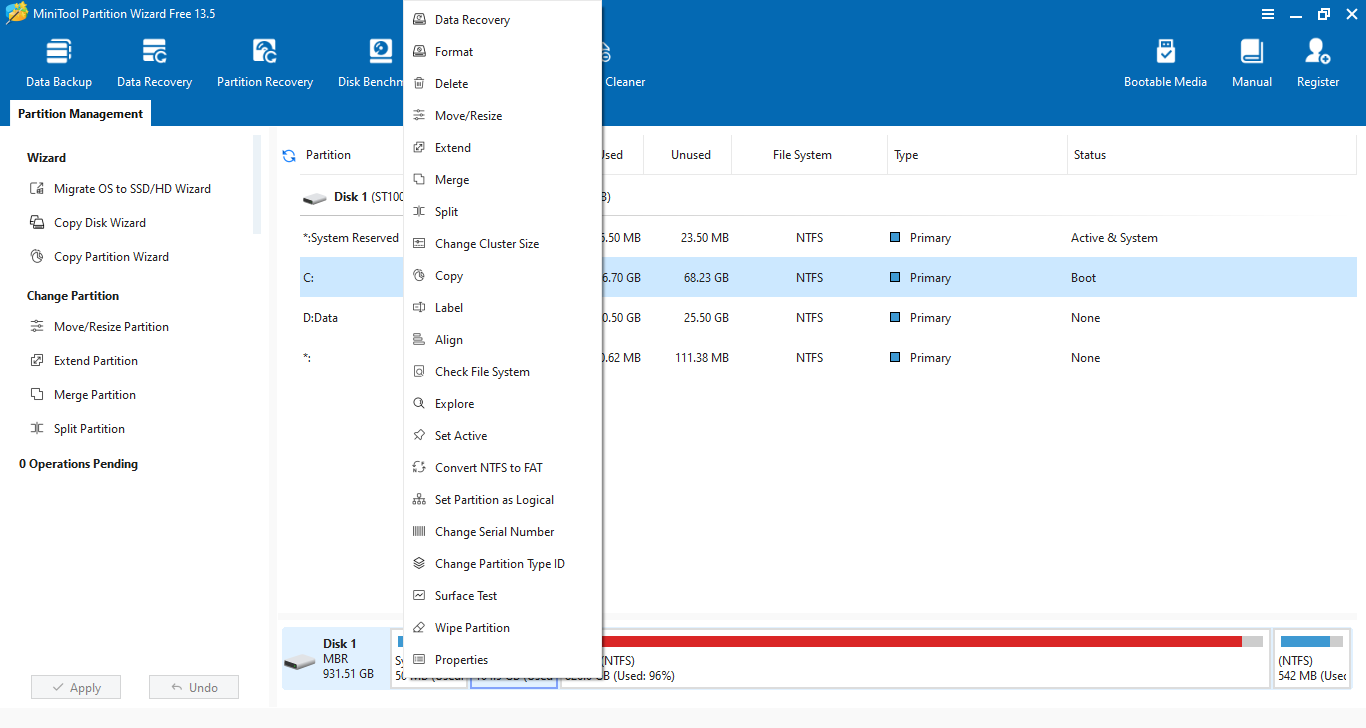
The major downside is that the paid features are not labeled properly which make them difficult, if not impossible, to distinguish from the free ones. For example, when you right click a partition, the Change Cluster Size option appears the same like the rest. But if you click the option, a window shows up asking you to upgrade to one of the paid versions. You can click the link below to download MiniTool Partition Wizard for Windows:
- App Name MiniTool Partition Wizard
- License Freeware
- App Name MiniTool Partition Wizard
- Publisher MiniTool Solution Ltd.
- Updated
- Version: 13.5
On our site you can easily download MiniTool Partition Wizard. All without registration and send SMS!