Microsoft Visual C++

- Windows: 7, 8, 10, 11
- Version: 14.50.35719.0
- Size: 17.70 MB
-
[Total: 1 Average: 5]
Microsoft Visual C++ Redistributable packages are essential for the Windows operating system. It’s not just a single program, but a set of tools and libraries used to build and run many applications. If a program requires the redistributable packages but cannot find them, you’ll usually see an error message, often mentioning a missing DLL file, and the program fails to launch.
That’s the reason you should download and install Microsoft Visual C++ Redistributable as soon as you finish installing Windows. Even though many applications come with the necessary redistributable packages that are silently installed, some do not and hence require manual installation.
Features and Highlights
A program that depends on Microsoft Visual C++ Redistributable does not always check for those packages during installation. Hence, the setup process can complete normally even if the required runtime is not present.
The problem usually appears when you try to launch the program. If the necessary runtime libraries are missing, Windows cannot load the required DLL files. In that case, you may see errors such as missing file messages or a failure to start.
Some installers handle this automatically by including the required redistributable and installing it alongside the program. Others do not, which means you have to install the correct version manually, which can be tricky for users who deal with the problem for the first time. On the upside, this can be solved easily by searching online for what the error message means.
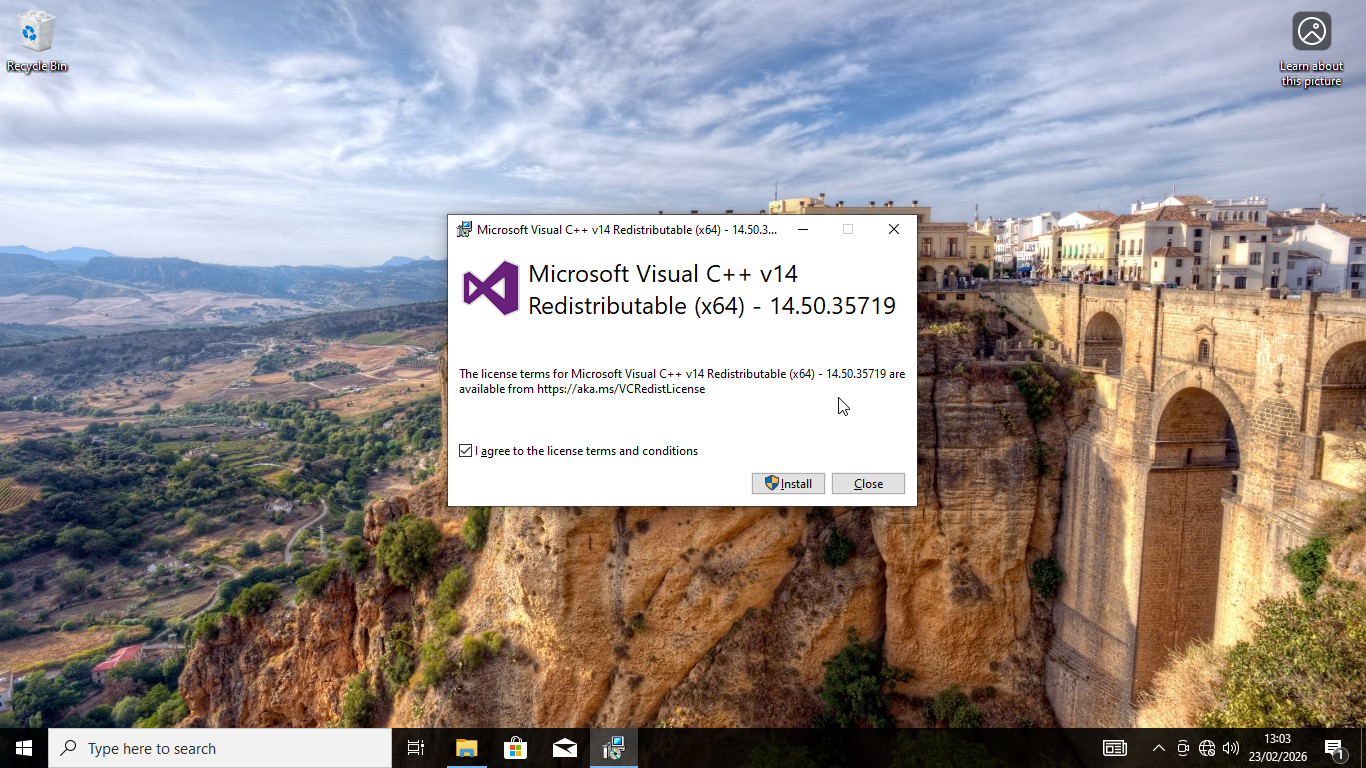
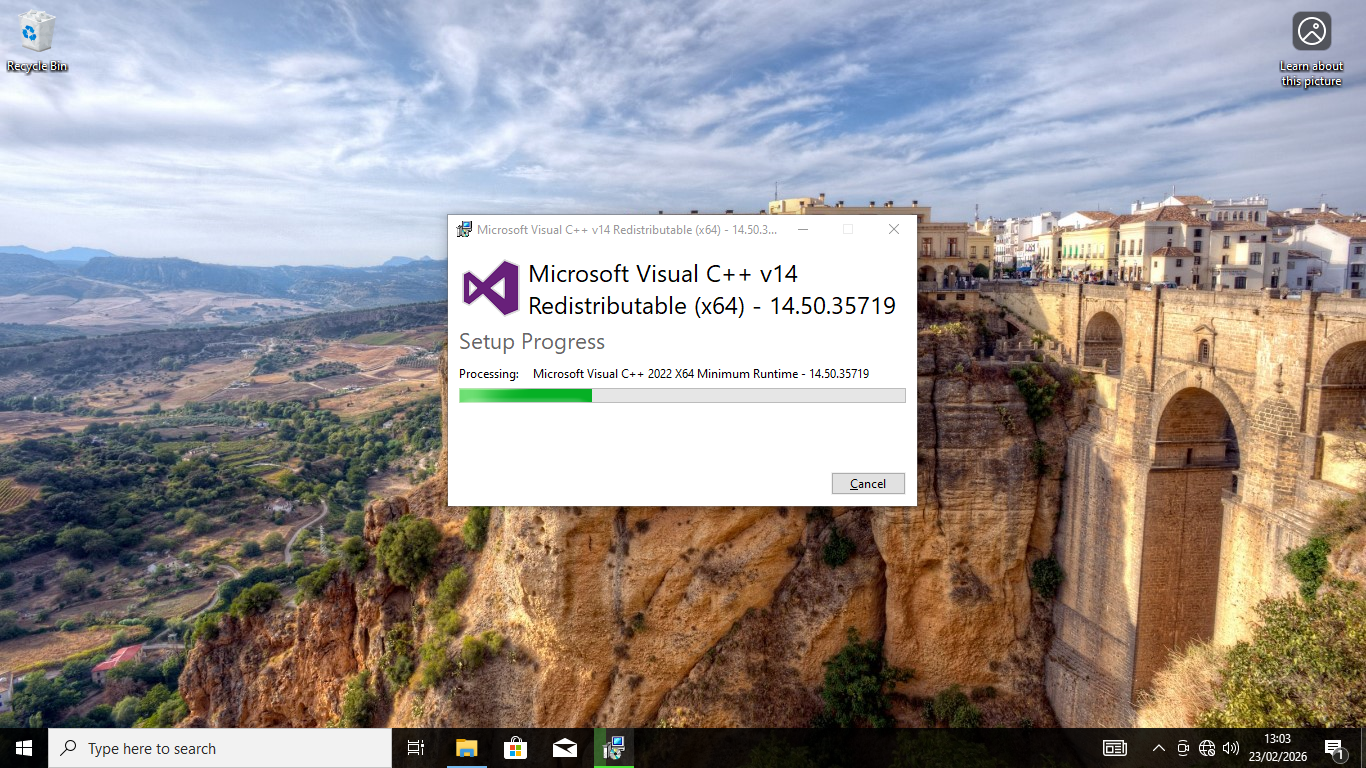
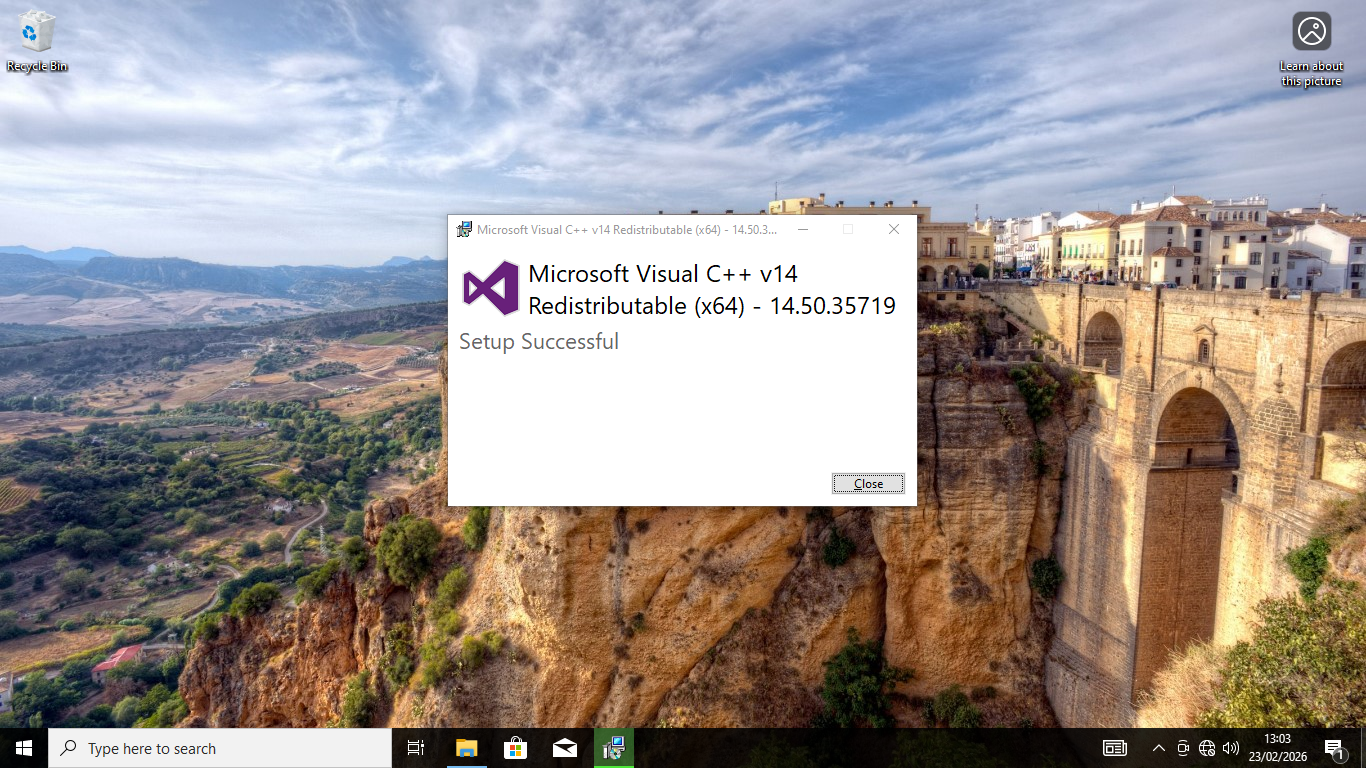
Installing the packages is just like installing any other software. In some cases, it is even more straightforward. Just click the Next button as required and you will have it installed in no time. Even casual users won’t find it difficult at all.
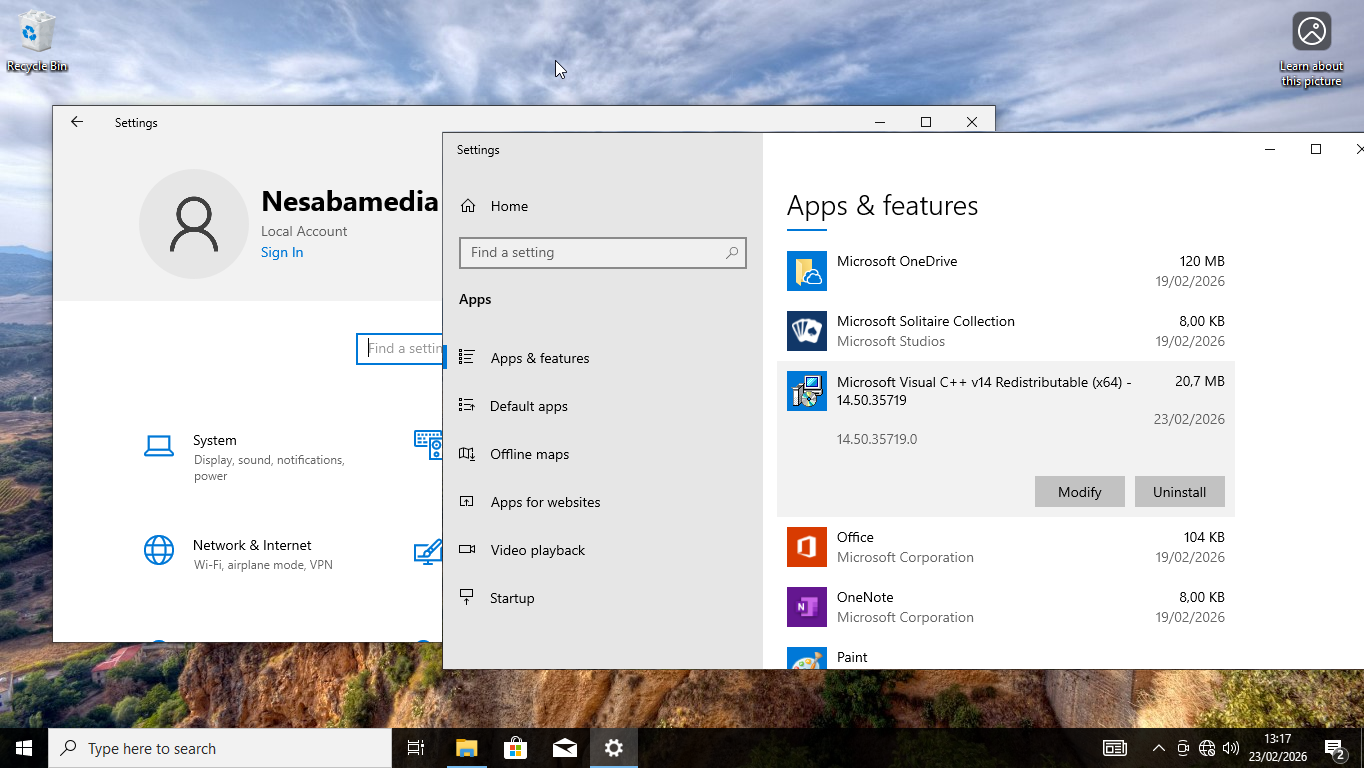
It is pretty common for people to get confused when they see a bunch of different Microsoft Visual C++ Redistributable versions on their computer. Each one of these versions actually belongs to a specific release of the C++ compiler. Since apps are usually built to work with one specific version, they need those exact runtime libraries to run properly. That’s why a program requiring the redistributable packages still fails to run if you install the wrong version.
As it has been mentioned before, when you don’t know which runtime libraries to install to get a program running, you can find the solution on the web. However, while it doesn’t take long to find the correct answer, it still takes your time no matter what, which is why it is recommended to install every version of Microsoft Visual C++ Redistributable on your system.
Pros
- Lightweight
- Stable and secure
- Essential for running applications
- Easy to install
- Safe
- Officially developed by Microsoft
Cons
- Slightly cluttering system
- Manual installation
- Registry bloat
- Newer versions don’t supersede older ones
- Manual updates
- Risk of installation failure
Microsoft Visual C++ Free Download
Installing Microsoft Visual C++ means you’ll have to spare some disk space, but it’s definitely worth it, not to mention that the file size is so small that it is miniscule compared to the average hard drive space.
All in all, while it operates in the background and you don’t interact with it directly, it’s necessary to have it on your Windows system so that you can use any program that requires it. You can click the link below to download Microsoft Visual C++ for Windows:
This program is also available in
Similar to Microsoft Visual C++
- App Name Microsoft Visual C++
- License Freeware
- App Name Microsoft Visual C++
- Publisher Microsoft
- Updated
- Version: 14.50.35719.0