Microsoft Visio 2021
- Windows: 7, 8, 10, 11
- Version: 2021
- Size: 4.71 GB
-
[Total: 0 Average: 0]
Turning complex information into visuals can make it easier for you to look at the whole data, and this is where Microsoft Visio 2021 shines the most. It’s a diagramming software aimed at organizations and professionals, but everyone can basically use it to create diagrams for any purposes, including personal ones.
Microsoft Visio 2021 comes in three editions. Visio Standard is the starter edition that offers essential features for creating professional diagrams. Visio Professional, which is discussed here, has everything the Standard edition has, plus tools that let multiple users work on the same diagrams and link diagrams to data.
Features and Highlights
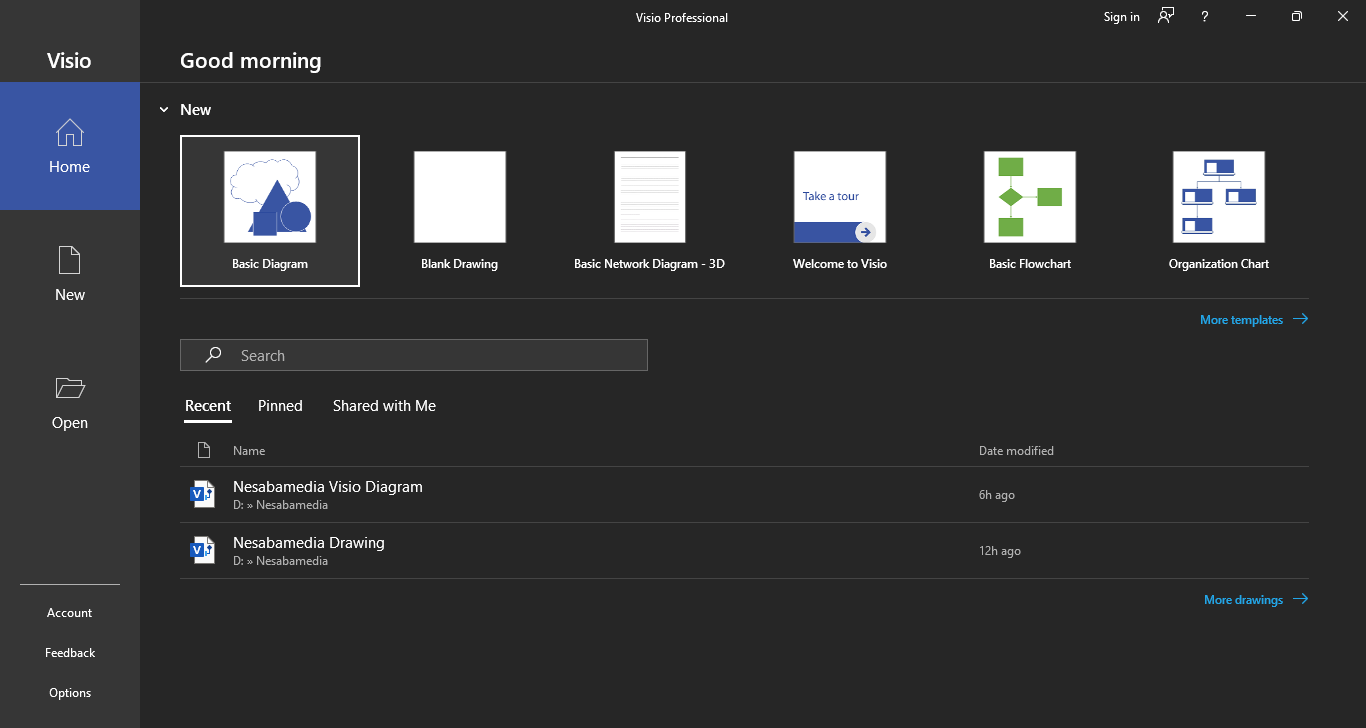
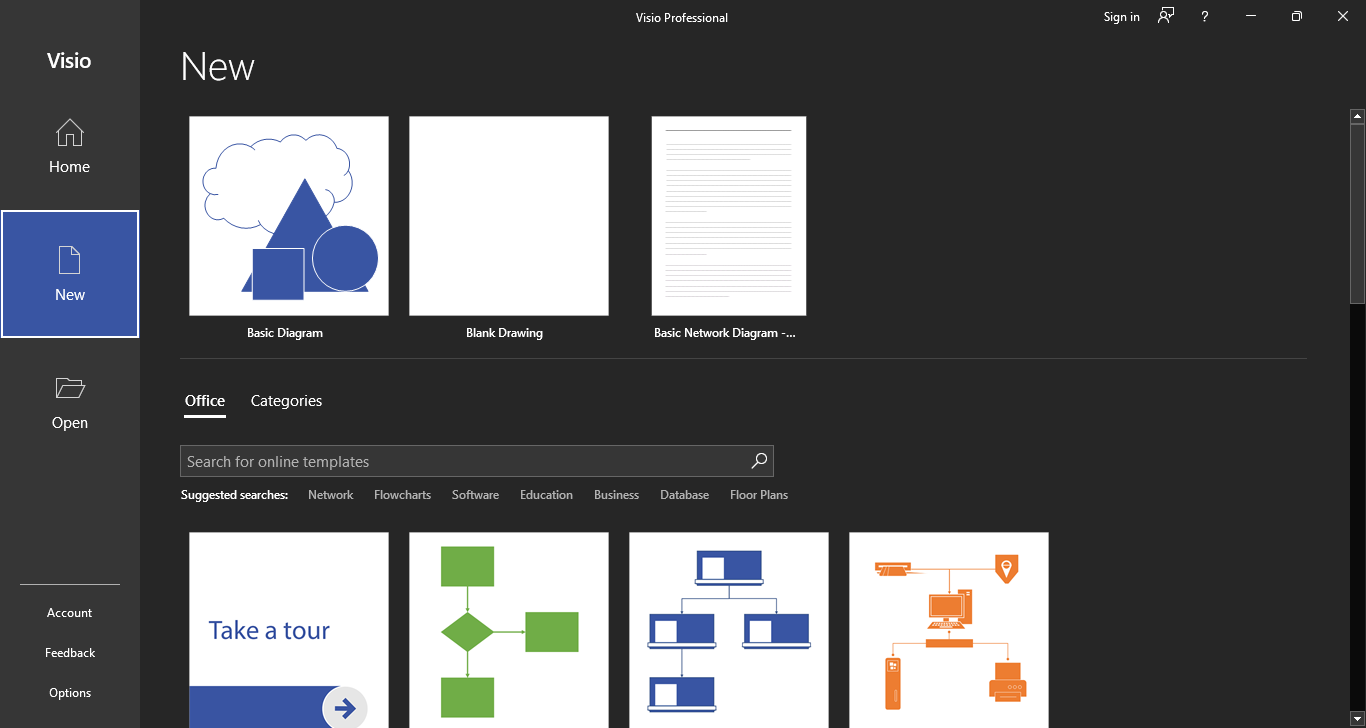
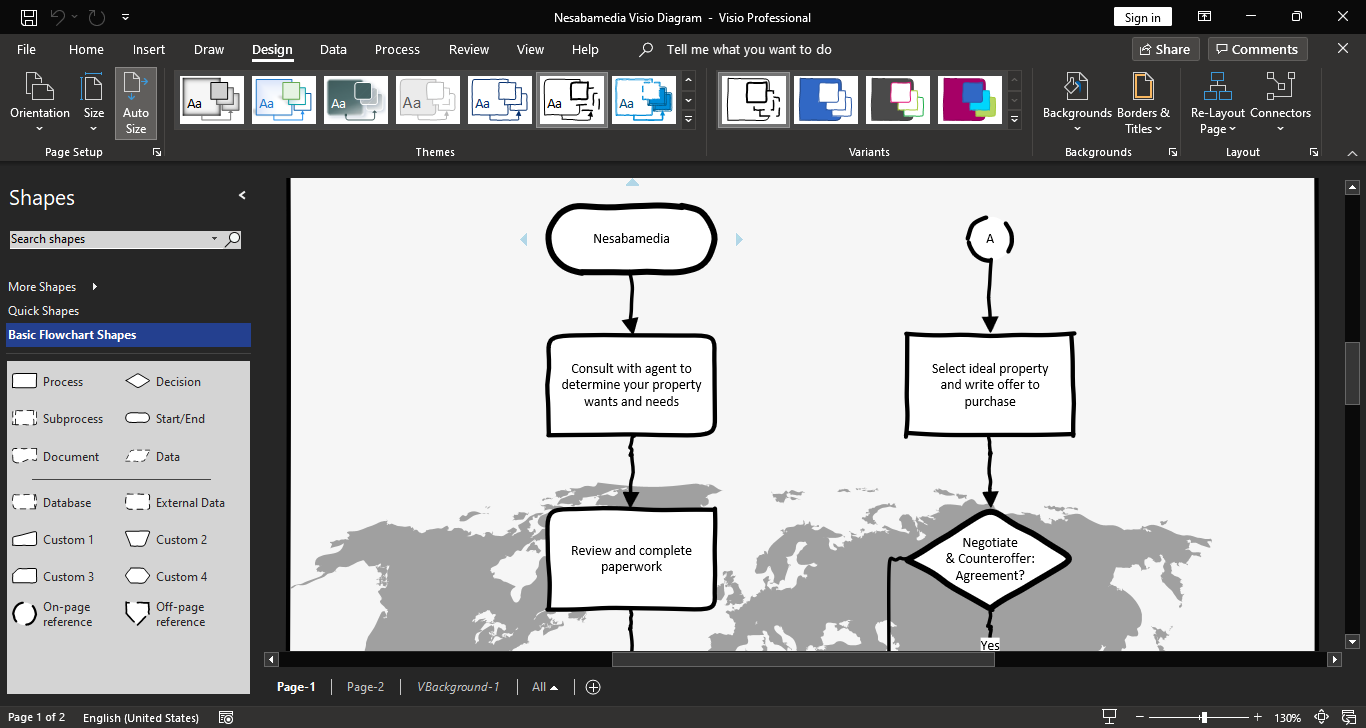
If you set Windows to dark theme, Microsoft Visio 2021 will launch in dark mode automatically. From there, you’ll see a number of free templates ranging from Basic Diagram to Audit Diagram. Let the program connect to the internet and you’ll see more templates available in the New view.
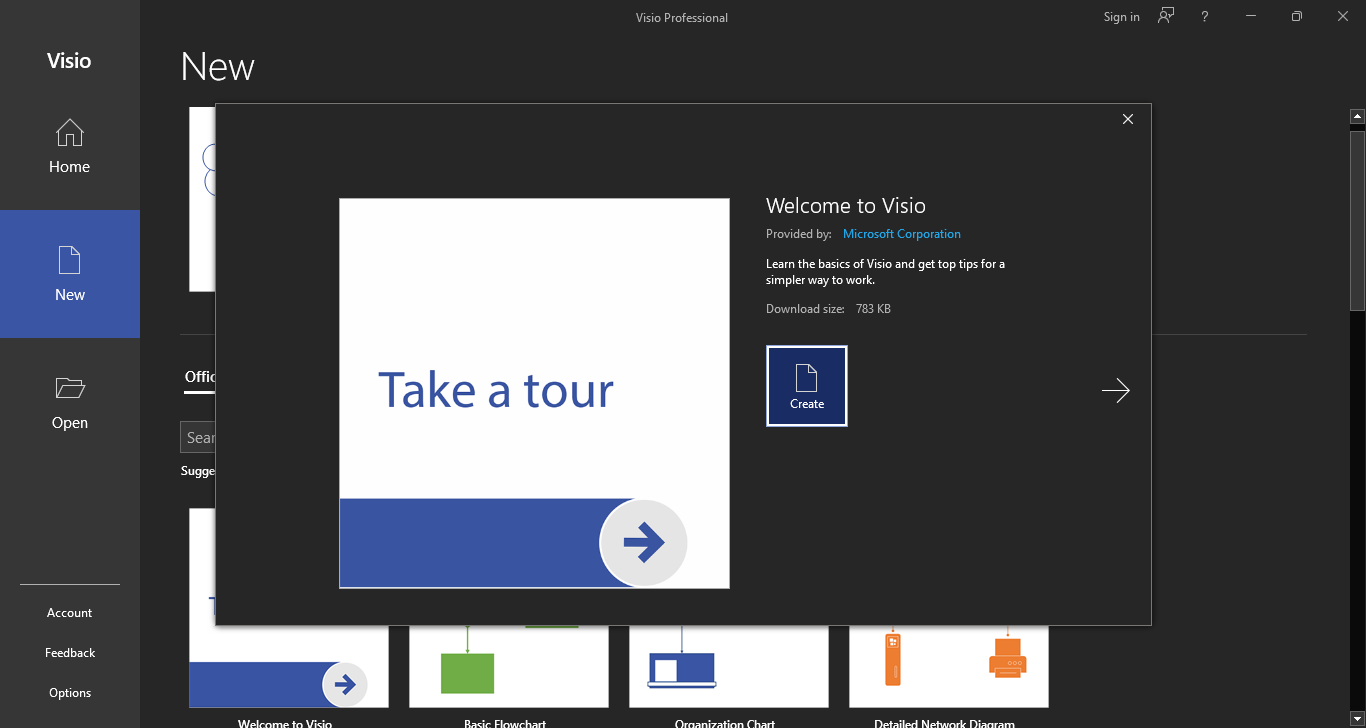
Clicking a template will open a window where you can see its description, author, download size, and some options like Metric Units or US Units if you select templates like Work Flow Diagram. Some templates offer more than one option. For example, Gantt Chart has four variants: Gantt Chart with Subtask, Gantt Chart with Actual Finish Data, Gantt Chart, and Basic Gantt Chart.
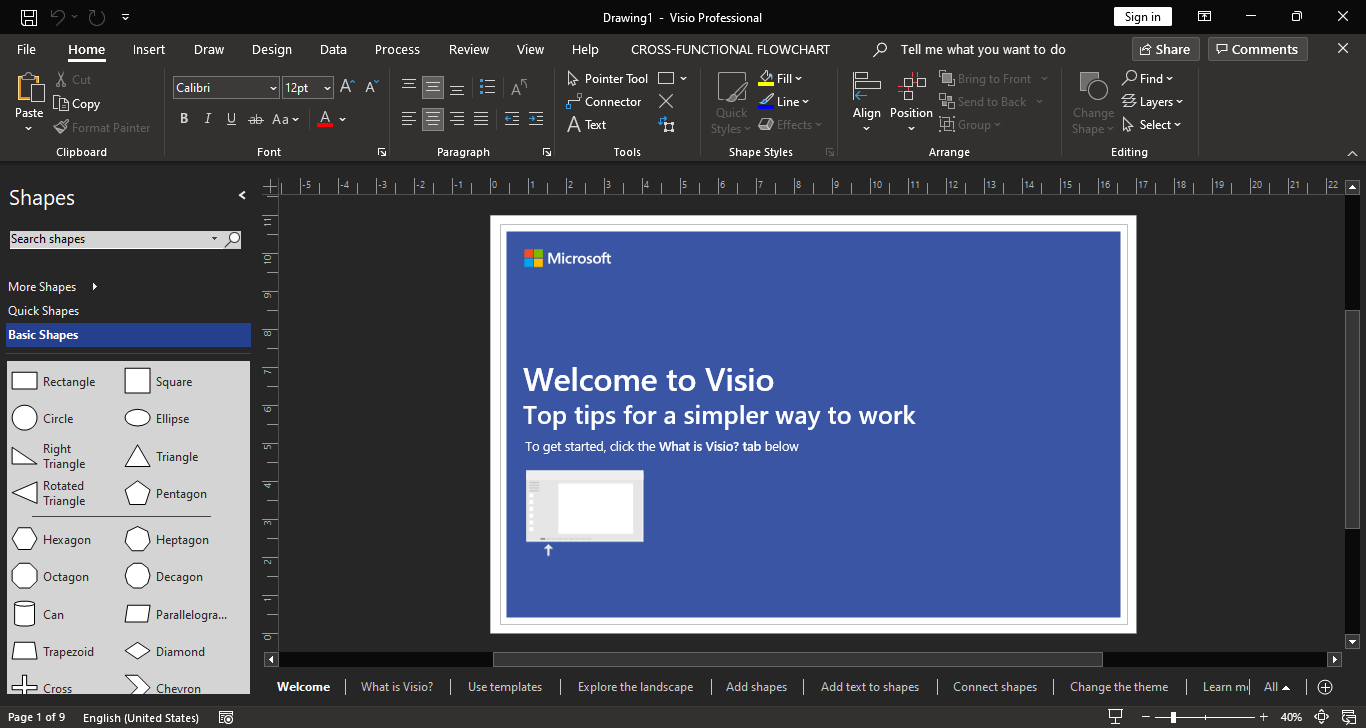
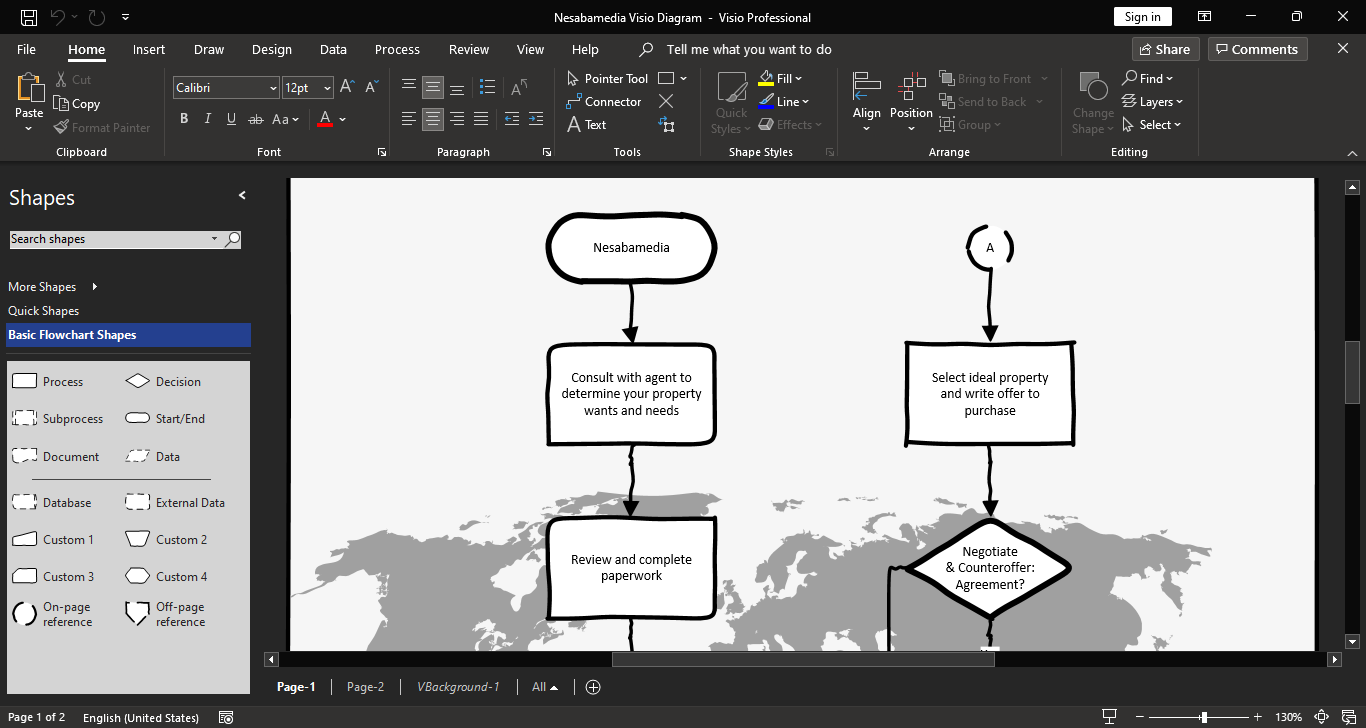
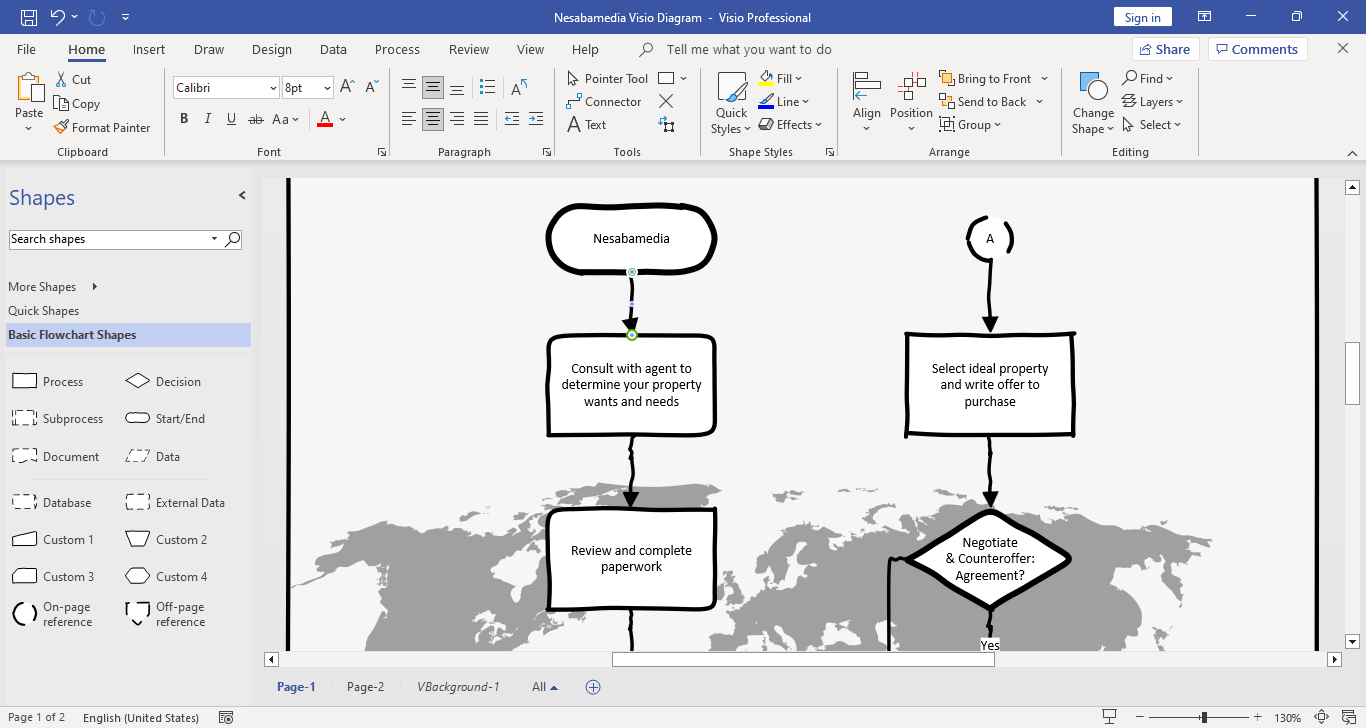
If you use other Microsoft Office applications such as Word and Excel, you might feel at home the moment you open the editor window. The upper area is dominated by the ribbon, and the rest is the area where you’ll work with your diagram, which is usually split into two sections: the canvas on the right side and a small panel on the left that displays the list of shapes of the selected template.
While Visio 2021 has a user-friendly interface, finding the tools that you need might sometimes be a bit challenging. This is when you’ll find Tell Me to be a pretty handy feature, since it lets you quickly locate anything as long as you know what to type in the search box. This particular feature is especially helpful for first-time users.
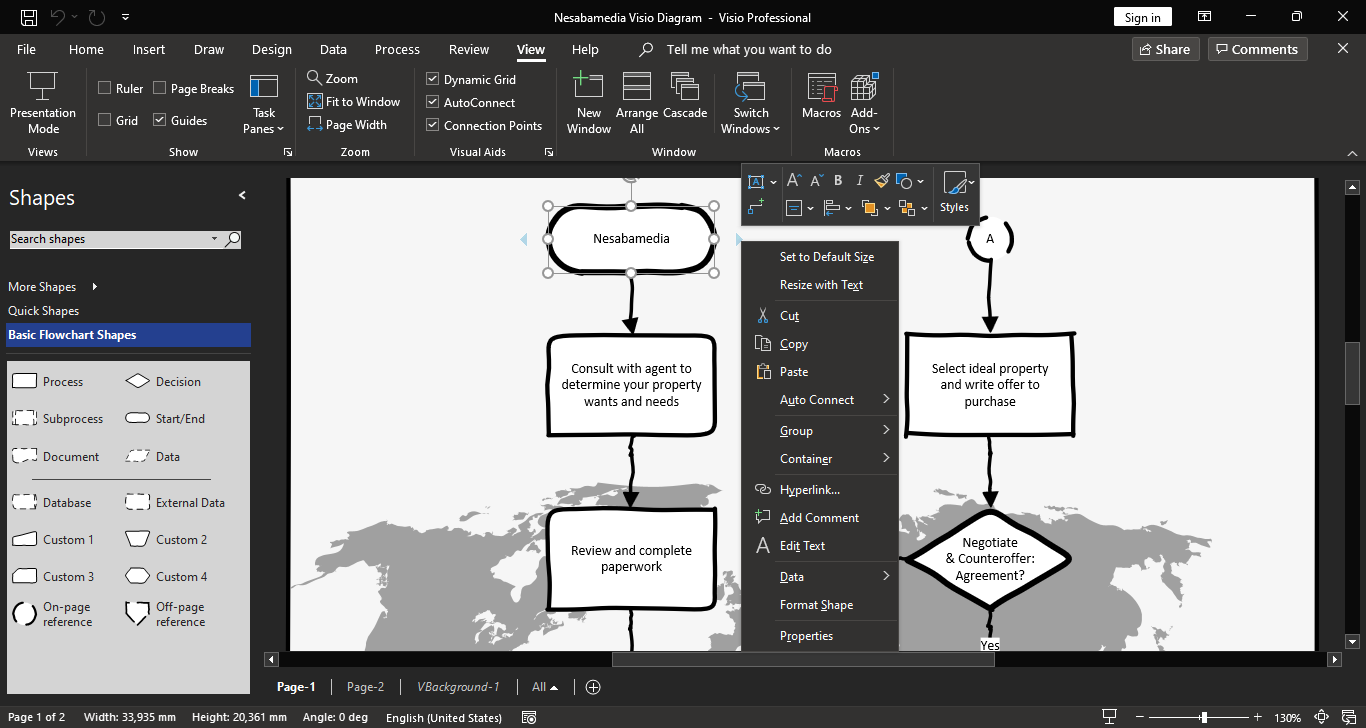
Visio 2021 also has many keyboard shortcuts assigned to a wide variety of actions. They make it faster to perform common tasks like zooming in and out, grouping shapes, switching between pages in the drawing, selecting tools such as Pointer or Connector, and moving between shapes, among others.
Microsoft Visio 2021 Free Download for Windows
In addition to the templates, themes, Tell Me, and keyboard shortcuts that help speeding up your workflow, Visio 2021 includes several built-in interactive behaviors that respond to user actions, such as AutoAdd that insert shapes automatically as you perform some specific actions, AutoSize that resizes shapes to fit text or contents, AutoDelete that removes dependent shapes when a shape is deleted, and AutoConnect that adds and connects shapes by dragging and dropping the blue arrows.
To sum it up, Visio 2021 makes it easy to turn ideas and data into clear, logical diagrams that are visually appealing, though how easy it is still depends on the complexity of your data. You can click the link below to download Microsoft Visio 2021 for Windows:
- App Name Microsoft Visio 2021
- License Freeware
- App Name Microsoft Visio 2021
- Publisher Microsoft
- Updated
- Version: 2021
On our site you can easily download Microsoft Visio 2021. All without registration and send SMS!