Microsoft Visio 2016

- Windows: 7, 8, 10, 11
- Version: 2016
- Size: 4.14 GB
-
[Total: 1 Average: 5]
When it comes to making professional diagrams, Microsoft Visio 2016 is a reliable, robust software to tackle the task. Its vast collection of built-in shapes and templates allows you to build everything from basic organizational hierarchies to detailed maps of intricate business workflows, so it comes as no surprise that it has been a popular choice for years.
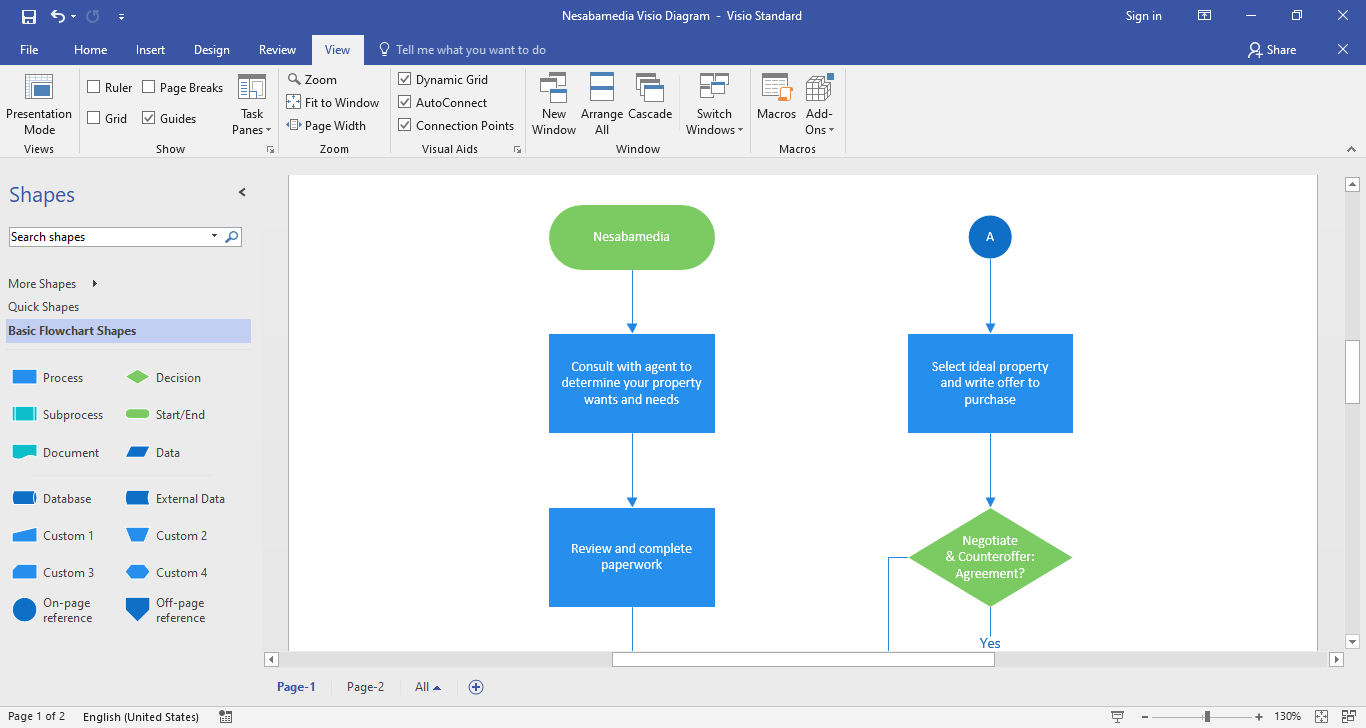
No matter what kind of projects you’re staring down, the software is flexible enough to handle the workload. It fits right into your daily routine and handles everything from a basic flow diagram to a massive, multi-page map of a company’s entire operation.
Features and Highlights
As you’d normally find from Microsoft Office’s applications like Word and Excel, Microsoft Visio 2016 is exceptionally rich in features. Just the number of commands alone amounts to about 800 of them, not to mention the numerous buttons and menus. This makes it a challenge to find the ones you need sometimes. Fortunately, we have Tell Me. It’s a built-in search engine in Visio that makes it quicker to get what you want. Sitting right in the ribbon, it shows results immediately as you type relevant keywords.
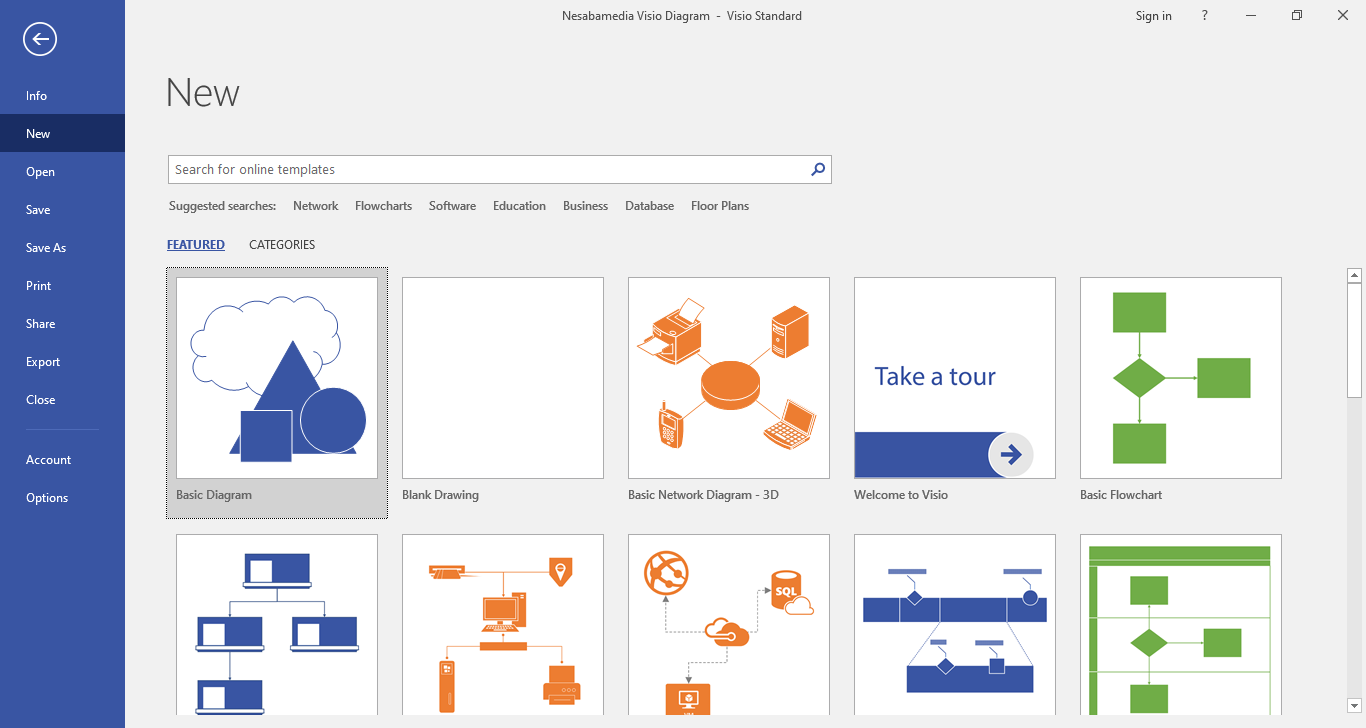
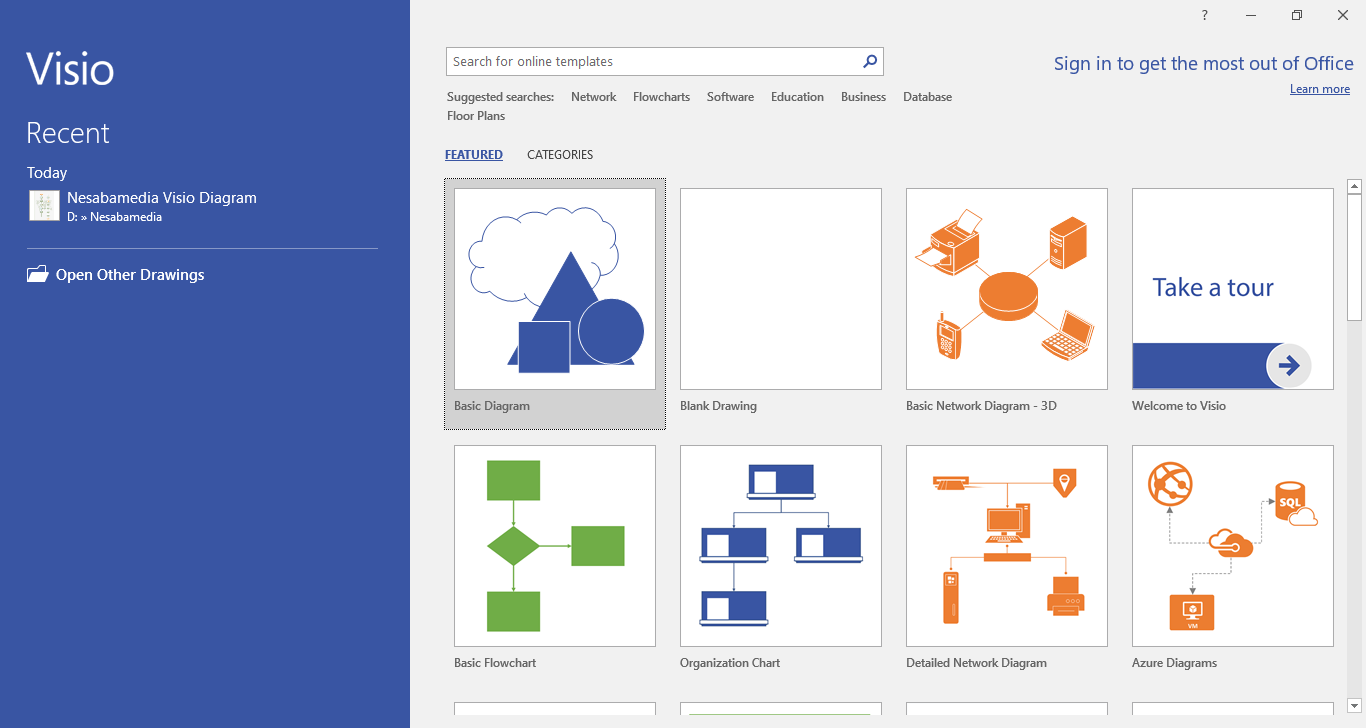
Right from the start you get to choose between making your own diagram or choosing one of the few templates available. If you let Visio connect to the internet, you’ll get several more templates for free such as Data Flow Diagram, Rack Diagram, Wireframe Diagram, Audit Diagram, BPMN Diagram, and Gantt Chart.
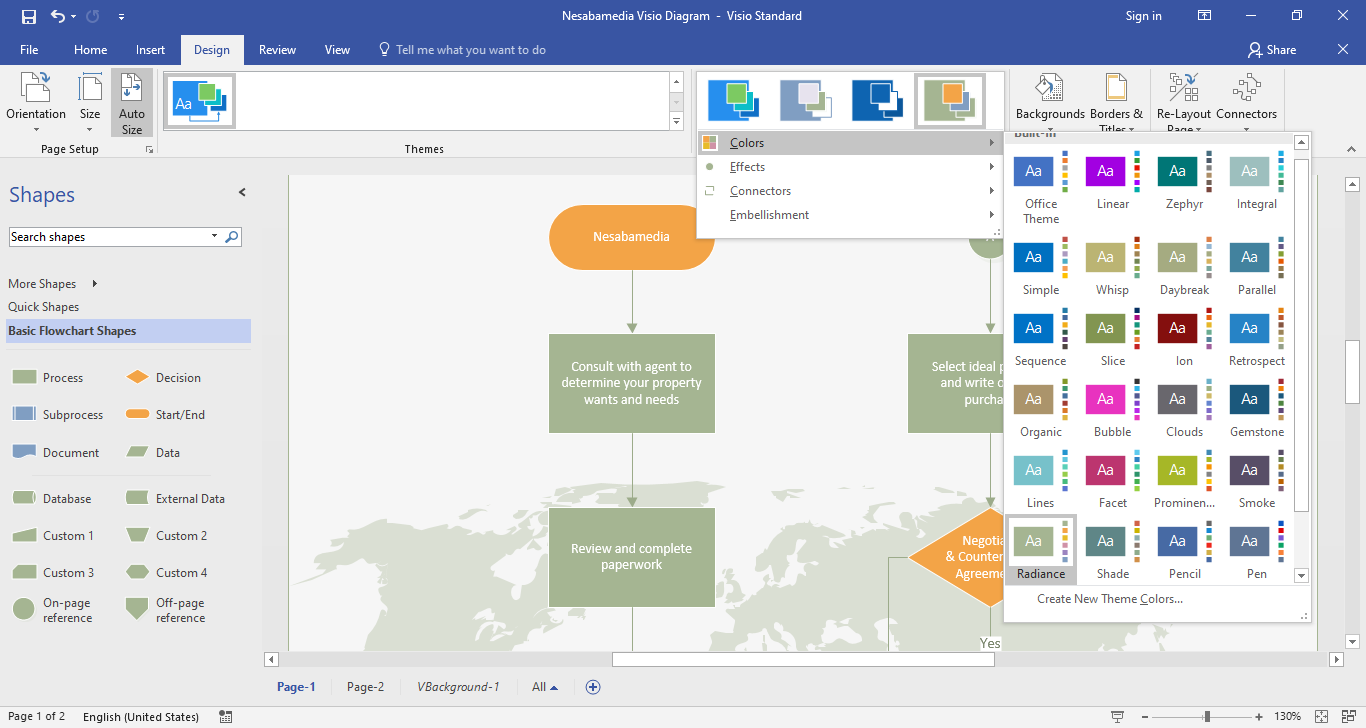
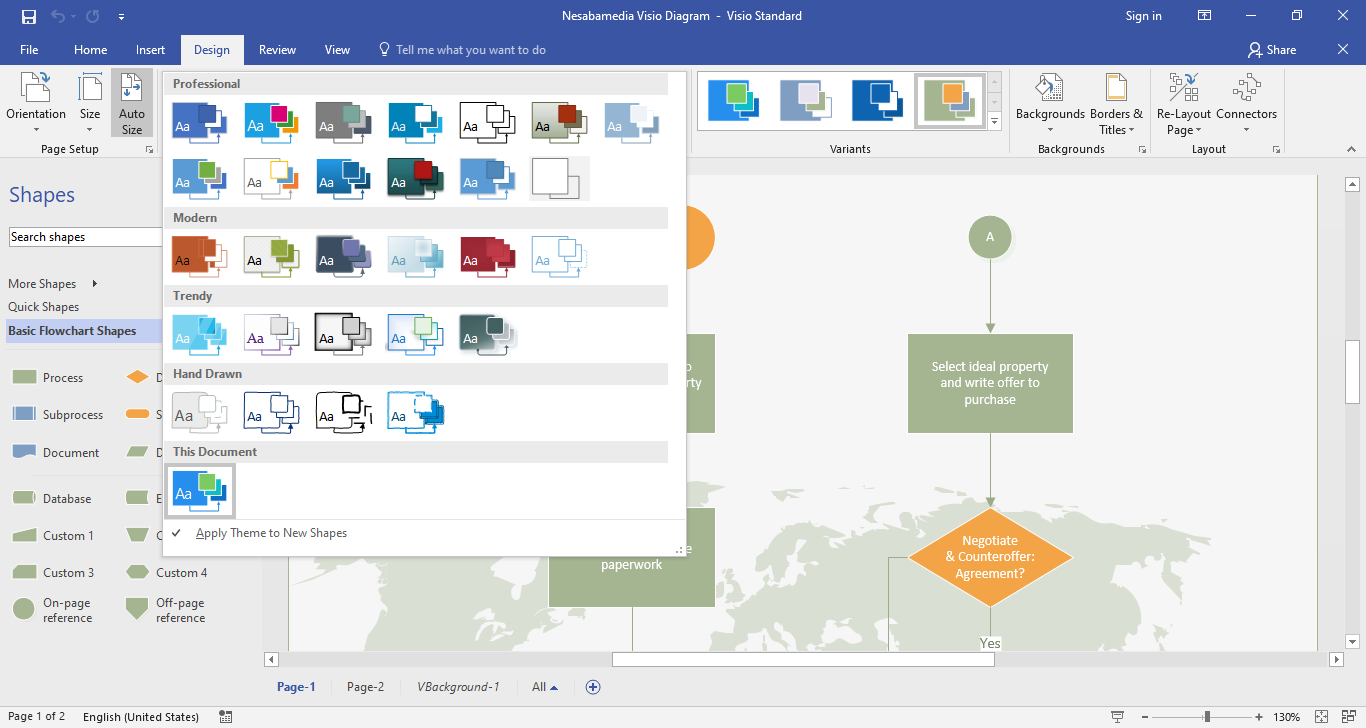
After you finish creating a diagram, you can pick any of the built-in themes in Vision 2016 to apply it to your diagram. Click the Design menu and find the one that best suits your diagram. Visio lets you preview your diagram’s new look in real time as you hover over a theme. Once you find one that you like, click it and the theme will be applied to your diagram immediately.
Adding hyperlinks also makes your diagram more meaningful but in a different way. While themes are more about appearances, hyperlinks are used to connect shapes to external data. They might lead to another page in the same Visio drawing, a specific worksheet in Microsoft Excel, or a website.
If you move your mouse cursor over a shape that contains a hyperlink, you’ll see a hyperlink symbol and a screentip that displays the description of the hyperlink. You can right click it to show the shortcut menu that contains some options like editing the hyperlink and adding a comment.
Microsoft Visio 2016 Free Download for Windows
Diagrams can contain sensitive data, such as internal security layouts, private contact lists, or specific plans for a new office. In Visio 2016, the diagrams can be protected so that only people who have been authorized can open, read, or edit them. This particular feature is called Information Rights Management (IRM).
Overall, with all of its tools and templates, Visio 2016 is still a reliable platform for users who need to transform data into professional diagrams of all types. You can click the link below to download Microsoft Visio 2016 for Windows:
- App Name Microsoft Visio 2016
- License Freeware
- App Name Microsoft Visio 2016
- Publisher Microsoft
- Updated
- Version: 2016
On our site you can easily download Microsoft Visio 2016. All without registration and send SMS!