Microsoft Visio 2013

- Windows: 7, 8, 10, 11
- Version: 2013
- Size: 376.63 MB
-
[Total: 1 Average: 5]
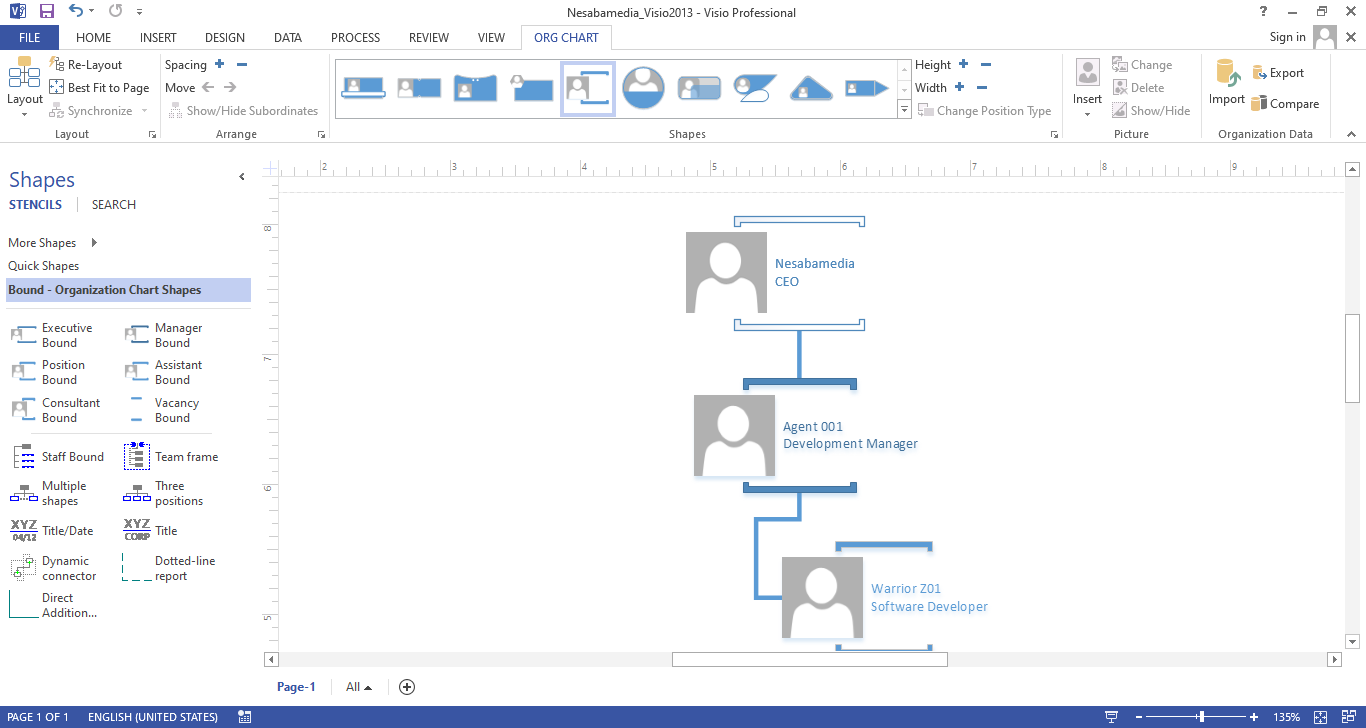
Microsoft Visio 2013 is a feature-rich diagramming tool. While it has been widely used to create a large variety of diagrams for various purposes, its usage is generally driven by the need to communicate data in a way that is easier to understand.
The fluent user interface, which was introduced in Microsoft Visio 2010 and widely known as the ribbon, is adopted in this version too. Many users believe that it is better than the traditional interface, but there are also many others who believe the opposite.
Features and Highlights
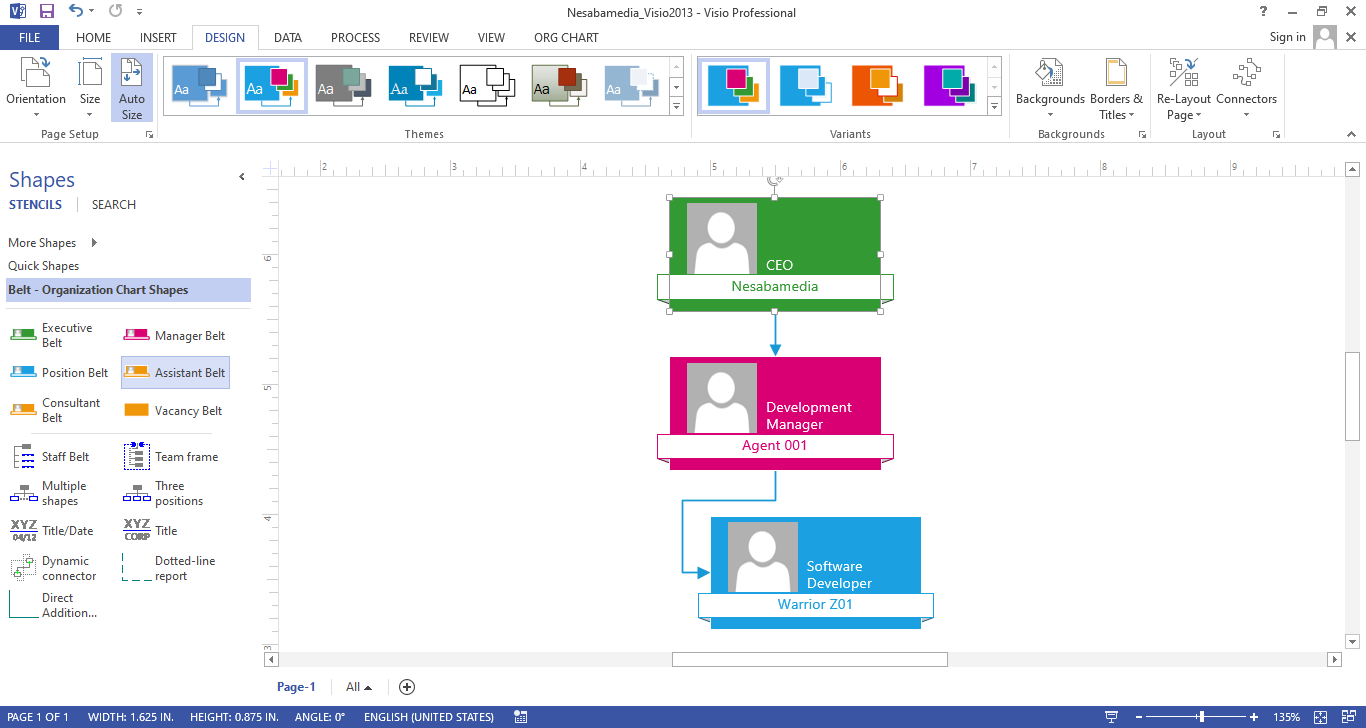
If it is compared with the older versions, Microsoft Visio 2013 offers more benefits that make it a worthwhile upgrade. For example, there are many shapes that have been redesigned and themes that have been enhanced. While shapes are the most important elements in Visio, themes are also useful. Both of them help you create beautiful and professional diagrams.
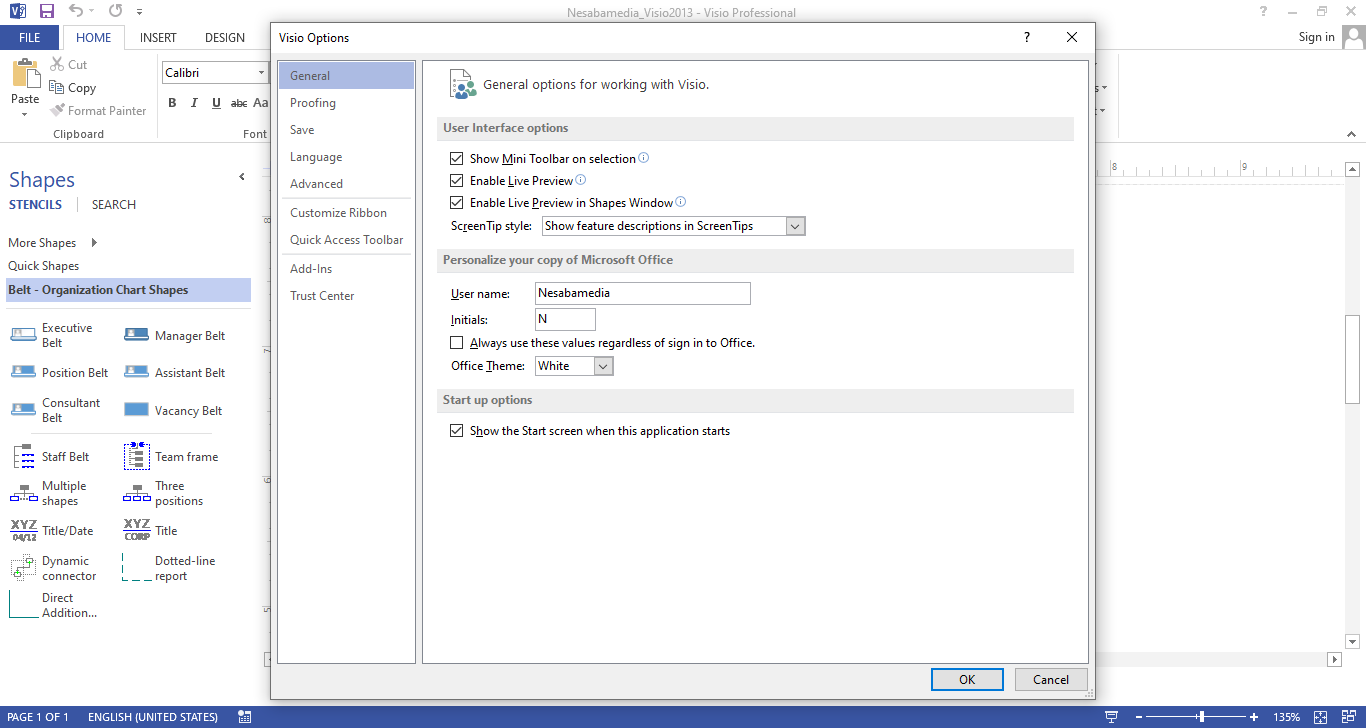
Tons of shapes are stored in stencils, but the improvements on these elements are not just about numbers and appearances. It’s also about the way the shapes are used. When you replace an existing shape in a drawing with another one, the connections stay intact. The text and data are left untouched too.
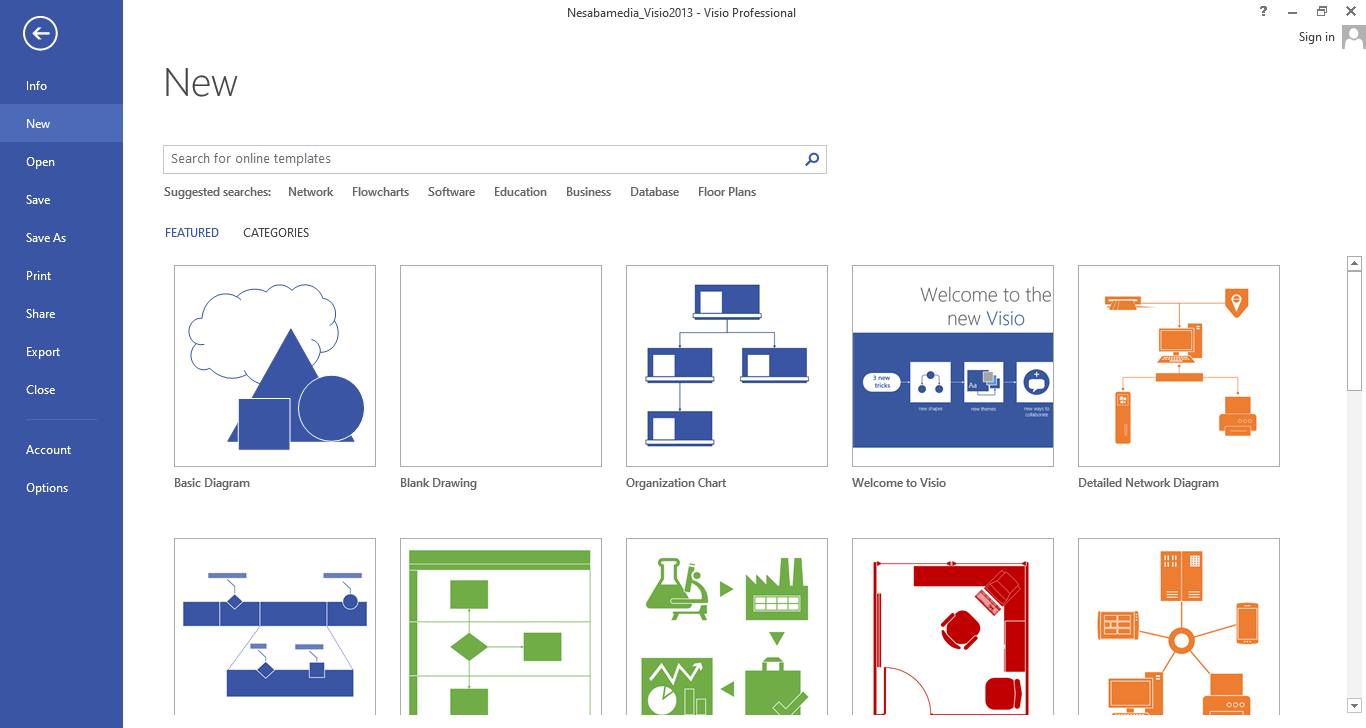
While shapes and themes make your drawing looks beautiful and meaningful, templates are useful for your starting point. Instead of drawing a diagram from scratch for every project, you can use the templates. There are many kinds of templates so you’re likely to find one that suits your need.
Looking for the right templates and shapes is also easier in Visio 2013 thanks to the improved search functionality that can eliminate duplicate results.
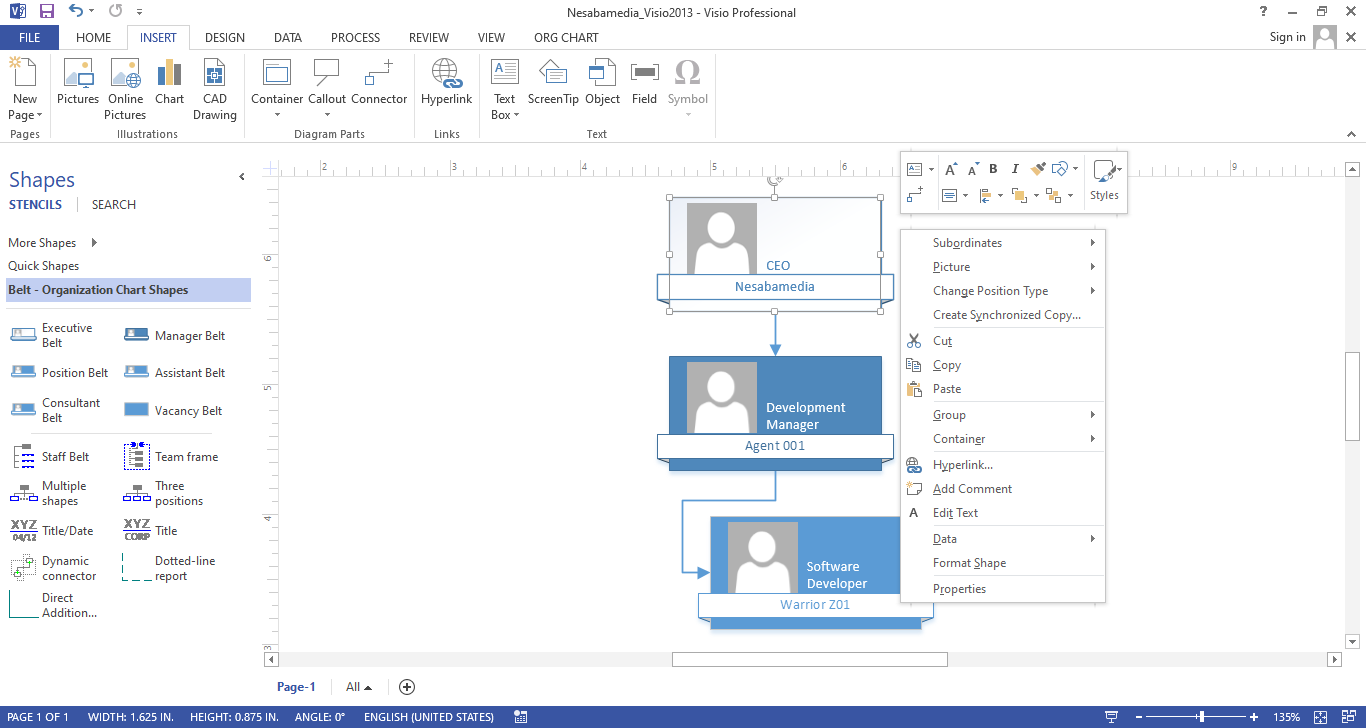
If you open the Mini Toolbar, you will find out that it has been revamped too. This is one of the elements in Visio 2013 that can help you work faster, and the improvements have made it more efficient than before. Many actions that can be performed by using Mini Toolbar have been streamlined, and what’s more, it introduces some new tools that further enrich its functionality.
One of the new tools in Mini Toolbar is Connector Tool. It simplifies the way you add a dynamic connector to a drawing since you can just right-click a shape and then click the tool that appears afterward.
A lot of features that were introduced in earlier versions are preserved in Microsoft Visio 2013. For example, Auto Connect that allows you link shapes more quickly and Quick Shapes that provides a more efficient way to create drawings.
Microsoft Visio 2013 Free Download for Windows
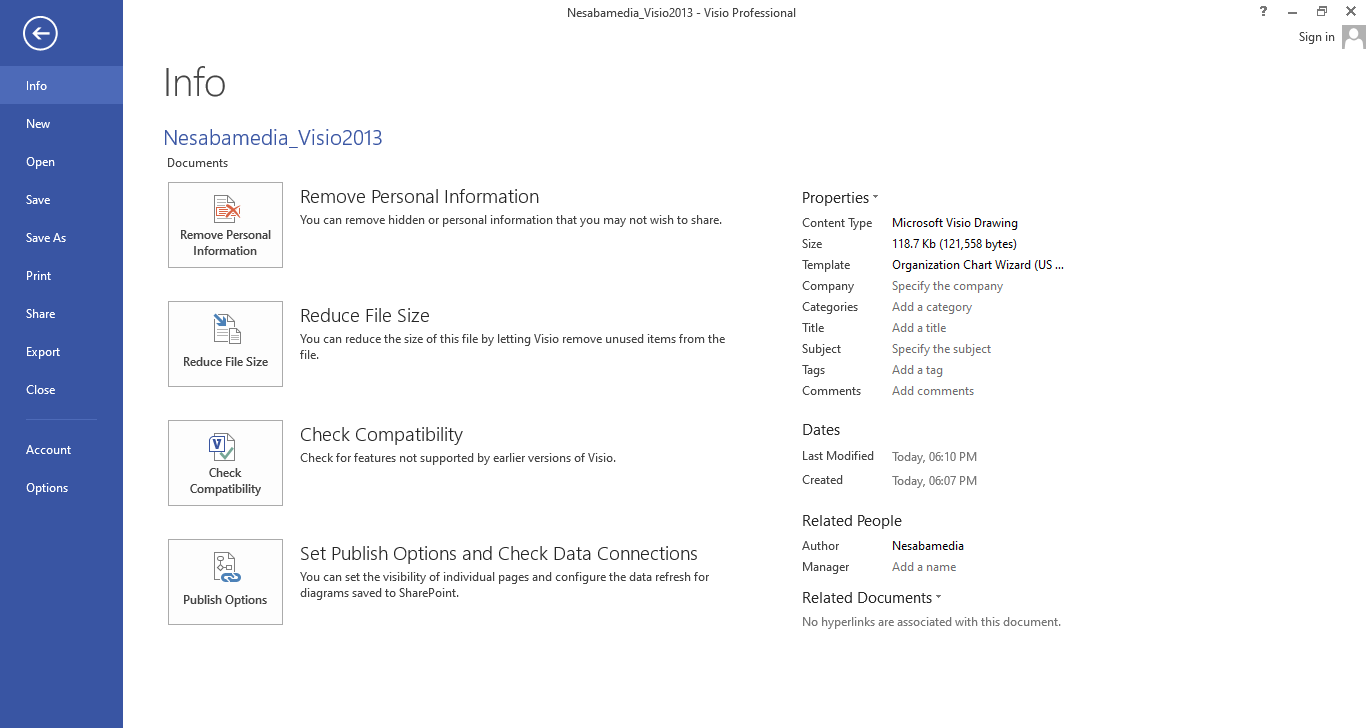
With Microsoft Visio 2013, you can transform your data into diagrams with confidence. In addition to the features that have existed years before it was released, there are others that have been refined and others that are completely new. All of them are great features to help you create diagrams.
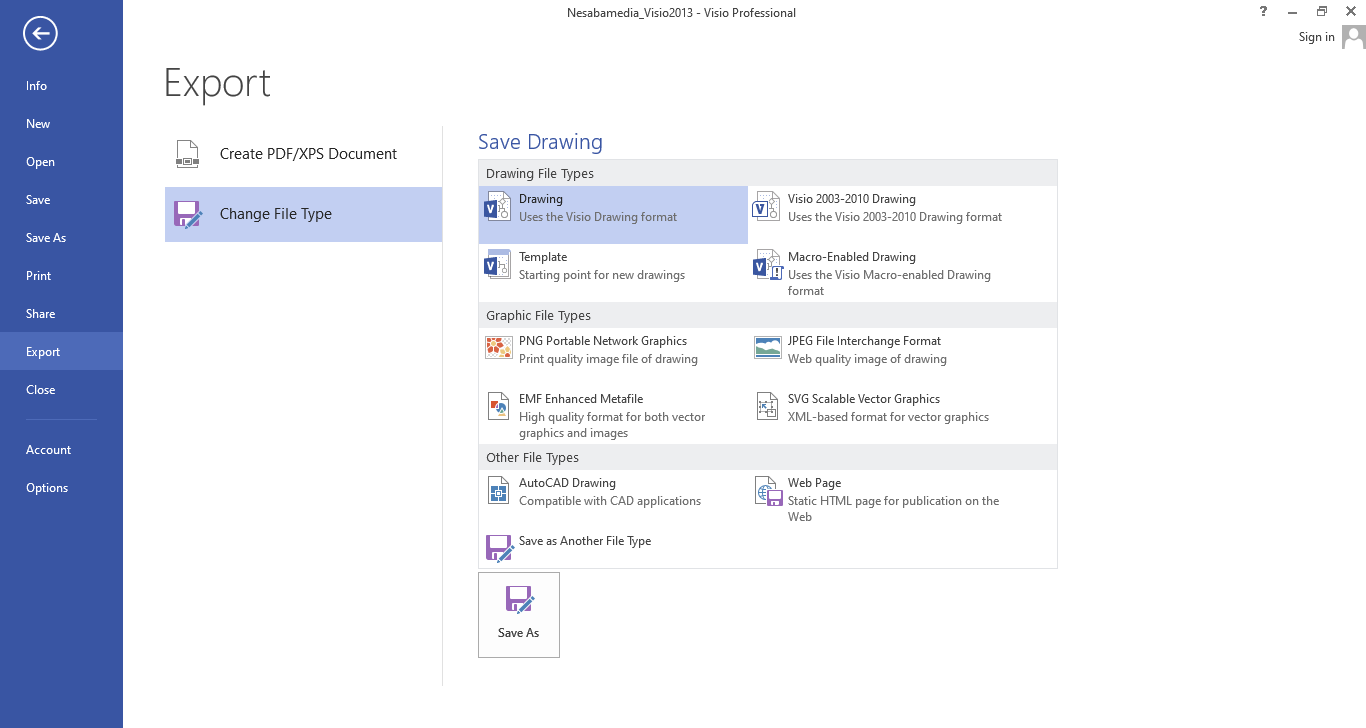
Its integration with the cloud makes it much easier to access and share your files, not to mention that it can also save you from losing important files when your hard drive is damaged. You can click the link below to download Microsoft Visio 2013 for Windows:
- App Name Microsoft Visio 2013
- License Freeware
- App Name Microsoft Visio 2013
- Publisher Microsoft
- Updated
- Version: 2013
On our site you can easily download Microsoft Visio 2013. All without registration and send SMS!