Microsoft Visio 2010

- Windows: 7, 8, 10, 11
- Version: 2010
- Size: 603.12 MB
-
[Total: 1 Average: 5]
Visualizing data is more than just about charts and numbers. It’s about making ideas easier to see and share, whether you’re mapping out a process or sketching how different parts of a project connect. When information is presented visually, it becomes simpler to understand and hence becomes quicker to act on, which is why having the right tool to project ideas into meaningful visuals makes all the difference.
That’s where Microsoft Visio 2010 comes in. It is designed as a digital workspace that lets you give structure to your ideas, shaping them into tools for evaluation, planning, and communication. With ready-made templates and tons of features, you can also turn complex details into visuals that actually make sense, helping teams connect the dots to keep projects moving smoothly.
Features and Highlights
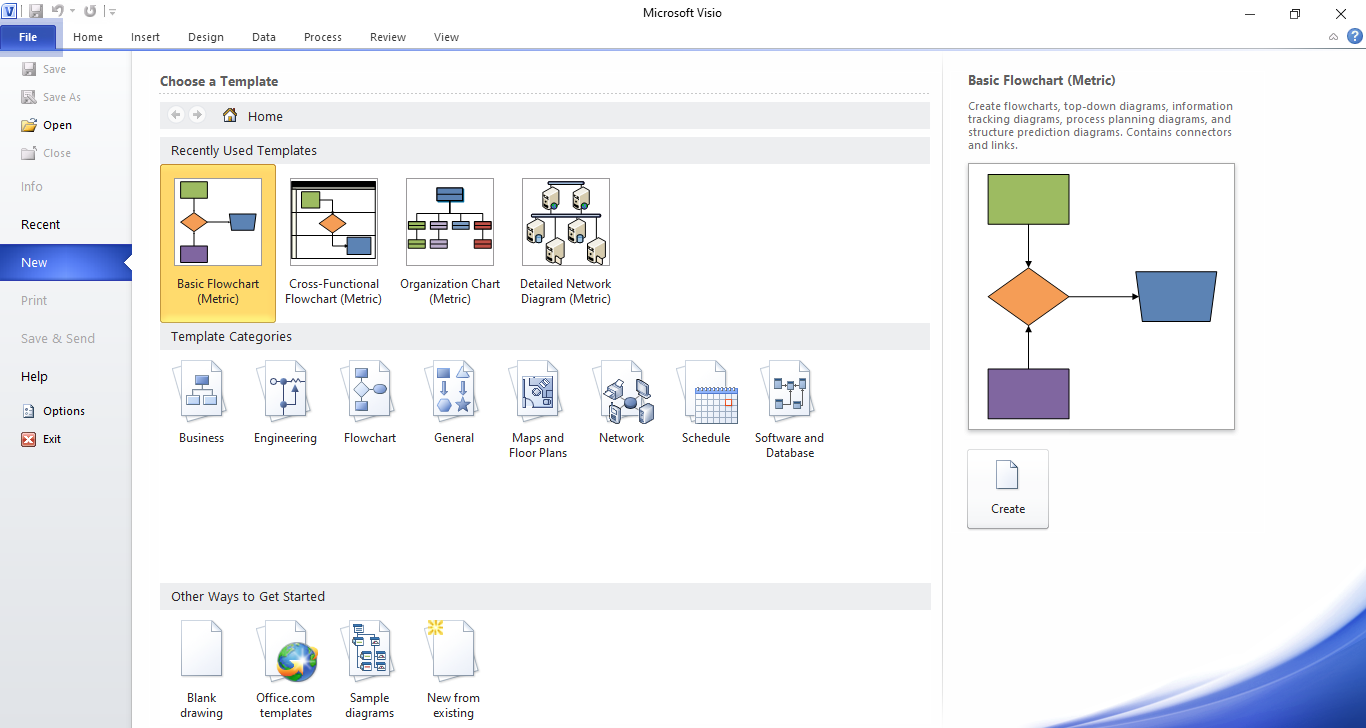
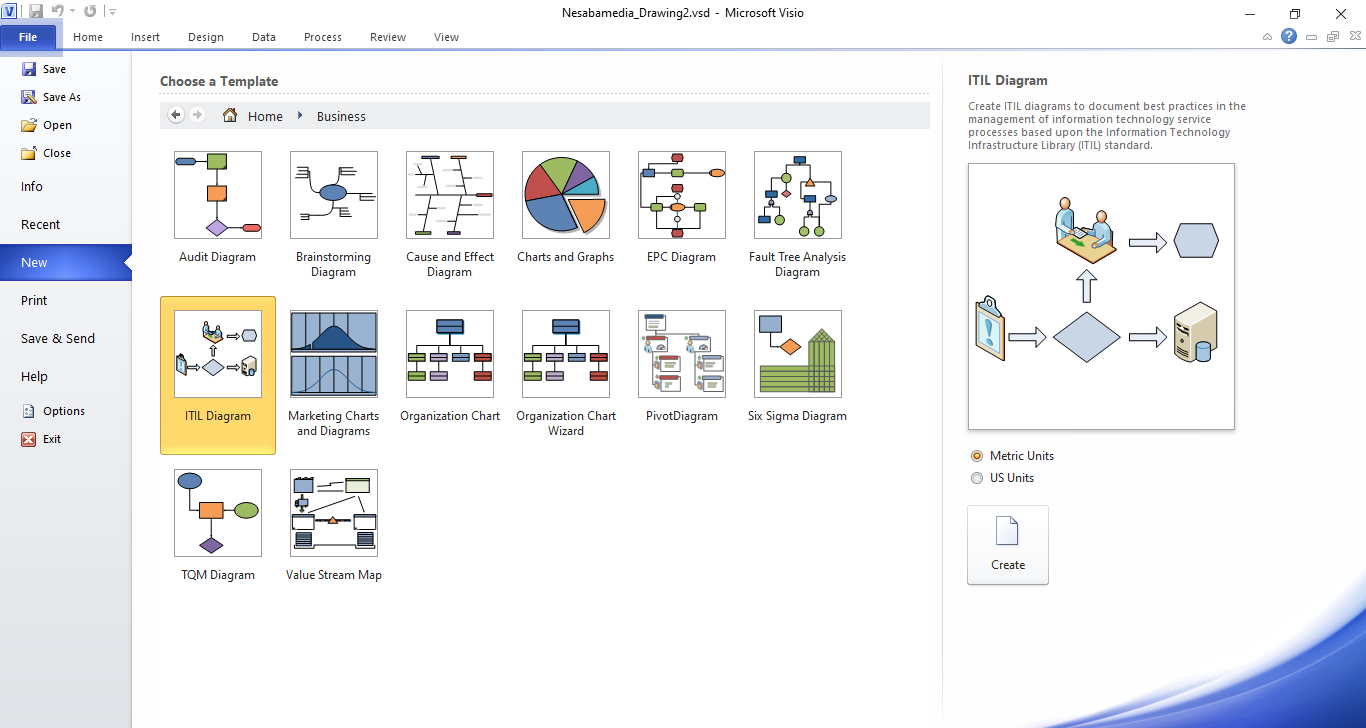
Microsoft Visio 2010 has a graphical user interface that resembles Word and other Office programs. You can dive right in with a blank page and create everything yourself, or explore the template library for inspiration or a starting point.
For beginners, templates are often the best choice. They save time by giving you a ready-made structure that you can edit, expand, and personalize until they fit exactly what you want to communicate.
These templates are neatly organized. Clicking on the Business category, for example, displays rows of charts and diagrams such as Audit Diagram, Marketing Charts and Diagrams, Value Stream Map, and Fault Tree Analysis Diagram, among others.
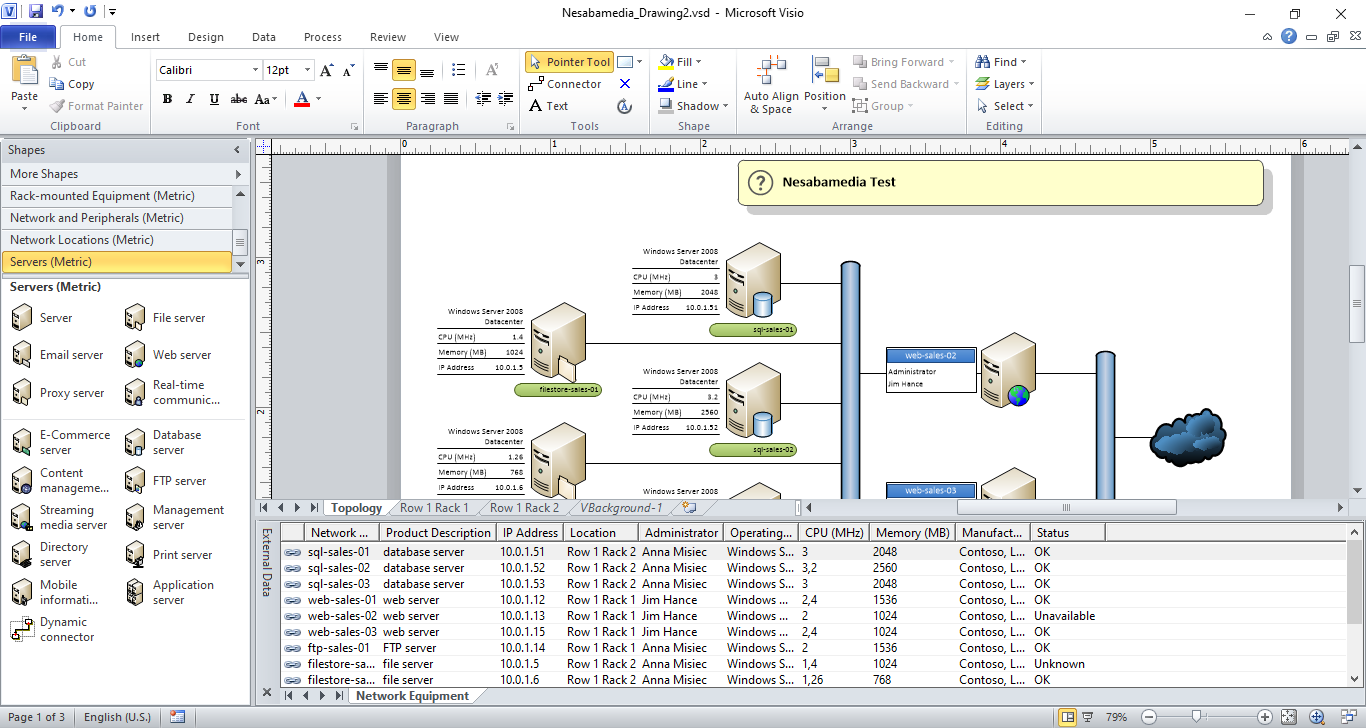
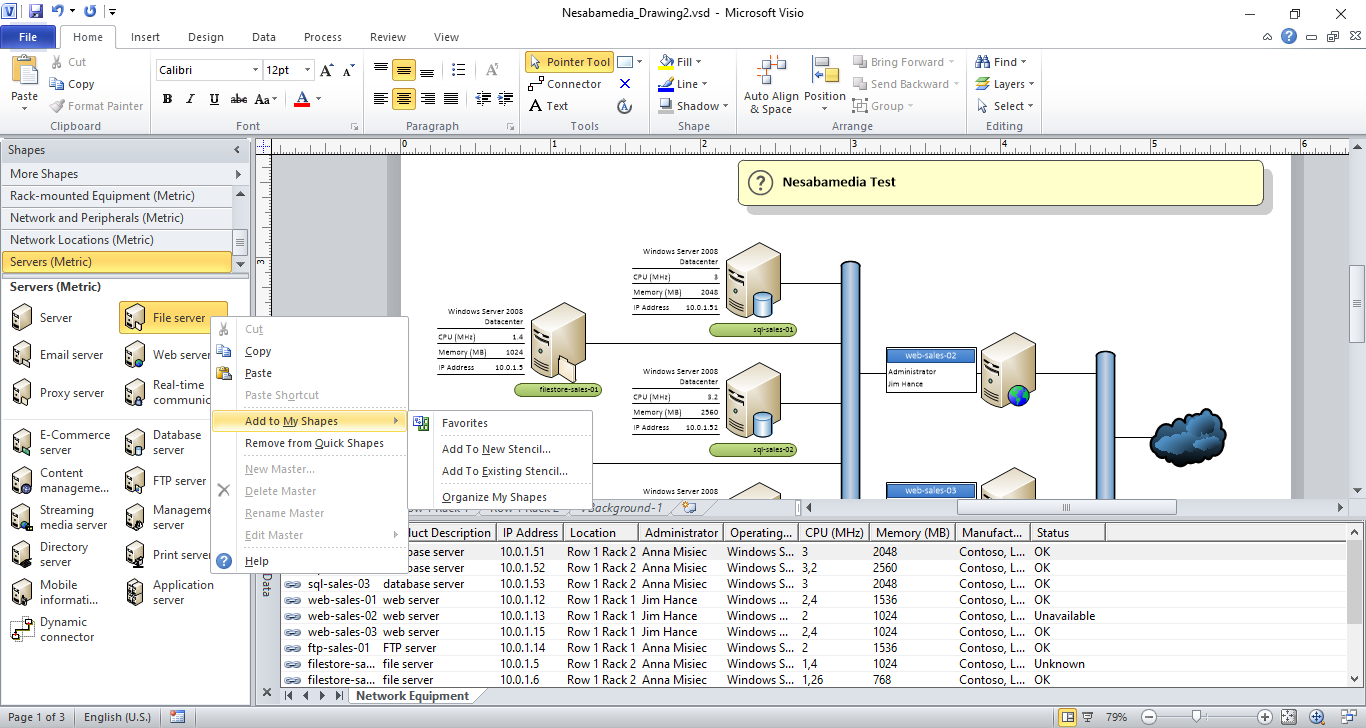
One click on any template loads it in a new page where everything is ready for you to use. The good thing about starting a project in Microsoft Visio 2010 is that you already have all the shapes and icons you need to get going. They can be found on the left side of your page. Some are hidden in menus, leaving only the ones in the currently selected menu visible.
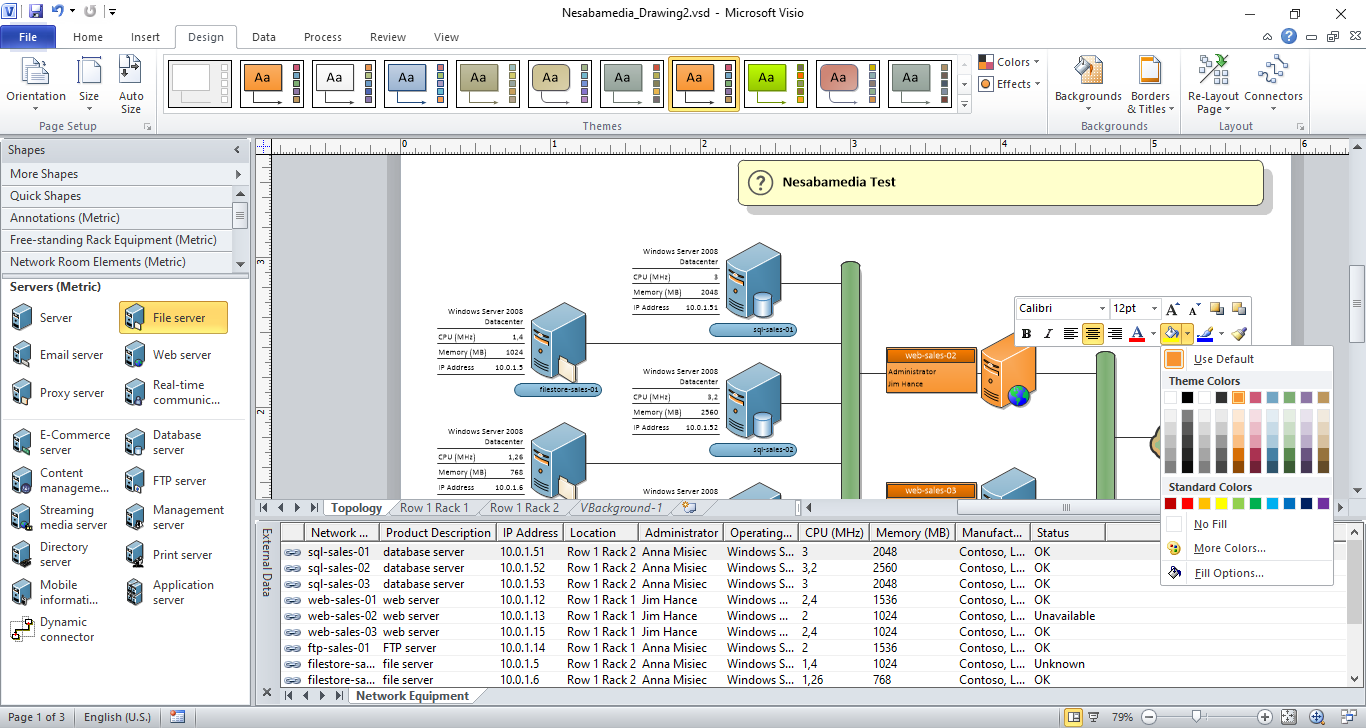
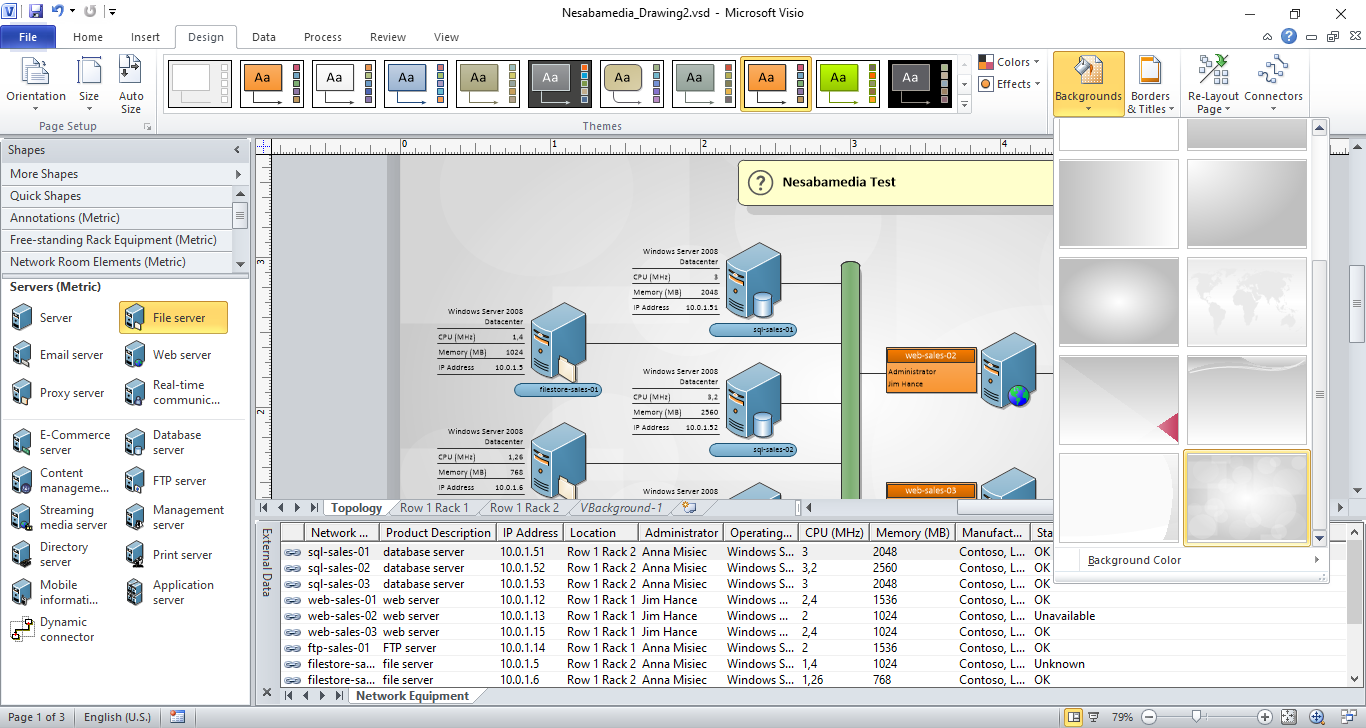
Microsoft Visio 2010 also lets you adjust the look and feel to match your needs. You can adjust the color of lines, shapes, and icons, or even switch up the overall theme to match the look you want. At the top of the screen, the Design tab offers a range of themes and variants you can apply with just a click. If you’d rather fine-tune individual elements, simply select the shape or icon you want to change and use the fill color options to customize it.
Microsoft Visio 2010 Free Download for Windows
Once you finish creating your diagram, you can try to reduce its file size by clicking the File tab and then clicking the Reduce File Size button. A window will open where you can check the items you wish to remove. These may include preview picture, inactive validation rule sets, and unused master shapes, themes, data graphics, and styles.
Visio 2010 can obviously do a lot more. While it is indeed an old version, it still offers a wide range of features that help you build diagrams, organize information, and present ideas clearly. From templates and shape libraries to customization tools and options for managing file size, the program gives you everything needed to complete a project from start to finish. You can click the link below to download Microsoft Visio 2010 for Windows:
This program is also available in
Similar to Microsoft Visio 2010


- App Name Microsoft Visio 2010
- License Freeware
- App Name Microsoft Visio 2010
- Publisher Microsoft
- Updated
- Version: 2010