Microsoft Access 2019

- Windows: 7, 8, 10, 11
- Version:
- Size: 4.00 GB
-
[Total: 0 Average: 0]
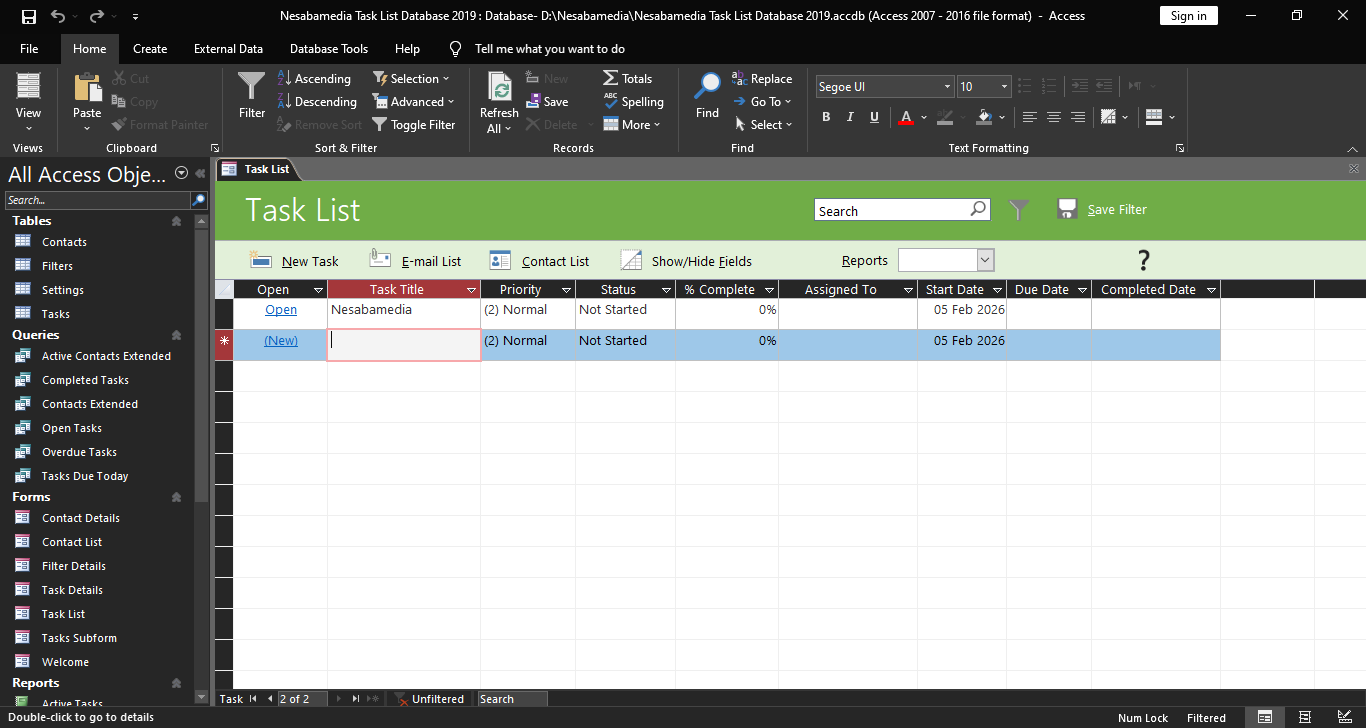
Since its initial release in 1992, Microsoft Access has been used by many people as a tool for creating and managing databases, particularly for small to medium scale applications. It supports data entry, data analysis, and basic automation, making it suitable for business, education, and personal projects.
There were about 11 major releases before Microsoft Access 2019 arrived. Yet, the user interface across each version has remained largely the same. Any changes made to the appearance were minor tweaks rather than a total overhaul or a complete redesign of how the software works. The only exceptions are Microsoft Access 2003 and earlier releases, which didn’t use the Ribbon interface.
Features and Highlights
In Microsoft Access 2019, you have more options to visualize data as it comes with a handful of new chart types, ranging from Column, Line, Bar, Pie, to Combo. There are 11 new charts in total. They are as appealing as the existing charts, if not more, but what matters the most is how they can help you understand your data better.
You can create a wide variety of reports tailored to whatever data you’re tracking. For example, you can generate a high-level summary that displays every entry in a specific data set, such as a complete roster of all active employees in a staff table. On the other hand, you can narrow things down by applying a specific criteria to pull only the exact information you need, such as a filtered list showing only the projects that are currently overdue or marked as a high priority.
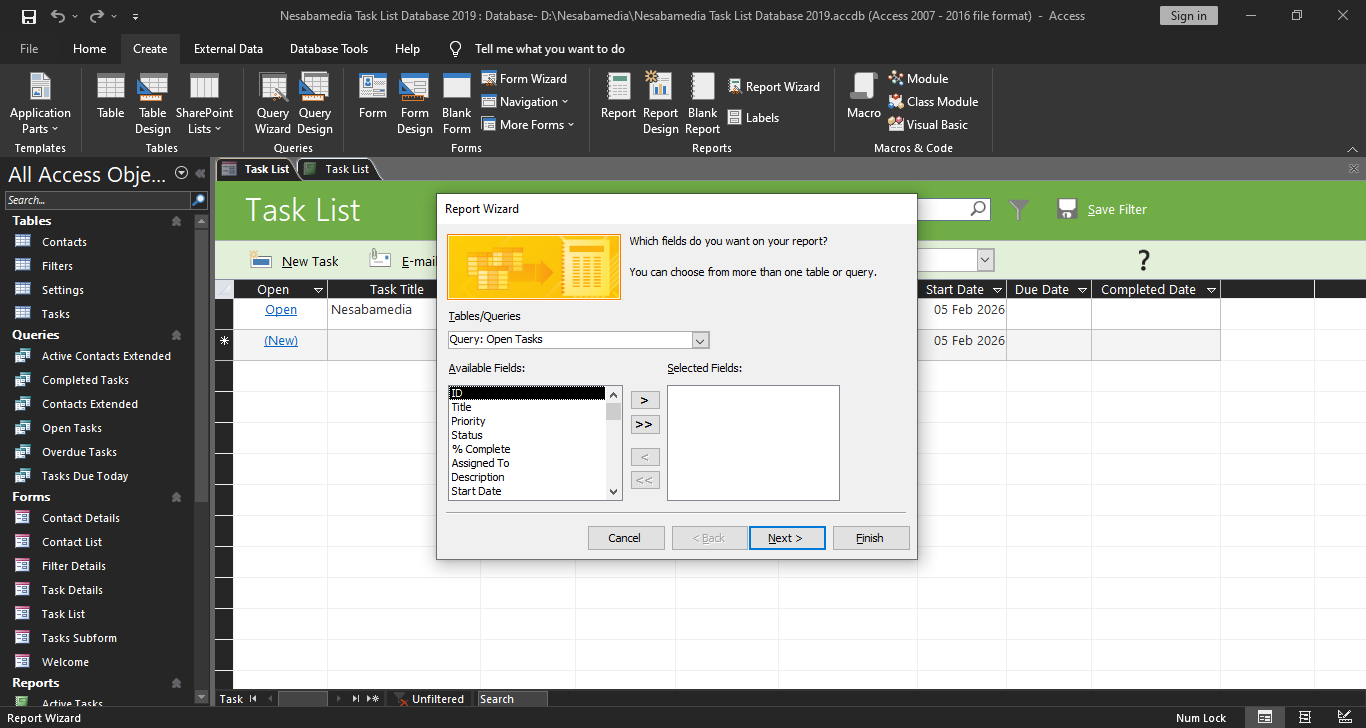
You can also build reports that pull and combine data from several separate tables at the same time to provide a more complete picture of your operations. Using the Report Wizard makes this whole process a lot simpler, as it handles the heavy lifting of linking the tables and organizing the layout for you.
Linking a control label to another label is also easier in Microsoft Access 2019 thanks to the new Label Name property. Rather than cut and paste like you’d usually do in the previous edition, linking can be done simply by typing in the name of a label control.
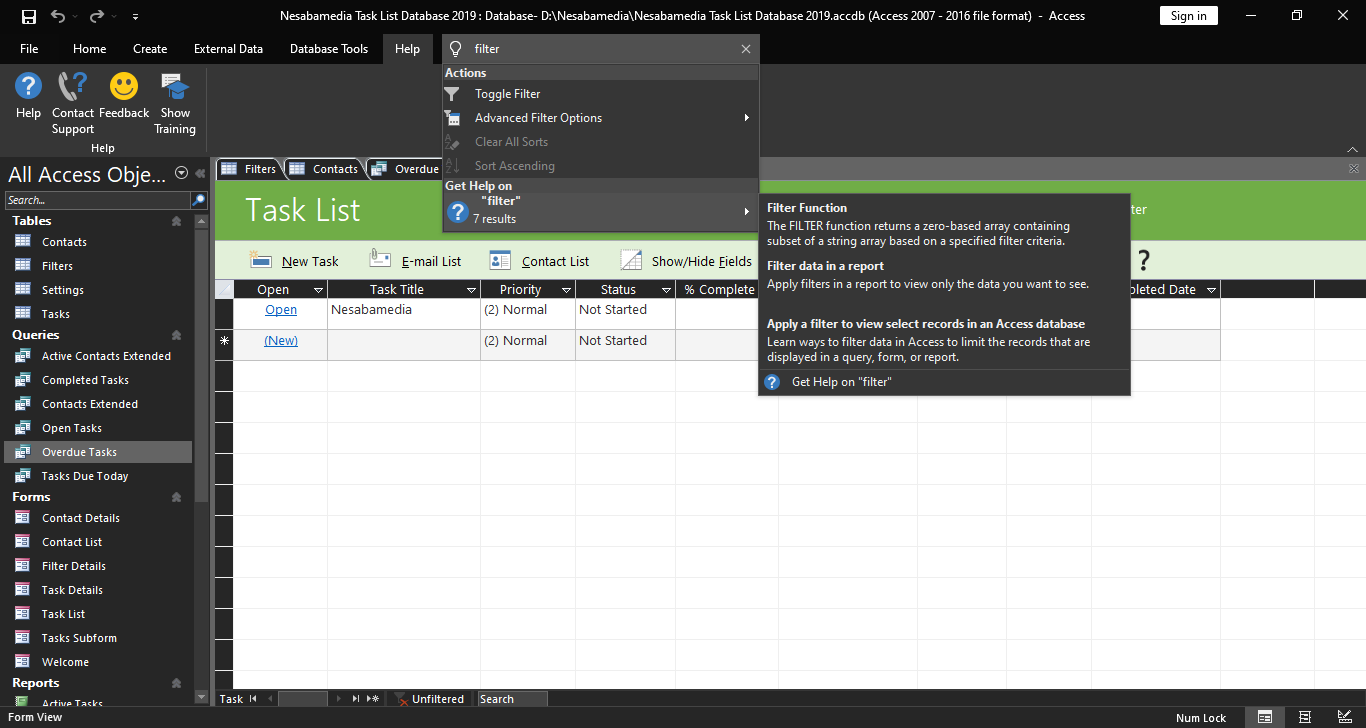
The Tell Me box is another part of the 2019 edition that has been improved. If you don’t know how to do something, you can use it to find the answer you need. It benefits both beginners and advanced users alike.
Microsoft Access 2019 Free Download
When it comes to managing databases, Microsoft Access 2019 is a powerful program that outperforms spreadsheets like Excel for large datasets or complex relationships. Its relational database management system makes it easy to link data across tables and extract a specific report from the relationship without losing any data.
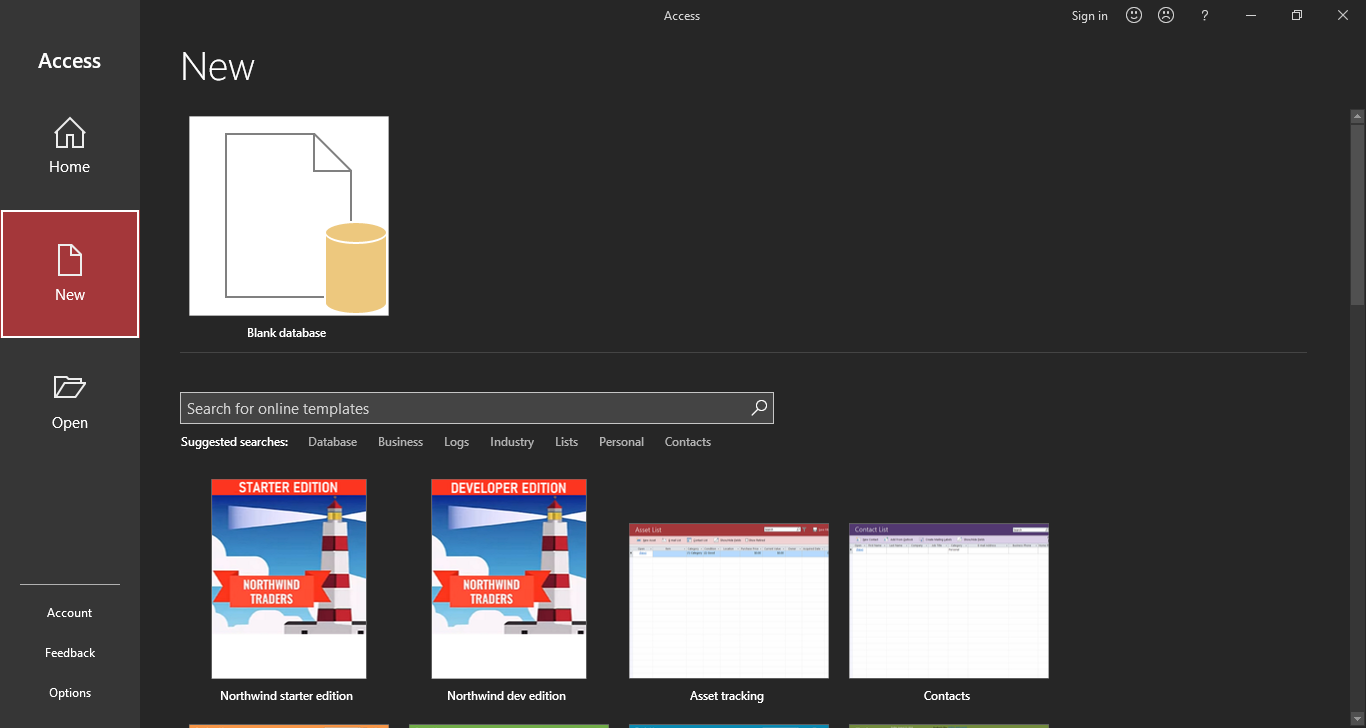
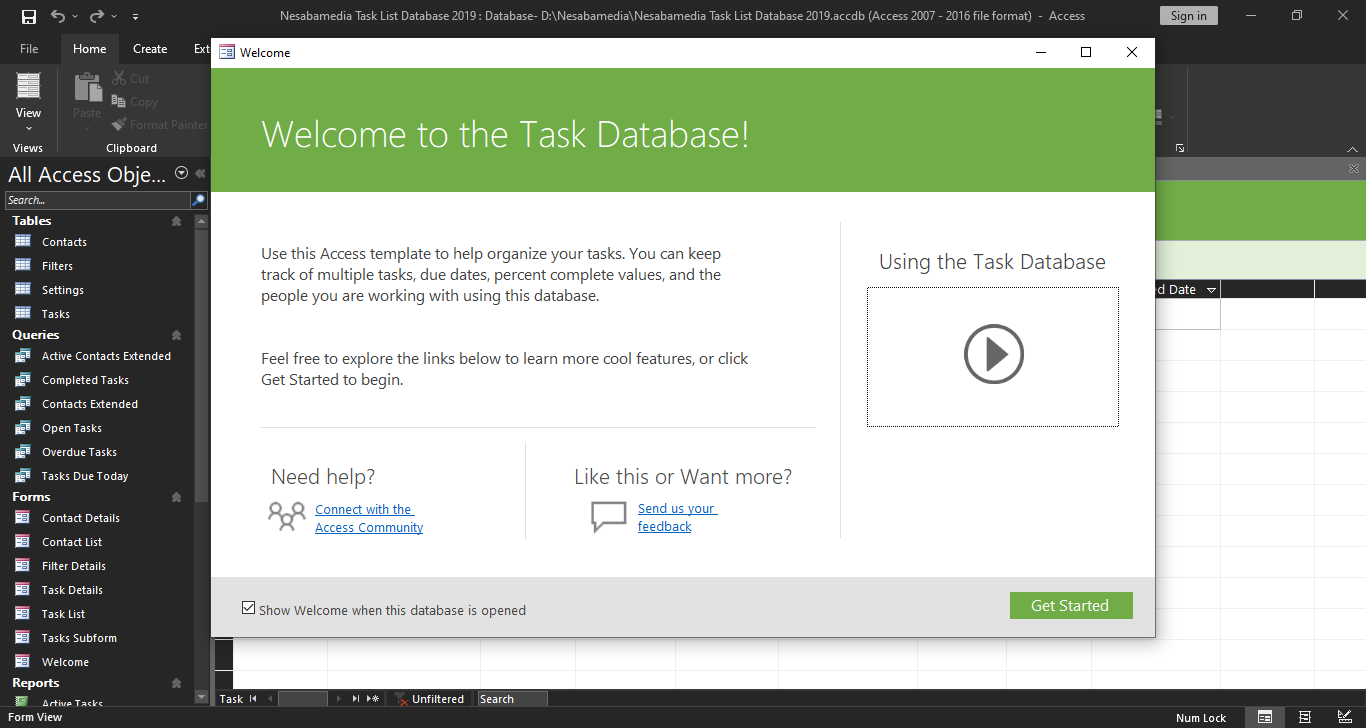
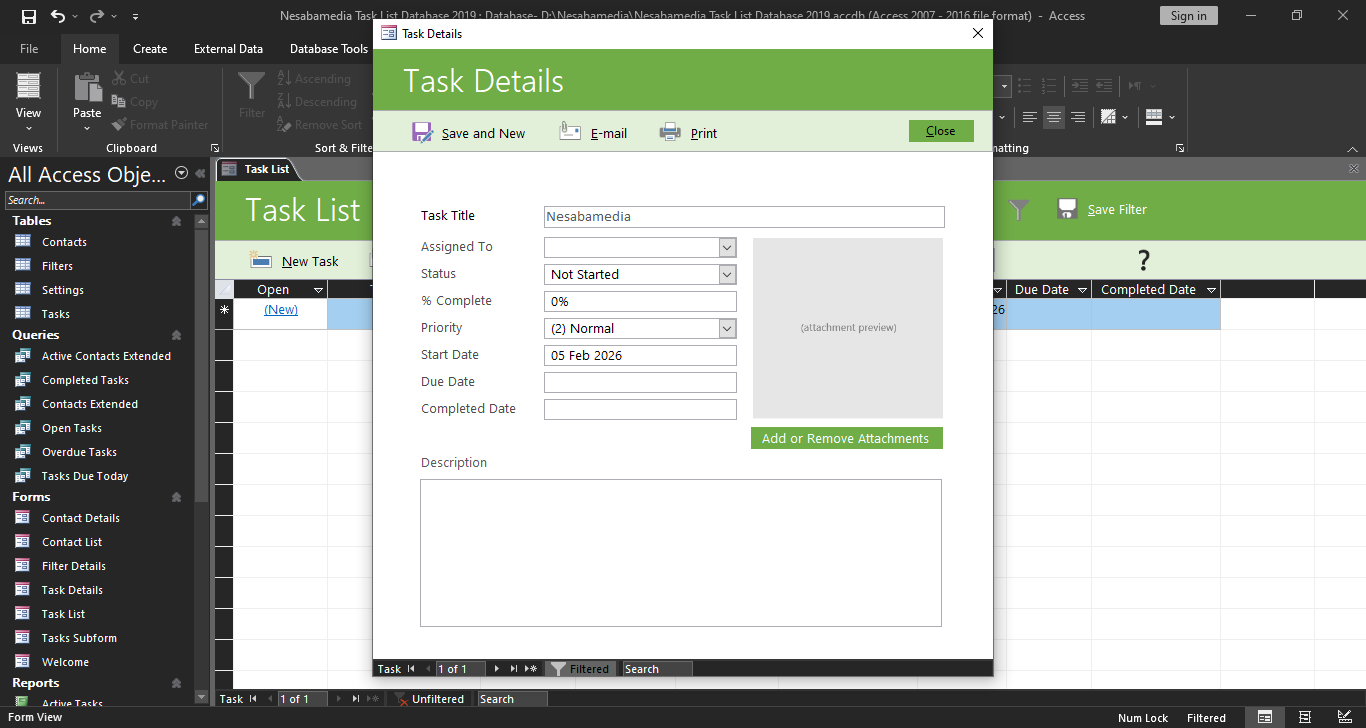
It’s so powerful that you don’t need to use every feature and tool it has to create a good solution to store and access data in a way that meets your needs. You can start by just linking tables and building forms, and only later get into complex queries or custom macros if you ever need them. You can click the link below to download Microsoft Access 2019 for Windows:
- App Name Microsoft Access 2019
- License Freeware
- App Name Microsoft Access 2019
- Publisher Microsoft
- Updated
- Version:
On our site you can easily download Microsoft Access 2019. All without registration and send SMS!