KMPlayer

- Windows: 7, 8, 10, 11
- Version: 4.2.3.29
- Size: 57.43 MB
-
[Total: 1 Average: 5]
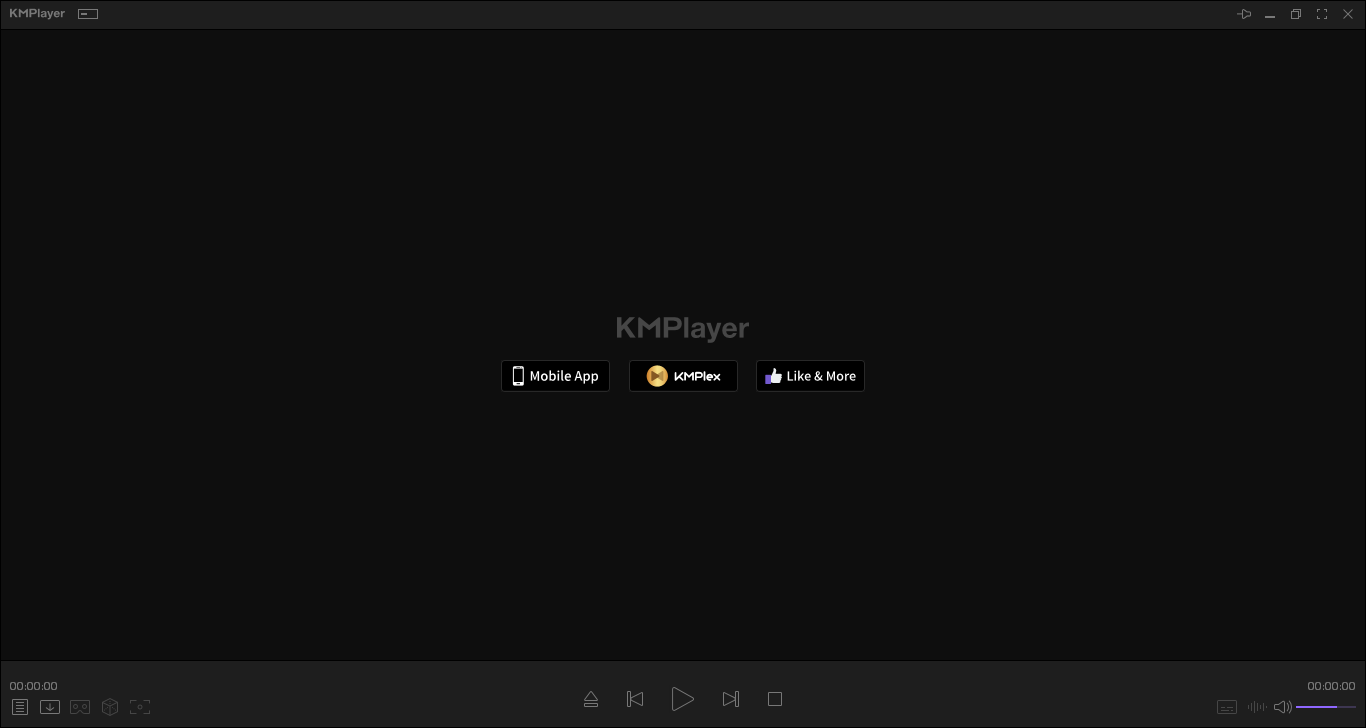
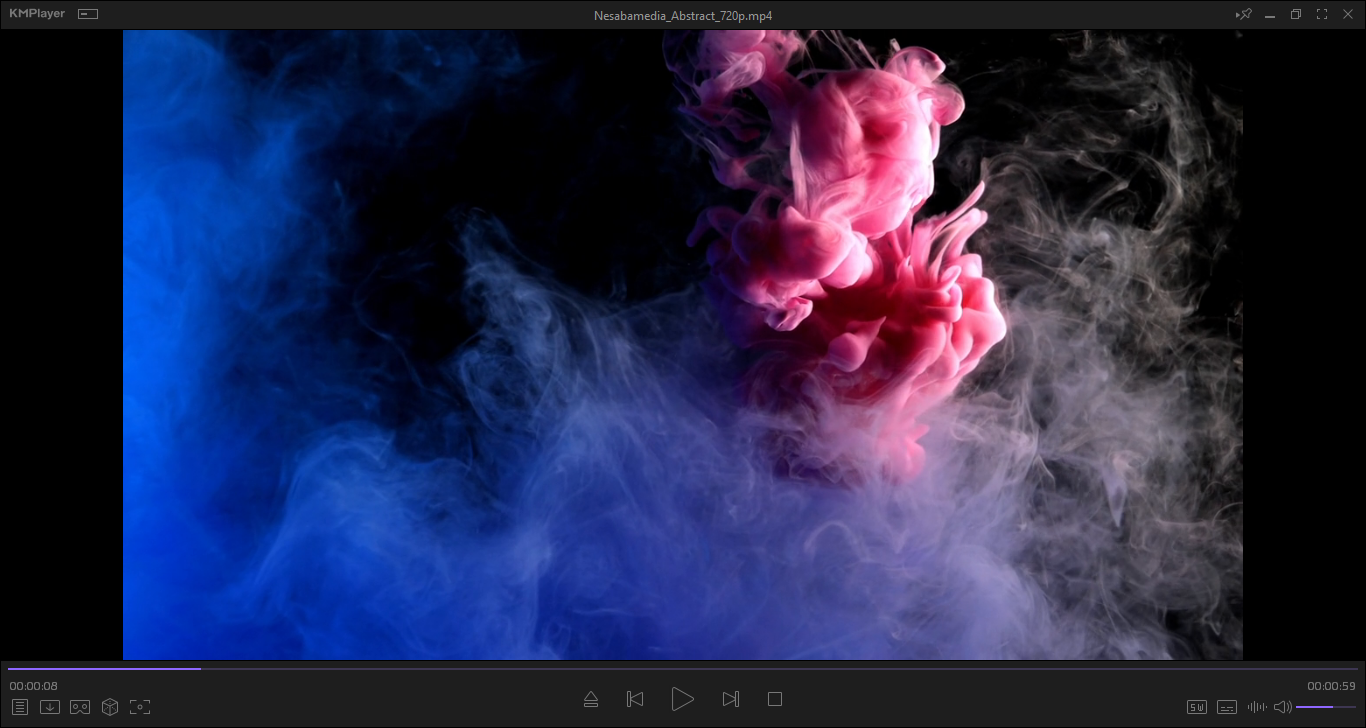
There is no need to spend money on a media player when you can get KMPlayer for free. It is one of the best around though may not be as famous as the others. It is highly customizable, can handle almost any video file, and supports various languages.
KMPlayer has many features that deserve appreciation, like its ability to remember the last video playback position on exit and continue from where it left off when you play the video again.
Features and Highlights
Despite having a wide array of features wrapped in a modern interface, KMPlayer is quick to load.
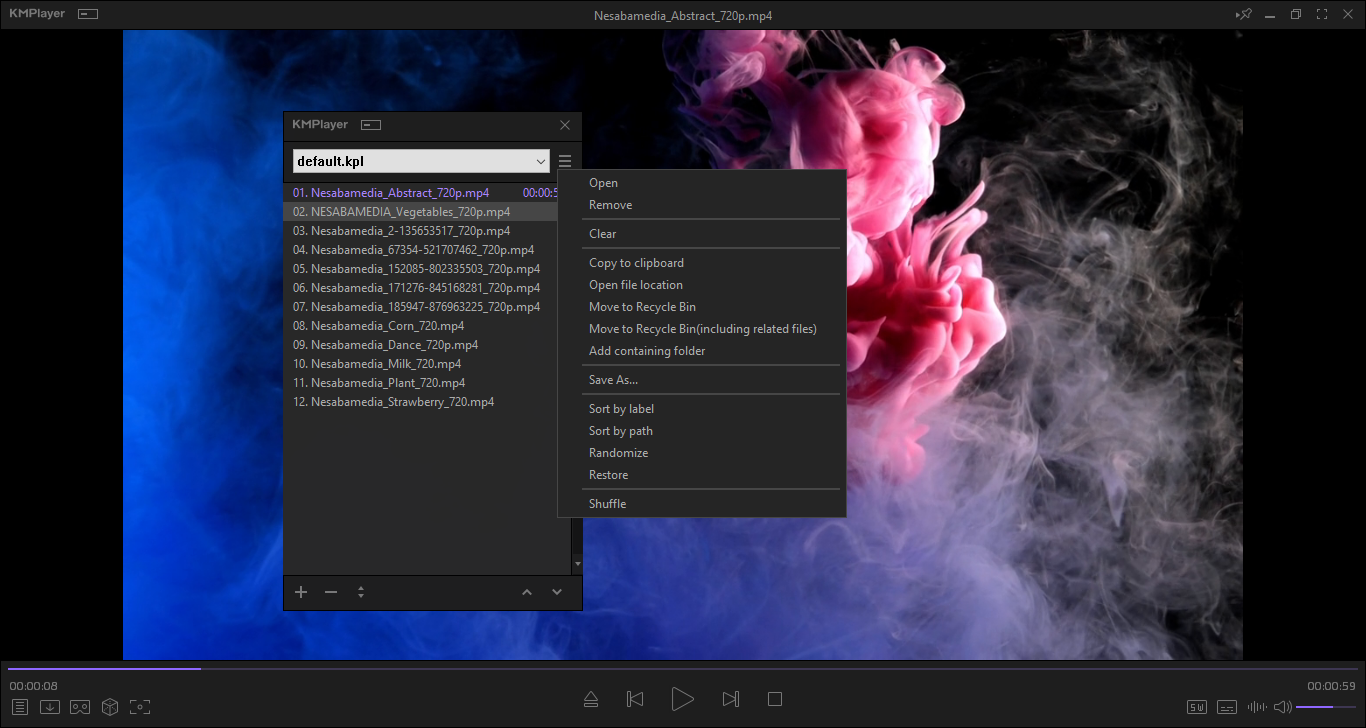
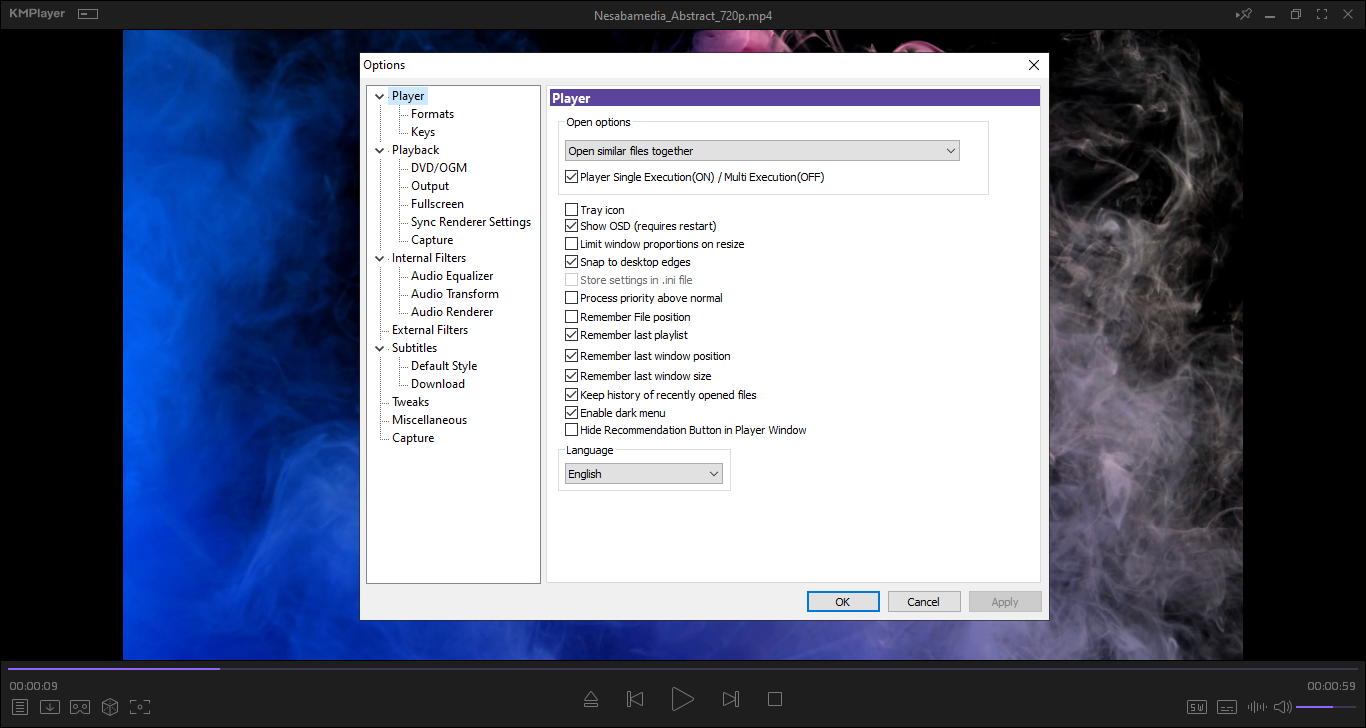
When you load a video in KMPlayer, it also adds similar files from the same folder into the playlist by default. Open Preferences > Player, and you will find two more options to change the way it loads video. You can tell it to open all videos in the folder or just a single video.
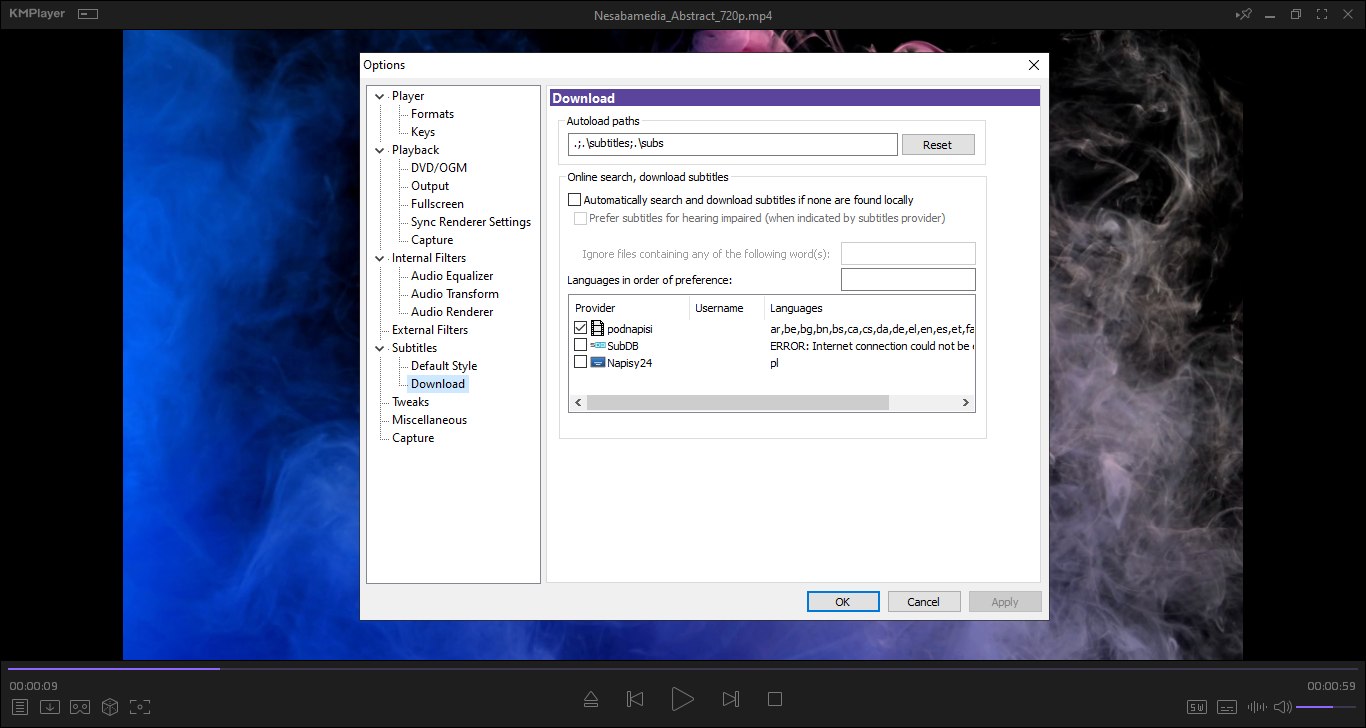
If you watch a movie without any subtitle, pressing Alt + D opens the dialog box of the subtitle finder. It automatically searches and shows subtitles that match the title of the movie. Select one of them, hit the download button, and the subtitle is loaded immediately while the video is still playing.
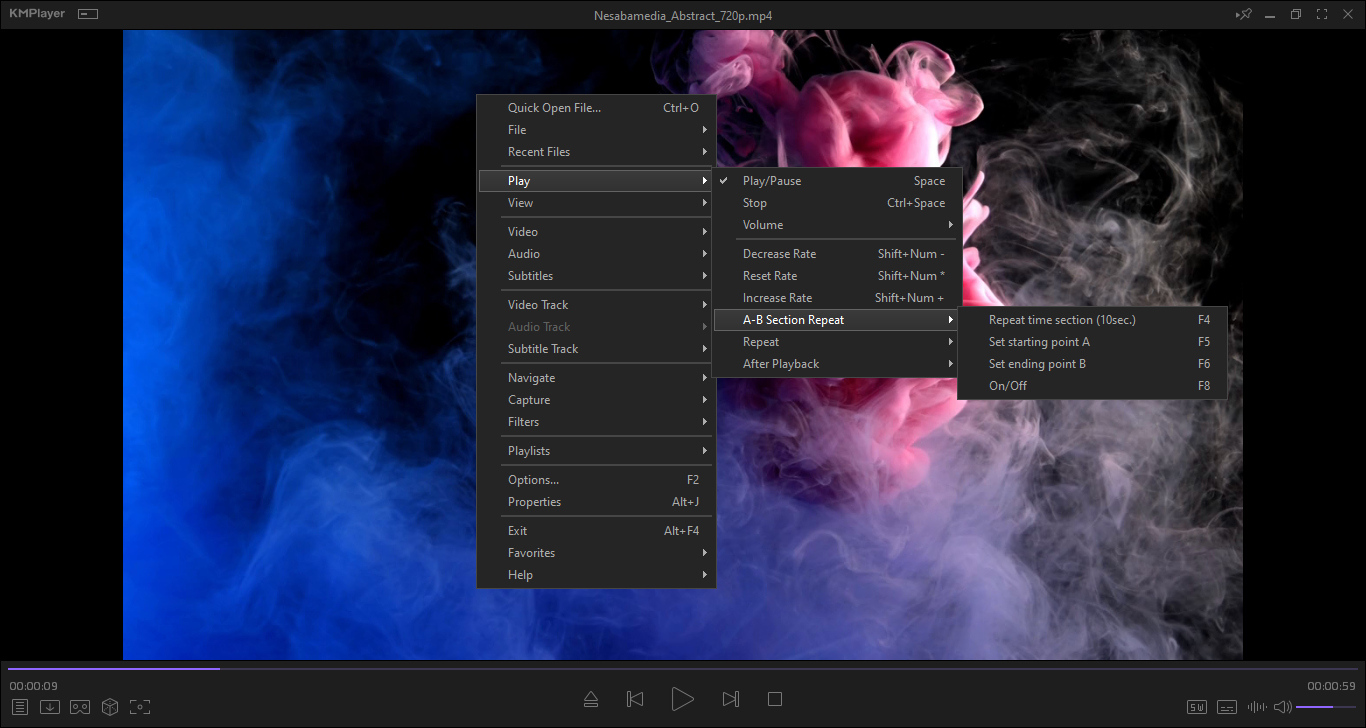
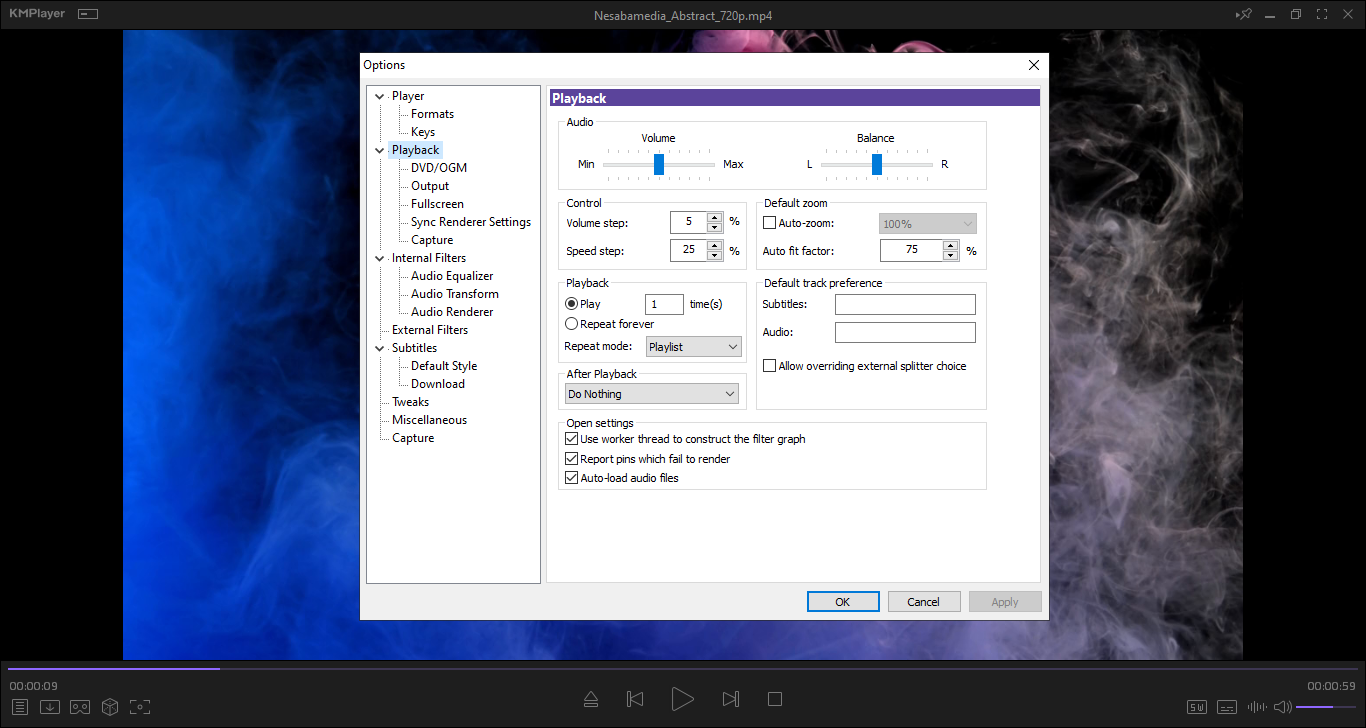
When the video you’re watching ends, KMPlayer stops playing it, unless you set it up to repeat the playback, in which case it keeps playing the video until you stop it either by exiting the player or pressing the stop button.
KMPlayer can bookmark specific sections of a video, but each bookmark is displayed as text only, not as thumbnail like you can find in GOM Player. As a consequence, finding a particular bookmark is difficult in a video that has a lot of bookmarks.
The way it captures frames in sequence, though, is better. In GOM Player, the video must be playing for the sequential capture to work. In KMPlayer, you can pause video at the frame you want to capture, press a hotkey, and click a button to begin the automatic sequential capture from that frame. It captures 10 frames in sequence for every 1000 ms by default and saves the images either in JPG, PNG, or BMP file format. Subtitle can be optionally included in the capture.
The hotkeys are customizable, but the lack of search functionality might cause you to struggle in finding a particular key.
There are tons of hotkey available, including the ones that let you jump forward and backward in the video.
Other than using the hotkeys, you can use the seek bar to find the scene that you want to watch. The seek bar can be configured to show thumbnail previews of frames on mouseover so that you don’t have to click your mouse repeatedly.
KMPlayer Free Download for Windows
Overall KMPlayer is a great media player but it has some downsides. Sometimes it just freezes temporarily after enabling an option. And there are plenty of options but there is no search functionality, so occasionally you might end up getting frustrated when trying to locate a specific option. You can click the link below to download KMPlayer for Windows:
- App Name KMPlayer
- License Freeware
- App Name KMPlayer
- Publisher Pandora
- Updated
- Version: 4.2.3.29
On our site you can easily download KMPlayer. All without registration and send SMS!