IObit Driver Booster

- Windows: 7, 8, 10, 11
- Version: 13.1
- Size: 31.73 MB
-
[Total: 1 Average: 5]
The core functionality of IObit Driver Booster is to update old drivers and install missing drivers on Windows operating system. Additional features include system information checker, backup and restore, system optimization, and game boost.
IObit Driver Booster offers a free version with limited functionalities. If you only need to get proper drivers, upgrade is unnecessary unless you want to get more benefits such as faster driver update speed, auto download and install drivers when your computer is idle, larger database, smoother game experience, and more.
Features and Highlights
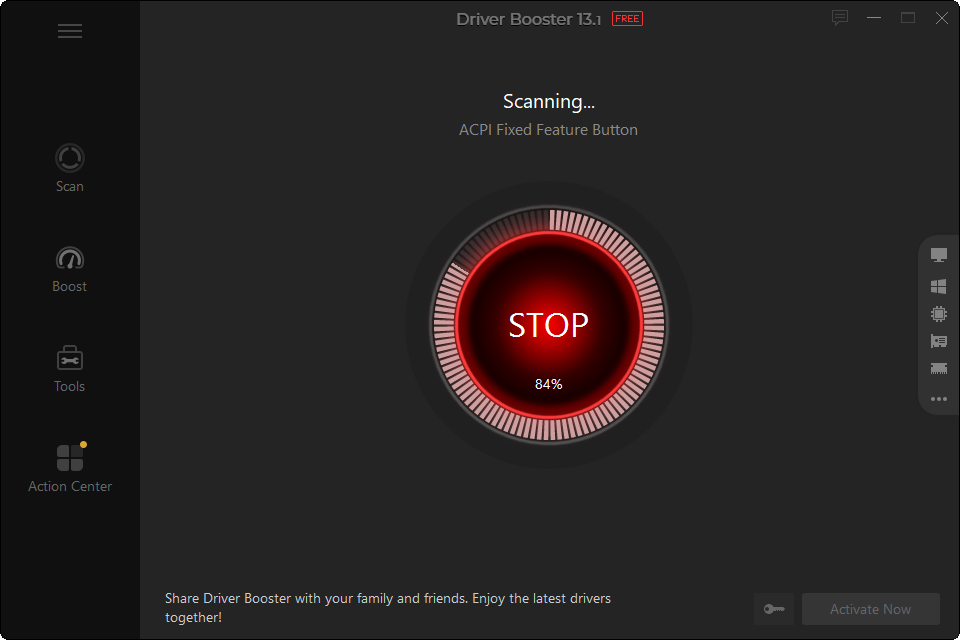
The company puts a lot of attentions to the usability aspect of IObit Driver Booster. A big scan button on the interface gives new users the right direction on what to do after they launch the software. Click on it, let the scan runs, and see the scan result not long after.
The scan report makes it easy for you to see which drivers that need updates. They are grouped separately from the others.
In the report, each outdated driver has an update button. Click on it, and the driver will be updated. If you want to do it more quickly, there is another update button that updates all drivers at once within one click.
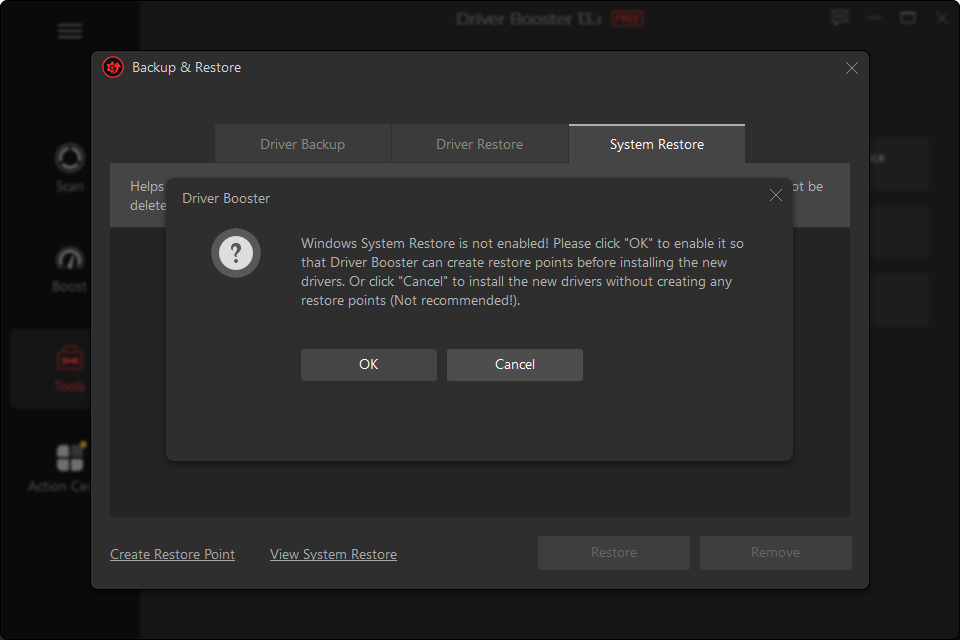
Generally, outdated drivers need to be updated, but not all new drivers work as expected. New problems can occur after you update certain drivers. This is why, before a driver is installed, IObit Driver Booster automatically creates a system restore point.
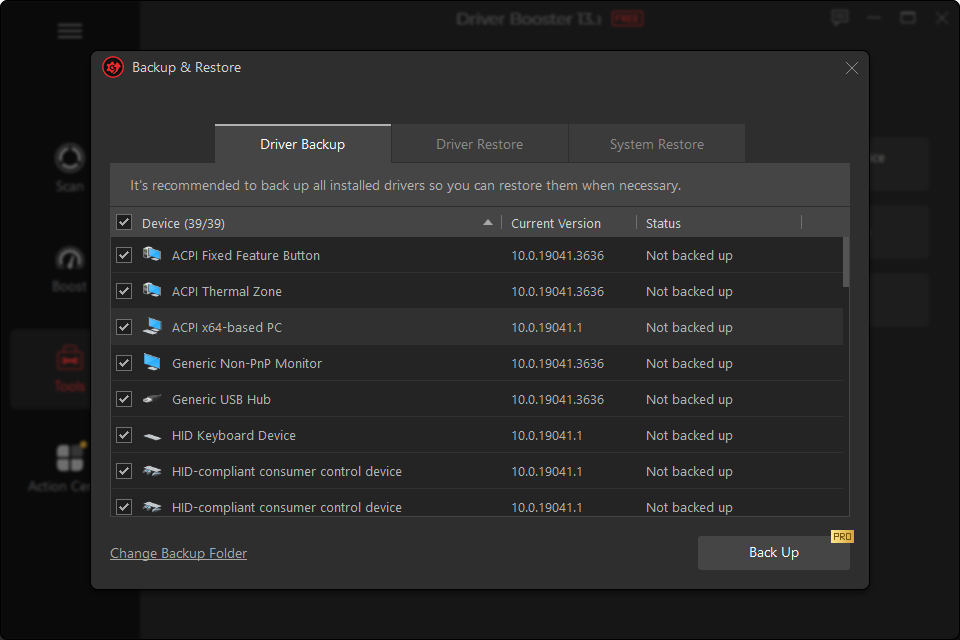
It can also back up the existing driver before the installation, but only after you upgrade it to the paid version. Note that manual backup is also not possible to do in the free version.
Existing drivers can be excluded from the scan so they won’t receive any updates until you remove them from the exclusion list, which you can access in the Ignored section of the Settings menu.
You can scan drivers for updates anytime you want, or set a schedule to perform the scan automatically at a fixed interval. It could be once a day, a week, every two weeks, or a month. Automatic scan at Windows startup is also supported, but you’ll wait longer than usual for the computer to be ready to use.
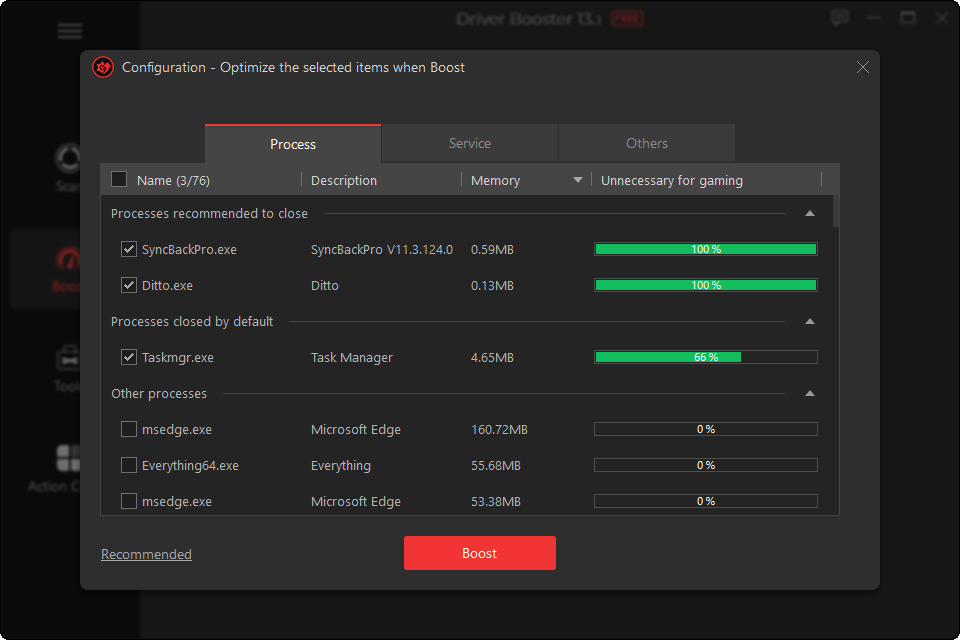
Auto Silent Mode is enabled by default. When you run a game or watch a video in full screen, IObit Driver Booster stops displaying notifications.
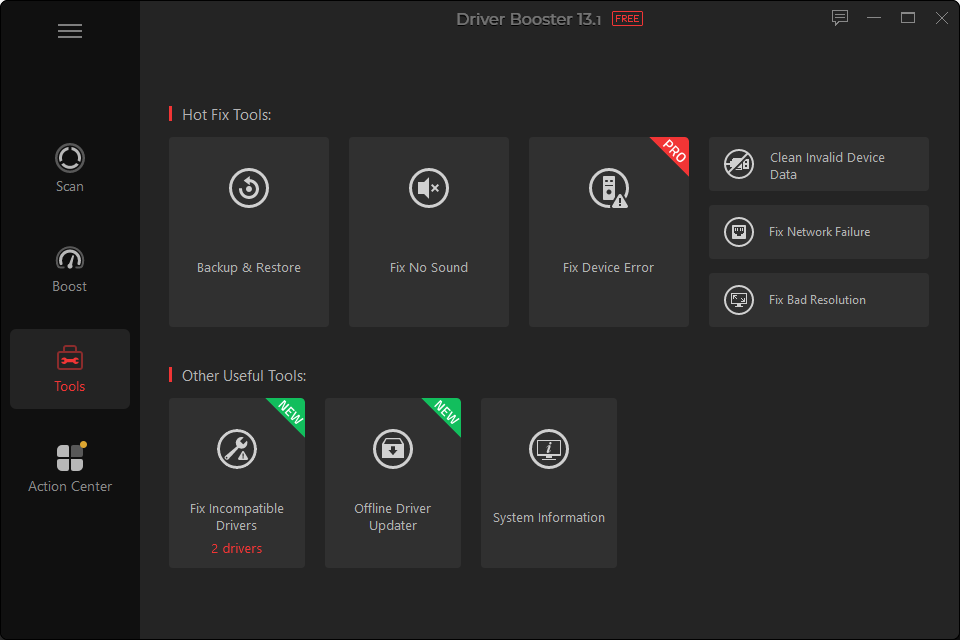
In the Tools menu, located on the left side of the interface, there are more additional tools for you to use, but some of them are only accessible in the paid version.
Fix Device Error is one of those premium tools, which shows you the number of errors it finds but refuses to tell you exactly which devices that it deems as problematic, so it feels like it is just another attempt to entice users to upgrade.
IObit Driver Booster Free Download for Windows
IObit Driver Booster makes it a lot easier to manage drivers. Just one click of a button to find all outdated drivers, and another click to get them all updated at once. Those extra benefits that you can get after upgrade are not really necessary but each to their own. You can click the link below to download IObit Driver Booster for Windows:

- App Name IObit Driver Booster
- License Freeware
- App Name IObit Driver Booster
- Publisher IObit Lab
- Updated
- Version: 13.1
On our site you can easily download IObit Driver Booster. All without registration and send SMS!