IDM Integration Module

- Windows: 7, 8, 10, 11
- Version: 6.42.50
- Size: 101 KB
-
[Total: 0 Average: 0]
It is possible to use Internet Download Manager without the IDM Integration Module, but doing so will create a lot of unnecessary hassle since you would need to copy and paste every single download link manually into the program.
The purpose of the module is to handle that task for you by automatically detecting and capturing those links directly from your browser, then passing them along to the main IDM application. Once the links are received, IDM prepares them instantly so they are ready to be downloaded and saved into any folder of your choice.
The IDM Integration Module is a browser extension that acts as a bridge between IDM and your browser whether it is Google Chrome, Mozilla Firefox, or Microsoft Edge. It even works with browsers that aren’t mainstream but continue to attract dedicated communities, like Floorp, Zen Browser, and Vivaldi.
Features and Highlights
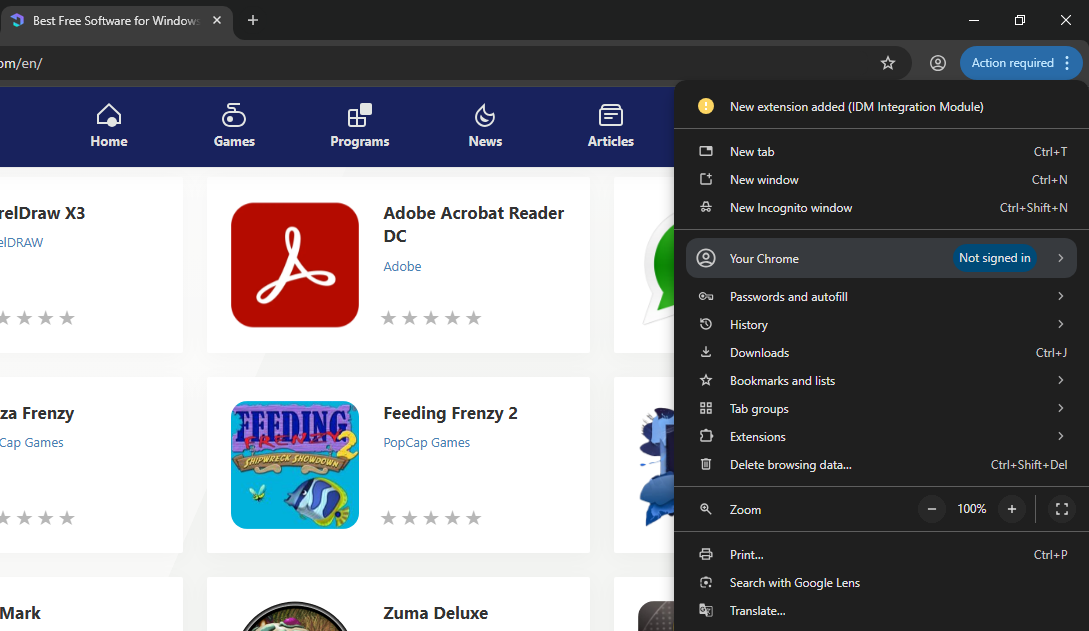
By default, IDM Integration Module is bundled with the download manager for convenience. It is added into your browser automatically after you install Internet Download. When you open your browser, there is usually an alert at the top right corner, asking for your confirmation if you want to enable the newly added extension.
Once you enable it, a web page opens, which basically tells you that the extension has already been successfully registered in your browser and is ready to use.
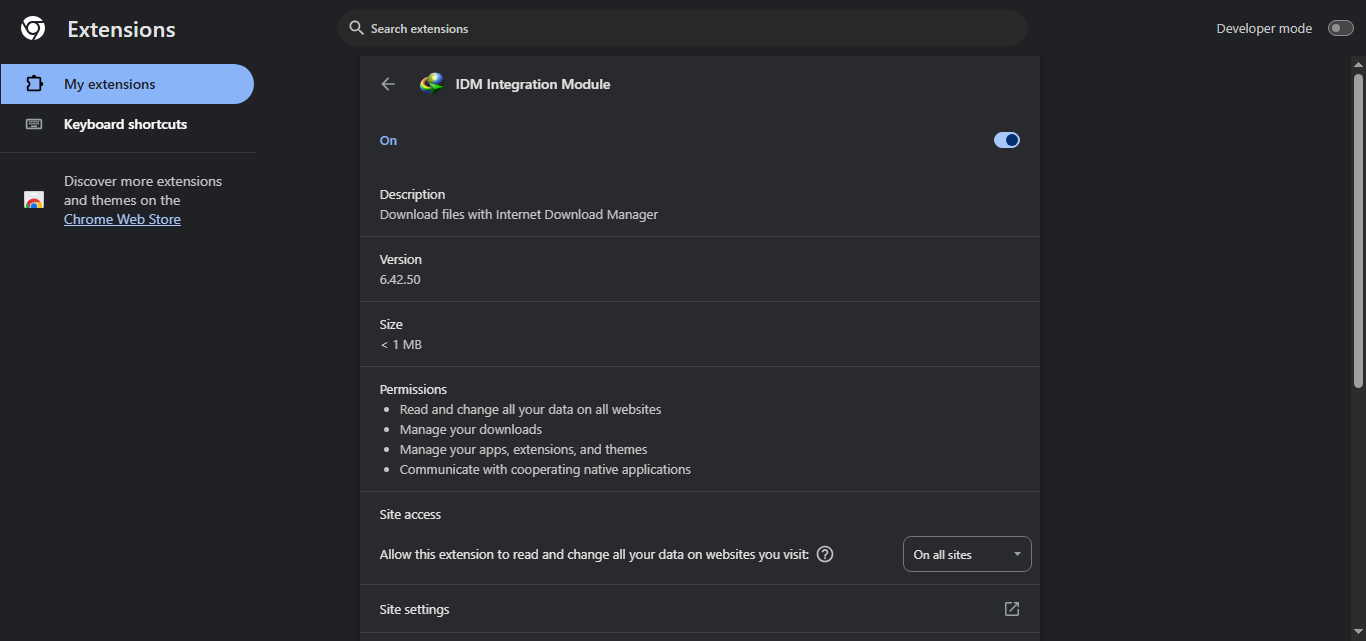
The IDM Integration Module doesn’t have any settings to tweak at all. It just helps the main program talk to your browser, which is why you can just leave it hidden instead of pinning it.
That said, IDM Integration Module is one of the major reasons why Internet Download Manager is so convenient to use. Without it, you won’t see the download button that pops up automatically when you play a video in your browser. You won’t see the context menu option either, which lets you right-click on a link to download the file with Internet Download Manager.
The official term for the download button is IDM Download Panel. It is shown in full mode by default. If you prefer a compact version, you can switch to the mini mode from the Options menu. Whenever IDM detects a multimedia request from the web player, the download panel shows up regardless of the media’s file size.
If the download panel doesn’t show up when you play a video on a certain website, you might want to enable the option that says “Show download panel for protected content which IDM may not download”.
The download panel also appears when you highlight a link on a web page, but some users might find it more annoying than helpful because it appears even when the link doesn’t contain a downloadable file. This little annoyance, however, can be removed easily.
IDM Integration Module Free Download for Windows
Sometimes IDM fails to add the IDM Integration Module extension automatically into a browser for reasons that are not always clear, such as compatibility issues, browser updates, or minor installation glitches. Instead of reinstalling IDM, which doesn’t guarantee that it will fix the problem, you should add the extension manually.
Fortunately, the process is straightforward and requires very little effort. You just need to download the extension and install it like you would install any other browser extension. You can click the link below to download IDM Integration Module for Windows:
This program is also available in
Similar to IDM Integration Module



- App Name IDM Integration Module
- License Freeware
- App Name IDM Integration Module
- Publisher Tonec FZE
- Updated
- Version: 6.42.50