IBM SPSS 22

- Windows: 7, 8, 10, 11
- Version: 22
- Size: 746.61 MB
-
[Total: 1 Average: 5]
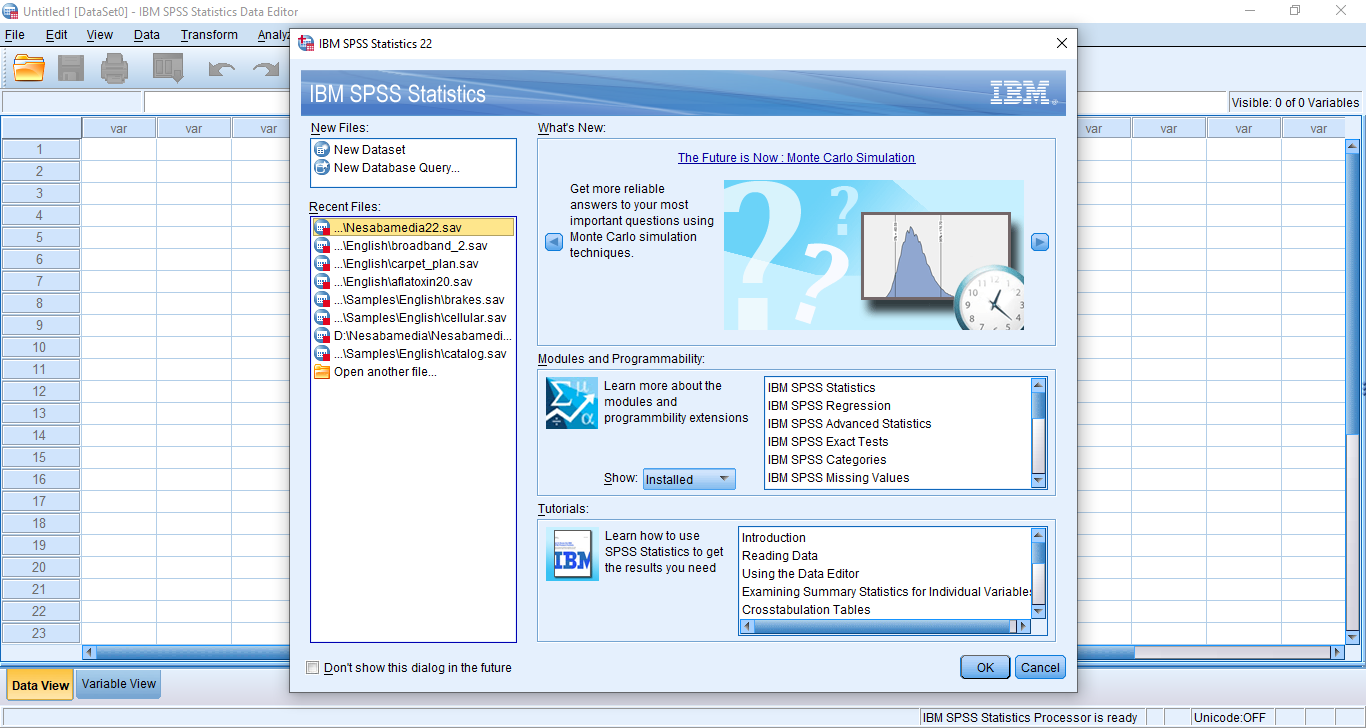
IBM SPSS 22 is a major update of the feature rich statistical software that has been perfected continuously for a long time. This version was released in 2013, and the first version was released in 1968, which is over fifty decades ago.
A newer version is generally better than its predecessor. IBM SPSS 22 has been improved a lot, and as a result, it has a better analytical capability than before. It is also capable of producing outputs that are easier to understand.
Features and Highlights
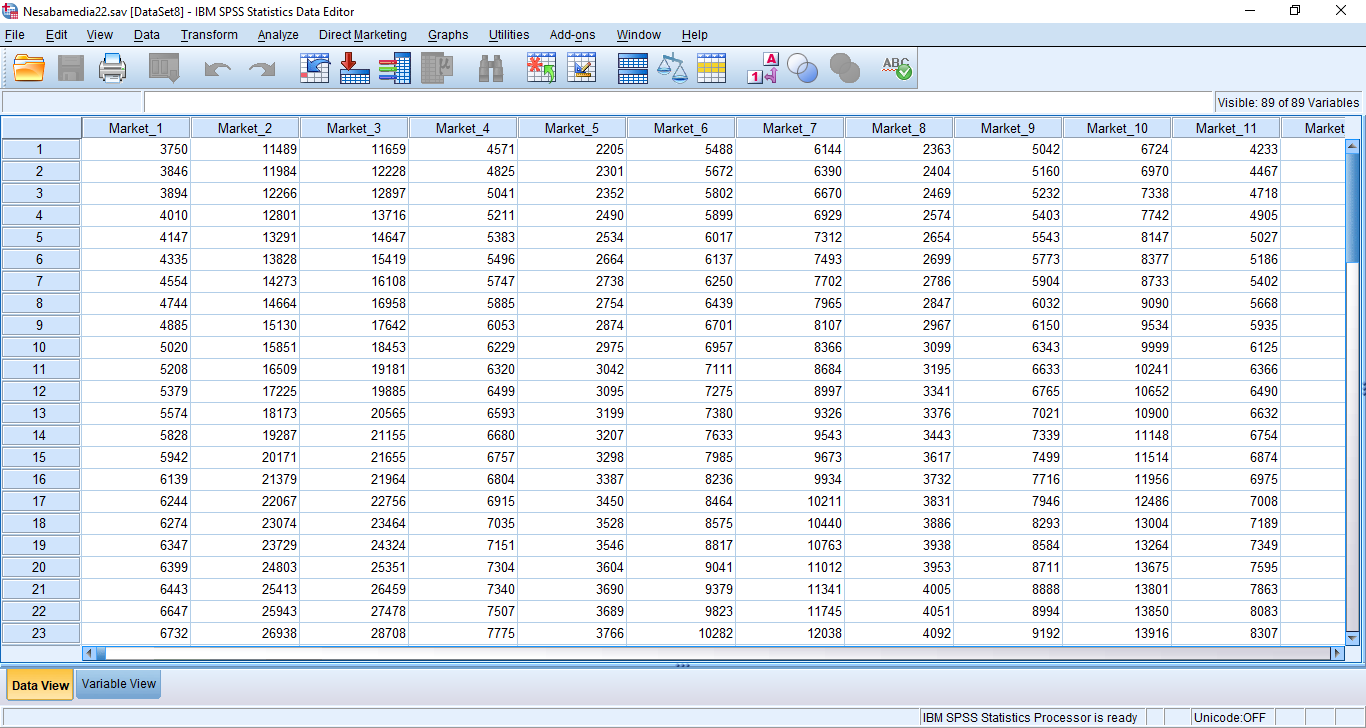
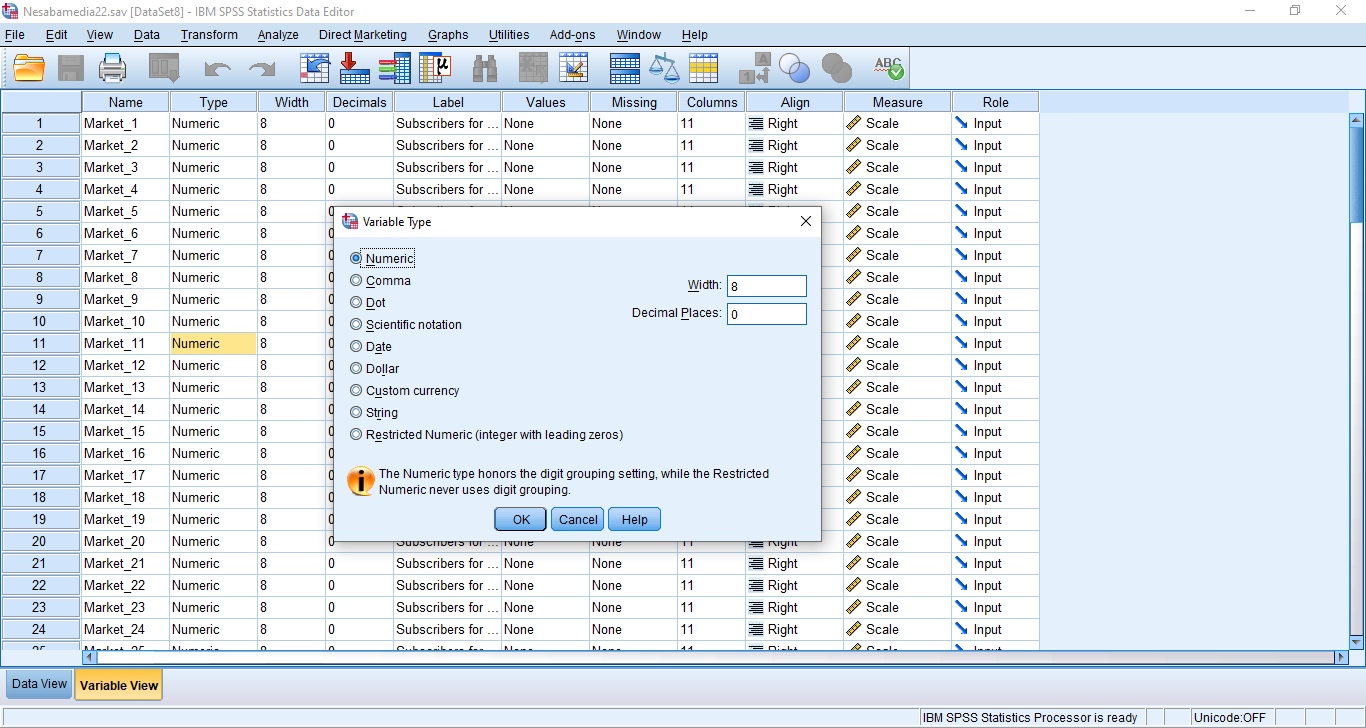
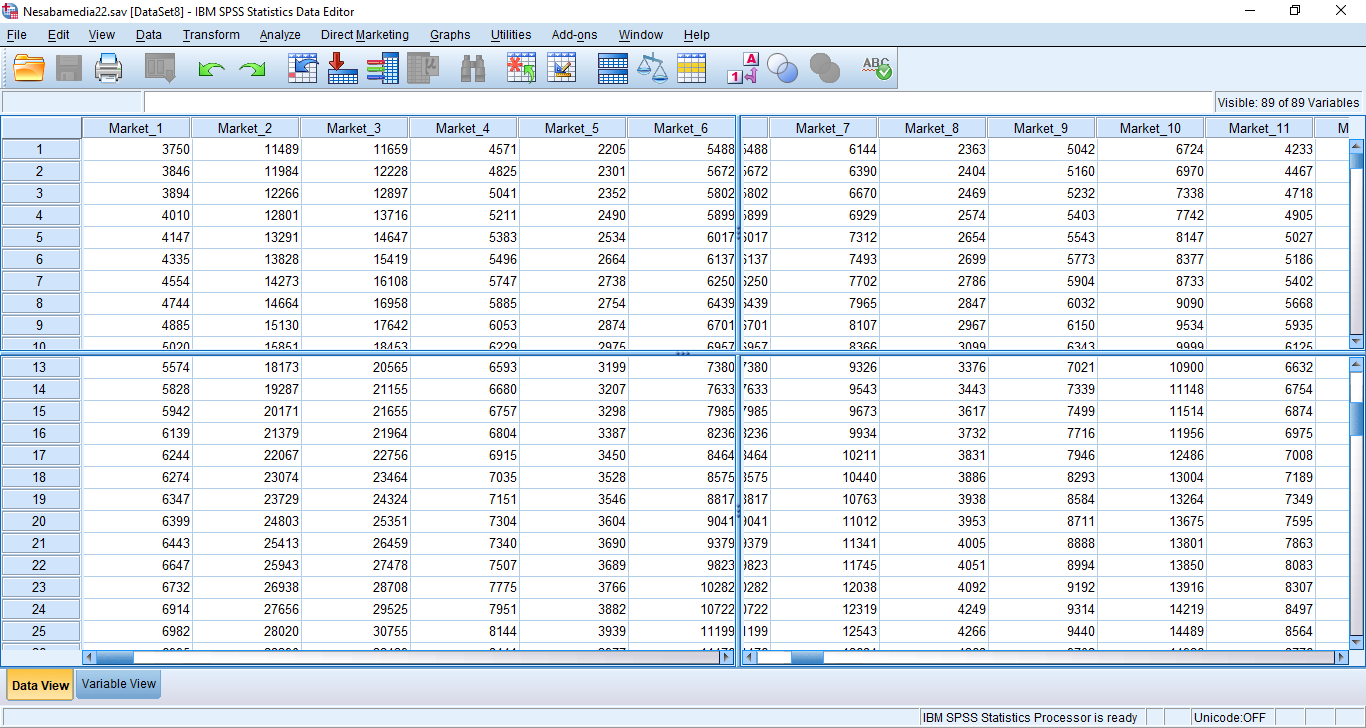
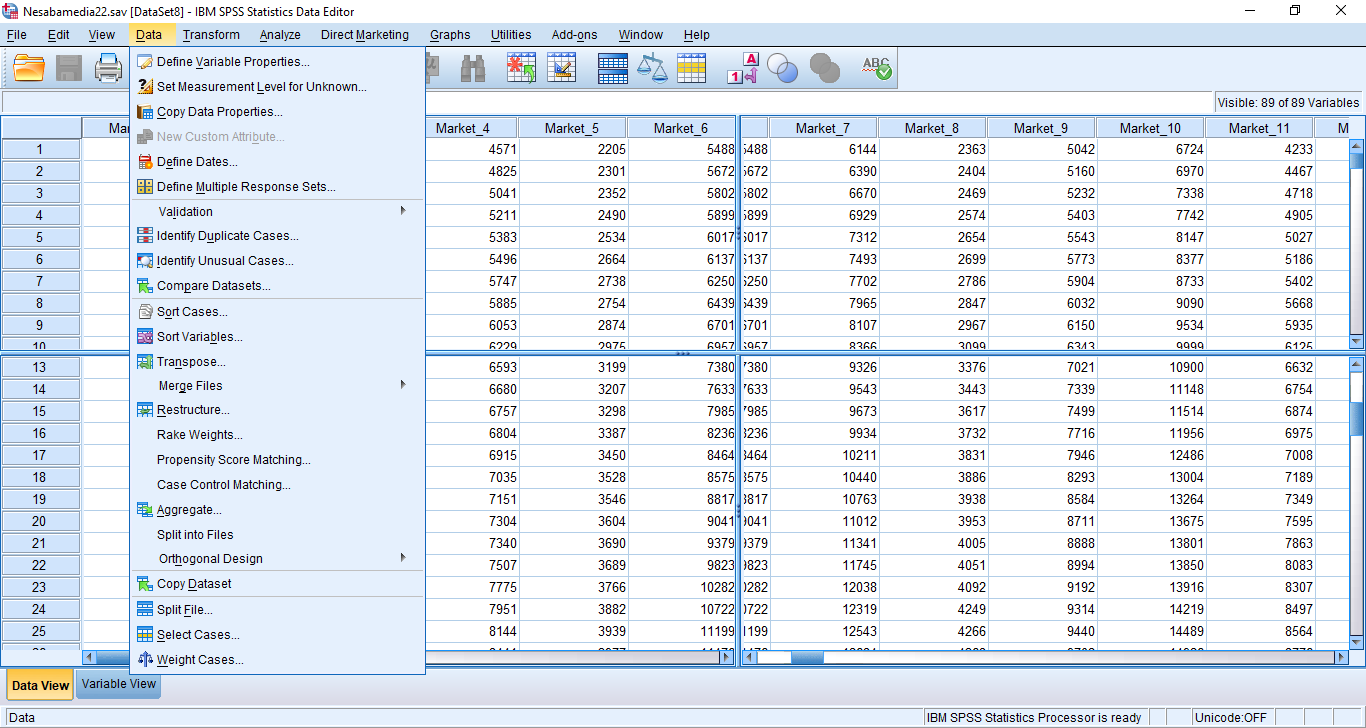
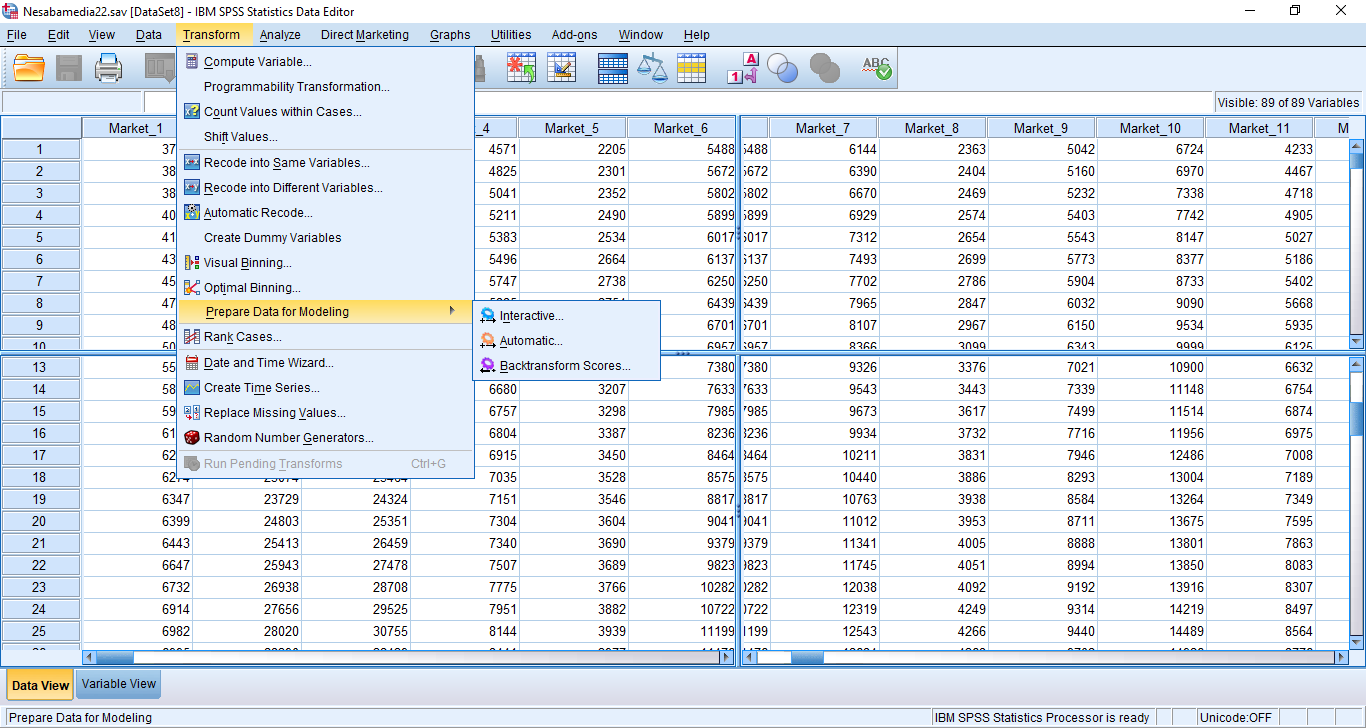
Data Editor is one of the major parts of IBM SPSS 22. It is where you open, view, and edit your data. It has two view modes called Data View and Variable View. The former is intended to view and input data, and the latter is to manage variables.
The columns and rows in the Data View represent variables and cases, respectively. On the other hand, in the Variable View, the rows and columns represent variables and aspects of each variable, respectively.
You can freely go back and forth between the two view modes simply by clicking at the tabs located at the bottom left corner of the spreadsheet.
The Syntax Editor is also a major part of IBM SPSS 22. It is where you create, edit, and store syntax.
Syntax can help you to complete certain tasks more efficiently. While it is much easier and simpler to use the graphical user interface to perform an operation, sometimes it becomes too much of a hassle.
For example, when you need to change an analysis procedure, it usually involves a series of point and click actions, which is a tedious process to go through. This is where syntax really shines as it can be used to automate the actions.
After you create a syntax, you can save it as a file. IBM SPSS 22 allows you to create many syntax files, which makes it possible for you to create a syntax file for every procedure you frequently use.
Because syntax is very useful, you might get tempted to create one for every procedure. Instead of doing so, you can just use an existing syntax and make some slight changes to suit the analysis that you are going to run. A syntax is like some kind of a document template that you can edit.
When you run an analysis, the analysis is presented in IBM SPSS Statistics Viewer, which is split into two parts called Outline View and Output Display. The result of the analysis can be saved as an SPV (SPSS viewer) file.
IBM SPSS 22 Free Download for Windows
IBM SPSS 22 is an excellent choice for anyone who is in need of a powerful and reliable statistical software. The improvements that have been made to this version allows everyone to complete various tasks in less time.
Its syntax, easy to navigate layout, and many other features, along with the fact that it is developed by a reputable tech company, are the major reasons of why IBM SPSS 22 is worth your attention and time. You can click the link below to download IBM SPSS 22 for Windows:
- App Name IBM SPSS 22
- License Freeware
- App Name IBM SPSS 22
- Publisher IBM
- Updated
- Version: 22
On our site you can easily download IBM SPSS 22. All without registration and send SMS!