Google Earth

- Windows: 7, 8, 10, 11
- Version: 7.3.6.10201
- Size: 59.52 MB
-
[Total: 1 Average: 5]
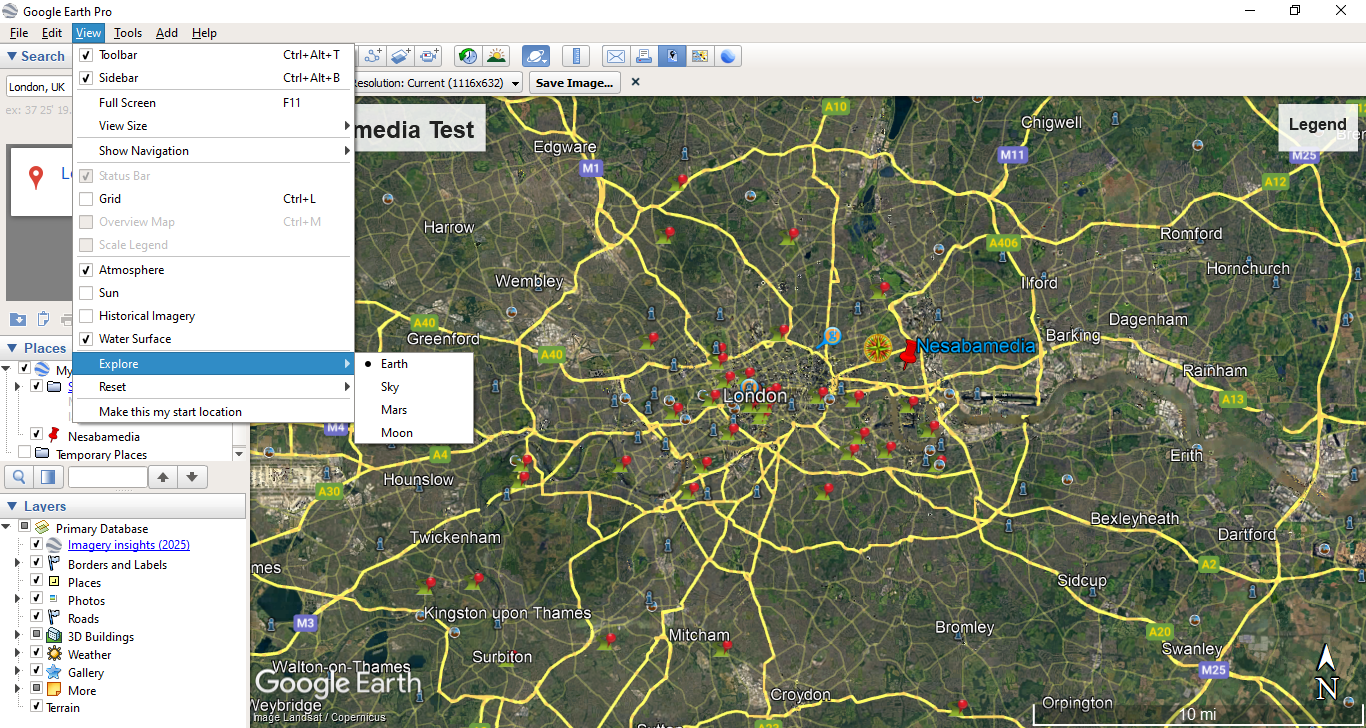
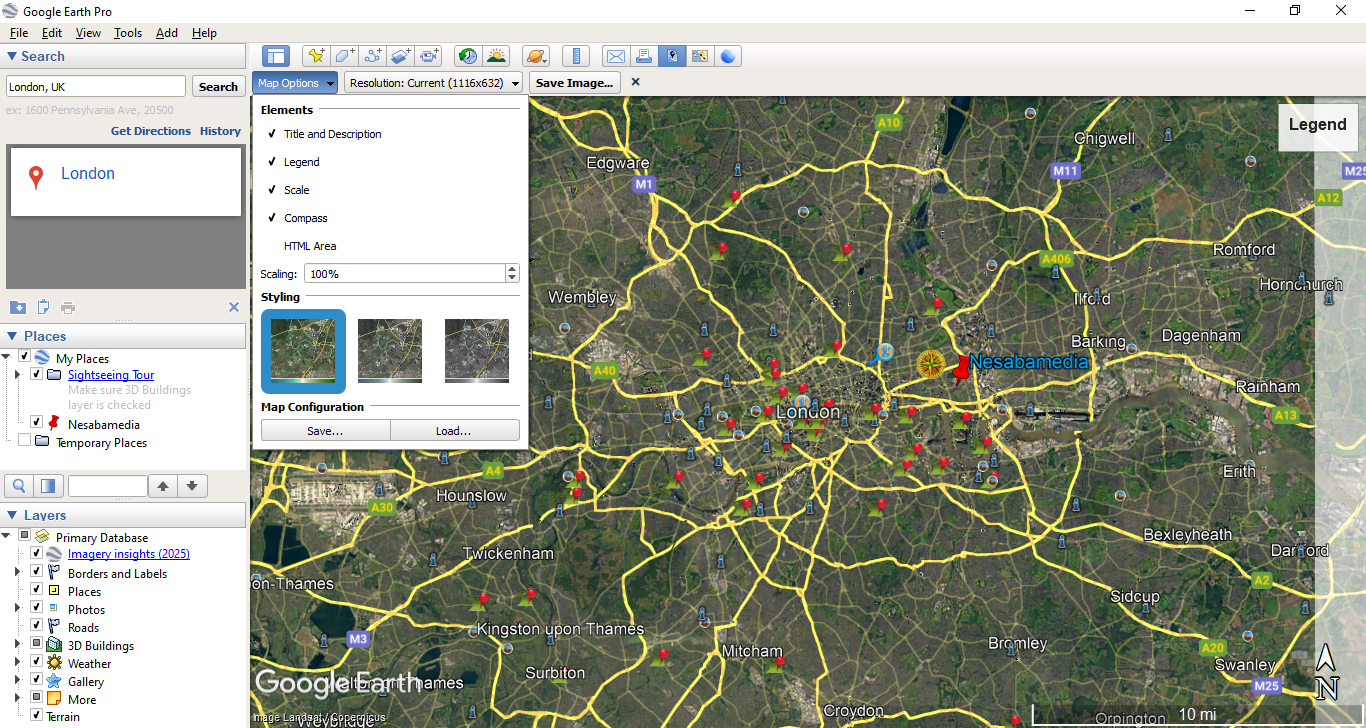
Since its initial release a long time ago, Google Earth has been giving a unique experience on exploring the earth, or Mars if you are really curious about the red planet. It is no exaggeration to say that its existence has started an era of satellite tourism.
With Google Earth, you can travel the world from the comfort of your home, and best of all, it is free. It is even possible to travel back in time to see what kinds of changes that has occurred in a community.
Features and Highlights
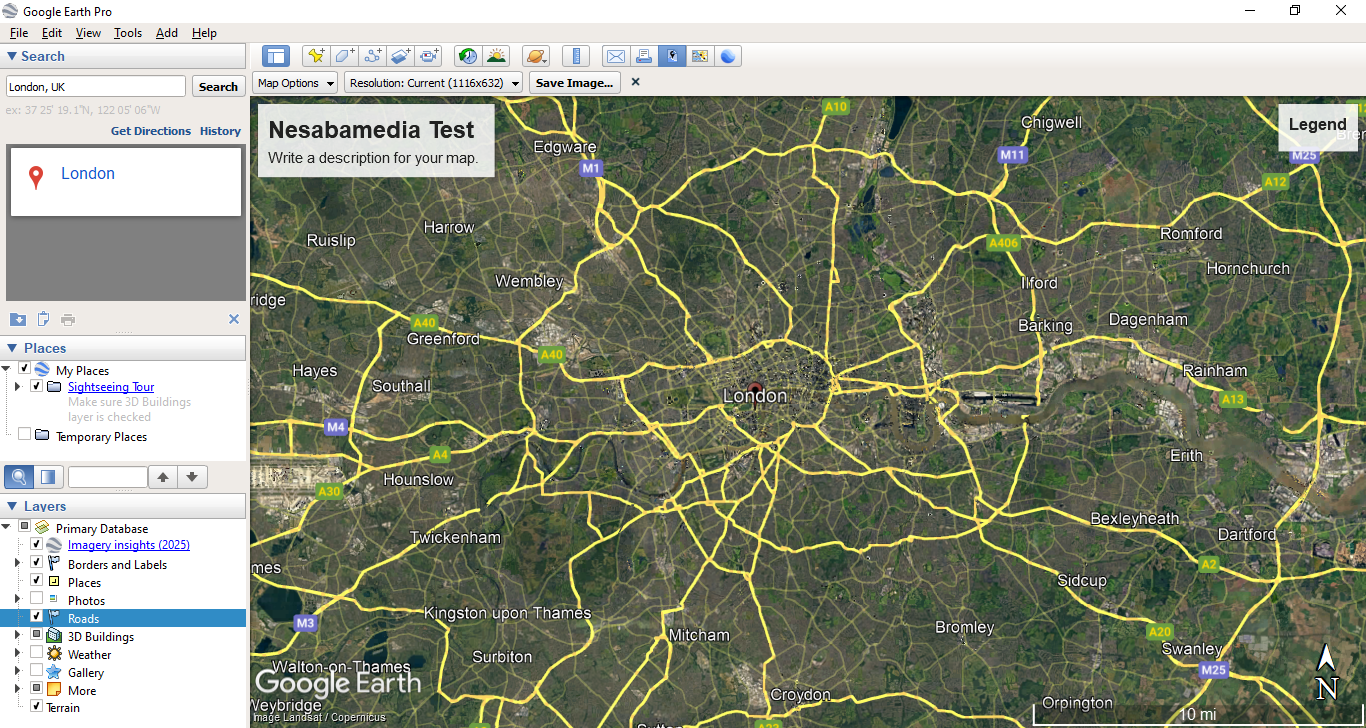
Google Earth can be used to look up your house if you ever curious. It has a search box on the left side of its main window where you need to enter your address and then click the search button. Once you see the location in the search result, you can enable the Street View mode to get a closer look at your home.
If you’d like to see how much your home and its neighborhood have changed over time, move your mouse cursor to the toolbar at the upper part of the main window, then find and click the button with a clock and an arrow icons on it. A slider will appear at the top of the map. Use the slider to see the older images of your home.
Google Earth can also be used to search for places. For example, enter “eiffel tower” in the search result and click the search button. Google Earth will then fly you to the place. You can double-click on the name of the tower that appears on the map or use your mouse wheel to zoom it.
Google Earth is also a great tool to find out the exact distance between two or more points. If you are planning for a hike, you can take advantage of its ability to make sure that the route isn’t excessively long.
Here is how to do it. In the menu bar, click View > Tools. After that, the Ruler window will appear and your mouse cursor will change into a crosshair. Move the crosshair and click at the start of a path, and then click again at the end of that path. The length of the distance between the two points will show up automatically in the Ruler window.
If you click the Path tab in the Ruler window, you will be able to trace a curved path by clicking at regular intervals along the way. Every time you click on the path, a point will be created, and the Ruler window will update the distance information automatically.
Google Earth Free Download for Windows
Google Earth displays several options during the installation. One of them is an option that asks your permission for the program to collect its usage statistics and crash reports to Google.
This option is enabled by default so don’t forget to remove the check mark before proceeding with the installation if you don’t want to share the data with Google. You can click the link below to download Google Earth for Windows:



- App Name Google Earth
- License Freeware
- App Name Google Earth
- Publisher Google
- Updated
- Version: 7.3.6.10201
On our site you can easily download Google Earth. All without registration and send SMS!