FL Studio

- Windows: 7, 8, 10, 11
- Version: 25.1.6.4997
- Size: 1.47 GB
-
[Total: 1 Average: 5]
Having the right software to produce music is important. While any modern digital audio workstation (DAW) can make a killer track, there is always a better one than the rest, or at least it has unique advantages that you might not find in other similar programs.
FL Studio has been a powerful full-featured digital audio workstation (DAW) software for years, thanks to its intuitive interface, lightning-fast workflow, step sequencer, plugin support, cross-platform, and lifetime free updates. It’s a favorite tool for professionals and recommended for beginners.
Features and Highlights
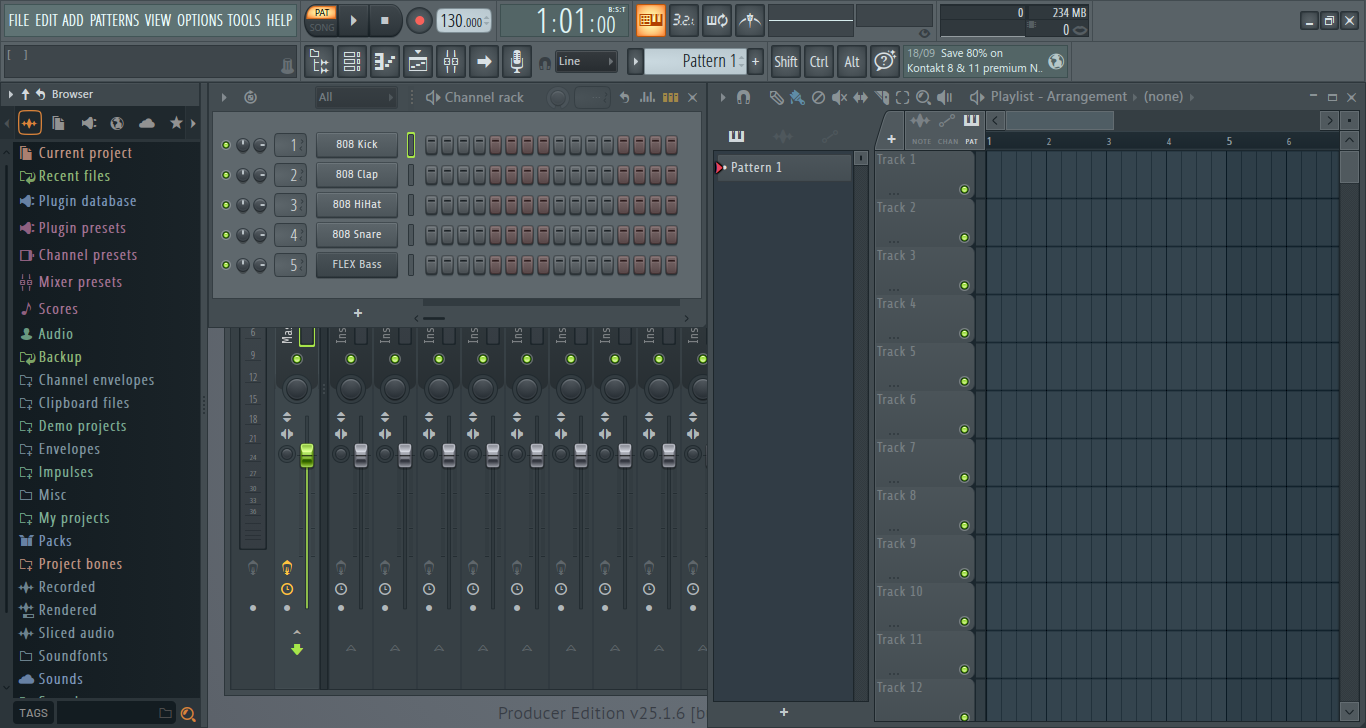
One of FL Studio’s key features is Step Sequencer. This feature allows you to quickly create drum patterns and melodies by placing notes into a grid-based interface. You can turn steps on or off to experiment with different rhythms, adjust velocity and timing to give your track a more natural feel, and layer multiple sounds to build complex patterns.
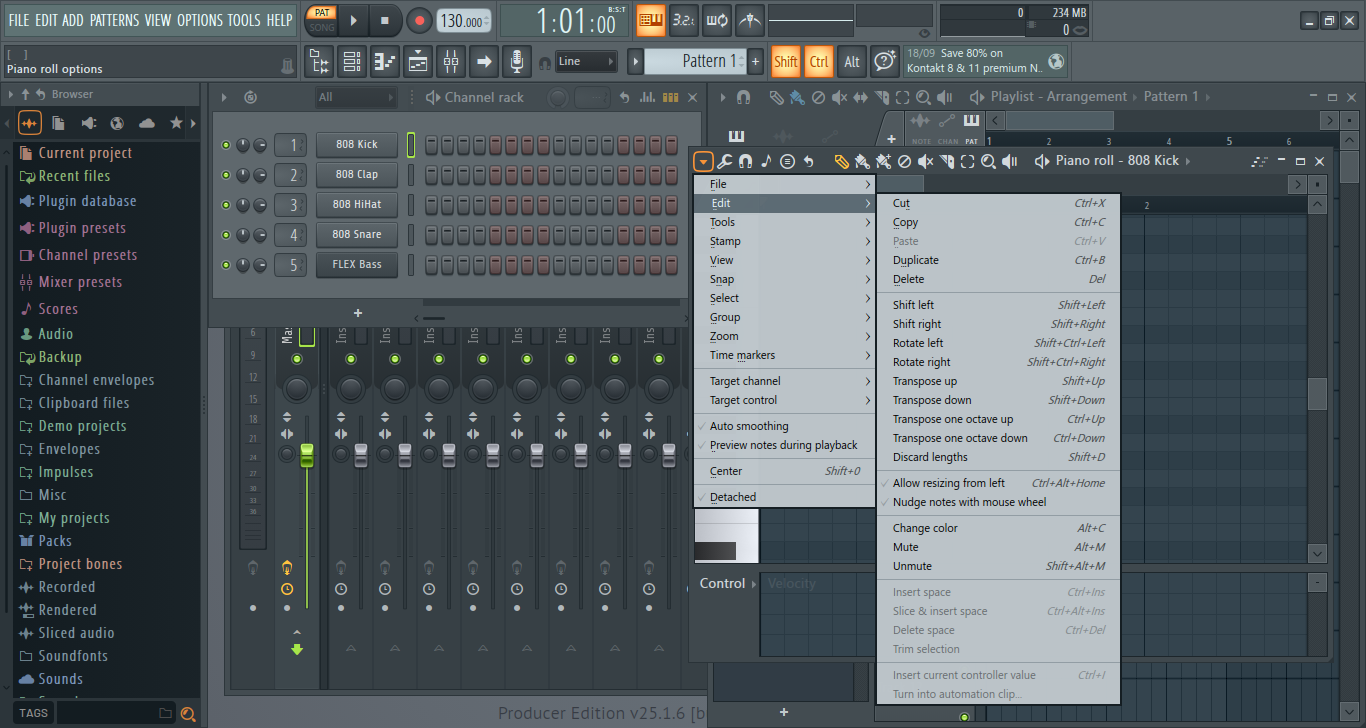
After you’ve created a basic idea in the Step Sequencer, you can open the Piano Roll to take it to the next level. In the Piano Roll, you can place and edit notes, change their length, adjust their velocity, and add slides or automation for more detailed expression. To put it simply, it’s where you have the right tools to fine-tune every detail, helping you turn a simple pattern into a killer track.
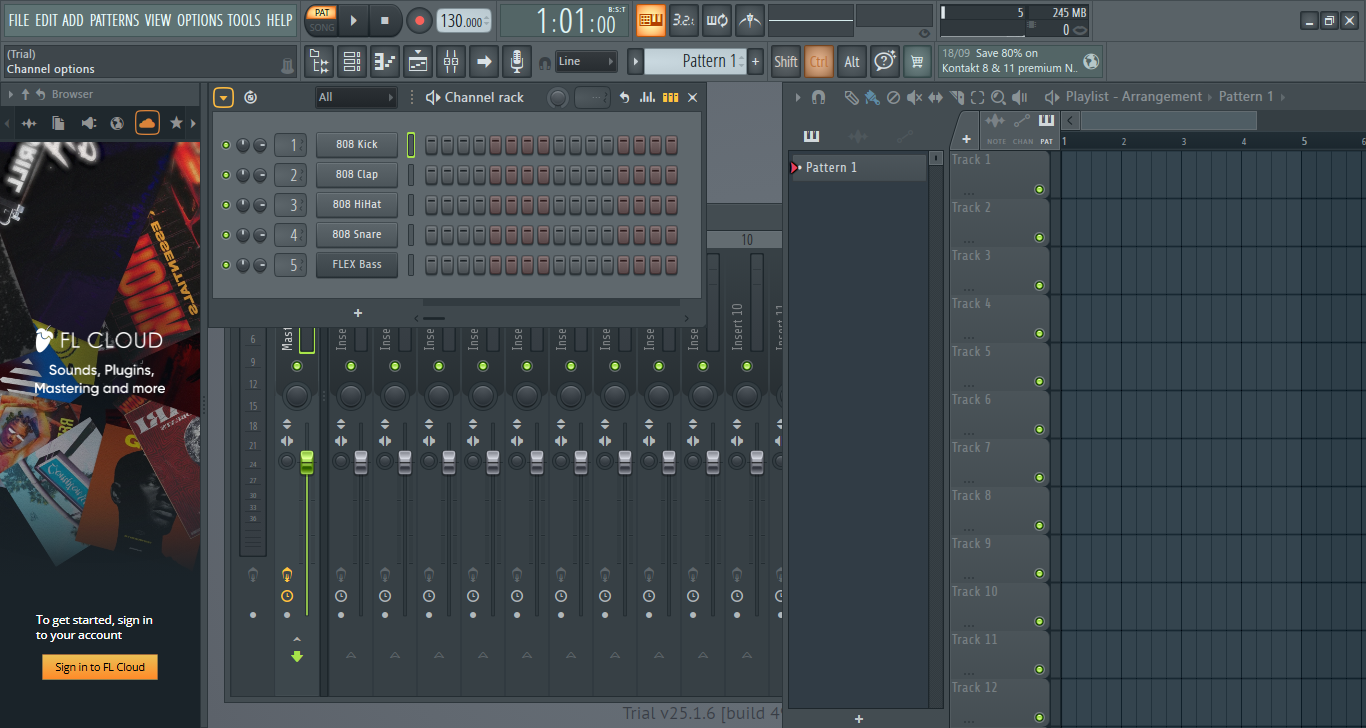
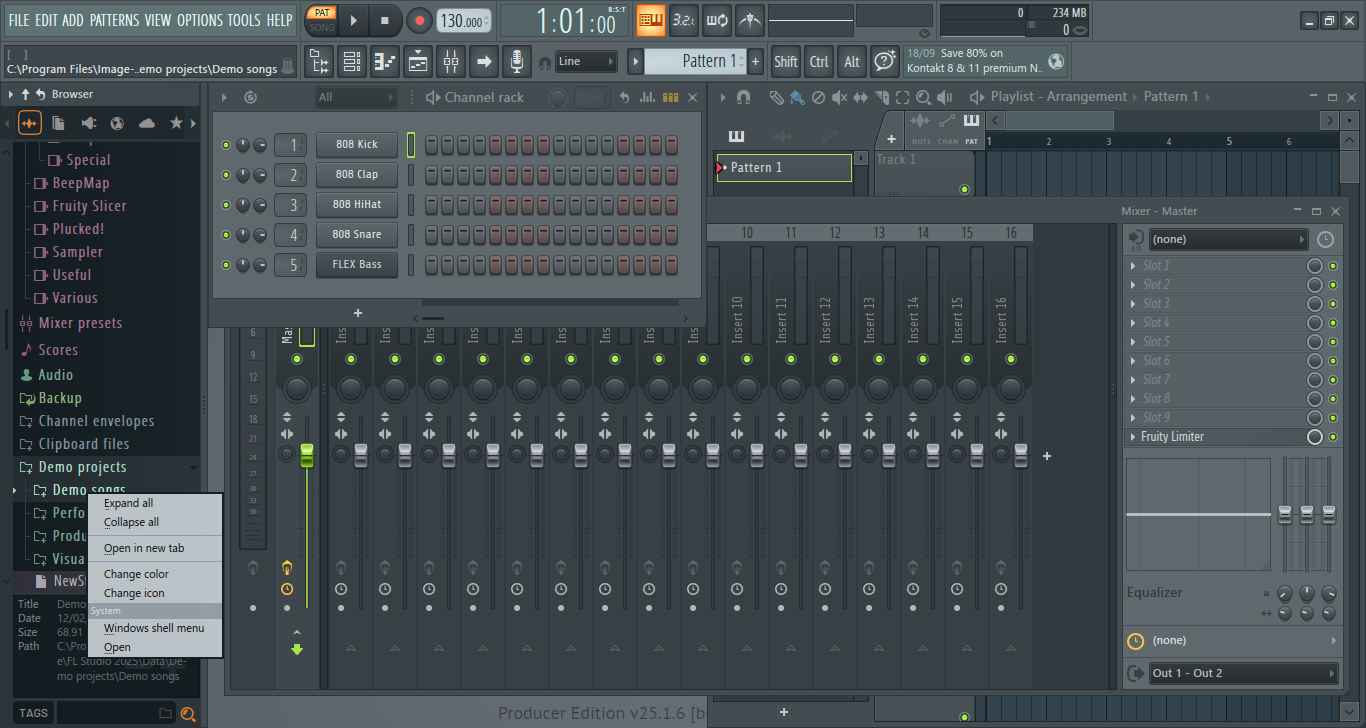
FL Studio’s user interface is divided into several sections. The top area is where the toolbar and menus are located. There is what’s Image-Line calls the Hint Bar, which shows a brief description every time you point your cursor to almost anything on the interface. It’s helpful, but not as practical as tooltips.
The left panel is the Browser that shows your current project, recent files, favorites, samples, and online content. By default, it shows the FL Cloud’s sign in page when you open it the first time after the installation.
Finally, the panel sitting to the right of the Browser is your canvas where you can explore your creativity to create your greatest masterpiece. It features Channel Rack, Playlist, and Mixer. The Mixer is half-visible, so you have to click it to see the whole window.
FL Studio has a massive number of high quality effects for your music projects. While the Mixer is designed to hold up to 10 effects, you can easily bypass this limit by using Patcher or by routing one mixer track into another, which allows for more complex chains.
FL Studio Free Download for Windows
Despite the developer’s effort to make FL Studio as intuitive as possible, beginners might feel overwhelmed with the interface as soon as they see it. Everywhere seems to be so crowded with buttons and menus that it would take a while to figure out where or which ones to click to start.
That said, more than 26 years have passed since its debut, and it has evolved to become an impressive music production software that seems to pop up in every recommendation list. You can click the link below to download FL Studio for Windows:
- App Name FL Studio
- License Freeware
- App Name FL Studio
- Publisher Image-Line
- Updated
- Version: 25.1.6.4997
On our site you can easily download FL Studio. All without registration and send SMS!