ePSXe

- Windows: 7, 8, 10, 11
- Version: 2.0.5
- Size: 1.32 MB
-
[Total: 1 Average: 5]
As one of the most popular game consoles, PlayStation offers plenty of interesting games to play, and you can play those games on your PC with the help of an emulator called ePSXe.
Several developers have participated in its development, which seemed to halt for a few years before it was resumed in 2008 with the release of another version. At present, it is still a highly recommended emulator for anyone who wants to have fun with classic games.
Features and Highlights
The main purpose of ePSXe is to provide the best emulation system which is compatible with as many PlayStation as possible. Ever since it was released back in 2000, the developers have worked hard to improve the software to perfection.
All the files that make up ePSXe are bundled together in a zip archive and they must be extracted before you can use them. You don’t have to look for a third-party to do the extraction if you don’t have one. Windows has a built-in file extraction tool that can extract zip files. Though perhaps not at as convenient as 7-Zip or PeaZip, it does the job well.
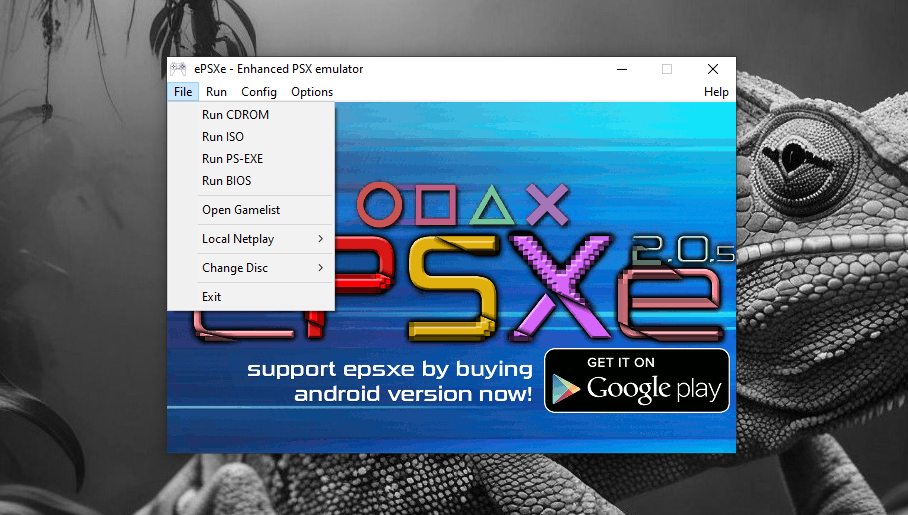
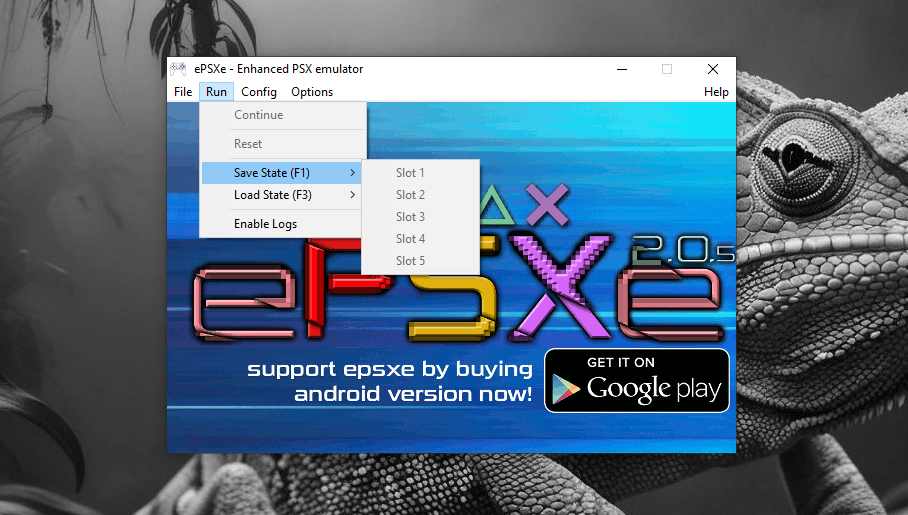
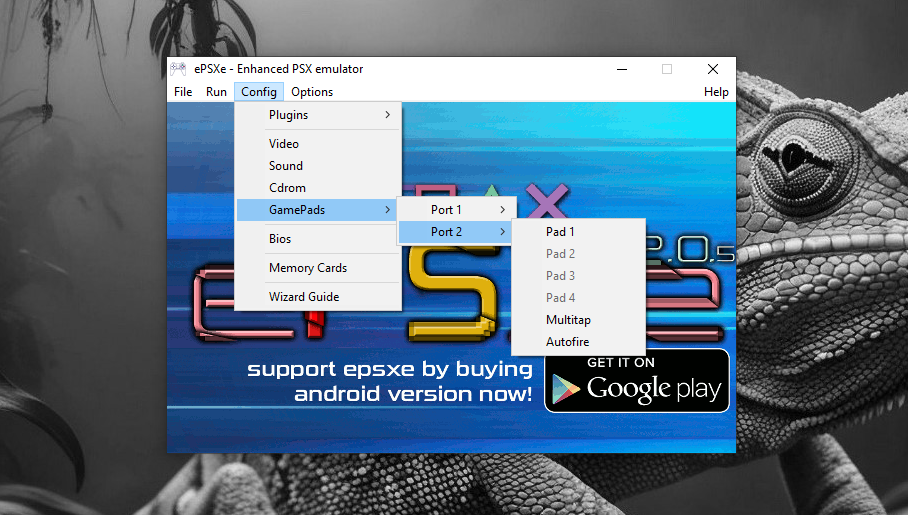
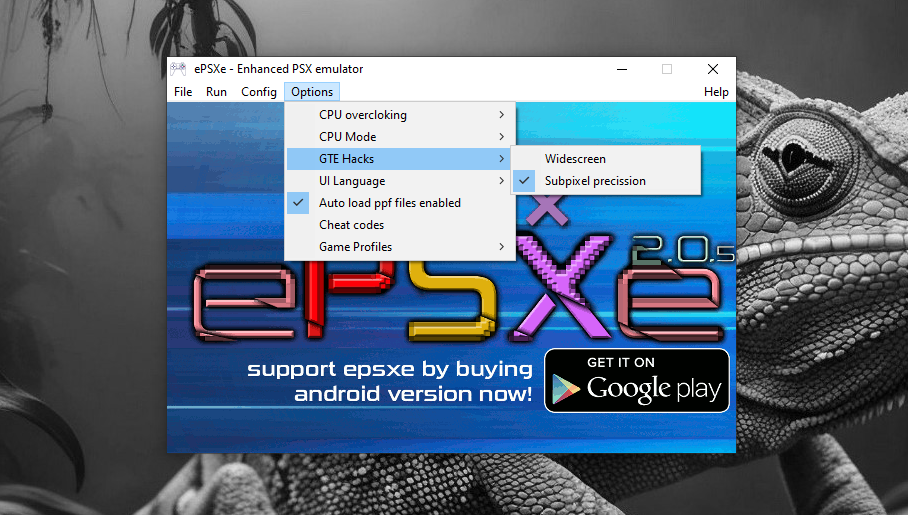
Installation is not necessary, but that doesn’t mean you can just launch ePSXe and start playing a PlayStation game. The software must be configured first, and the easiest way to do it is by making use of its configuration wizard. Overall there are seven steps that you have to go through in the wizard.
The configuration wizard automatically appears as you launch ePSXe. You can skip the wizard if you prefer to configure it directly from within the main window. To do so, click the Skip button, and the main window will show up immediately afterwards.
One important thing to note is that ePSXe needs a PSX bios to be able to function properly. When you run the wizard, it will search the bios in the specified folder. If it cannot find any, it will prompt you to use the included bios or search for another one on your own by taking advantage of the power of the internet, but keep in mind that the ownership of the bios file is not considered legal if you don’t own a PlayStation console.
The included bios in ePSXe is called HLE bios. Using this file is the most convenient way to set up ePSXe but unfortunately it is considered as less compatible, which leaves you with no option but to find one of the recommended bios files to be able to play more PlayStation games.
ePSXe Free Download for Windows
The bios files that are recommended by the team behind the development of ePSXe are SCPH1001 (US) or SCPH7502 (PAL) bios. After you download one of them, you need to extract it if it is bundled in an archive format.
ZIP archive is commonly used to compress small files, so you can still rely on Windows built-in extraction tool to extract it. Move the extracted file to ePSXe’s bios folder and continue with the rest of the configuration steps in the wizard until ePSXe is ready to be used. You can click the link below to download ePSXe for Windows:



- App Name ePSXe
- License Freeware
- App Name ePSXe
- Publisher ePSXe Team
- Updated
- Version: 2.0.5
On our site you can easily download ePSXe. All without registration and send SMS!