DirectX 9

- Windows: 7, 8, 10, 11
- Version: 9.0c
- Size: 95.63 MB
-
[Total: 1 Average: 5]
When you try to play a game, the game may require a different version of DirectX to be installed on your PC. It could be a newer version or an older one, like DirectX 9.
The release of DirectX 9 took place in 2002, so it is quite an old one. The reason of why a game asks for an older version is that the game is designed to be compatible with that specific version. You can still try to play the game by relying on your currently installed DirectX, but some features of the game might be missing.
Features and Highlights
DirectX 9 is a part of Microsoft’s efforts in developing and maintaining a platform that benefits both game developers and consumers. It is a collection of APIs that are developed to facilitate the communication between your computer and games.
A game that is designed for a specific DirectX version usually depends on that particular version to be able to function properly. When a game is installed on a PC with a different version of DirectX, the DirectX might still able to help the game communicates with the PC, but the communication is likely not as smooth as it should be.
A Windows PC can have multiple versions of DirectX, so installing DirectX 9 and keeping it alongside the other versions on your computer should not cause any problem. The only downside is that you have less free space on your hard drive. It’s not much, though. Assuming that you have a game or other software that depends on DirectX 9, and considering the benefits that you can enjoy from it, the addition of this DirectX on your PC should be worth it.
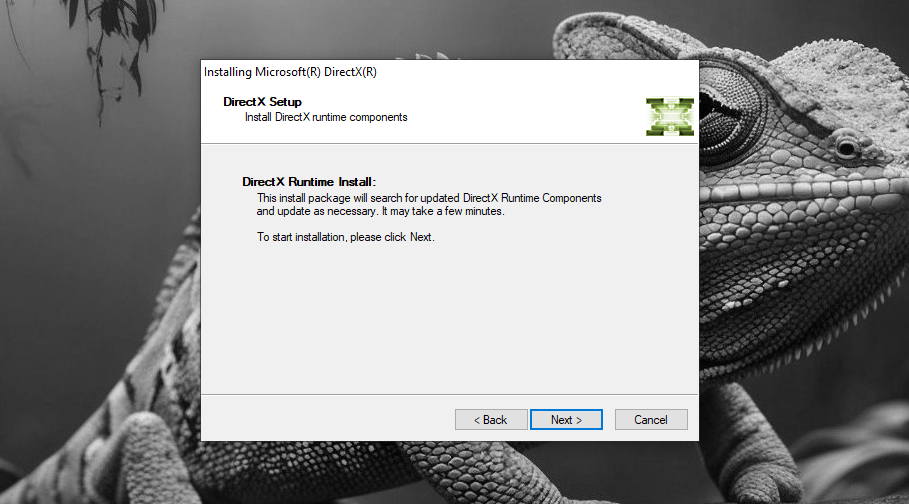
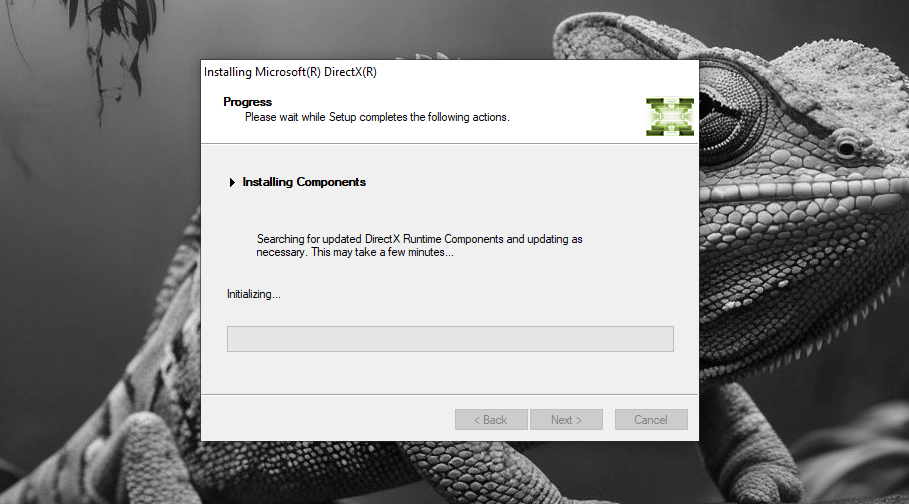
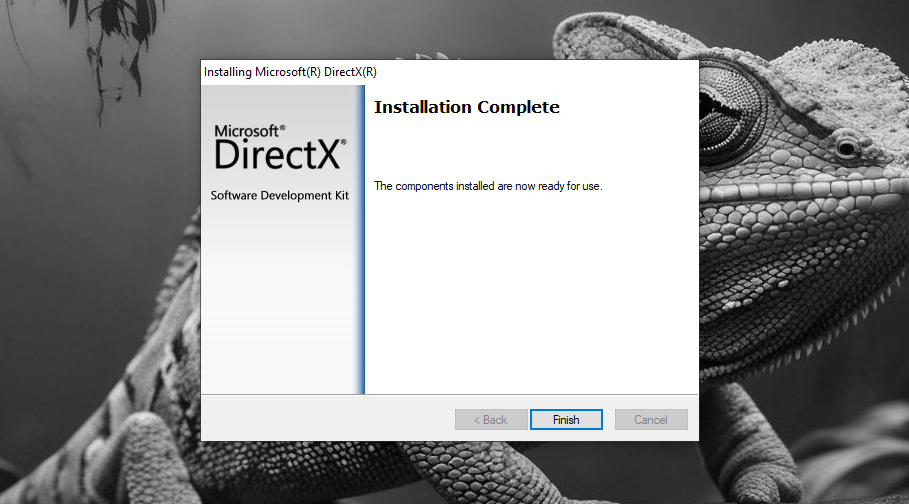
As for its installation, unfortunately, it is not something that can be considered as straightforward. While it only takes a few clicks to finish the installation, you should restart your computer afterward even if it doesn’t prompt you to do so. The objective is to make sure that DirectX 9 is installed and enabled on your PC’s system. After you restart the computer, you should check if DirectX 9 has been properly installed.
When installing DirectX 9, a caution is necessary, even if the installer comes from a big company. There have been many cases that show how big companies do not shy away from resorting to sneaky tactic to achieve what they want. You should pay attention to the installation to ensure that you don’t accidentally install anything else other than the one that you really need.
DirectX 9 Free Download for Windows
Adding DirectX 9 to your PC should be safe even if it already has another version of DirectX. It is designed in such a way that DirectX versions will not conflict with each other when installed on the same PC.
However, it is always better to be careful when you install a new software. A few seconds of creating a system restore point before installing DirectX 9 should be able to save you from trouble if something happens unexpectedly. You can click the link below to download DirectX 9 for Windows:

- App Name DirectX 9
- License Freeware
- App Name DirectX 9
- Publisher Microsoft
- Updated
- Version: 9.0c
On our site you can easily download DirectX 9. All without registration and send SMS!