DirectX 11
- Windows: 7, 8, 10, 11
- Version: 11
- Size: 95.99 MB
-
[Total: 1 Average: 5]
Microsoft has made it much easier for you to use your computer. The company provides a user friendly operating system with all the necessary components to make sure that everything runs without a hitch. One of those components is DirectX 11.
If you use Windows 8, you might not need this DirectX version since it should already be included by default in the operating system. If you use other Windows versions, such as Windows 10 or Windows 11, then you can download and use DirectX 11 alongside DirectX 12 in those operating systems.
Features and Highlights
The development of DirectX 11 had been started even when DirectX 10 was still a hot topic in many discussions. At Gamefest 2008 event, its existence was announced by the company that developed it, namely Microsoft. The company revealed some information about what DirectX 11 would bring to the table.
The release of DirectX 11 meant a lot for game developers, gamers, and graphics enthusiasts. It is because every release of DirectX usually brings in a number of improvements that allow everyone to enjoy a better graphics quality. It also means that gamers can enjoy a better experience when playing games.
Although DirectX 11 is a great software, it is not the latest version. If your PC is running on Windows 10 or Windows 11, you should already have DirectX 12 installed on the system. Even so, you might still need DirectX 11.
There are games that require DirectX 11. Even if your PC already has a newer version, you may still not be able to play the games.
Some of the games include the compatible DirectX versions in the installers, but the others simply throw out an error message saying that they are failed to run. This situation usually leaves no choice for users but to figure out what really happens and then download DirectX 11 after they find the answer.
Unlike DirectX 12 which is a low level API, DirectX 11 is a high-end API, which makes it easier to work with.
DirectX 12 is more capable of unlocking GPU’s full potential, but it is more difficult to use, which is why many developers stick to DirectX 11.
One of the major features of DirectX 11 is the multi-threading support. It is designed to leverage multiple CPU resources to give you a better experience when playing games. Another main feature of DirectX 11 is tessellation that can help developers making their games look as realistic as possible without putting too much burden on the CPU.
DirectX 11 also brings in new texture compression formats that allow developers to increase the efficiency level of their game engines.
DirectX 11 Free Download for Windows
Whether or not you need to download and install DirectX 11 depends on your situation. If you come across a game or other software that strictly require the DirectX version, then it means you need it, unless you decide not to play the game or use the software.
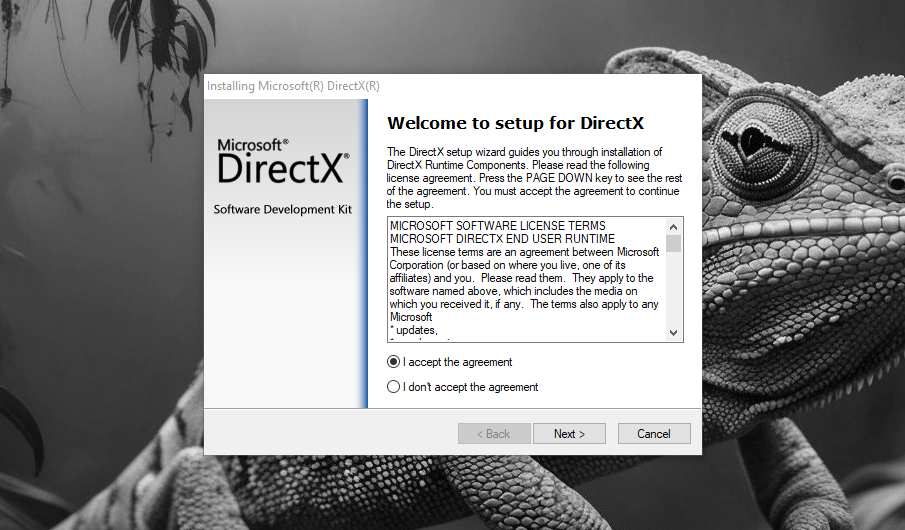
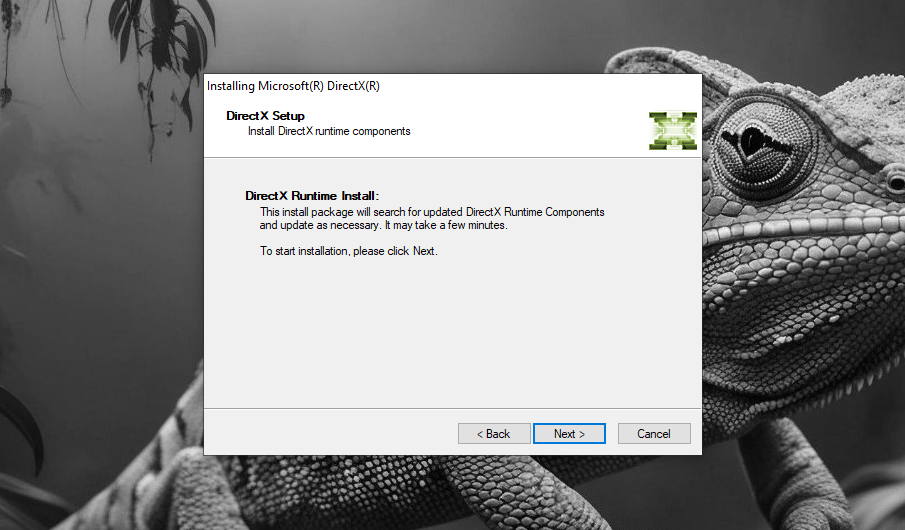
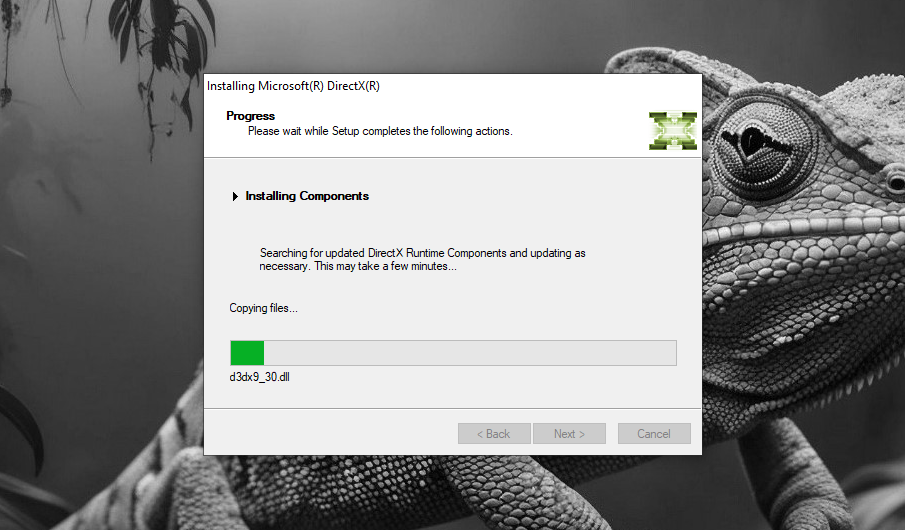
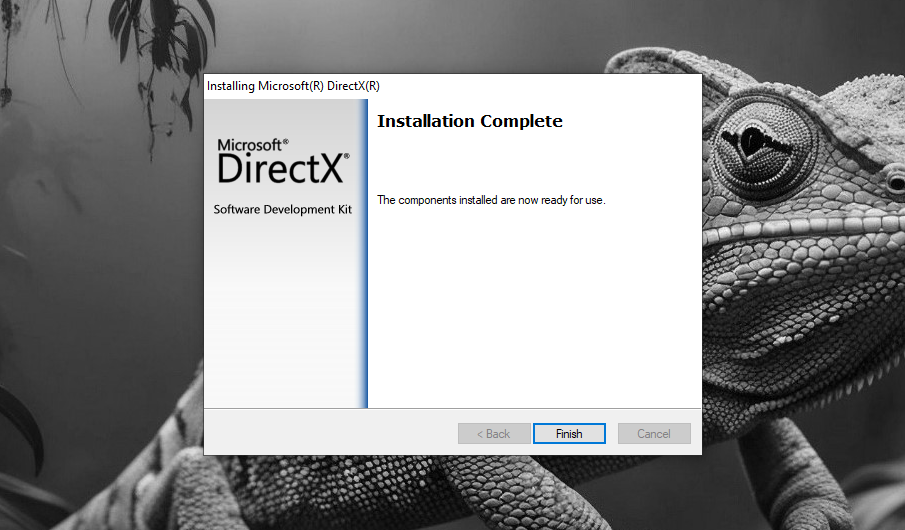
On a final note, a game that runs on an older version of DirectX doesn’t necessarily mean that it looks worse than a game with a newer DirectX. You can click the link below to download DirectX 11 for Windows:
- App Name DirectX 11
- License Freeware
- App Name DirectX 11
- Publisher Microsoft
- Updated
- Version: 11
On our site you can easily download DirectX 11. All without registration and send SMS!