Dev-C++

- Windows: 5.0
- Version: 6.30
- Size: 70.66 MB
-
[Total: 1 Average: 5]
Learning to program starts with finding the right tool, and Dev-C++ has long been an integrated development environment (IDE) packed with essential features that makes it one of the popular choices. By combining a code editor, compiler, and basic debugging tools, it allows users to move from writing code to running a program in a single workflow.
Dev-C++ has lasted since 1998 as a C and C++ IDE. It’s a lightweight program that comes with auto completion, built-in class browser, project management, templates, syntax highlighting, and multiple languages, among others.
Features and Highlights
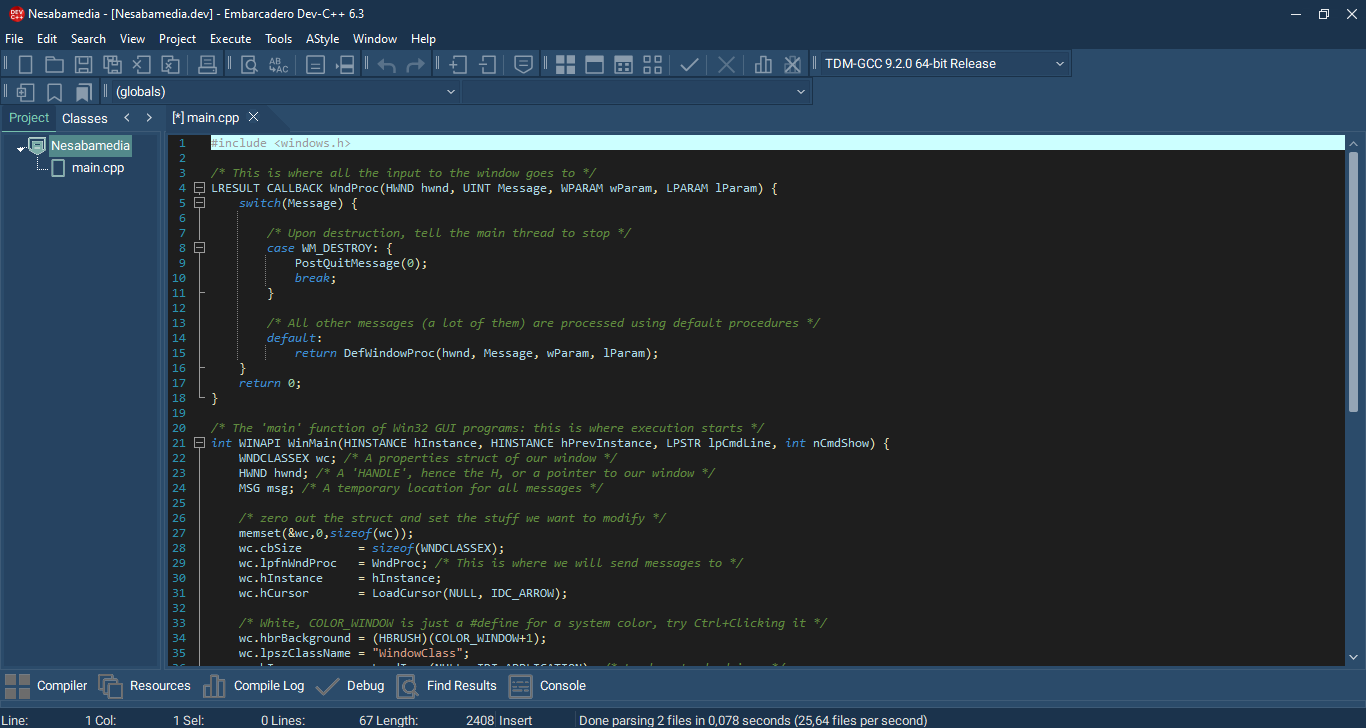
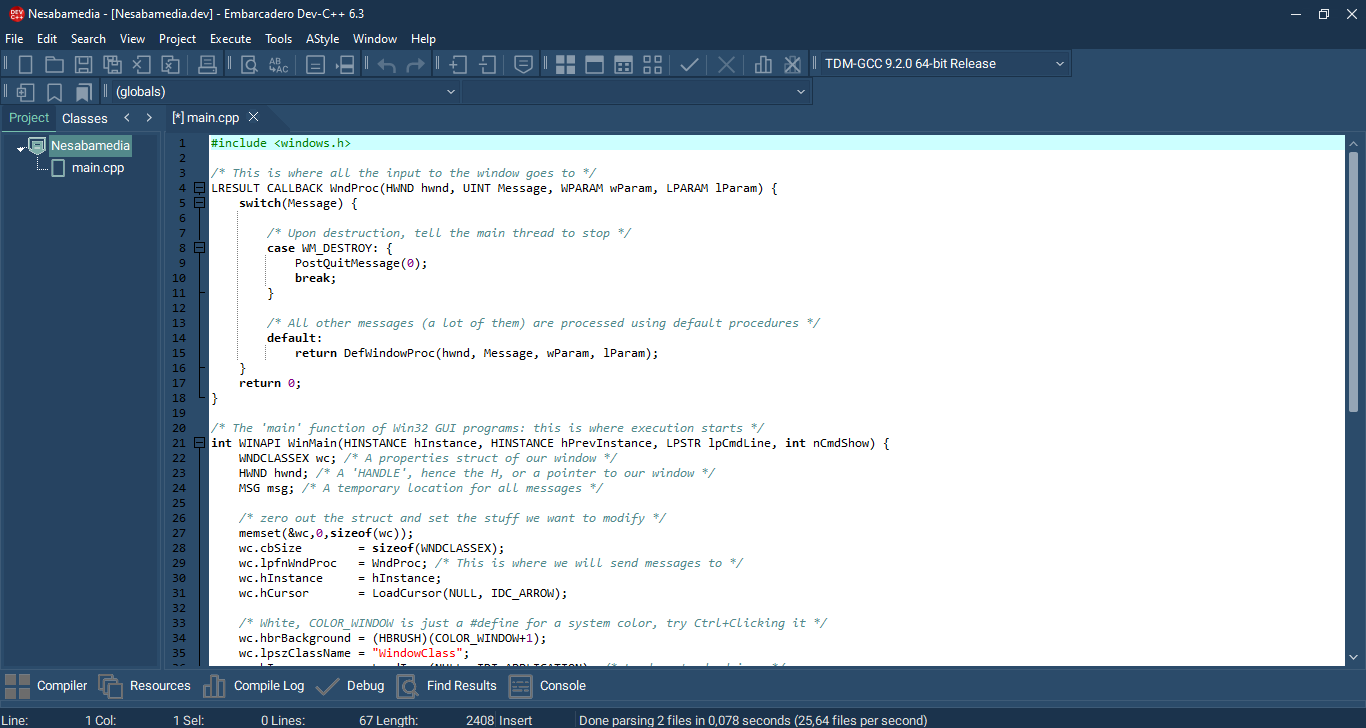
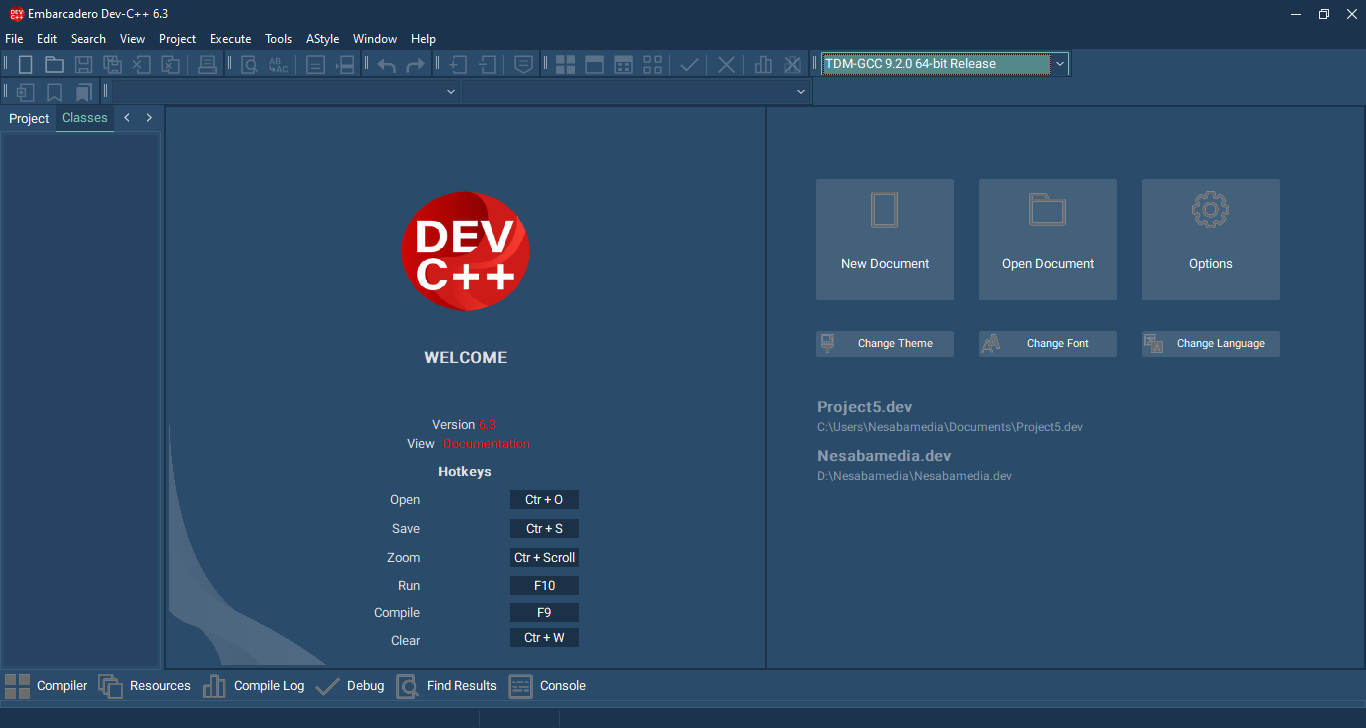
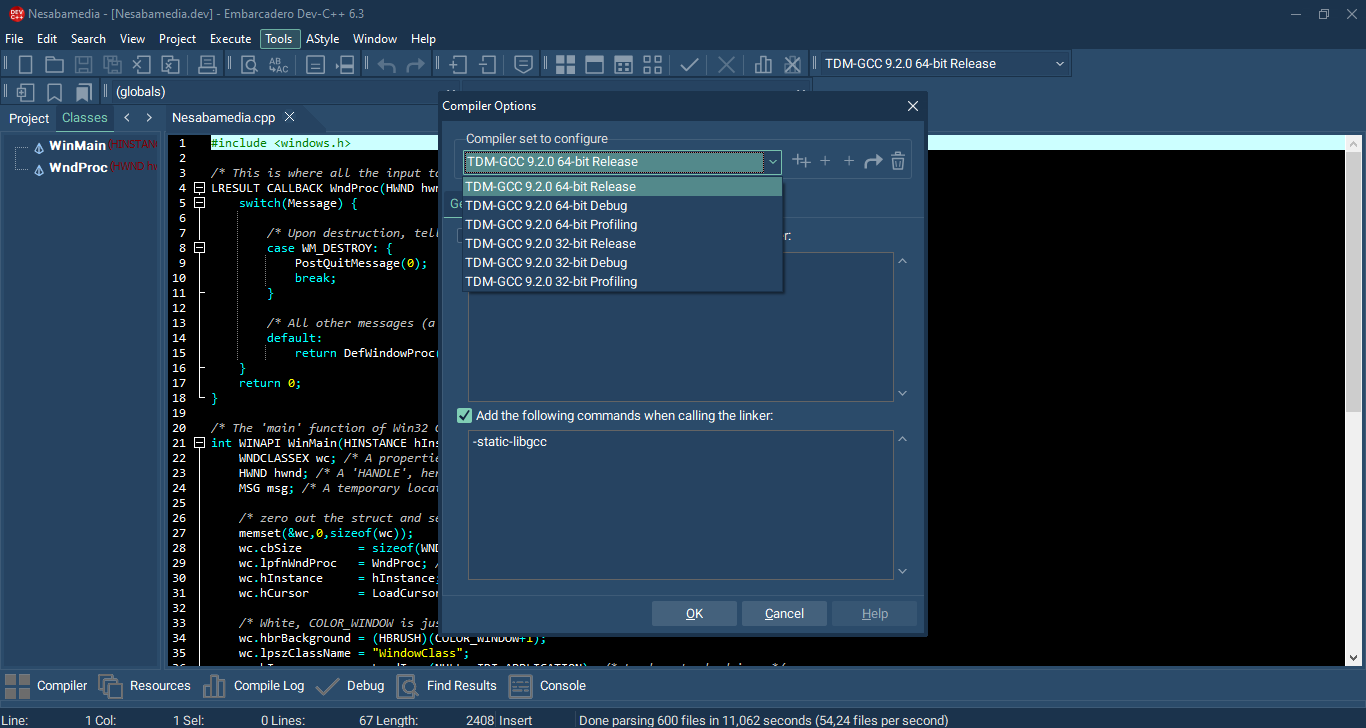
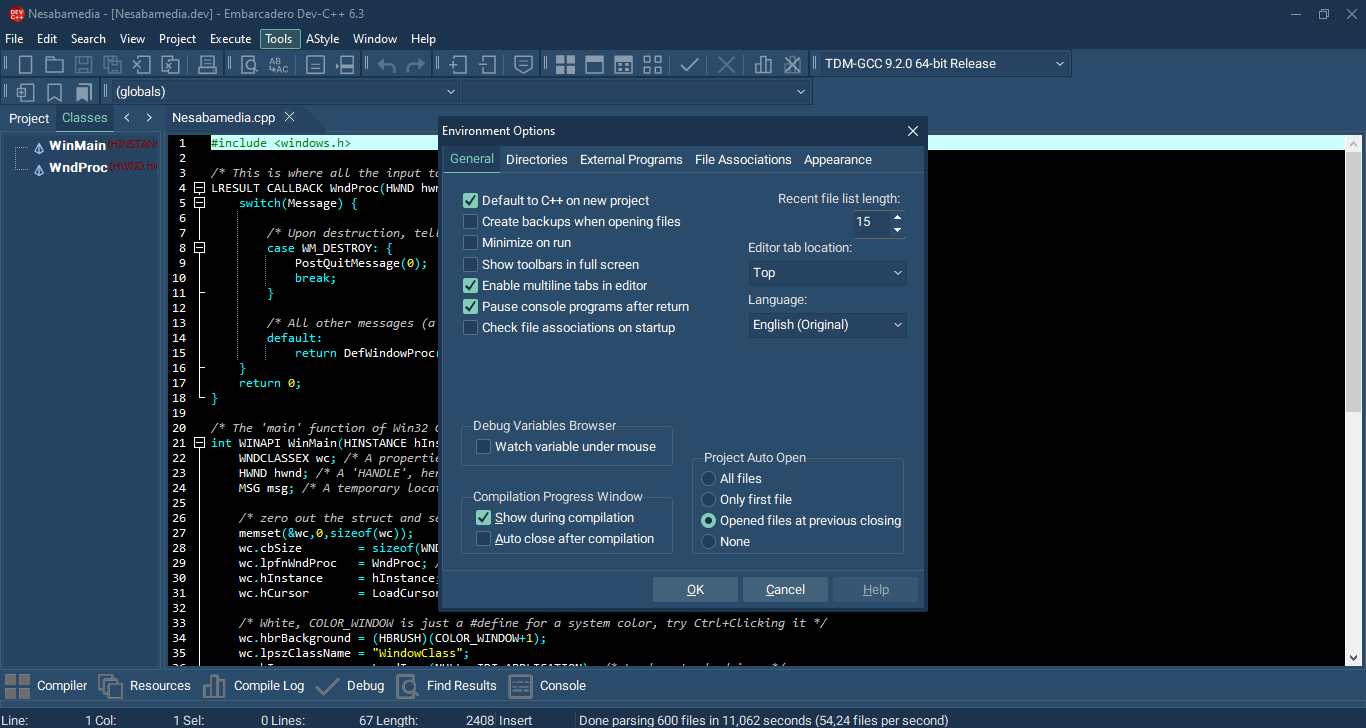
Dev-C++ opens quickly even on a less powerful PC. It sports a dark blue interface, revealing the typical layout of a full-featured IDE, with buttons, menus, options, tools, and panels grouped neatly and intuitively.
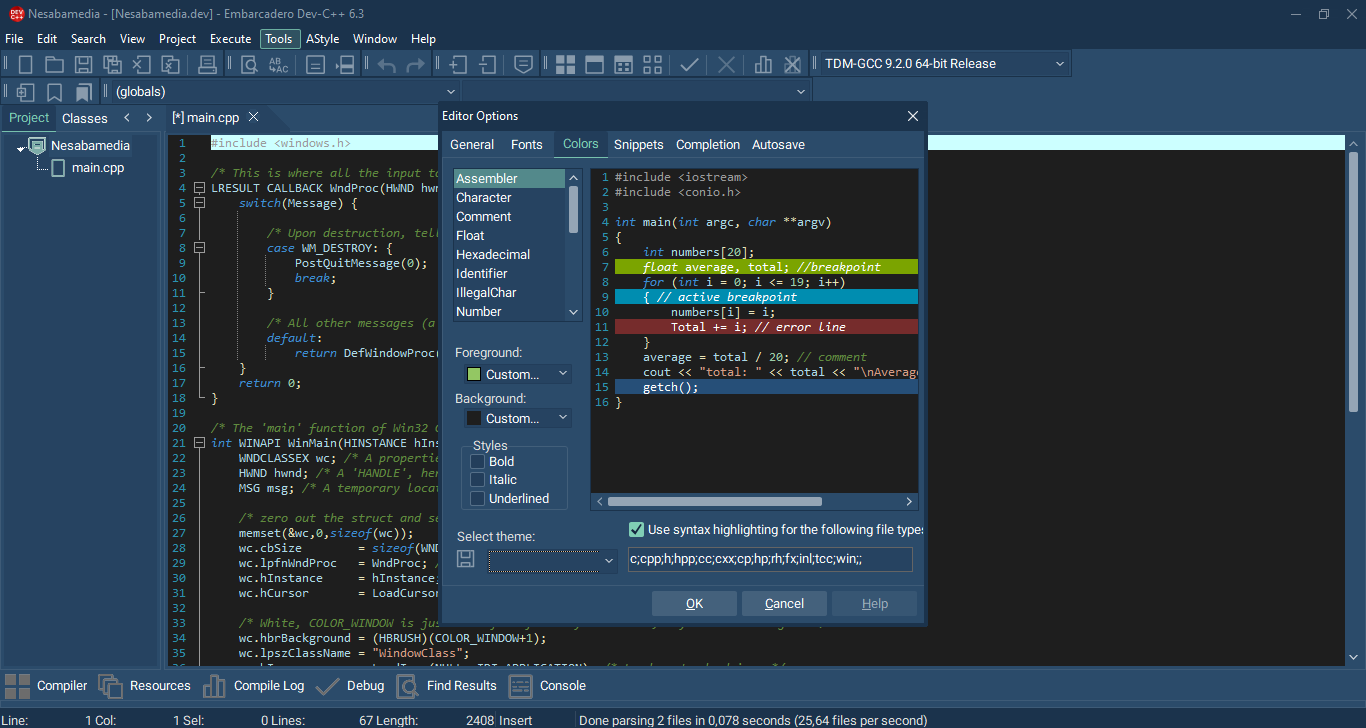
The center of the screen is the code editor, where you write your C or C++ programs. By default, even though the interface is dark, the editor has a white background. The color can be changed by selecting a dark theme from Tools > Editor Options, where several themes are available to choose from. Alternatively, you can edit the visual styles manually, like changing the number color from green to yellow, the font style from Consolas to Courier New, and so on.
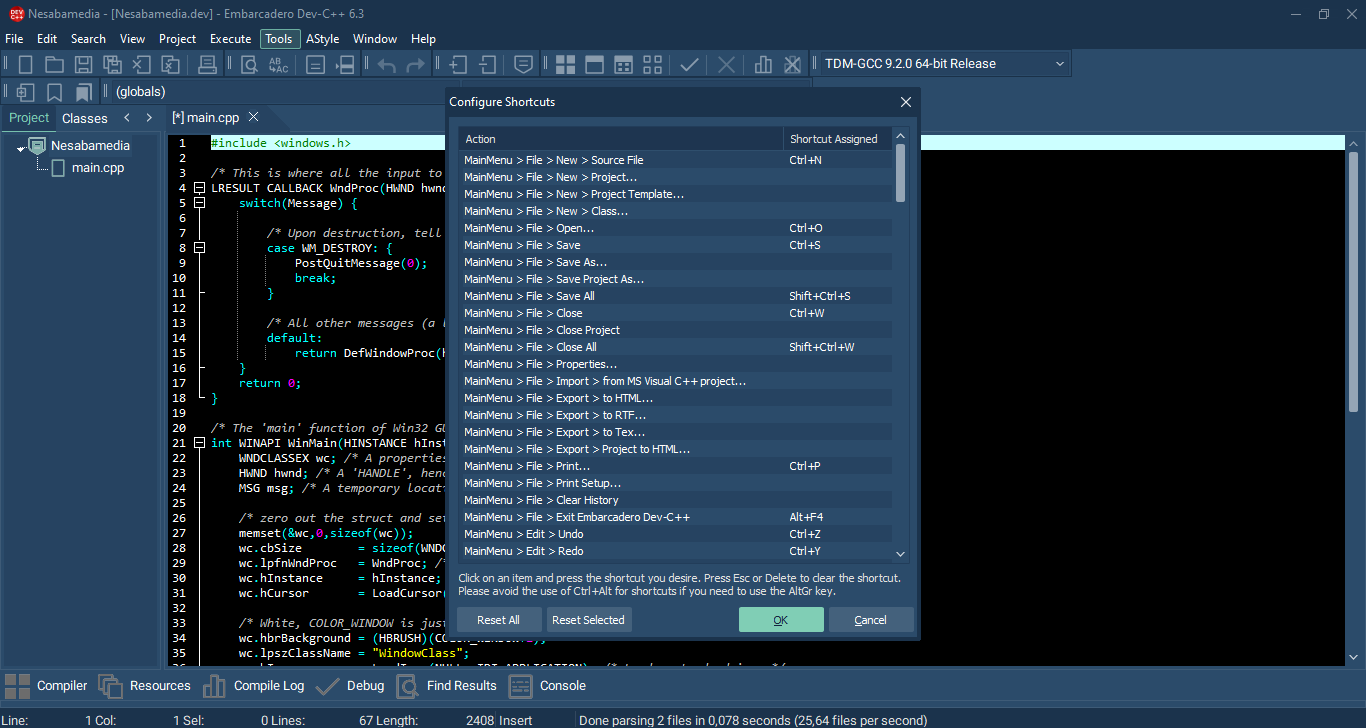
Dev-C++ has a wide range of keyboard shortcuts, which you can find in Tools > Configure Shortcuts. Many of them have been assigned to actions. To change any of them, or to assign a new shortcut to any of the actions that don’t have one yet, select it and press your preferred keyboard shortcuts.
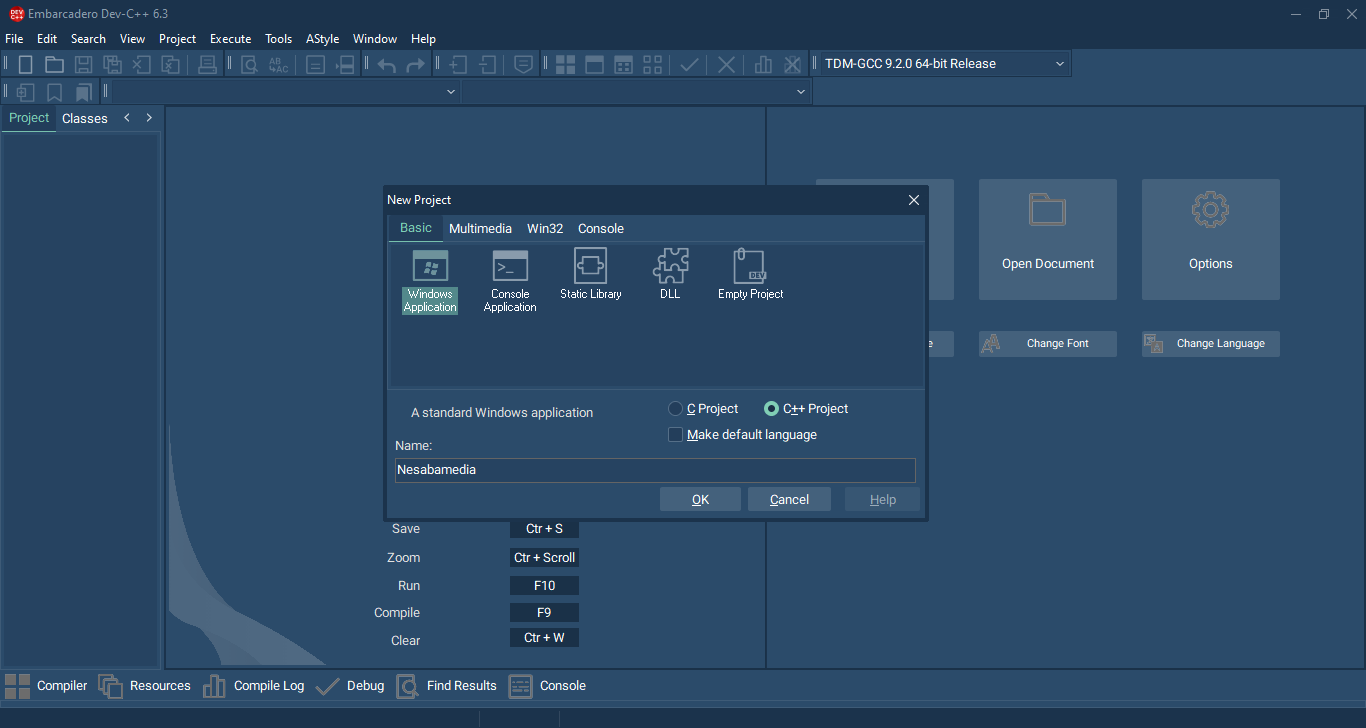
To get started, you need to create a new project. Dev-C++ lets you choose between creating a project from scratch or using one of the templates as a starting point. The Console Application, for instance, is a template that sets up a basic environment for text-based programs. If you need to create native GUI applications using the Win32 API, you can select the Windows application template.
The other two templates are Static Library, which sets up a project that compiles into a .lib file, and DLL (Dynamic Link Library), which configures the project to build a .dll file for shared functionality across different applications.
Beyond the standard template options, Dev-C++ allows for further template management. You can save your own project configurations as templates and even assign icons to them for easy identification.
Dev-C++ Free Download for Windows
Being a lightweight program, it requires no more than 2 GB of RAM and any modern processor to run Dev-C++ on a Windows system. While the disk size requirement is 500 MB free space, it’s modest for modern IDEs and well below average, especially if it is compared to Visual Studio 2026.
There aren’t many programs that have lasted as long as Dev-C++ as an IDE for C and C++. Since it was released for the first time, which is more than 27 years ago, more features have been added to expand its functionality. The file size grows but remains reasonably lightweight. You can click the link below to download Dev-C++ for Windows:
- App Name
- License
- App Name
- Publisher Embarcadero
- Updated
- Version: 6.30
On our site you can easily download Dev-C++. All without registration and send SMS!