CorelDraw X8

- Windows: 7, 8, 10, 11
- Version: X8
- Size: 463.97 MB
-
[Total: 1 Average: 5]
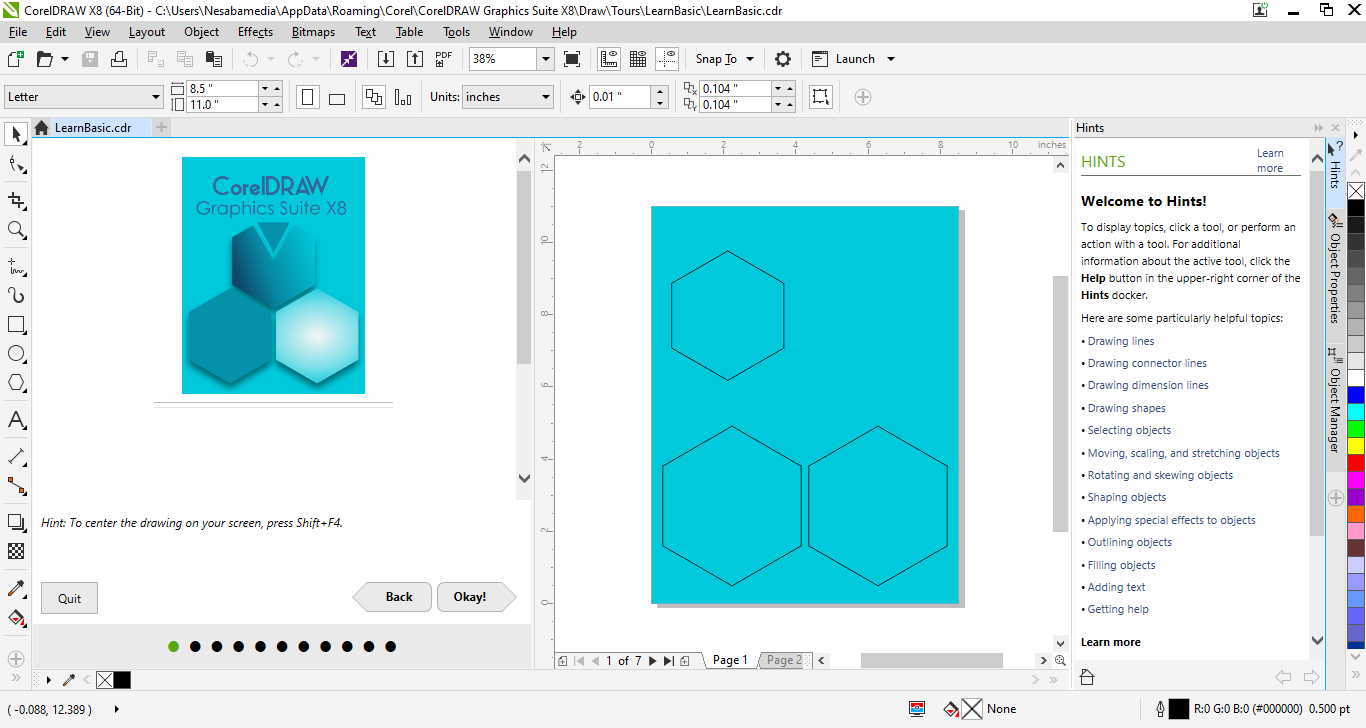
Initially released in 2016, CorelDraw X8 offers a simplified approach to vector-based drawing, support for ultrahd 4K displays that allow users to see the subtlest details on screen, and is the first version developed to fully compliant with Windows 10.
Among its features, Hints docker is designed to help new users in the learning process. In addition to providing context sensitive information, it also lets user to quickly access additional resources to learn more about the existing features.
Features and Highlights
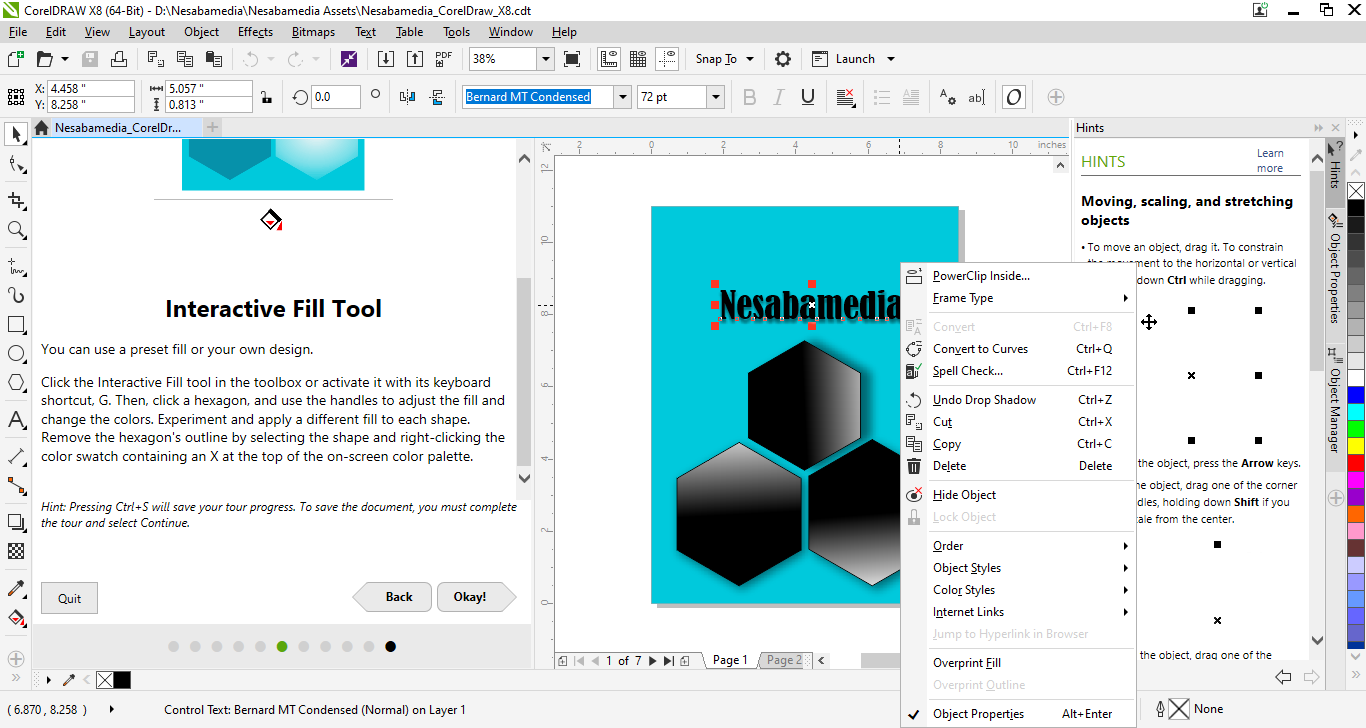
The ability to display only the parts that you need to see in a project is one of the wonderful features of CorelDraw X8. It helps reducing the clutter in a complex design and therefore decreasing the possibility of making mistakes.
The objects that you hide are easily noticeable in the Object Manager since their names are greyed out. Whenever you need to see them again in the design you’re working on, you can unhide any or all of the objects at once easily.
Unlocking objects is the other available method you can use to prevent yourself from making mistakes. You can lock and unlock a single object or multiple objects. When an object is locked, you cannot modify it until you unlock it.
Finding a font for your design is also easier in CorelDraw X8 than in earlier versions. There is a font list box where you can search and sort fonts based on parameters such as width, style, and weight.
There is no need to type the complete name of a font in the font list box. As you type, the box displays a relevant list of fonts that you can choose from. The more you type, the list gets shorter, and the font you’re looking for becomes more easily noticeable.
Having a large collection of fonts can help you in working on projects, but having too many fonts that you never use is more of a hassle than benefit. Corel Font Manager is the tool you need to tackle this particular issue. Anything you need to organize your fonts, it has you covered.
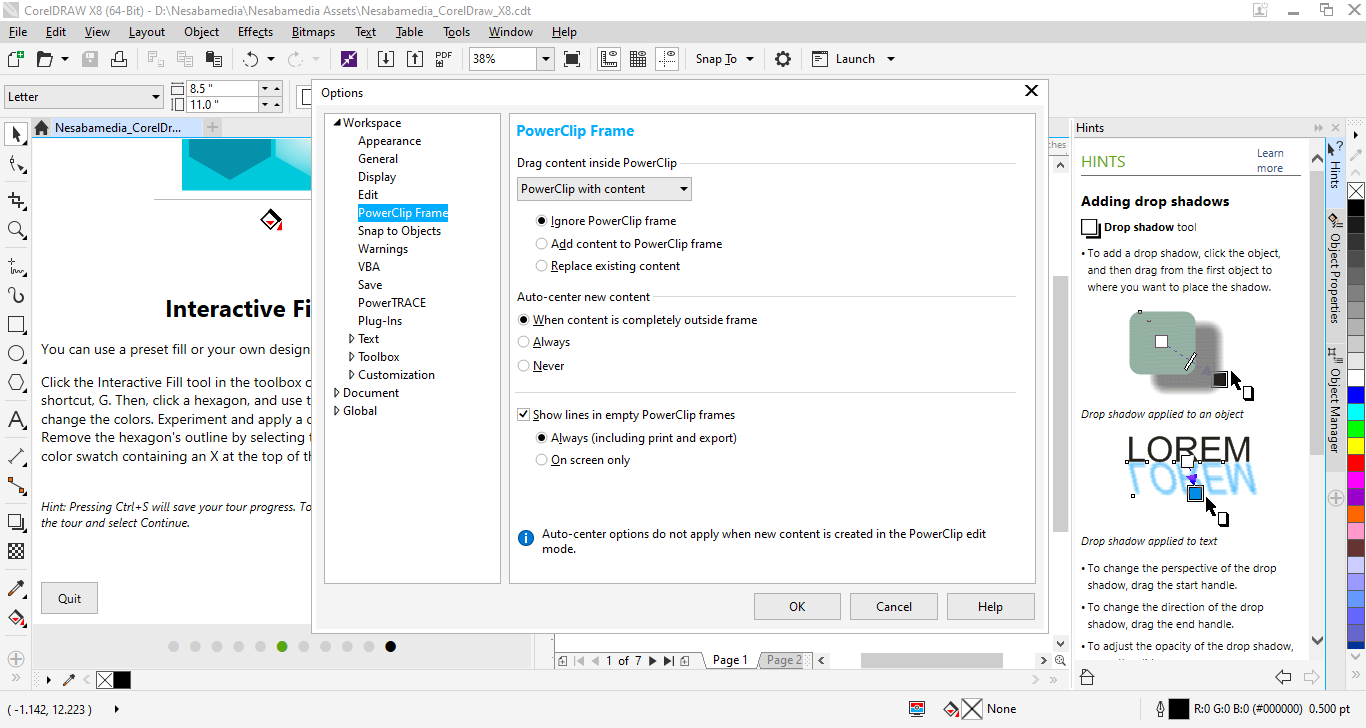
Earlier version have customizable user interfaces, but not as customizable as CorelDraw X8’s interface. The redesigned icons can scale up to 250% which makes the UI items displayed in larger size on the screen, the background can be darken or lighten, the desktop color can be adjusted to suit the documents for lower contrast, and so on.
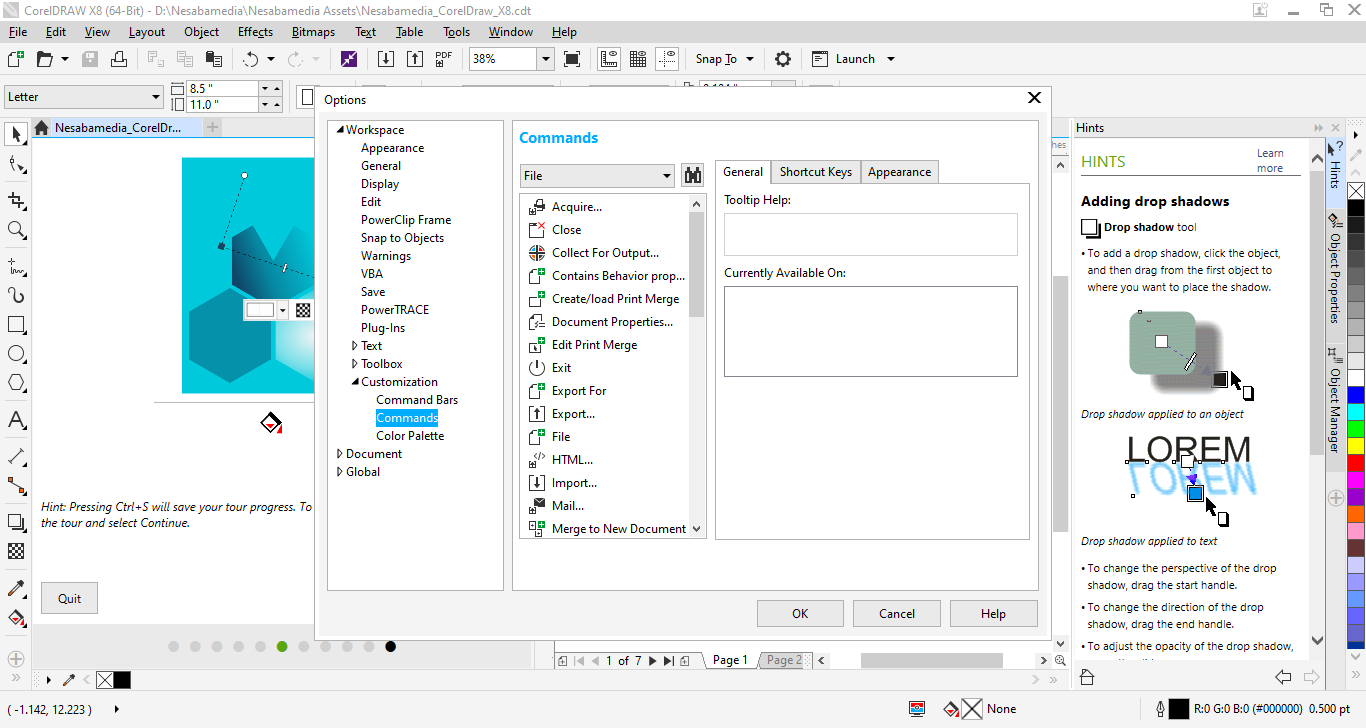
The keyboard shortcuts are highly customizable too, allowing you to suit them to your working style. Menus can be reordered, removed, renamed, and added. Toolbars can be resized, hidden, docked, created, and deleted.
CorelDraw X8 Free Download for Windows
CorelDraw X8 is obviously better than earlier versions, offering improvements in many areas that can help you not only to be more productive but also to be able to create even more amazing artworks. And the more you work with it, you will find out that this graphic suite has a lot more to offer. You can click the link below to download CorelDraw X8 for Windows:





- App Name CorelDraw X8
- License Freeware
- App Name CorelDraw X8
- Publisher Corel
- Updated
- Version: X8
On our site you can easily download CorelDraw X8. All without registration and send SMS!