CorelDraw X6

- Windows: 7, 8, 10, 11
- Version: X6
- Size: 827.03 MB
-
[Total: 1 Average: 5]
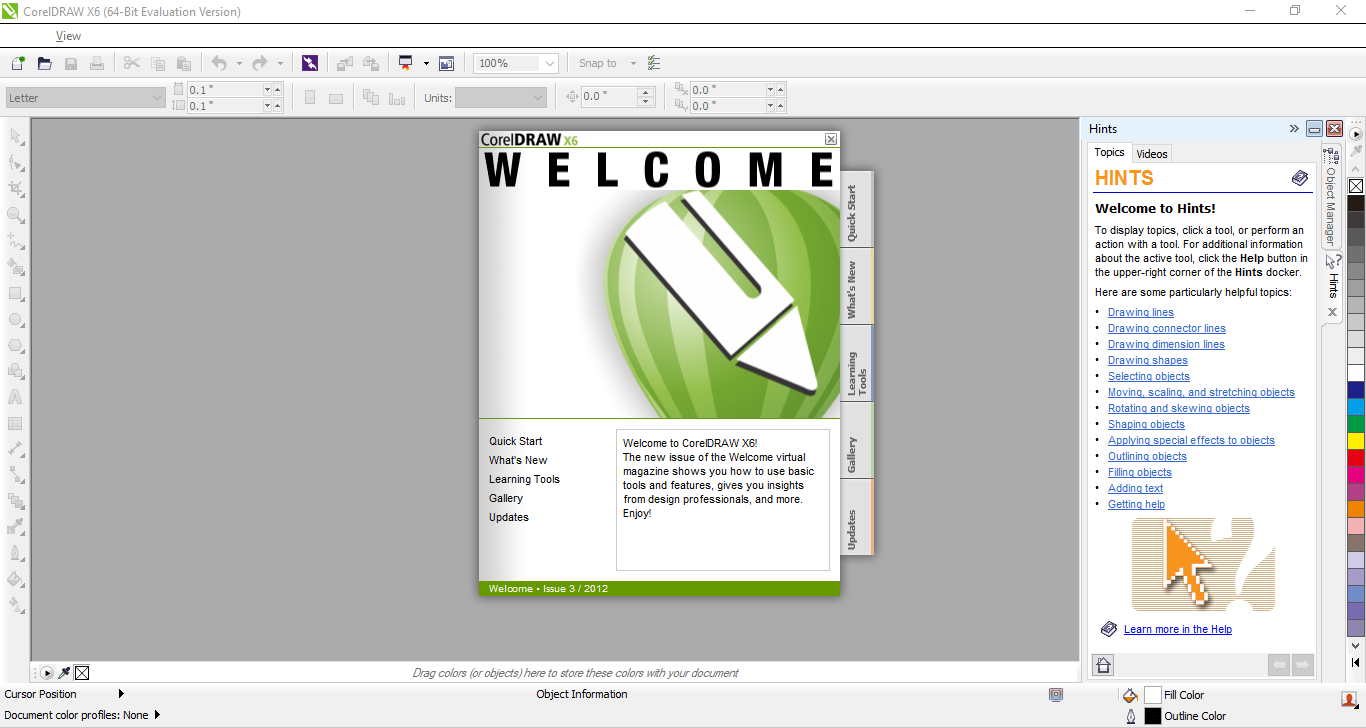
Released in 2012, CorelDraw X6 was a major upgrade designed for users at all skill levels and professions. It’s an old version, yet some long-time users stick with it because they are already familiar with the tools inside out and don’t feel the need for extra complexity.
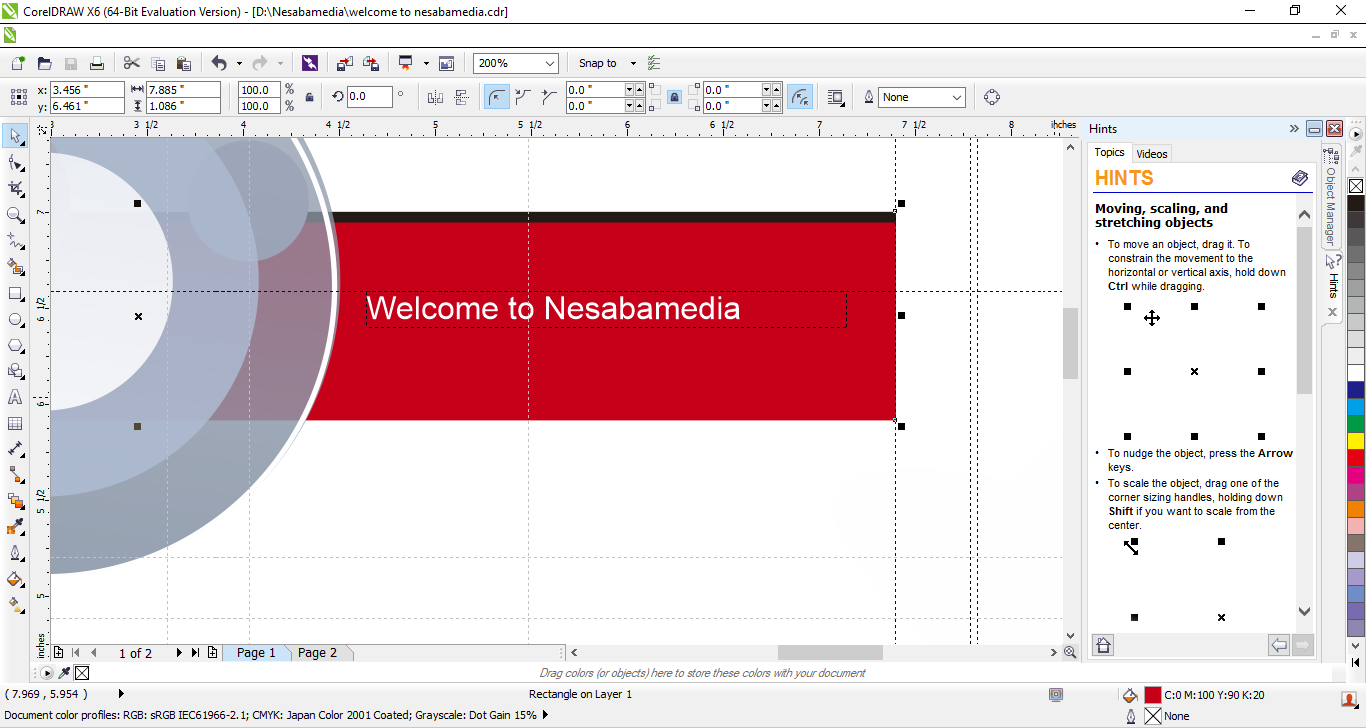
CorelDraw X6 is loaded with a set of powerful vector editing tools that allow creative professionals and hobbyists to handle intricate shapes and fine details with confidence. Page layout, advanced OpenType support, alignment guides, vector shaping tools, and object styles are some of the new enhancements you can find in this particular version.
Features and Highlights
Advanced OpenType Support
With CorelDraw X6, typography becomes more expressive. Thanks to the OpenType platform, working with inclusive languages and contextual texts is easier. All of its options are accessible from a centralized menu with interactive controls, allowing you to take advantage of every feature it offers with the least amount of effort.
Color Harmonies
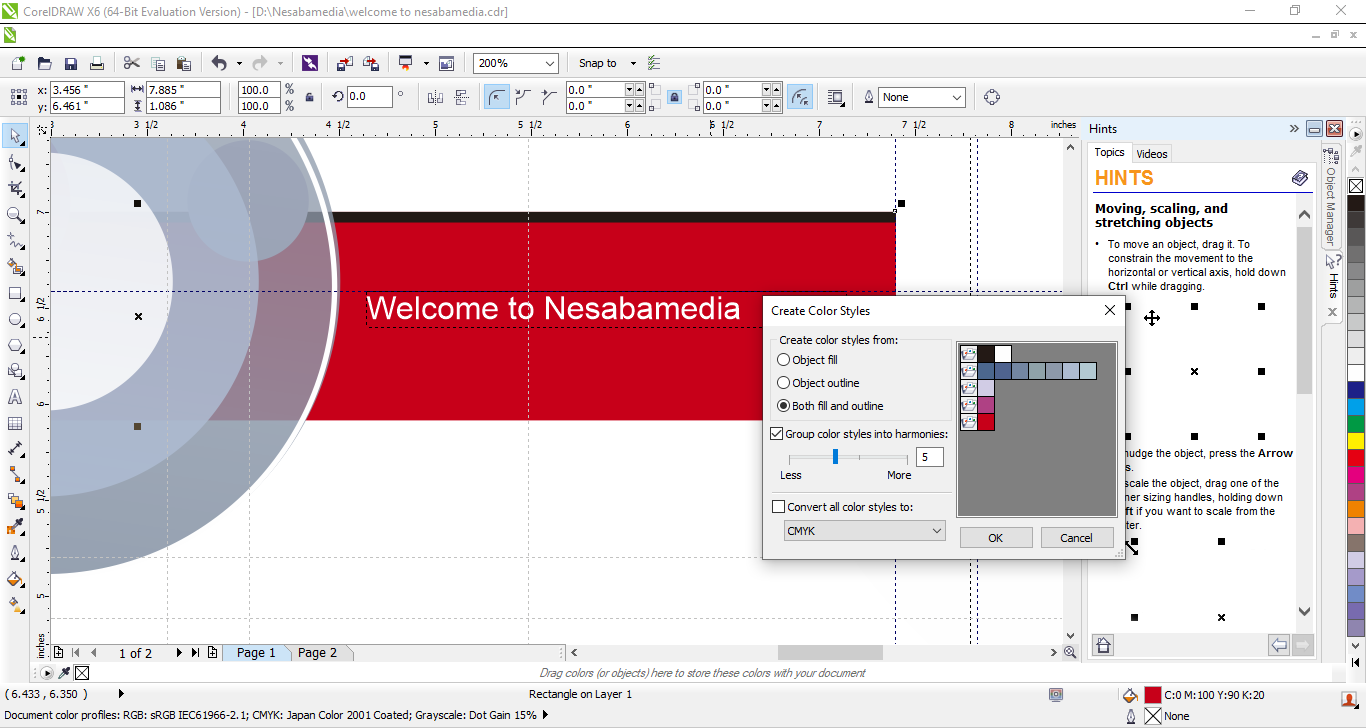
Introduced as a part of new features in CorelDraw X6, the Color Harmonies tool lets you create complementary color palettes for various designs.. It’s a perfect feature for certain scenarios like when you realize that a logo is obscured by design elements that closely match its colors and so you need to alter the colors to improve the contrast.
Freehand Pick Tool
Compared to the standard Pick Tool, the Freehand pick tool is more flexible in selecting objects. Instead of relying on box-shaped selections, this feature lets you draw a freehand outline around the elements you want to select. This makes it particularly useful when working with irregularly shaped objects or clustered objects that don’t fit neatly into a rectangular selection area.
Smart Carver
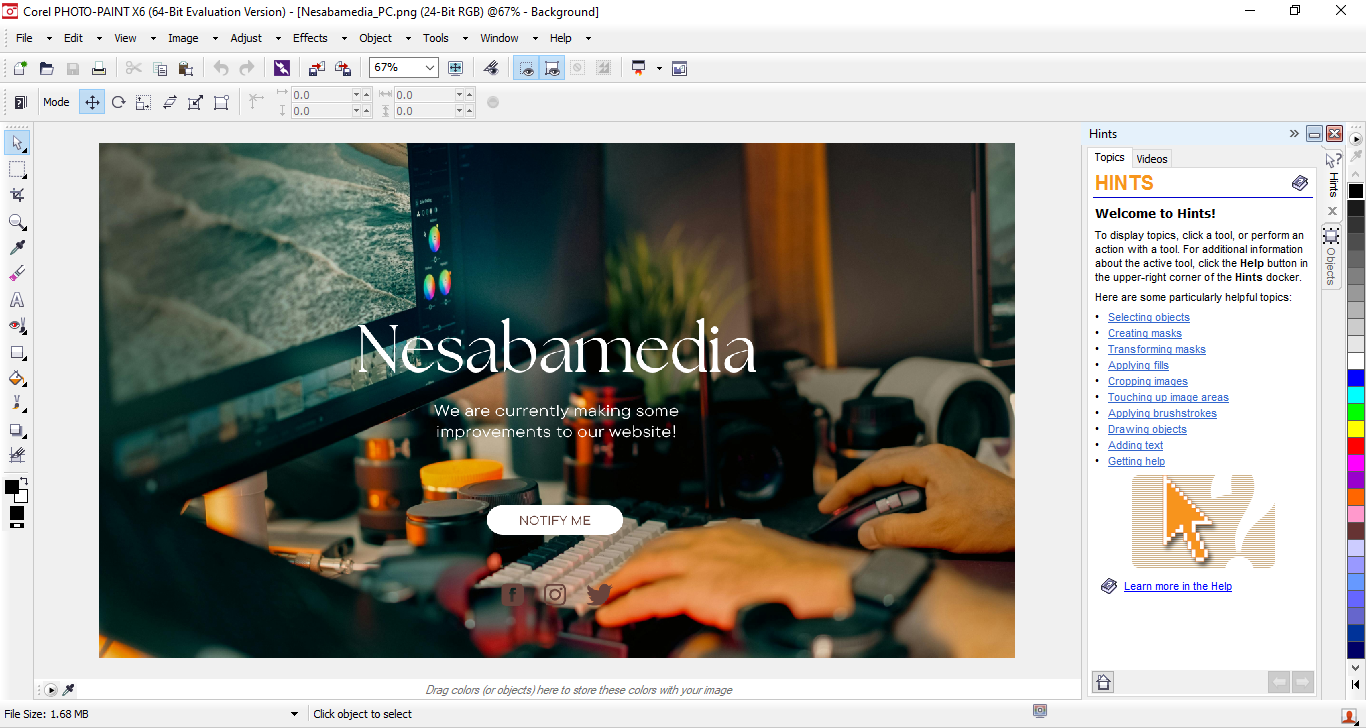
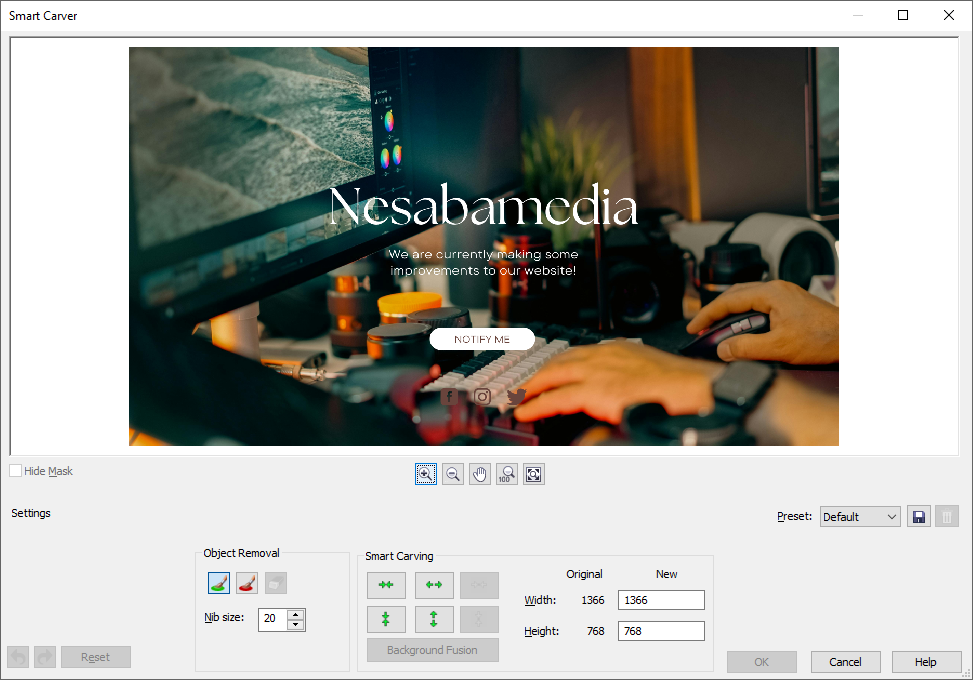
In Corel Photo-Paint X6, which is a part of the CorelDraw suite, you can use the new Smart Carver to remove unwanted objects and expand or contract images without distorting the subjects. The red brush is used to paint areas that you want to remove, while the green brush is used to paint areas you want to preserve. The size of the brush nib can be adjusted for precise control.
Enhanced Object Properties Docker
The docker has been redesigned to display only the formatting options and settings that are directly relevant to the object you select. Instead of overwhelming you with unnecessary choices, it adapts to the selected object intelligently so you see exactly what you need to fine-tune the design.
CorelDraw X6 Free Download for Windows
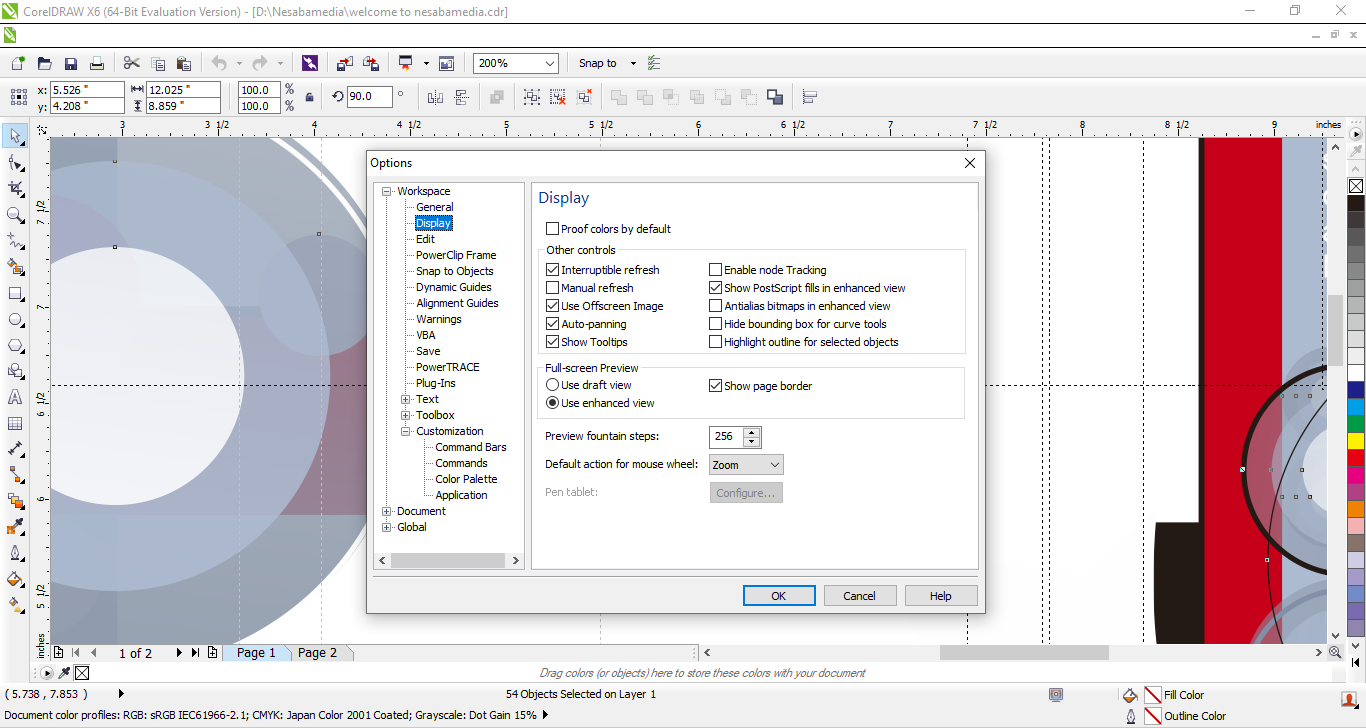
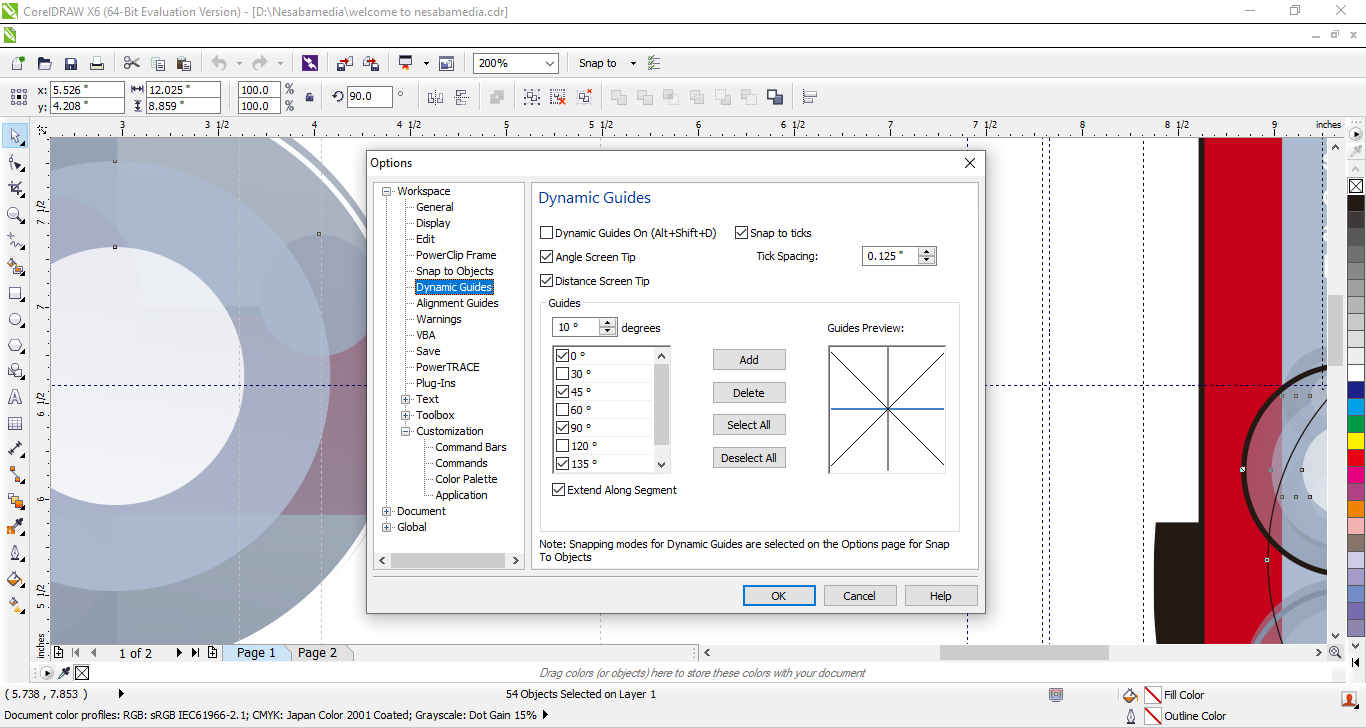
CorelDraw Graphics Suite X6 represents a significant step forward in design software, offering new and enhanced tools to boost productivity and improve creativity. With features like alignment guides, color harmonies, freehand pick tool, smart carver, and the redesigned Object Properties docker, it provides you with smarter ways to manage complex projects.
Despite being loaded with a wide range of new features, the suite is still easy to use. They are presented in the simplest way possible to prevent users, especially the beginners, from feeling overwhelmed even when working with complex designs. All in all, it manages to uphold its reputation as a versatile solution for both beginners and experienced professionals alike. You can click the link below to download CorelDraw X6 for Windows:
- App Name CorelDraw X6
- License Freeware
- App Name CorelDraw X6
- Publisher Corel
- Updated
- Version: X6
On our site you can easily download CorelDraw X6. All without registration and send SMS!