CorelDraw X5

- Windows: 7, 8, 10, 11
- Version: X5
- Size: 524.08 MB
-
[Total: 1 Average: 5]
A great artist doesn’t depend on a tool to create an amazing art, but using the right tool can simplify many things. When it comes to vector art, one of the best software that you can rely on is CorelDraw X5.
CorelDraw X5 is the fifteenth iteration of the suite that came to life in 2010, bringing in a wide variety of digital content, touch support, more powerful PowerTrace, pixel view, and other various improvements.
Features and Highlights
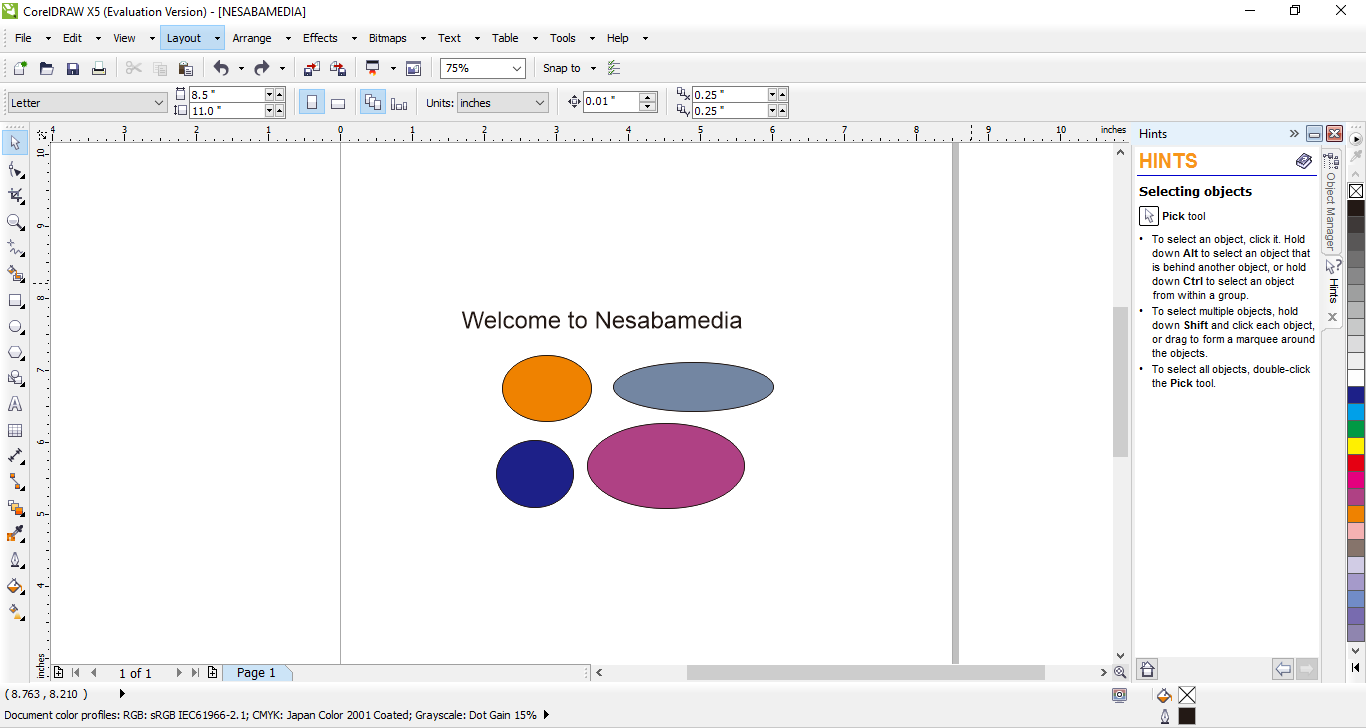
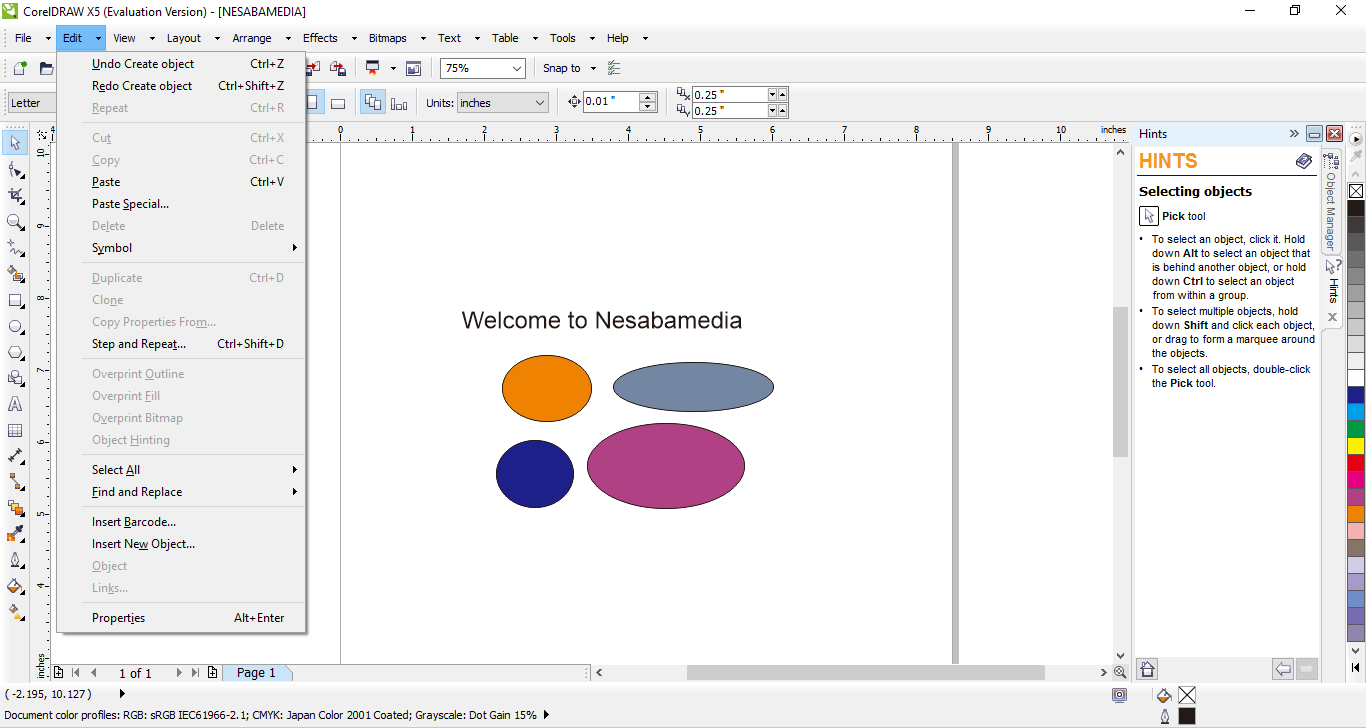
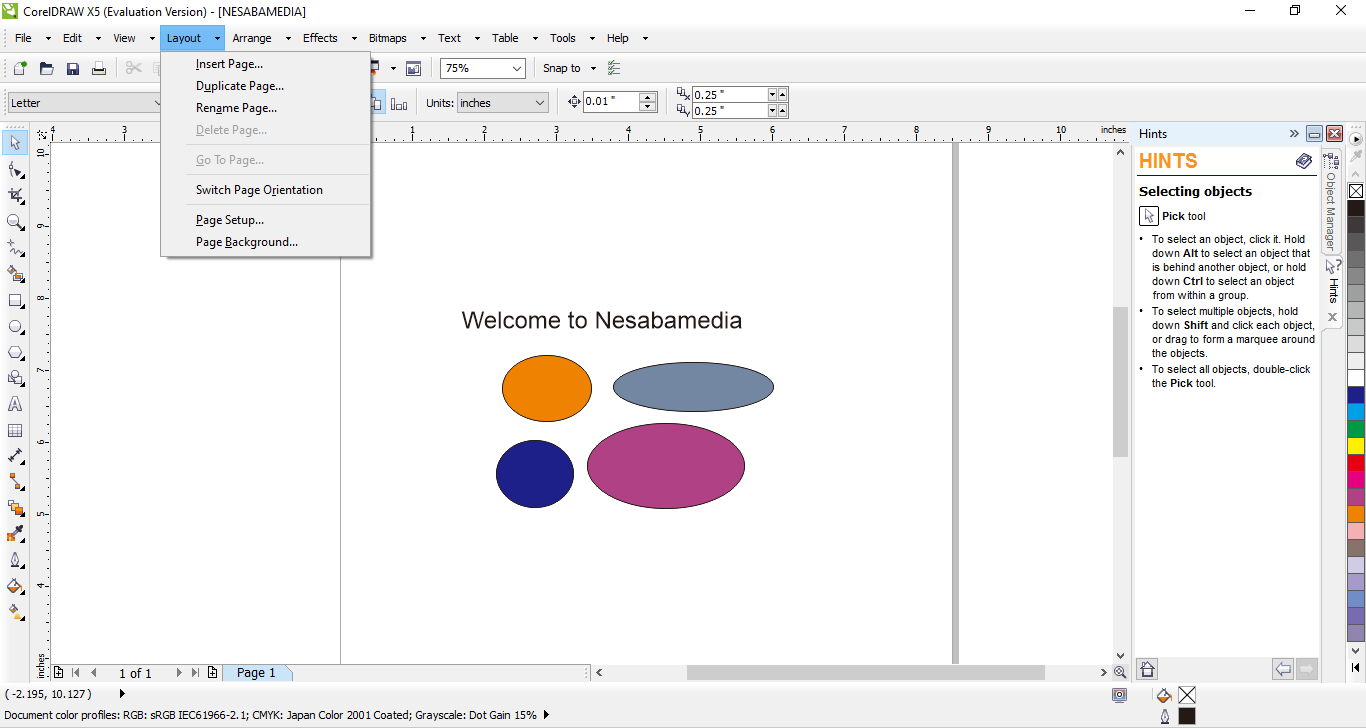
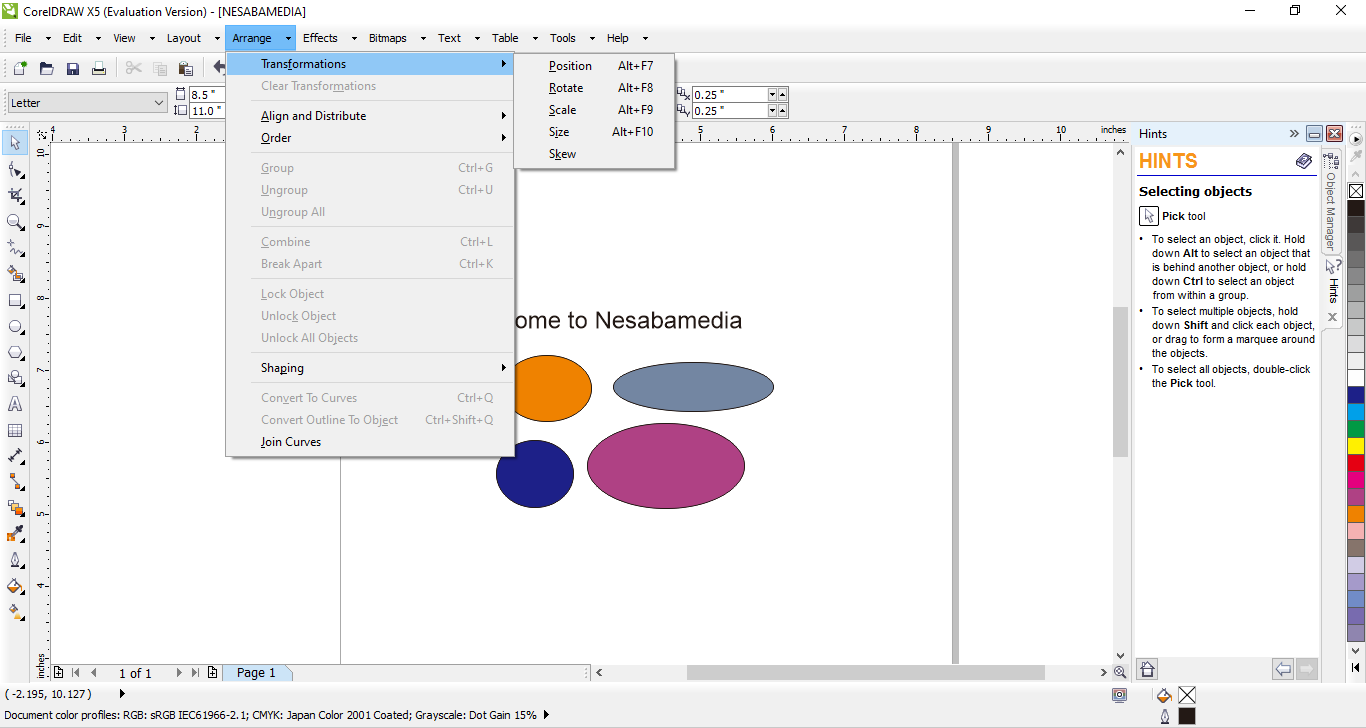
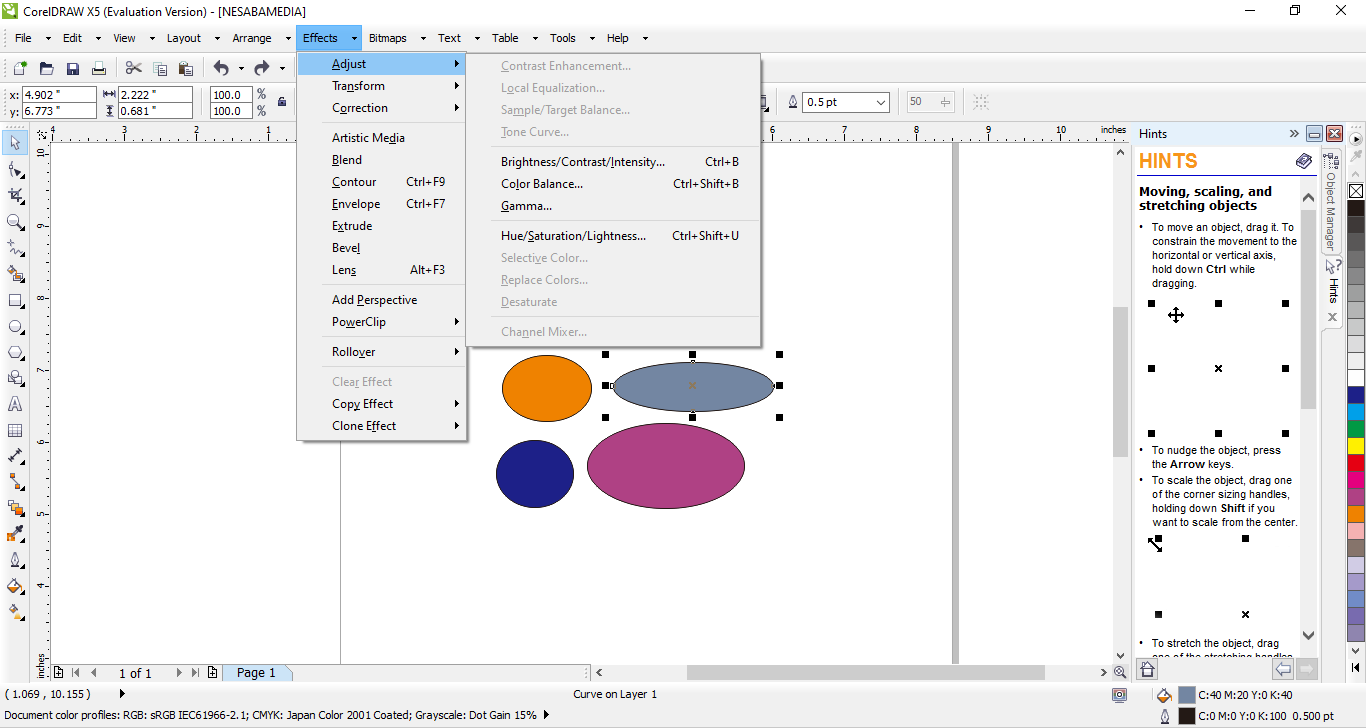
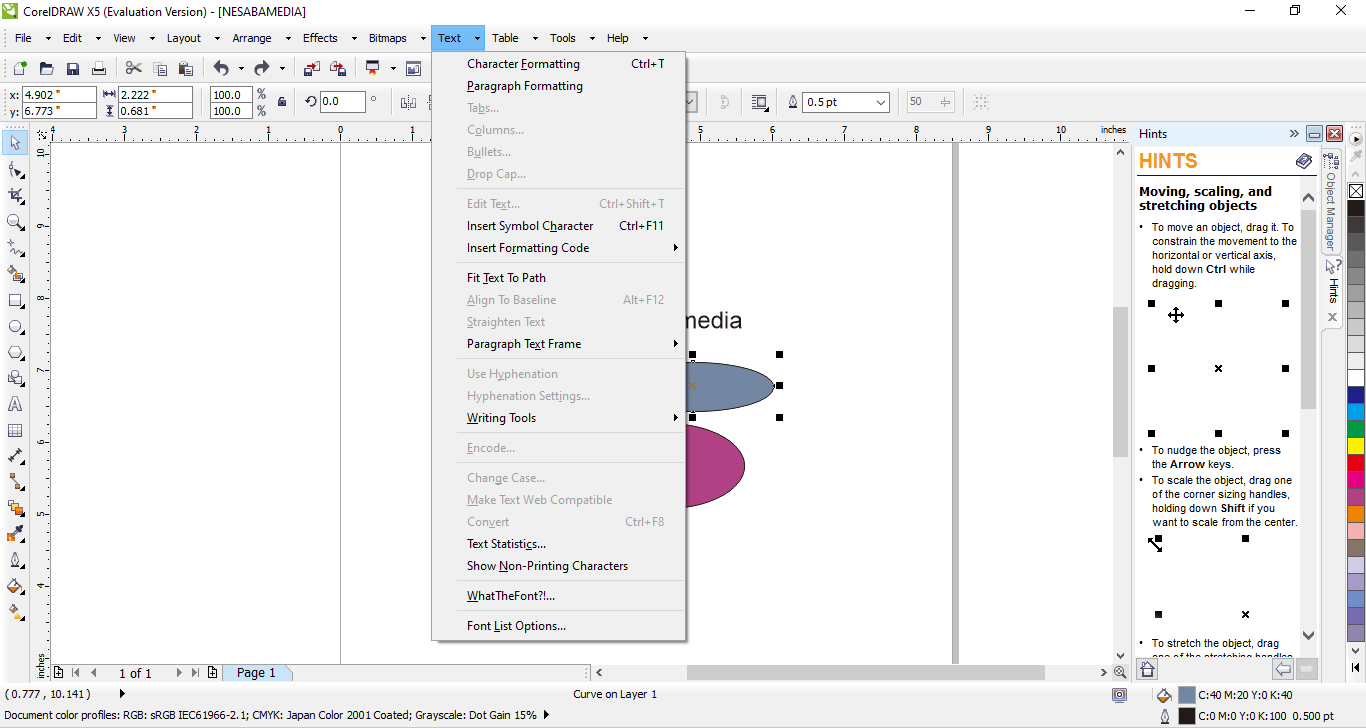
The interface of CorelDraw X5 is made up of many areas, some of which are context sensitive while others are always visible, giving you full access to a range of useful features to complete your design projects in time.
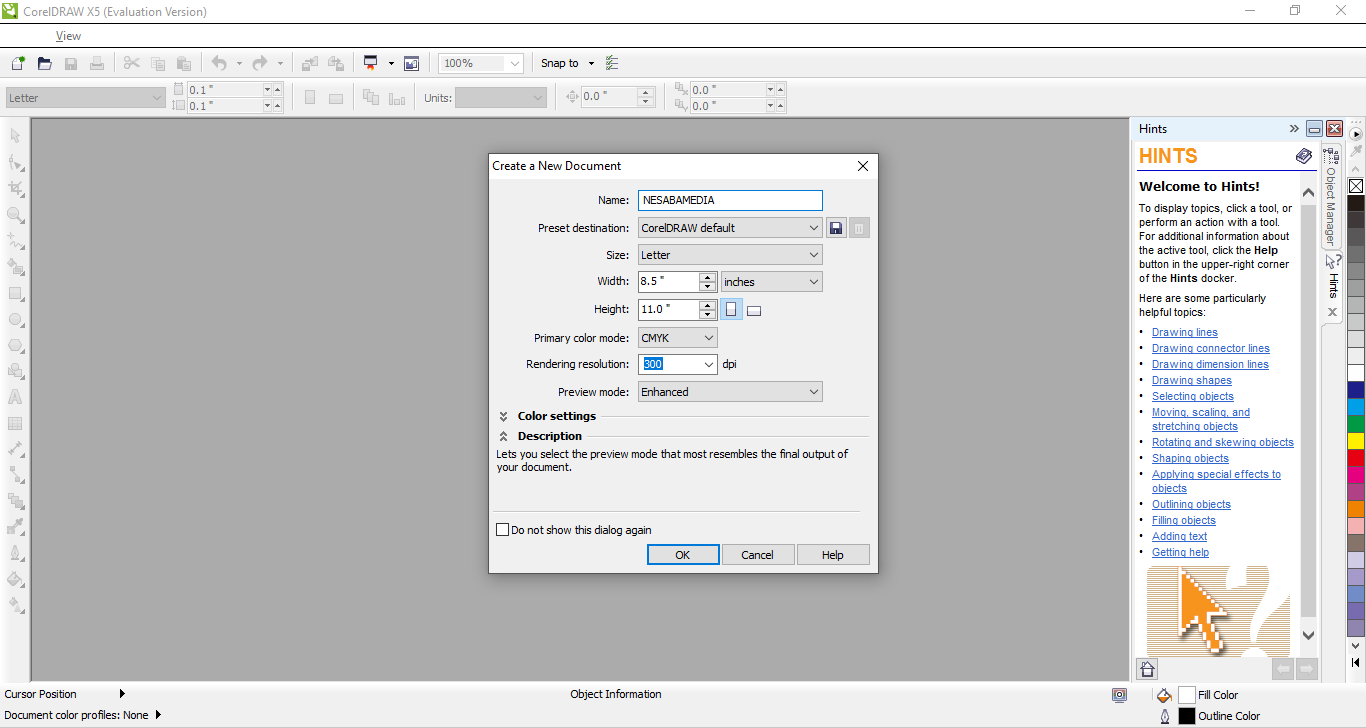
When you create a new document in CorelDraw X5, you can declare the document resolution before you start drawing. If you need to draw for the web, for instance, you can set the resolution to 72 dpi. If you’re going to print out the drawing, then the resolution would be 300 dpi.
The resolution can be easily configured in the Create a New Document dialog box that appears whenever you click the New button on the toolbar.
The new document dialog box is also where you can configure other settings such as page size, preview mode, primary color mode, and color settings.
Pixel View is an entry in CorelDraw X5 that doesn’t available in earlier versions, which is provided to preview your artwork before delivering it to a client. How smooth the view mode will display the artwork depends on the document resolution you choose.
There are still other view modes that you should know. The default one is Enhanced mode that comes with Rasterize Complex Effects and Simulate Overprints options that you can enable or disable according to your need. The others are Wireframe, Simple Wireframe, Normal, and Draft. Each view mode has its own use that one should never overlook.
The other new feature in CorelDraw X5 is the document palette. With this particular feature, all colors you’ve used in a document can be collected for future use. One of the available methods in collecting the colors is by using the eyedropper that has also been improved.
When the time finally comes to save your work, you have a number of options, like saving it in the native format, or as a template file, or export it to a different file type. And then there are advanced options to customize the way your work is saved, such as using bitmap compression that can reduce the output file size while keeping the quality intact, and graphic object compression that compresses vector elements.
CorelDraw X5 Free Download for Windows
With its powerful editing tools, CorelDraw X5 gives you the confidence to create exceptional designs and tackle a wide range of projects. Though it is not as advanced as the latest version, it is still an amazing one. While many has not used it anymore, some still depend on it to get the job done. You can click the link below to download CorelDraw X5 for Windows:




- App Name CorelDraw X5
- License Freeware
- App Name CorelDraw X5
- Publisher Corel
- Updated
- Version: X5
On our site you can easily download CorelDraw X5. All without registration and send SMS!