CorelDRAW X4

- Windows: 7, 8, 10, 11
- Version: X4
- Size: 298.00 MB
-
[Total: 1 Average: 5]
CorelDRAW X4 is a magnificent piece of software. Every time you’re going to unleash your creativity, you have dozens of well-crafted tools at your fingertips to tackle various design projects.
Since it has a sheer number of features, it usually takes a long time for users to get familiar with everything. It’s worth the time, though. The more time you spend on it, the more you will realize how powerful this graphics design software is as long as you don’t try to compare it with the latest version.
Features and Highlights
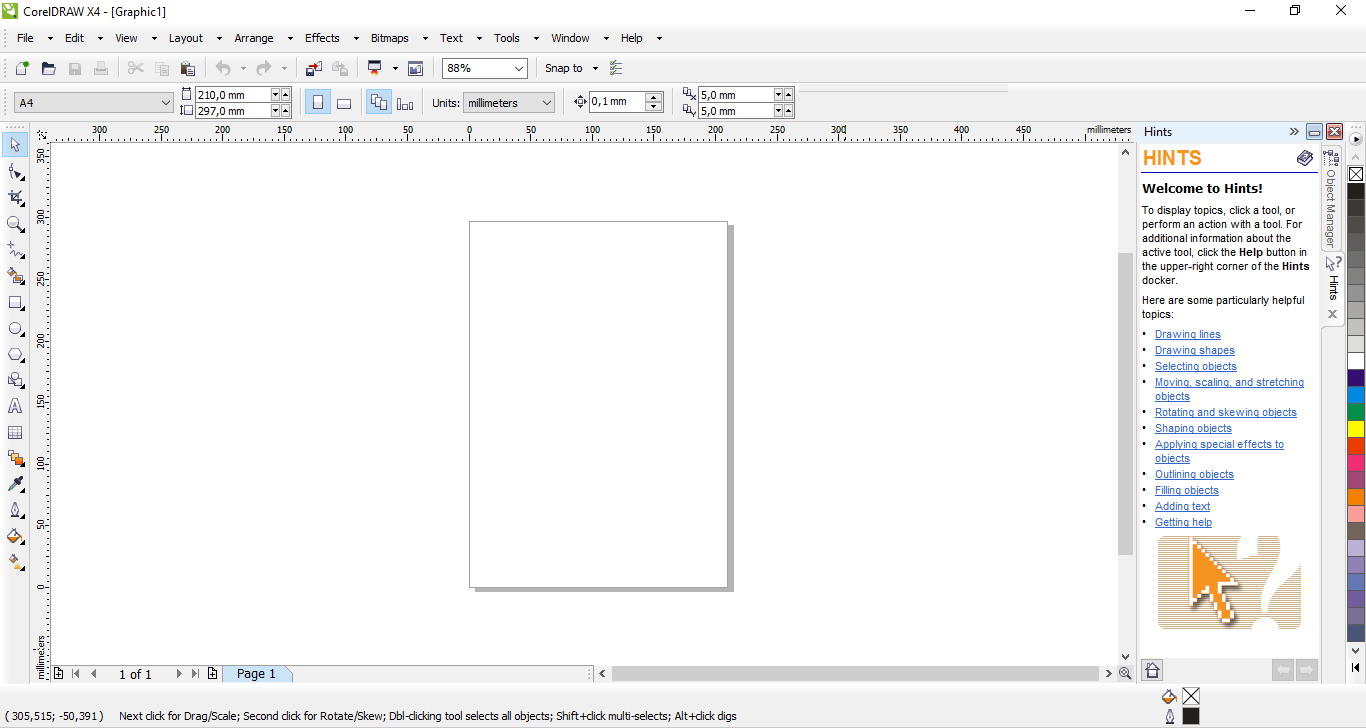
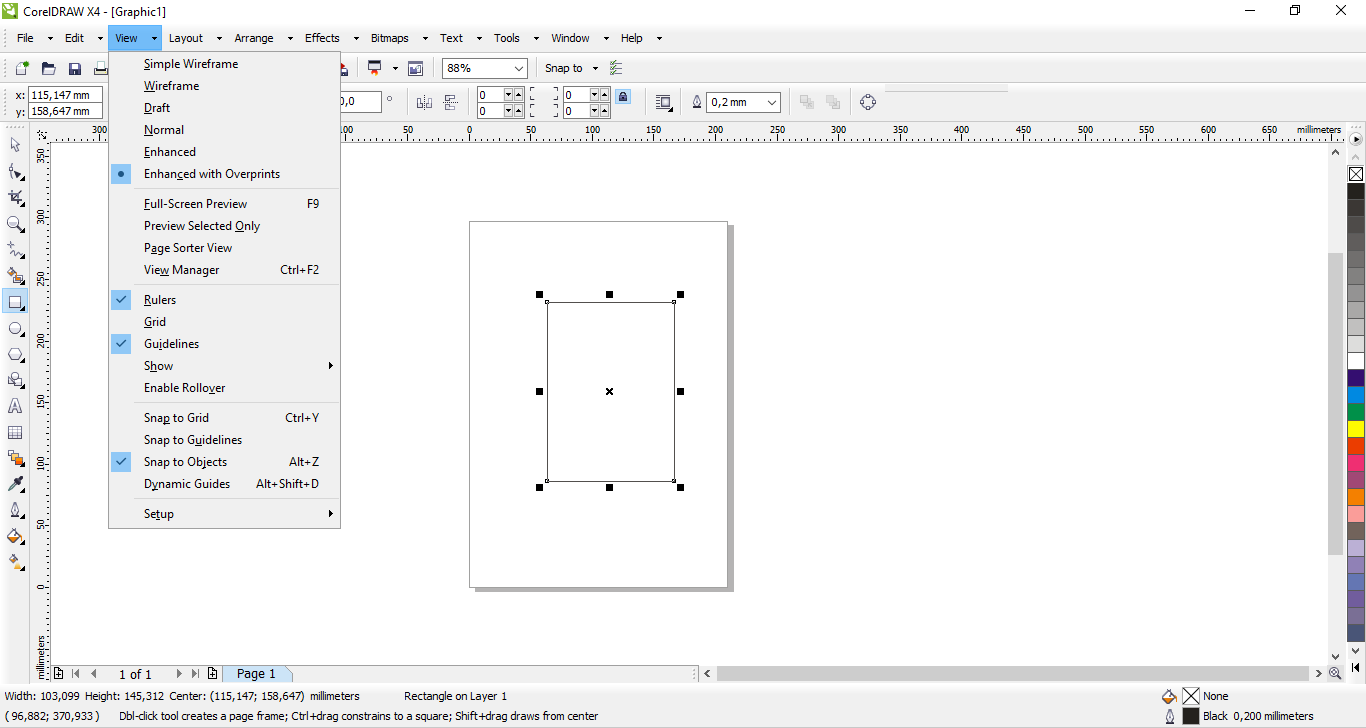
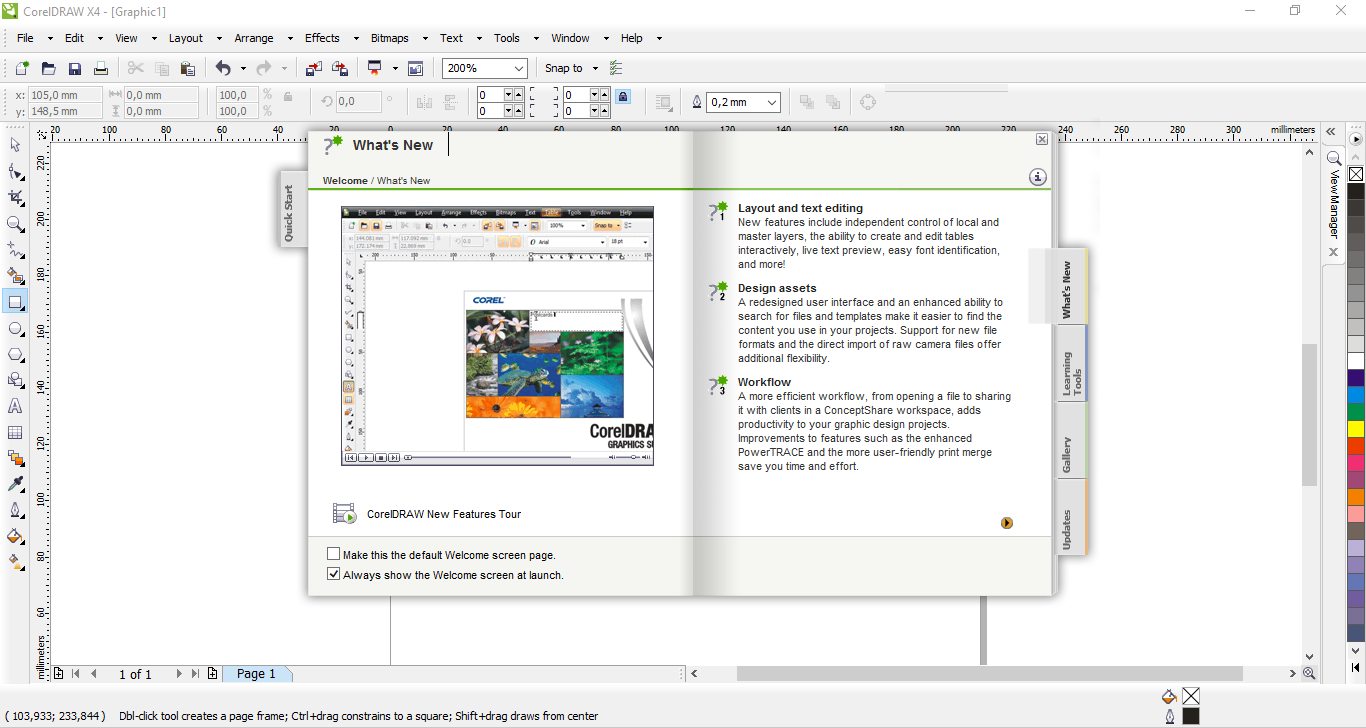
Not only CorelDRAW X4 comes with a less cluttered interface than before, it brings along a large amount of features that will benefit you a lot. For a start, the high-quality thumbnail previews enable you to find and organize your files easier.
Finding a font for your projects is less hassle too, thanks to the amazing live text preview. It is another nice feature of the suite that lets you see how your text will look after it is formatted with a certain font type. Once you’re happy with the change, you can apply it by clicking the font name in the selector. Because of how useful this feature is, it is not an exaggeration to say that it is such a simple yet a wonderful time saver.
The other task that you can do without struggling as much as before is designing an interactive table as CorelDRAW X4 also ships with a nifty feature called Table Tool. With it you can import a table or create one, and edit it as much as you like until it fits the overall design.
There is also Text Tool that produces Artistic Text and Paragraph Text. In CorelDRAW X4, you can mirror the Paragraph Text vertically or horizontally, which can be done manually or automatically.
One of the most important features in CorelDRAW X4 is the automatic file backup, which can save you from the pain of losing countless hours of work because of an unexpected event. How the backup files are created is completely in your control.
Auto Backup Every is an option to back up a file at specific time intervals, which creates a backup every 20 minutes by default. Always Back Up To lets you choose a location to save the backup files. Make Backup On Save automatically creates a backup when you save a file. Note that the last backup created by the third option is overwritten as it creates a new backup.
CorelDRAW X4 Free Download for Windows
Whether you are a professional or a hobbyist, CorelDRAW X4 is an excellent choice for creating logos, illustrations, or anything else that has to do with vector graphics editing. Live text preview, Table Tool, automatic backup, independent layers, a wide variety of templates, and easy font identification are just a few to name among its vast amount of features.
As an older version, CorelDRAW X4 is indeed less powerful than the latest version, but it is also lighter on system resources. You can click the link below to download CorelDRAW X4 for Windows:
- App Name CorelDRAW X4
- License Freeware
- App Name CorelDRAW X4
- Publisher Corel
- Updated
- Version: X4
On our site you can easily download CorelDRAW X4. All without registration and send SMS!