CorelDraw X3

- Windows: 7, 8, 10, 11
- Version: X3
- Size: 244.34 MB
-
[Total: 1 Average: 5]
CorelDraw X3 is a part of Corel’s journey to become the best vector graphic application. It has been over 19 years since its initial launch in 2006. It’s not just an old version anymore. It’s been retired. Yet, it hasn’t vanished entirely as there remain a handful of users who still depend on it.
While they might have different reasons, part of the choice comes down to the fact that it feels like second nature and they see no reason to upgrade. They know the menus like the back of their hand, and the shortcuts have become instinctive. Switching to a newer release would mean retraining habits, which feels more like a hassle than an improvement.
Features and Highlights
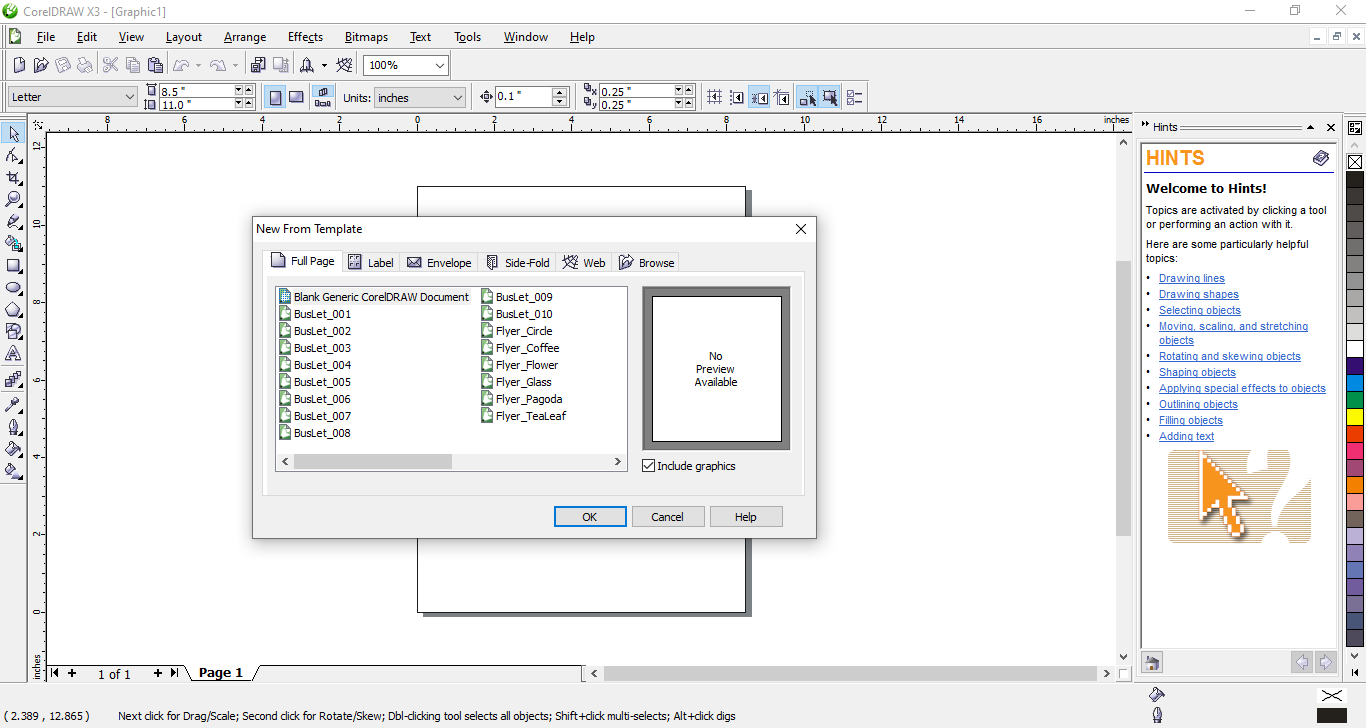
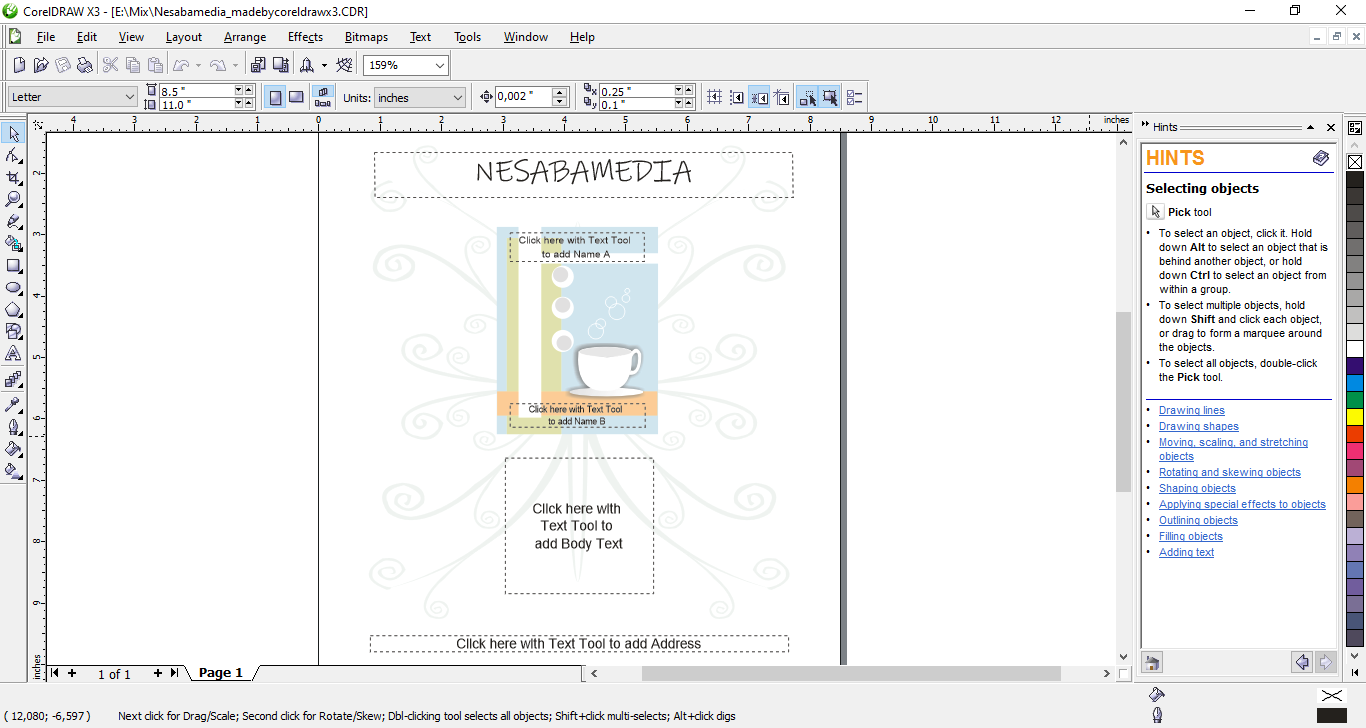
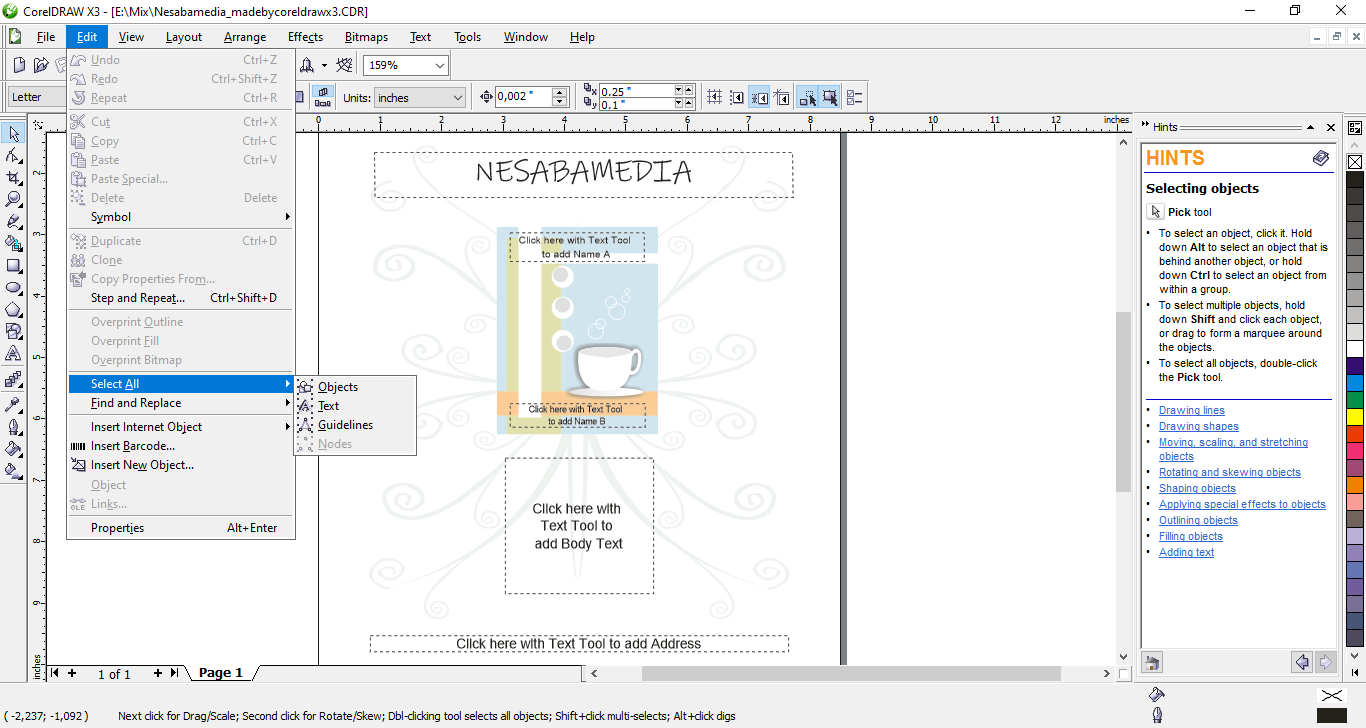
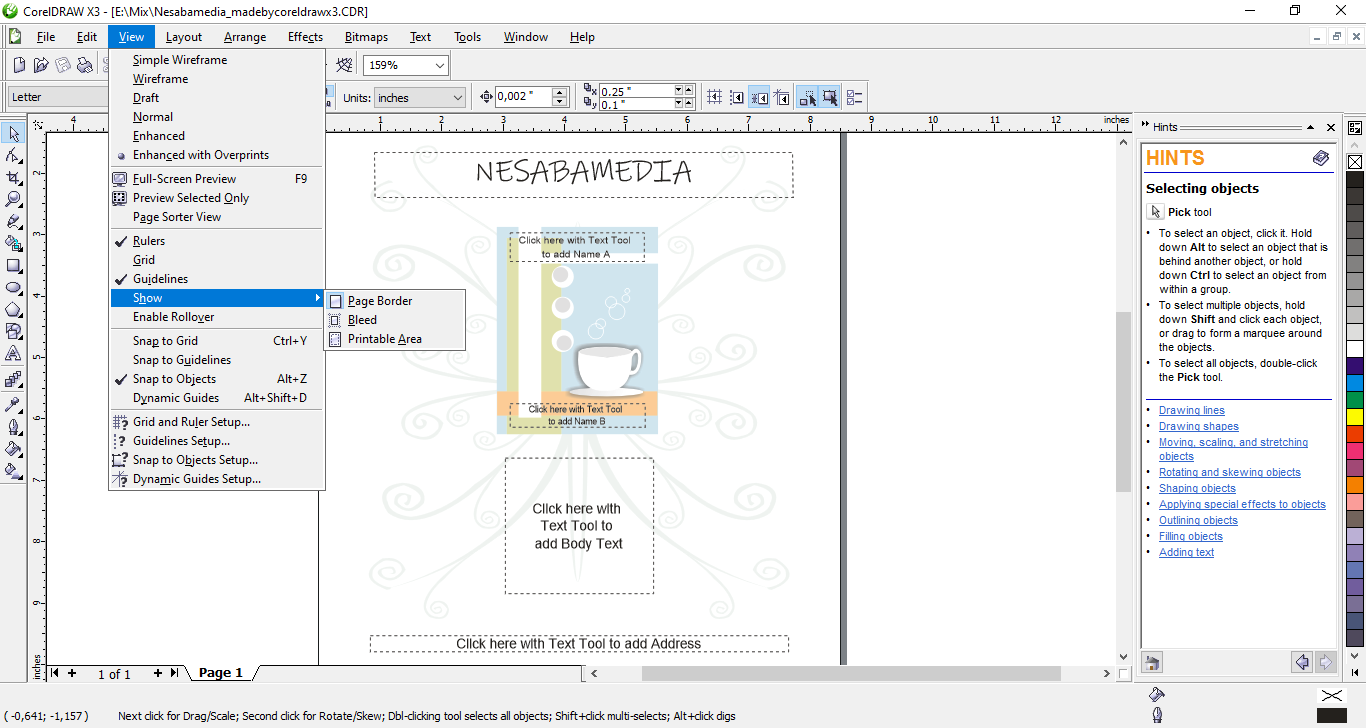
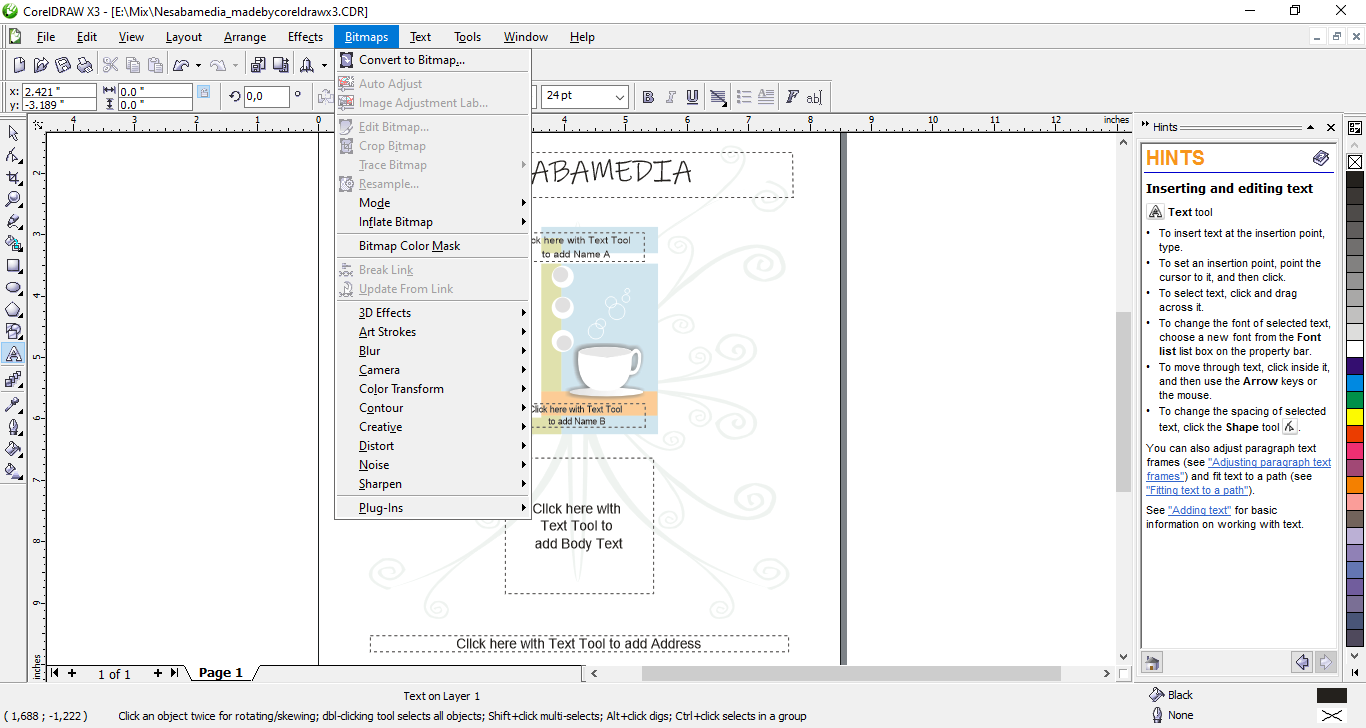
The moment the main interface opens, you will probably notice the Hints docker immediately on the right side of the working area. You may not need it, but leaving it open can be useful since it provides relevant hints for the tool currently in use. New users, however, would be especially grateful for this docker, as it makes learning how to use the application much easier.
Drawing tools also received a noticeable upgrade compared to previous versions, thanks to a handful of new dockers. There is a simple bevel feature, along with chamfer and scallop options, plus the ability to generate more intricate star shapes. While these features may not look impressive right away, bringing them in is certainly a step forward. Anyone who has previously tried reshaping a rectangle using nodes will know that even simple design tweaks can take several minutes, and these tools remove much of that effort, sparing your wrists some strain
One of the relatively most useful additions in CorelDraw X3 that can save a lot of time working on a vector-based drawing is Smart Fill. To put it simply, the tool can detect where the lines cross and lets you fill those areas without the extra step of isolating them as separate shapes.
Corel PowerTRACE is another welcome addition in CorelDraw X3. It allows users to quickly convert bitmap images into editable vector graphics, saving hours of manual redrawing. Logos, scanned sketches, or low‑resolution artwork can be traced into clean, scalable shapes that maintain quality at any size.
You can view and analyze the result of image tracing in three ways: Large Preview, Before and After, and Wireframe Overlay. Each gives you a different angle at the tracing result to help you spot imperfections and make necessary adjustments until the vector output matches the quality you expect.
CorelDraw X3 Free Download for Windows
To wrap things up, CorelDraw X3 is a relatively reliable graphics application for working with vector designs. The interface is simple enough, and it comes with all the essential features you need for projects like logos, illustrations, and more.
While newer versions of CorelDRAW bring in some extra features, X3 still has its own appeal to users who know and stick to what they need from a vector editing tool. You can click the link below to download CorelDraw X3 for Windows:
This program is also available in
Similar to CorelDraw X3
- App Name CorelDraw X3
- License Freeware
- App Name CorelDraw X3
- Publisher Corel
- Updated
- Version: X3