CorelDRAW Graphics Suite 2023

- Windows: 7, 8, 10, 11
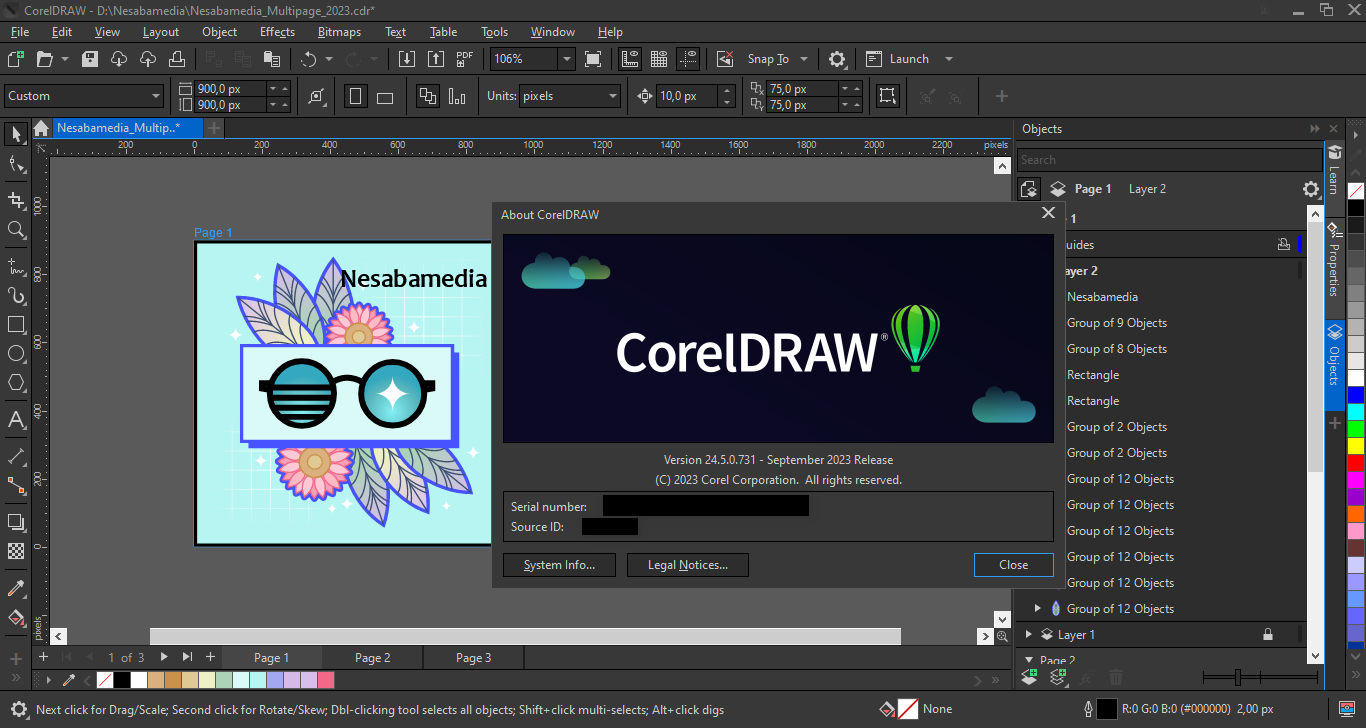
- Version: 24.5.0.731
- Size: 1.59 GB
-
[Total: 1 Average: 5]
Need a design tool that can handle pretty much anything? CorelDRAW Graphics Suite 2023 is basically your creative Swiss Army knife for your creative projects, ready to slice through logo designs, chop up complex layouts, and carve out stunning graphics. Even with newer versions out there, some still choose this one for their own reasons.
CorelDRAW isn’t just a tool. It’s a learning platform for designers at every skill level. The suite comes packed with tutorials, templates, and resources that help you sharpen your skills regardless of where you’re starting from. If you’re a beginner, the intuitive guides help you find your footing fast. If you’re a pro, there is always a new advanced technique to explore or a creative boundary to push.
Features and Highlights
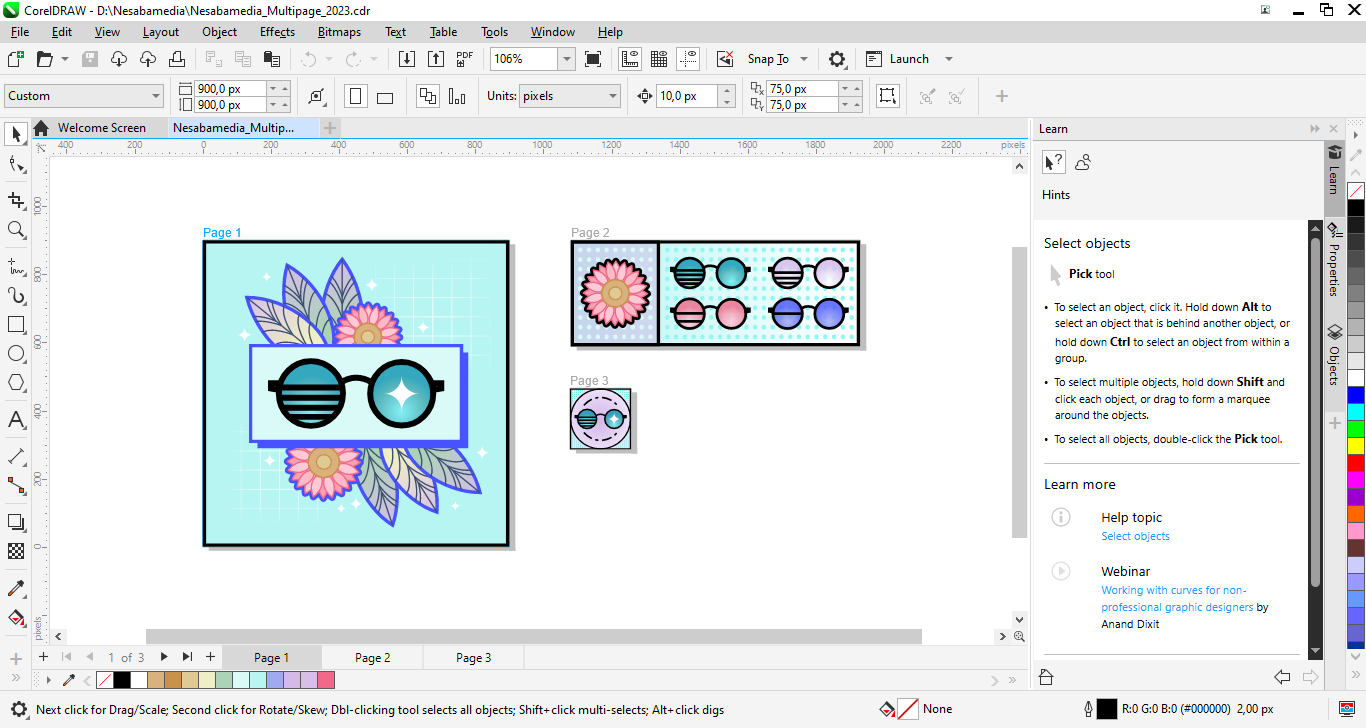
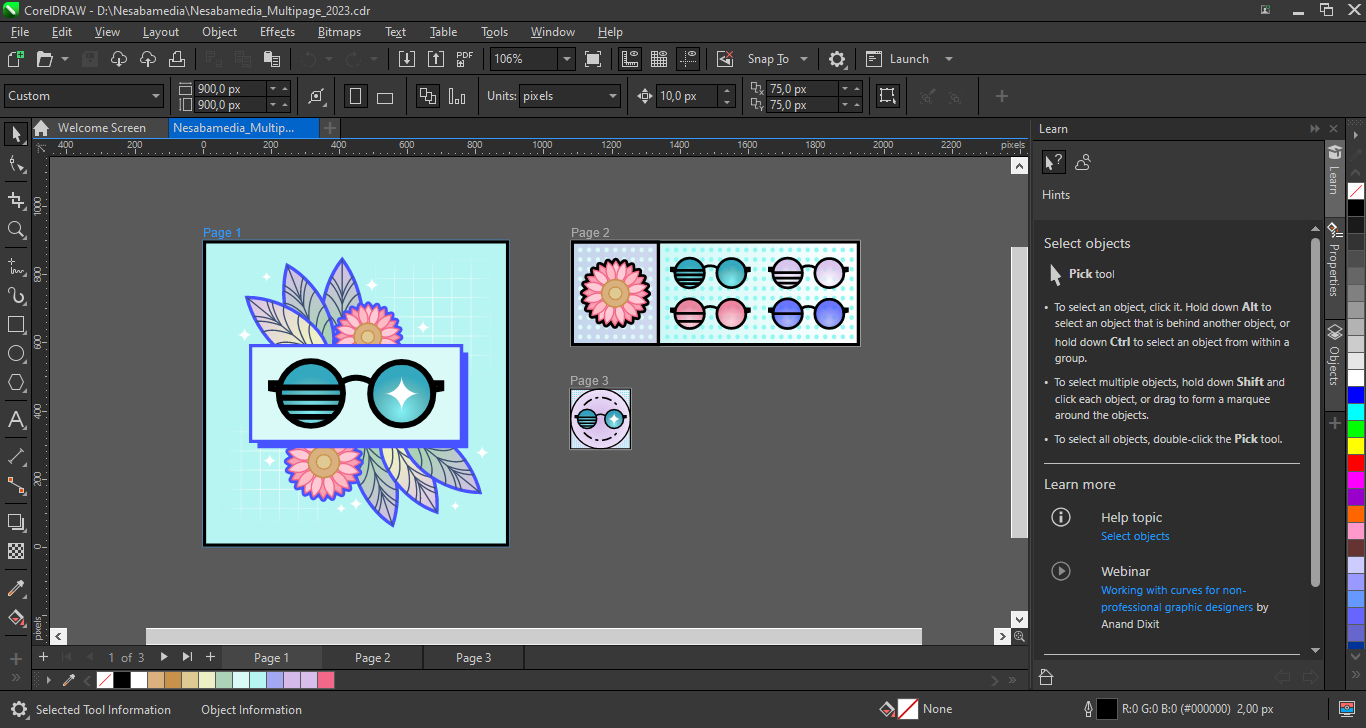
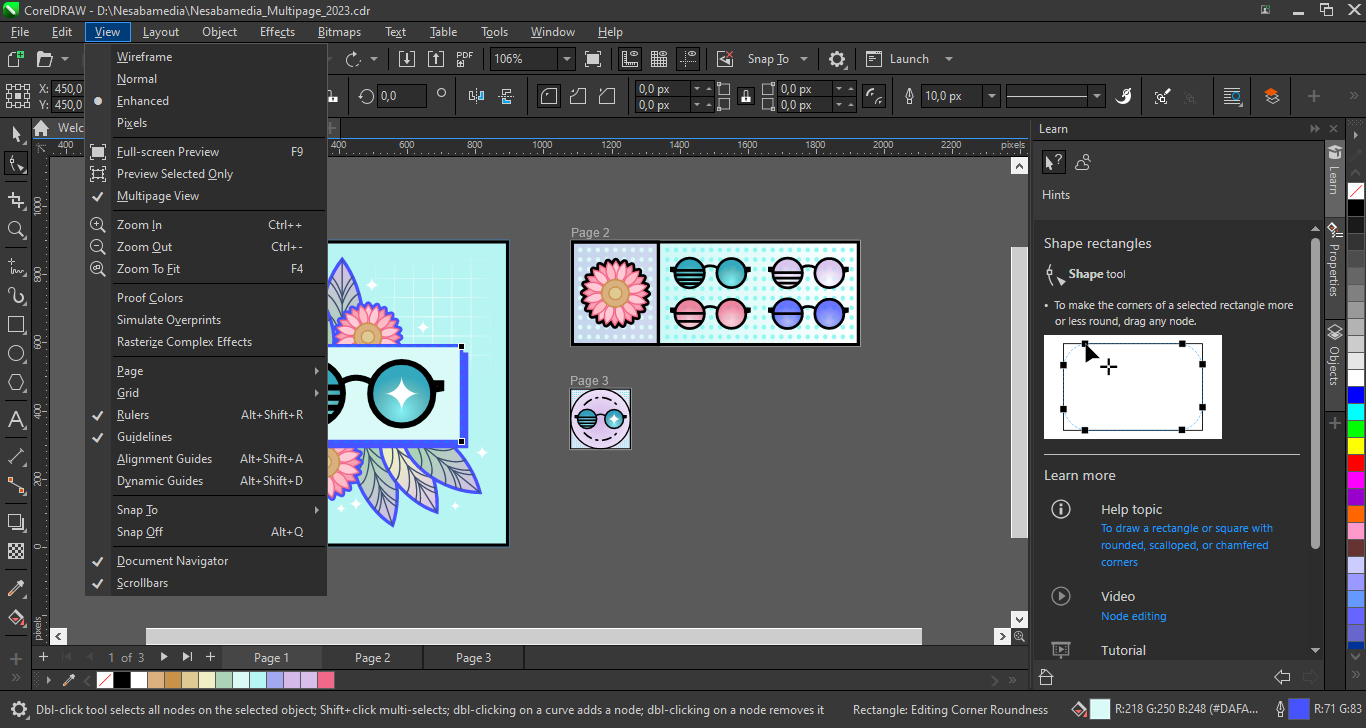
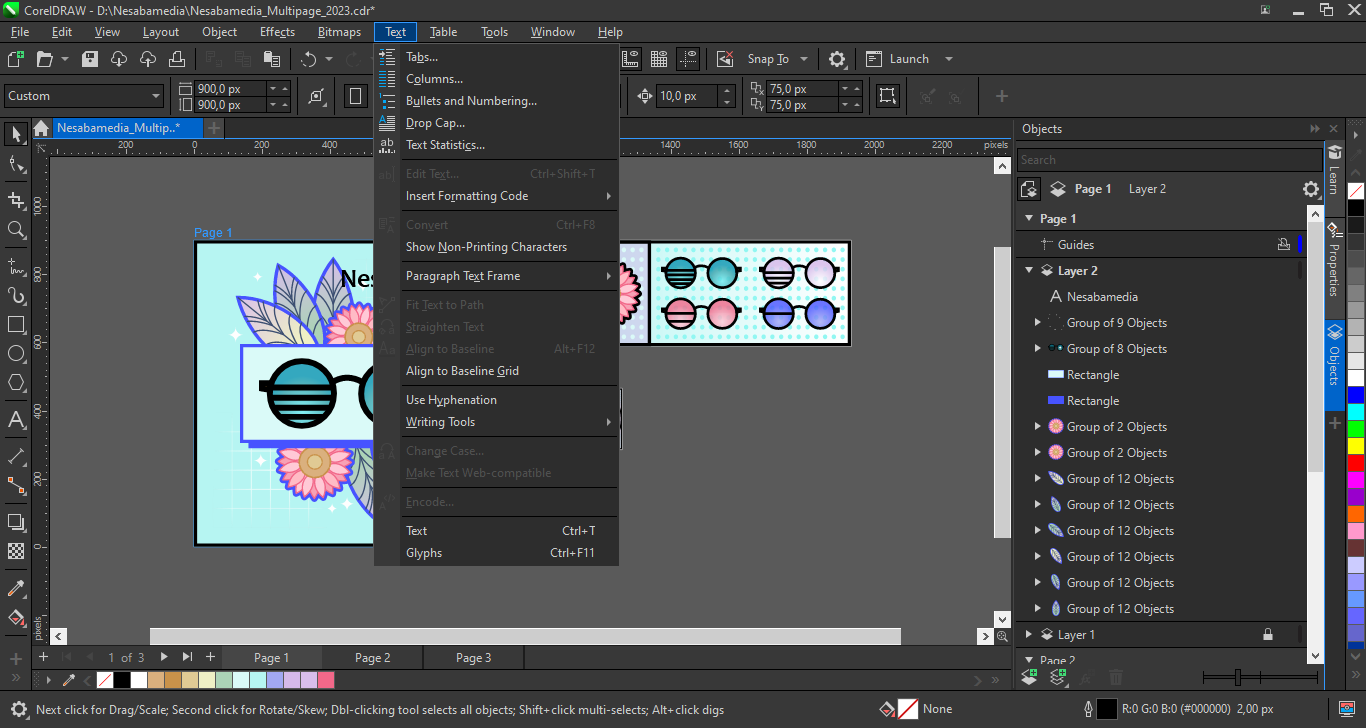
CorelDRAW Graphics Suite 2023 is powerful enough for a pro but friendly enough for someone just starting their design journey. Tucked into the right side of the interface, there’s a smart guidance panel that displays relevant content based on your current activity. When you click a tool, it lets you know how to use it. When you click a graphic element on your drawing, it tells you how to tweak it. The pane stays visible all the time until you close it or switch to another pane.
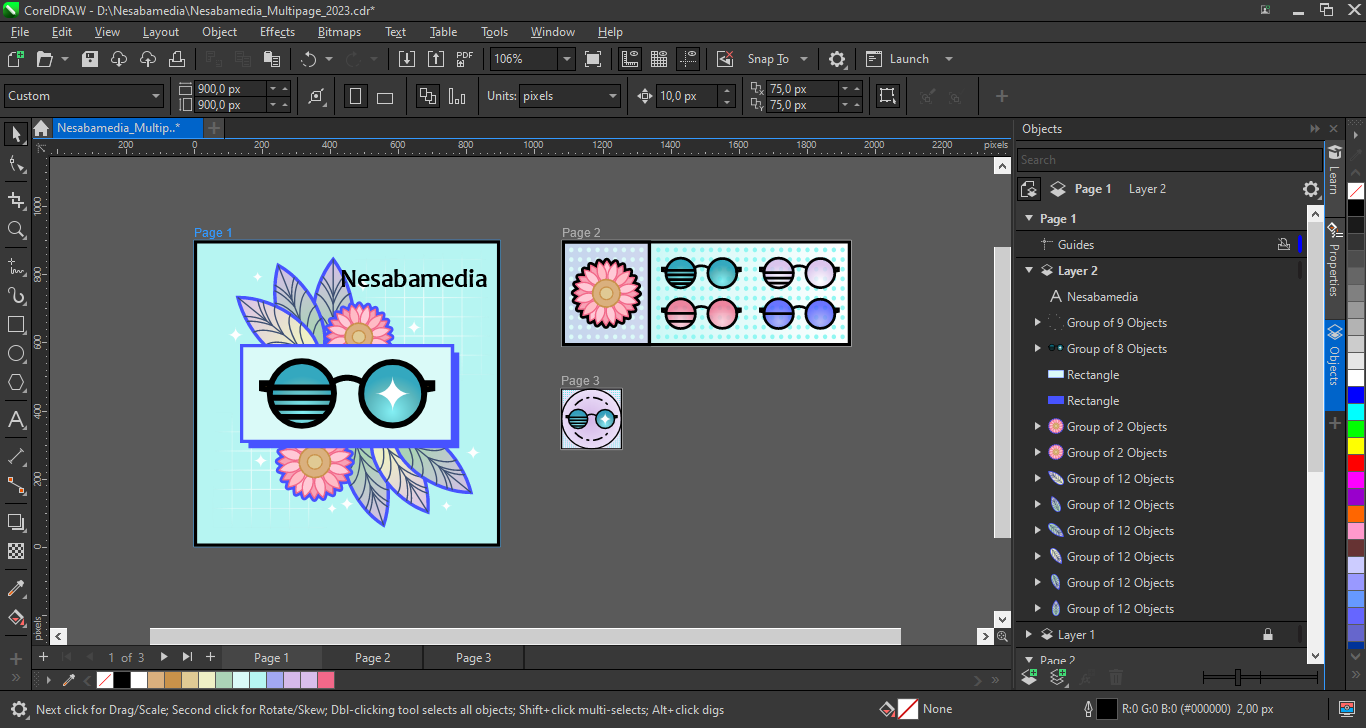
Light or Dark mode? Your choice. This software understands that designers don’t always work in bright offices. The Dark mode is a total lifesaver when you’re grinding through projects at 2 AM or just want to give your eyes a break from harsh screen glare. Switch it up whenever you feel like it.
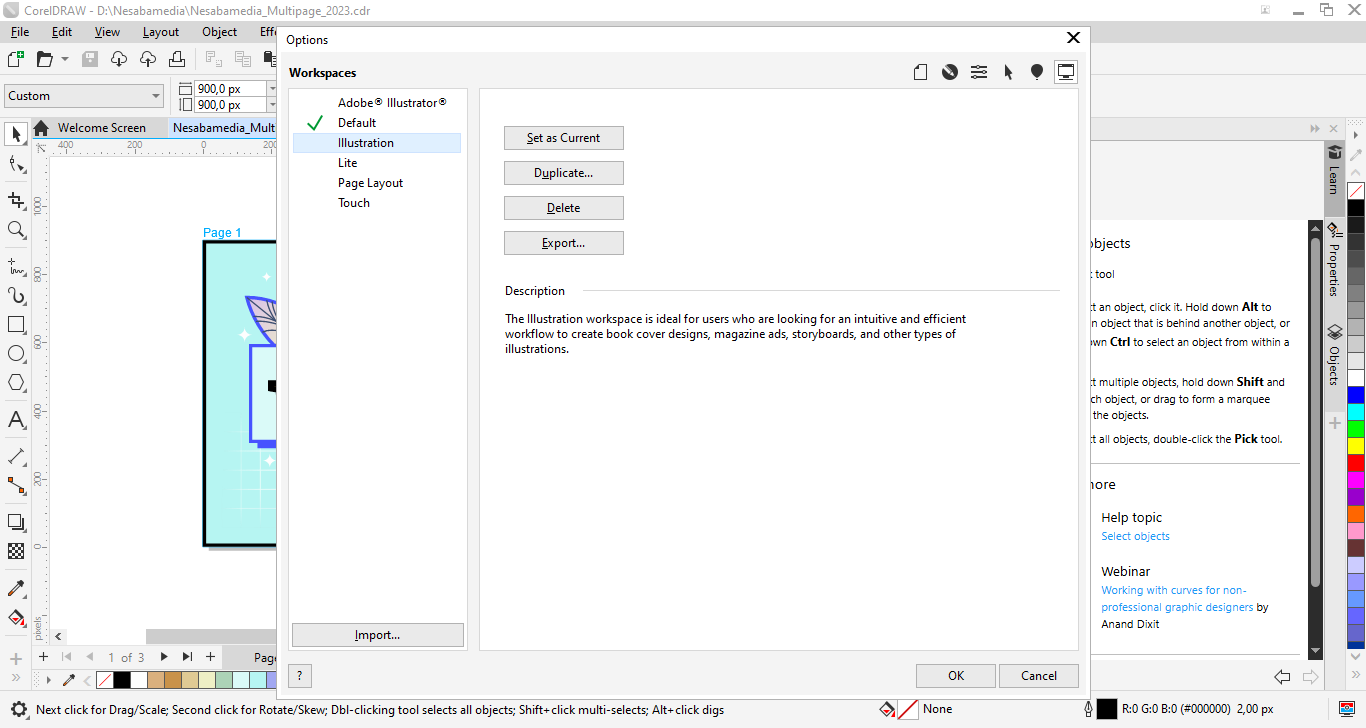
With CorelDRAW Graphics Suite 2023, you get a wealth of features at your fingertips, but what’s just as important is how they’re organized. The interface is clear and intuitive right out of the box, so you can dive in and start creating. And if you want to tailor the workspace to your specific needs, you can customize it to your heart’s content. This winning combination of features and adaptability is a big reason why CorelDRAW remains a top choice for designers.
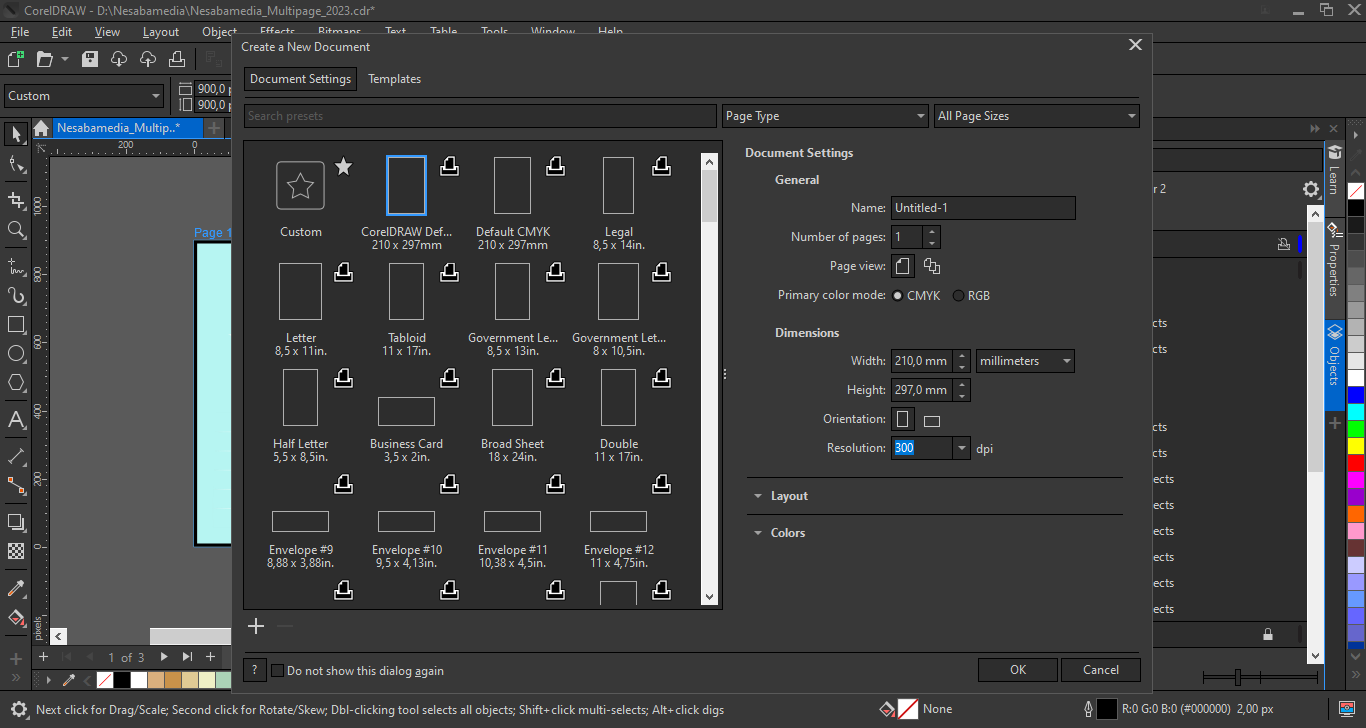
Worried about file compatibility? CorelDRAW 2023 has you covered. It lets you export projects in a wide range of formats, making it easy to share your designs with clients or colleagues without any friction. Building on what previous versions offered, the 2023 release provides updated support for CDR, WEBP, CGM, PSD, and BMP. This ensures you’re never stuck when it’s time to hand off a file, no matter what format the job requires.
CorelDRAW Graphics Suite 2023 Free Download for Windows
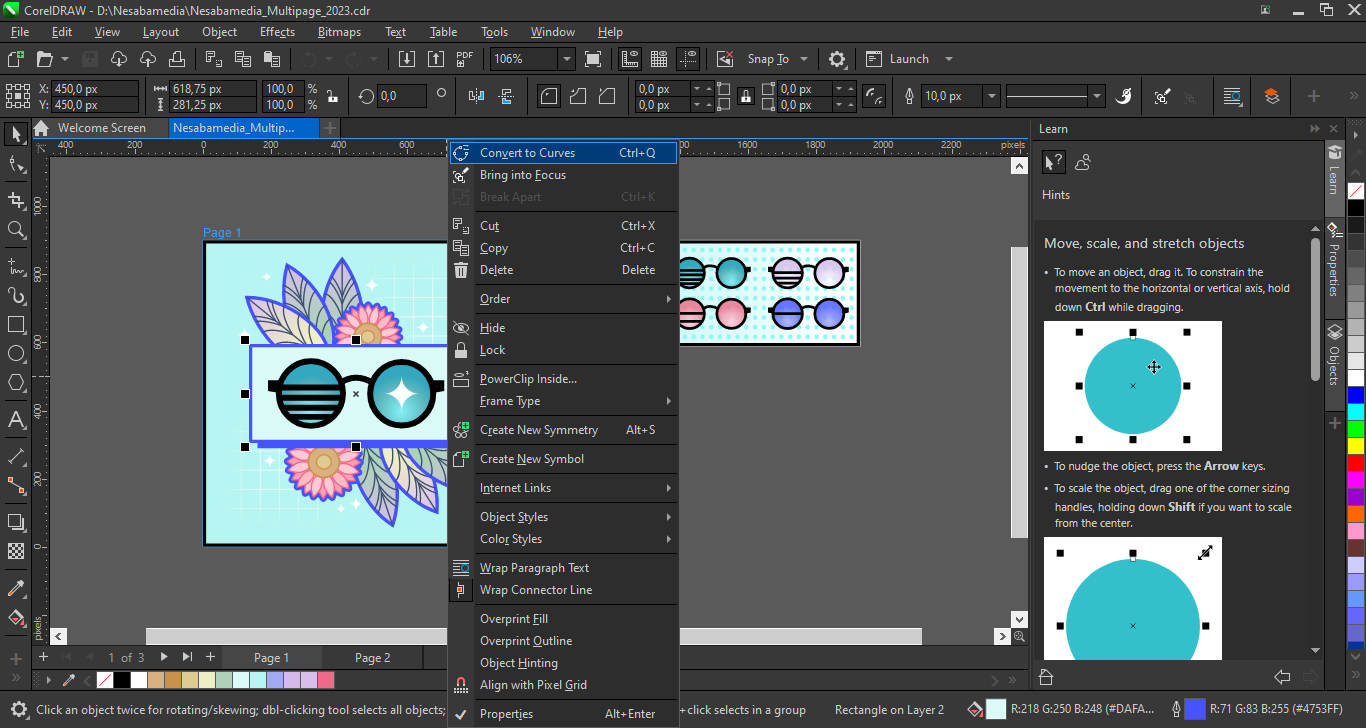
This version of CorelDRAW also packs several workflow improvements that make a big difference. Focus Mode is a game-changer for working with grouped objects, making selection and editing a breeze. The Assets Docker got a makeover with a familiar tree folder structure. And if you work with PDFs a lot, you’ll appreciate the enhanced import capabilities that make it easier to edit and manage your PDF content.
To sum it up, CorelDRAW Graphics Suite 2023 remains a solid choice for a reason. It nails the sweet spot between powerful functionality and ease of use. If you’re looking for a suite that is as adaptable as your creative ideas, this version is more than up to the task. You can click the link below to download CorelDRAW Graphics Suite 2023 for Windows:
- App Name CorelDRAW Graphics Suite 2023
- License Freeware
- App Name CorelDRAW Graphics Suite 2023
- Publisher Corel
- Updated
- Version: 24.5.0.731
On our site you can easily download CorelDRAW Graphics Suite 2023. All without registration and send SMS!