CorelDRAW Graphics Suite 2022

- Windows: 7, 8, 10, 11
- Version: 24.2.1.446
- Size: 1.44 GB
-
[Total: 0 Average: 0]
CorelDRAW Graphics Suite 2022 keeps the tradition going as a complete package that covers a wide range of creative needs, from logo designs to big, detailed print layouts. Even though newer editions (2023, 2024, 2025) have come out since, the 2022 version still brings plenty to the table for anyone who just wants a solid, all-in-one design toolkit they can count on.
Compared to the other available editions, namely CorelDRAW Essentials 2022 and CorelDRAW Standard 2022, the graphics suite is by far the most versatile option, giving you an array of professional‑grade tools for vector illustration, layout, photo editing, and typography, all built to complement each other while letting you tackle pretty much any design project.
Features and Highlights
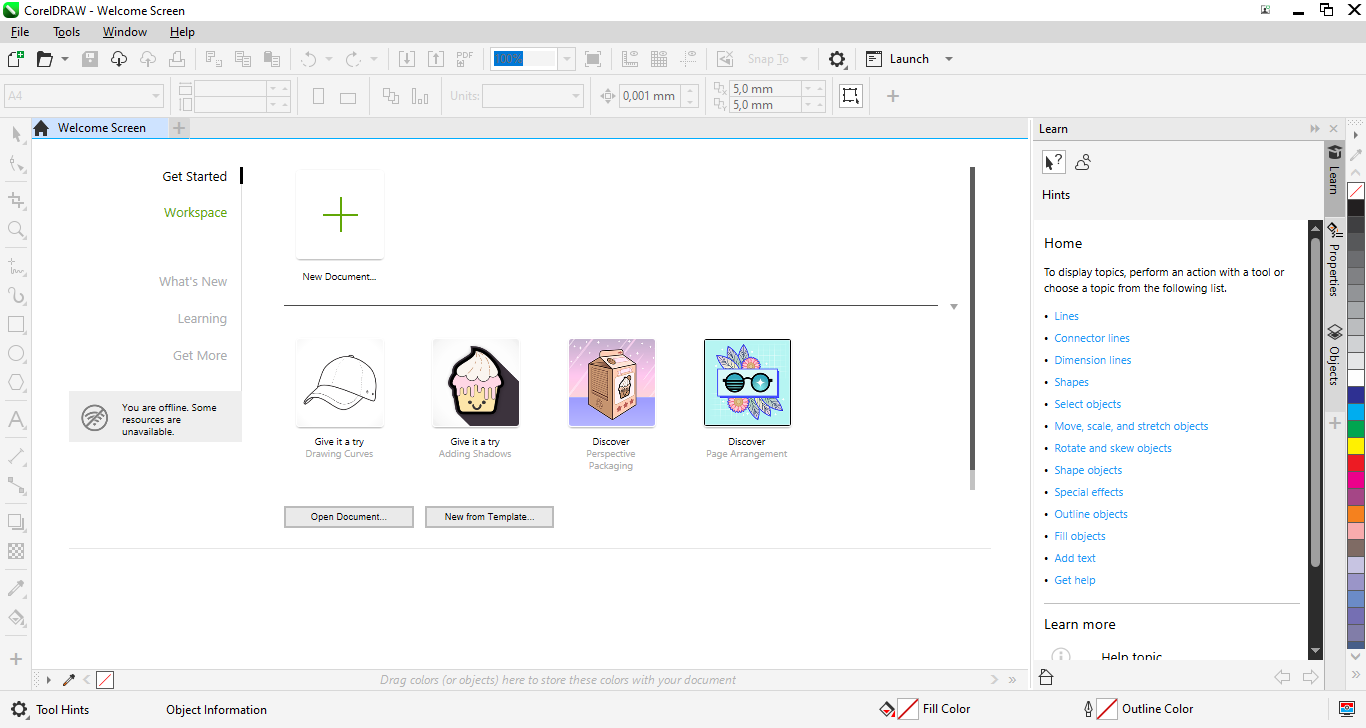
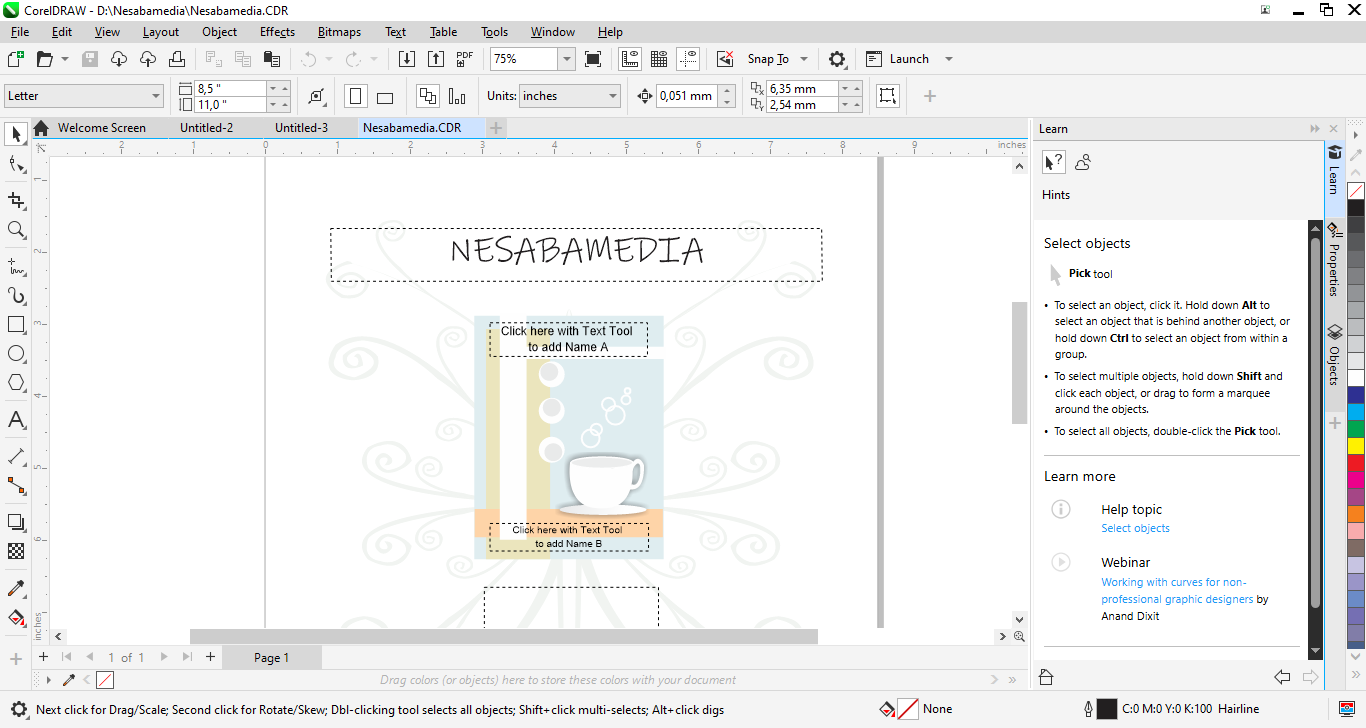
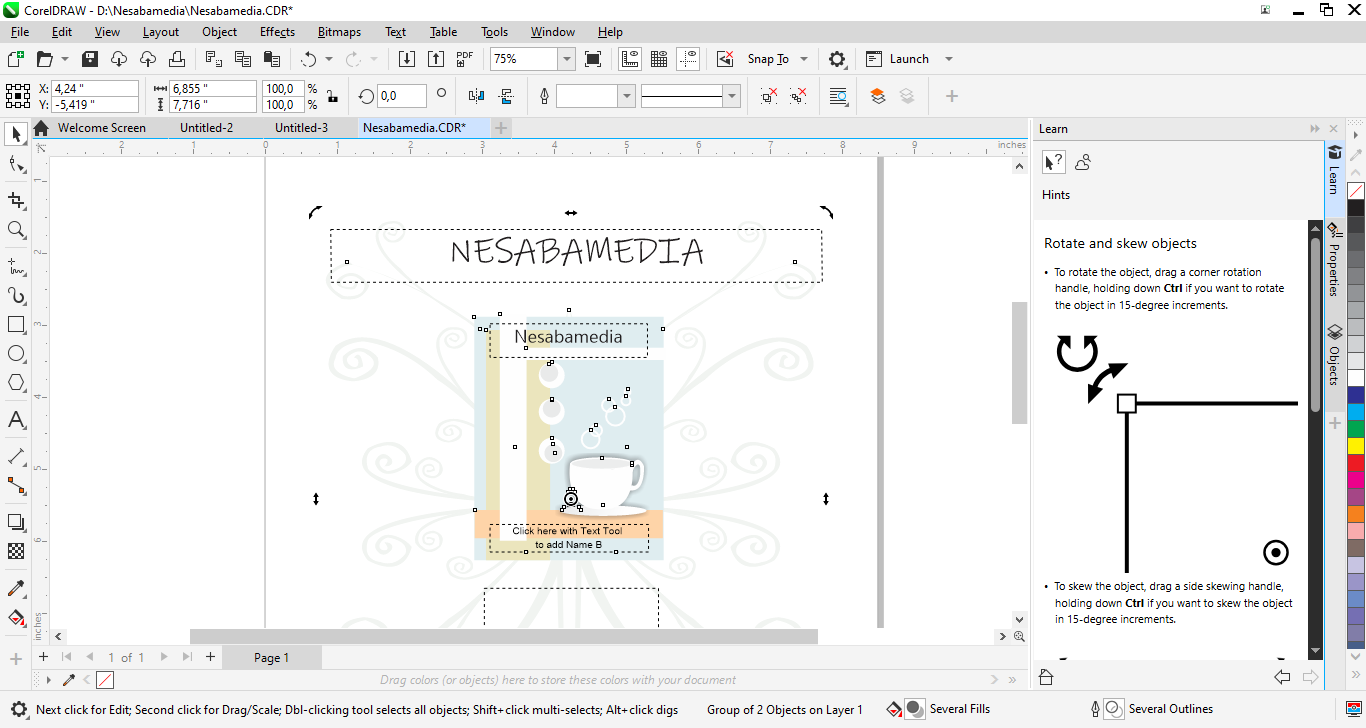
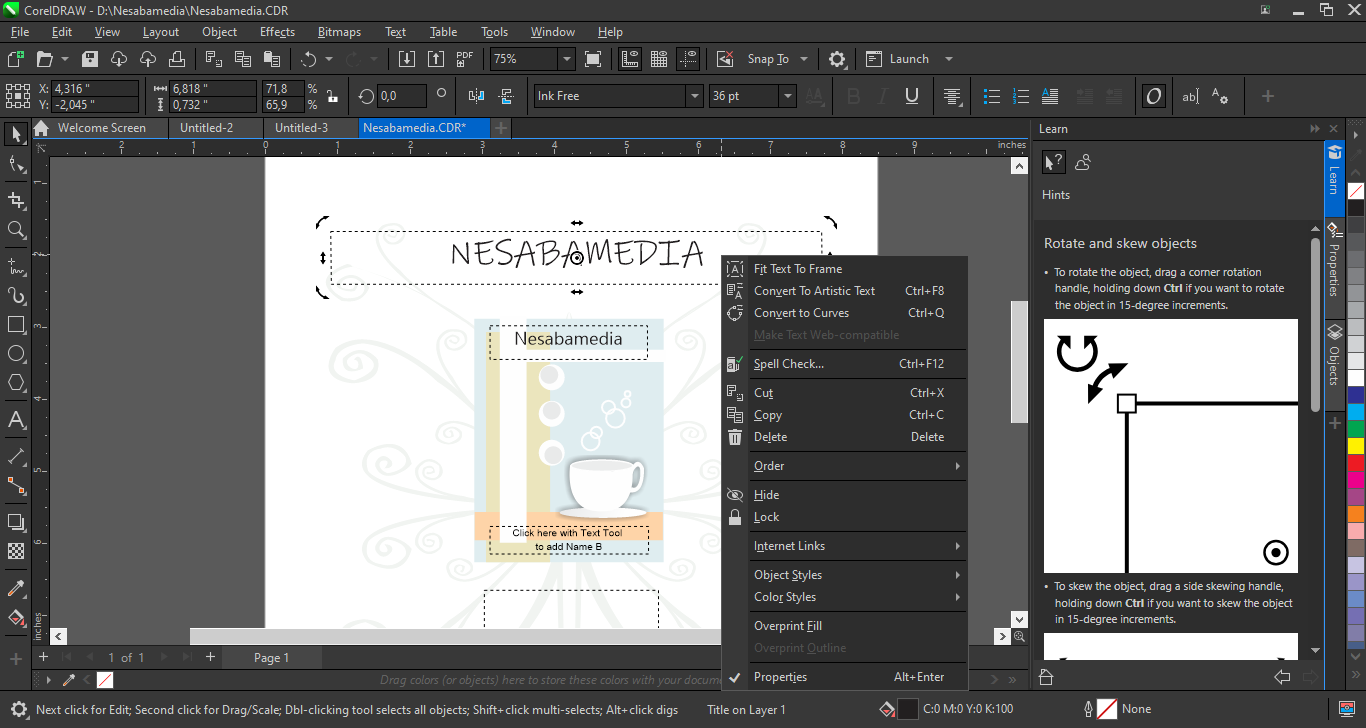
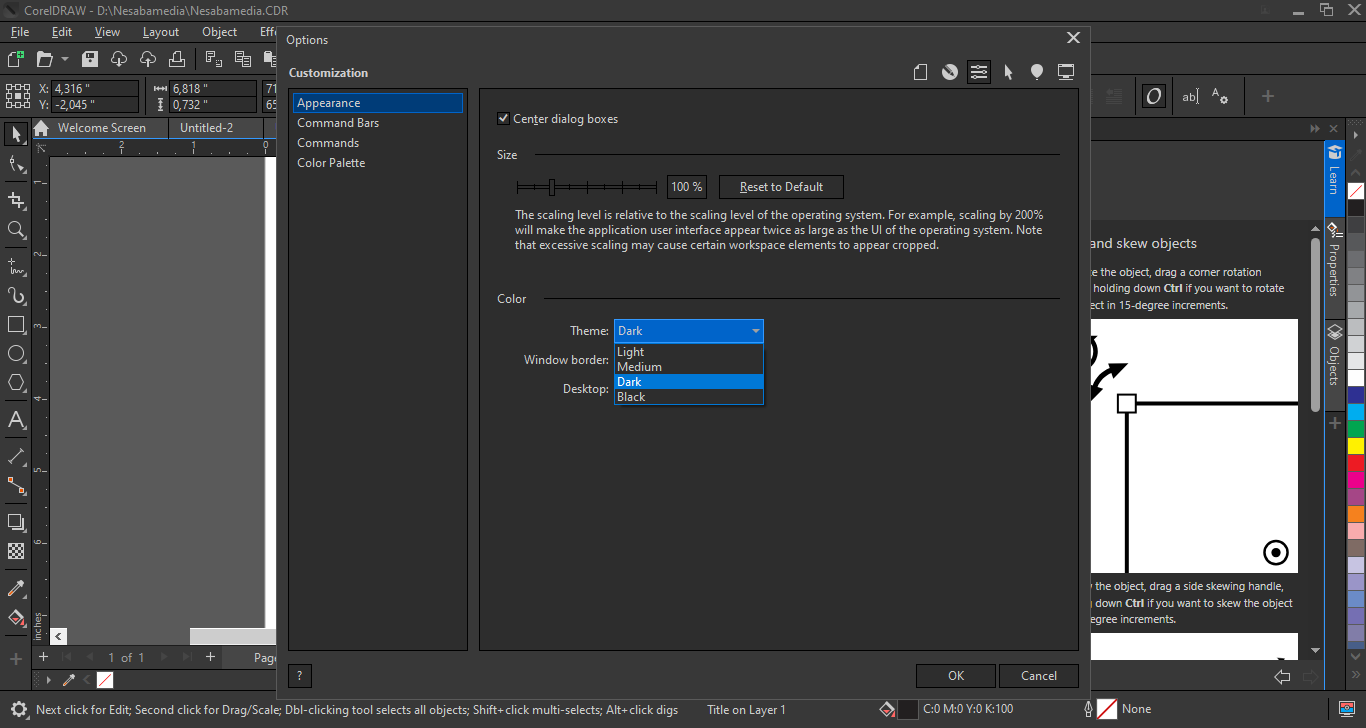
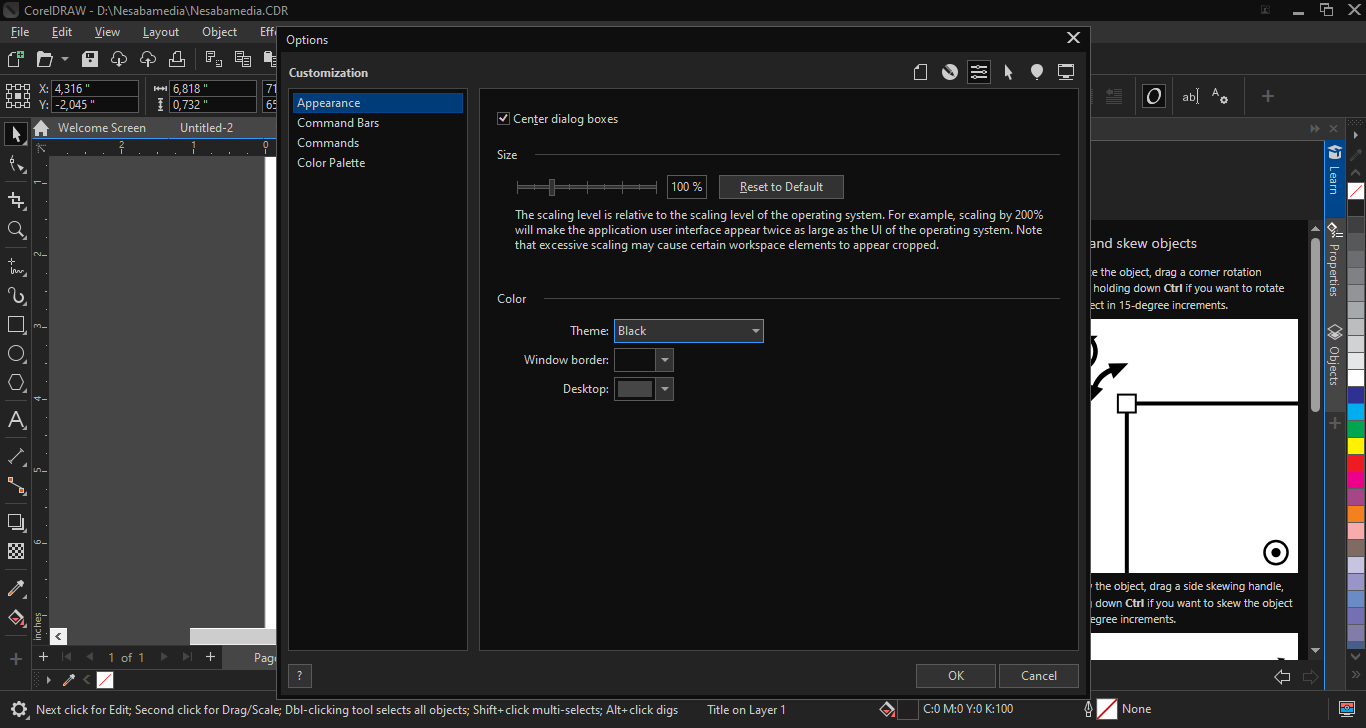
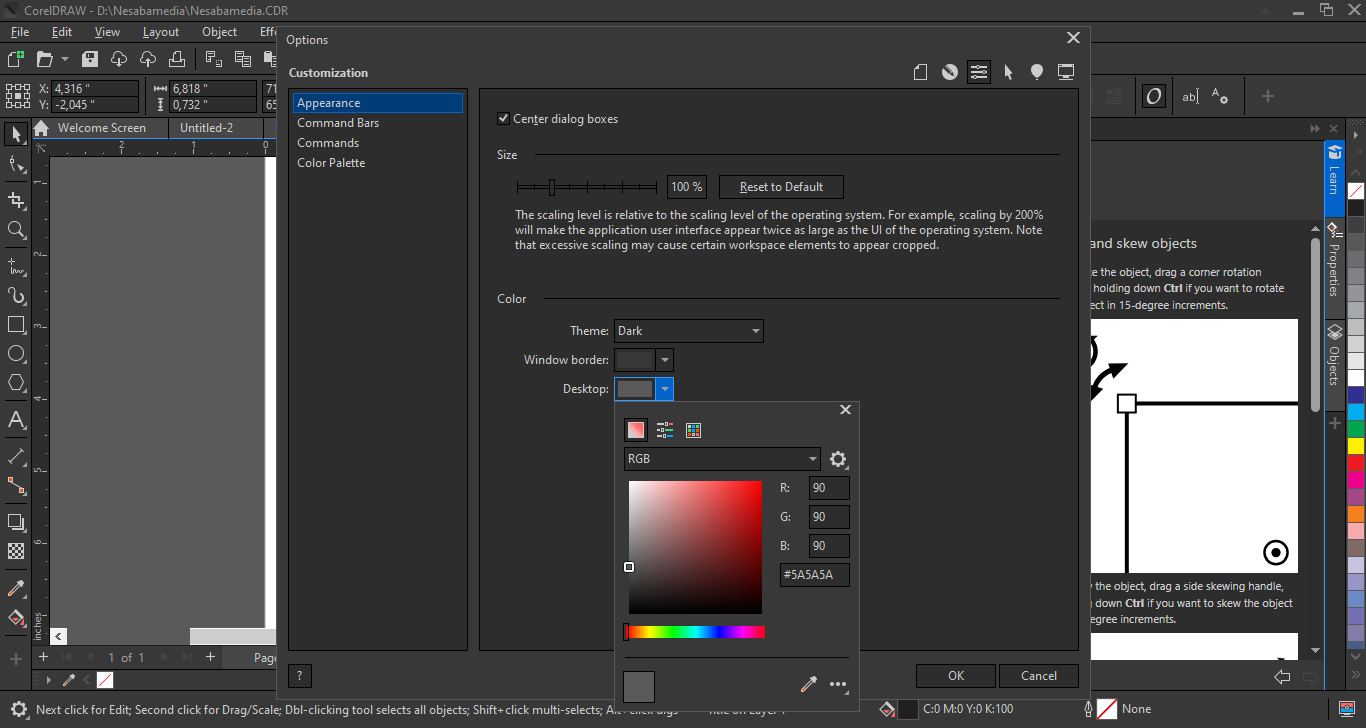
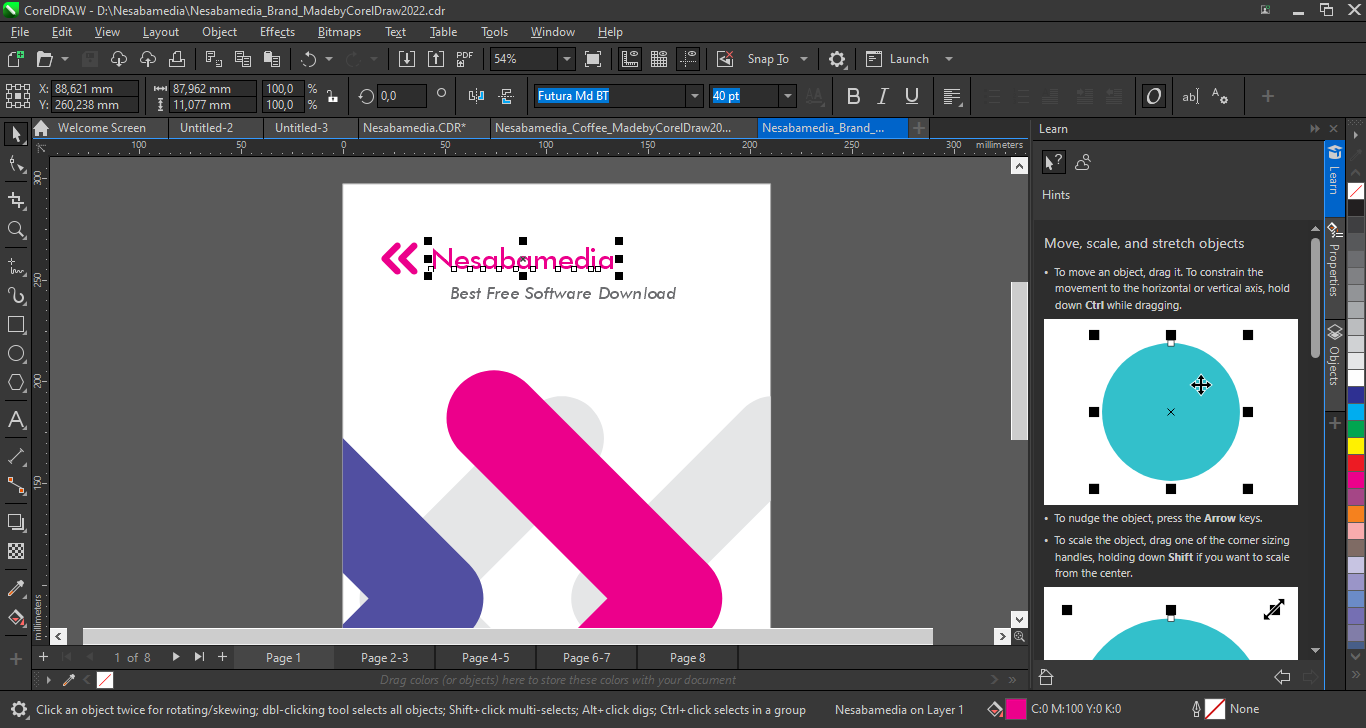
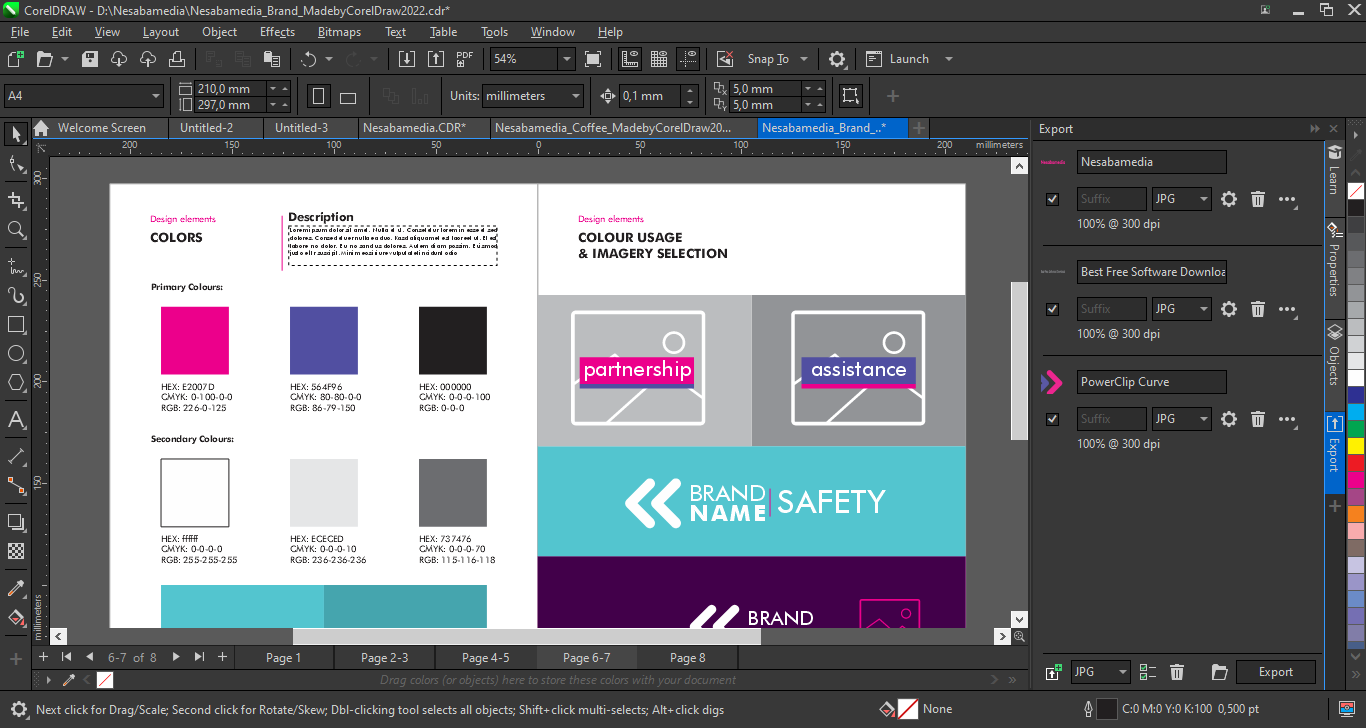
The interface of CorelDRAW Graphics Suite 2022 sticks to the classic layout, which is a central canvas framed by a dockable toolbar on the left and a collapsible panel consisting of three default tabs (Learn, Properties, Object) on the right. It supports dark mode to reduce eye strain during marathon sessions. The workspace is also fully customizable, so you can pin the tools you use most and hide the rest, keeping the screen uncluttered.
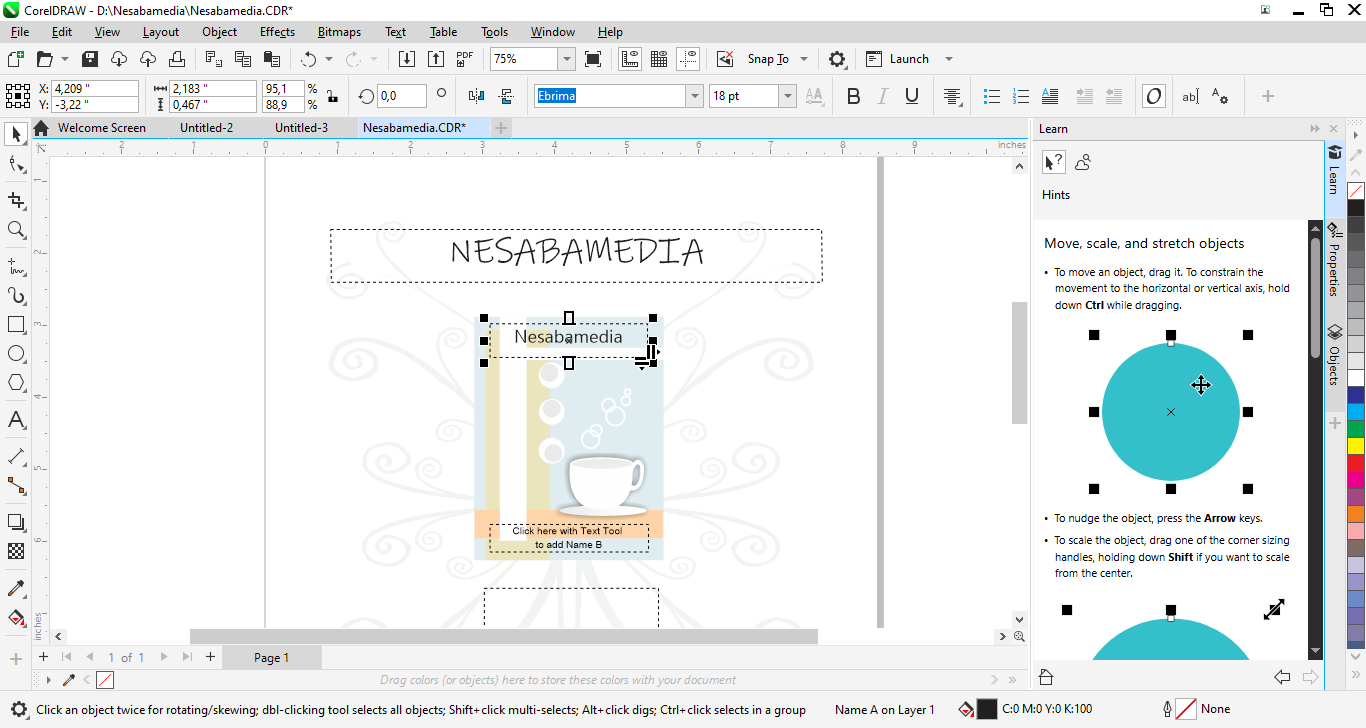
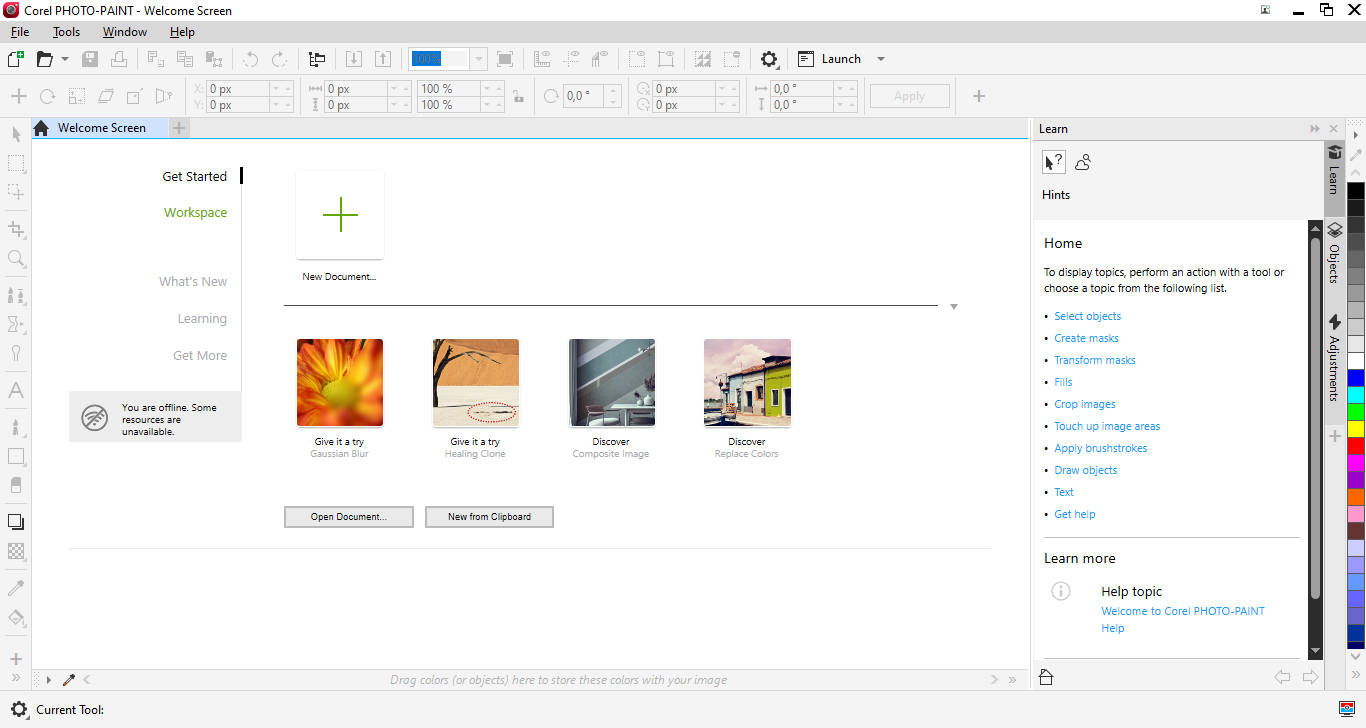
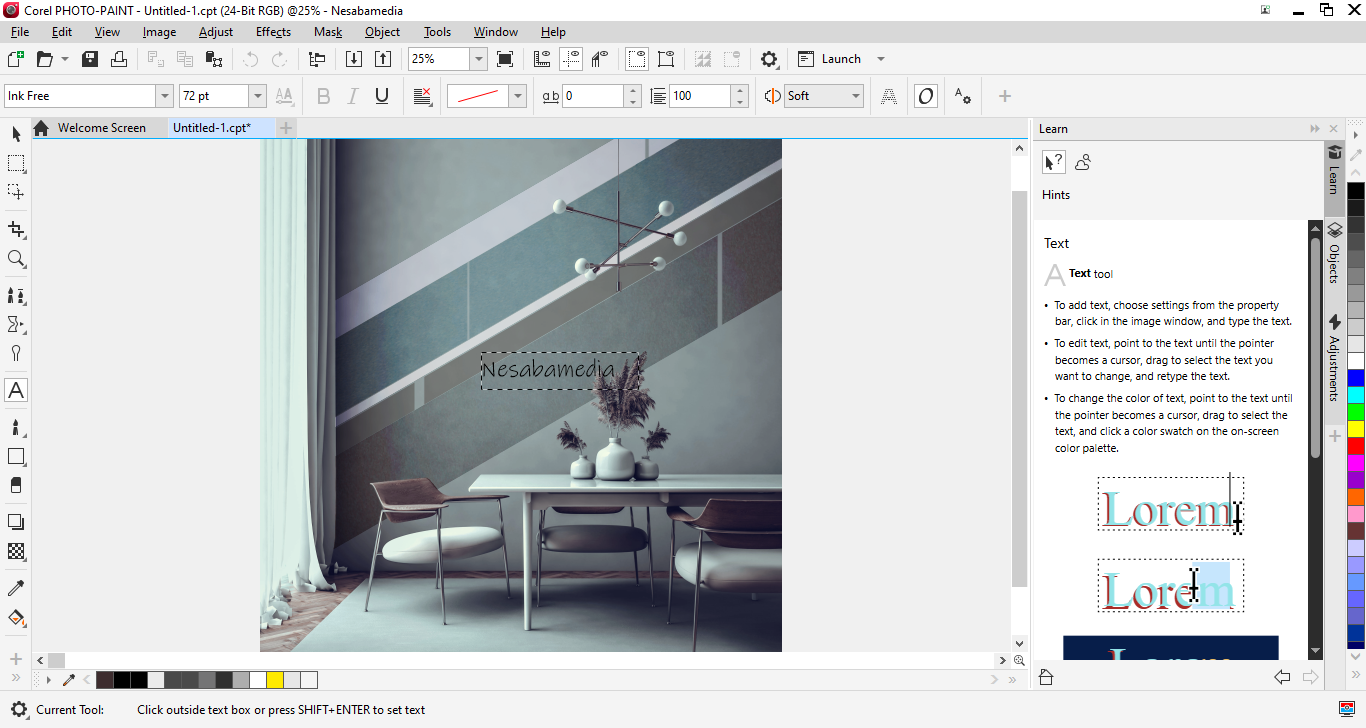
The Learn pane provides a contextual guidance that changes depending on what you click. When you select the Rectangle tool, for example, the pane explains what it is for and how to use it. Double-click on a text element in your design, and it shows the basic steps for working with text, like inserting it at the cursor, selecting it, or adjusting spacing. It’s especially handy for newcomers who don’t want to dig through manuals.
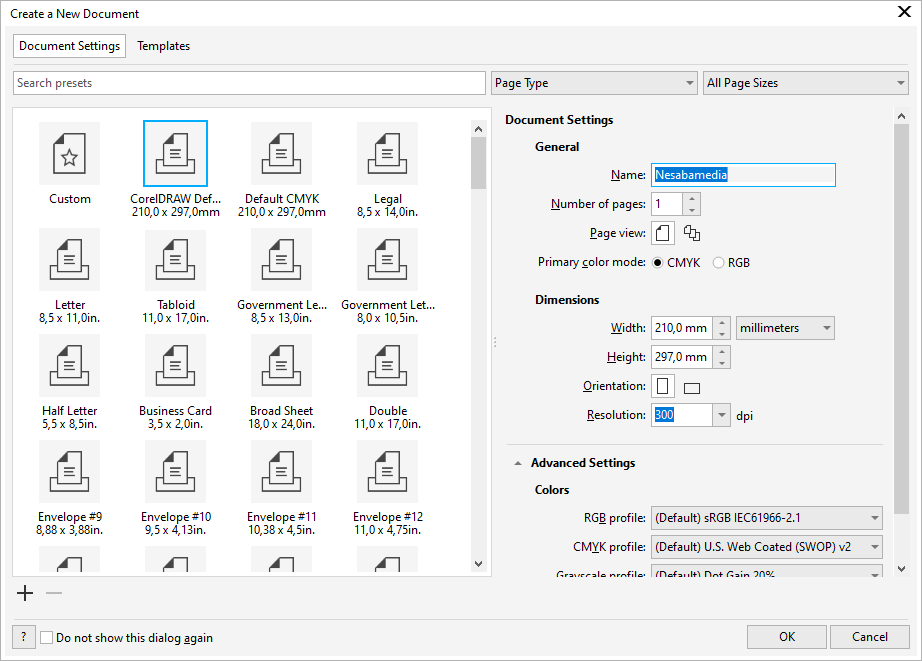
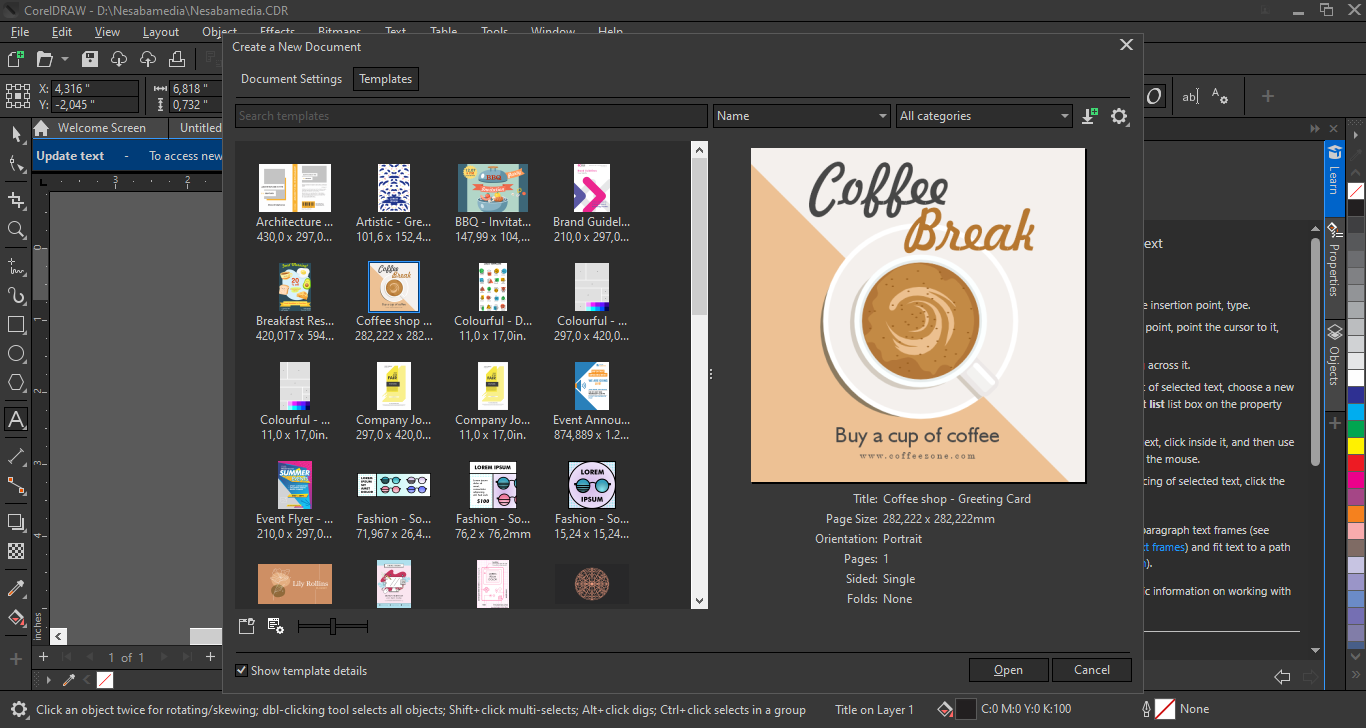
When you start a new drawing, you’ll notice that there is something different about the “Create a New Document” dialog box. Corel has redesigned it by putting together Templates and Document Settings in one place, each on its own tab, so you can easily switch between them. The content of each tab can be filtered and sorted, and there is a search box at the top to speed up searching if you know what you are looking for.
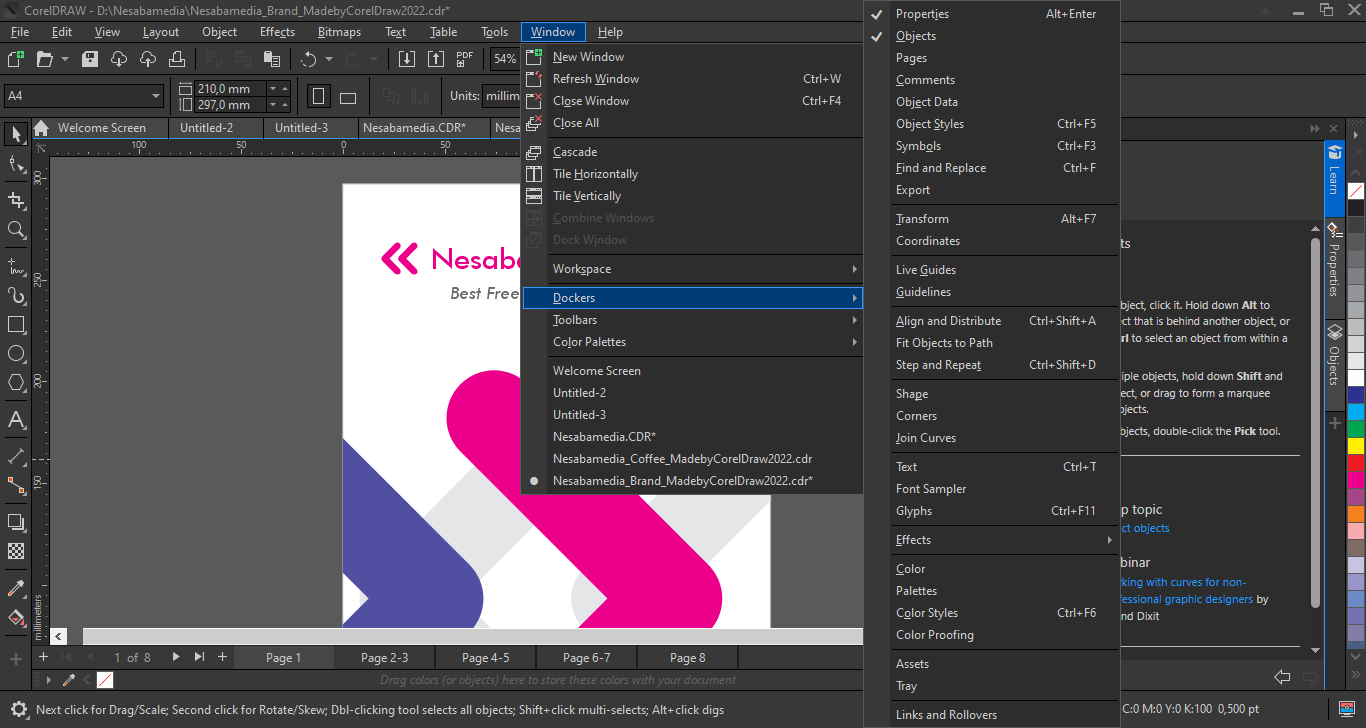
Also enhanced to improve your workflow in CorelDRAW Graphics Suite 2022 is the Export docker, which you can open from the Windows > Dockers menu. Not only does it let you rename pages and assets directly, you can export them to three additional file formats, namely DWG, AI, and DXF.
CorelDRAW Graphics Suite 2022 Free Download for Windows
To install this powerful suite, you’ll need a 64-bit Windows computer running on at least Intel Core i3 or AMD Ryzen 3 and 8 GB of RAM. You’ll also need 5.5 GB of available hard disk space, and an external video card is recommended, with a minimum of 3 GB of VRAM, for a better overall experience.
All things considered, CorelDRAW Graphics Suite 2022 isn’t the newest edition, but it still offers a compelling blend of performance, feature depth, and usability. If you’re looking for a versatile graphics suite that streamlines both vector and raster tasks. You can click the link below to download CorelDRAW Graphics Suite 2022 for Windows:
- App Name CorelDRAW Graphics Suite 2022
- License Freeware
- App Name CorelDRAW Graphics Suite 2022
- Publisher Corel
- Updated
- Version: 24.2.1.446
On our site you can easily download CorelDRAW Graphics Suite 2022. All without registration and send SMS!