CorelDRAW Graphics Suite 2021
- Windows: 7, 8, 10, 11
- Version: 23.5.0.506
- Size: 1.34 GB
-
[Total: 0 Average: 0]
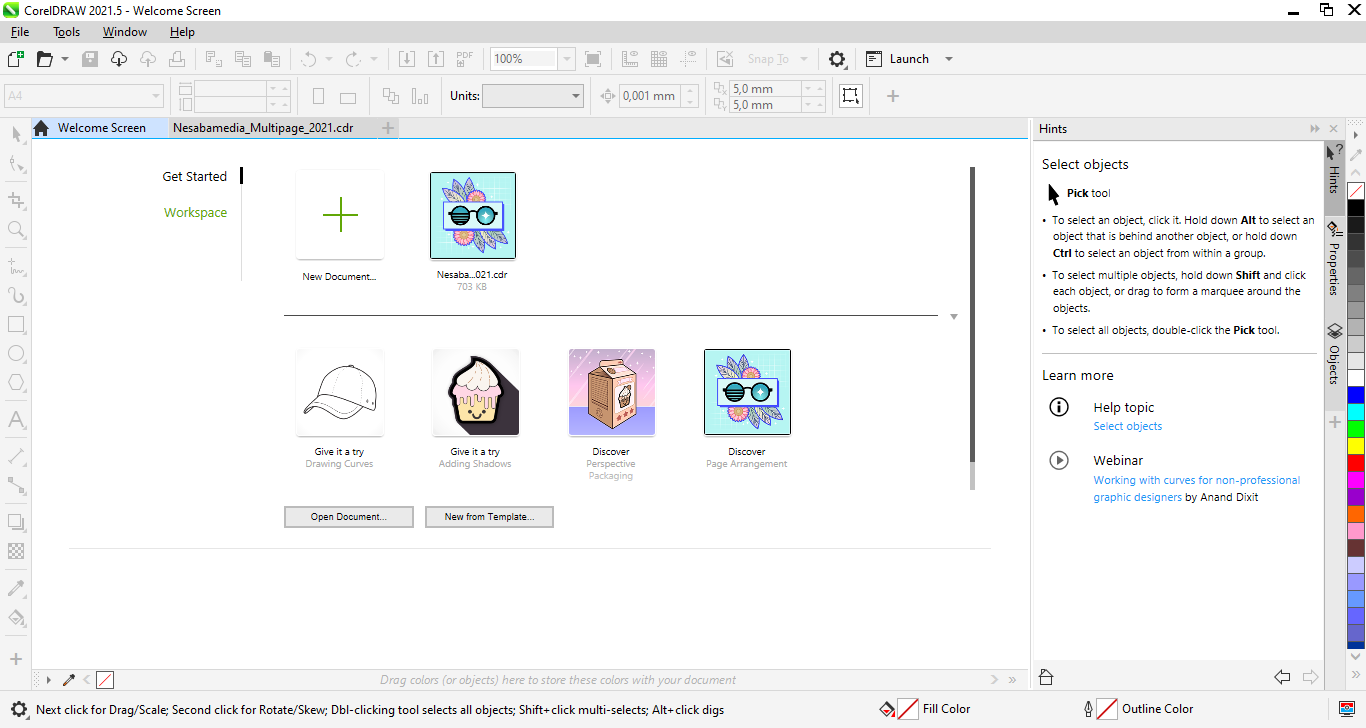
CorelDRAW Graphics Suite 2021 is a go-to design toolkit for creative folks who want to bring their ideas to life. Packed with apps like CorelDRAW, Corel PHOTO-PAINT, Corel Font Manager, and Corel PowerTRACE, this suite makes graphic design, illustration, and image editing a breeze. It doesn’t matter whether you are a professional designer or hobbyist, these tools have got you covered for nearly all kinds of creative projects.
Bringing more tools and features than its predecessors, this 2021 suite opens up new possibilities in designing your artworks. Even better, the tools are brought together in a streamlined workspace, allowing users to do less and achieve more. Coupled with some improvements in zooming and panning performance, the suite makes it easier to navigate your drawings.
Features and Highlights
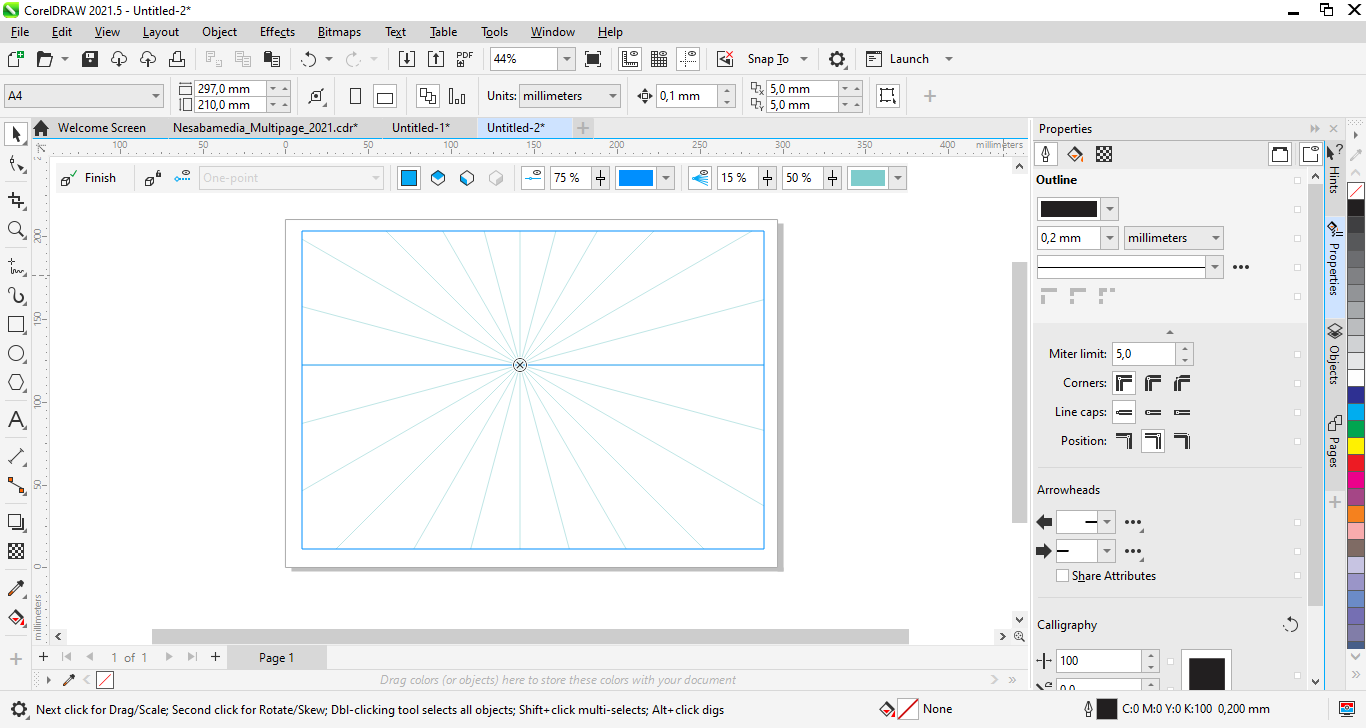
Creating the illusion of depth to make a drawing looks three‑dimensional can sometimes be challenging, but it has now become easier, thanks to what Corel calls as Draw in Perspective, a feature that displays a grid of adjustable thin lines with one or more vanishing points on your canvas. It can be accessed from the Object > Perspective menu, which shows a floating toolbar where you can choose one of three types of perspective.
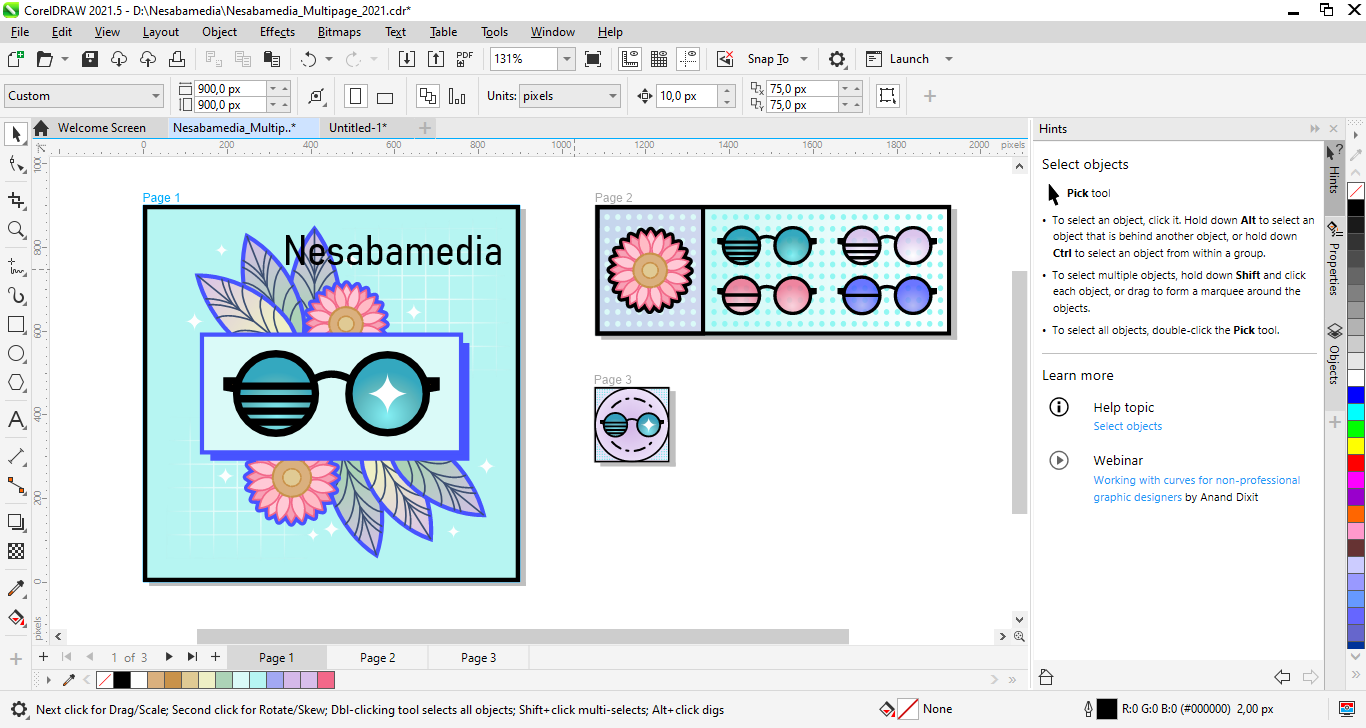
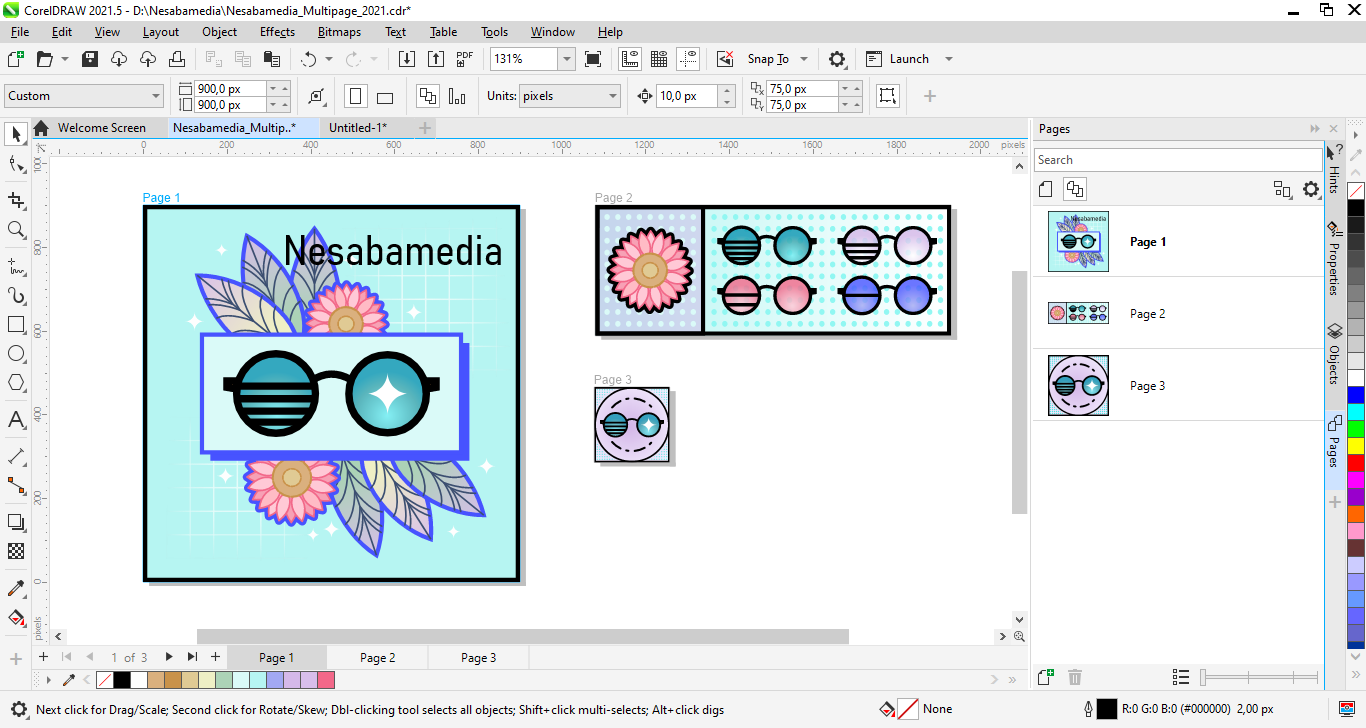
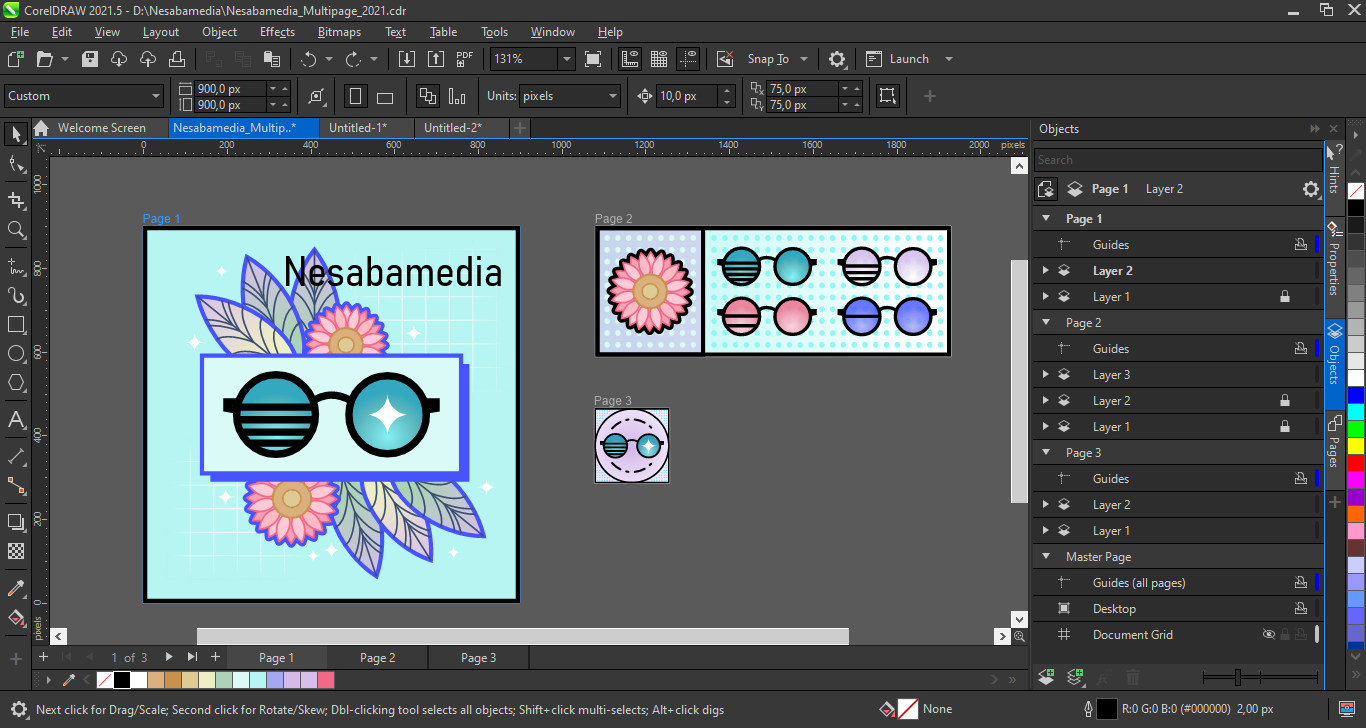
By default, when you create a new document, it is displayed in Single Page view. This can be changed to Multipage view, which is a new addition in the 2021 version. It allows you to view all parts of your drawing at once, saving you from clicking tabs to navigate between the pages. You can switch between the two page view modes at any time when working on your design.
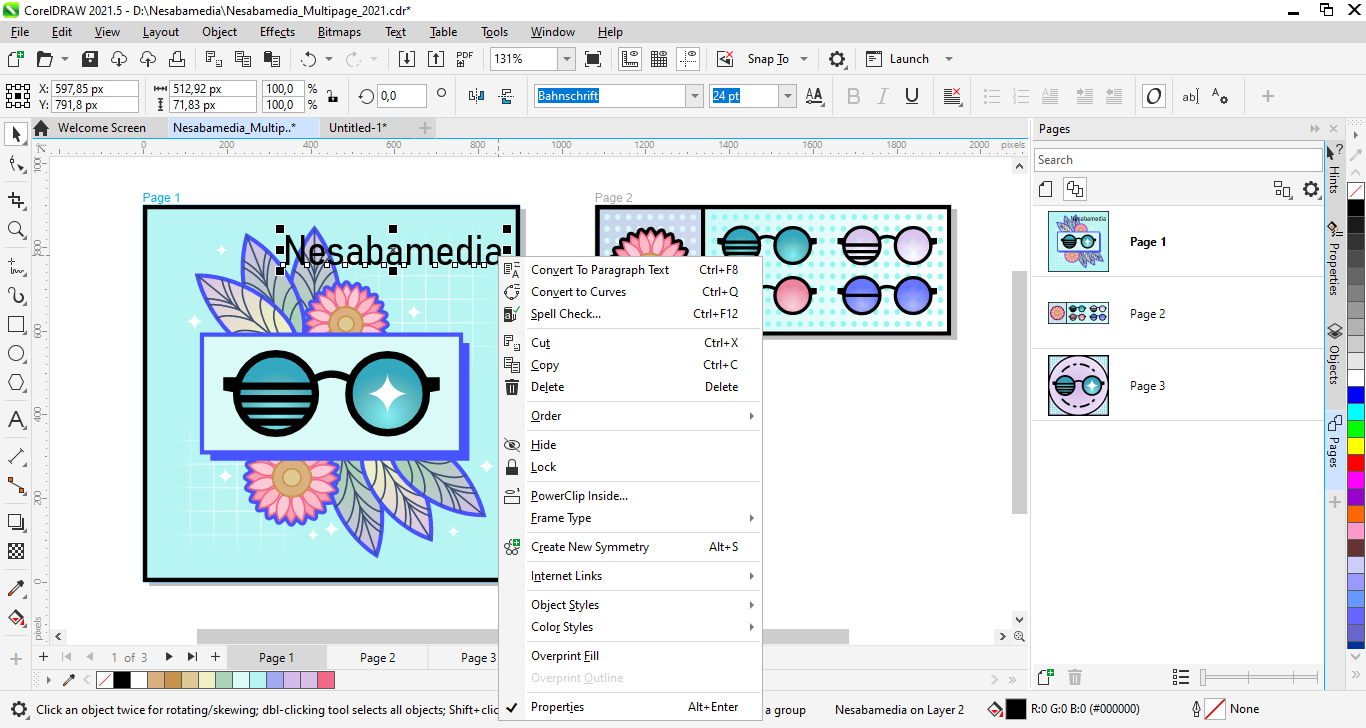
Pages docker is another new method to help you work with multipage documents. Once you enable it, you will see a list of all pages of your design in the docker, each of which is displayed in a thumbnail so you know which to click to go to a specific page. Right-click on a thumbnail, and a context menu shows up immediately, giving you options to delete, rename, duplicate, or add pages. You can even switch the page orientation from the docker.
It doesn’t have an option to resize pages, however. To do this, you can use a preset, manually specify the dimension of the pages, drag the control handles if you prefer doing it interactively, or use the new Autofit Page button on the Property bar. The margins are set to zero, so you need to adjust them by entering a value if you want a distance between your artwork and the page edges.
CorelDRAW Graphics Suite 2021 Free Download for Windows
Corel PHOTO-PAINT has also seen some changes, such as the addition of Adjustment docker, which puts most frequently used filters at your fingertips. While it’s obviously not the kind of update that changes everything, it does make editing images a bit easier since some of the filters you’d normally dig around for are just a click away instead of tucked away everywhere.
All things considered, although not the newest release, this suite is solid enough to handle a variety of vector and raster projects. You can click the link below to download CorelDRAW Graphics Suite 2021 for Windows:
- App Name CorelDRAW Graphics Suite 2021
- License Freeware
- App Name CorelDRAW Graphics Suite 2021
- Publisher Corel
- Updated
- Version: 23.5.0.506
On our site you can easily download CorelDRAW Graphics Suite 2021. All without registration and send SMS!