CorelDRAW Graphics Suite 2020

- Windows: 7, 8, 10, 11
- Version: 22.2.0.532
- Size: 1.39 GB
-
[Total: 1 Average: 5]
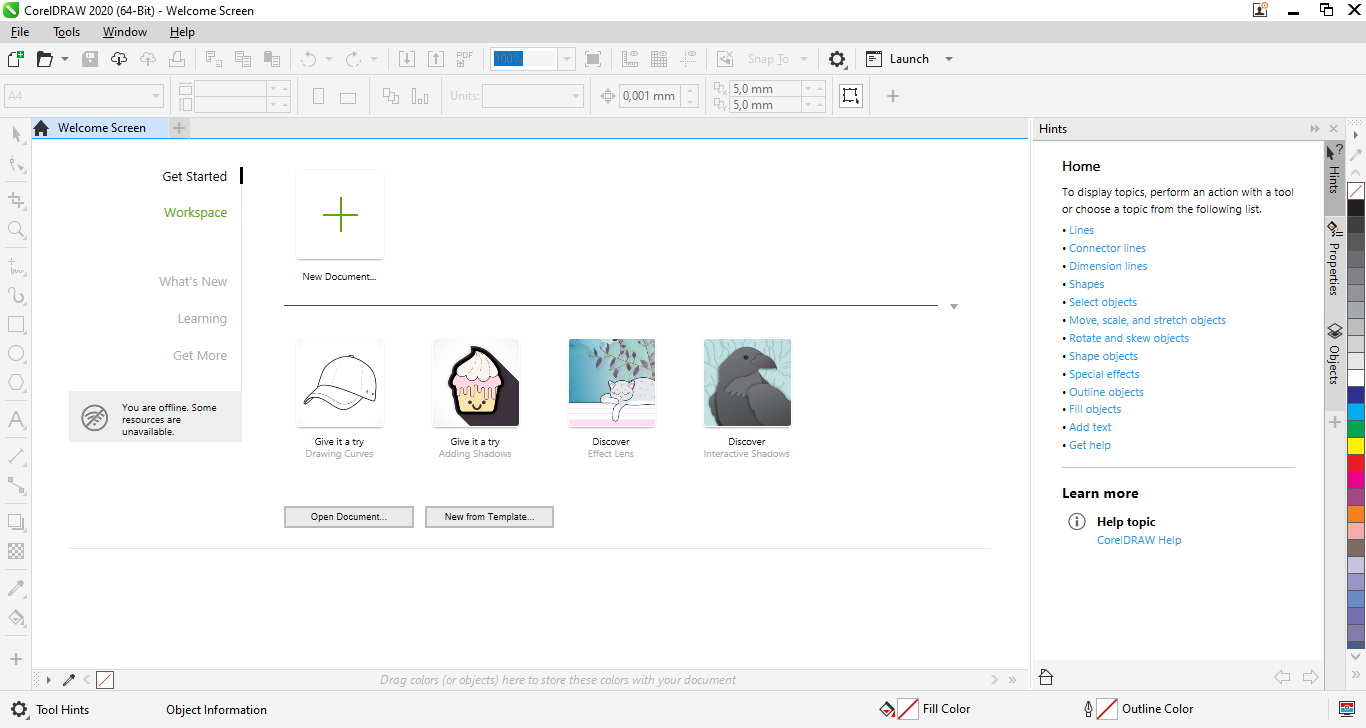
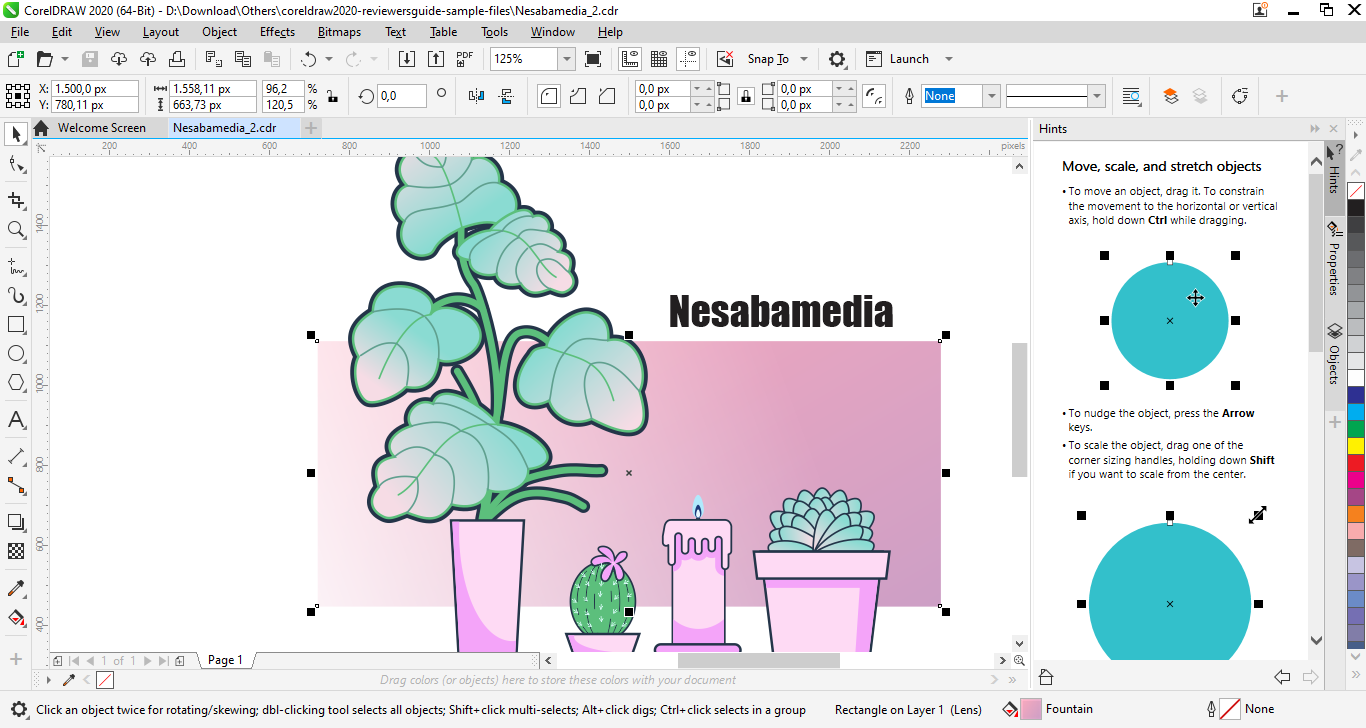
March 12, 2020 was the day CorelDRAW Graphics Suite 2020 released to replace the previous version, bringing more amazing features to the table, including the AI-driven ones. Ease of use and speed are still excellent, making the suite remains a great choice for graphic designers who are in need of a competitive alternative to Adobe Illustrator.
Corel called it the next evolution in their flagship graphics suite, promising a dramatic improvement on the way you work that would push your creativity to the next level. Every tool you need to create stunning artworks is there, but more than that, they are designed to help you spend less time on editing your designs.
Features and Highlights
The first piece of good news in the release is that CorelDRAW Graphics Suite 2020 is faster to load, but only those who have used the previous version on the same computers might be able to notice the improved speed. Corel also boasts about how the product can open, save, and export even the most complex artworks more quickly.
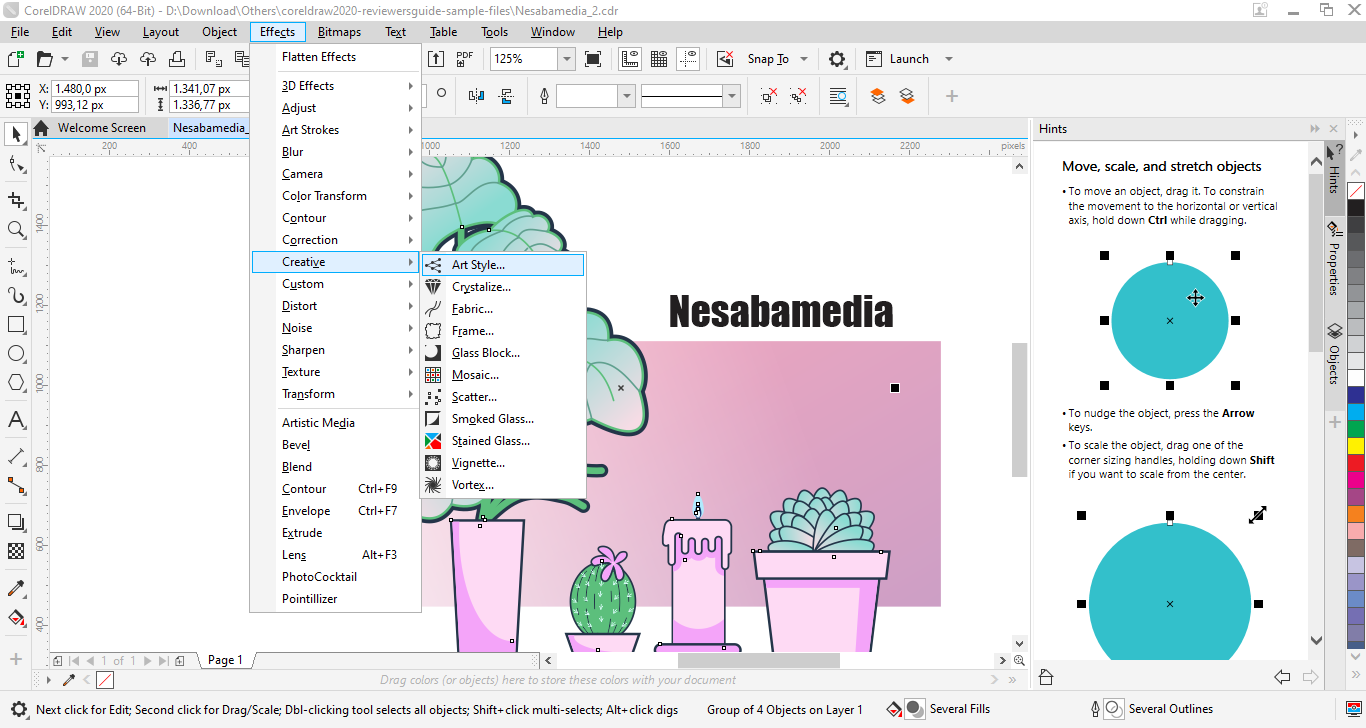
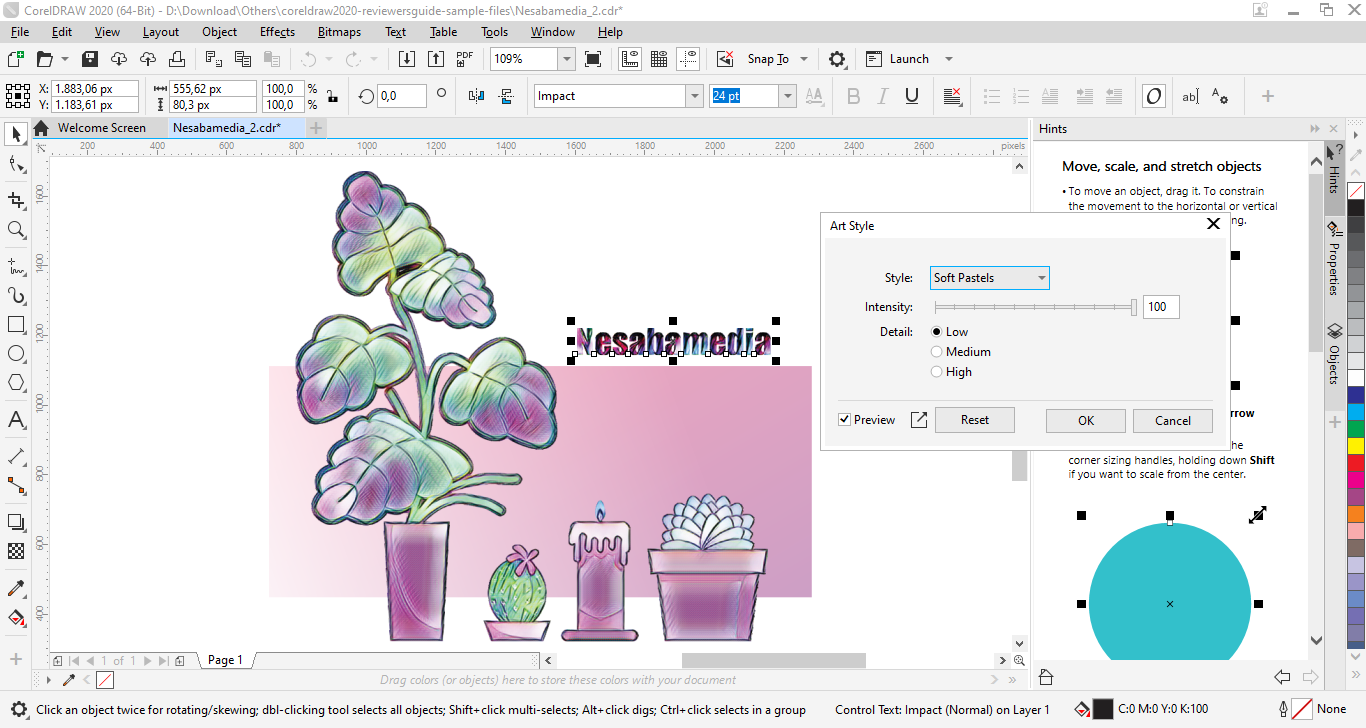
While faster performance is a welcome upgrade, CorelDRAW 2020 also expands its creative toolkit with Art Style, an AI-powered tool that transforms images into visuals resembling different artistic genres in just one click. As soon as you select one style, the appearance of the selected objects will change accordingly, while the original structure is intact.
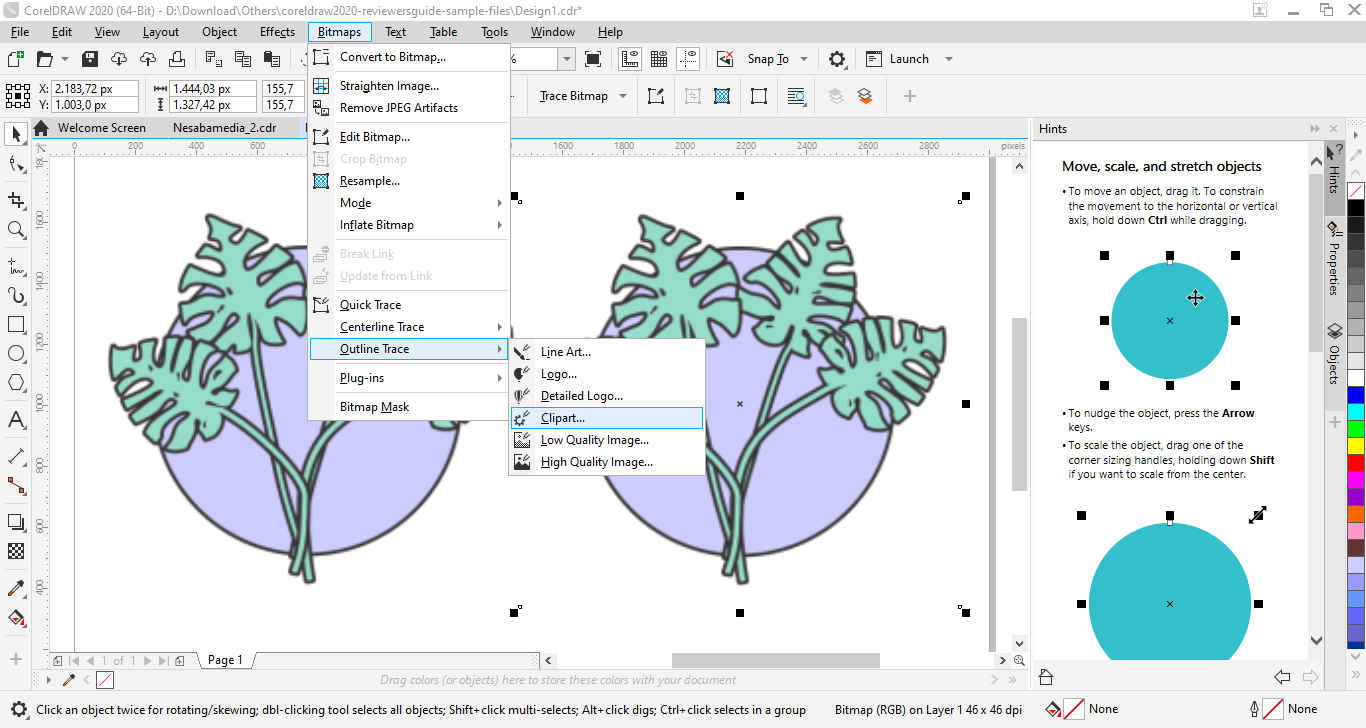
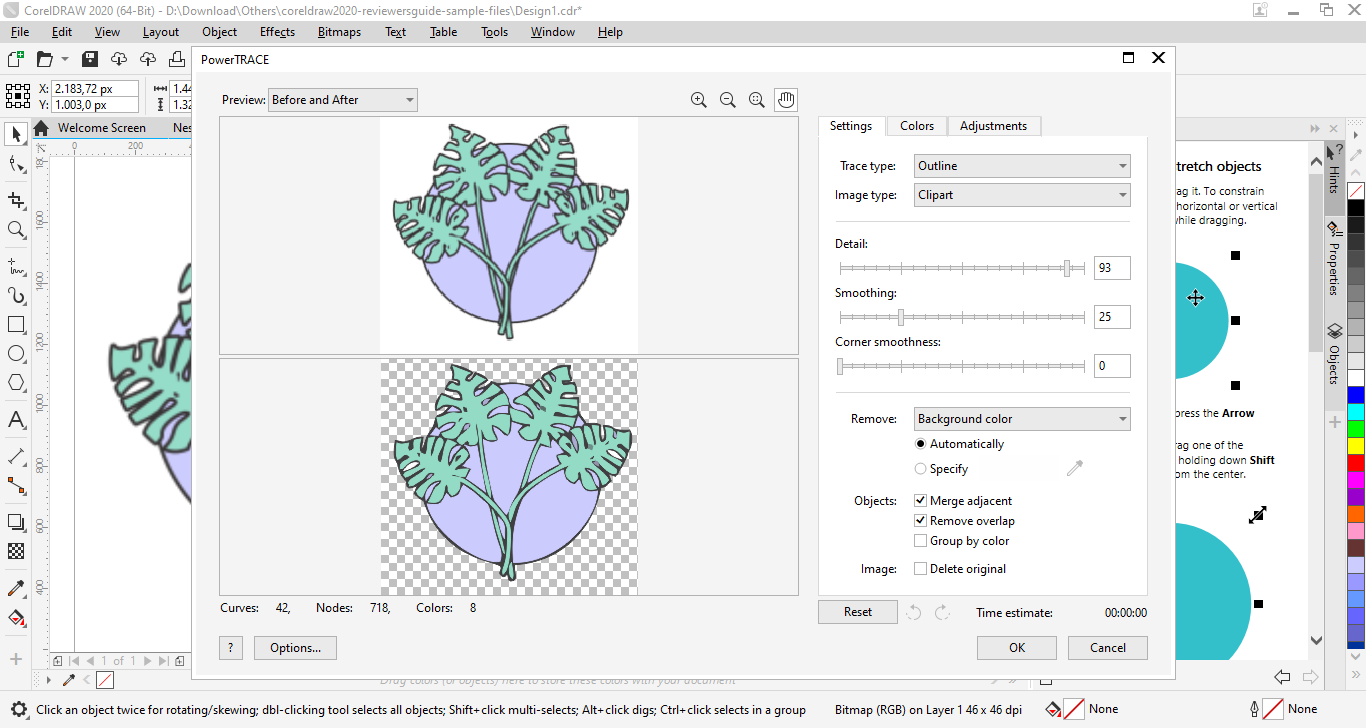
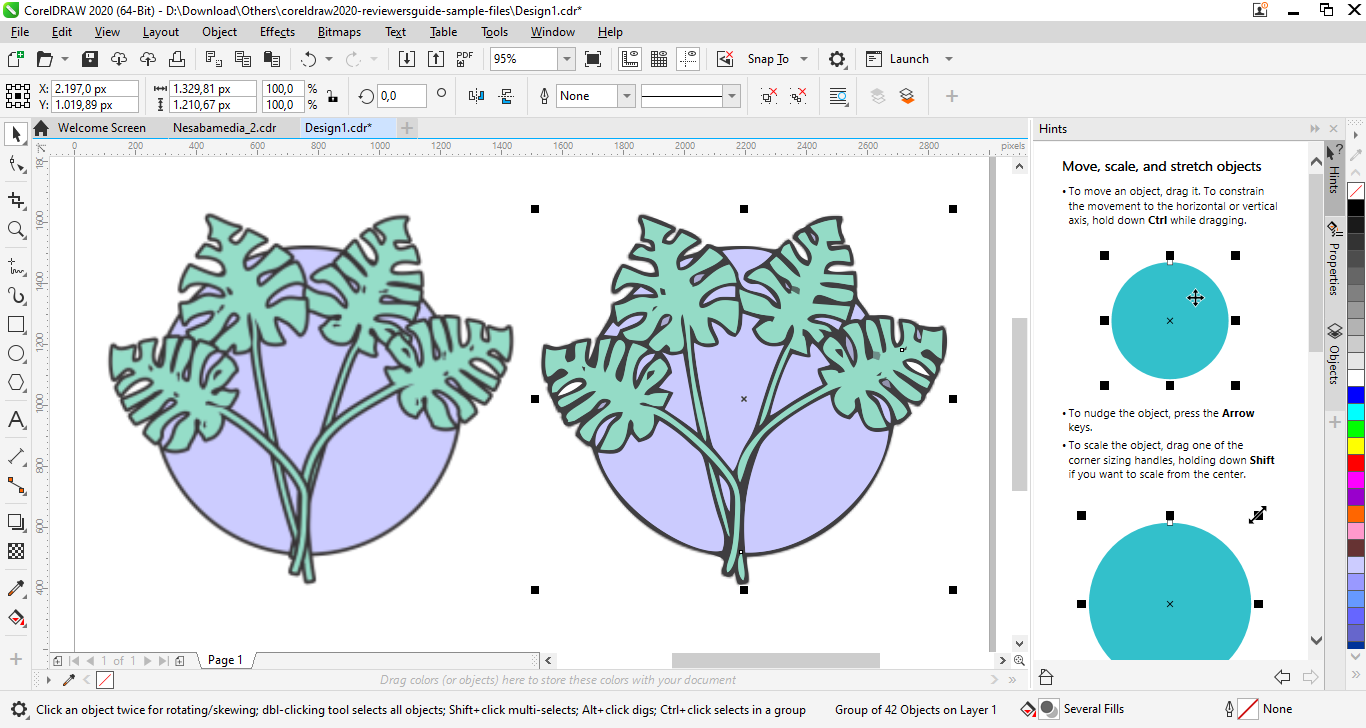
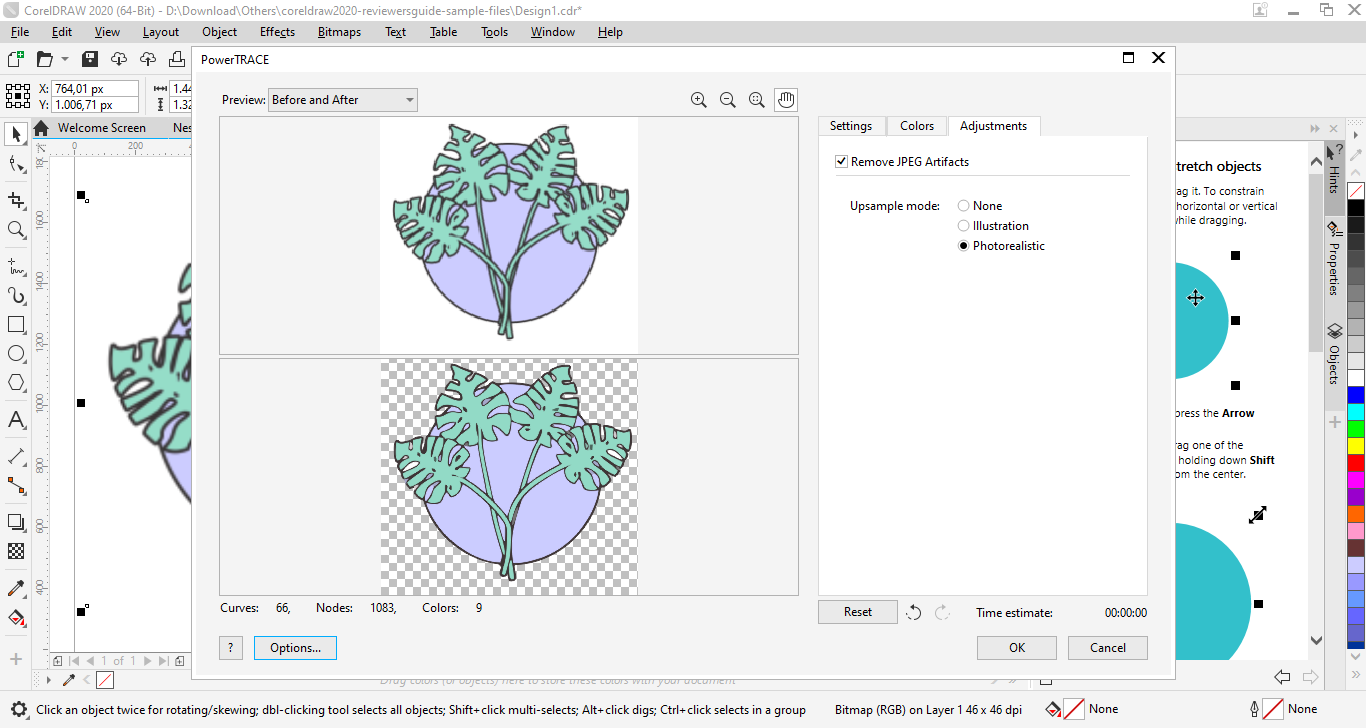
PowerTRACE has been improved to produce better results as well. With Quick Trace, a bitmap can be traced in just one click. If the output still needs refinement, you can use either Centerline Trace or Outline Trace that lets you fine-tune with several parameters. The preview window displays the before and after adjustments immediately after you adjust a parameter, sometimes it might take a while for the result to appear, which partly depends on your hardware specs.
The appearances of objects can be manipulated further by applying non-destructive bitmap effect lenses. You can create and modify your own lenses, as well as applying them to specific parts of an image. If the changes do not look as appealing as you expected, you can change or delete the lenses, or move them to other areas.
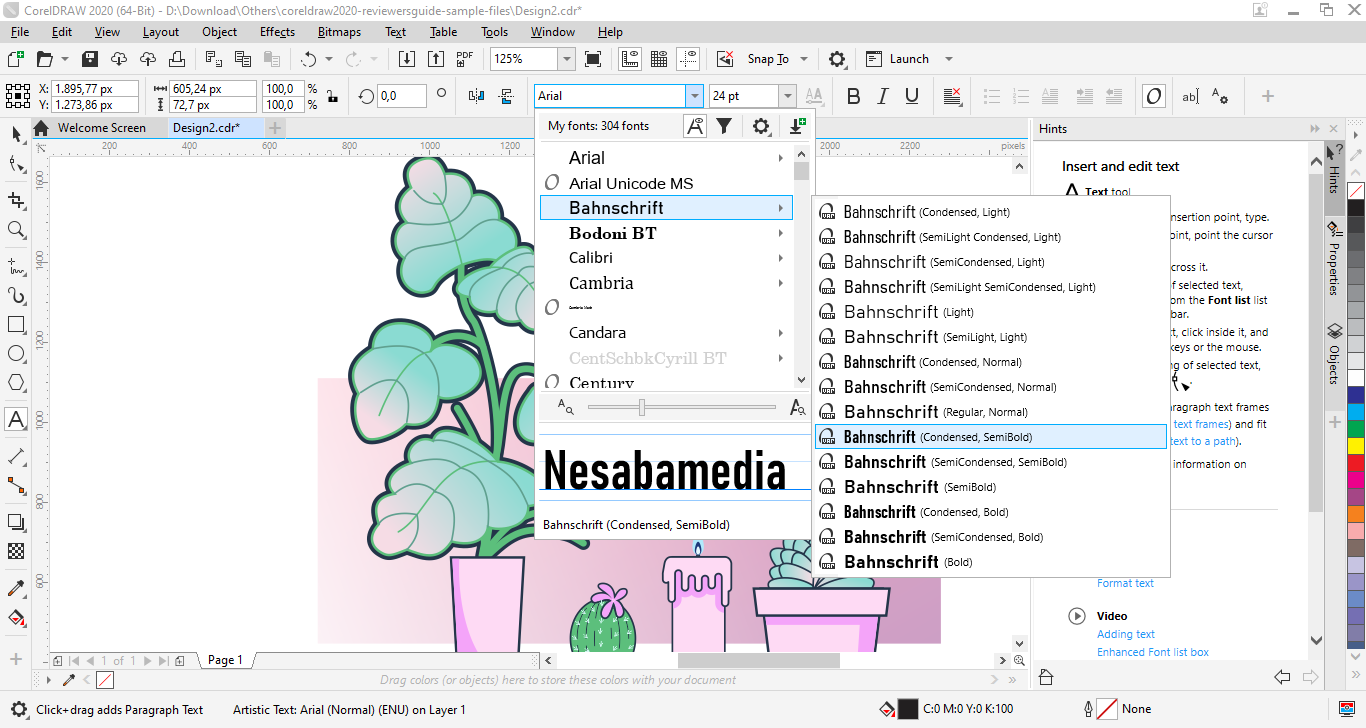
Another highlight of CorelDRAW Graphics Suite 2020 is OpenType variable fonts. Using these fonts can save disk space because a single typeface can be manipulated into different styles, eliminating the need to install multiple variations of the same font.
CorelDRAW Graphics Suite 2020 Free Download for Windows
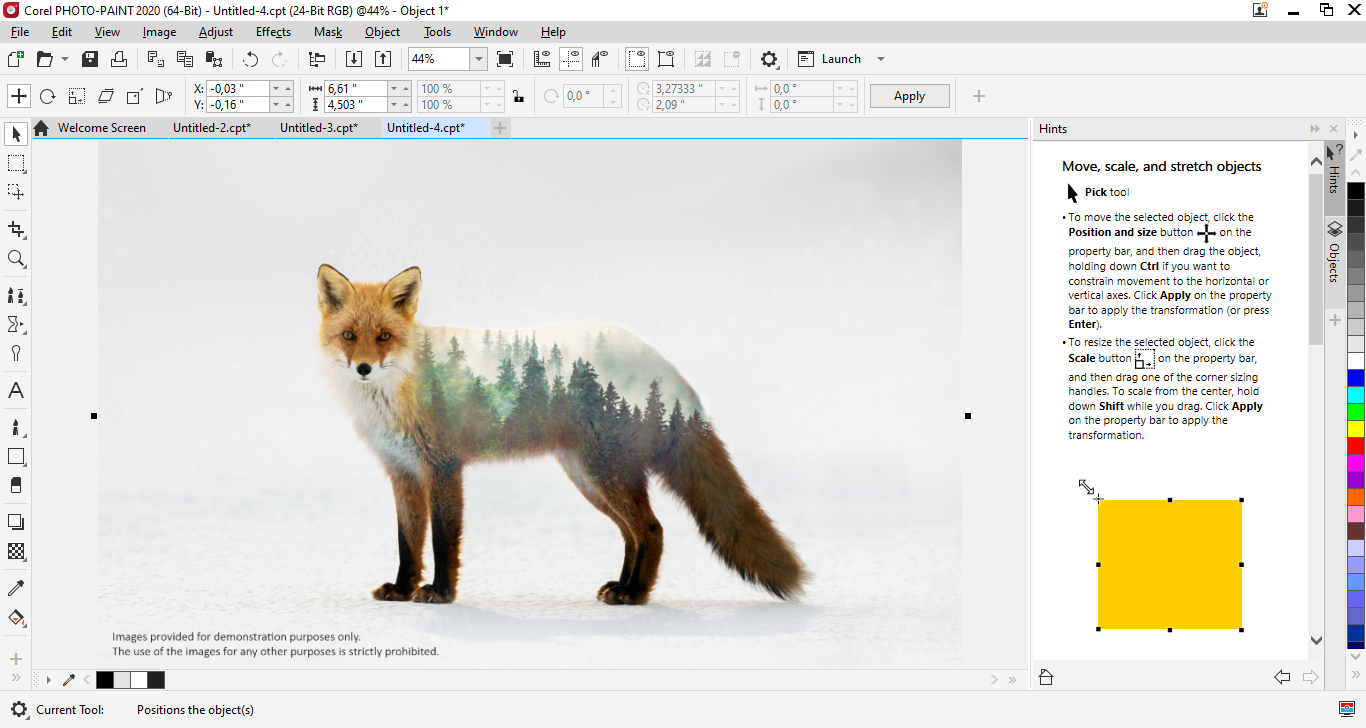
In addition to CorelDRAW, the suite also comes bundled with a few other useful apps. While CorelDRAW lets you work with vector graphics, Corel PHOTO‑PAINT lets you retouch photos, apply effects, and work with bitmap graphics in detail.
Corel CAPTURE is like a minor addition within the suite that adds convenience by letting you quickly grab screenshots, which can then be integrated directly into your designs. As for Corel Font Manager, it provides a straightforward way to use and organize your font collection. You can click the link below to download CorelDRAW Graphics Suite 2020 for Windows:
This program is also available in
Similar to CorelDRAW Graphics Suite 2020
- App Name CorelDRAW Graphics Suite 2020
- License Freeware
- App Name CorelDRAW Graphics Suite 2020
- Publisher Corel
- Updated
- Version: 22.2.0.532