CorelDRAW Graphics Suite 2019

- Windows: 7, 8, 10, 11
- Version: 21.3.0.755
- Size: 871.34 MB
-
[Total: 1 Average: 5]
In today’s digital era, design software has become a must-have for every graphic designer. There are many options available out there to choose from. Yet, some users prefer to continue using CorelDRAW Graphics Suite 2019 instead of the latest version of the suite.
While newer releases often introduce advanced features and updated tools,allocating more system resources for the sake of features that would never be used feels like a waste. Other users might have different reasons as to why they still depend on the particular version. Nonetheless, it’s still a good bundle of software with a massive number of tools for various design projects.
Features and Highlights
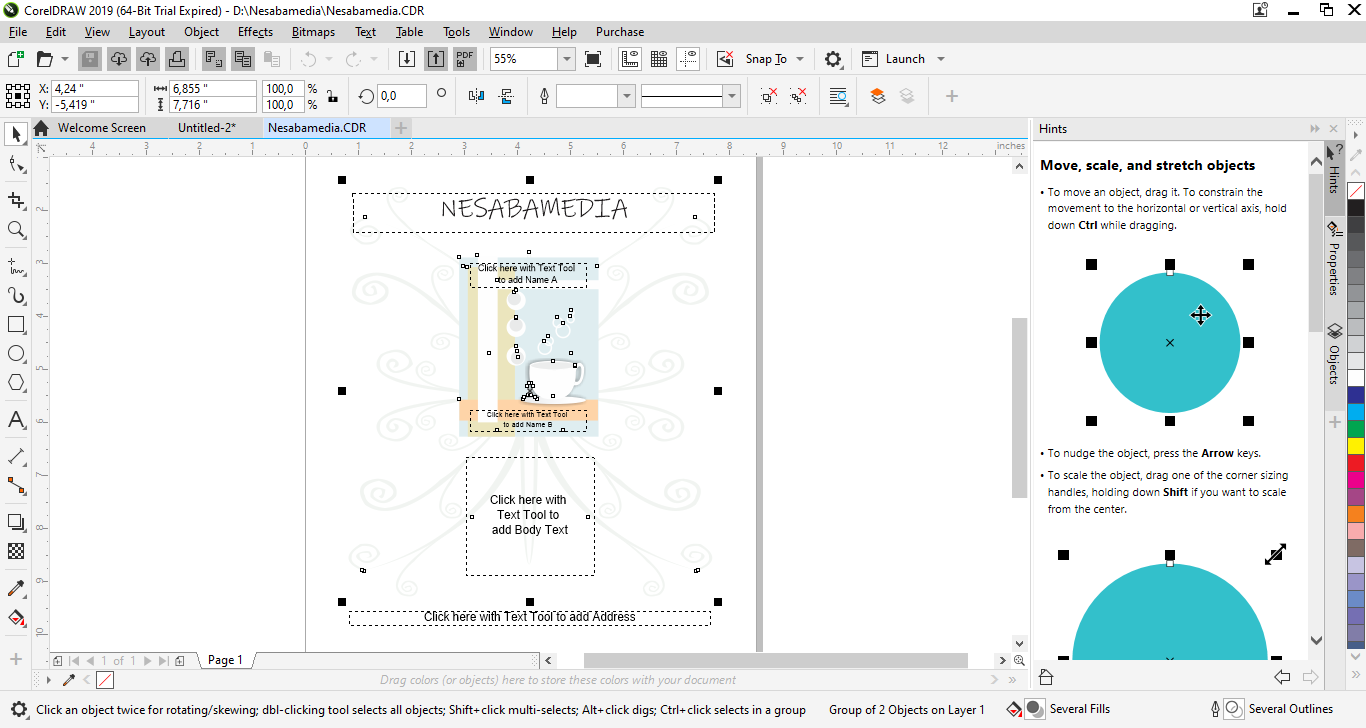
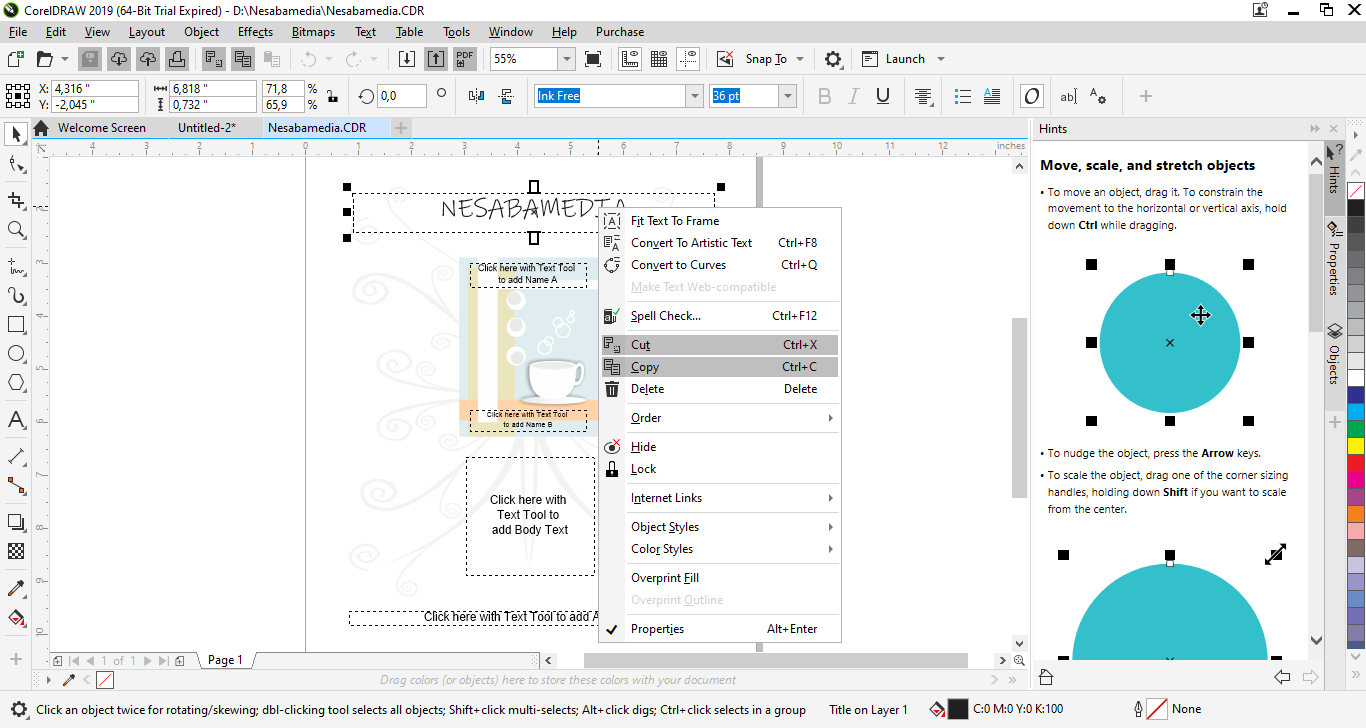
CorelDRAW Graphics Suite 2019 is not a single software. It’s a bundle of multiple graphic applications. Still, CorelDraw is at the center of it. Most people use the suite because it contains the vector-based graphic editor, which has been regarded as a serious contender to Adobe Illustrator.
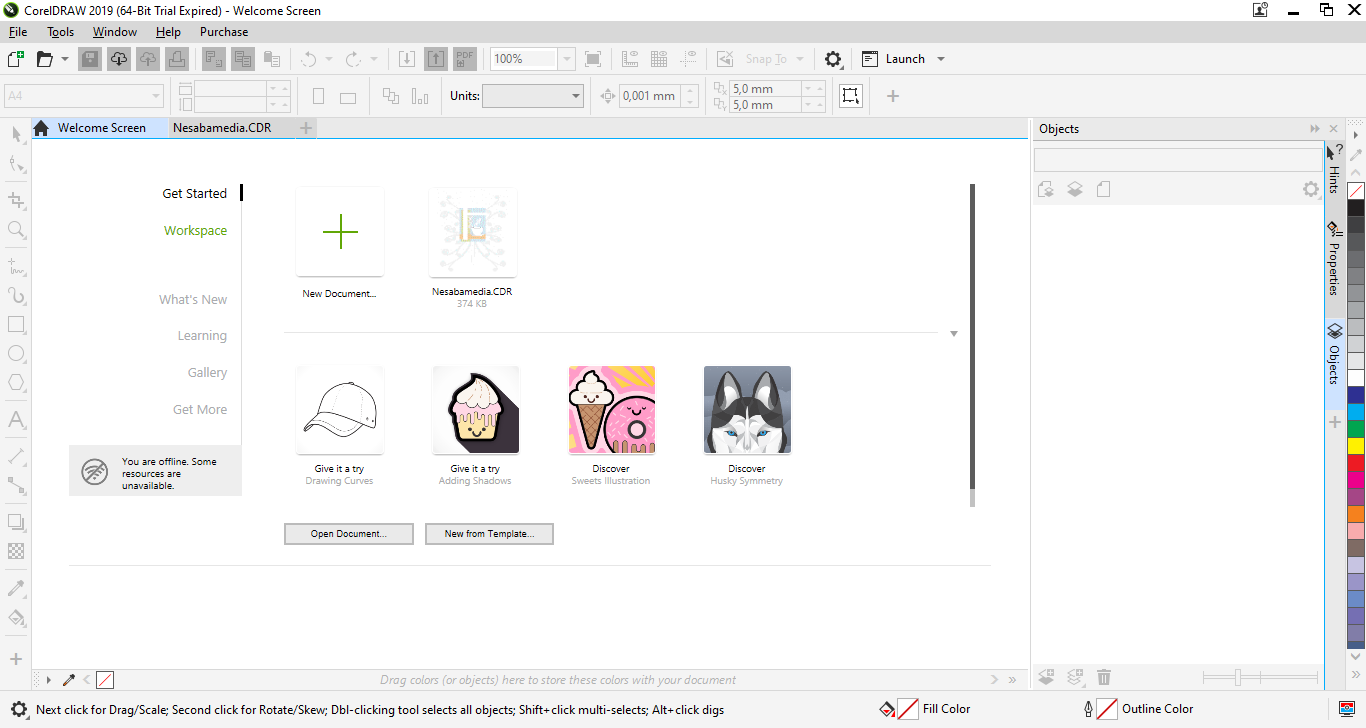
Template workflow is a part of the new additions to the suite. The purpose is to enhance your creativity and boost your productivity. From downloading new templates, adding a library, migrating a collection to modifying properties, everything can be done from within the suite.
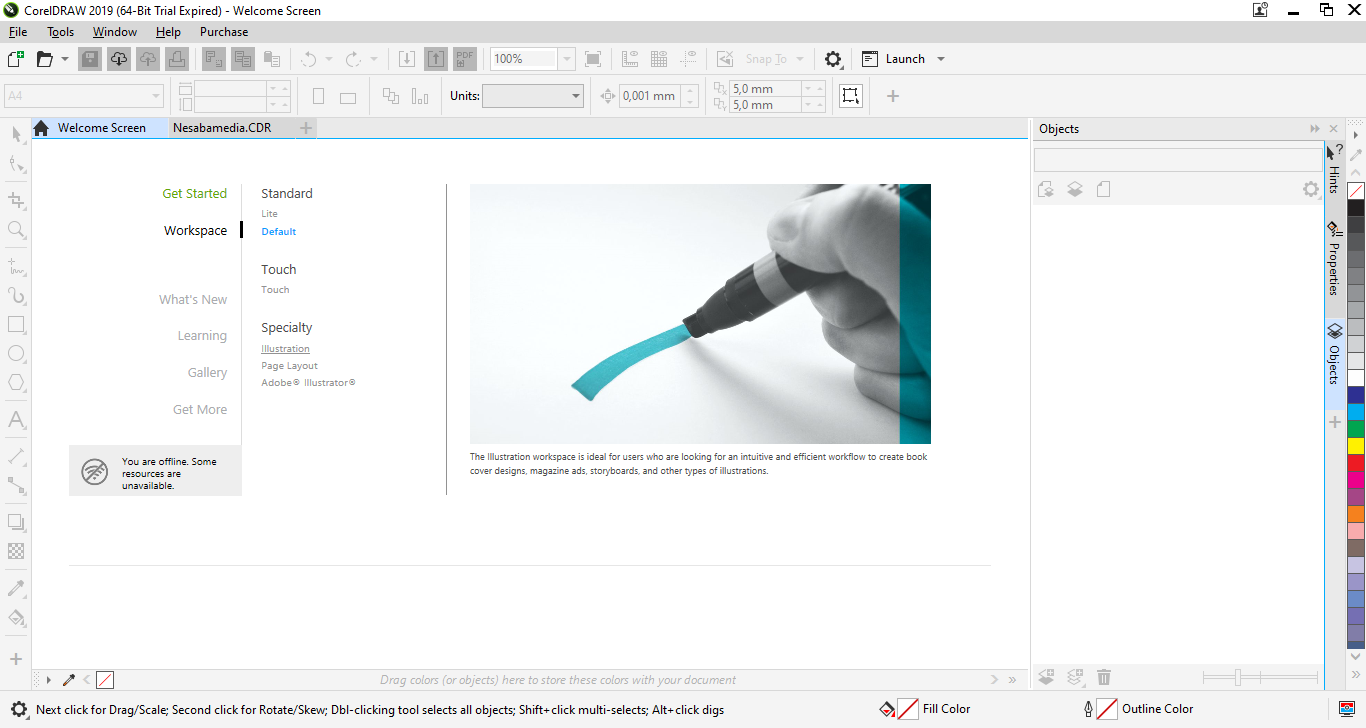
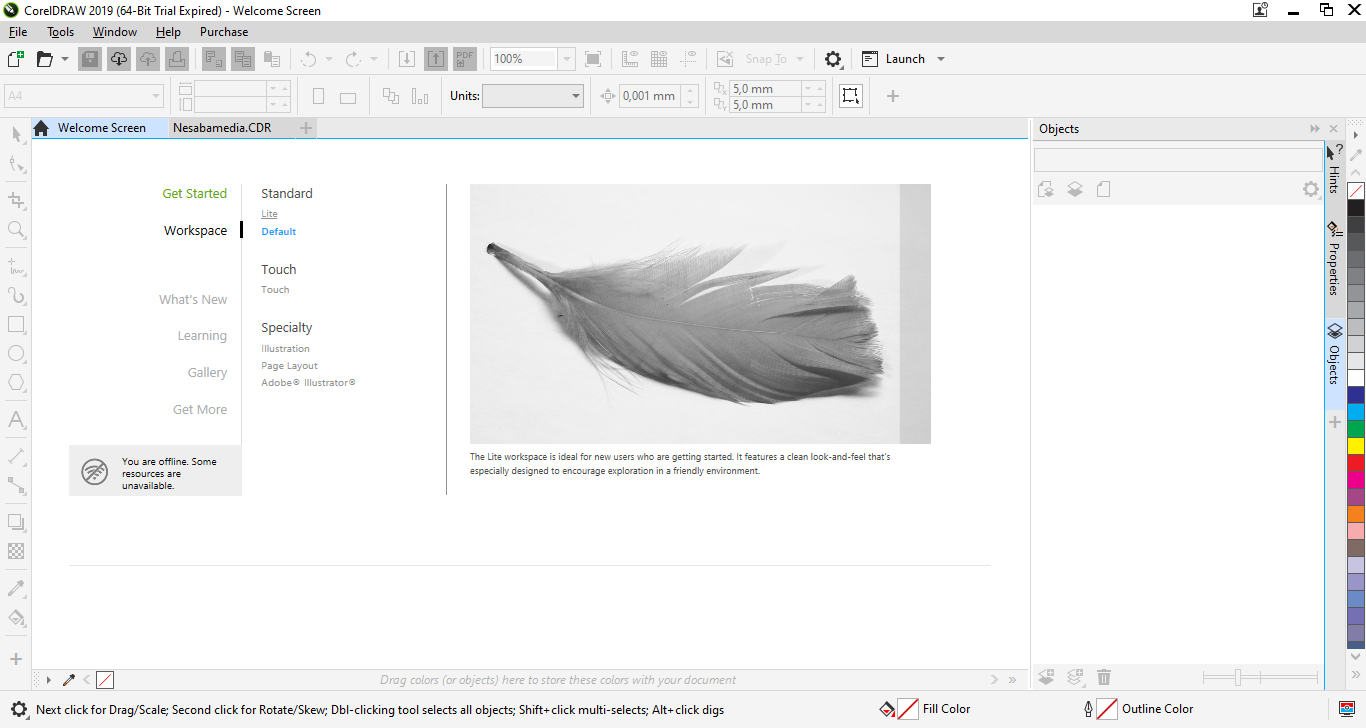
The next thing that Corel promises will pump your productivity level is the redesigned UI. It has been streamlined to help you interact with your design assets more efficiently. While this is good news, this also means that users who upgrade to the 2019 suite must adapt to the new changes.
The Find and Replace docker is also designed to save your time in locating drawing components and changing their attributes. Instead of spending time hunting through complex drawings, you can use the properties of an object to search other objects that share the same properties. As a bonus, you have the option to save search criteria for future use.
Starting from CorelDRAW Graphics Suite 2019, bitmap effects can be applied on images without altering the original files. You can safely reorder these effects and remove the ones that do not fit the design as well. With these non-destructive bitmap effects, you are free to experiment as much as you like until the design feels just right.
CorelDRAW Graphics Suite 2019 Free Download for Windows
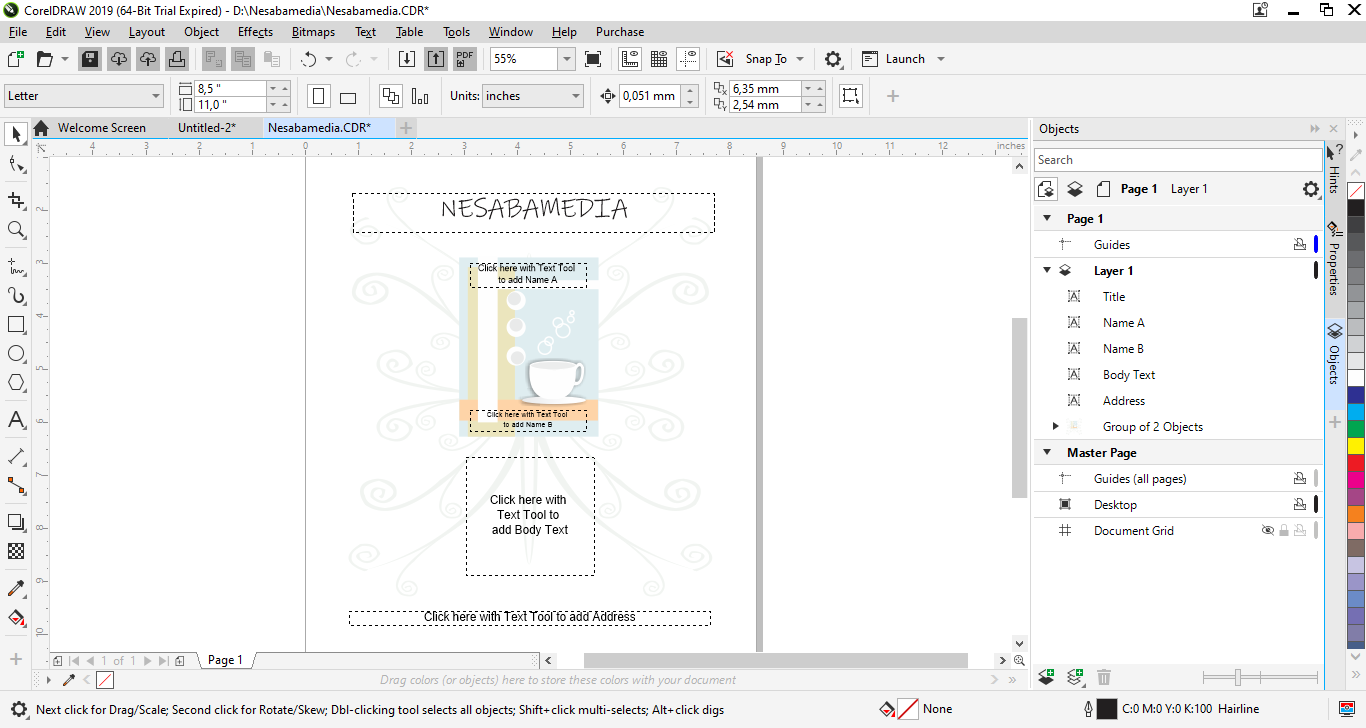
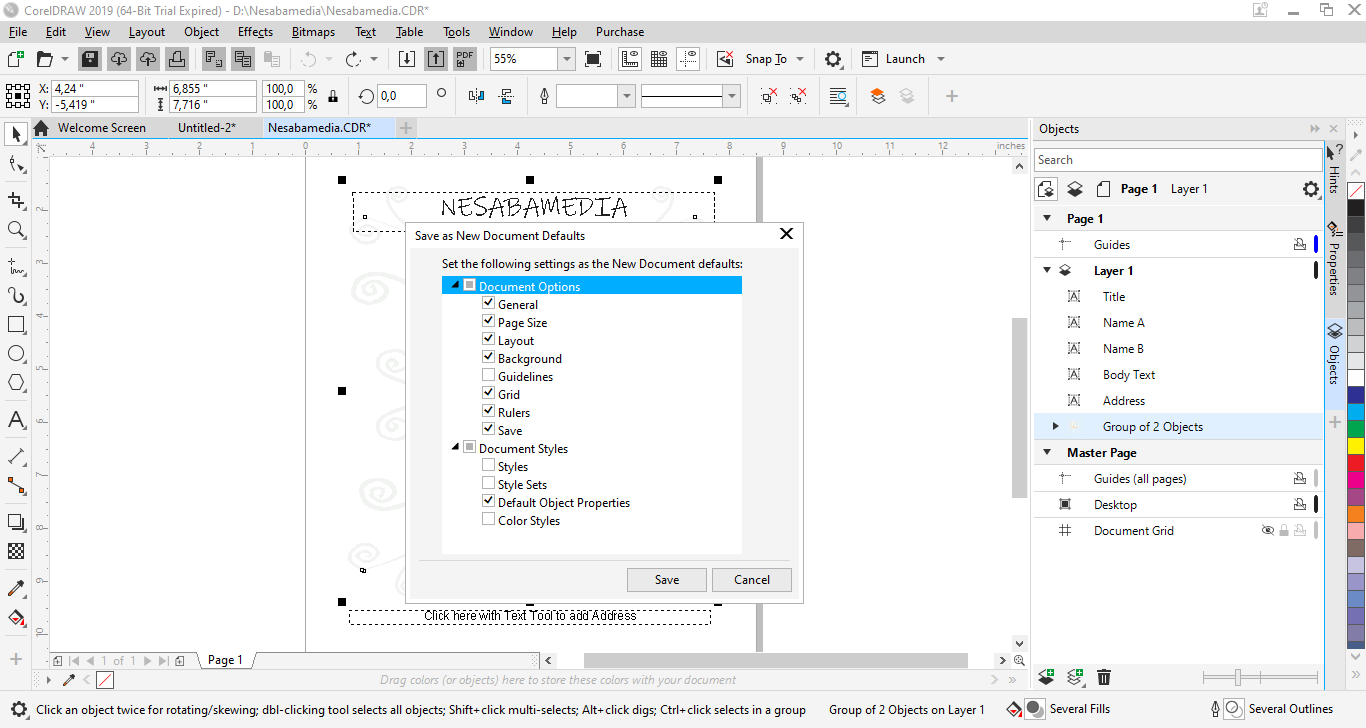
No less interesting in CorelDRAW Graphics Suite 2019 is the revamped Objects docker. Every object and grouped objects within a drawing are represented by a thumbnail and an editable name, giving you a visual preview that lets you quickly locate the one you are looking for. Topping it all off, the docker has an integrated search box. When you need to look for something, just type the name into the box and the docker will filter out everything else, leaving only the one you need visible.
To sum it up, CorelDRAW Graphics Suite 2019 is indeed an old version and might be less powerful than the latest one. For users who never design anything that requires the latest features, though, the suite already packs everything they need. If you feel like giving it a spin, you can click the link below to download CorelDRAW Graphics Suite 2019 for Windows:
This program is also available in
Similar to CorelDRAW Graphics Suite 2019
- App Name CorelDRAW Graphics Suite 2019
- License Freeware
- App Name CorelDRAW Graphics Suite 2019
- Publisher Corel
- Updated
- Version: 21.3.0.755