Cisco Packet Tracer

- Windows: 7, 8, 10, 11
- Version: 8.2.1
- Size: 264.49 MB
-
[Total: 2 Average: 4.5]
Anyone who wants to have a career in networking must practice a lot. However, not everyone can afford the real hardware. And even if you can, instead wasting so much money, you should use Cisco Packet Tracer.
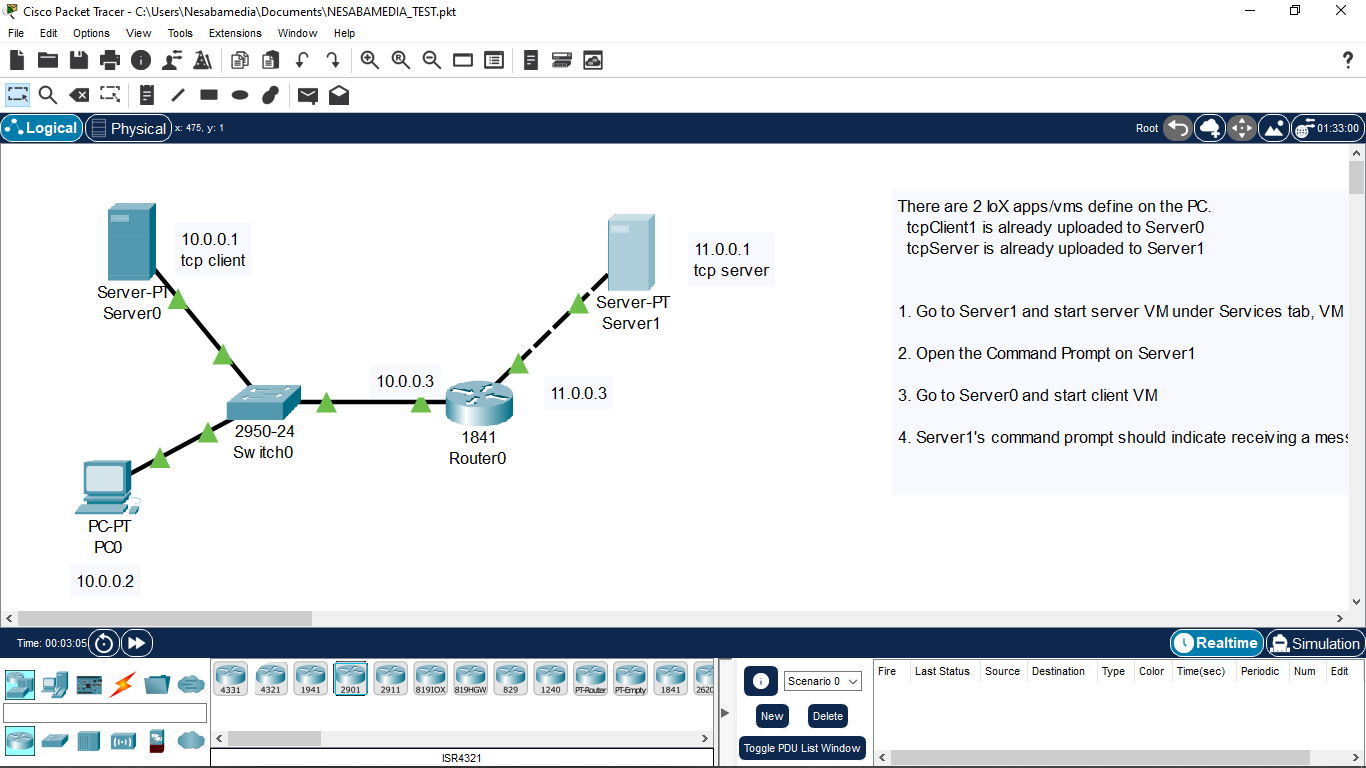
So, what is Cisco Packet Tracer? It is a network simulator. It lets you design simple to complex topologies by dragging and dropping Cisco devices on a graphical interface. You don’t need to draw any of the devices because they are already there, readily available to be used anytime you want to practice networking.
Features and Highlights
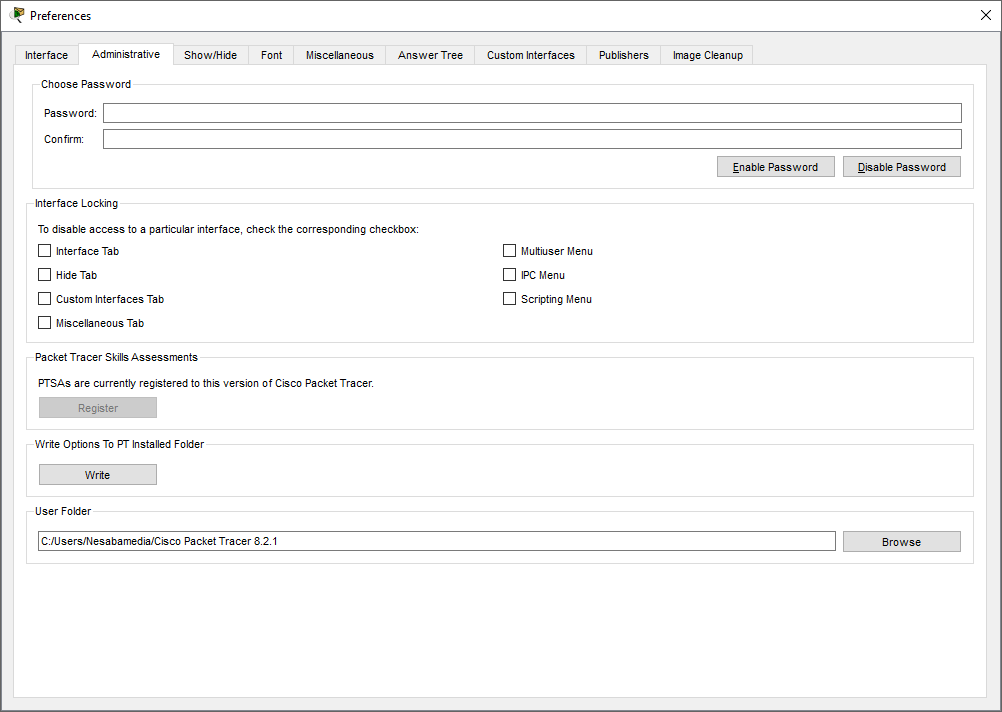
Cisco Packet Tracer displays a small window on first run that lets you know where files are going to be saved and how to change the location. After you click the OK button, a splash screen shows up before finally the main interface appears on the screen.
It asks you to login either as a guest or user. If you close the login window, Cisco Packet Tracer will shut down. There is one method you can use if you want to use it without logging in. This method involves two steps only. First, block it from connecting to the internet. Second, when the login window appears, don’t try to close it. It will disappear on its own after a couple of seconds.
After you can access the main interface, look at the lower left corner. It is where you will find all the necessary devices to create networks. You can move your cursor over each device to see its name. A tooltip also appears to let you know the hotkey associated with each device.
When you click on a device, or press its hotkey, the types of the device are displayed on the right panel. You can drag and drop each device to the canvas and then move it around until you find the best location to put it.
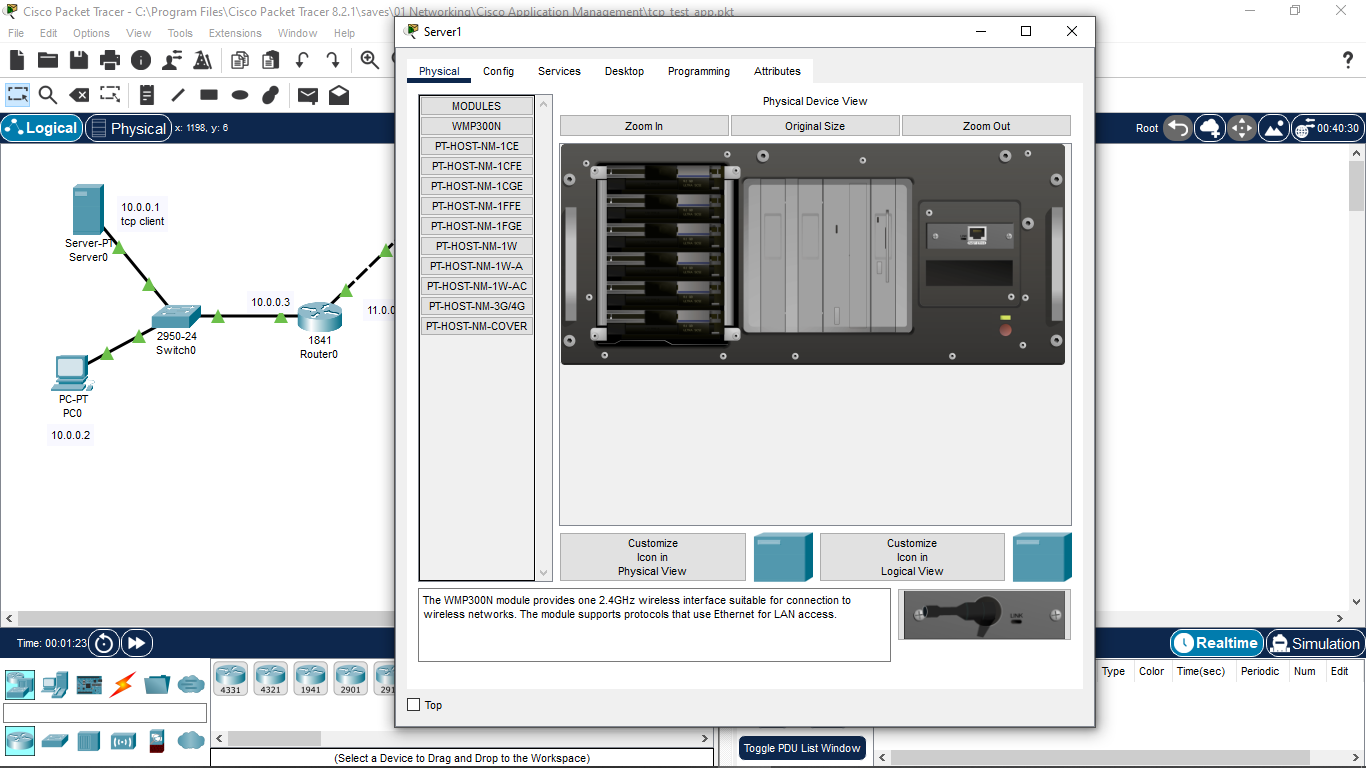
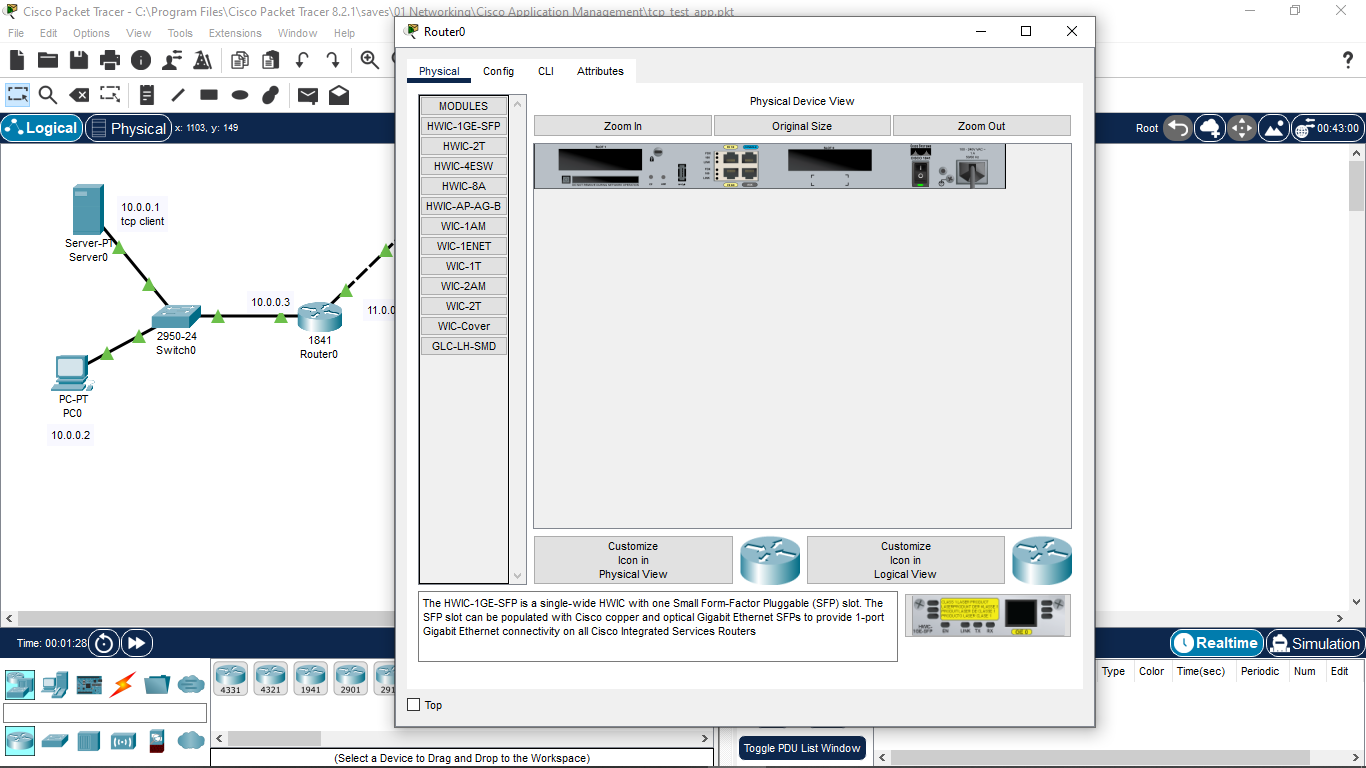
If you click on a device on the canvas, another window pops up and shows the physical view of the selected device. The window can be adjusted to stay on top. And the name of the device that you add to the canvas can be changed from within the window.
Cisco Packet Tracer allows you to add as many devices as necessary. Each device can also be removed from the canvas easily by pressing the Delete button on your keyboard and then clicking on the device on the canvas. The device will disappear once you click on it. To exit the deletion mode, press ESC once.
Cisco Packet Tracer is a simulator and so there are functional limitations that make it only suitable as a learning aid to understand abstract networking concepts.
Cisco Packet Tracer Free Download for Windows
Cisco Packet Tracer is a much more affordable solution to learn networking than buying real hardware. With it, you can create a complex topology made up of hundreds of Cisco devices without buying any of them. It is also a more convenient solution since you can do everything on your laptop. You can click the link below to download Cisco Packet Tracer for Windows:
- App Name Cisco Packet Tracer
- License Freeware
- App Name Cisco Packet Tracer
- Publisher Cisco Systems
- Updated
- Version: 8.2.1
On our site you can easily download Cisco Packet Tracer. All without registration and send SMS!